
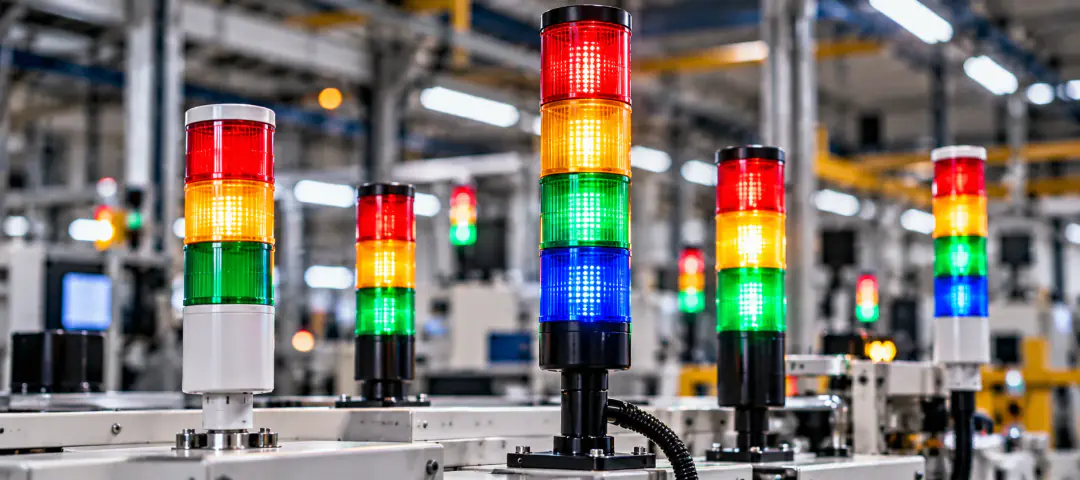
01 / 03LED stack light
Andon signal tower light
- Five colours, with an alarm configured for each
- Modular: choose the number of light segments
- Optional audible alarm
- Wall or pole mounting
- Connection
- Wired or wireless
- Protection
- IP65
- Power
- 110-240V AC
Andon solutions / Andon tower light
Machine status, in colours the whole floor can read
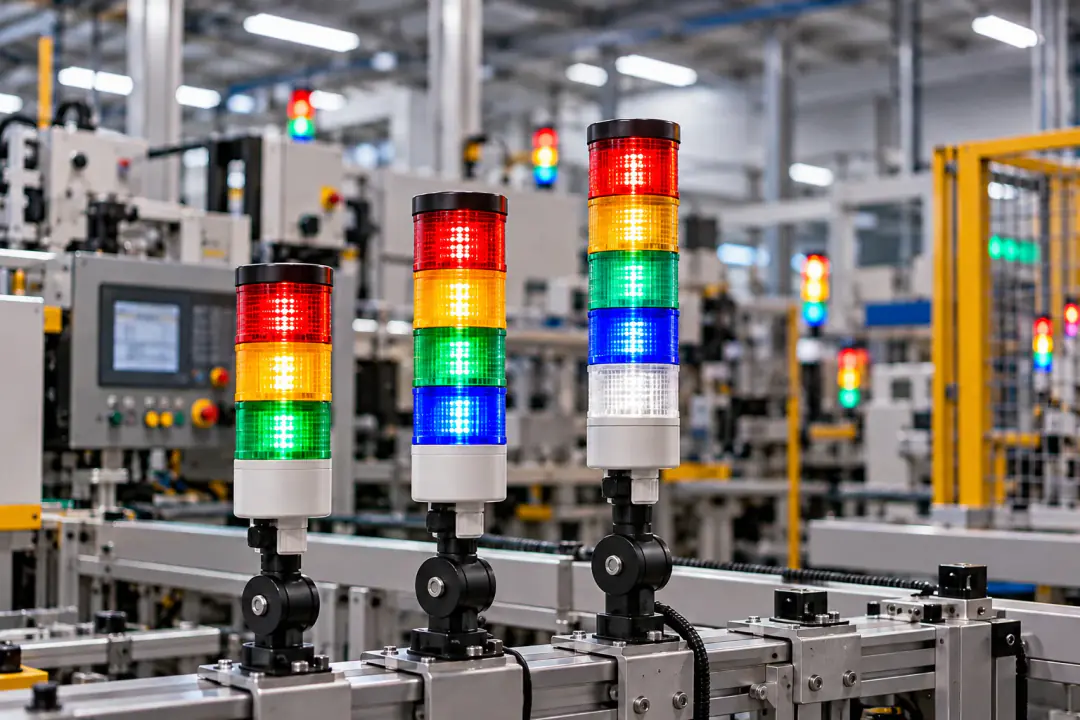
An Andon tower light is a stack of coloured LED lights on a machine or line. Each colour carries its own message, so operators and supervisors see what needs attention the moment it happens.
01Overview
Every machine's state is visible from across the floor, without walking up to a screen.
A problem shows the moment it happens, so the right team knows where to go.
Faster responses mean machines spend less time stopped.
Operators, maintenance and supervisors read the same light and the same colours.
Clear visual warnings for hazards, machine faults and emergency situations.
Andon is a core lean practice: make a problem visible, then stop and fix it.
02Colour code
The machine has stopped with a fault.
Maintenance is called for, or under way.
The machine is running as it should.
A quality check is called at this machine.
Set it for any other alarm your line needs.
An audible alarm can be added, so a call is heard as well as seen.
03The range
01 / 03LED stack light
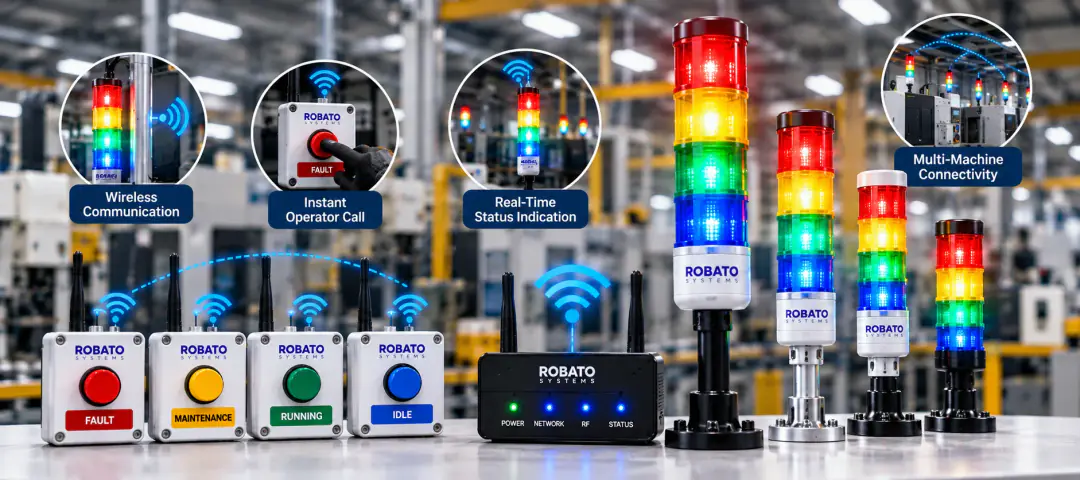
02 / 03Wireless Andon
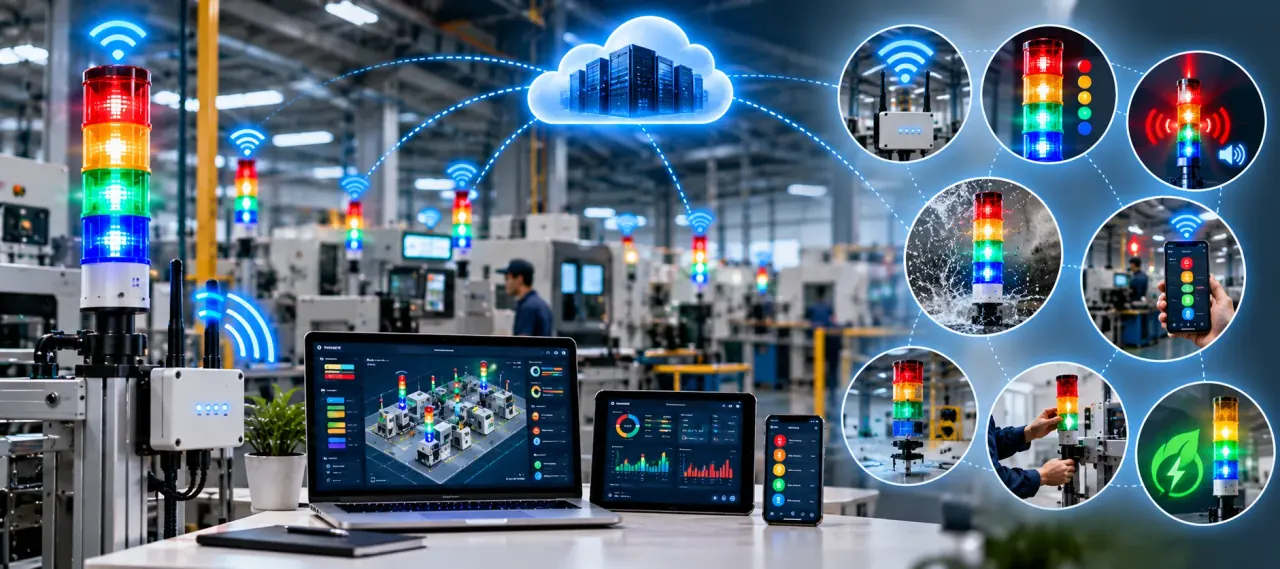
03 / 03Cloud Andon
04Compare
| LED stack lightAndon signal tower light | Wireless AndonWireless Andon tower light | Cloud AndonCloud Andon tower light | |
|---|---|---|---|
| Best for | A clear status light on every machine | Operator calls without signal cabling | Following the floor from anywhere |
| Connection | Wired or wireless | Wi-Fi or LoRa, through a gateway | Wi-Fi or Bluetooth |
| Status is seen | On the floor | On the floor, Smart TV screens and the web dashboard | On the floor, and on laptop, tablet or phone |
| Recorded | Pair it with Andon monitoring software to log it | Every call as a downtime ticket, alert to closure | Downtime, OEE and efficiency reports in the cloud |
| Light colours | Red, yellow, green, blue, white | Red, yellow, green, blue, white | Red, yellow, green, blue, white |
| Protection | IP65 | IP65 | IP65 |
| Operating temperature | -20 to 50°C | -20 to 60°C | -20 to 60°C |
| Power | 110-240V AC | 110-240V | 110-240V |
05Support
Dedicated customer assistance
Unlimited remote tech support
Onboarding
Comprehensive product training
A dedicated support contact
06FAQ
An Andon tower light is a visual signalling device used in industrial settings to show the status of machines, production lines or processes. It is a tower of coloured LED lights, each colour conveying a different message.
It uses LEDs to show different colours, such as red, yellow, green and blue. Each colour represents a specific status or instruction, so operators and workers quickly understand the situation on the production floor.
LED Andon lights are energy-efficient, durable and long-lasting. Their bright colours stay highly visible even in well-lit environments, and they can be customised to show different patterns and sequences.
Yes. Wireless Andon lights remove the need for complicated wiring. They are easy to install and can be positioned freely around the facility.
Yes. Andon tower lights can be connected to sensors, PLCs (programmable logic controllers) and other control devices to show real-time status updates.
To improve communication and visibility on the production floor. It helps identify issues quickly, reduces downtime and improves overall efficiency by giving operators instant visual cues.
Yes, Andon tower lights can be equipped with built-in buzzers or alarms. The audible signal complements the visual cue, alerting operators to critical situations or changes in production status.
Yes. Industrial-grade Andon tower lights are built from rugged materials with sealed enclosures, making them suitable for outdoor and challenging indoor environments.
Yes. Multilayered Andon stack lights, also called tower stack lights, have several sections, each able to show a different colour and message, for more complex signalling.
They give clear visual warnings of potential hazards, machine malfunctions or emergencies. By improving communication and response time, they help prevent accidents and keep the workplace safer.
07Get started