Robato Systems / MachinoX Pro
One button press lights the tower and opens a downtime ticket.
Operators raise a call from a wireless button, the tower light shows it to the whole area, and MachinoX Pro records it from the first alert to the closed ticket. No signal cabling across the floor.
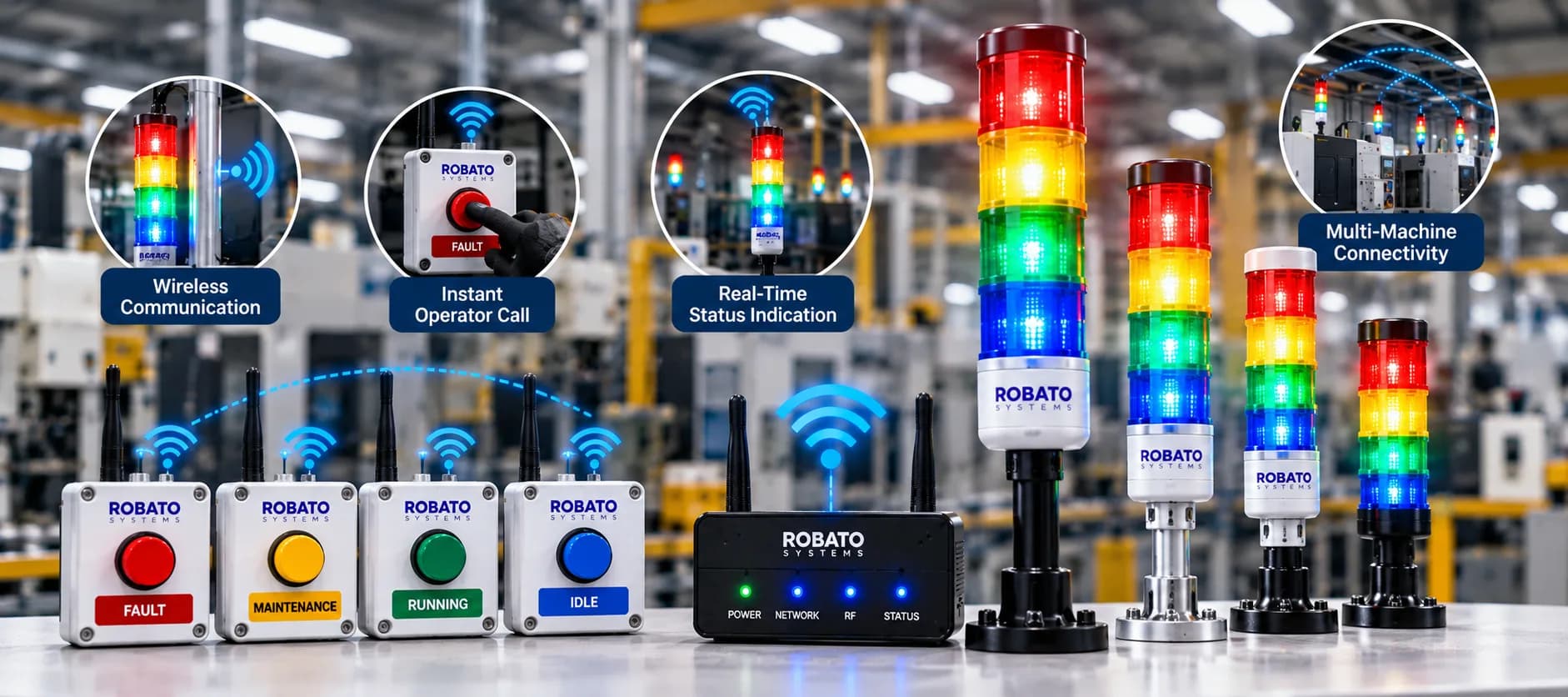
Wireless communication
Call stations, gateway and server talk over the factory network, on Wi-Fi or LoRa.
Instant operator call
One press per issue. Each button is labelled on the box.
Real-time status indication
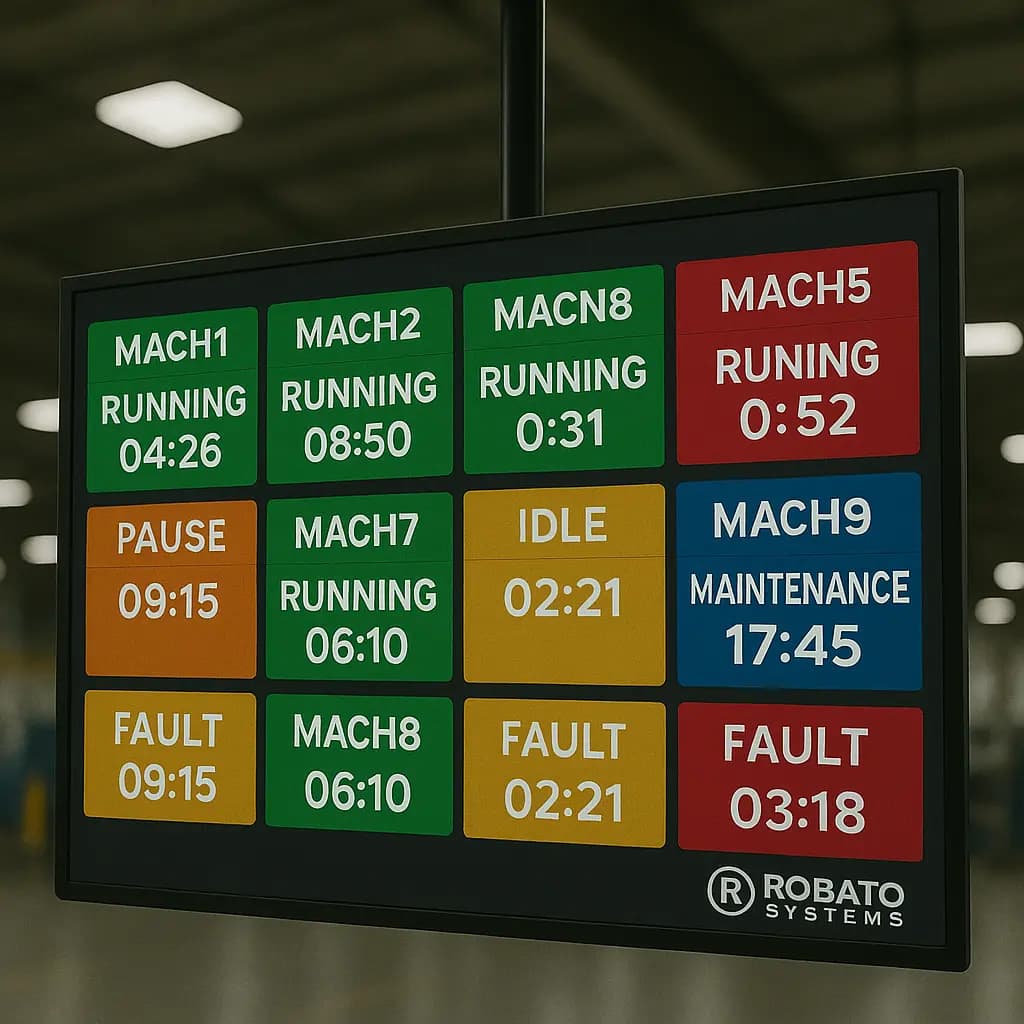
The tower changes colour the moment a call is raised.
Multi-machine connectivity
Stations across a line, or a whole plant, report to one system.
01Overview
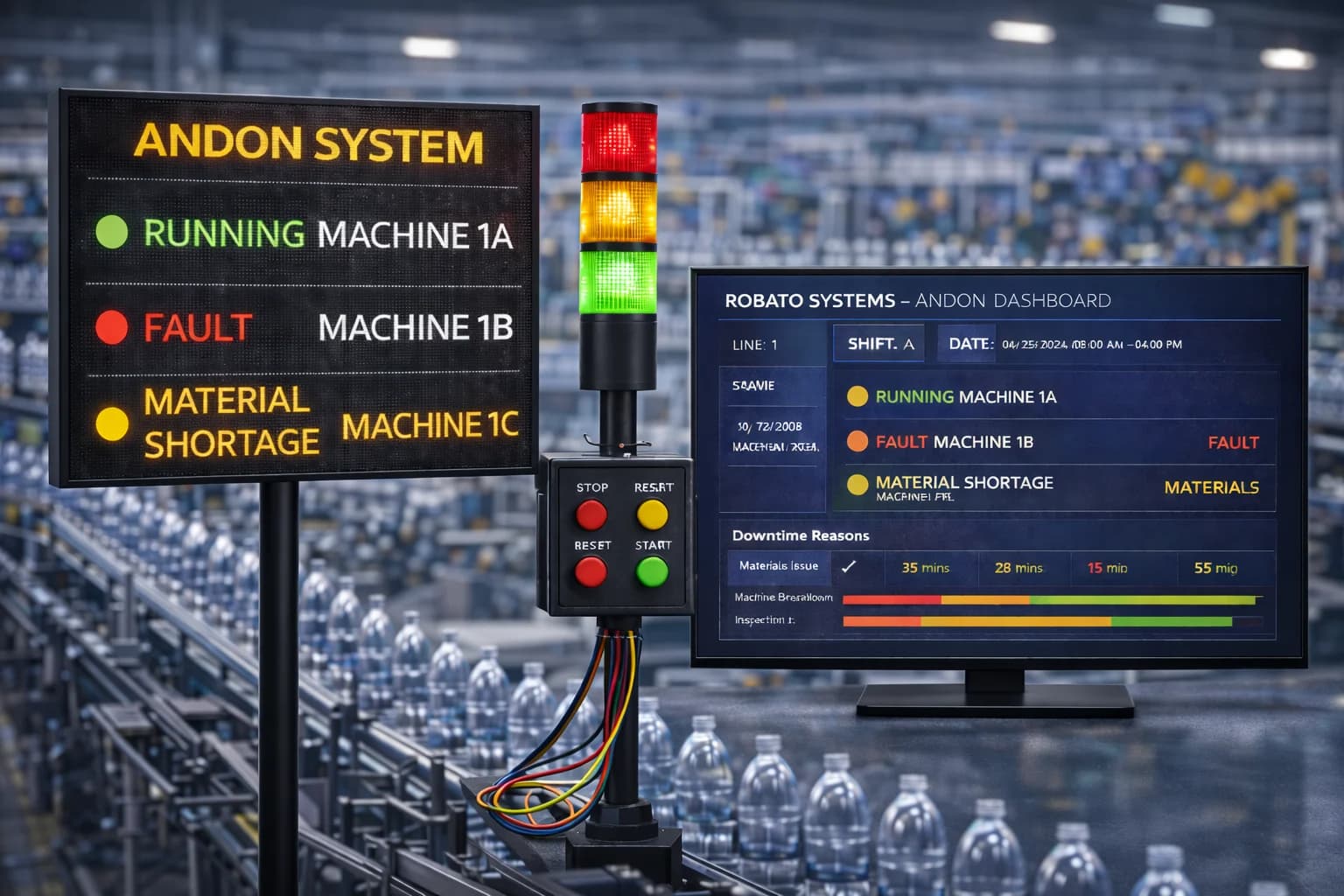
A button for each kind of issue, labelled on the box: Fault, Maintenance, Running and Idle.
Carries every call to the central server, with Power, Network, RF and Status lights on its face.
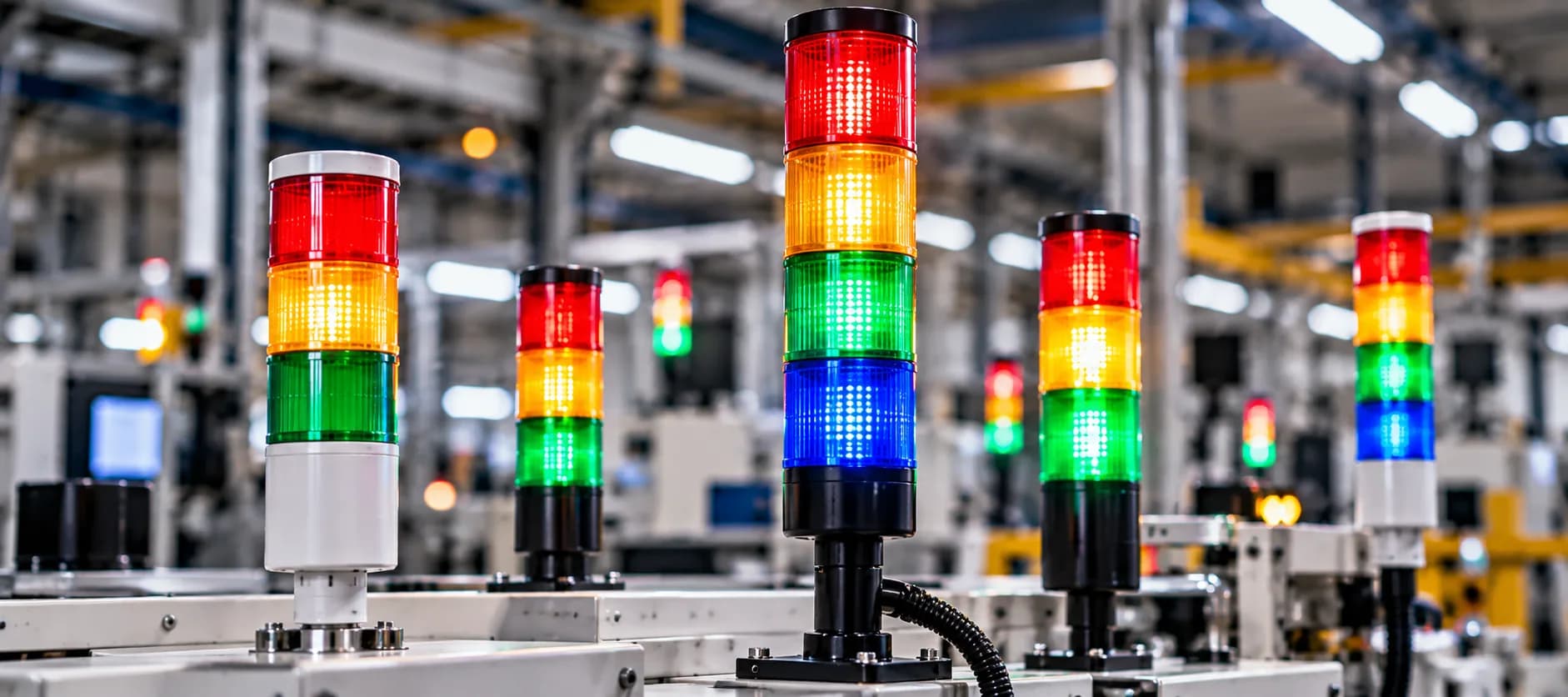
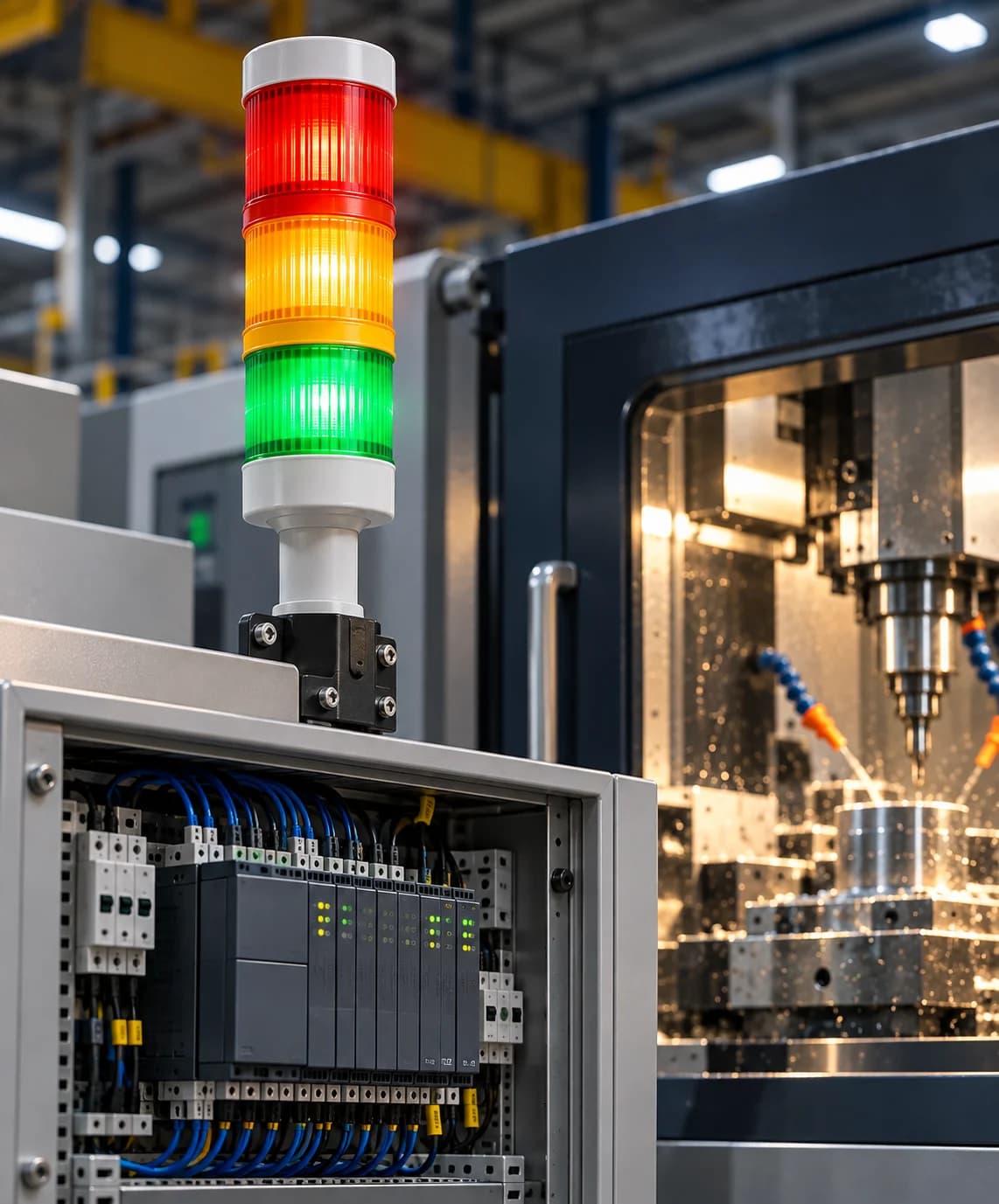
Multi-colour stack lights that show the call to the whole production area, in heights to suit the station.
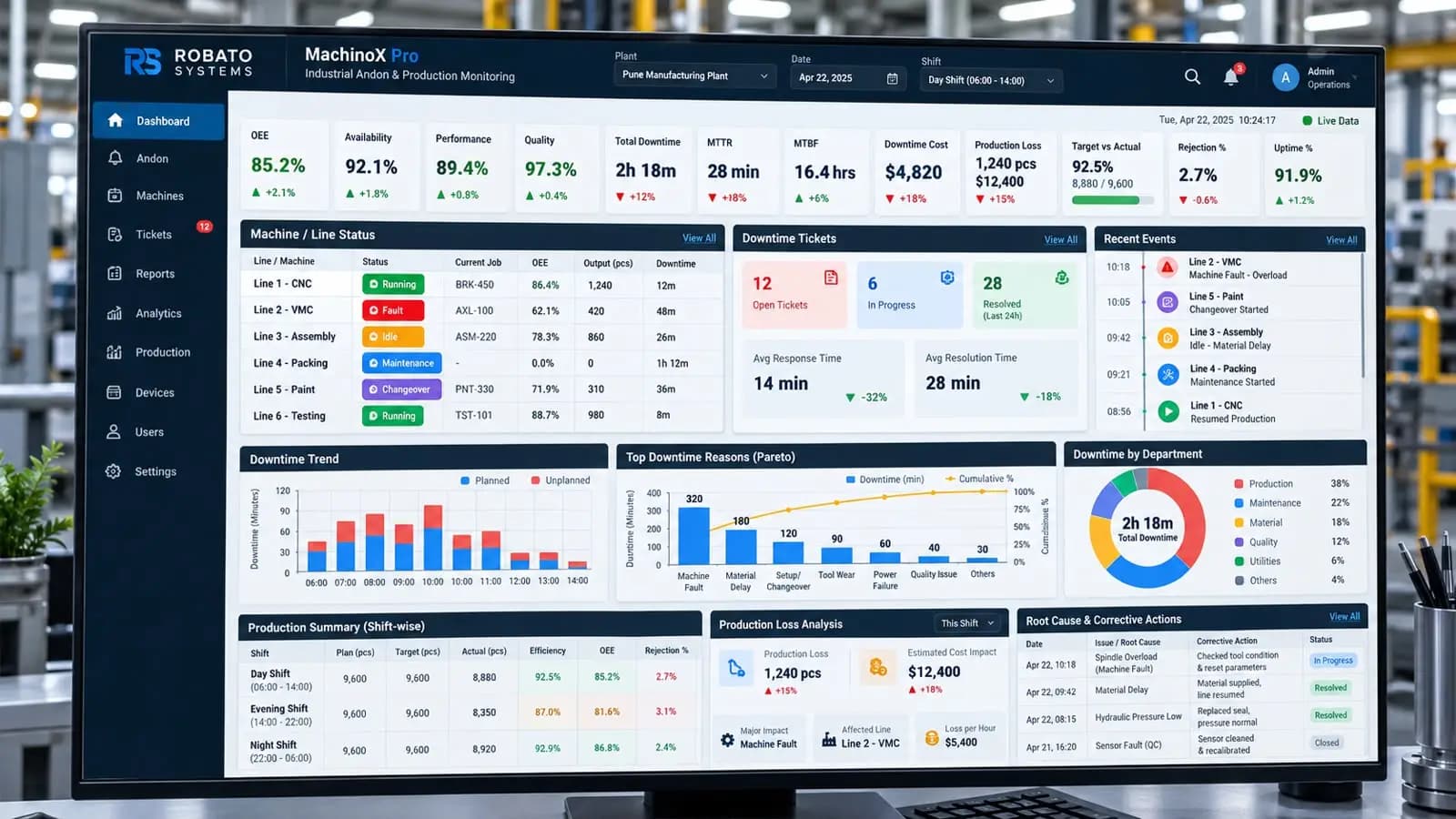
Opens a downtime ticket for every call and tracks it to closure, on Smart TV screens and the web dashboard.
02How it works
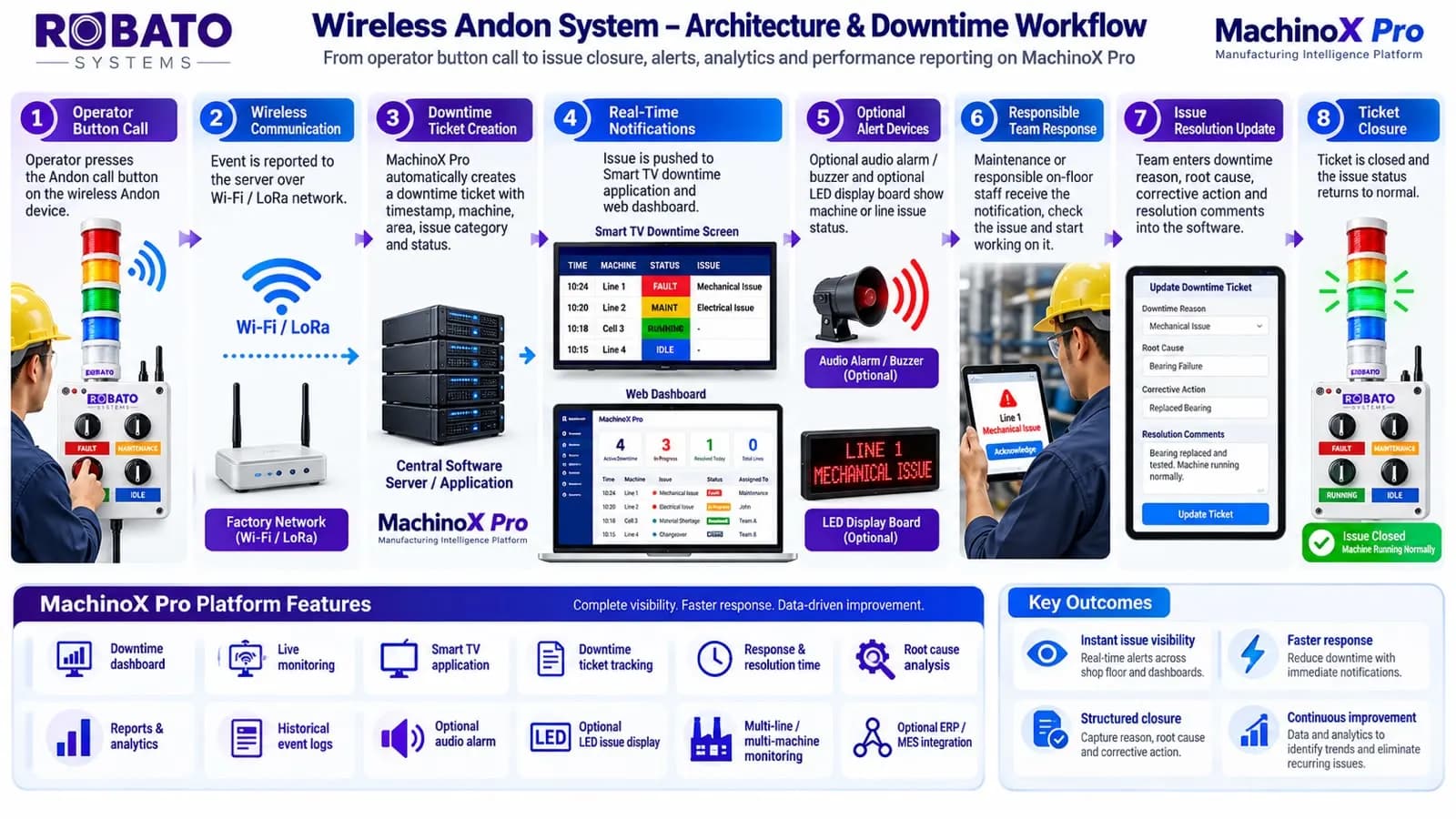
Stage 1 / Steps 01–04
The call is raised, carried, logged and put in front of the right team.
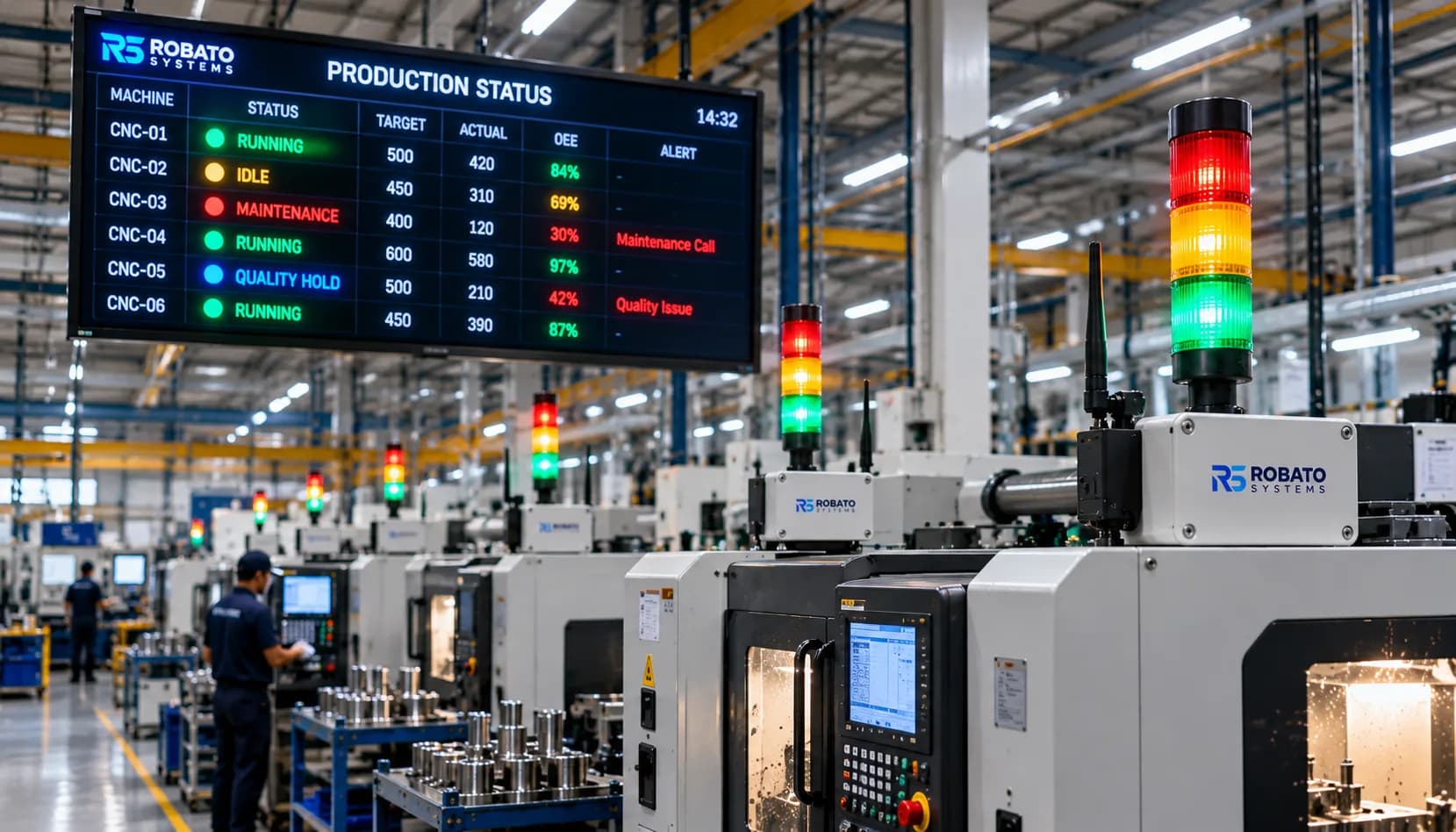
When a production, quality, maintenance, material, logistics, or other shop-floor issue occurs, the operator simply presses the corresponding button on the Robato Wireless Andon device. The tower light immediately changes colour to make the issue visible within the production area.
The Andon device communicates the event to the central server through the factory network using Wi-Fi or LoRa, depending on the plant layout and communication requirements. The event is transmitted in real time without requiring the operator to manually report the issue elsewhere.
MachinoX Pro automatically creates a downtime ticket and records important information such as the machine or production line, Andon device, issue category, event start time, shift, production area and current ticket status. This provides an accurate timestamp and traceable history for every downtime event.
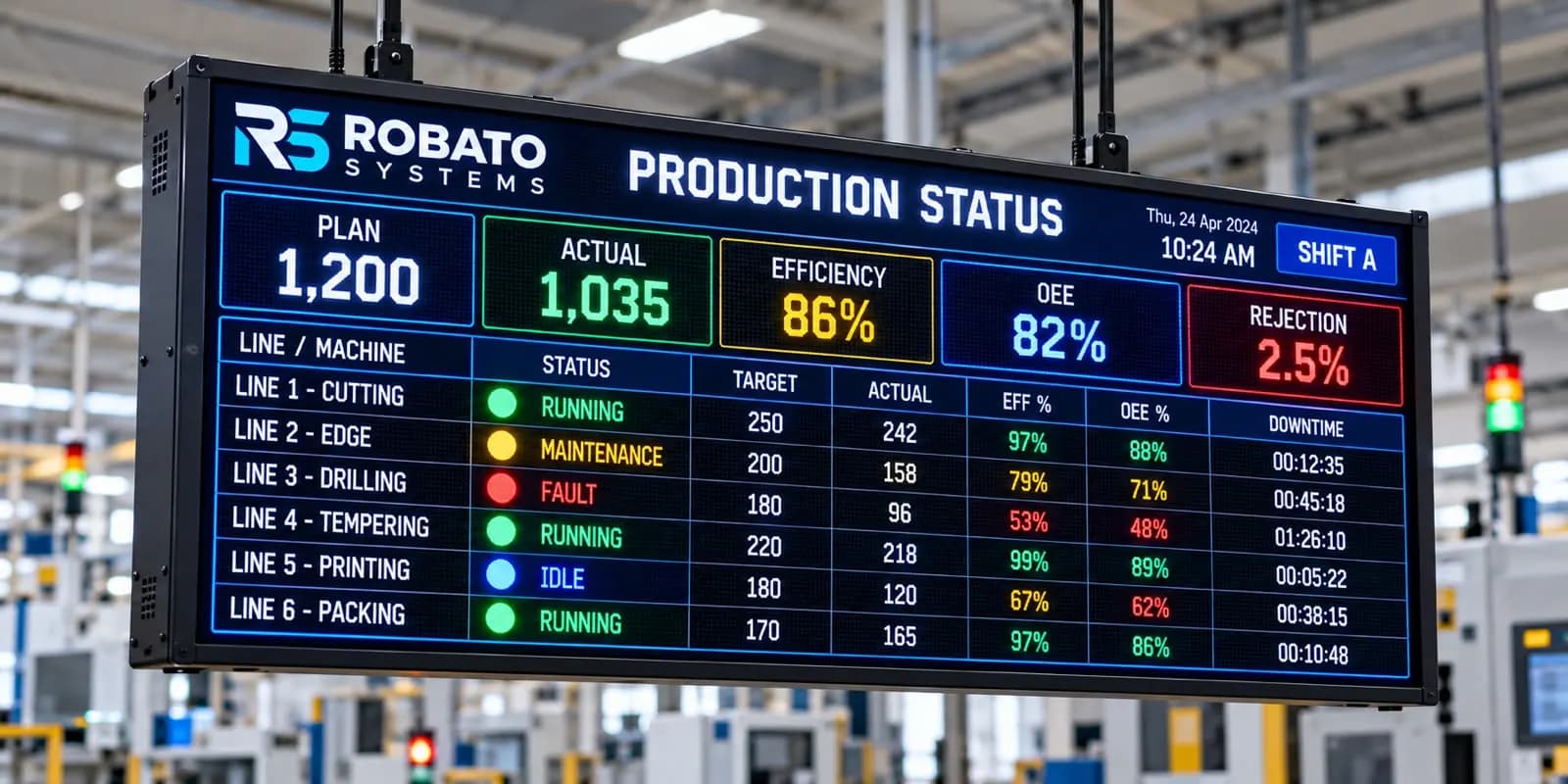
The reported issue is immediately displayed on the Smart TV Andon application and web dashboard. Depending on the project requirement, alerts can also be extended to an LED Andon display board, audio alarm/buzzer, email, SMS or other notification channels.
Stage 2 / Steps 05–08
The team acts, the clock runs, the cause is recorded and the ticket closes.
The relevant maintenance, quality, production, logistics or support team can immediately identify the affected machine or production line, review the issue and begin corrective action. This reduces the time normally lost in finding and informing the right person.
MachinoX Pro continuously tracks the ticket from the moment the issue is reported. The system can record response time, acknowledgement time, repair duration, total downtime and resolution time, providing clear visibility into how quickly production issues are being handled.
After resolving the problem, the responsible team enters the downtime reason, root cause, corrective action and resolution comments into the software. Standard reason categories can be configured to make reporting consistent across machines, production lines and shifts.
Once the issue has been resolved and verified, the downtime ticket is closed. The Andon device can then be returned to its normal operating condition, with the appropriate Green / Running status displayed.
Stage 3 / Steps 09–10
Every event is kept and turned into the numbers behind continuous improvement.
Every Andon event is stored centrally, creating a complete digital history of production interruptions. Management can review historical issues by machine, line, department, shift, issue category, responsible team, date or downtime duration.
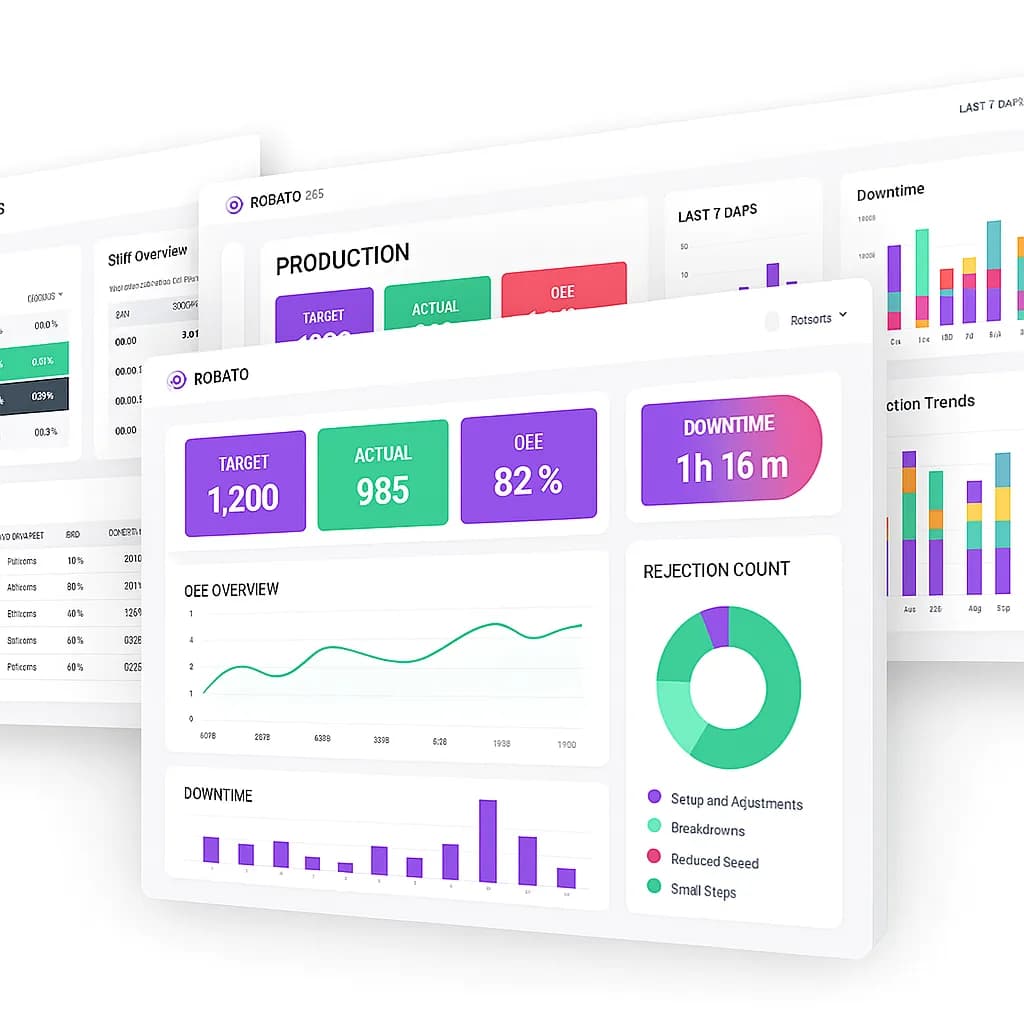
MachinoX Pro converts the collected Andon data into dashboards, reports and analytics. Customers can analyse downtime trends, recurring problems, top downtime reasons, MTTR, response time, machine availability, production losses, shift performance and department-wise performance to support continuous improvement.
03The workflow
04Features
Connects to your existing network for instant communication, with no signal cabling to run.
A clear range of colours for intuitive visual cues the whole area can read.
Program specific lights and sounds for different situations, so every call gets the right response.
Built to withstand challenging industrial conditions, for long, reliable service.
Manage the tower light remotely for effortless customisation and monitoring.
Choose the number of light tiers and colours each station needs.
Quick setup on machines, workstations or assembly lines, with versatile mounting options.
LED technology keeps power consumption low, reducing operating costs.
MachinoX Pro can provide:
05Specifications
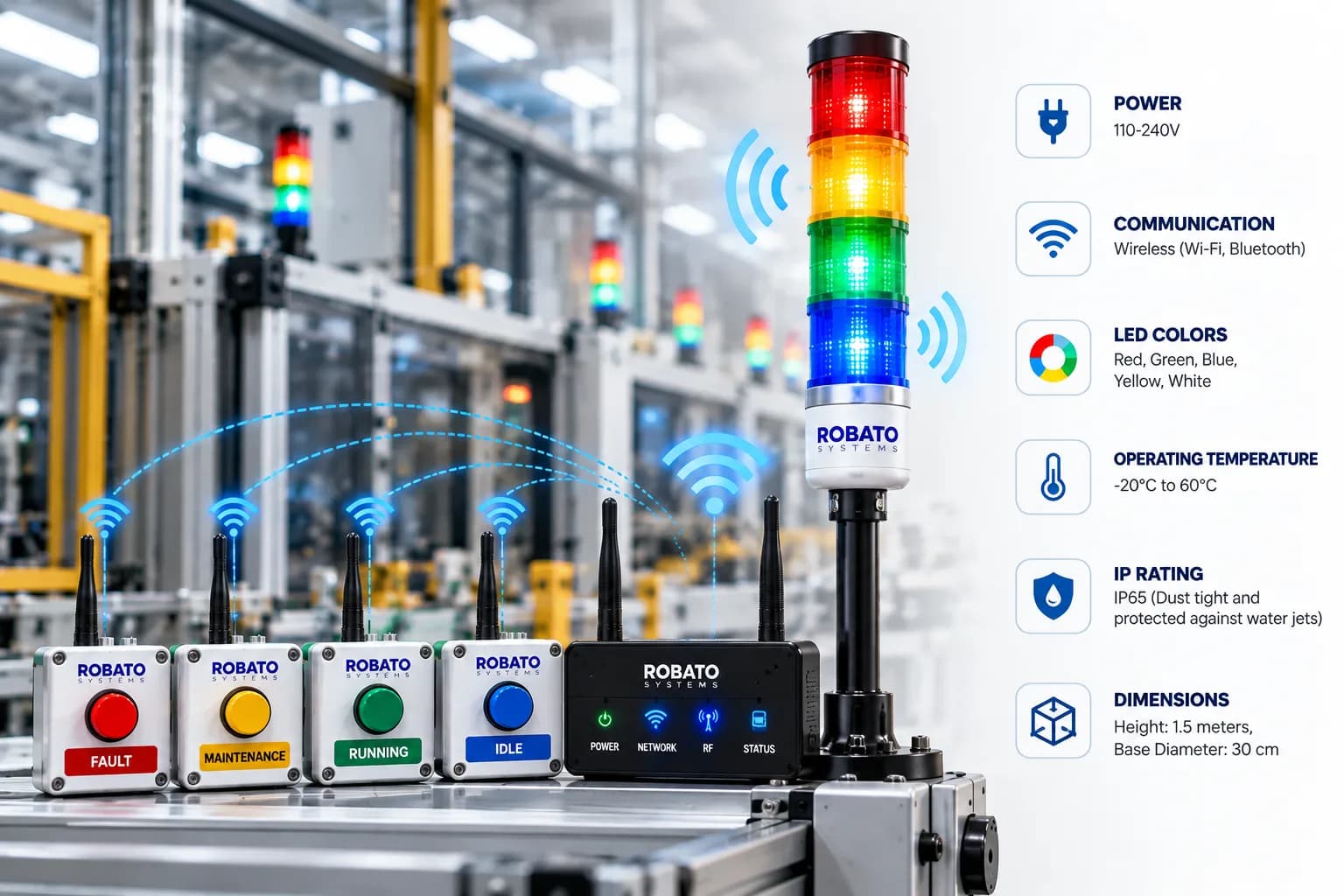
110–240V
Wireless (Wi-Fi, Bluetooth)
Red, Green, Blue, Yellow, White
−20°C to 60°C
IP65
Dust-tight and protected against water jets
Height 1.5 m
Base diameter 30 cm
06Use cases
Streamline manufacturing by indicating production status, downtime and quality alerts.
Enhance inventory management by signalling low stock, order fulfilment and shipping readiness.
Quickly alert employees to safety protocols, fire alarms or evacuation procedures.
Use visual cues to indicate product quality levels, inspection results and defect alerts.
Coordinate assembly line activity, indicating when to start, stop or change production tasks.
Schedule and communicate equipment maintenance alerts, reducing downtime and extending machine life.
07FAQ
A multi-colour LED stack light that an operator triggers from a wireless call button. It shows the issue to the whole production area, and the event is sent to MachinoX Pro, which creates a downtime ticket and alerts the responsible team.
The Andon device sends each event to the central server through the factory network, using Wi-Fi or LoRa depending on the plant layout and communication requirements. The event is transmitted in real time.
The tower light changes colour, and MachinoX Pro automatically creates a downtime ticket recording the machine or line, Andon device, issue category, start time, shift, production area and status. The issue appears on the Smart TV Andon application and web dashboard, and can also go to an LED display board, buzzer, email or SMS.
Red, green, blue, yellow and white. Specific lights and sounds can be programmed for different situations.
Yes. It is rated IP65, dust-tight and protected against water jets, and operates from −20°C to 60°C on a 110–240V supply.
Yes. Robato Systems configures the hardware, communication network, displays and MachinoX Pro software for anything from a standalone system on a few machines to plant-wide downtime monitoring.
08Related products
09Get started