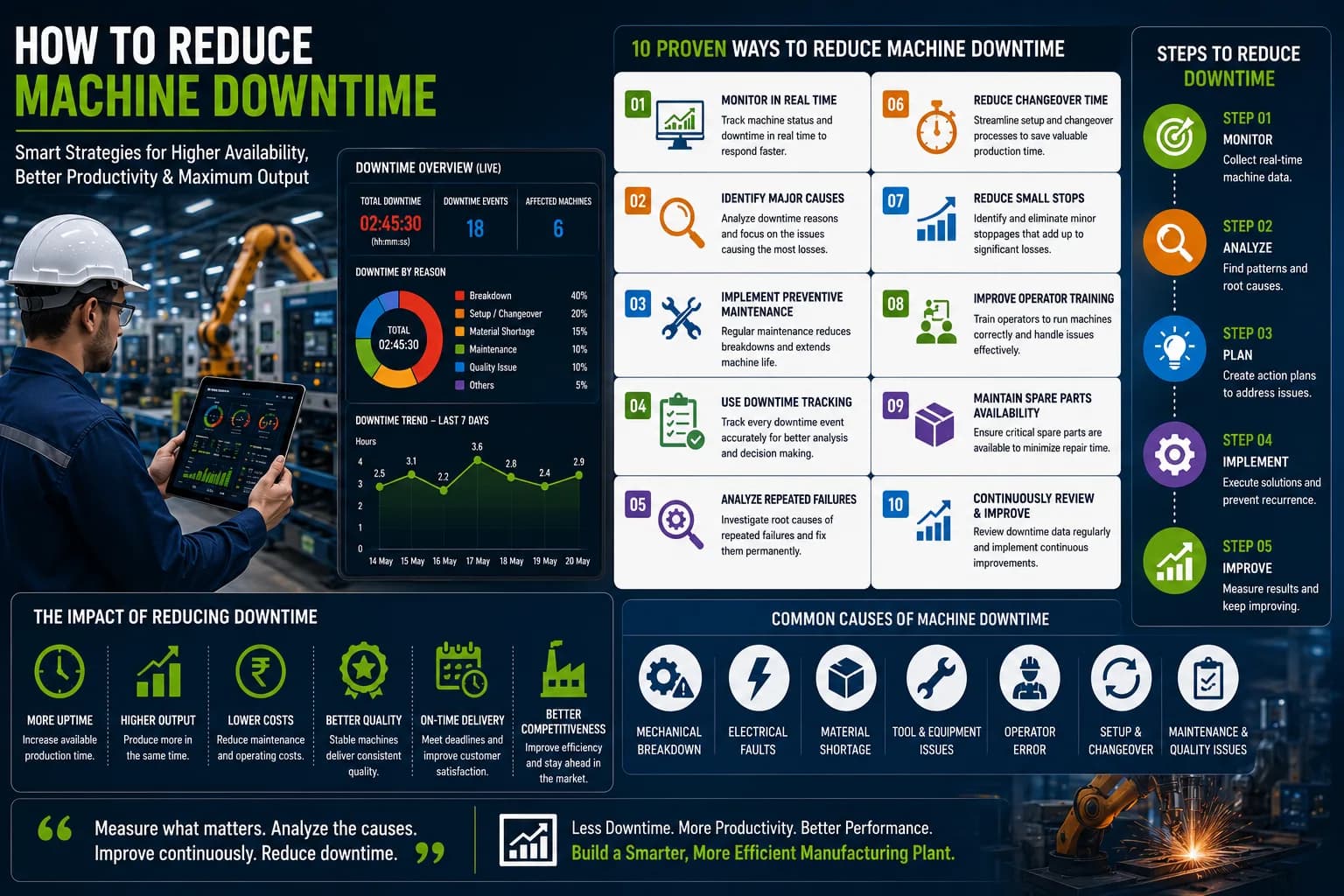
Machine downtime can significantly affect production efficiency, equipment availability, and manufacturing targets. When machines stop unexpectedly, valuable production time is lost and production schedules can be disrupted.
For manufacturing companies, knowing that downtime occurred is only the first step. Production and maintenance teams also need to understand how much downtime occurred, which machines were affected, why the machines stopped, and how downtime changed over time.
This is where Downtime Reporting Software can help.
Downtime reporting software collects and organizes machine downtime information and presents it through digital reports and dashboards. Instead of relying entirely on paper records or spreadsheets, manufacturers can use centralized production data to analyze equipment interruptions and identify areas for improvement.
What is Downtime Reporting Software?
Downtime Reporting Software is a manufacturing software solution used to record, organize, analyze, and report machine downtime.
Depending on the system and machine connectivity, it can provide information such as:
- Machine name
- Machine status
- Downtime duration
- Downtime start and end time
- Downtime reason
- Number of downtime events
- Production line
- Shift
- Date
- Machine performance
This information can be presented through dashboards and reports for production managers, maintenance teams, and plant management.
Why is Downtime Reporting Important?
Manufacturing plants can experience many types of machine interruptions throughout the day.
A single production shift may include:
- Machine breakdowns
- Short machine stops
- Material shortages
- Maintenance activities
- Setup time
- Changeovers
- Electrical faults
- Mechanical problems
If these events are not recorded accurately, it becomes difficult to understand their impact.
Downtime reporting provides a structured record of machine interruptions and helps teams identify where production time is being lost.
Benefits of Downtime Reporting Software
1. Real-Time Downtime Visibility
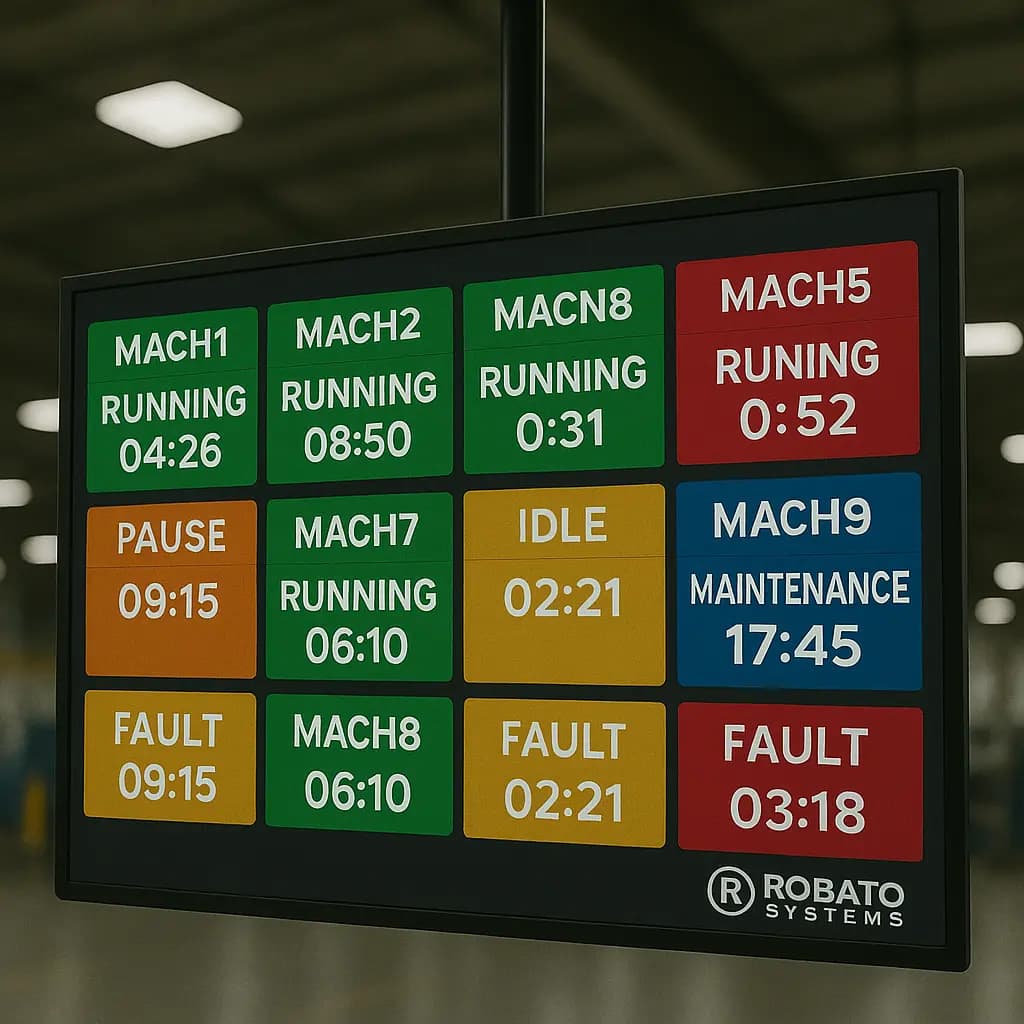
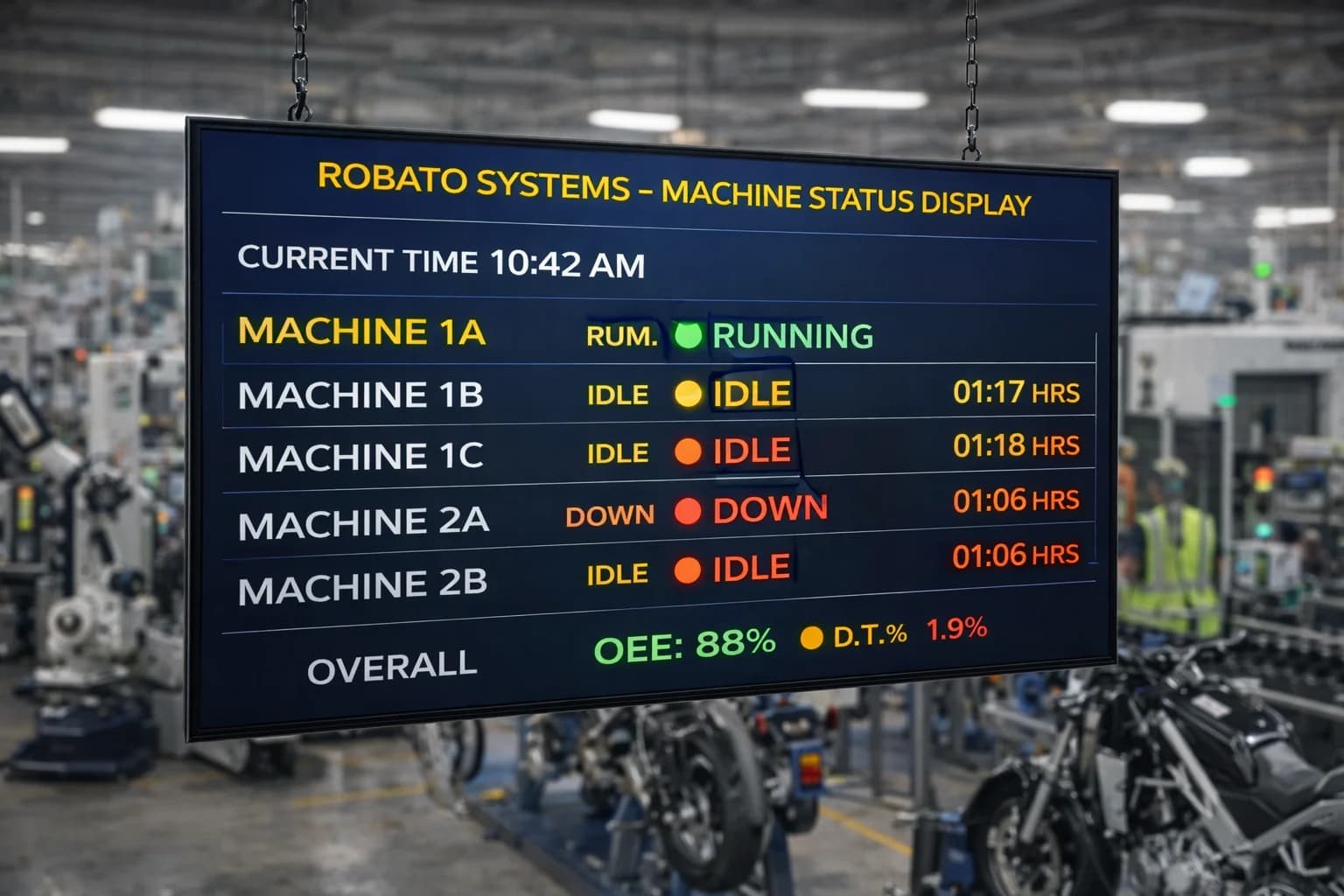
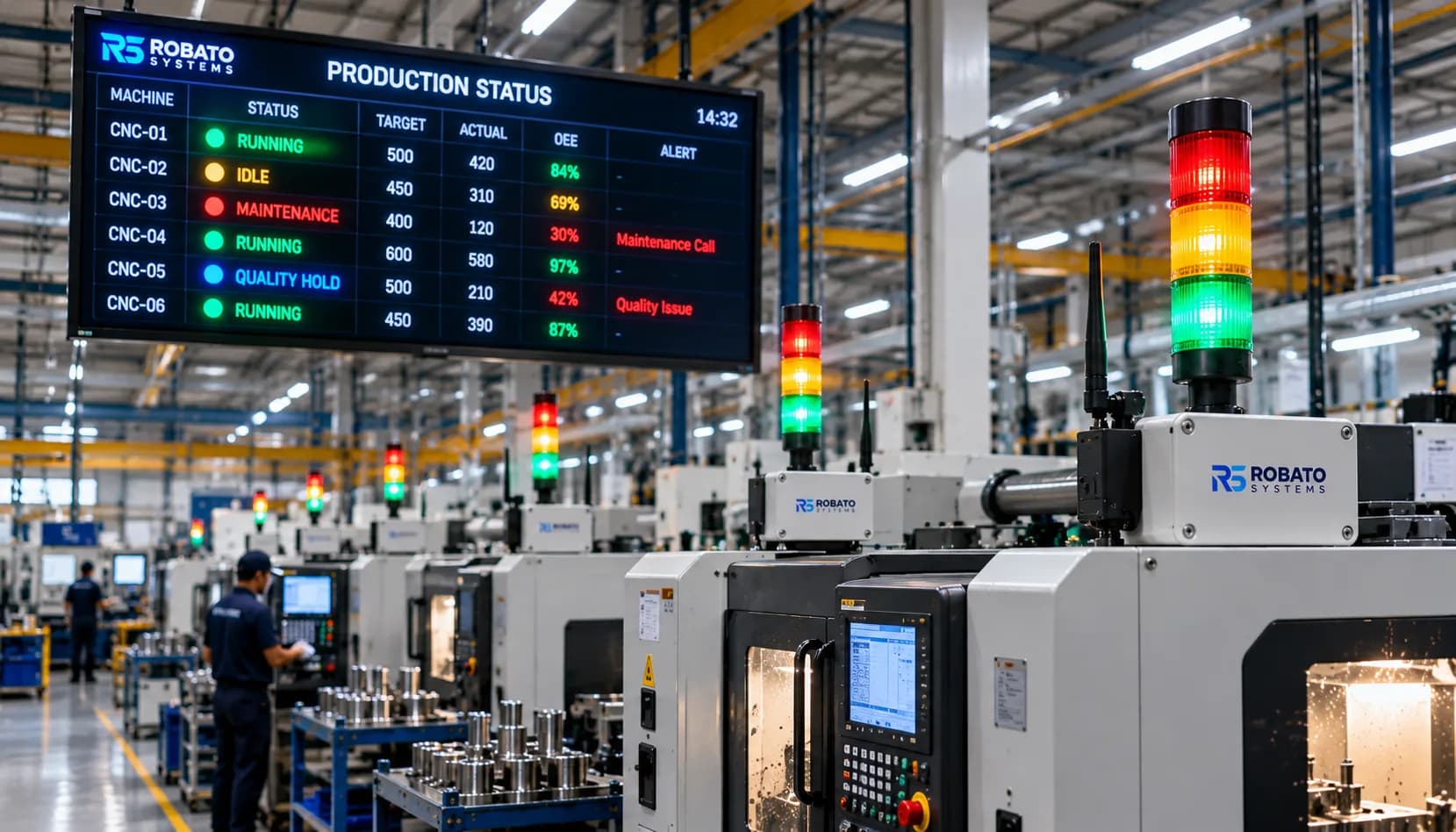
Downtime reporting software can provide real-time information about machine status.
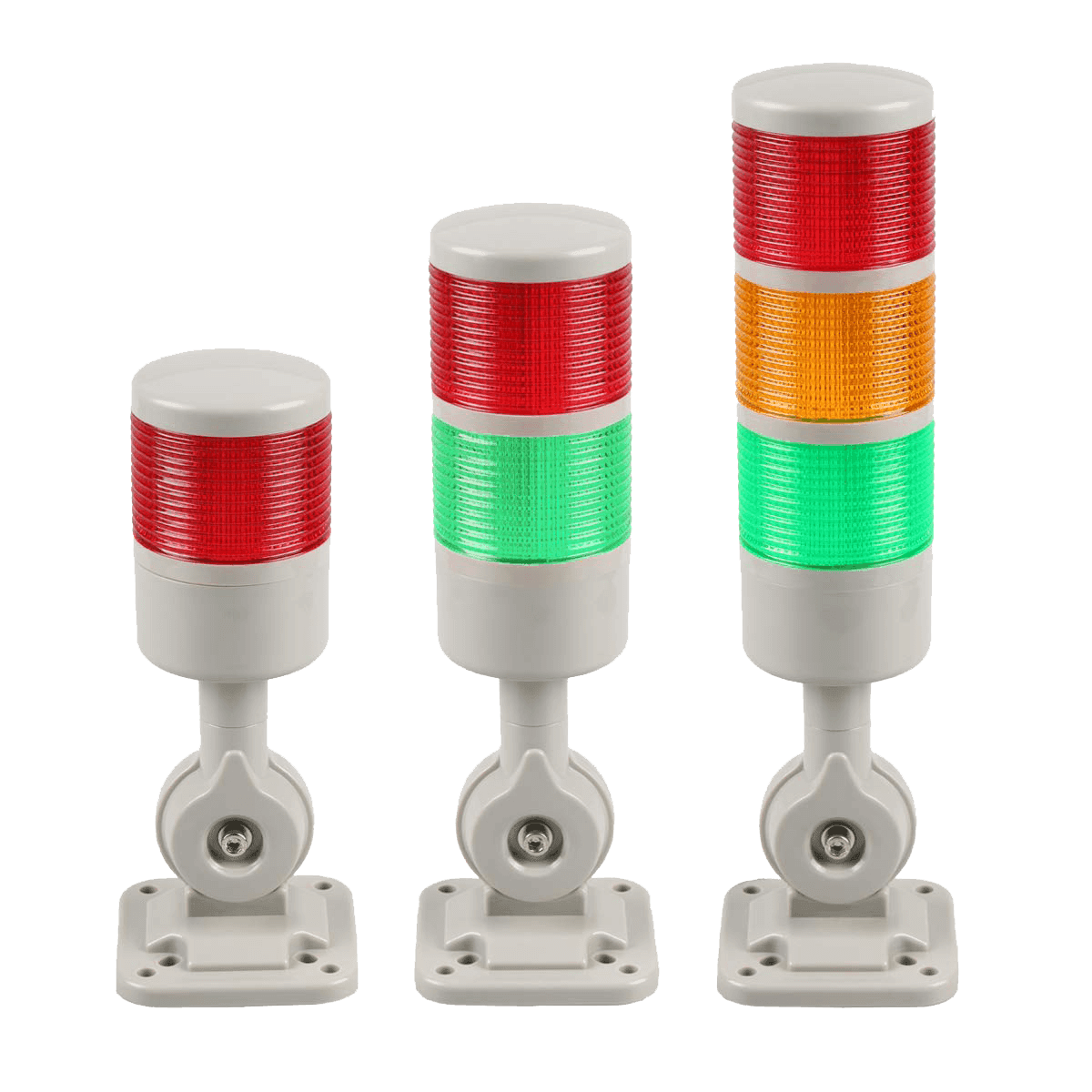
Production teams can see whether machines are:
- Running
- Stopped
- Idle
- Under maintenance
- Experiencing downtime
Real-time visibility allows teams to identify active machine stoppages without waiting for manual shift reports.
2. Automated Downtime Data Collection
Manual downtime reporting requires operators to record machine stoppages.
This can result in:
- Missing events
- Incorrect durations
- Delayed entries
- Inconsistent information
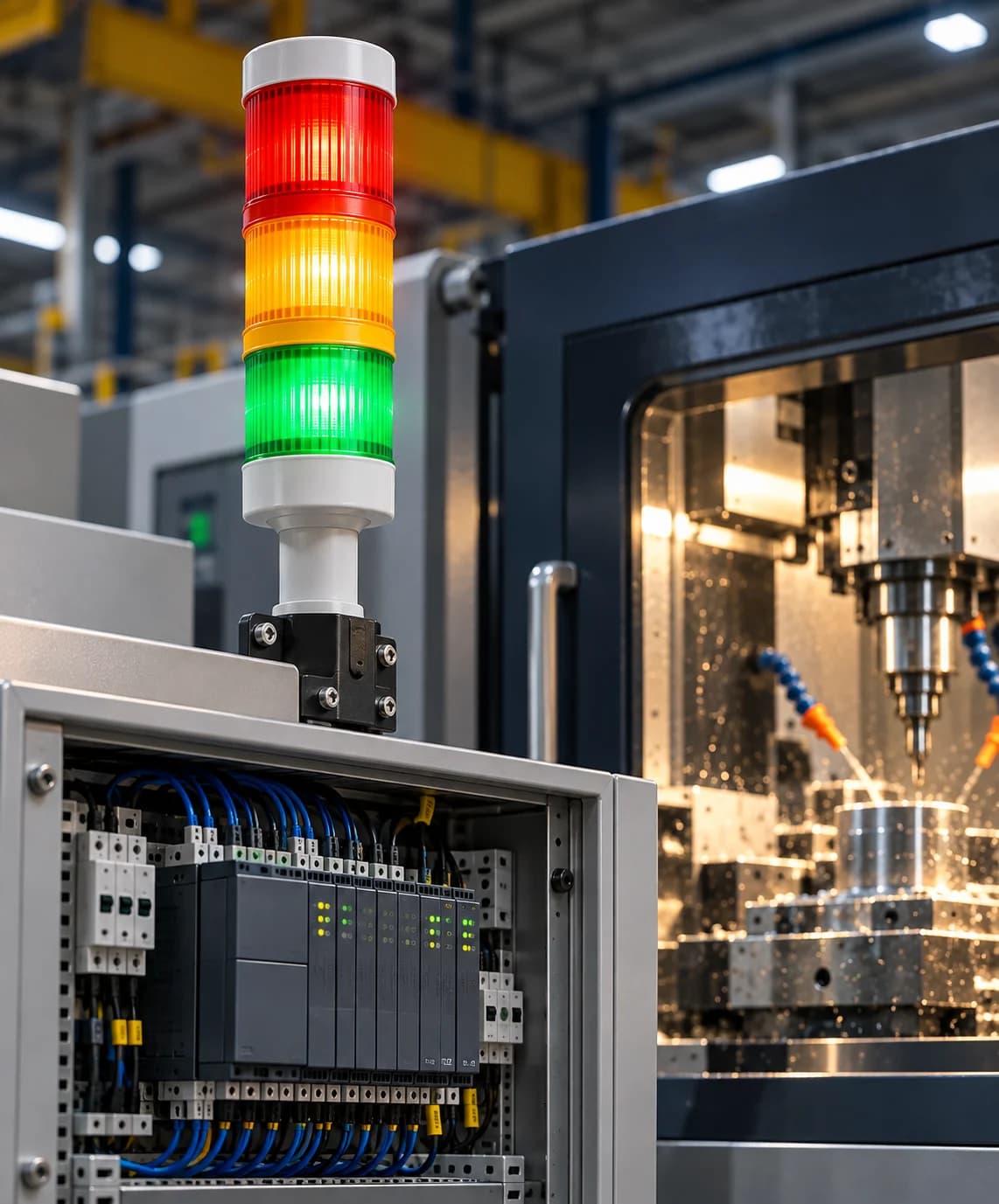
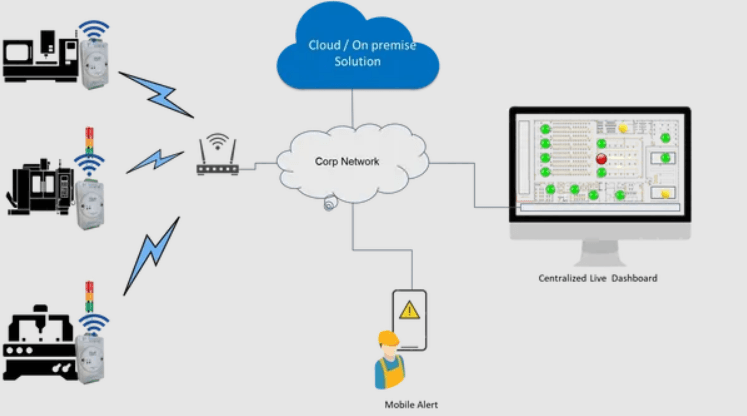
Automated systems can collect machine status directly through connected equipment, PLCs, sensors, or Industrial IoT devices.
This can improve the consistency of downtime data.
3. Accurate Downtime Duration
Downtime reporting software can automatically record when a machine stops and when it starts again.
This provides information about:
- Downtime start time
- Downtime end time
- Total downtime duration
Accurate duration data makes it easier to understand the actual amount of production time lost.
4. Downtime Reason Analysis
Downtime reports can categorize machine stoppages according to their causes.
Examples include:
- Mechanical breakdown
- Electrical fault
- Material shortage
- Maintenance
- Setup
- Changeover
- Quality issue
- Operator issue
Analyzing downtime reasons allows teams to identify the causes that contribute most to production losses.
5. Machine-Wise Reporting
Downtime reporting software can generate reports for individual machines.
Managers can compare:
- Total downtime
- Downtime frequency
- Average downtime
- Breakdown count
- Downtime reasons
This helps identify machines that consistently experience higher downtime.
6. Shift-Wise Downtime Reporting
Downtime can vary between different production shifts.
Shift-wise reports can show:
- Total downtime per shift
- Number of downtime events
- Machine-wise downtime
- Downtime reasons
- Production performance
This can help management identify recurring shift-level problems.
7. Historical Downtime Analysis
Historical reports allow manufacturers to review downtime over longer periods.
Data can be analyzed across:
- Days
- Weeks
- Months
- Production shifts
- Machines
- Production lines
Historical analysis can reveal recurring patterns that may not be visible during a single production shift.
8. Faster Identification of Production Losses
Downtime reports provide a structured view of machine interruptions.
Managers can quickly identify:
- Machines with high downtime
- Major downtime reasons
- Long downtime events
- Frequently stopped equipment
This helps teams focus on the areas causing the greatest losses.
9. Better Maintenance Planning
Maintenance teams can use downtime reports to identify equipment that frequently experiences problems.
For example, if one machine repeatedly experiences mechanical breakdowns, its downtime history can help maintenance teams investigate the problem.
Downtime information can support:
- Preventive maintenance
- Equipment inspections
- Component replacement
- Maintenance prioritization
10. Improved Production Planning
Reliable equipment is important for production planning.
Downtime reports provide historical information that production managers can use when evaluating machine availability and production capacity.
Understanding recurring downtime can help managers plan production more effectively.
11. Reduced Manual Reporting
Paper registers and spreadsheets can require significant manual effort.
Employees may need to:
- Record downtime
- Enter information into spreadsheets
- Calculate durations
- Prepare reports
- Combine data from different machines
Automated downtime reporting can reduce much of this manual work.
12. Better Management Visibility
Plant managers and factory owners need a clear view of manufacturing performance.
Downtime reporting dashboards can provide centralized information about:
- Total downtime
- Machine performance
- Breakdown frequency
- Production losses
- Downtime reasons
This makes it easier for management to understand equipment performance.
Types of Downtime Reports
Different reports can be used for different manufacturing requirements.
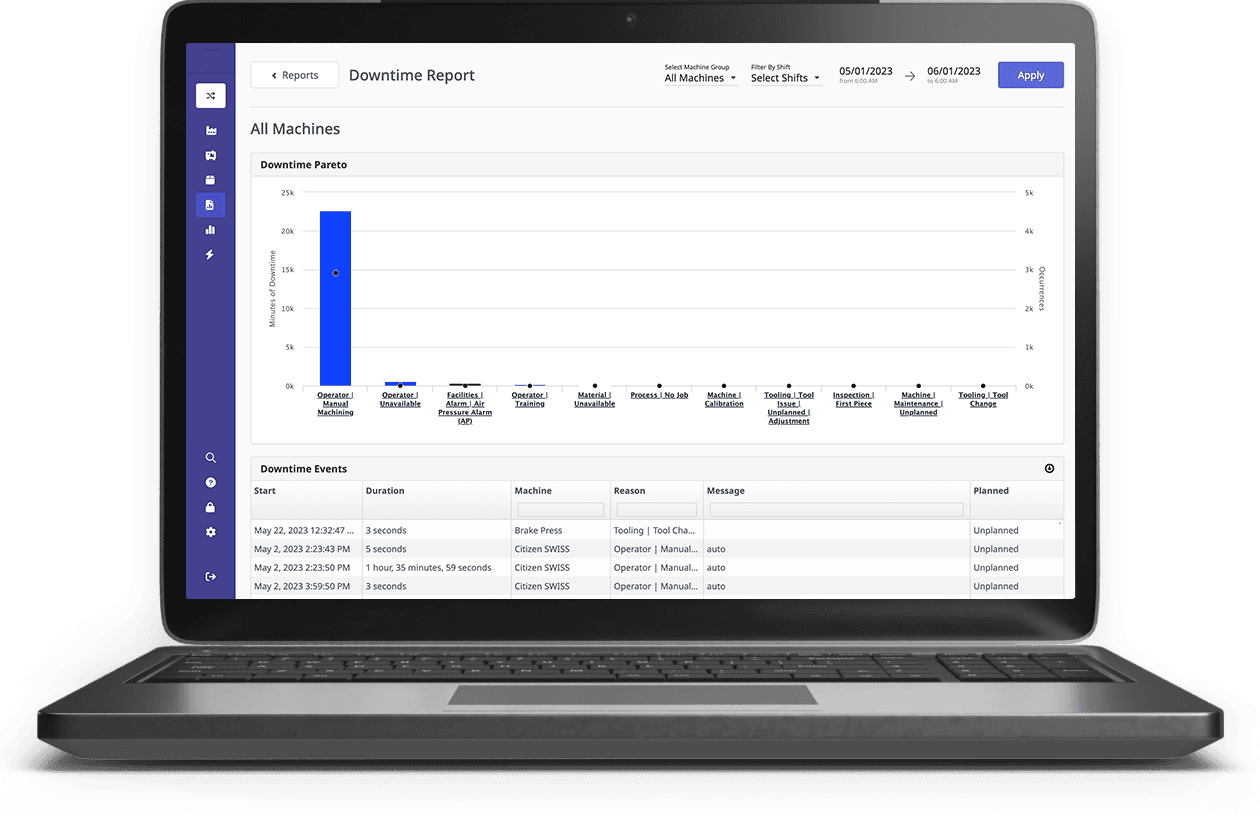
Machine Downtime Report
Shows downtime information for individual machines.
Shift Downtime Report
Shows downtime across different production shifts.
Downtime Reason Report
Shows the causes responsible for machine stoppages.
Production Line Downtime Report
Shows downtime across an entire production line.
Daily Downtime Report
Provides a summary of downtime during a particular production day.
Monthly Downtime Report
Shows longer-term downtime trends and recurring equipment problems.
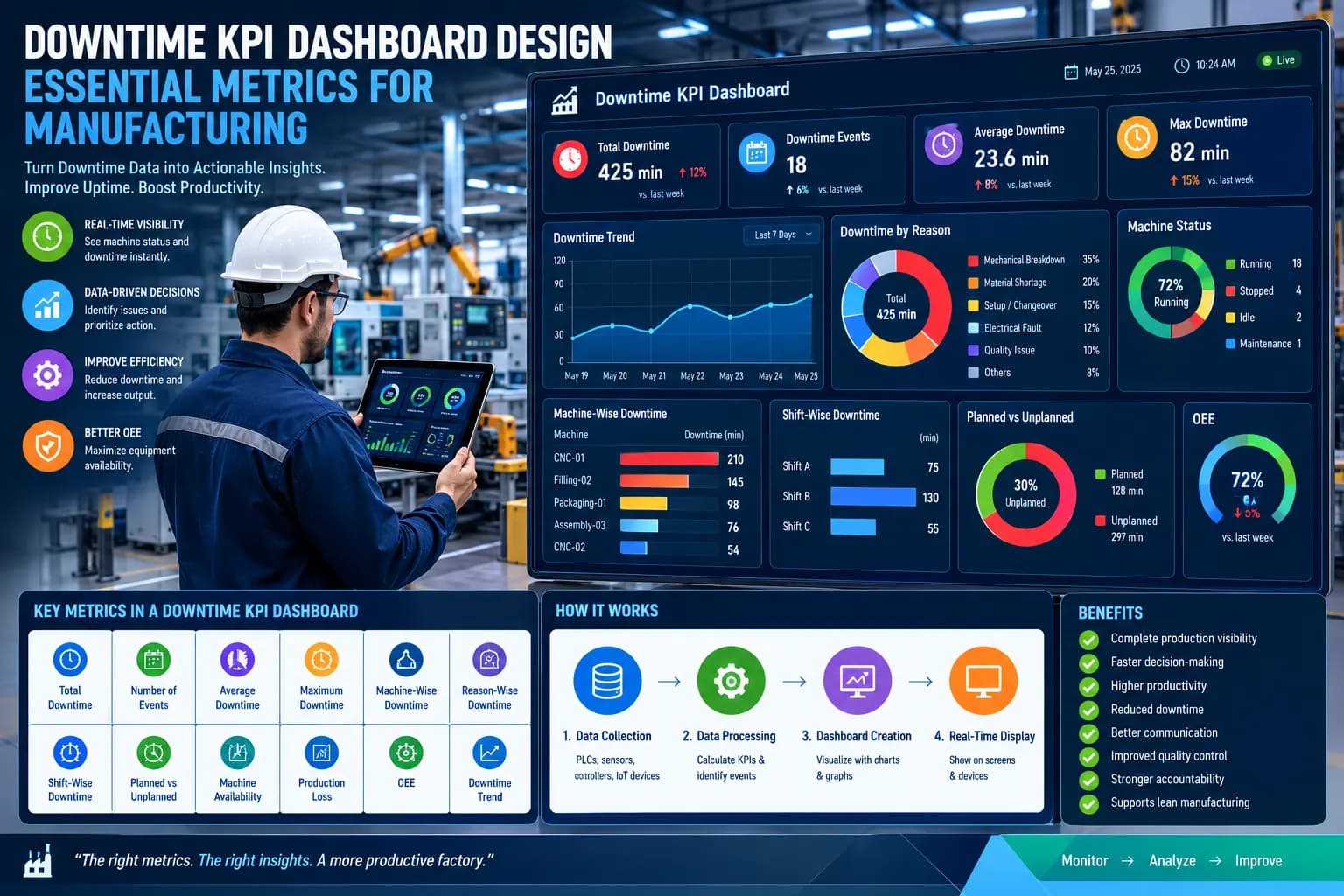
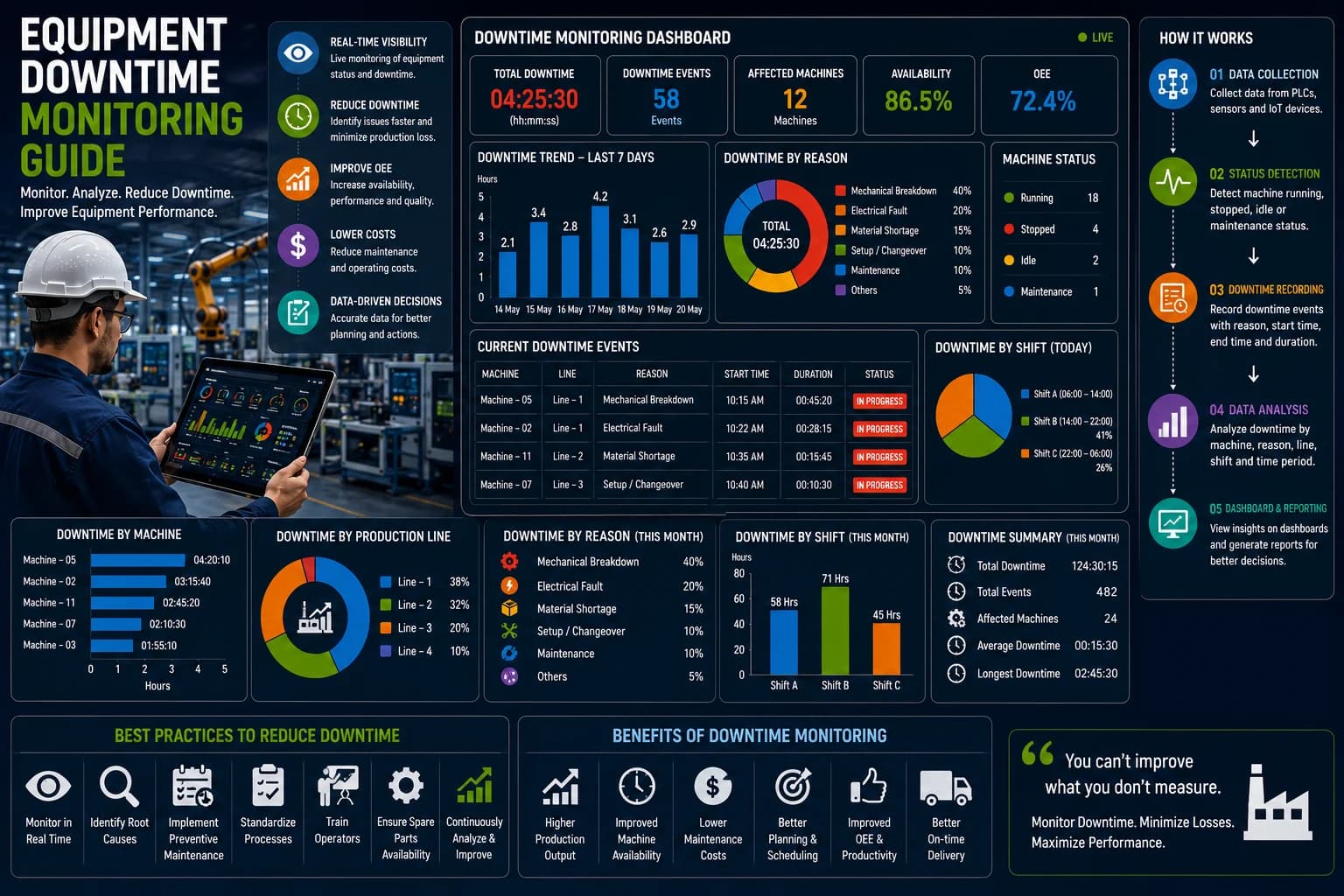
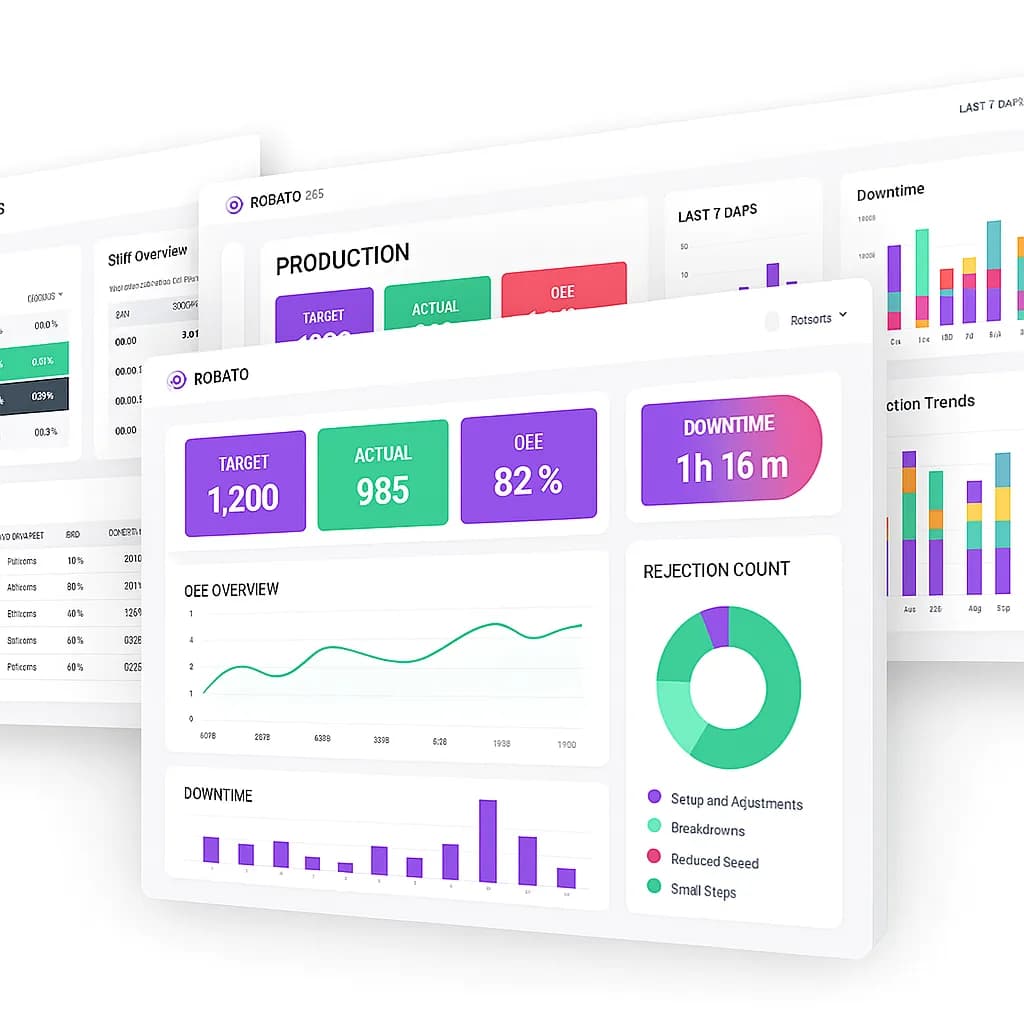
Downtime Reporting Dashboard
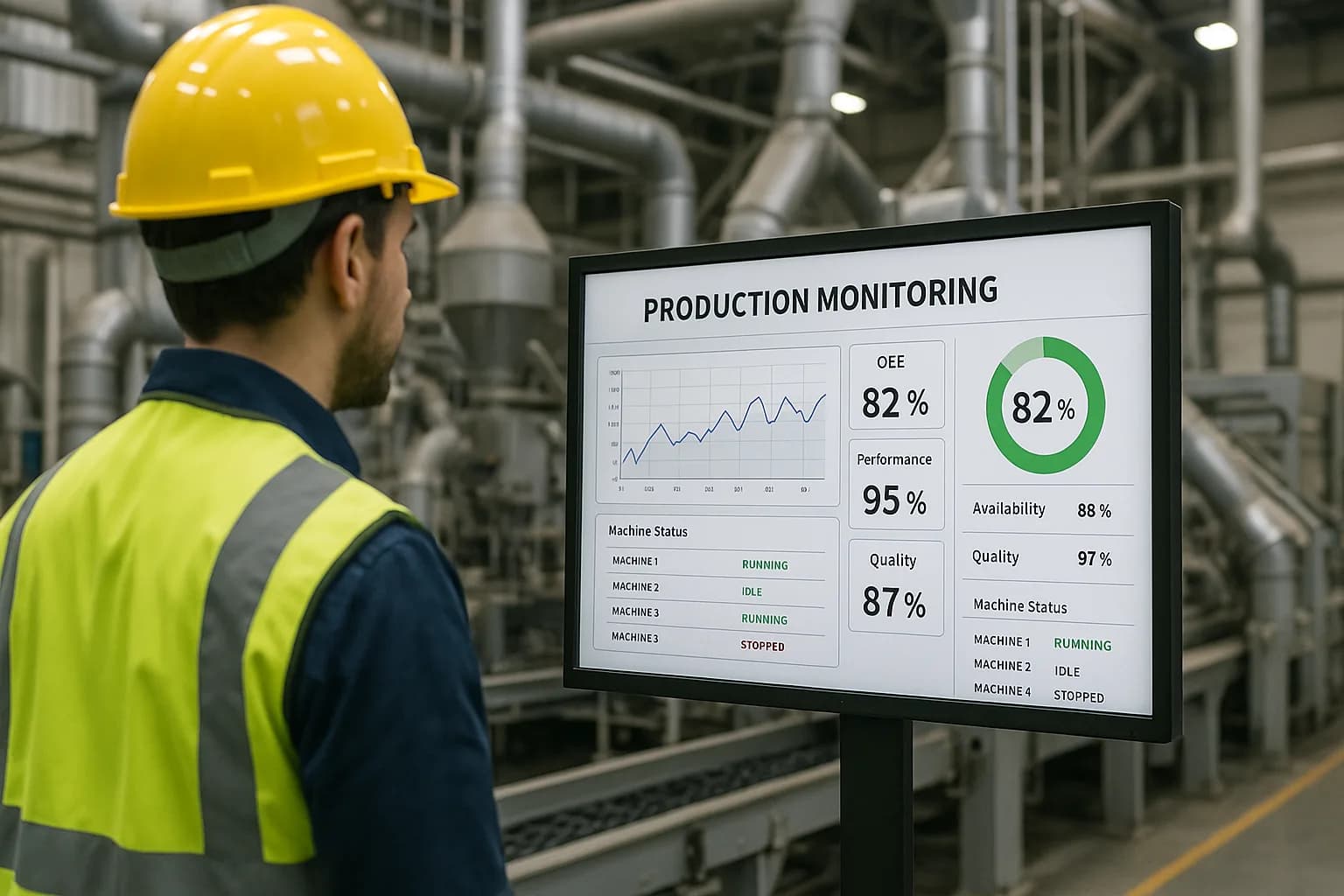
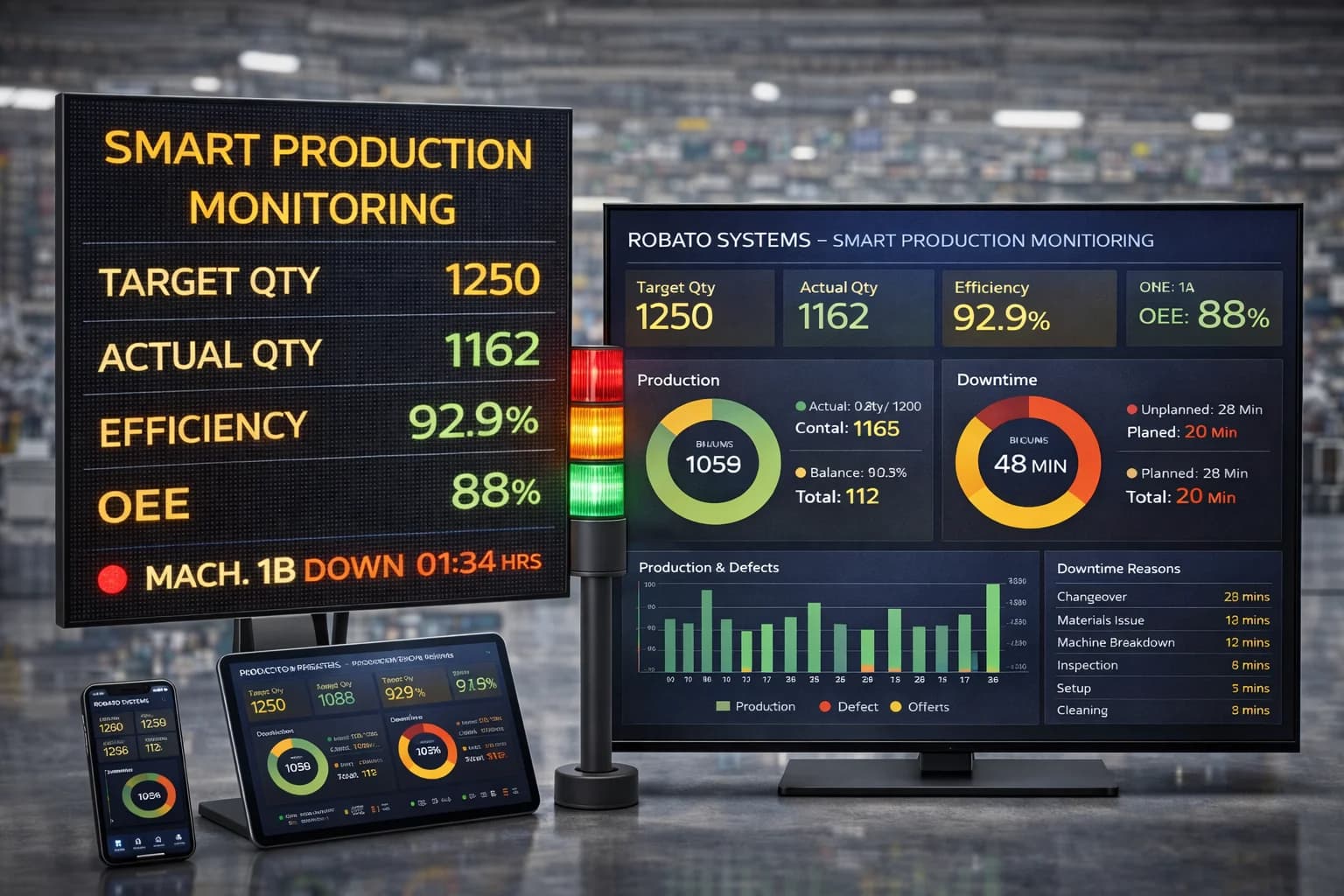
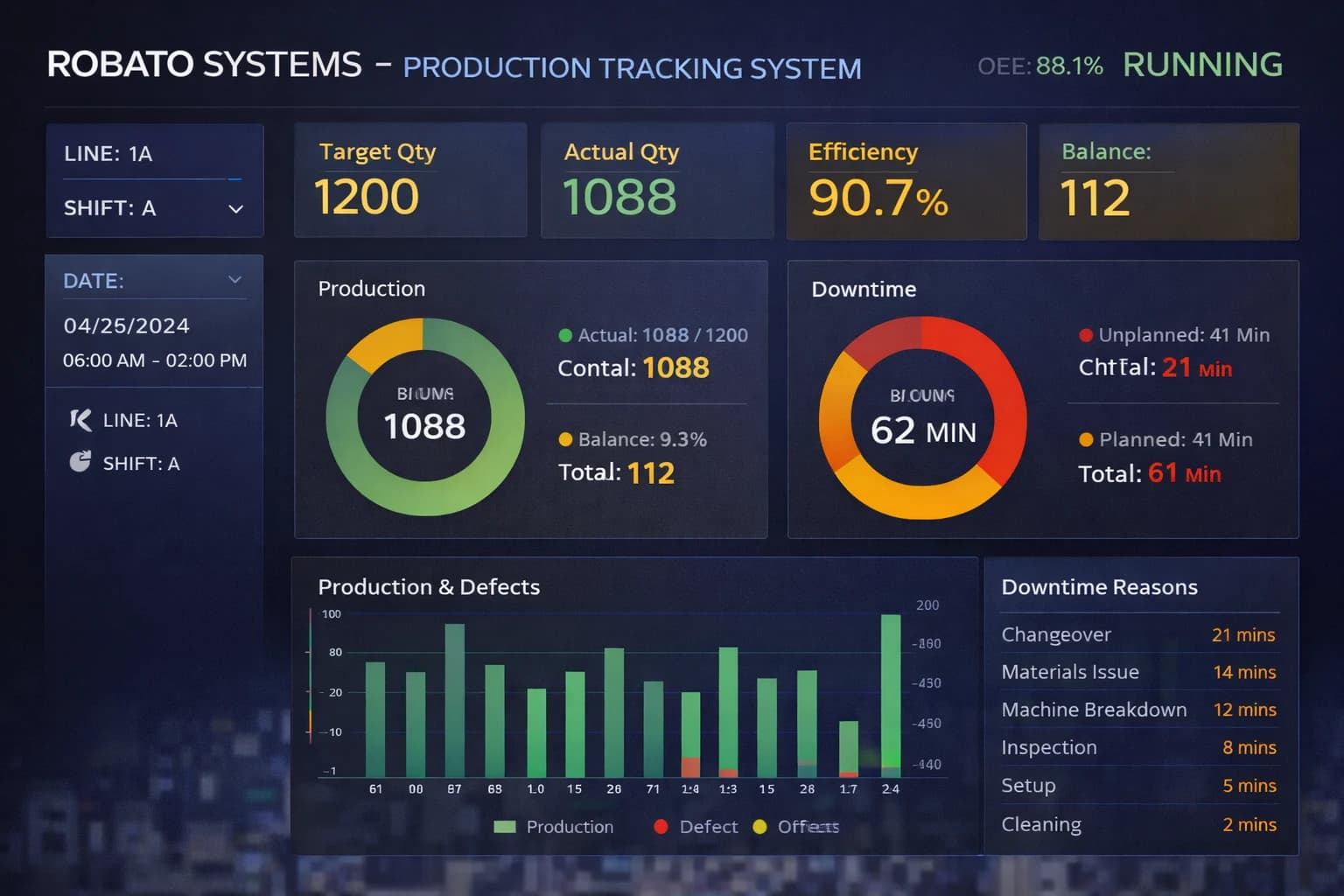
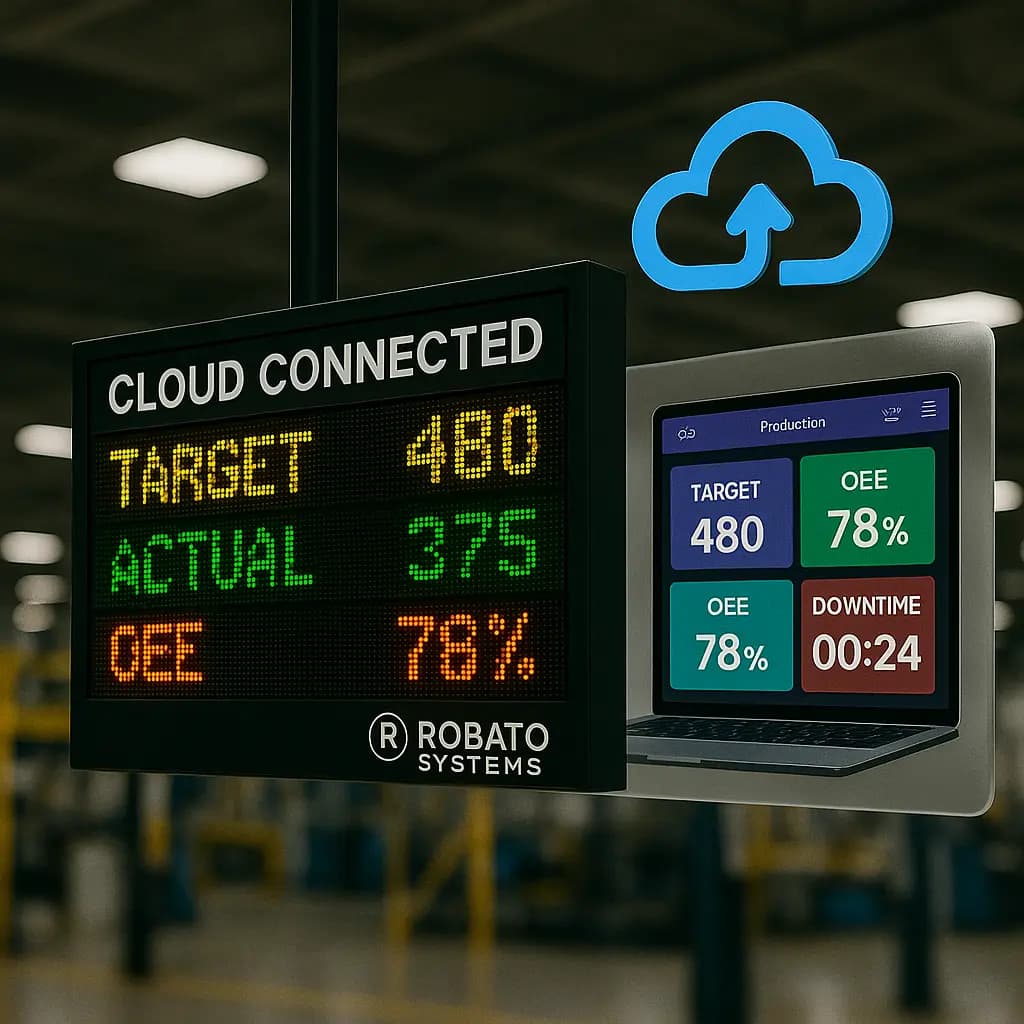
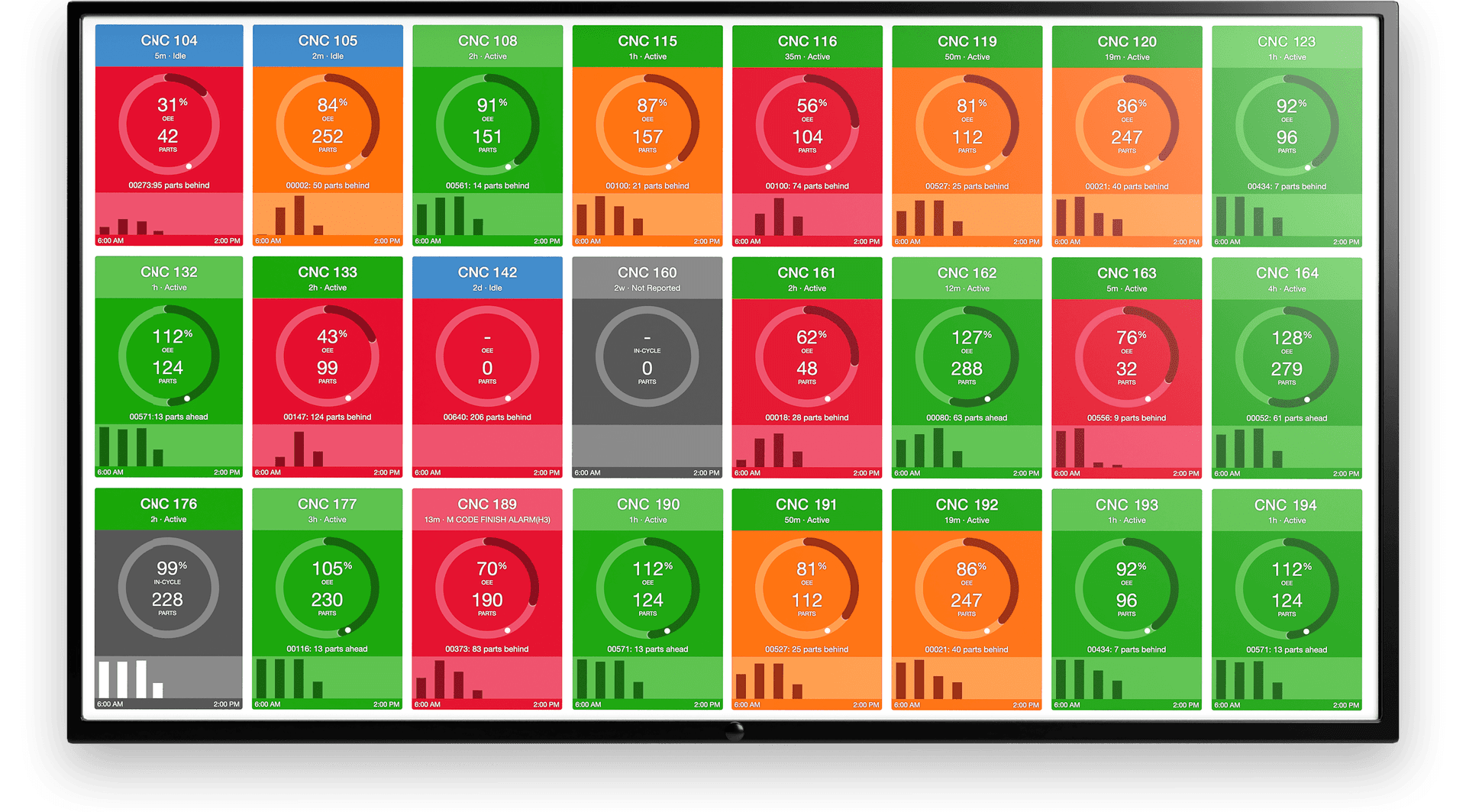
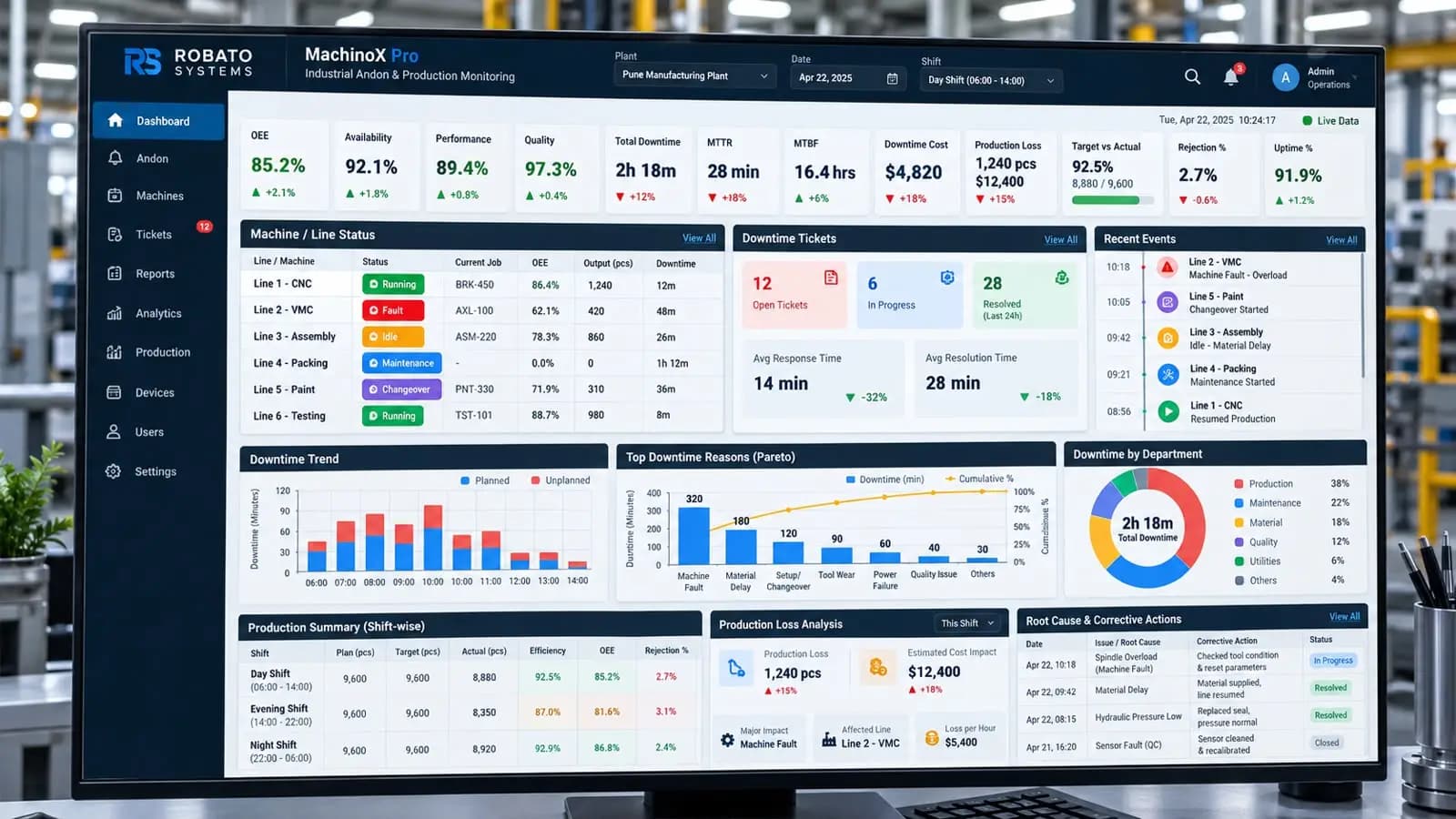
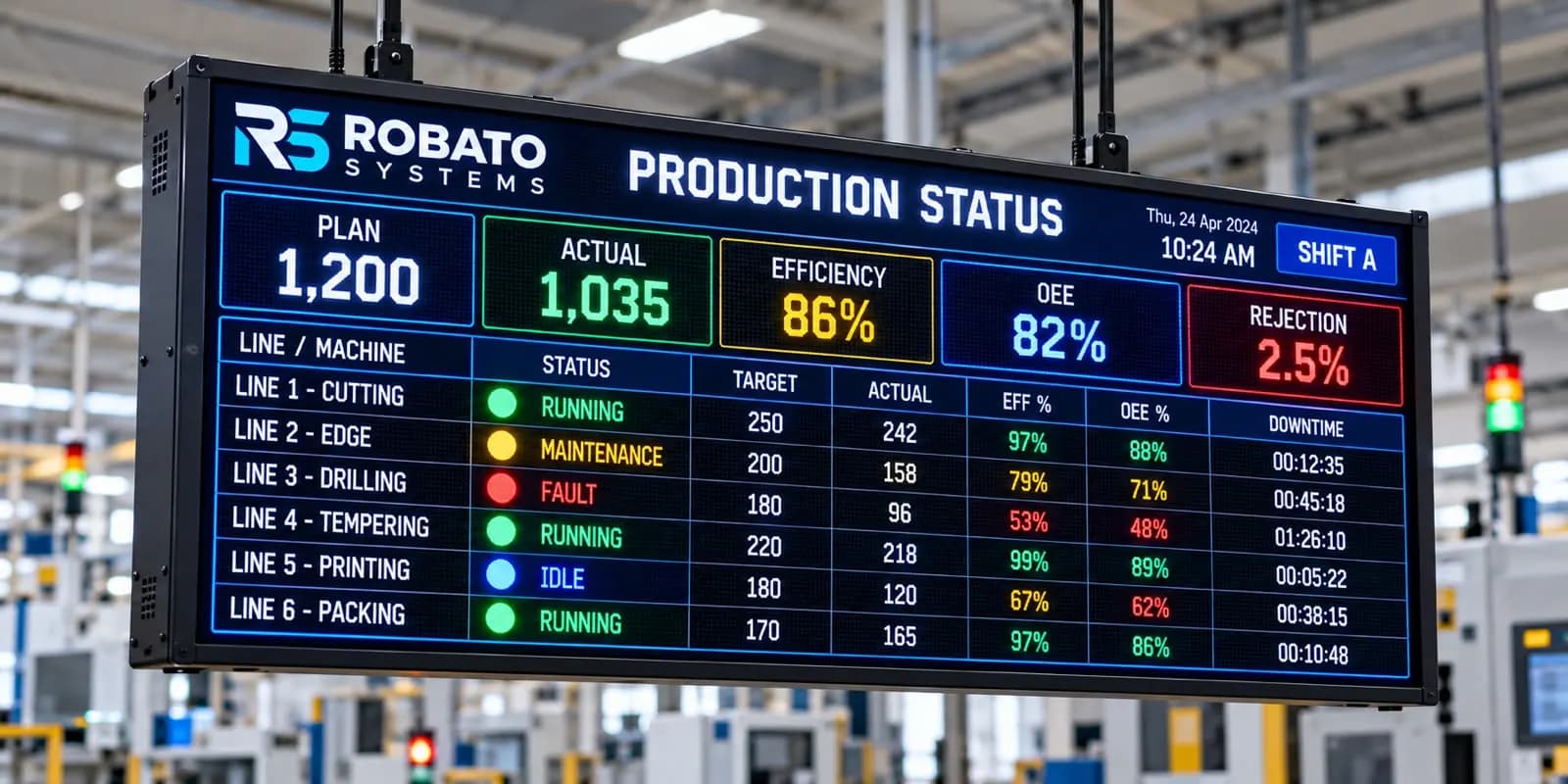
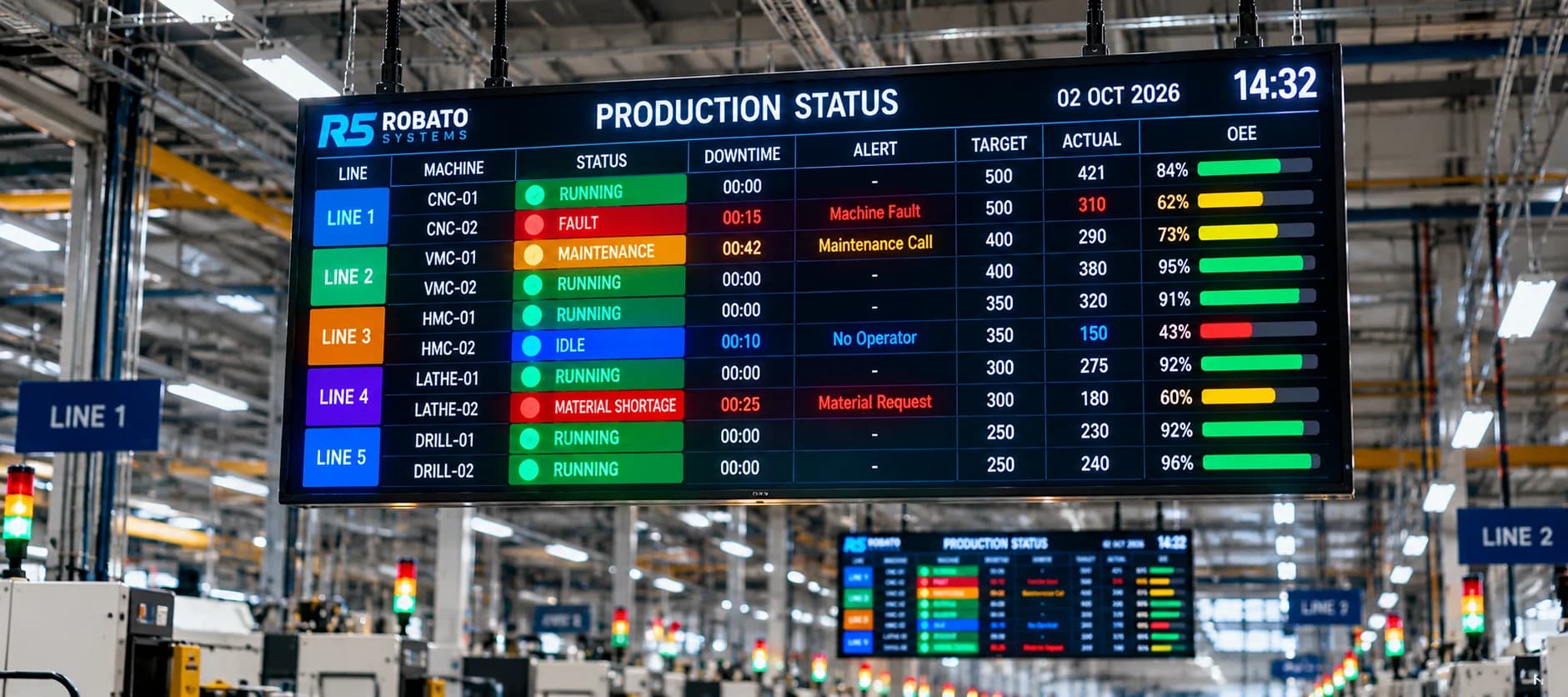
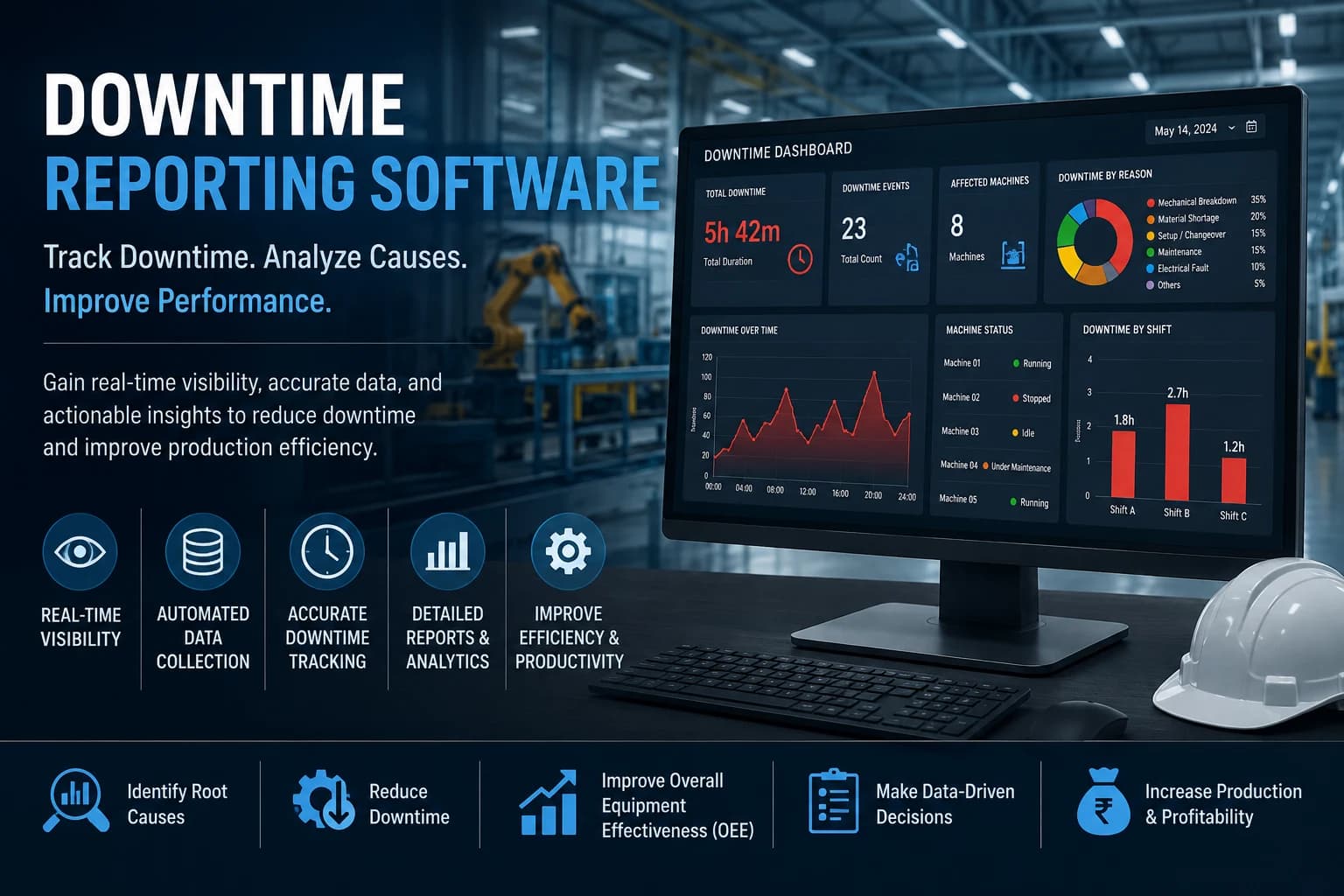
A downtime dashboard can provide a visual overview of machine performance.
Important dashboard metrics can include:
- Total downtime
- Active downtime
- Number of downtime events
- Average downtime
- Downtime by machine
- Downtime by reason
- Downtime by shift
- Machine status
A dashboard allows production teams to quickly understand current and historical equipment performance.
Real-Time vs Manual Downtime Reporting
Traditional manual reporting relies on operators or supervisors to record machine stoppages.
This approach can create several challenges.
Manual Reporting
- Requires manual data entry
- Can contain errors
- May be delayed
- Can miss short downtime events
- Requires additional reporting work
Digital Reporting
- Can collect machine data automatically
- Provides faster visibility
- Stores historical information
- Generates reports more efficiently
- Makes analysis easier
Digital reporting can therefore provide manufacturers with more timely and structured downtime information.
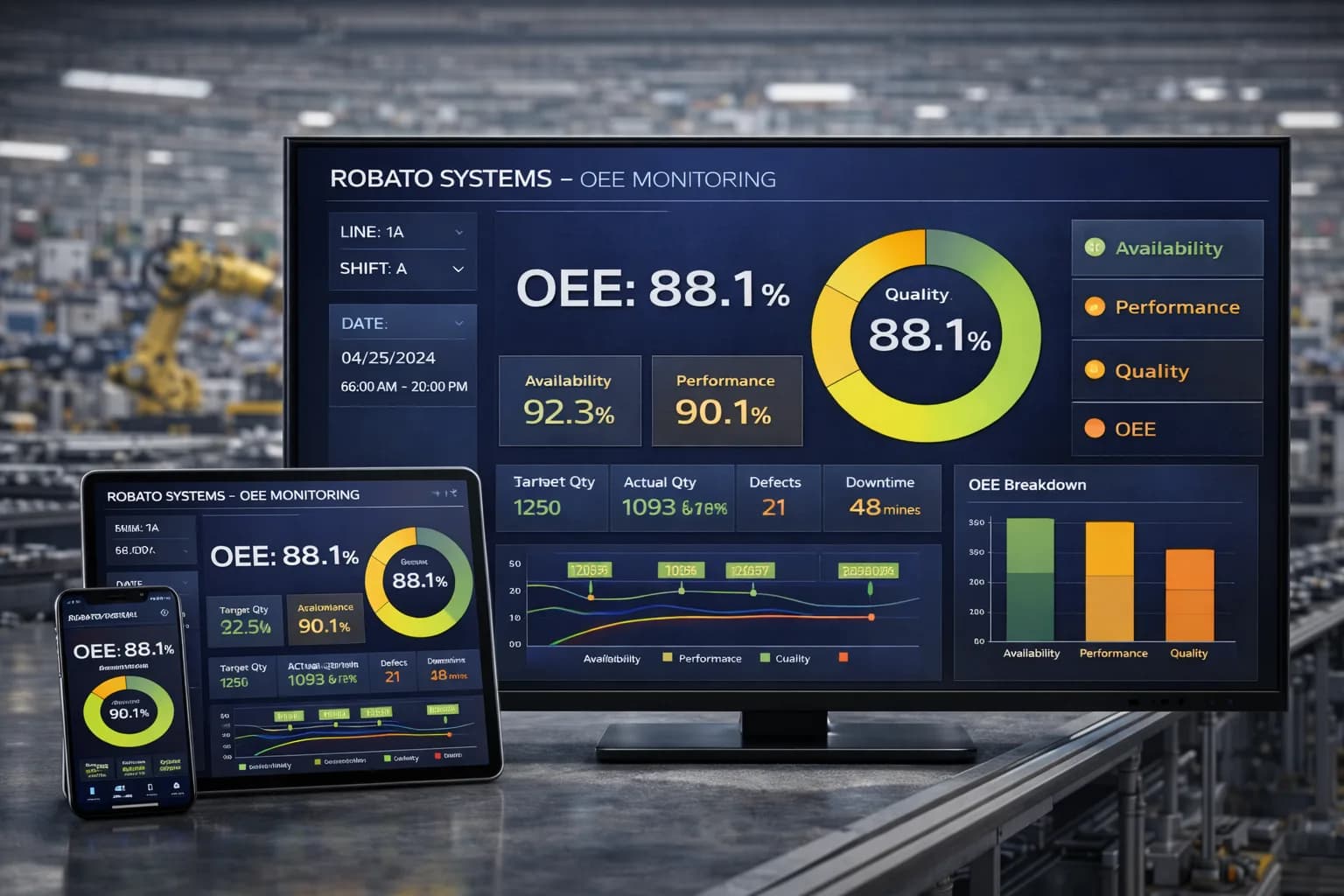
Downtime Reporting and OEE
Downtime reporting is closely connected to OEE.
Overall Equipment Effectiveness measures equipment performance through:
- Availability
- Performance
- Quality
Downtime affects machine availability.
By combining downtime reporting with OEE monitoring, manufacturers can better understand the relationship between machine stoppages and overall equipment performance.
Downtime Reporting for Maintenance Teams
Maintenance teams can use downtime reports to identify equipment reliability problems.
They can analyze:
- Frequent breakdowns
- Long repair times
- Repeated failure causes
- Machine-wise downtime
- Maintenance-related downtime
This information can help maintenance teams prioritize their activities.
Downtime Reporting for Production Managers
Production managers can use downtime reports to understand how equipment interruptions affect production.
They can compare downtime with:
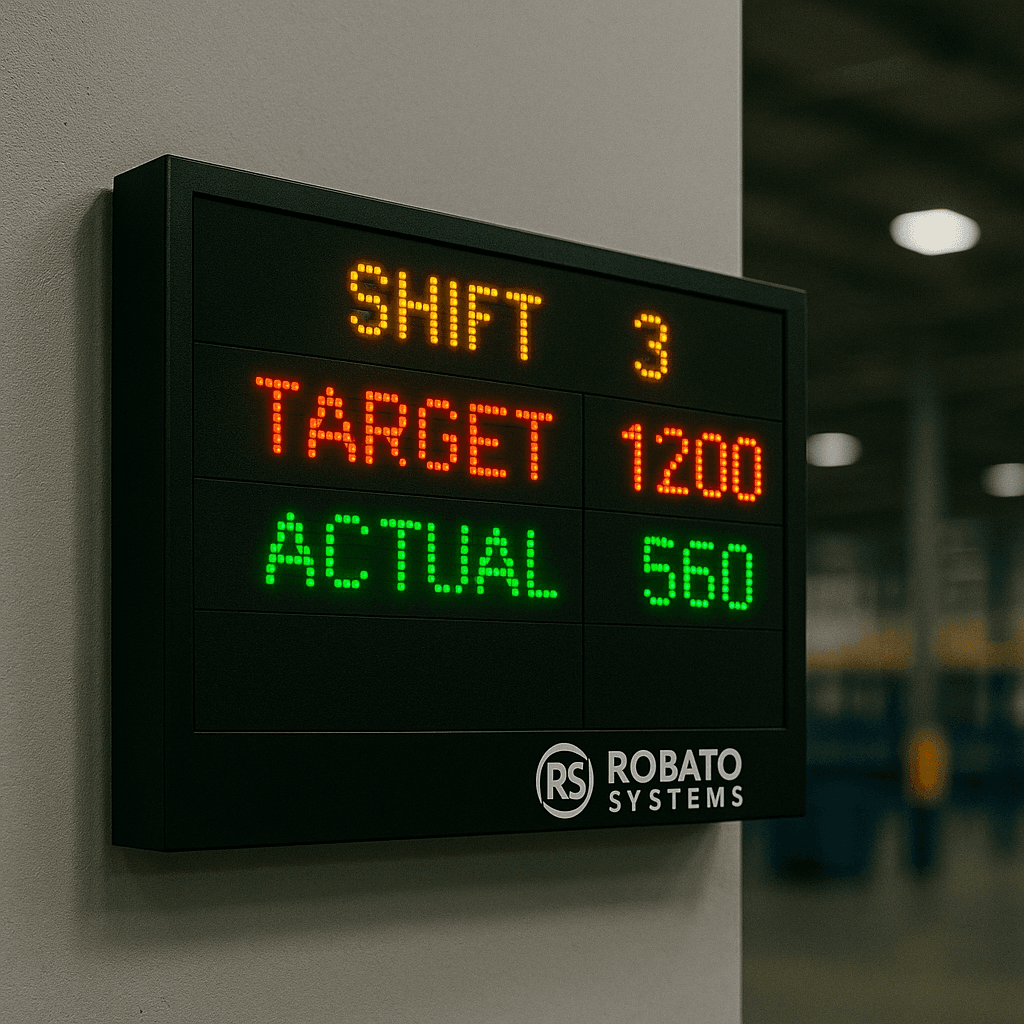
- Production targets
- Actual production
- Machine utilization
- OEE
- Shift performance
This helps managers identify production areas requiring improvement.
Downtime Reporting for Plant Managers
Plant managers can use downtime reports to compare machines and production lines.
Reports can help identify:
- High-downtime equipment
- Production bottlenecks
- Recurring breakdown causes
- Underperforming production areas
This information can support broader operational improvement decisions.
Downtime Reporting and Industry 4.0
Industry 4.0 focuses on connected equipment, real-time data, automation, and digital manufacturing processes.
Downtime reporting can become part of this connected environment.
Machines can provide information through:
- PLCs
- Sensors
- Machine controllers
- Industrial IoT devices
- Industrial gateways
The data can then be processed and displayed through digital dashboards.
This creates better visibility into equipment performance and production interruptions.
Downtime Reporting for Legacy Machines
Many manufacturing plants operate older machines that may not have modern communication interfaces.
Legacy equipment can often be connected using:
- Sensors
- PLC signals
- Industrial gateways
- IoT devices
This allows older equipment to be included in digital downtime reporting without necessarily replacing the machine.
How to Implement Downtime Reporting Software
Manufacturers can follow a structured approach when implementing downtime reporting.
Step 1: Identify Important Machines
Start with machines that have a significant effect on production.
Step 2: Identify Available Machine Signals
Determine whether machine status can be obtained from PLCs, sensors, controllers, or other sources.
Step 3: Define Downtime Categories
Create standardized downtime reasons.
Step 4: Connect the Machines
Use appropriate connectivity methods to collect machine status information.
Step 5: Configure Reports
Create machine-wise, shift-wise, reason-wise, and production-line reports.
Step 6: Monitor Downtime
Track downtime in real time and record historical events.
Step 7: Analyze the Results
Identify recurring downtime patterns and major sources of production loss.
Step 8: Take Corrective Action
Use the reports to prioritize maintenance and process improvement activities.
Best Practices for Downtime Reporting
Use Standard Downtime Categories
Consistent categories make reports easier to compare.
Automate Data Collection
Automatic collection can reduce manual errors and improve reporting speed.
Track Both Frequency and Duration
A large number of short stops can be just as important as a few long breakdowns.
Review Reports Regularly
Regular analysis helps identify recurring problems.
Connect Reports with OEE
Combining downtime and OEE provides a broader view of equipment performance.
Focus on Actionable Data
Reports should help teams identify problems and take corrective action rather than simply display numbers.
Common Challenges with Downtime Reporting
Inconsistent Data
Different operators may record similar problems differently.
Manual Errors
Manual entry can lead to incorrect durations or missing events.
Lack of Real-Time Visibility
Traditional reports may only become available after a production shift.
Too Much Unstructured Data
Large amounts of information can become difficult to analyze without standardized categories.
No Corrective Action
Reports alone will not reduce downtime unless teams investigate the causes and implement improvements.
Why Choose Robato Systems?
Robato Systems provides manufacturing monitoring solutions designed to improve production and machine visibility.
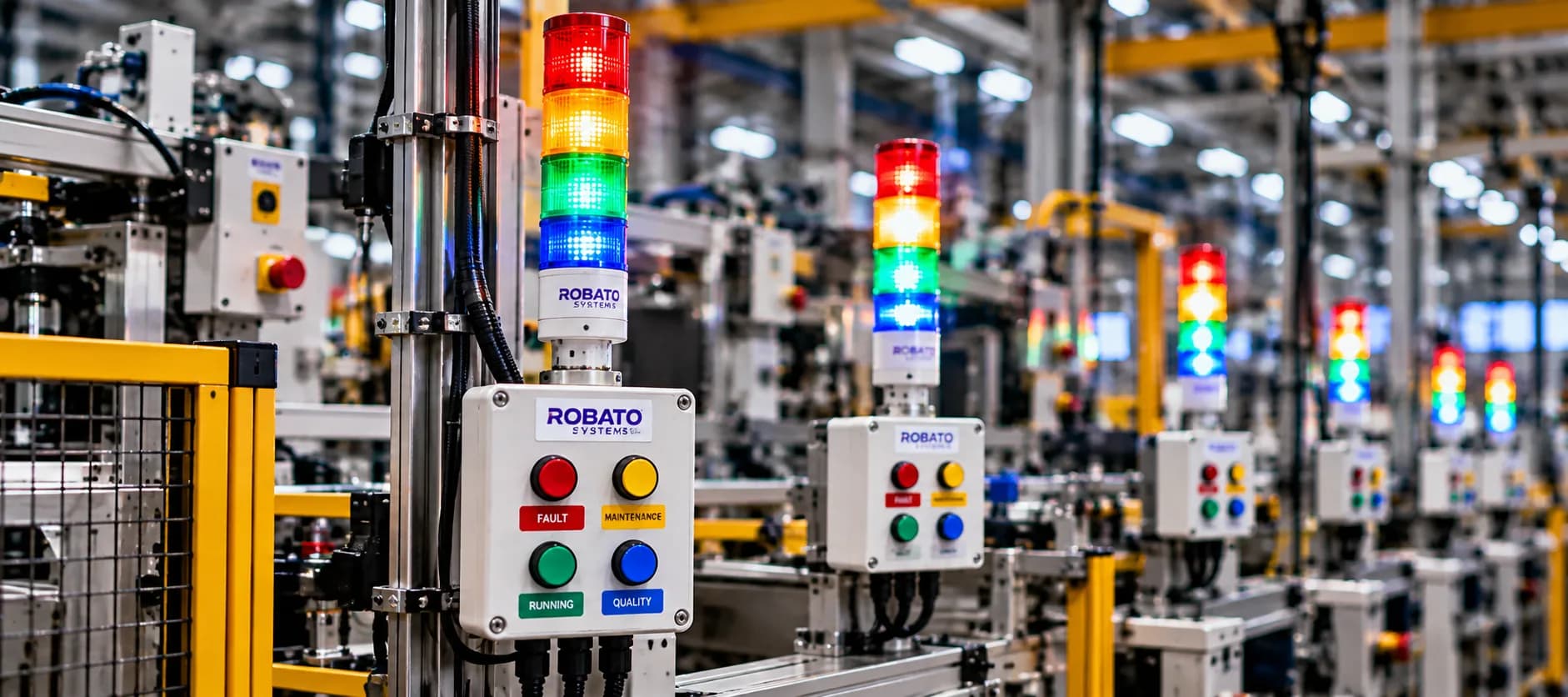
The solution can connect with machines, PLCs, sensors, production counters, and Industrial IoT devices.
Manufacturers can monitor:
- Machine status
- Downtime
- Production output
- OEE
- Availability
- Performance
- Quality
- Machine utilization
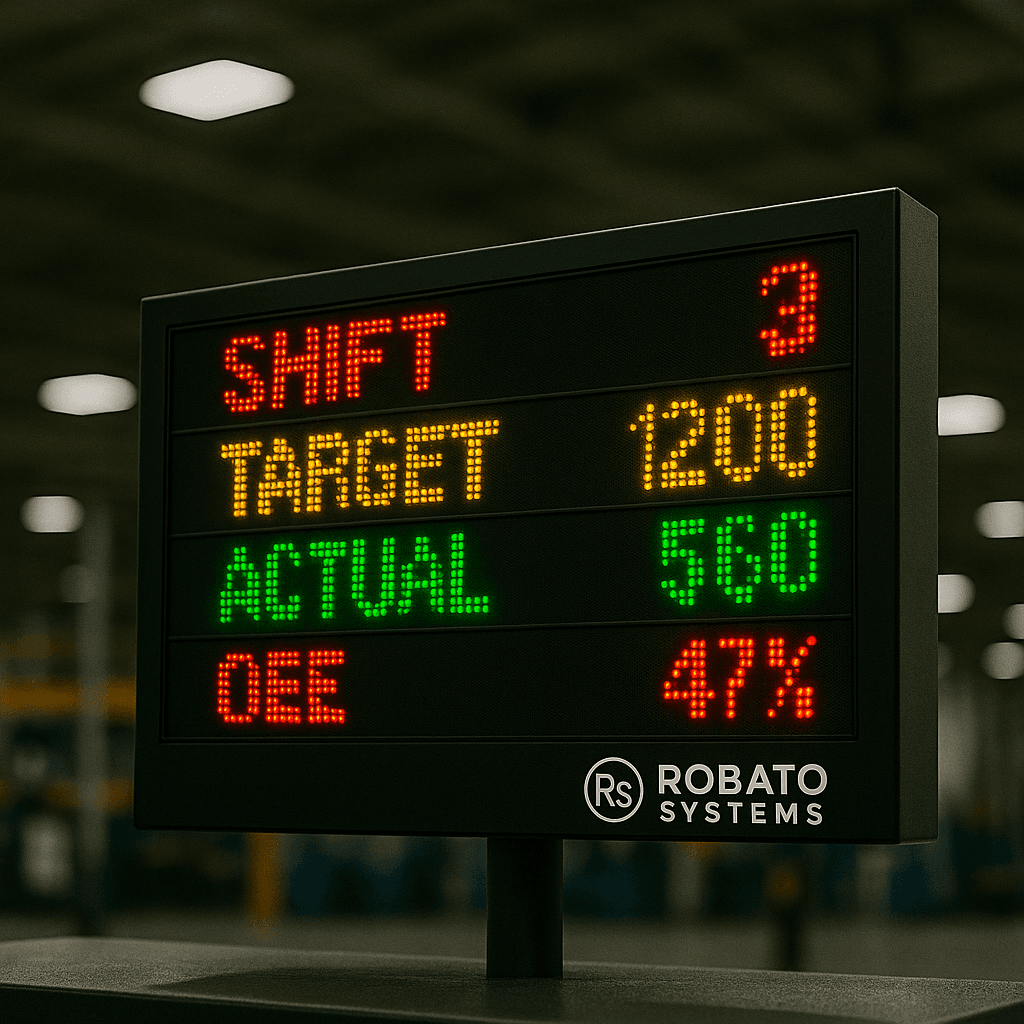
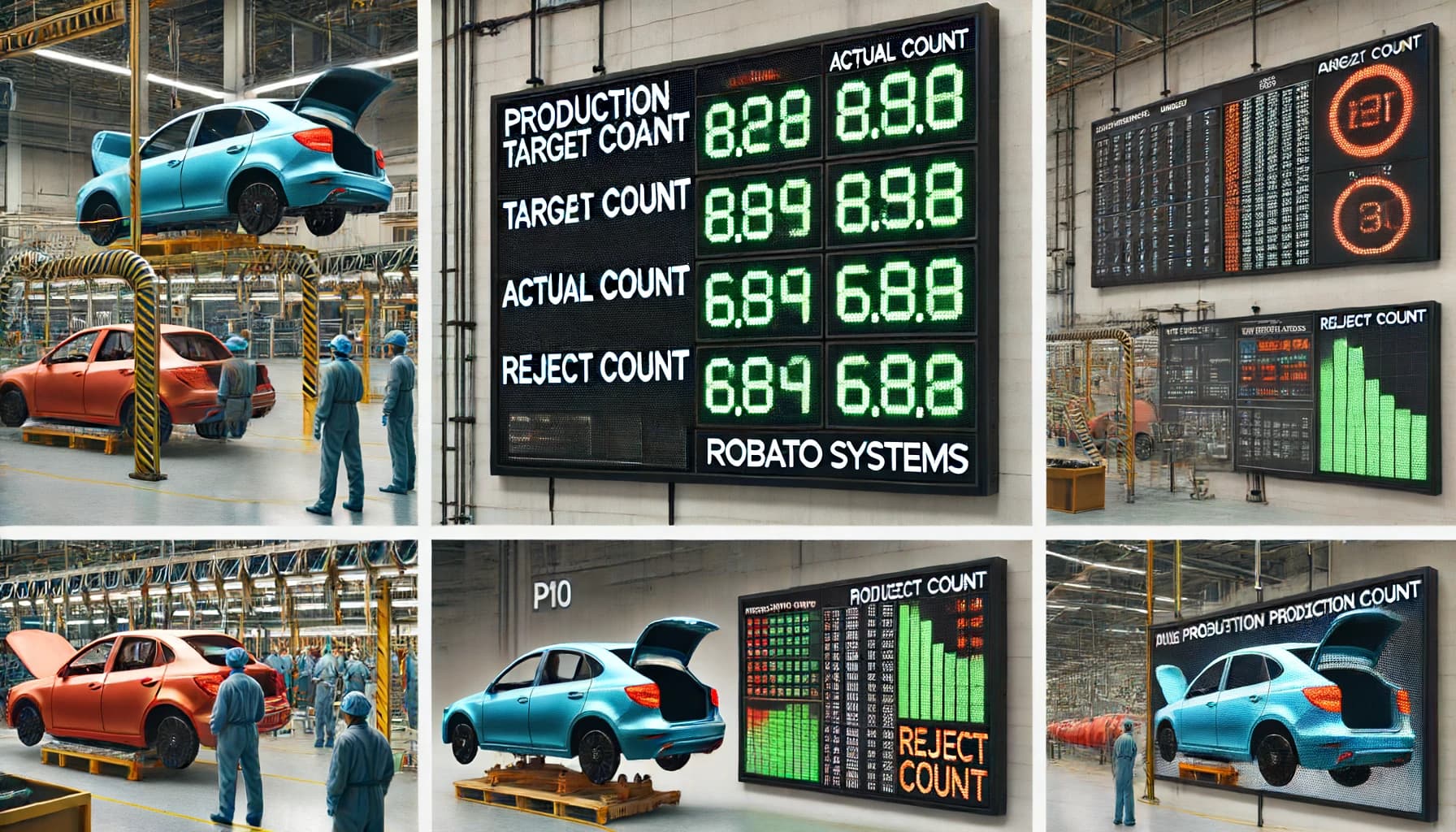
- Production targets
- Actual production
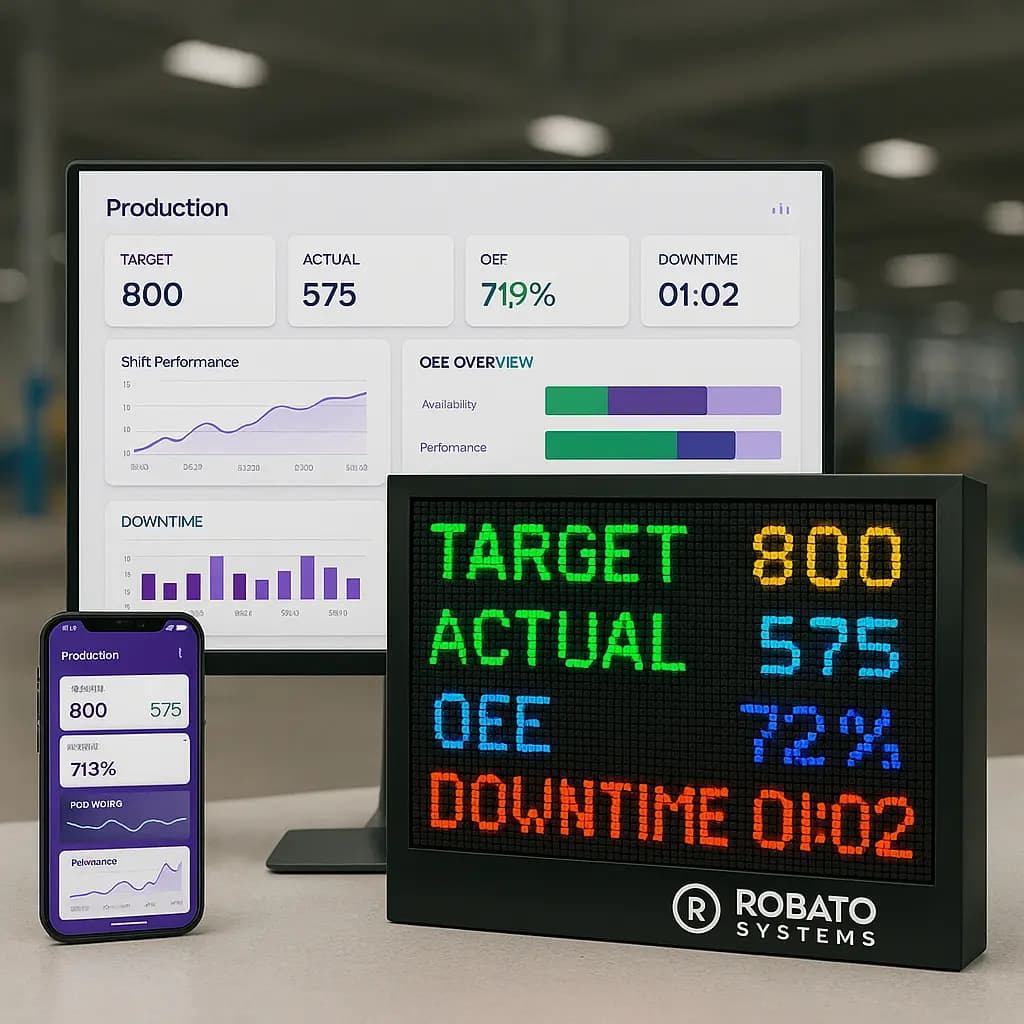
Digital dashboards can help production and maintenance teams monitor downtime and analyze manufacturing performance.
Conclusion
Downtime Reporting Software can help manufacturers move from manual downtime records to structured digital production information.
By tracking machine stoppages, downtime duration, downtime reasons, machine performance, and historical trends, production and maintenance teams can gain better visibility into equipment losses.
Real-time dashboards can help teams identify active downtime quickly, while historical reports can reveal recurring problems and long-term performance trends.
When downtime reporting is combined with machine monitoring, OEE, maintenance planning, and continuous improvement, manufacturers can make better decisions and work toward reducing unnecessary production losses.
Frequently Asked Questions
What is Downtime Reporting Software?
Downtime Reporting Software is a digital solution used to record, analyze, and report machine stoppages and equipment downtime.
What information can downtime reports contain?
Reports can include machine name, downtime duration, downtime reason, number of events, shift, production line, and date.
Can downtime reports be generated automatically?
Yes. Connected machines, PLCs, sensors, and Industrial IoT devices can provide data for automated downtime reporting.
How does downtime reporting help maintenance teams?
It helps maintenance teams identify machines with frequent breakdowns and recurring downtime causes.
Can downtime reporting improve OEE?
Yes. Downtime affects equipment availability, which is one of the components of OEE.
What is the difference between downtime tracking and downtime reporting?
Downtime tracking focuses on collecting machine stoppage information, while downtime reporting focuses on organizing and presenting that information for analysis and decision-making.
Can legacy machines be included in downtime reporting?
Yes. Older machines can often be connected through sensors, PLC signals, industrial gateways, or Industrial IoT devices.