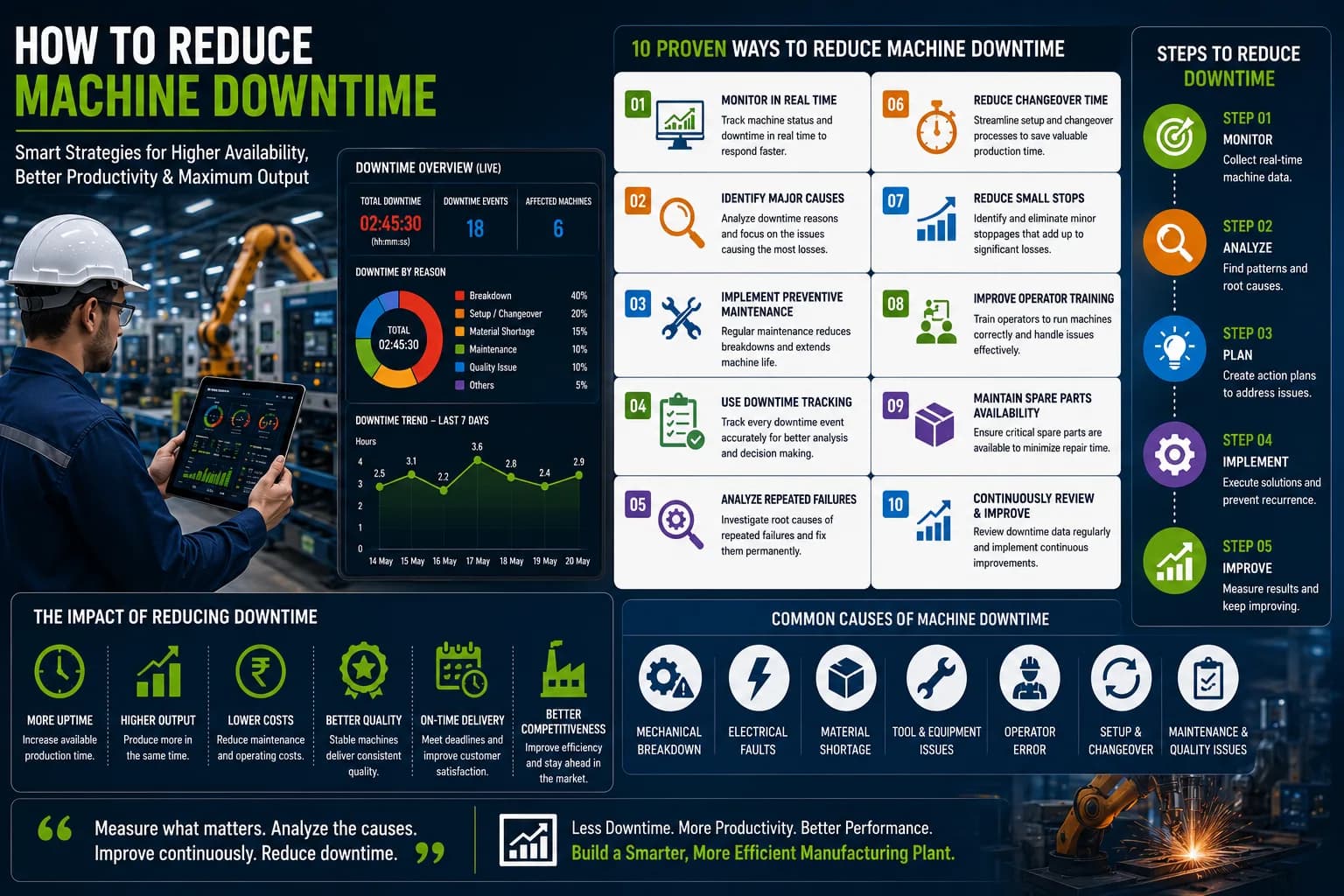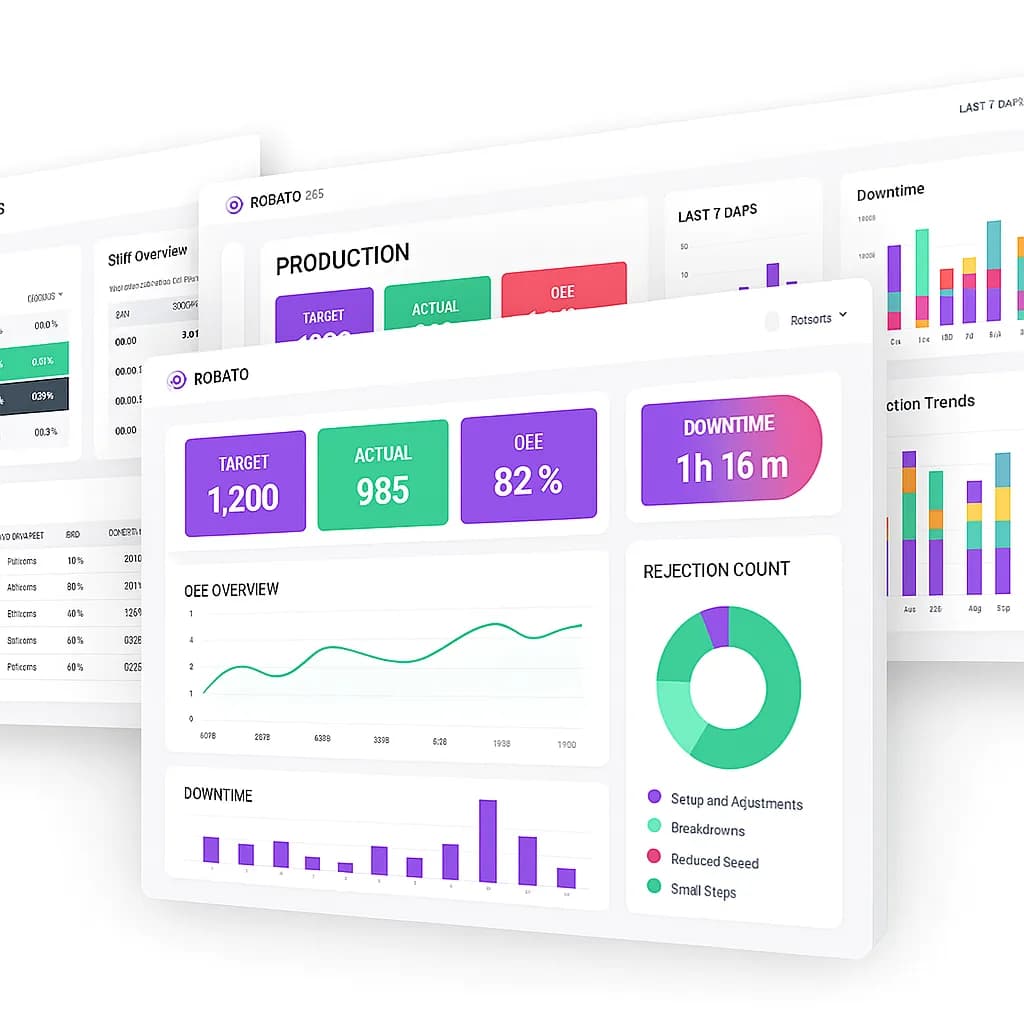
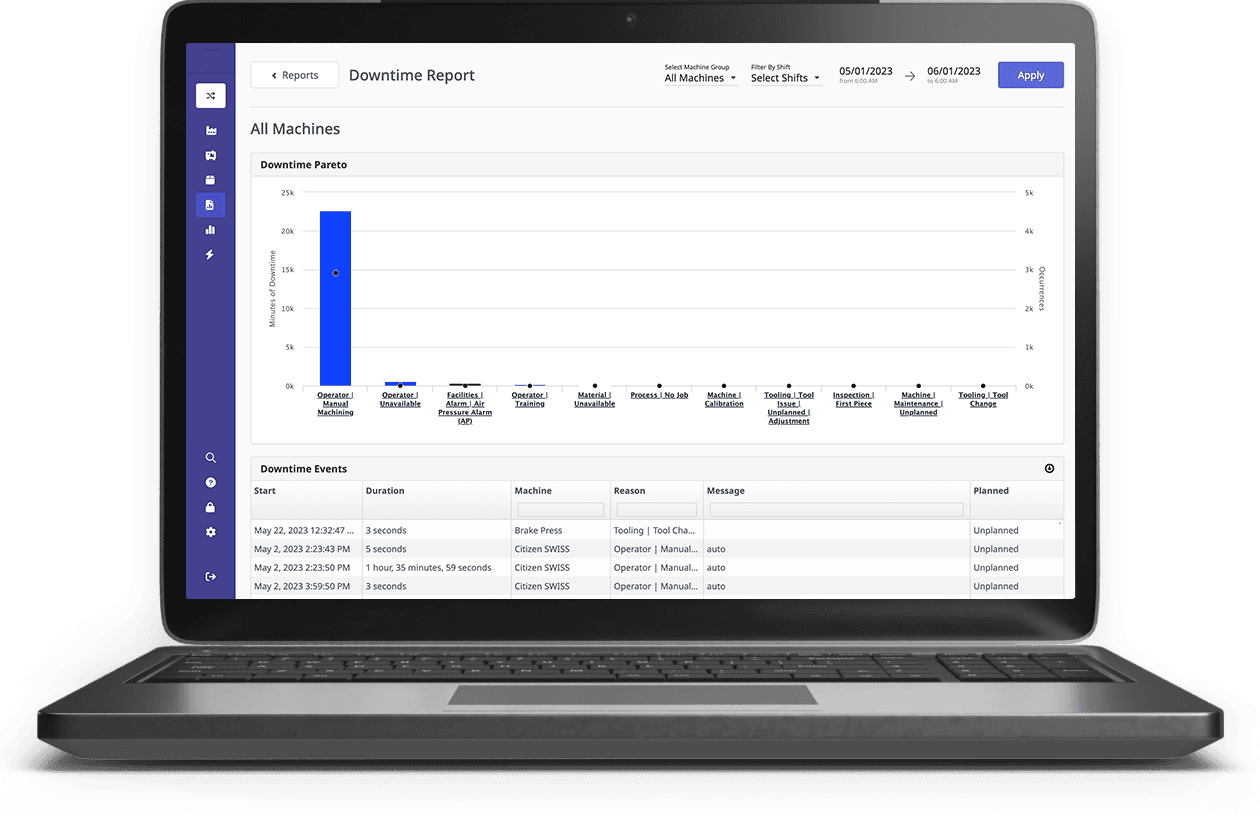
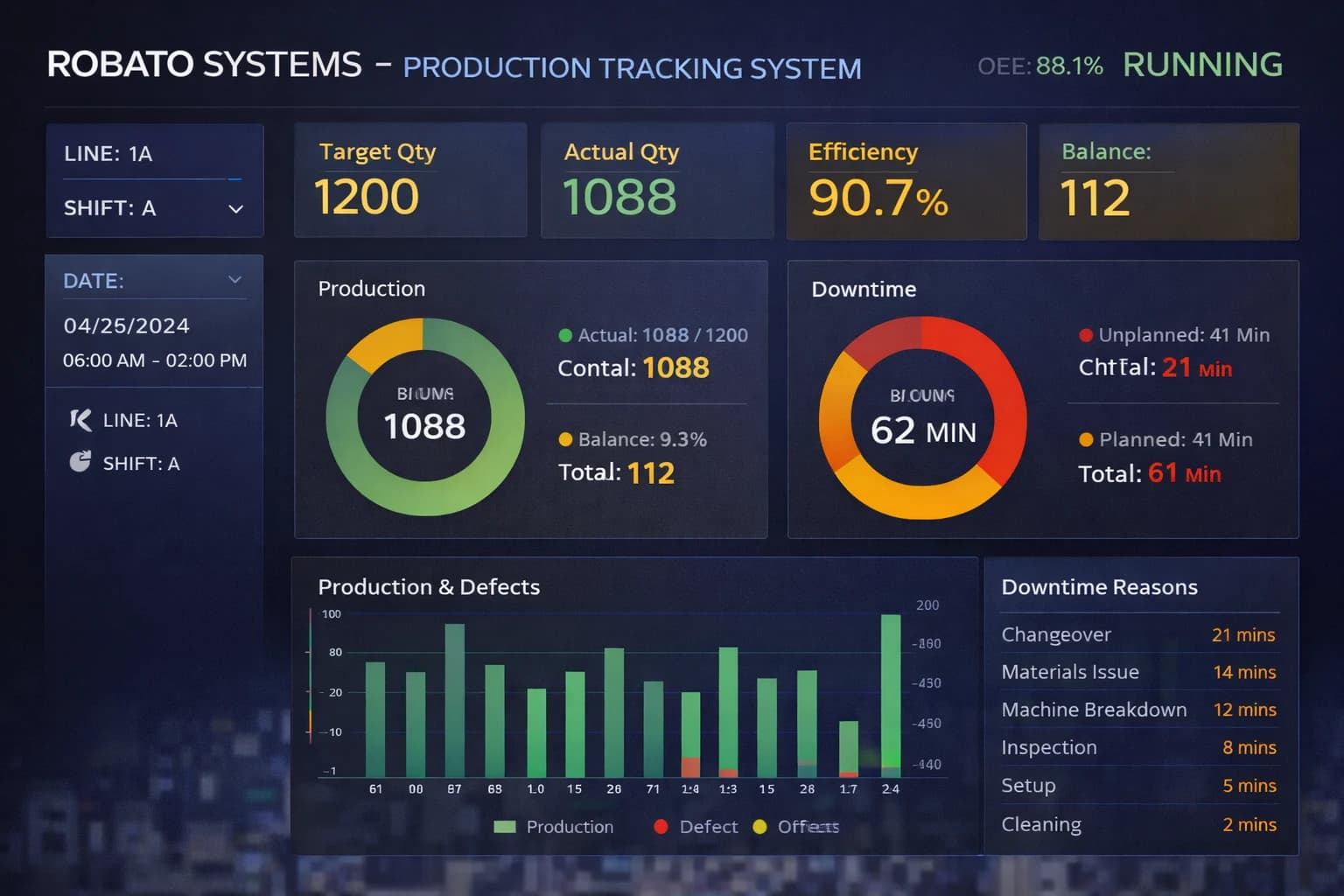
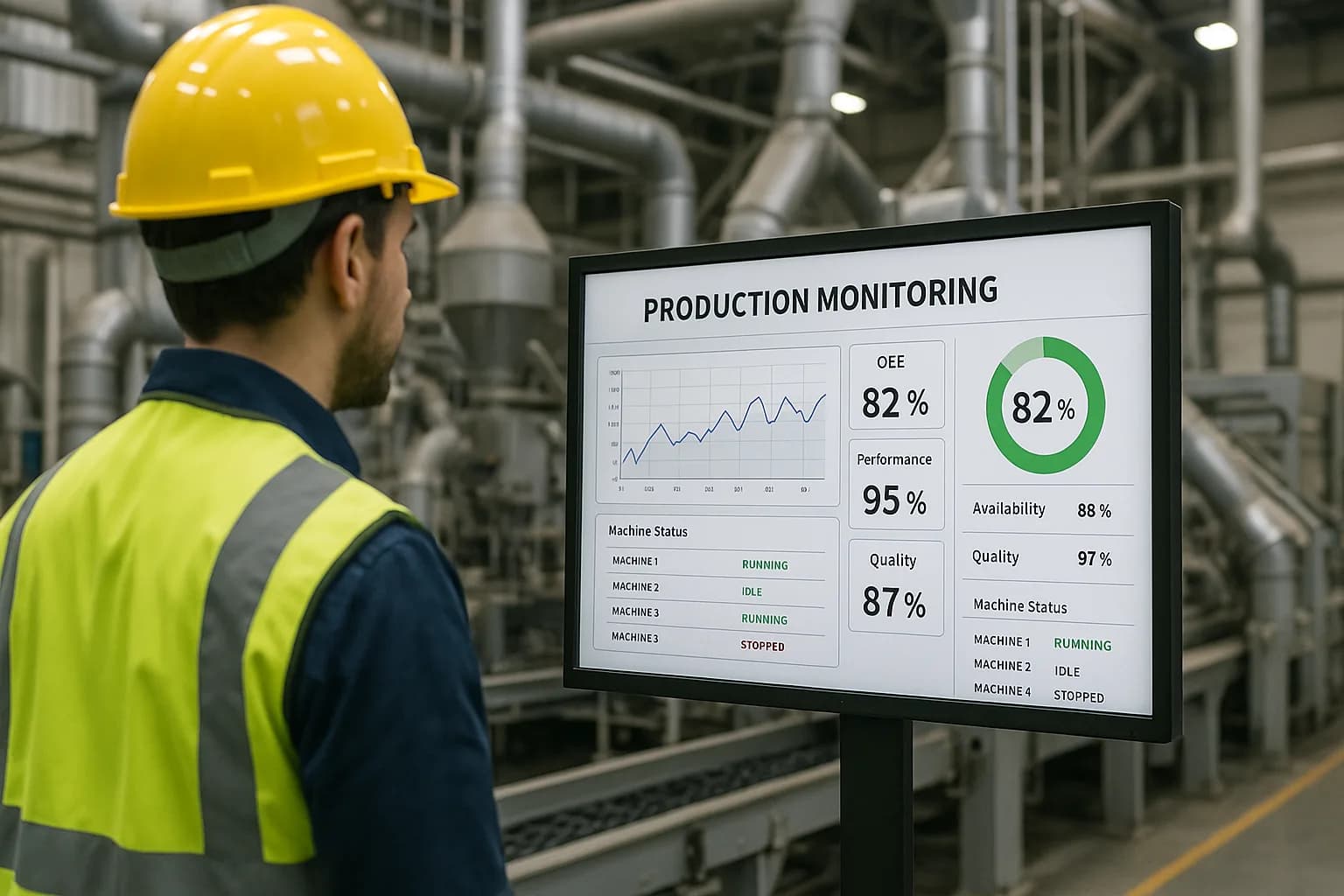
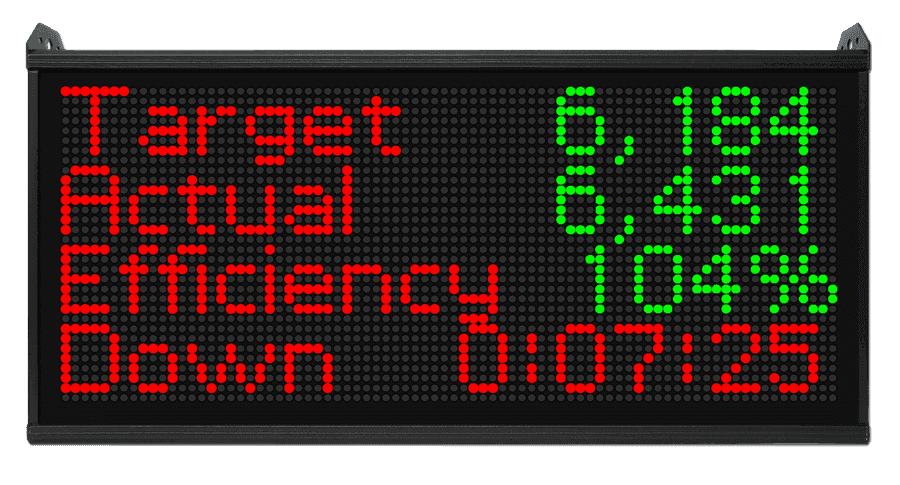
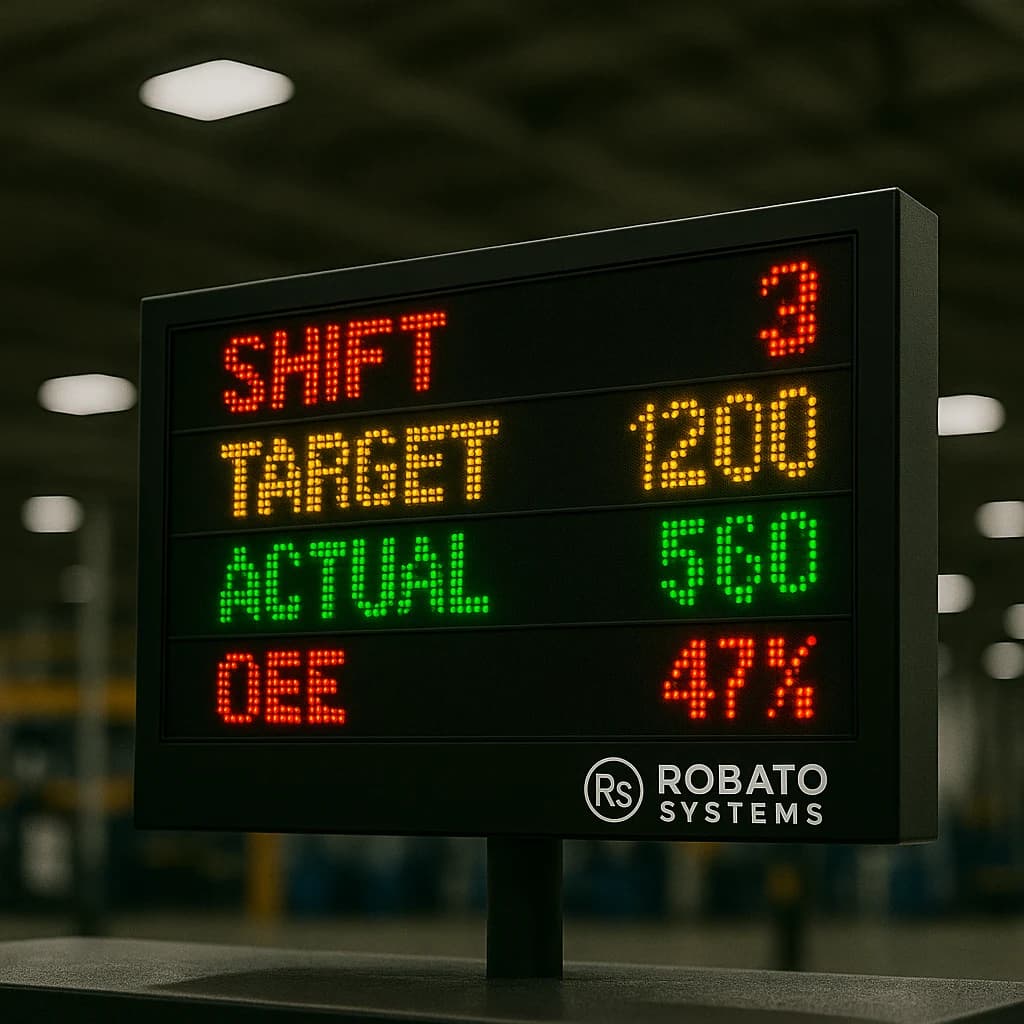
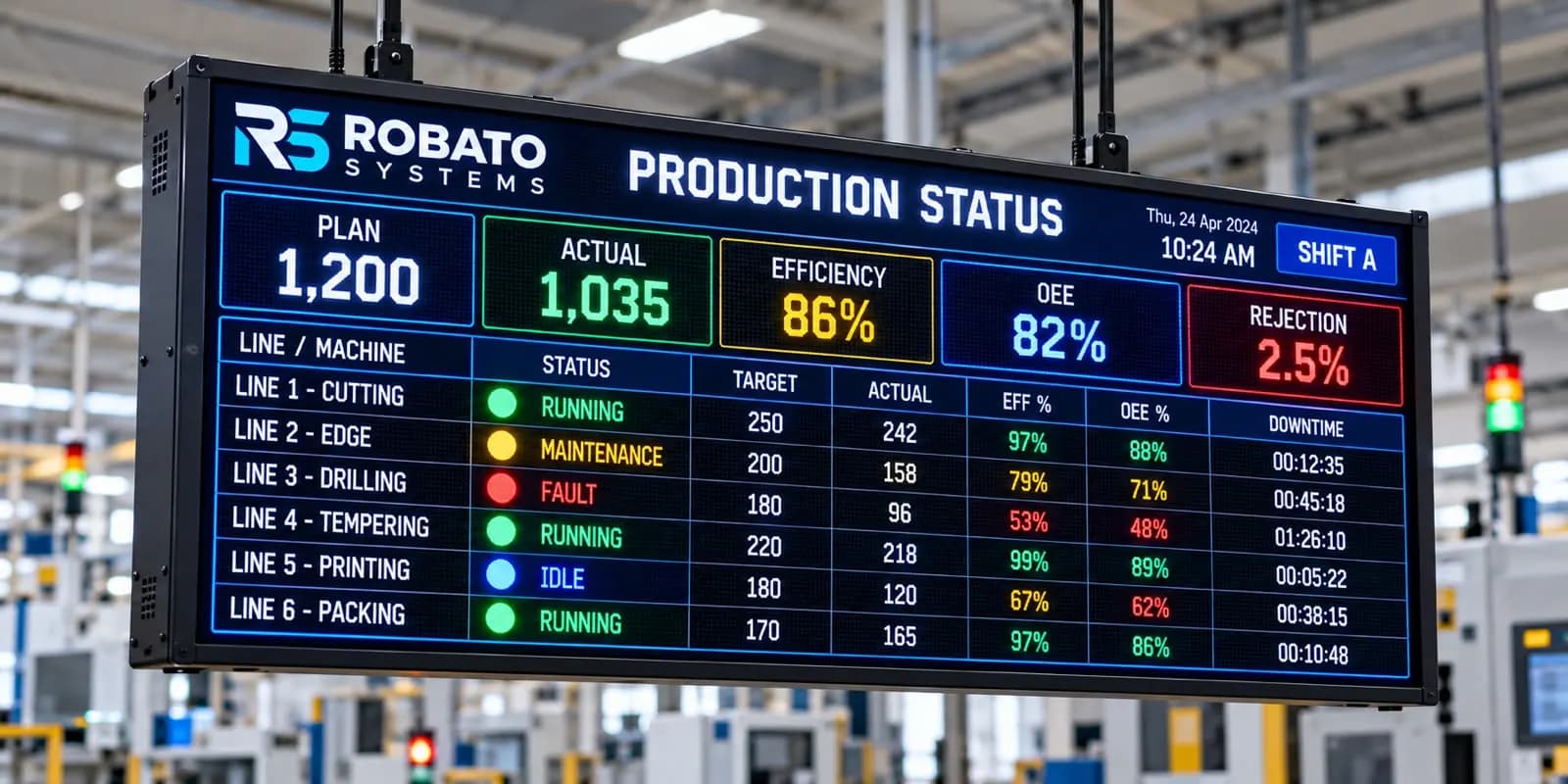
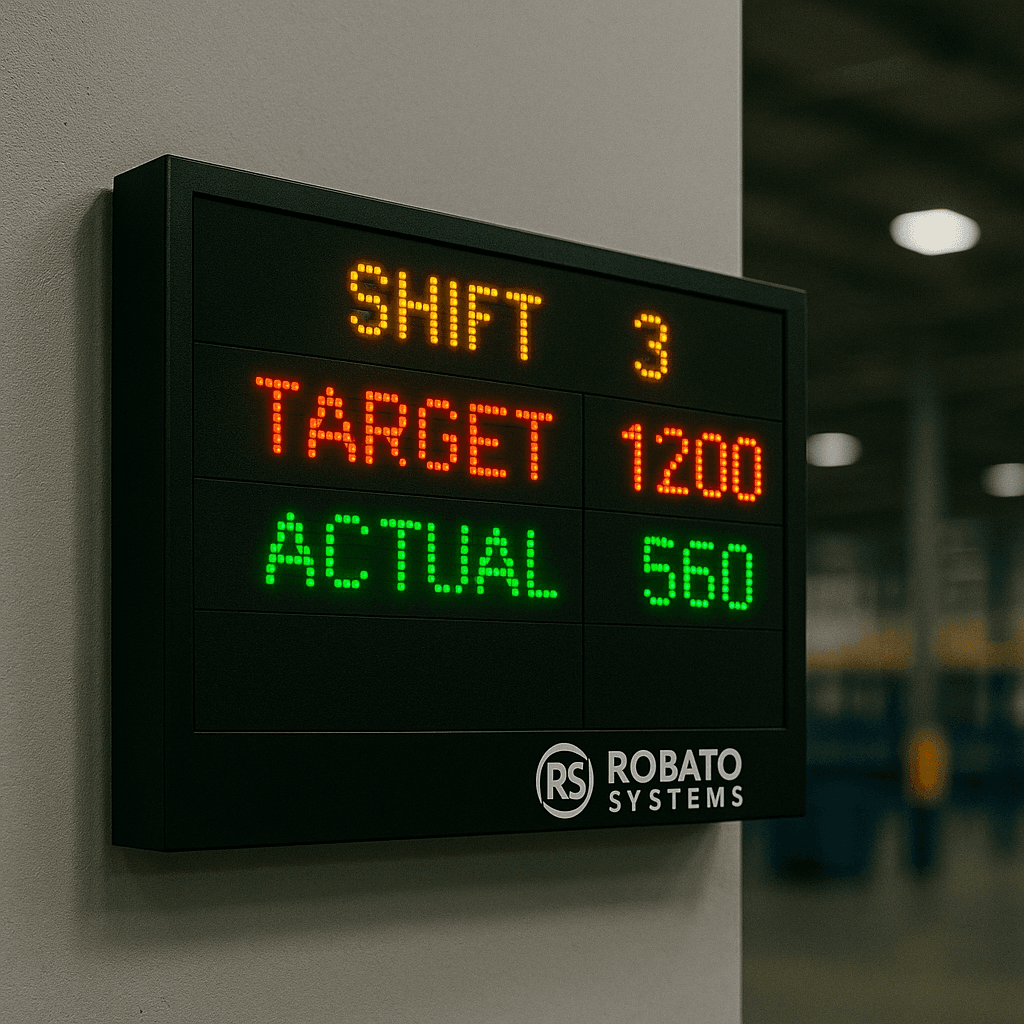
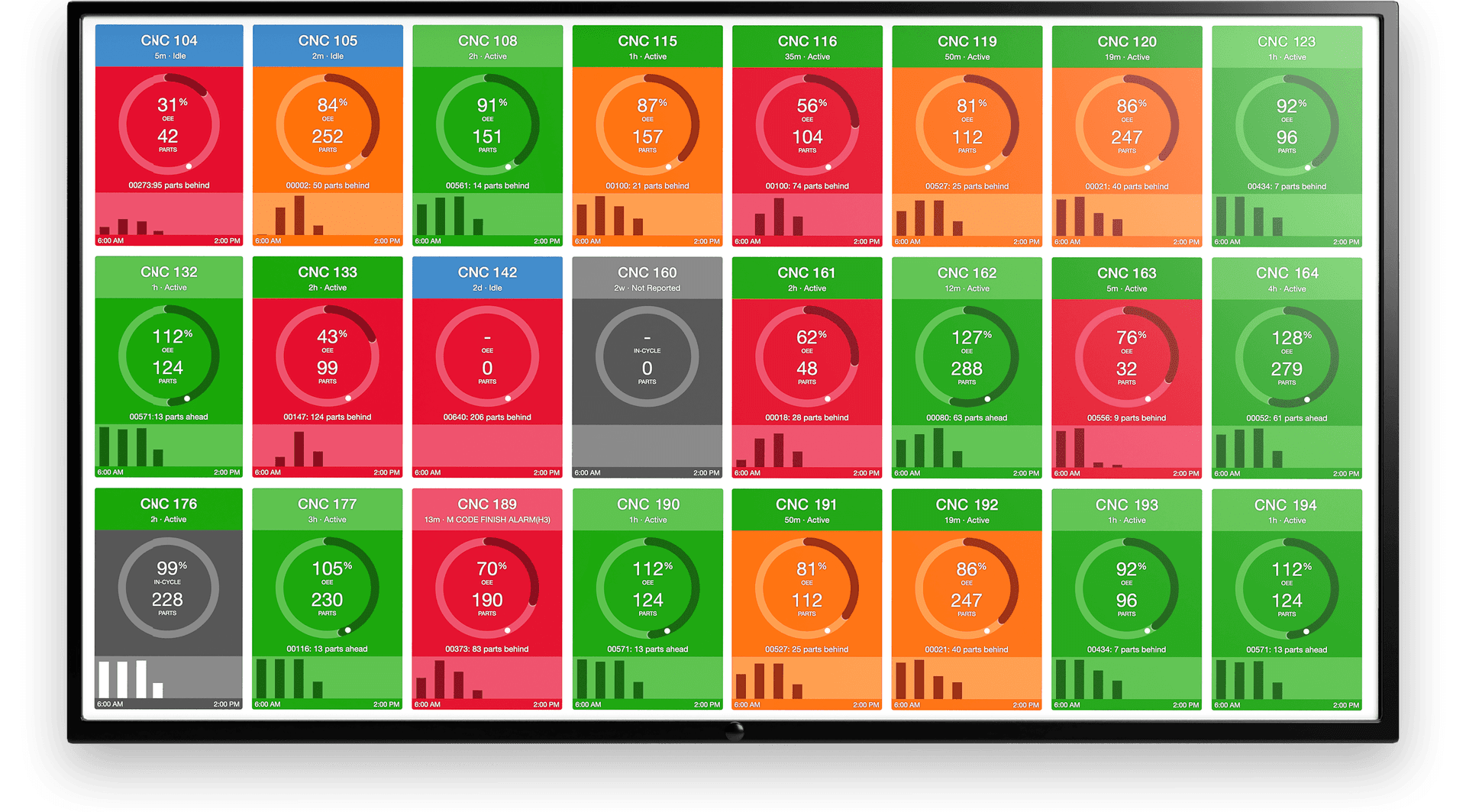
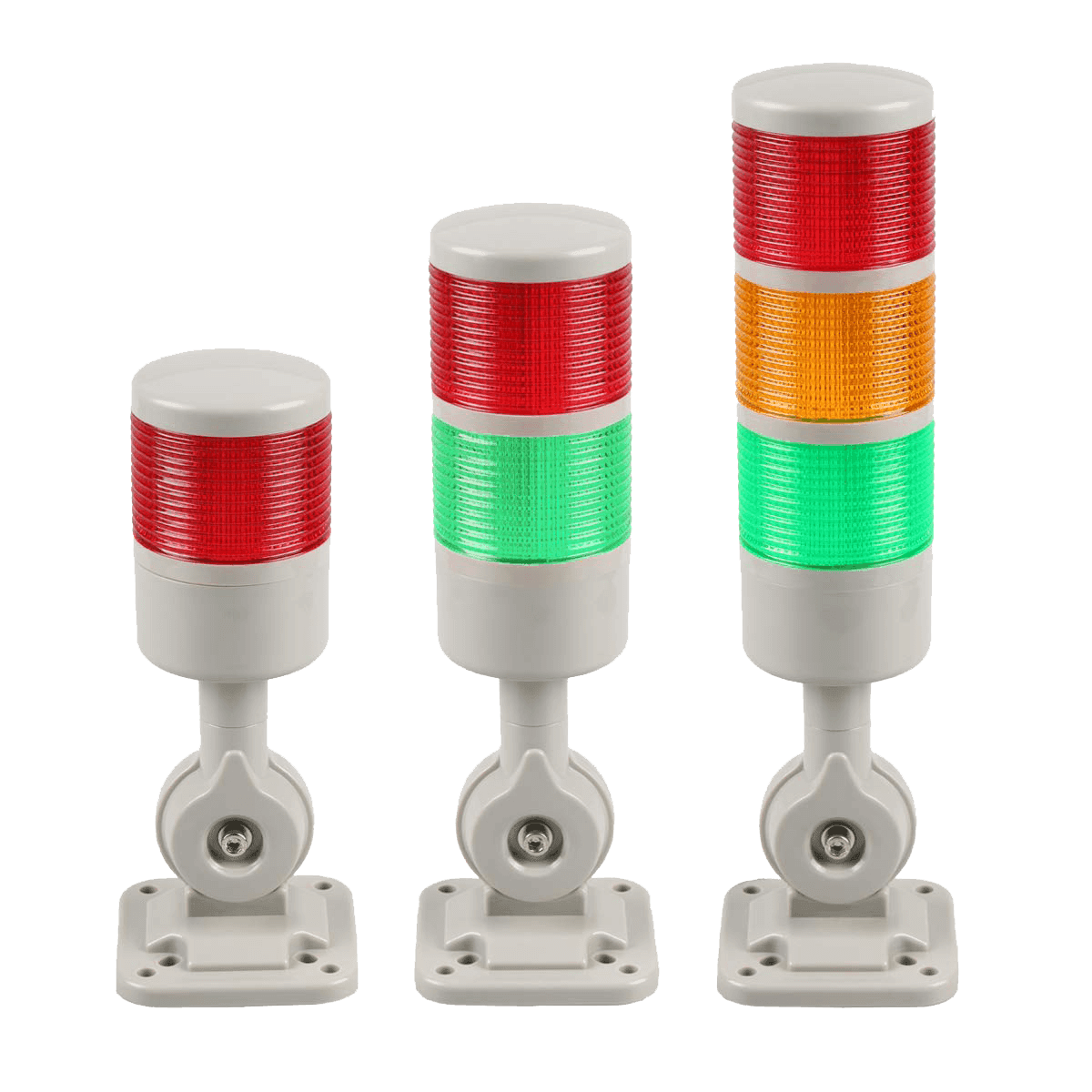
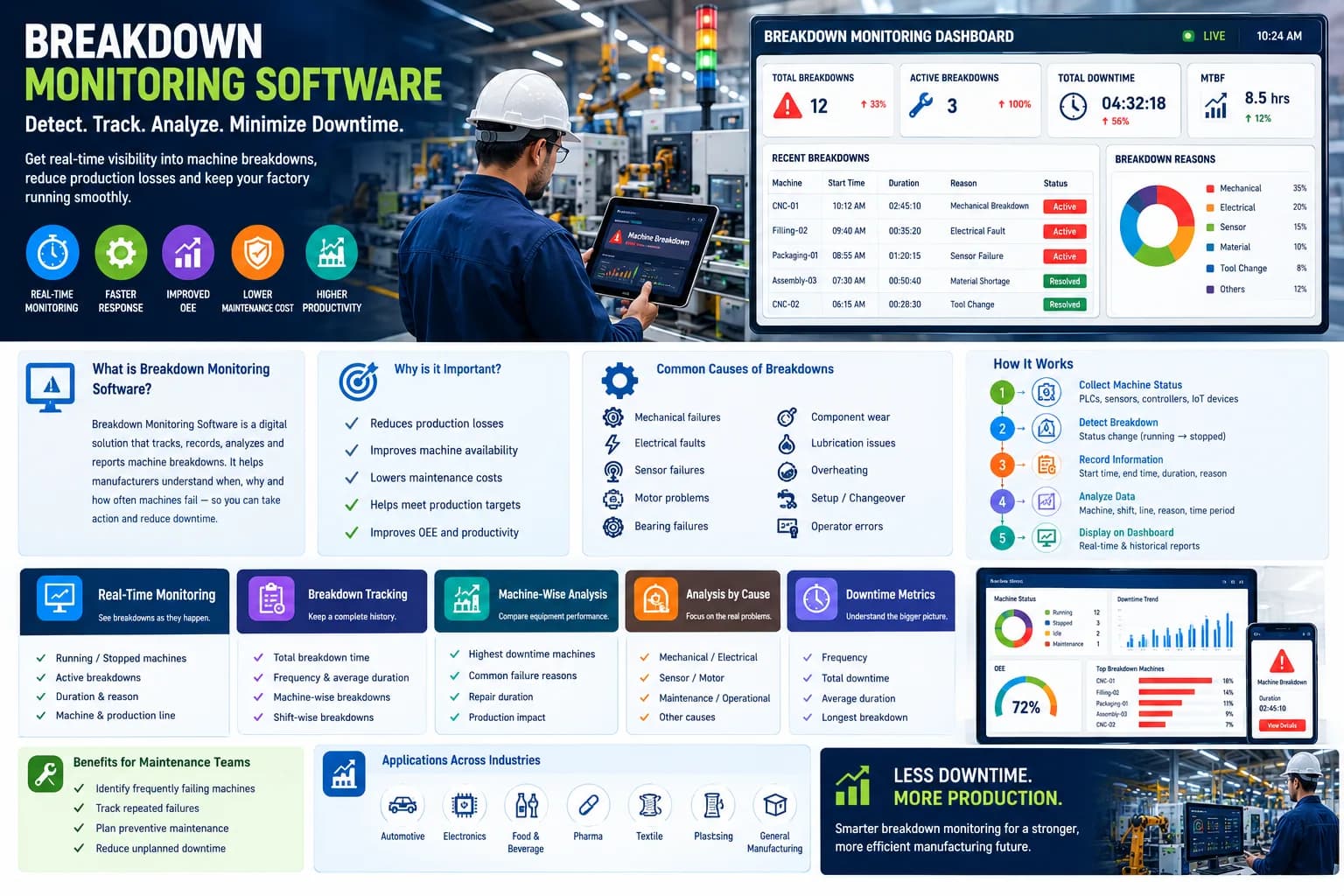
Production downtime is one of the most important factors affecting manufacturing productivity. Whenever a machine stops, a production line is interrupted, or operators wait for maintenance or materials, valuable production time is lost.
For manufacturers, simply knowing that downtime occurred is not enough. Production teams need to know when the downtime happened, which machine caused it, how long it lasted, why it occurred, and how frequently it happens.
This is where effective production downtime tracking becomes essential.
A structured downtime tracking system allows manufacturers to convert machine stoppages into measurable data. Instead of relying on operator memory, paper records, or spreadsheets, production teams can monitor downtime events and identify the biggest sources of production loss.
In this guide, we will explore different production downtime tracking methods, how automated tracking works, what data should be collected, and how manufacturers can use downtime information to improve production performance.
What Is Production Downtime Tracking?
Production downtime tracking is the process of recording, measuring, categorizing, and analyzing periods when machines or production lines are not producing as expected.
A downtime tracking system can capture information such as:
- Machine stop time
- Downtime start time
- Downtime end time
- Downtime duration
- Downtime reason
- Machine or production line
- Shift
- Operator
- Production order
- Frequency of breakdowns
- Planned versus unplanned downtime
The purpose is not simply to maintain a record of machine stoppages. The real objective is to understand production losses and their causes.
For example, a manufacturing plant may discover that a machine lost 420 minutes during a shift. Further analysis could reveal:
- 180 minutes due to machine breakdown
- 100 minutes due to material shortage
- 60 minutes due to setup
- 40 minutes due to quality issues
- 40 minutes due to operator-related delays
This information provides production managers with a much clearer picture of where improvement is required.
Why Is Production Downtime Tracking Important?
Downtime directly affects production capacity.
If a machine is scheduled to operate for eight hours but spends one hour stopped, the plant has potentially lost one-eighth of its available production time.
Without accurate tracking, these losses can remain hidden.
1. Identifies Major Sources of Production Loss
Downtime tracking helps production teams determine which problems are responsible for the largest amount of lost time.
Instead of saying "the machine stops frequently," managers can identify:
Machine A → 240 minutes downtime → Mechanical breakdown
This makes corrective action much easier.
2. Improves Machine Availability
Machine availability is strongly influenced by downtime.
By monitoring downtime trends, maintenance teams can identify machines that consistently experience failures and prioritize them for preventive maintenance.
3. Reduces Repeated Downtime
Repeated downtime events are often more important than isolated incidents.
If the same machine experiences the same failure several times every week, the problem may require root cause analysis rather than another temporary repair.
4. Improves Production Planning
Accurate downtime information helps planners understand the actual capacity of production equipment.
Historical downtime data can be used when estimating realistic production schedules.
5. Supports OEE Improvement
Downtime is directly related to the Availability component of Overall Equipment Effectiveness.
Reducing unplanned downtime can therefore contribute to better OEE performance.
Common Production Downtime Tracking Methods
Manufacturers use different approaches depending on their plant size, machine infrastructure, and level of automation.
The most common methods include:
- Manual downtime logs
- Paper-based downtime recording
- Spreadsheet-based tracking
- Operator-based digital entry
- Machine signal-based tracking
- PLC-based tracking
- Automated downtime monitoring software
- Integrated IIoT-based tracking
Let's look at each method.
1. Manual Downtime Logs
One of the simplest methods is manually recording downtime whenever a machine stops.
An operator may write down:
- Machine name
- Start time
- End time
- Reason
- Remarks
Advantages
Manual logs are inexpensive and easy to start with.
They can be useful for smaller facilities where machines do not yet have digital connectivity.
Limitations
However, manual recording has several problems.
Operators may:
- Forget to record an event
- Record incorrect times
- Select inconsistent downtime reasons
- Record downtime after the event
- Miss short stoppages
- Enter incomplete information
As a result, manual records may not accurately represent actual machine behavior.
2. Paper-Based Downtime Sheets
Some factories use dedicated downtime sheets for every shift.
Operators record stoppages throughout the production period.
At the end of the shift, supervisors collect the forms and manually calculate downtime.
This approach can work for basic monitoring but becomes difficult as the number of machines increases.
For example, tracking 50 machines using paper forms can generate a large amount of information that must later be entered and analyzed manually.
3. Spreadsheet-Based Downtime Tracking
Another common approach is using Excel or similar spreadsheets.
Operators or supervisors enter downtime information into a centralized spreadsheet.
Typical columns include:
| Machine | Start Time | End Time | Duration | Reason | Shift |
|---|
Spreadsheets provide better organization than paper records, but they still depend heavily on manual data entry.
They also make real-time monitoring difficult.
Managers may only see the information after someone updates the spreadsheet.
4. Operator-Based Digital Downtime Entry
A more advanced method is to provide operators with a digital interface.
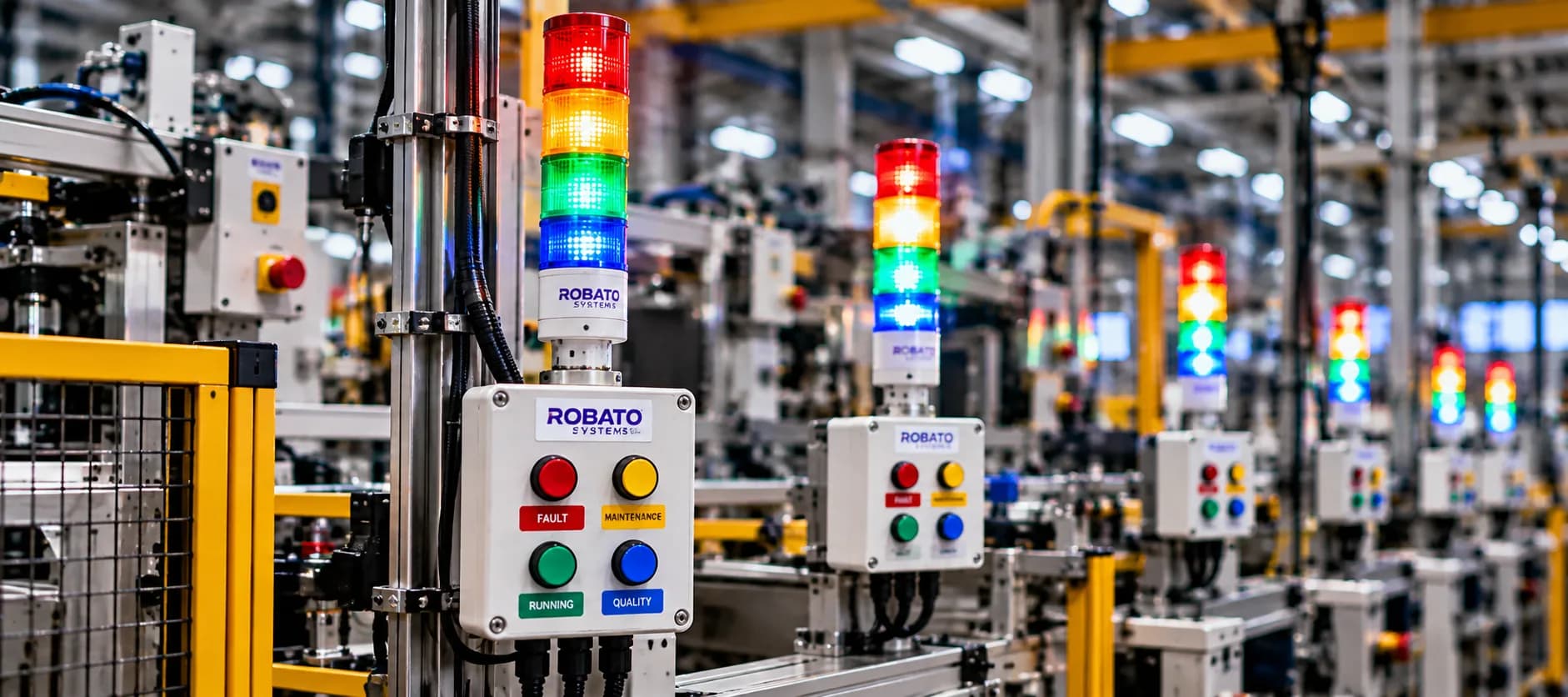
When a machine stops, the operator can select the appropriate downtime reason from a screen.
For example:
- Breakdown
- Material shortage
- Tool change
- Setup
- Quality issue
- No operator
- Waiting for maintenance
- Changeover
This approach improves data consistency and makes reporting easier.
However, it still depends on operators accurately identifying and recording every event.
5. Machine Signal-Based Downtime Tracking
Machines can also be monitored using signals from their control systems.
Signals may come from:
- PLCs
- Sensors
- Machine controllers
- Digital outputs
- Industrial gateways
- Production counters
When the machine changes from running to stopped, the system can automatically detect the event.
This significantly reduces manual recording.
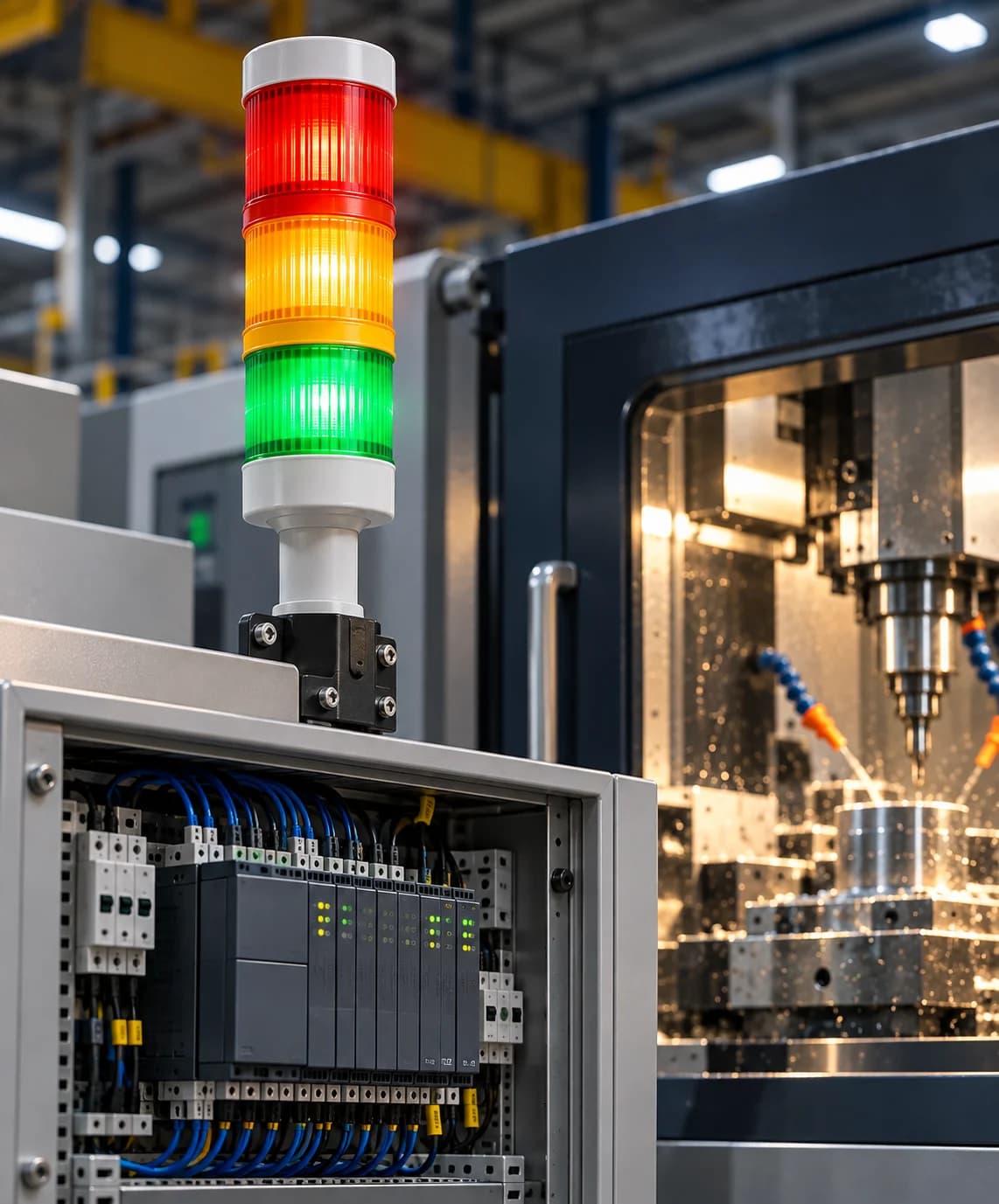
6. PLC-Based Downtime Monitoring
Programmable Logic Controllers are commonly used in industrial machines.
A PLC can provide information about machine states such as:
- Running
- Stopped
- Fault
- Idle
- Cycle complete
A monitoring application can collect these signals and convert them into downtime events.
For example:
10:42 AM → Machine stopped
10:47 AM → Machine restarted
The system can automatically calculate:
Downtime = 5 minutes
This eliminates the need for operators to manually calculate durations.
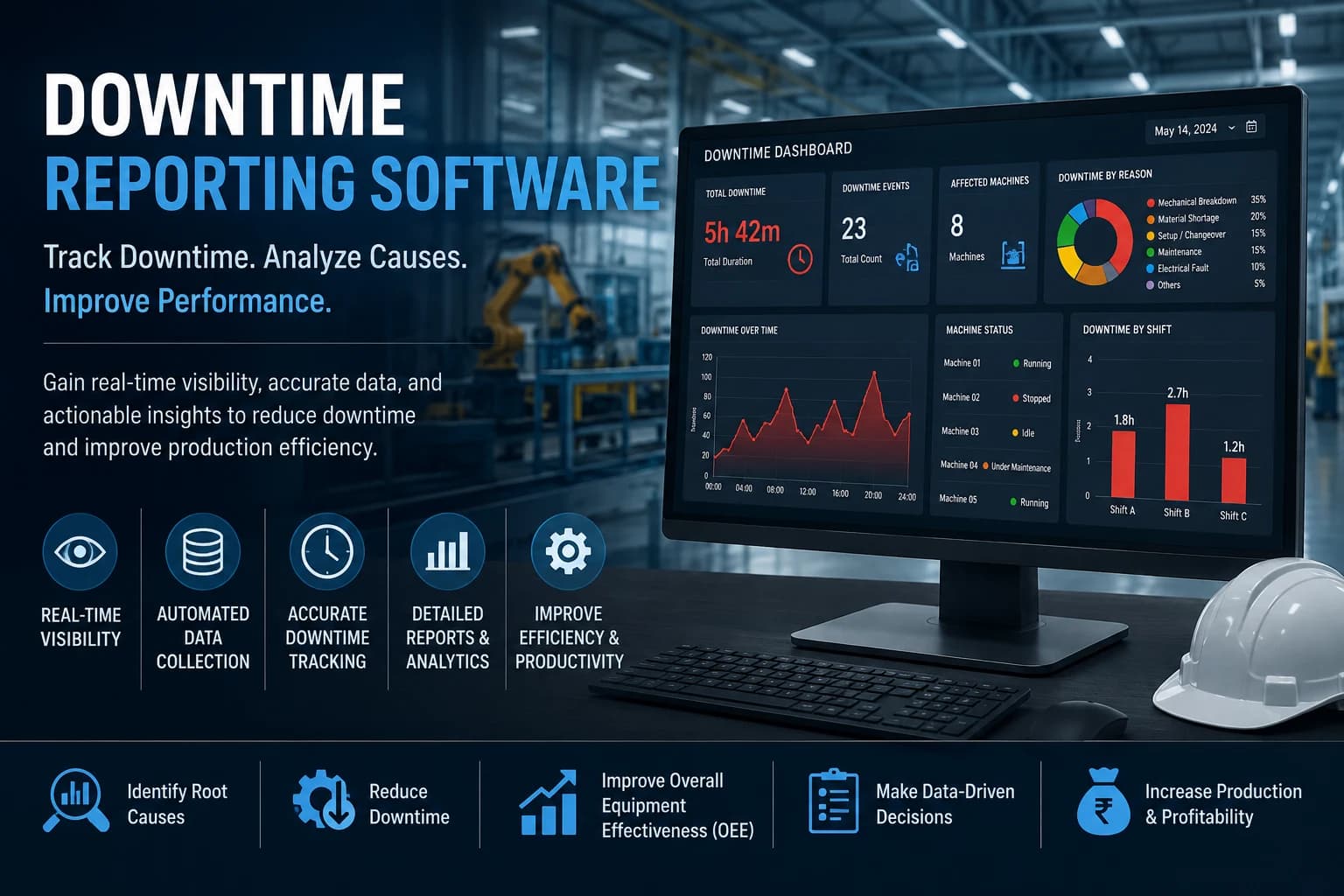
7. Automated Production Downtime Tracking Software
Modern manufacturing plants can use dedicated production downtime tracking software.
The software collects machine information automatically and provides dashboards for production and maintenance teams.
A typical system can display:
- Current machine status
- Total downtime
- Downtime by machine
- Downtime by reason
- Downtime by shift
- Number of downtime events
- Longest downtime event
- Average downtime
- Production loss
- Historical trends
This allows managers to move from reactive monitoring toward data-driven decision-making.
8. IIoT-Based Production Downtime Tracking
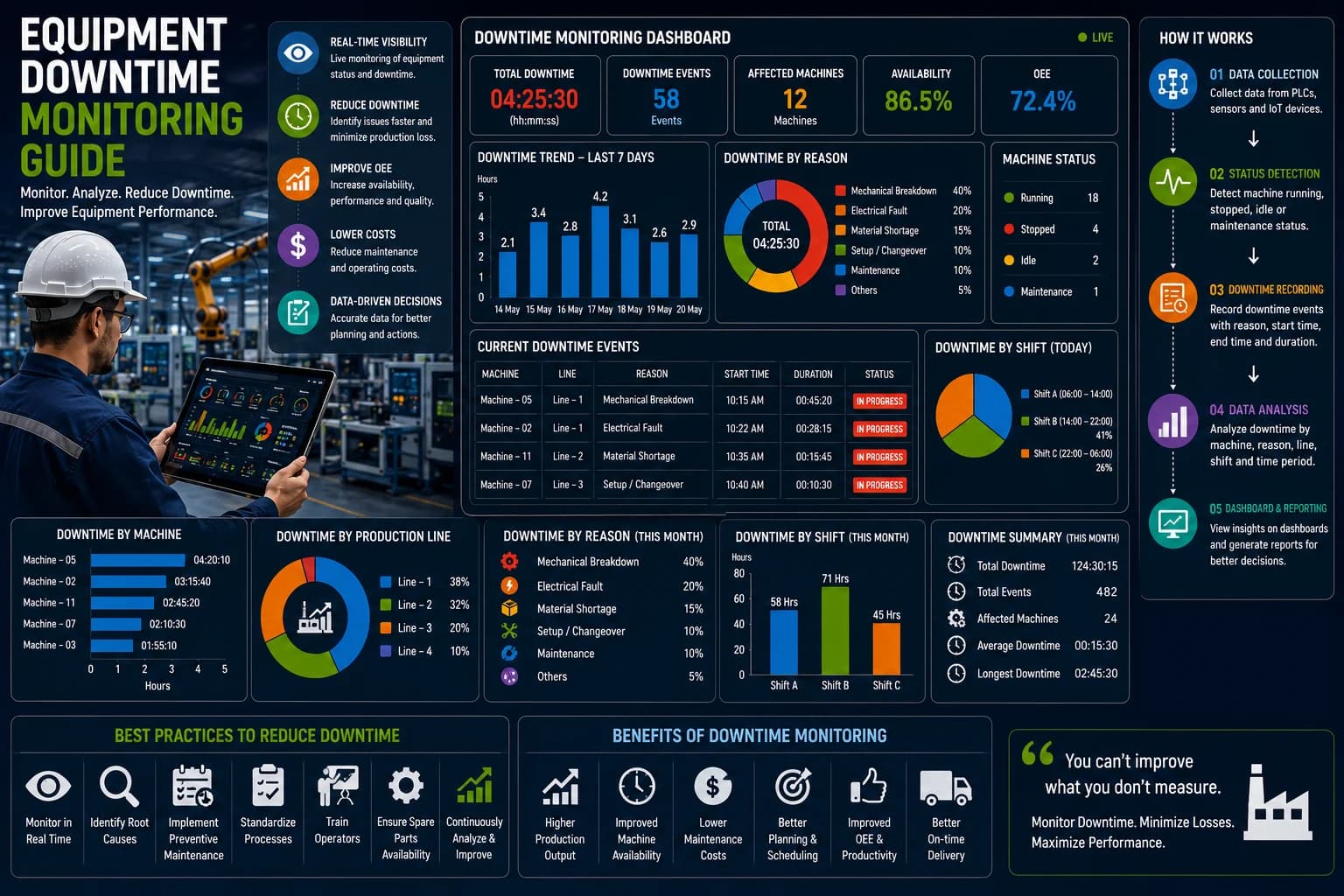
Industrial Internet of Things technology enables machines to become part of a connected production monitoring environment.
Sensors, PLCs, gateways, and software can work together to collect production data.
The general workflow is:
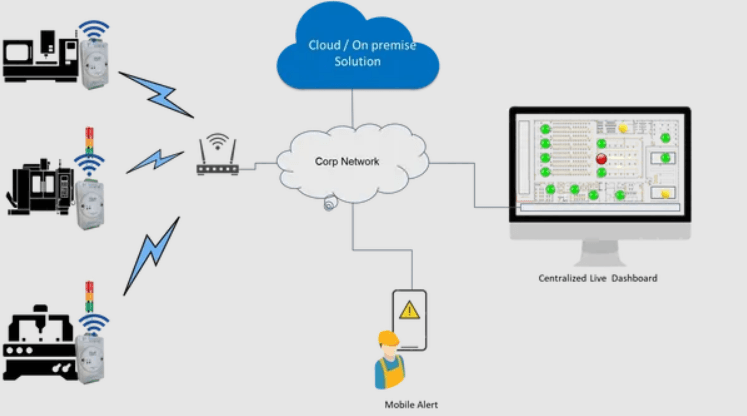
Machine → PLC/Sensor → Industrial Gateway → Server → Downtime Software → Dashboard
The system can continuously collect machine status information and make it available to authorized users.
This is particularly useful for multi-machine and multi-line manufacturing environments.
What Data Should Be Captured During Downtime?
Effective production downtime tracking requires more than recording the total downtime duration.
Important data points include:
Machine Information
- Machine name
- Machine ID
- Production line
- Department
Time Information
- Downtime start time
- Downtime end time
- Downtime duration
- Shift
Reason Information
- Downtime category
- Downtime reason
- Breakdown type
- Maintenance reason
Production Information
- Product
- Production order
- Target quantity
- Actual quantity
- Production loss
Personnel Information
- Operator
- Maintenance technician
- Supervisor
The more structured the data, the easier it becomes to identify recurring problems.
Machine-Wise Downtime Tracking
Machine-wise tracking is one of the most useful approaches for identifying underperforming equipment.
For example:
| Machine | Downtime | Events |
|---|---|---|
| Machine A | 125 min | 8 |
| Machine B | 75 min | 5 |
| Machine C | 210 min | 12 |
| Machine D | 35 min | 3 |
This immediately shows that Machine C requires greater attention.
Production managers can investigate its downtime causes and determine whether maintenance, process improvement, or machine replacement is necessary.
Reason-Wise Downtime Tracking
Tracking downtime by reason helps identify systemic problems.
For example:
- Mechanical breakdown: 35%
- Material shortage: 25%
- Changeover: 15%
- Quality issue: 10%
- Tooling: 8%
- Other: 7%
This information helps management prioritize improvement initiatives.
If material shortages represent 25% of downtime, improving machine maintenance alone will not solve the problem.
Shift-Wise Downtime Tracking
Downtime may vary significantly between shifts.
A dashboard can compare:
- Shift A
- Shift B
- Shift C
For example:
Shift A: 85 minutes
Shift B: 140 minutes
Shift C: 60 minutes
A significant difference may indicate issues involving staffing, maintenance response, training, machine conditions, or material availability.
Planned vs Unplanned Downtime
An important part of downtime tracking is separating planned downtime from unplanned downtime.
Planned Downtime
Examples include:
- Scheduled maintenance
- Planned changeover
- Cleaning
- Preventive maintenance
- Scheduled inspection
Unplanned Downtime
Examples include:
- Unexpected breakdown
- Electrical failure
- Mechanical failure
- Sensor failure
- Tool failure
- Material-related stoppage
This distinction is important because not all downtime should be treated as a failure.
Real-Time Downtime Monitoring
Traditional downtime reports are usually generated after production has finished.
Real-time monitoring changes this approach.
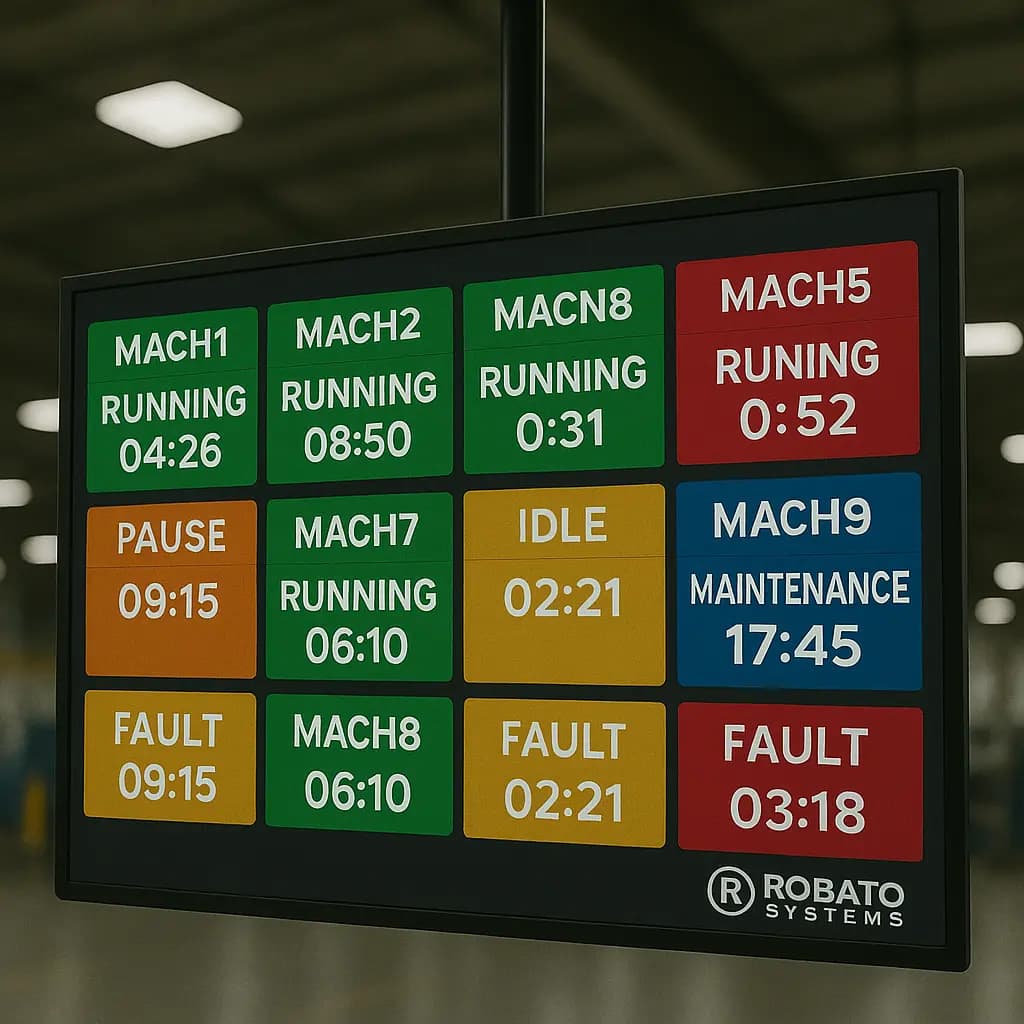
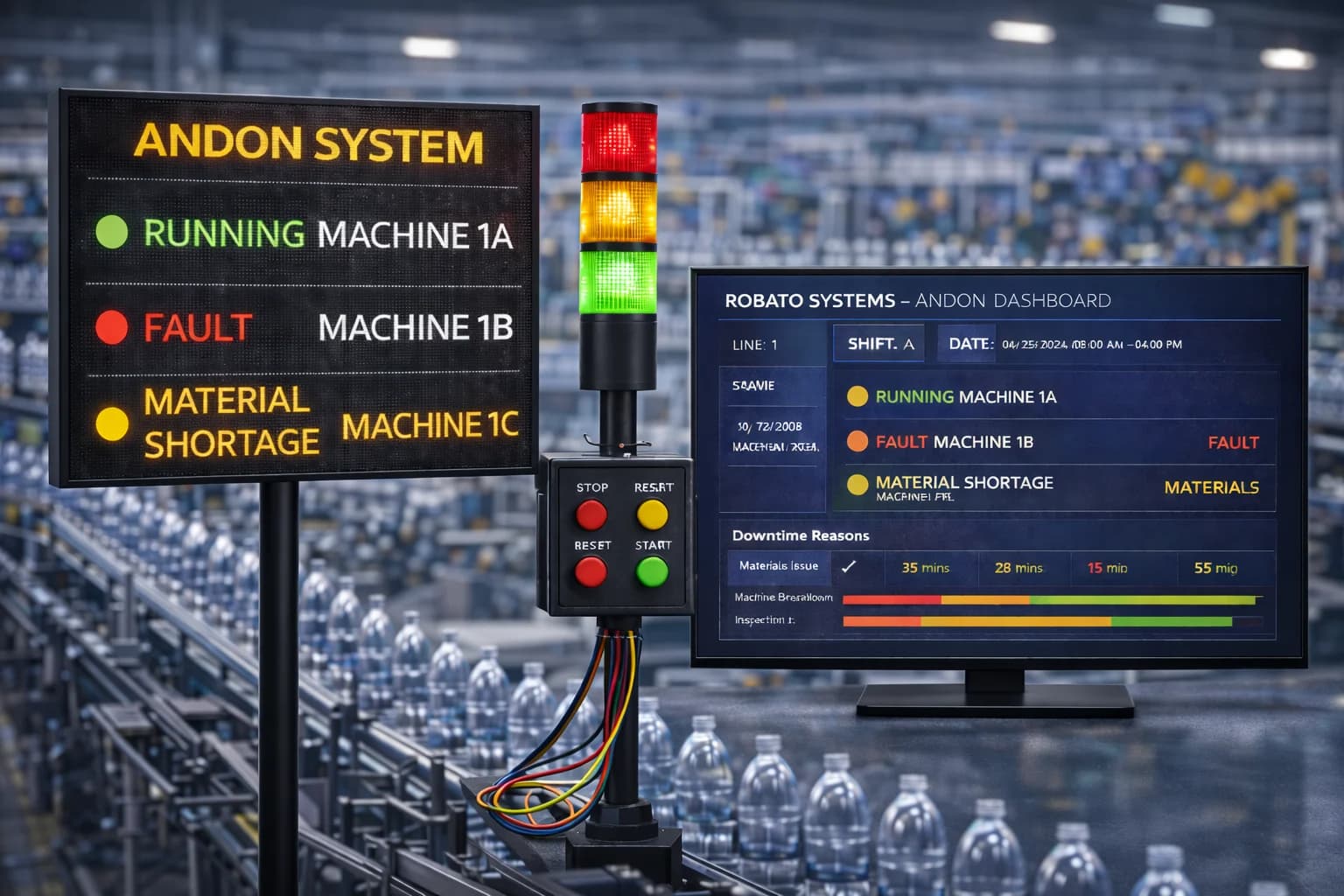
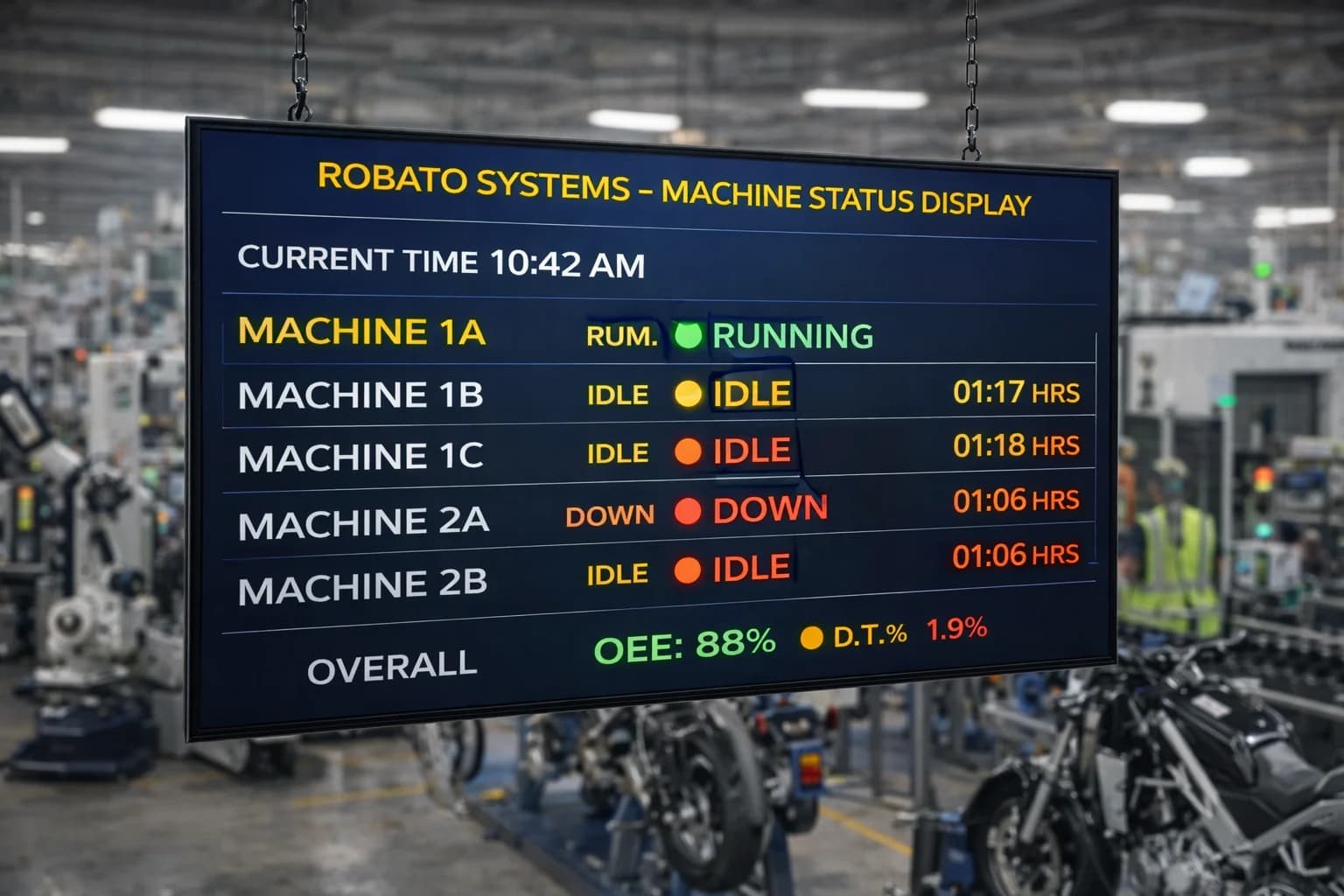
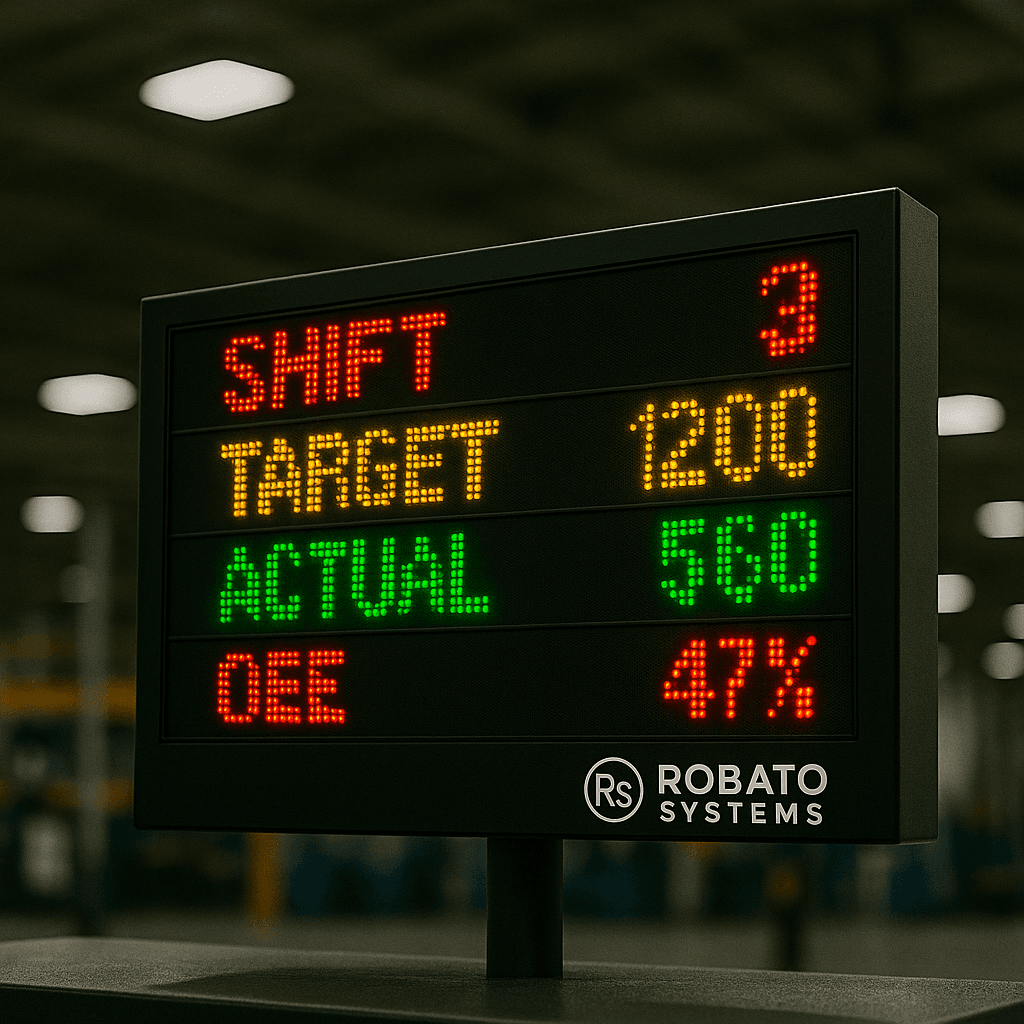
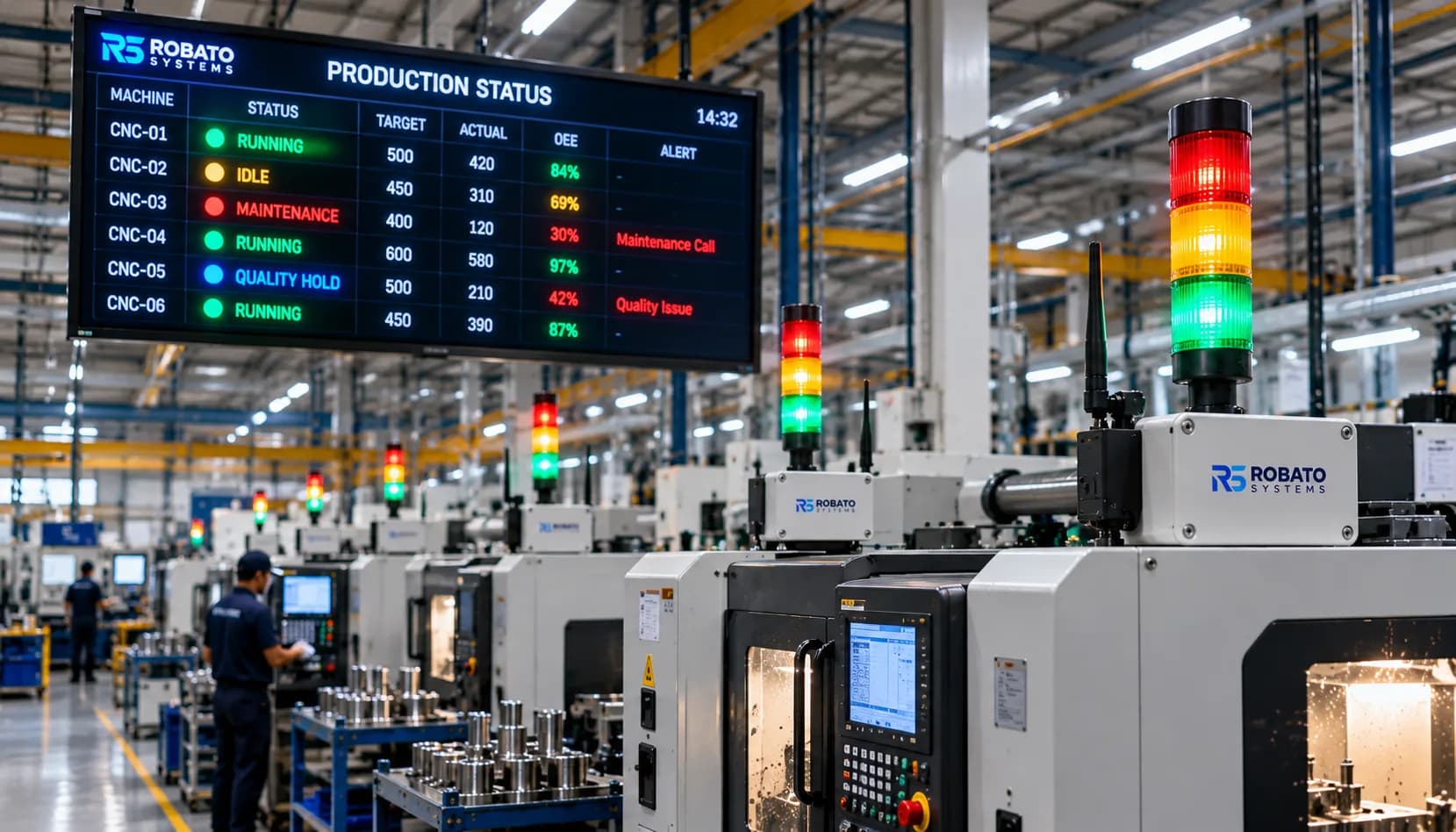
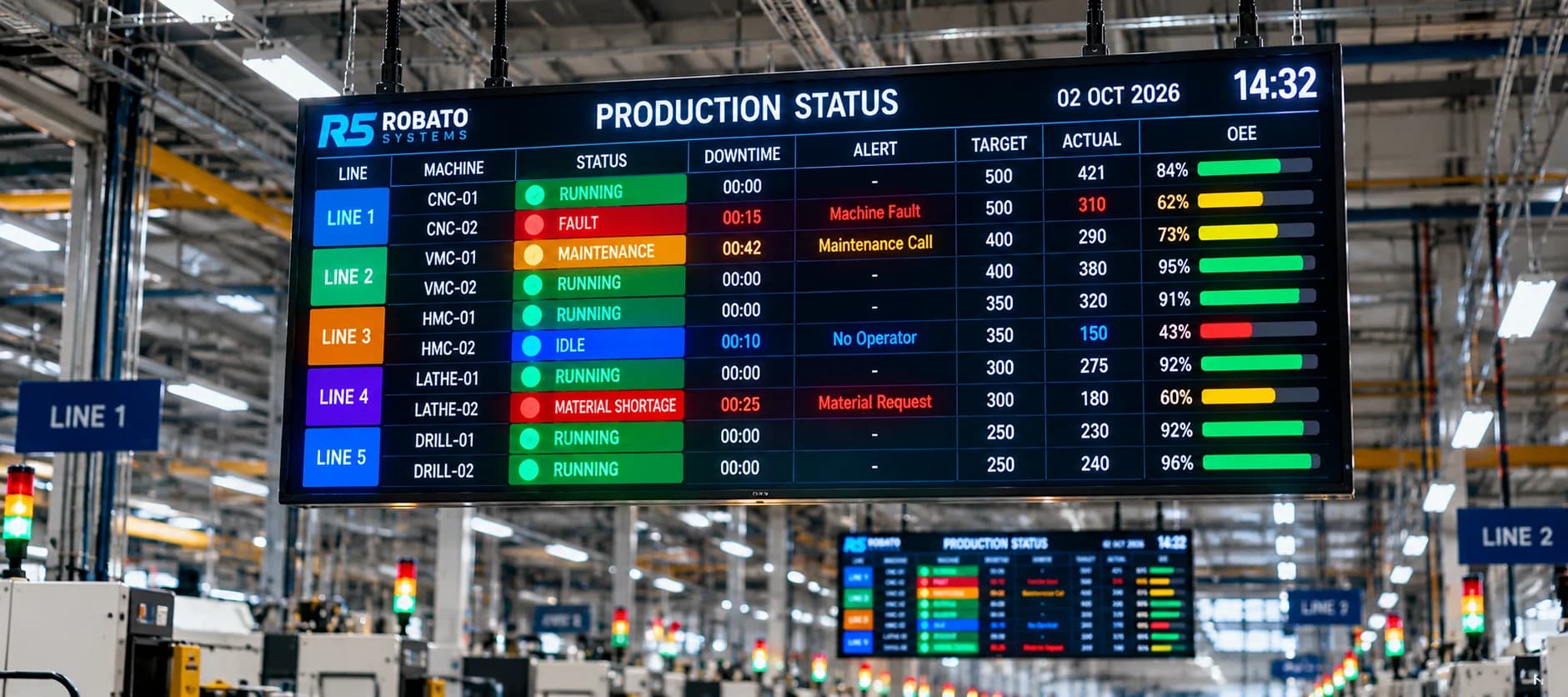
When a machine stops, the dashboard can immediately show its status.
For example:
Machine 04 - STOPPED
Downtime: 08:42
Reason: Mechanical Breakdown
This allows supervisors and maintenance teams to respond quickly.
Real-time visibility can be particularly valuable when downtime escalation is required.
Downtime Alerts and Escalation
A production downtime tracking system can also generate alerts.
For example:
If a machine remains stopped for more than 10 minutes:
Alert → Production Supervisor
If the machine remains stopped for more than 20 minutes:
Escalation → Maintenance Manager
This helps prevent long downtime events from remaining unnoticed.
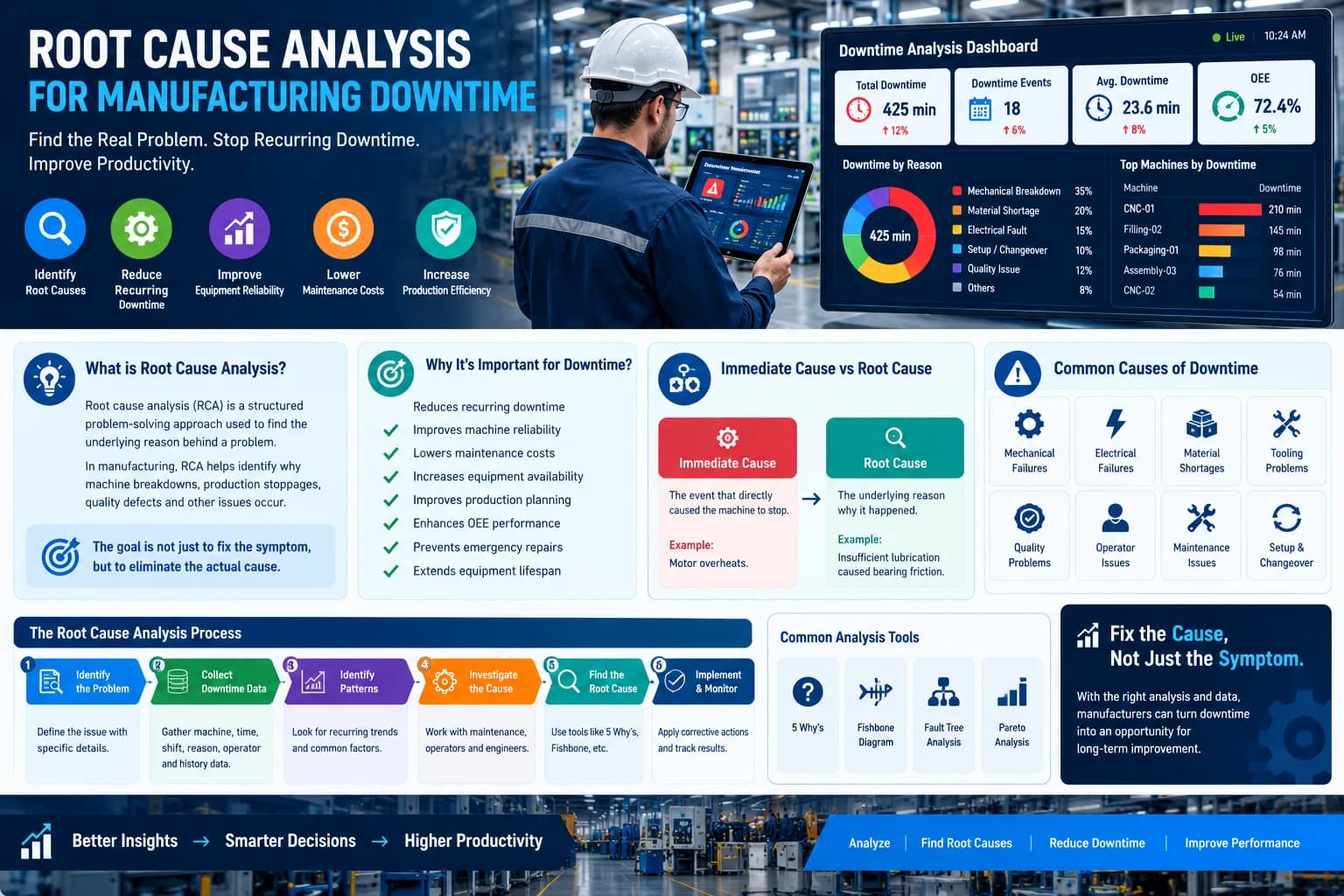
Production Downtime Tracking and Root Cause Analysis
Downtime tracking becomes significantly more valuable when combined with root cause analysis.
Instead of stopping at:
Reason: Machine Breakdown
the team should investigate:
What failed?
For example:
Machine breakdown
→ Motor overheating
→ Insufficient lubrication
→ Maintenance schedule not followed
This allows the team to address the underlying problem.
Using Downtime Data for Preventive Maintenance
Historical downtime information can help maintenance teams identify machines that require additional attention.
Suppose a machine repeatedly experiences bearing failures.
The maintenance team can analyze:
- Failure frequency
- Failure duration
- Time between failures
- Maintenance history
- Production impact
Based on this information, the maintenance schedule can be adjusted.
Downtime Tracking for Production Managers
Production managers can use downtime data to answer questions such as:
- Which machine lost the most production time today?
- What is the biggest downtime reason?
- Which shift experienced the most downtime?
- How many breakdowns occurred today?
- What was the longest downtime event?
- Which machines are repeatedly stopping?
- How much production time was lost?
- Is downtime improving compared with last month?
These questions are difficult to answer reliably when information is scattered across paper forms and spreadsheets.
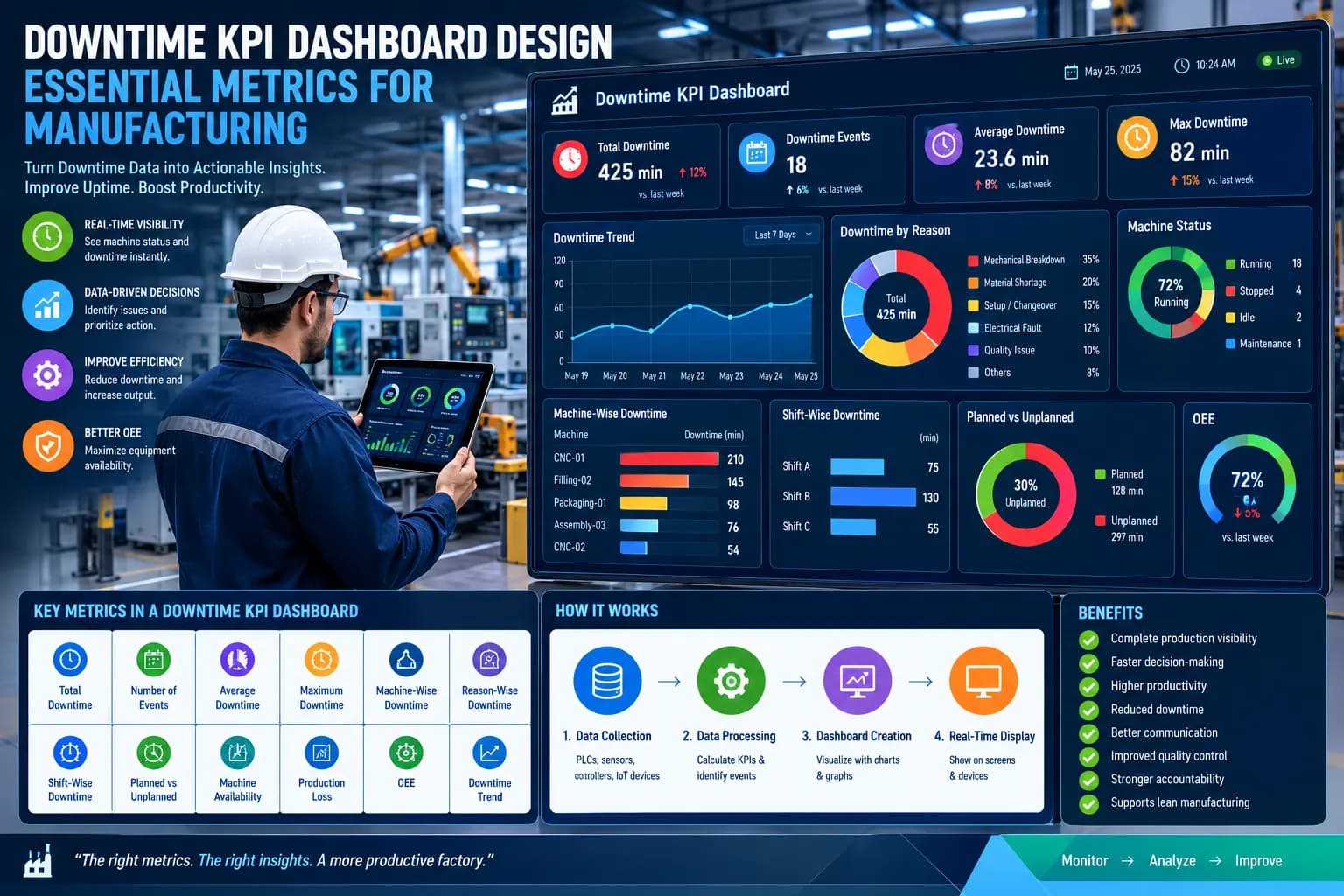
Downtime Tracking Dashboard
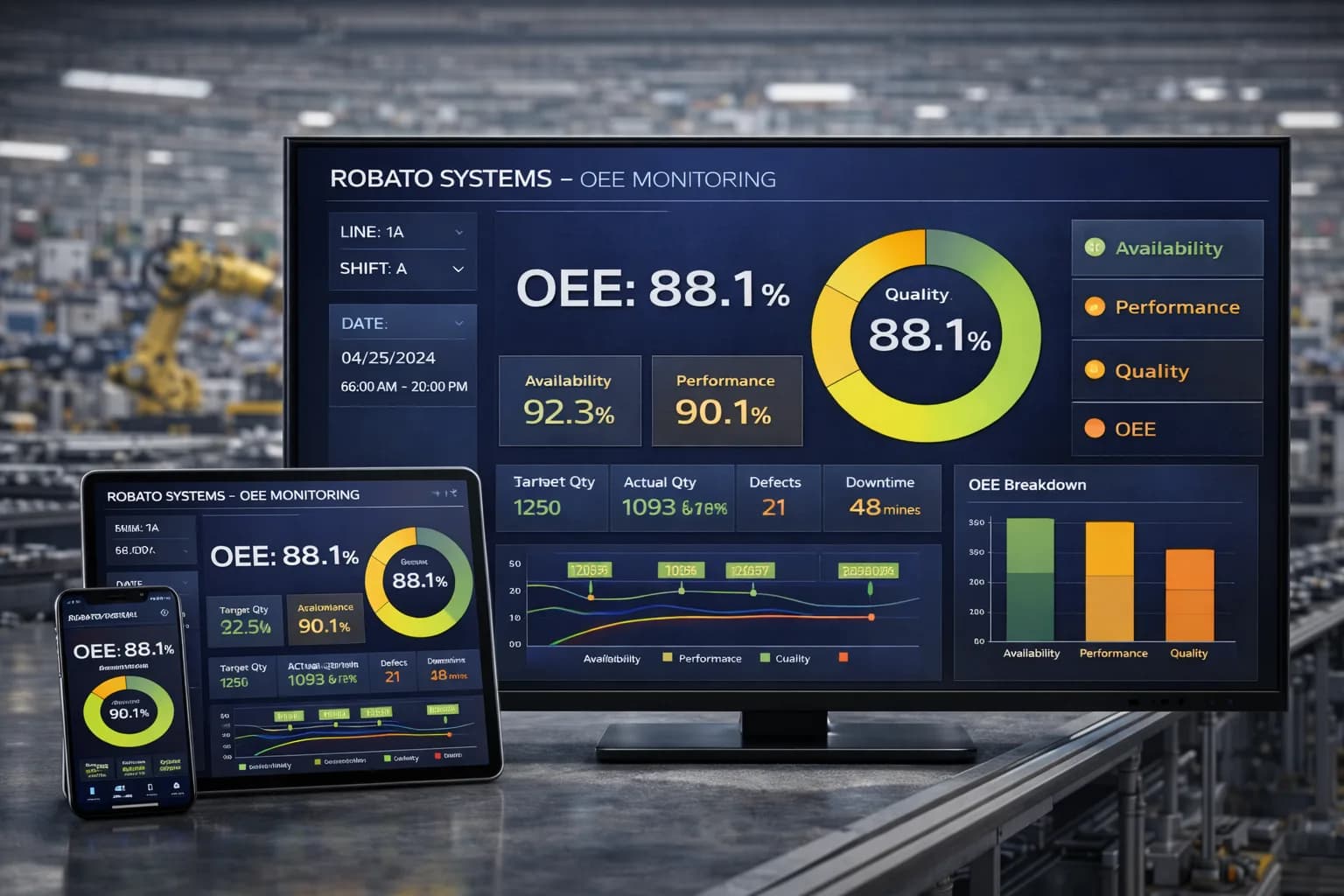
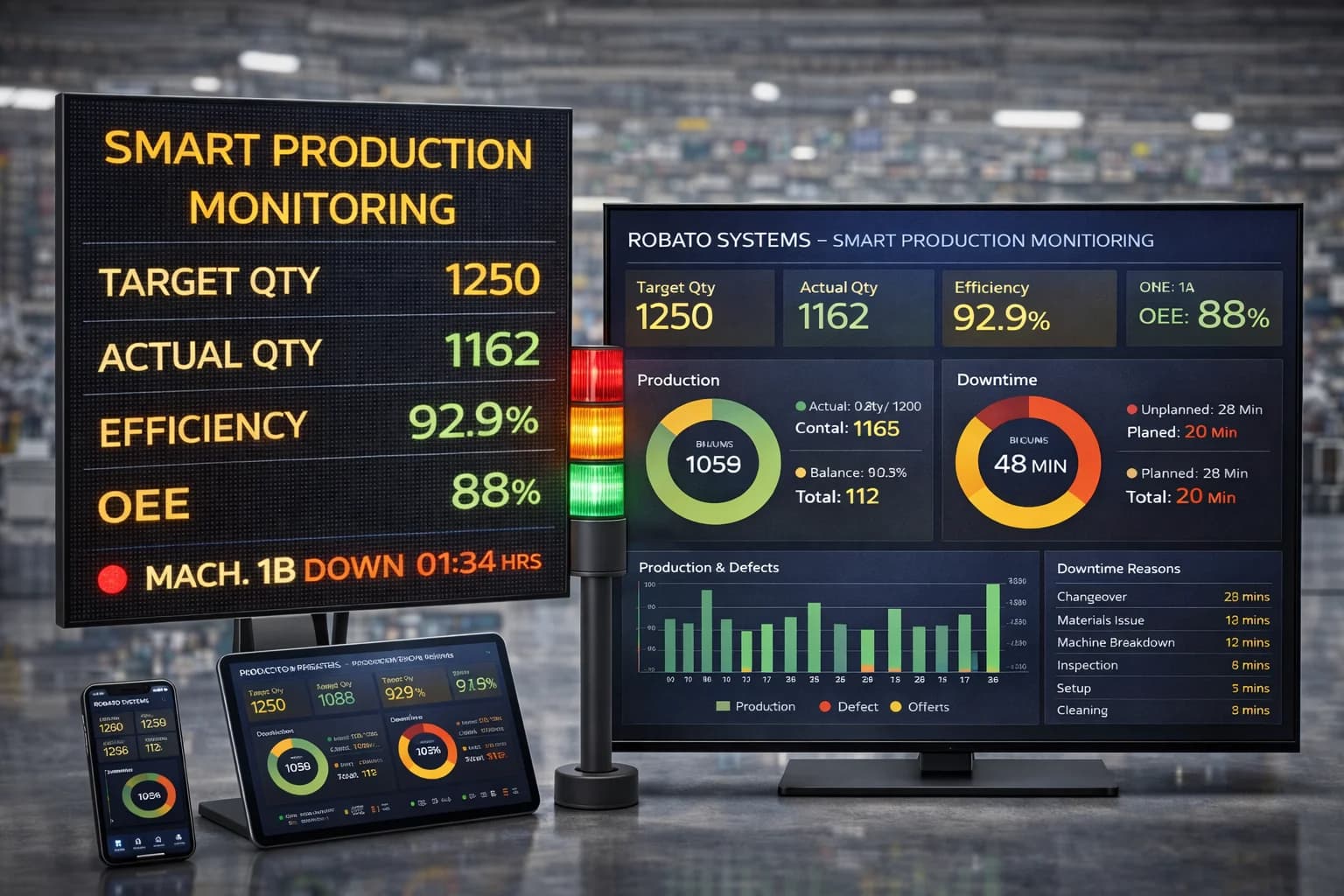
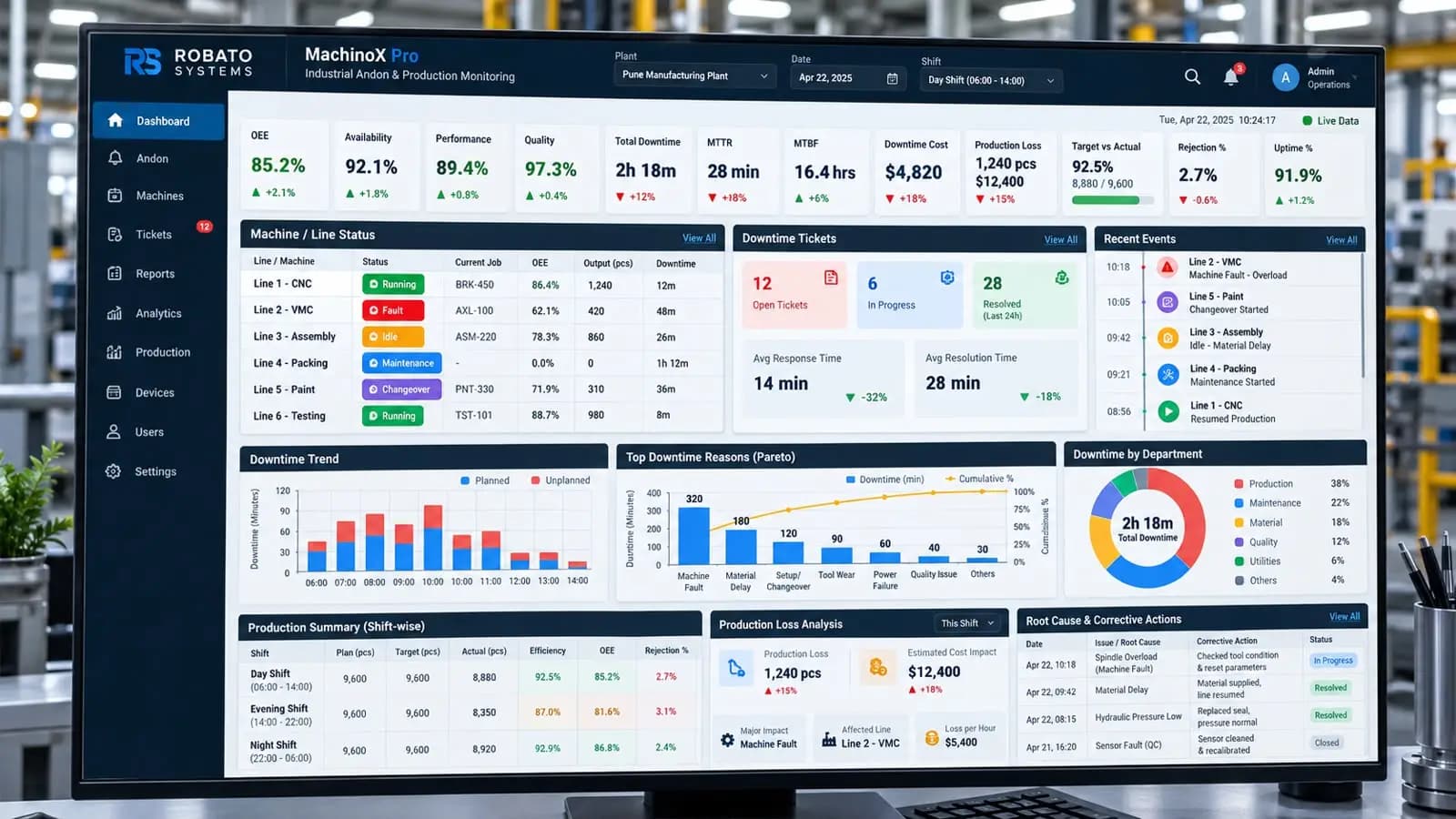
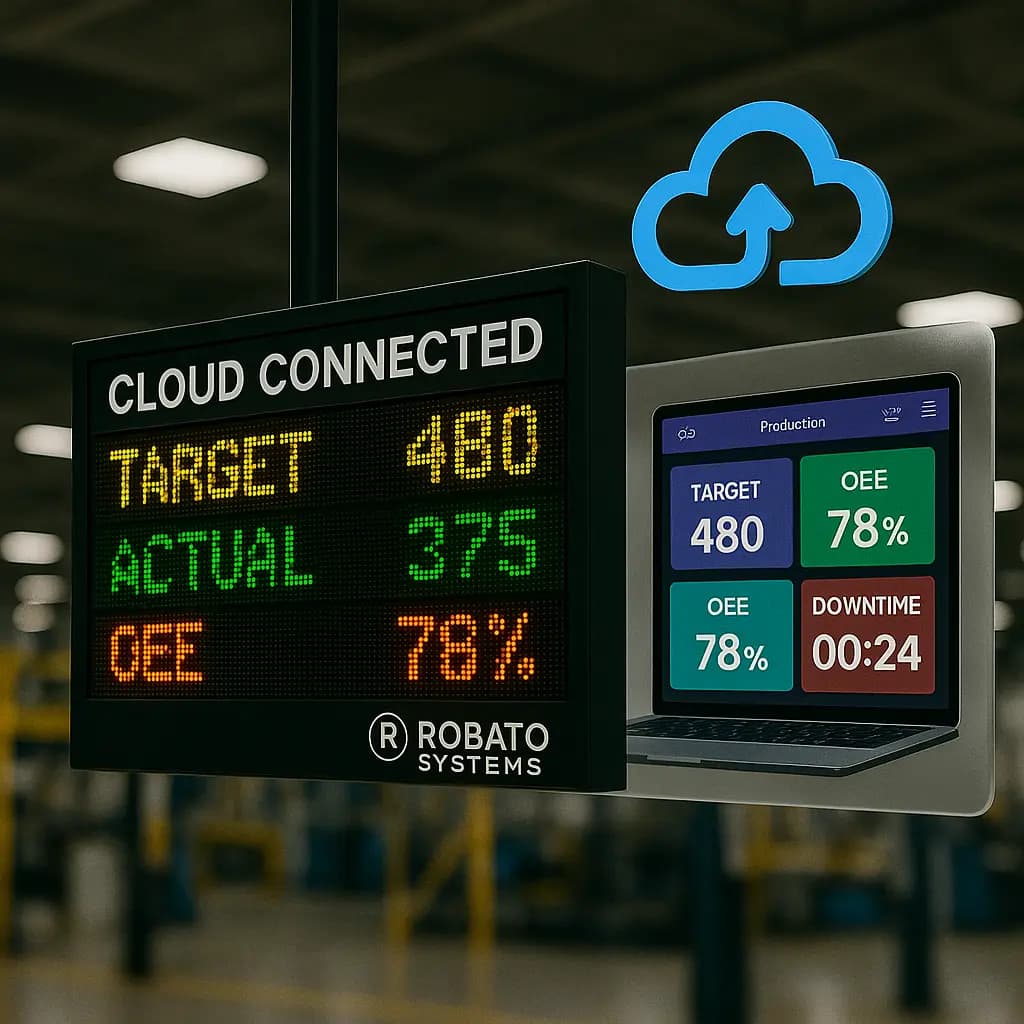
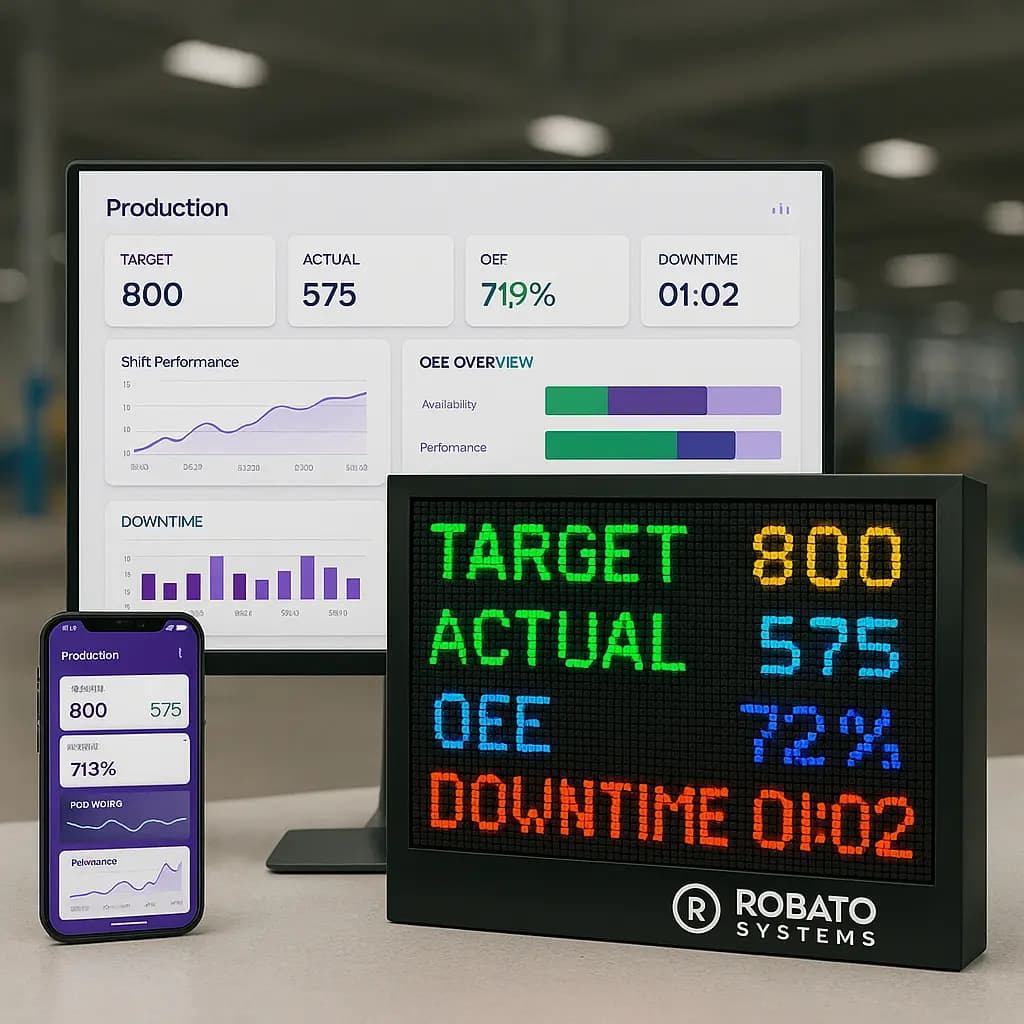
A centralized dashboard can provide a real-time overview of production downtime.
Important dashboard metrics may include:
Total Downtime
Total time machines were unavailable.
Downtime Events
Number of individual stoppage events.
Average Downtime
Average duration of each downtime event.
Maximum Downtime
Longest individual downtime event.
Machine-Wise Downtime
Downtime comparison across machines.
Reason-Wise Downtime
Breakdown of downtime causes.
Shift-Wise Downtime
Comparison between production shifts.
Downtime Trend
Historical downtime over days, weeks, or months.
A well-designed dashboard makes this information easier for production teams to understand and act upon.
Manual vs Automated Downtime Tracking
| Feature | Manual Tracking | Automated Tracking |
|---|---|---|
| Data collection | Manual | Automatic |
| Real-time visibility | Limited | Yes |
| Accuracy | Operator dependent | Higher |
| Short stoppages | Often missed | Can be captured |
| Reporting | Manual | Automated |
| Machine comparison | Difficult | Easy |
| Historical analysis | Time consuming | Simple |
| Alerts | Limited | Available |
| Scalability | Low | High |
Manual tracking may be suitable as a starting point, but automated systems become more valuable as the number of machines and production lines increases.
How to Implement Production Downtime Tracking
Manufacturers planning to implement a downtime tracking system can follow a structured approach.
Step 1: Identify Critical Machines
Start with machines that have:
- Frequent breakdowns
- High production value
- High downtime
- Critical production dependencies
Step 2: Define Downtime Categories
Create standardized downtime reasons.
Avoid having too many overlapping categories.
Step 3: Determine Data Sources
Identify whether machine information will come from:
- PLCs
- Sensors
- Machine controllers
- Manual operator input
- Industrial gateways
Step 4: Connect Machines
Integrate the selected machines with the monitoring platform.
Step 5: Create Dashboards
Build dashboards for:
- Operators
- Supervisors
- Production managers
- Maintenance teams
- Plant heads
Step 6: Set Downtime Thresholds
Define when an event should generate an alert or escalation.
Step 7: Analyze Historical Data
After collecting enough data, identify recurring downtime patterns.
Step 8: Take Corrective Action
Use the findings to improve:
- Maintenance
- Production planning
- Material handling
- Changeover procedures
- Operator training
- Machine reliability
Best Practices for Production Downtime Tracking
Standardize Downtime Reasons
Use consistent reason categories across machines and shifts.
Track Every Significant Event
Avoid relying only on major breakdowns. Smaller repeated stoppages can also create substantial production losses.
Separate Planned and Unplanned Downtime
This makes performance analysis more meaningful.
Monitor Downtime Trends
A single day's downtime does not always reveal the complete problem.
Look for trends across weeks and months.
Focus on High-Impact Machines
Prioritize machines responsible for the largest production losses.
Combine Downtime With Production Data
Downtime becomes more useful when analyzed alongside target production, actual production, quality, and machine availability.
Review Data Regularly
Production and maintenance teams should periodically review downtime reports and define corrective actions.
Benefits of Production Downtime Tracking
A structured downtime tracking system can help manufacturers:
- Reduce machine downtime
- Improve equipment availability
- Identify recurring failures
- Improve maintenance planning
- Reduce production losses
- Improve production visibility
- Support OEE improvement
- Improve shift performance
- Reduce manual reporting
- Improve decision-making
- Detect production bottlenecks
- Improve accountability
The biggest advantage is that downtime becomes measurable rather than simply being treated as an unavoidable production problem.
Production Downtime Tracking for Industry 4.0
Industry 4.0 manufacturing depends heavily on connected data.
Production downtime tracking is an important component because machine availability affects overall production performance.
When downtime data is connected with other manufacturing information such as production counts, quality data, and OEE metrics, manufacturers can build a more complete view of factory performance.
For example:
Machine Data + Production Data + Downtime Data + Quality Data = Better Manufacturing Visibility
This provides a foundation for more advanced manufacturing analytics and smart factory initiatives.
Production Downtime Tracking with Robato Systems
Robato Systems provides manufacturing-focused monitoring solutions designed to improve visibility into machine and production performance.
A digital downtime monitoring approach can help production teams monitor machine status, record downtime events, categorize downtime reasons, and analyze machine performance through centralized dashboards.
Instead of depending entirely on manual records, manufacturers can move toward a more connected and data-driven approach to production monitoring.
This can help production and maintenance teams identify downtime patterns and take corrective action faster.
Conclusion
Production downtime tracking is an essential part of modern manufacturing performance management.
Manual logs and spreadsheets can provide basic visibility, but they become increasingly difficult to manage as production operations become larger and more complex.
Automated downtime tracking provides manufacturers with a structured way to monitor machine stoppages, measure downtime duration, categorize causes, compare machines and shifts, and identify recurring production losses.
The goal is not simply to record downtime.
The real goal is to understand why production stops and use that information to prevent the same losses from happening again.
By combining real-time machine monitoring, standardized downtime reasons, automated reporting, and historical analysis, manufacturers can create a stronger foundation for improving productivity, machine availability, and overall operational efficiency.
FAQs
What is production downtime tracking?
Production downtime tracking is the process of recording and analyzing machine or production-line stoppages to understand downtime duration, frequency, causes, and production losses.
What is the best method for tracking production downtime?
Automated machine-based downtime monitoring is generally more effective for larger manufacturing operations because it provides real-time data and reduces dependence on manual recording.
Can downtime be tracked automatically?
Yes. Downtime can be automatically detected using PLC signals, sensors, machine controllers, industrial gateways, and manufacturing monitoring software.
What downtime data should manufacturers track?
Manufacturers should track machine, start time, end time, duration, downtime reason, shift, operator, production order, and other relevant production information.
How does downtime tracking improve OEE?
Downtime directly affects the availability component of OEE. Identifying and reducing unplanned downtime can therefore help improve equipment availability and overall OEE.
Can downtime tracking work with old machines?
Yes. Depending on the machine, data can be collected using available PLC signals, sensors, digital inputs, or suitable industrial gateways.
Why should downtime reasons be standardized?
Standardized downtime reasons make data consistent across operators, machines, and shifts, making analysis and comparison much easier.
What is the difference between downtime tracking and downtime analysis?
Downtime tracking focuses on collecting and recording downtime events, while downtime analysis uses that data to identify patterns, causes, trends, and improvement opportunities.