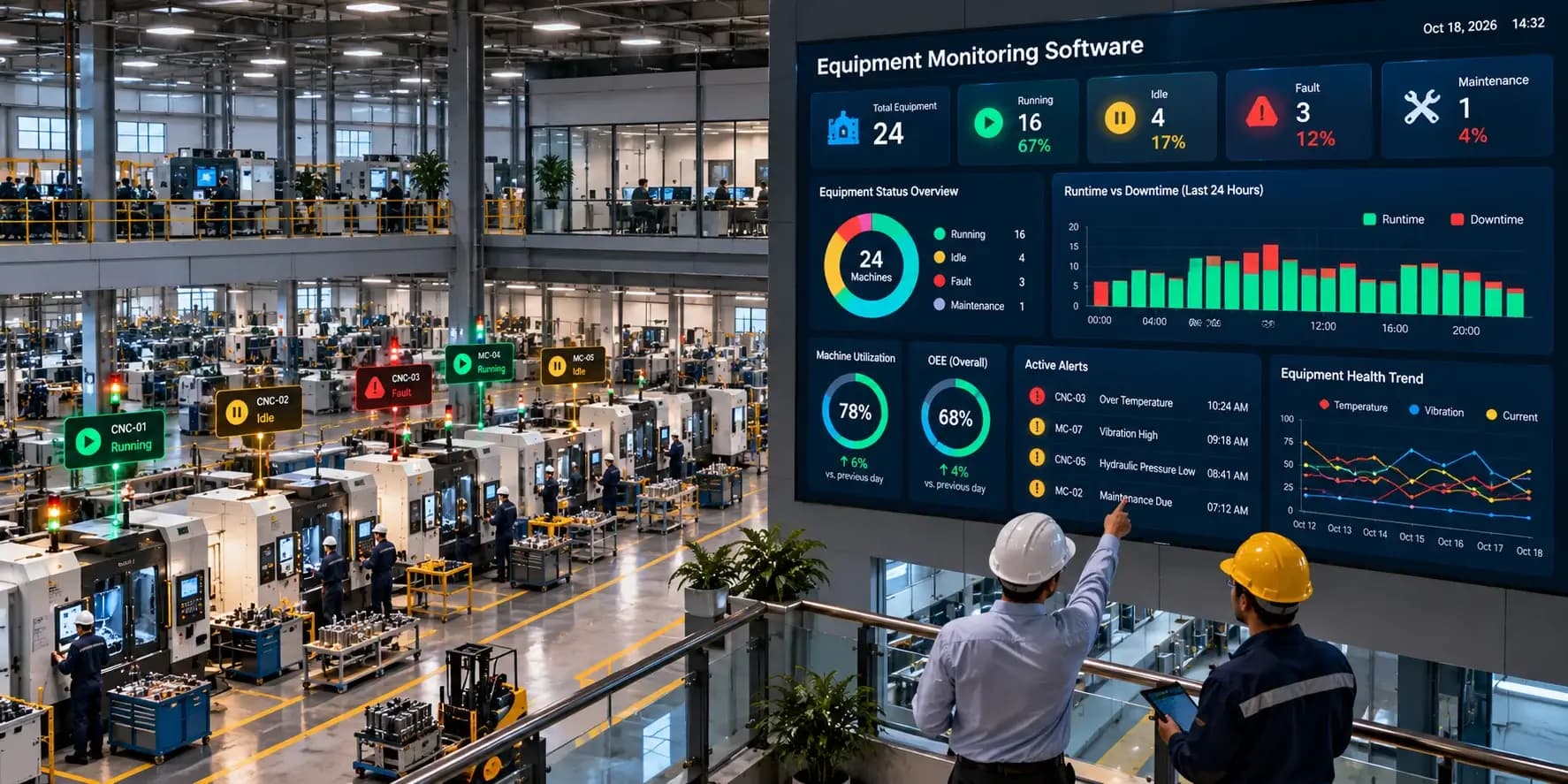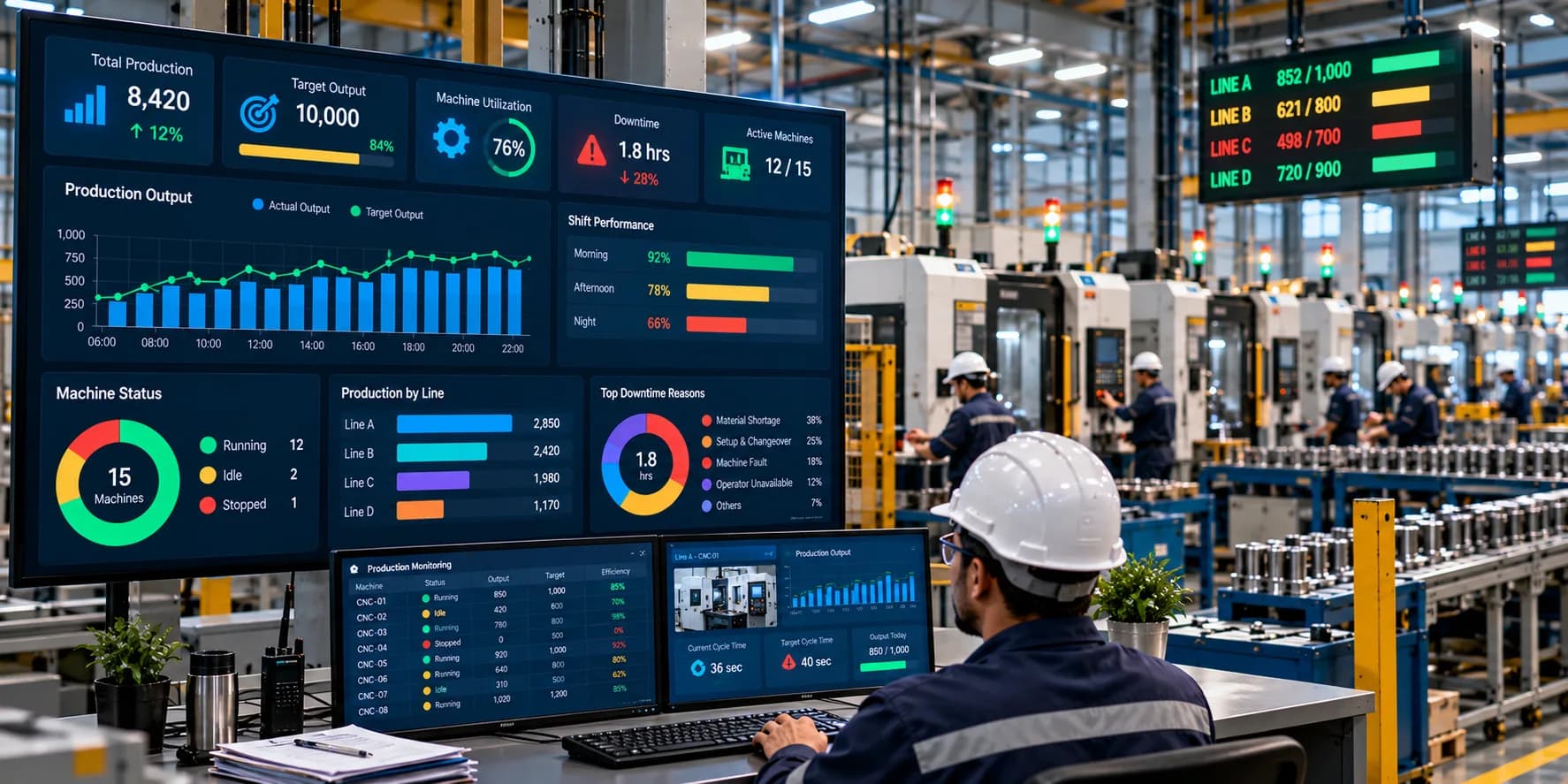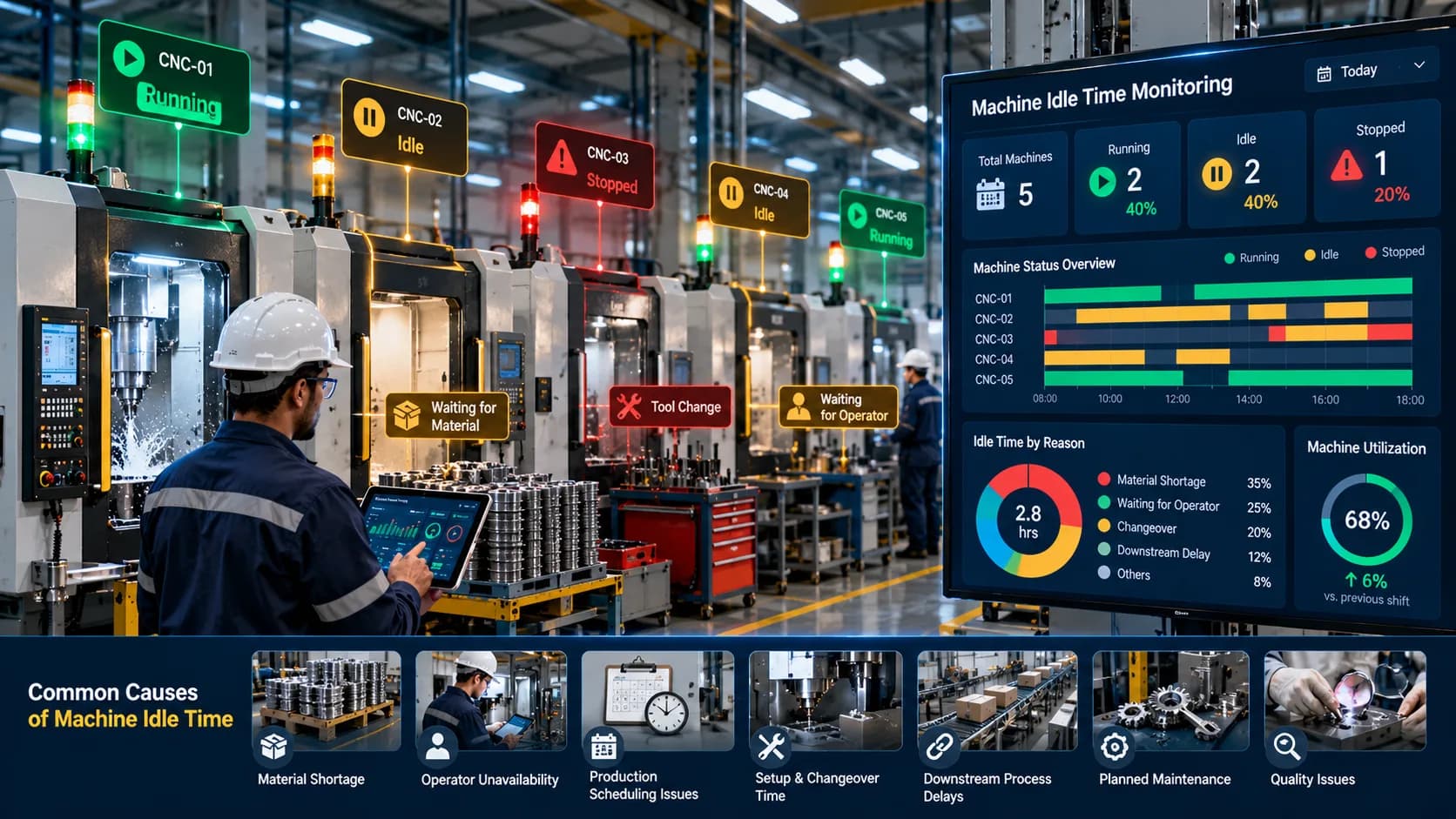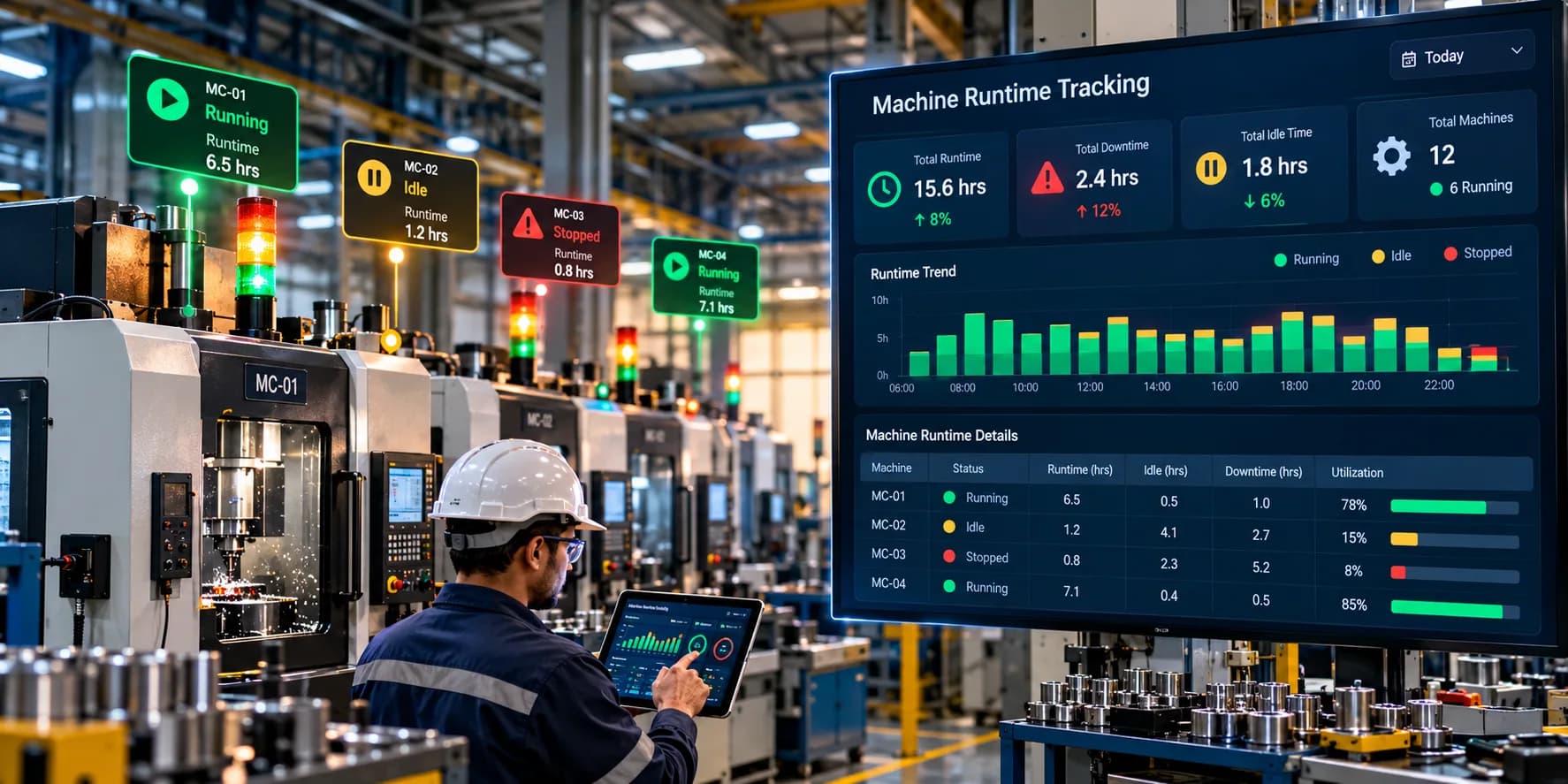
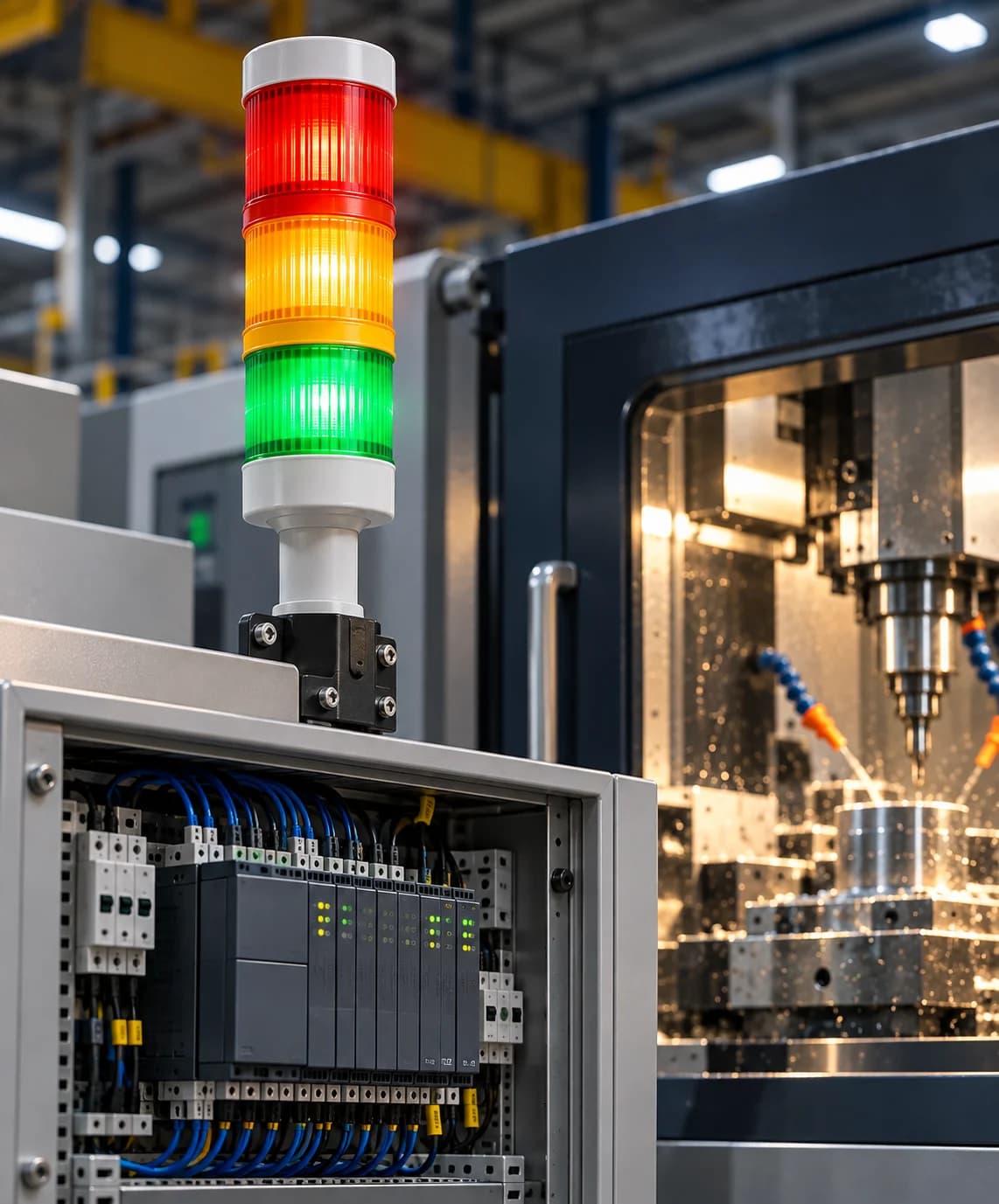
Computer Numerical Control (CNC) machines play a critical role in modern manufacturing. They perform precision operations such as milling, turning, drilling, cutting, and grinding, helping manufacturers produce consistent components with high accuracy.
However, operating CNC machines efficiently requires more than programming a job and starting a machining cycle. Manufacturers also need to understand whether machines are running as planned, how much production they complete, how frequently they stop, and where valuable machining time is being lost.
Without reliable monitoring, production teams may depend on operator updates, machine displays, paper records, or spreadsheets to understand shop-floor performance. These methods can make it difficult to identify problems quickly, compare machines, and understand the reasons behind missed production targets.
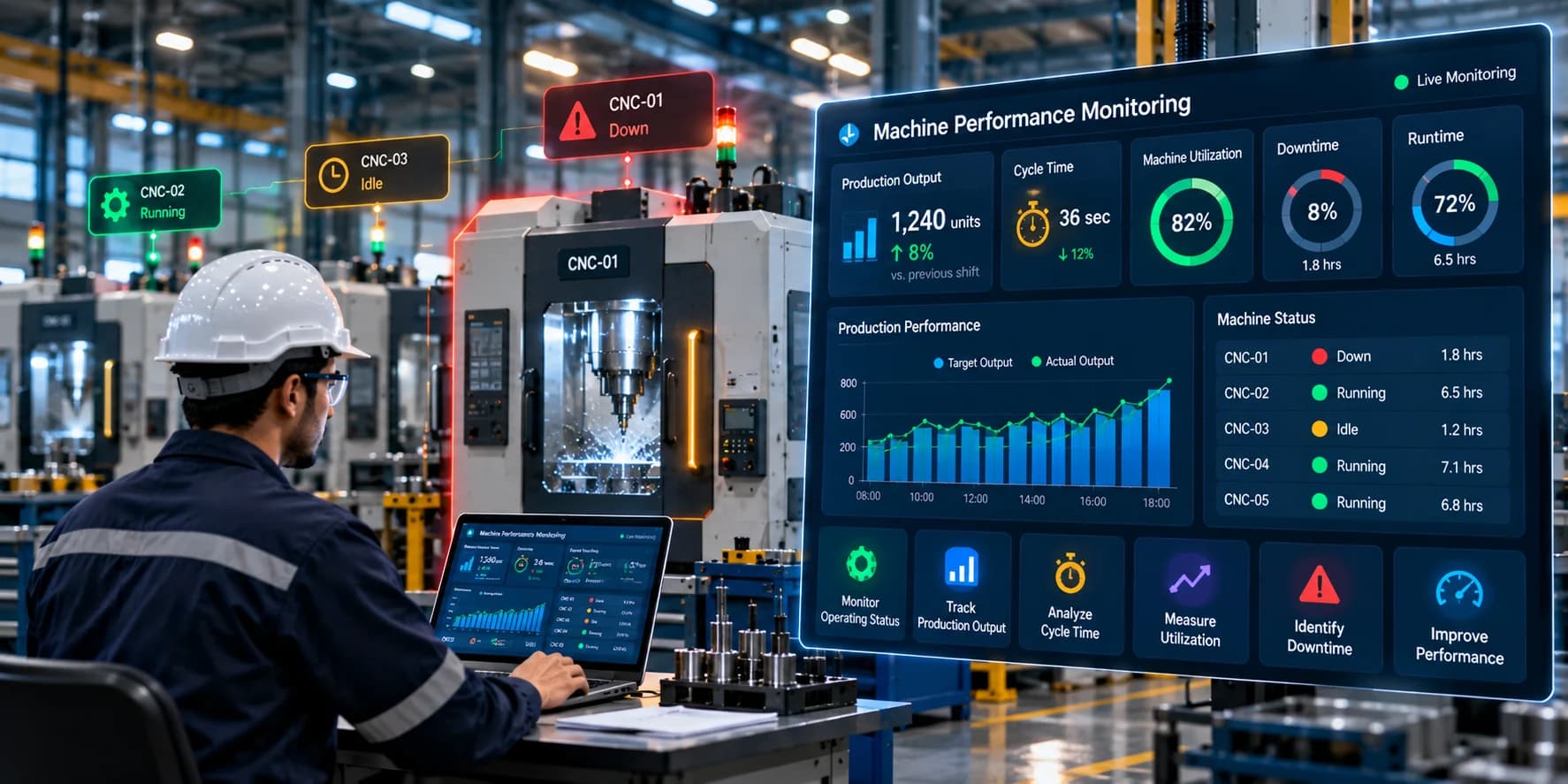
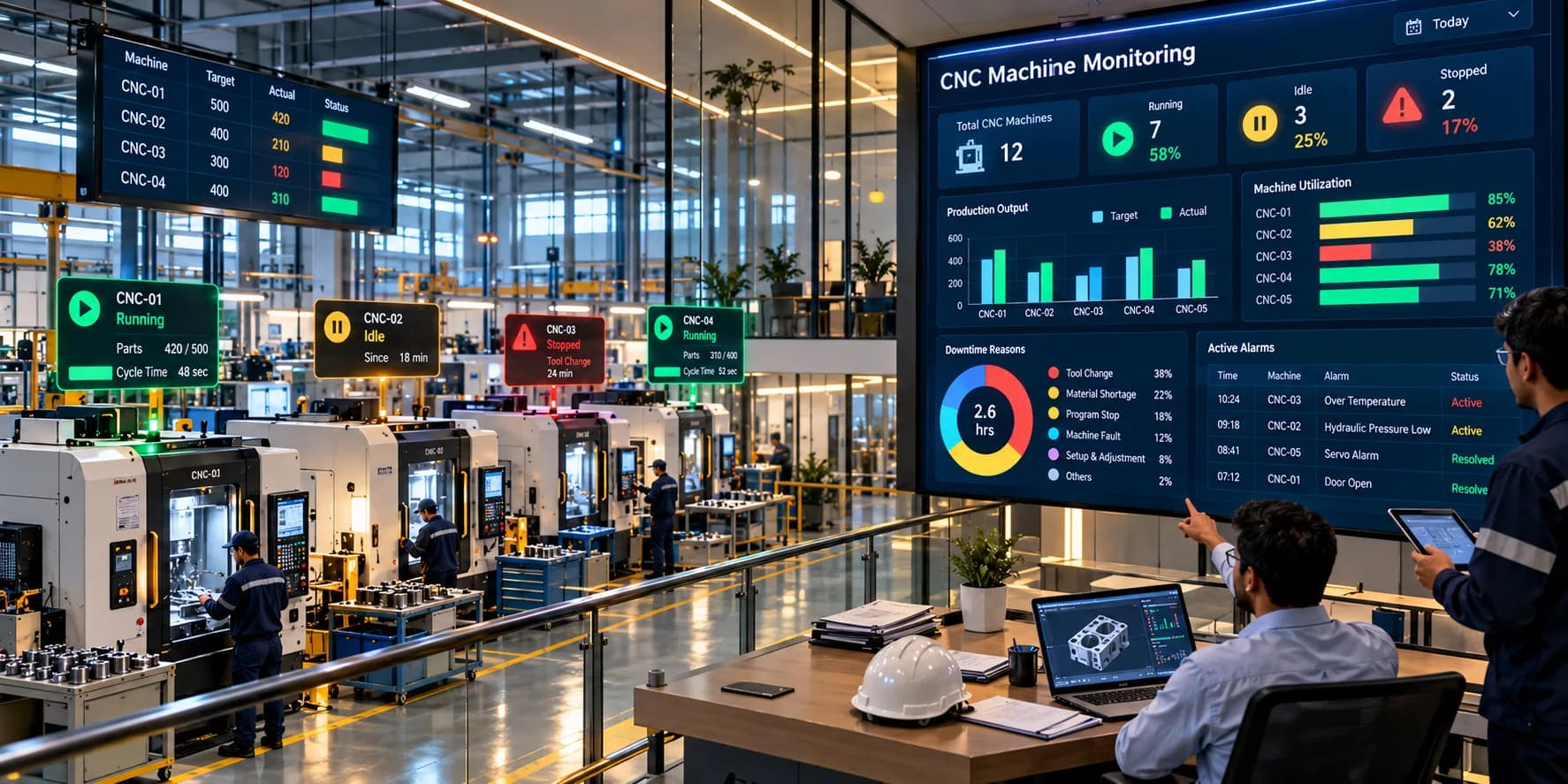
CNC machine monitoring helps manufacturers collect and review information from CNC machines through a centralized monitoring system. Depending on machine compatibility and system configuration, it can provide visibility into machine status, cycle activity, production counts, downtime, alarms, and utilization.
A well-planned production monitoring solution can bring machine signals, production counters, dashboards, and connected devices together to improve visibility across the manufacturing floor.
This guide explains how CNC machine monitoring works, which data manufacturers should track, the benefits of monitoring CNC equipment, and how to implement a system that supports better production decisions.
What Is CNC Machine Monitoring?
CNC machine monitoring is the process of collecting, displaying, and analyzing data from CNC machines to understand their operating status and production performance.
A CNC monitoring system can gather information from compatible machine controllers, programmable logic controllers (PLCs), sensors, production counters, and other connected data sources.
Depending on the available signals and software capabilities, manufacturers can monitor:
Machine running, idle, and stopped status
Active machining cycles
Part counts and production output
Cycle time and cycle completion
Machine alarms and fault events
Runtime and downtime
Machine utilization
Production targets and actual output
Historical operating trends
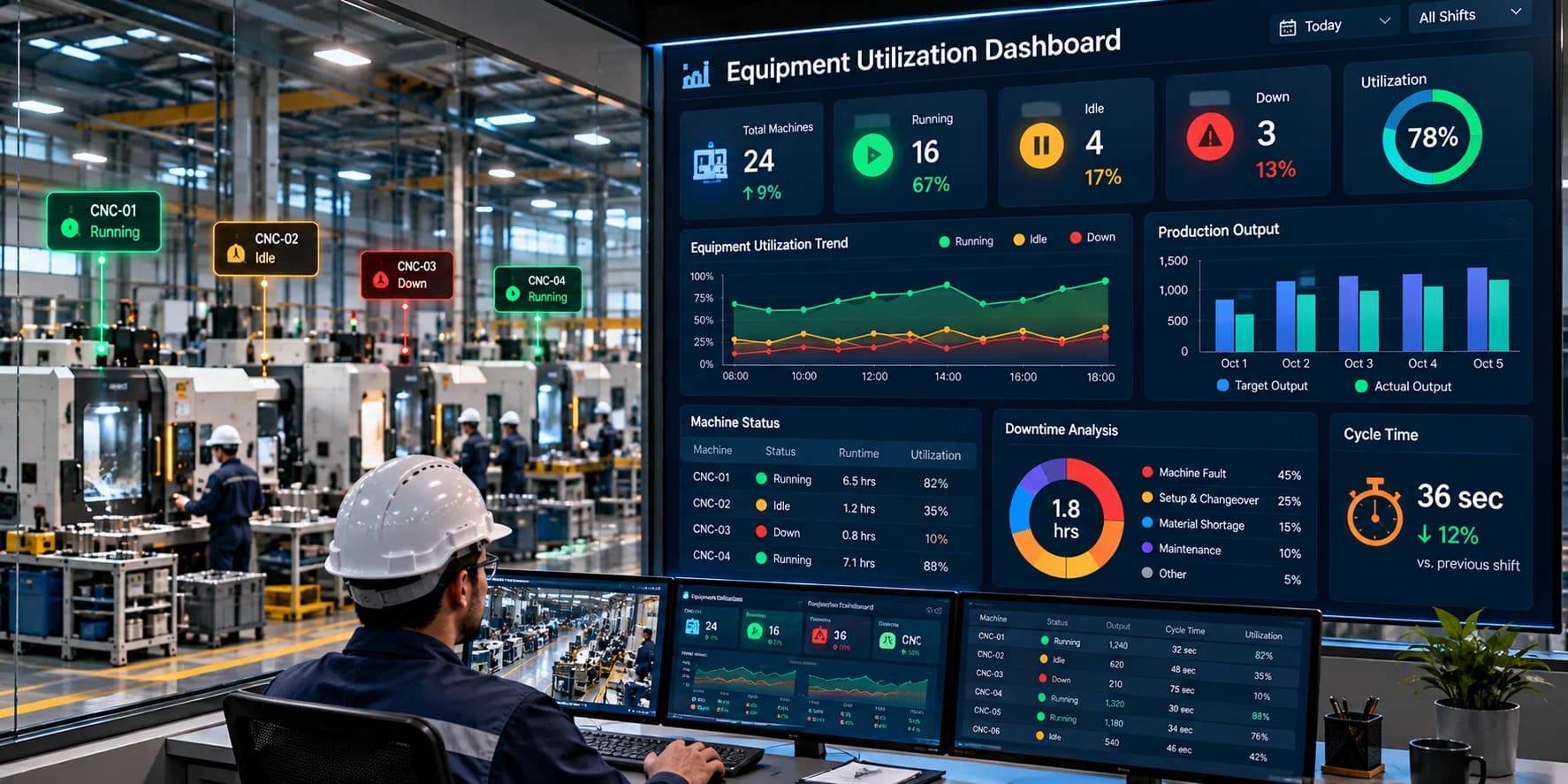
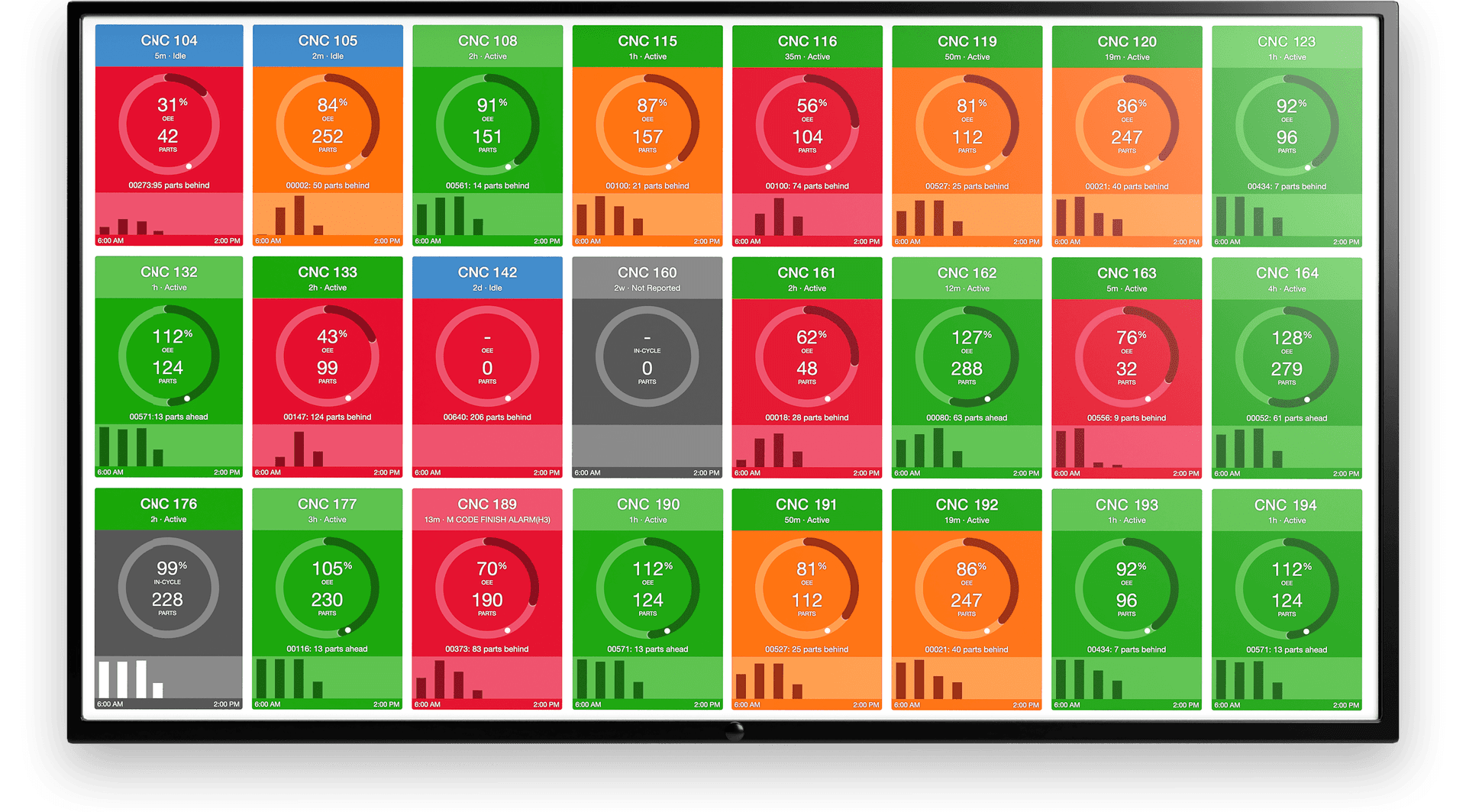
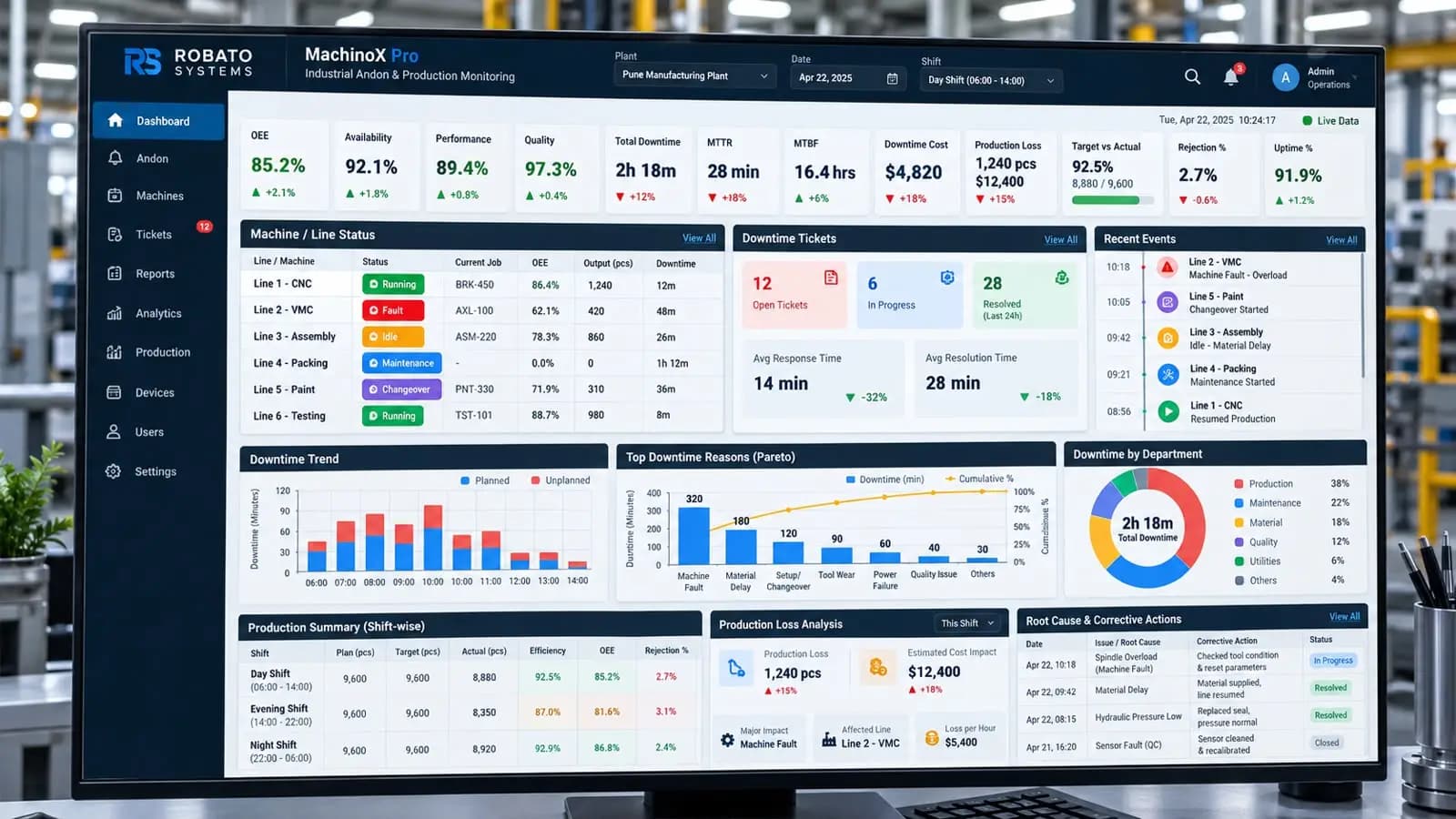
For example, a production supervisor responsible for several CNC turning and milling machines can use a centralized dashboard to identify which machines are operating, which have stopped, and which are producing below their expected output.
The purpose is to replace limited visibility with consistent, useful production information. This allows operators, supervisors, and manufacturing engineers to investigate problems based on machine data rather than relying exclusively on manual reporting.
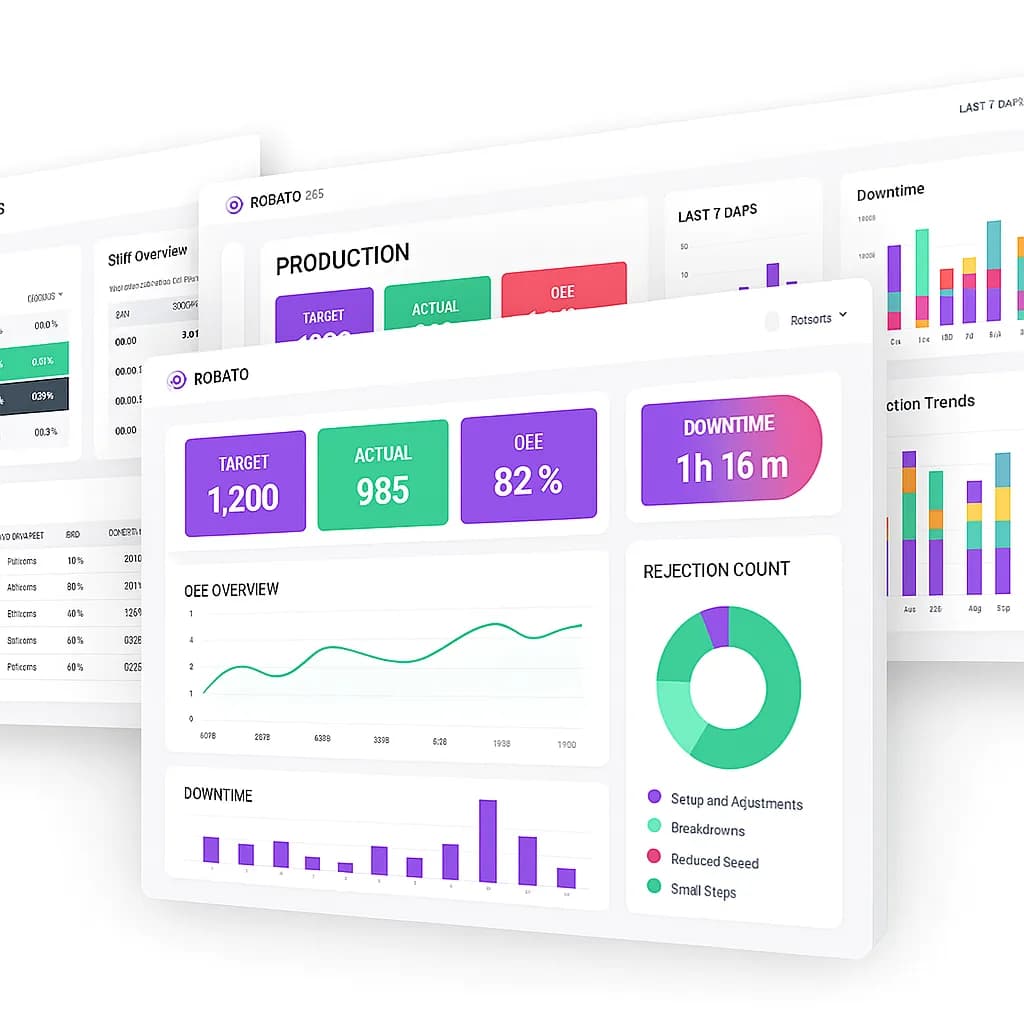
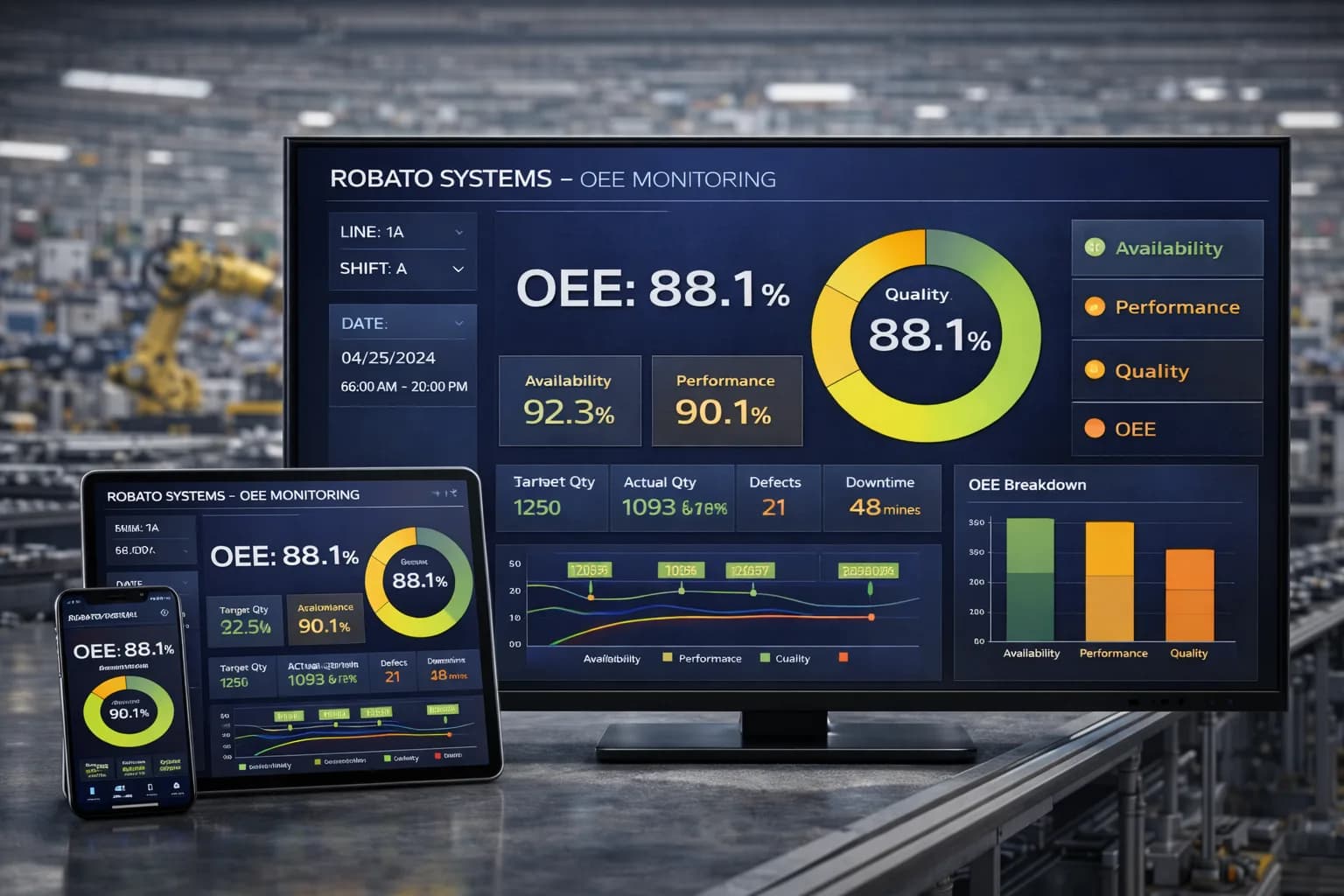
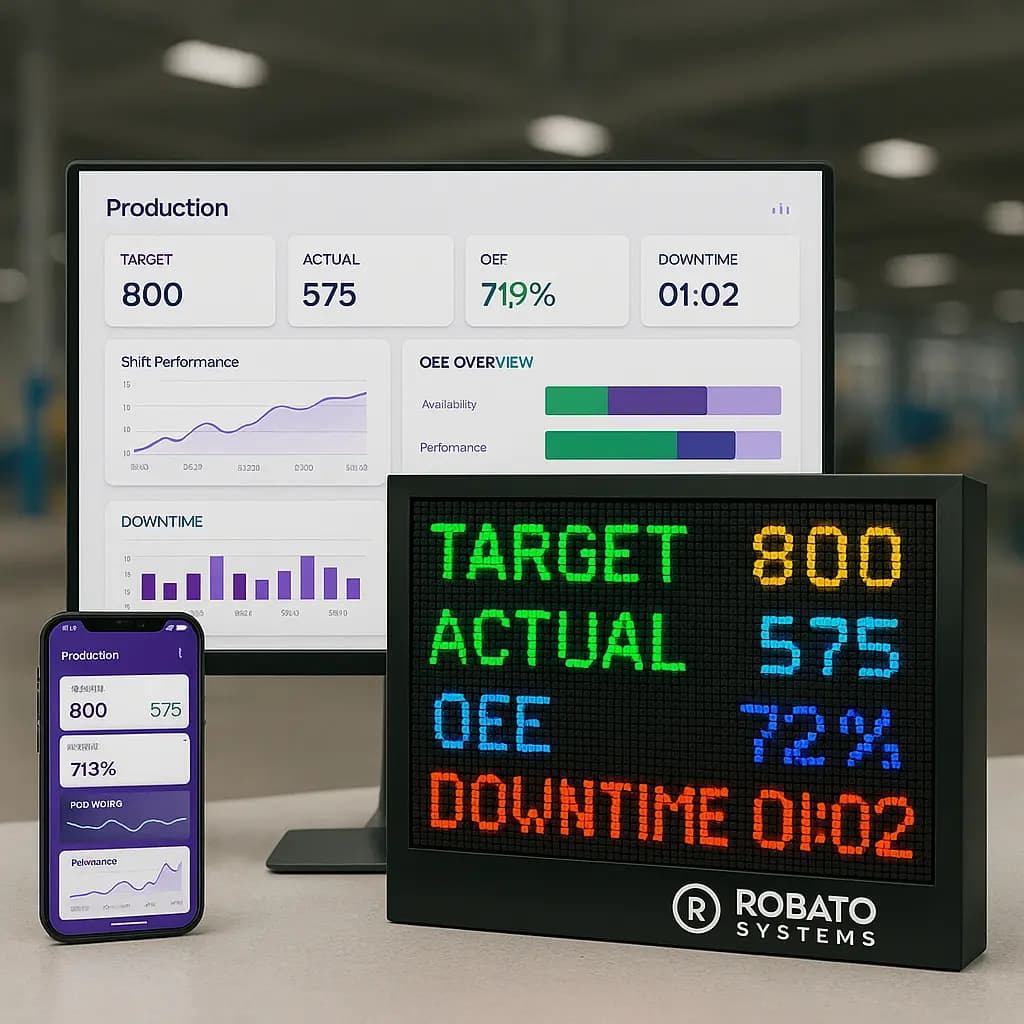
For factories that need to monitor several machines and production lines, production monitoring software can help centralize production counts, machine status, downtime information, and performance indicators in one monitoring environment.
Why Is CNC Machine Monitoring Important?
CNC machines may be highly automated, but production performance can still be affected by setup changes, tool wear, program issues, material shortages, operator availability, maintenance requirements, and unexpected stoppages.
Without reliable monitoring, these problems may remain hidden until production falls behind schedule.
1. Improve Visibility Across CNC Machines
When a factory operates multiple CNC machines, manually checking each machine can consume time and provide only a snapshot of its condition.
A centralized monitoring system gives supervisors a clearer view of connected machines across the shop floor. They can identify active machines, review stopped equipment, and determine which areas need attention.
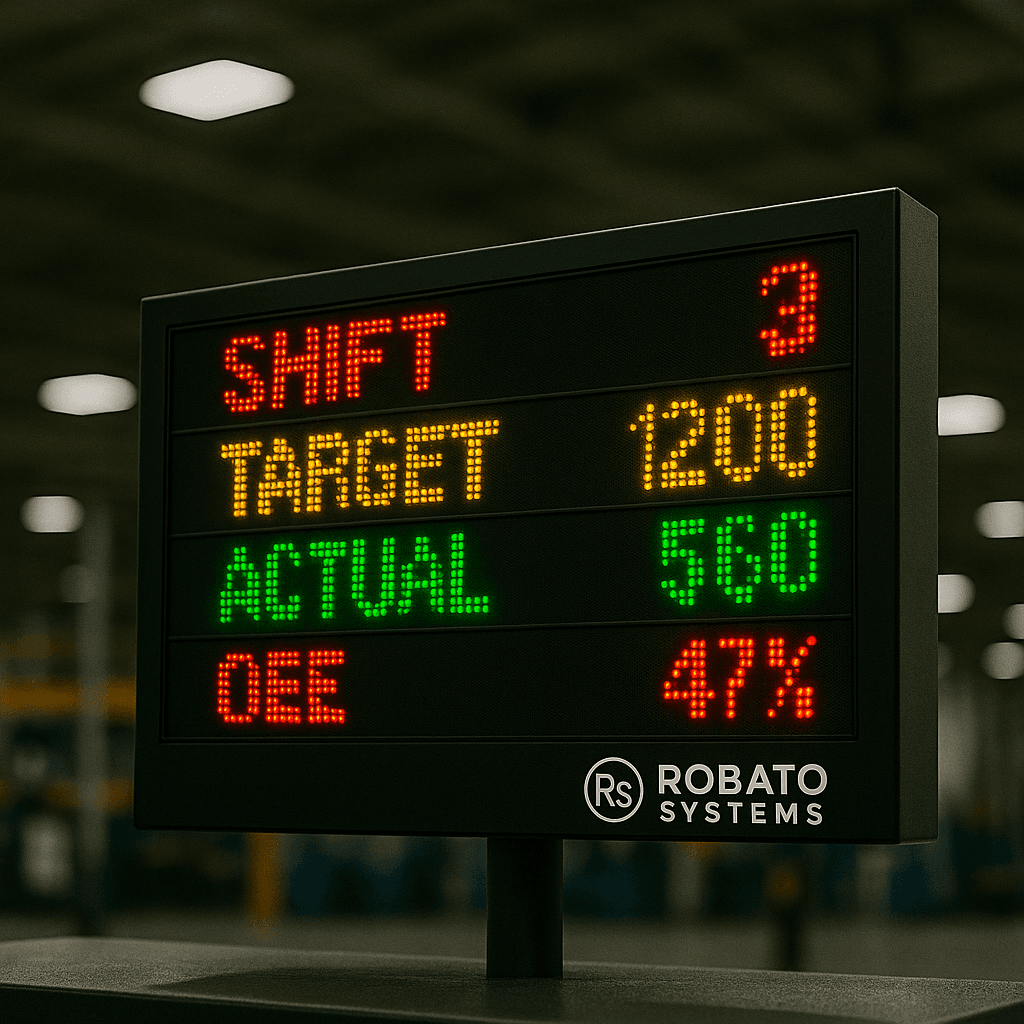
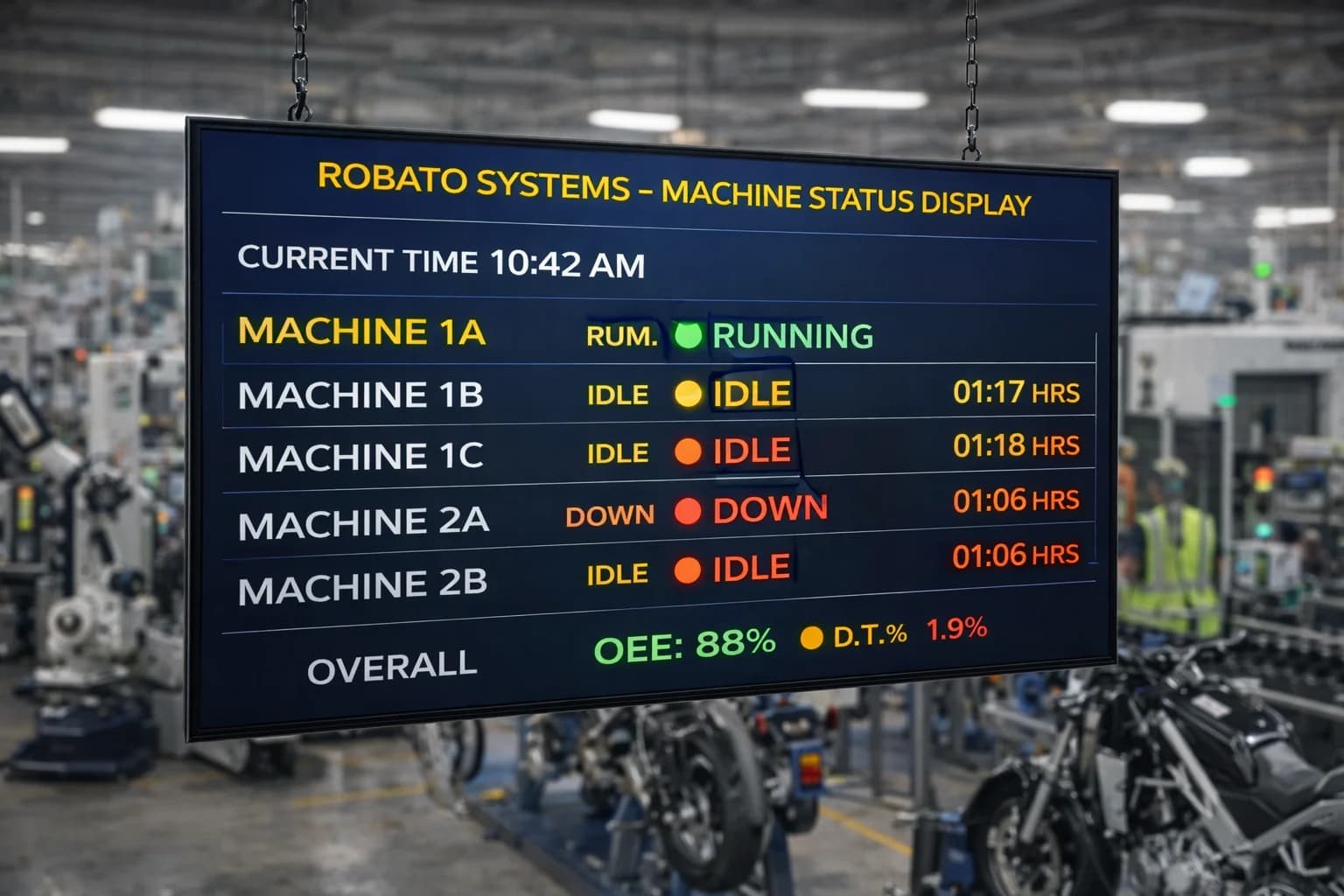
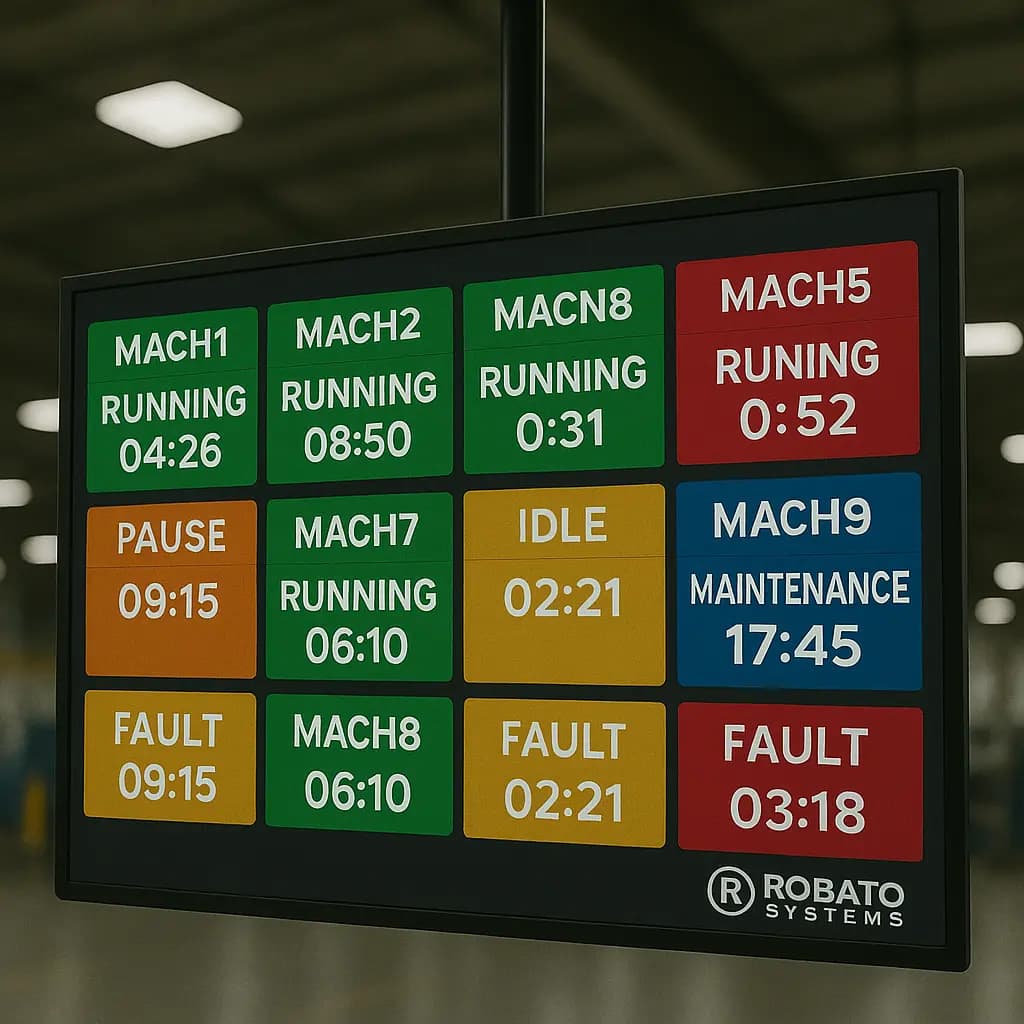
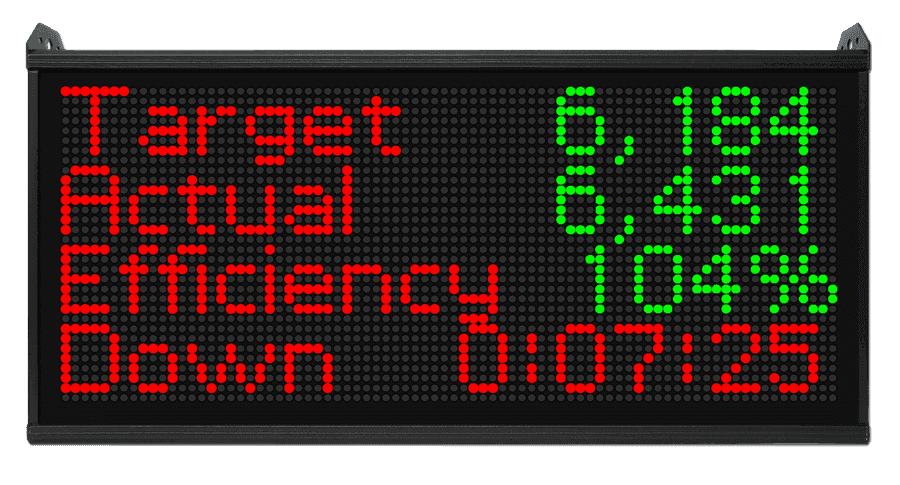
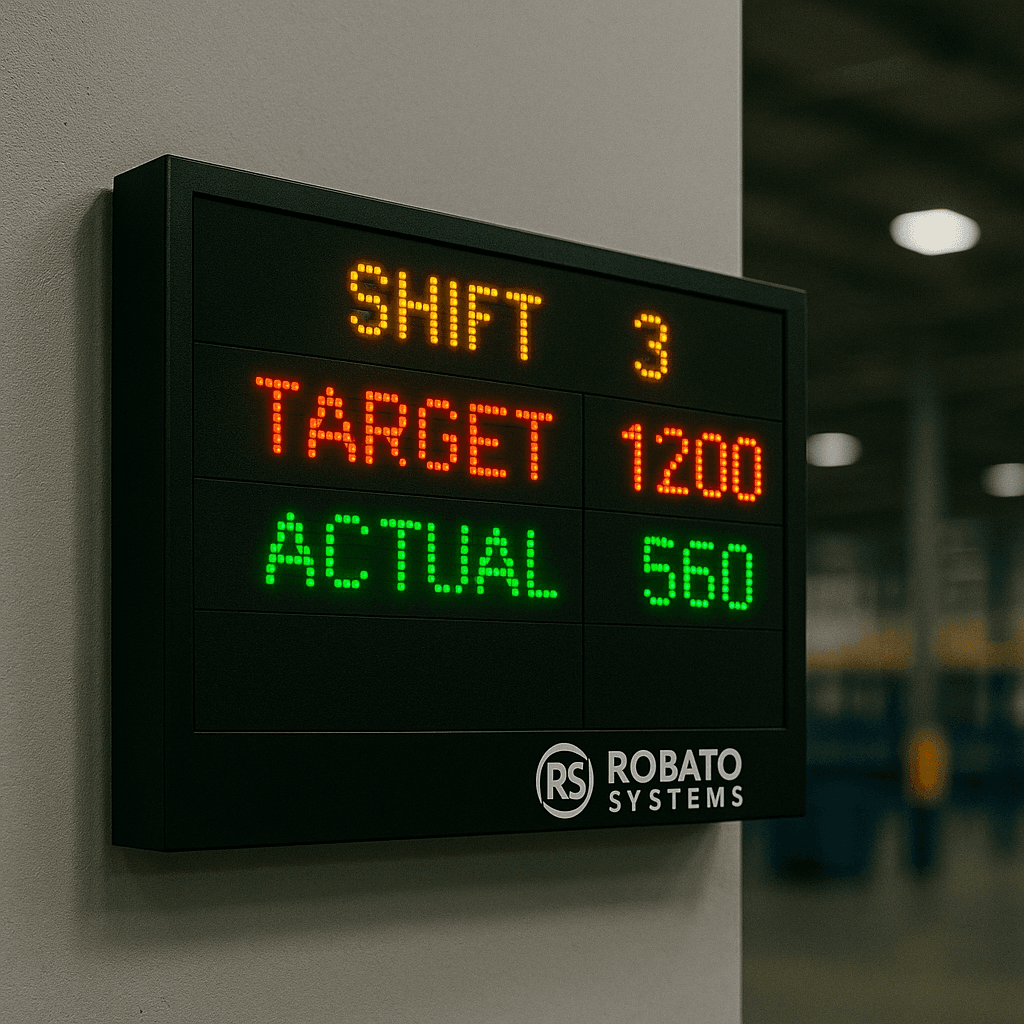
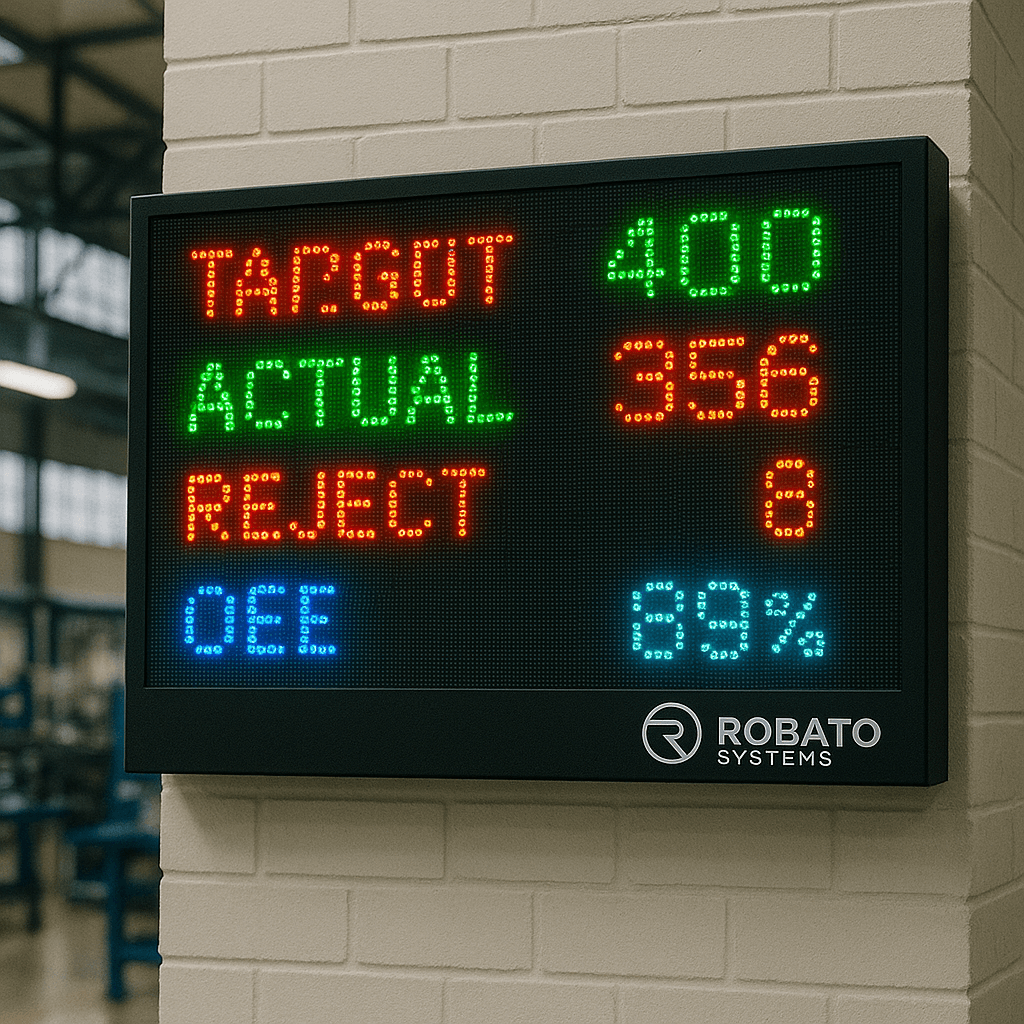
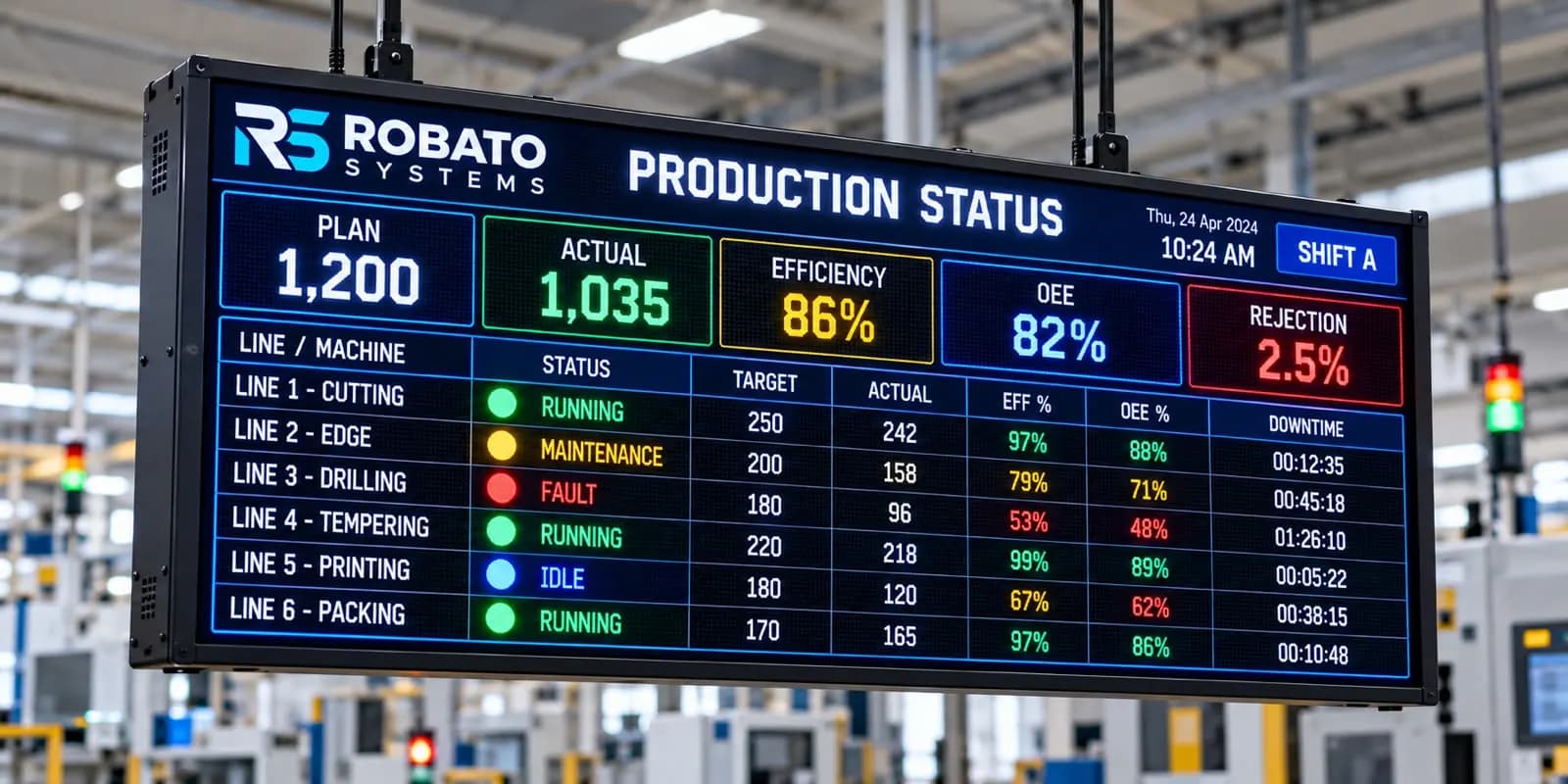
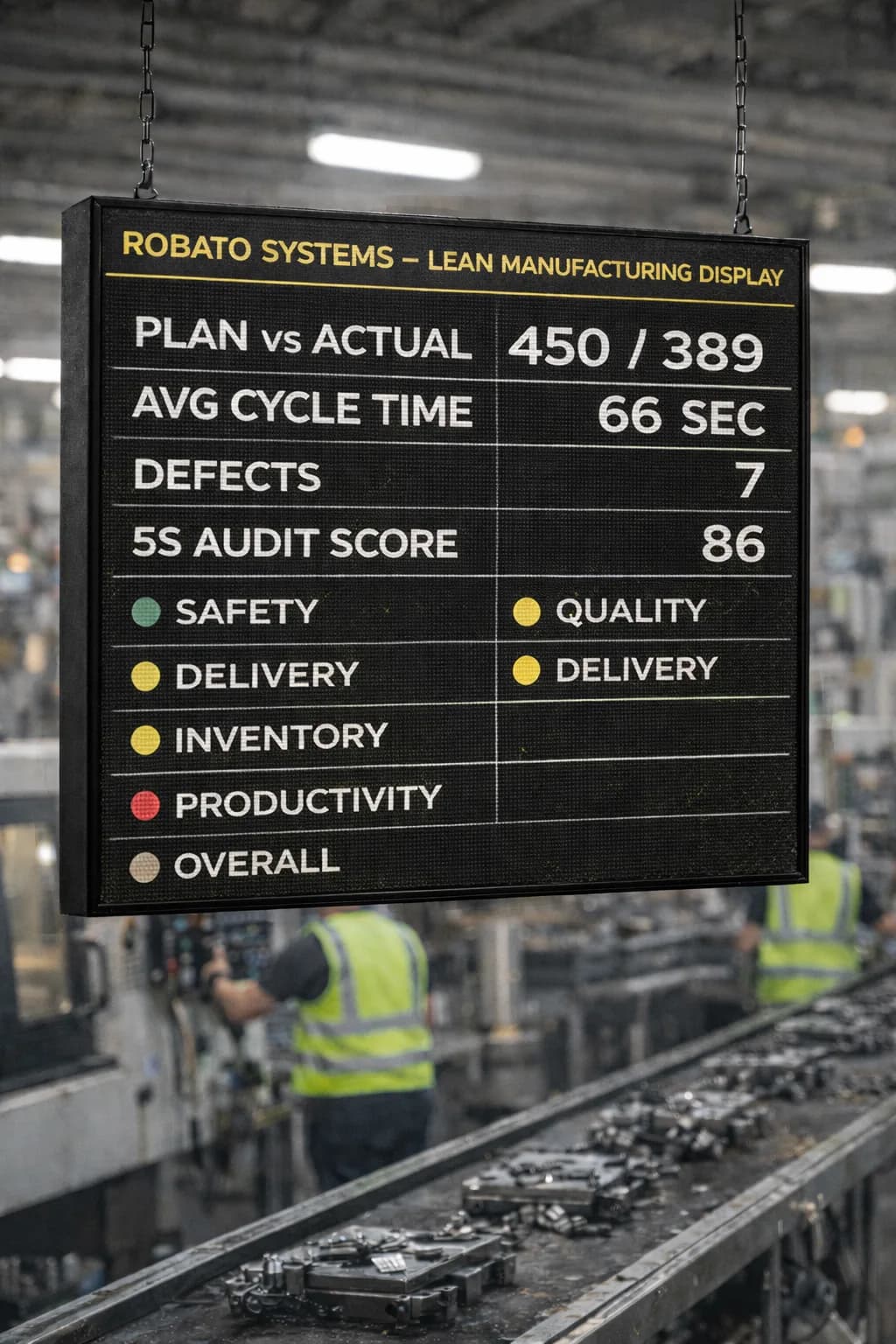
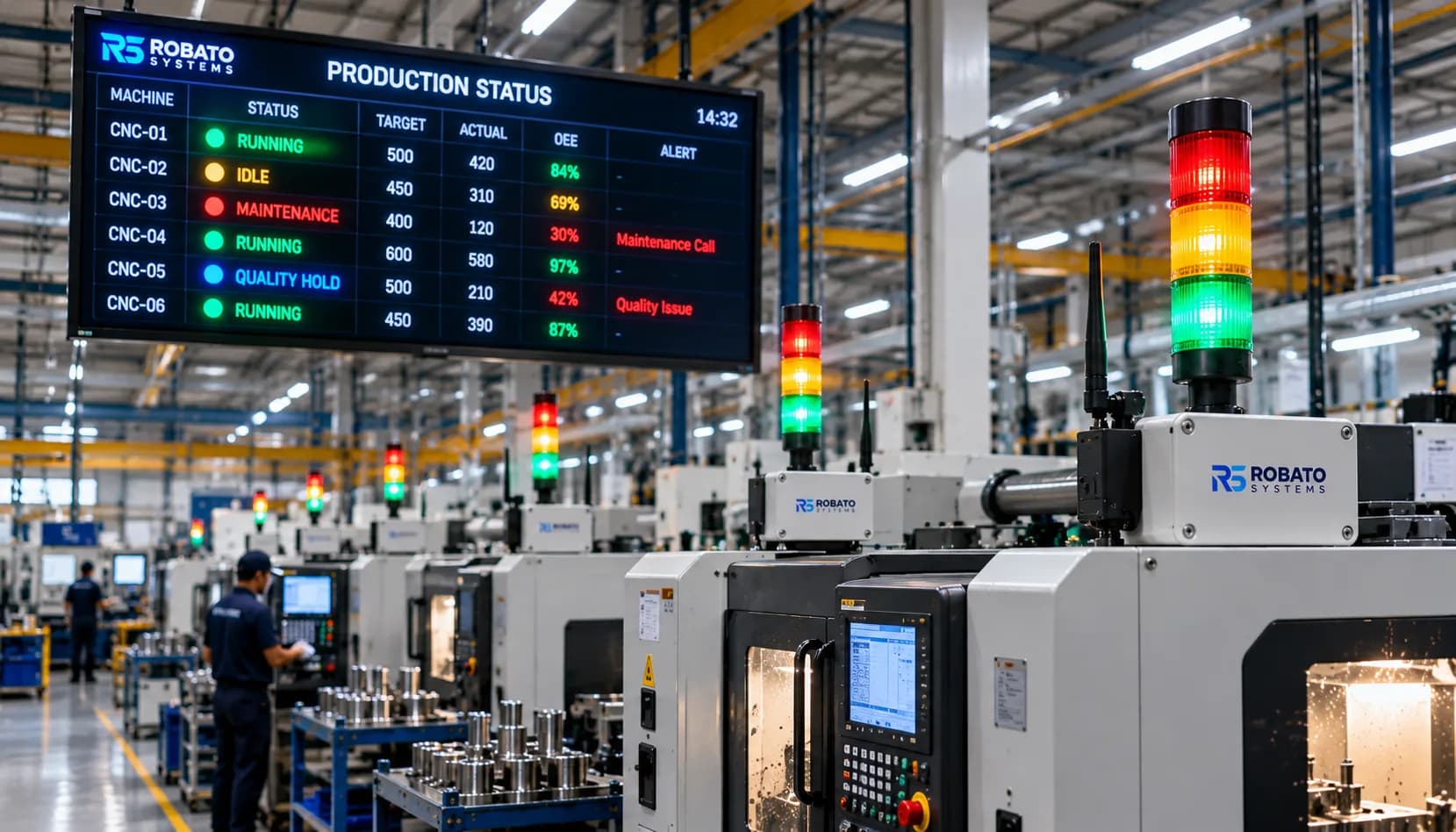
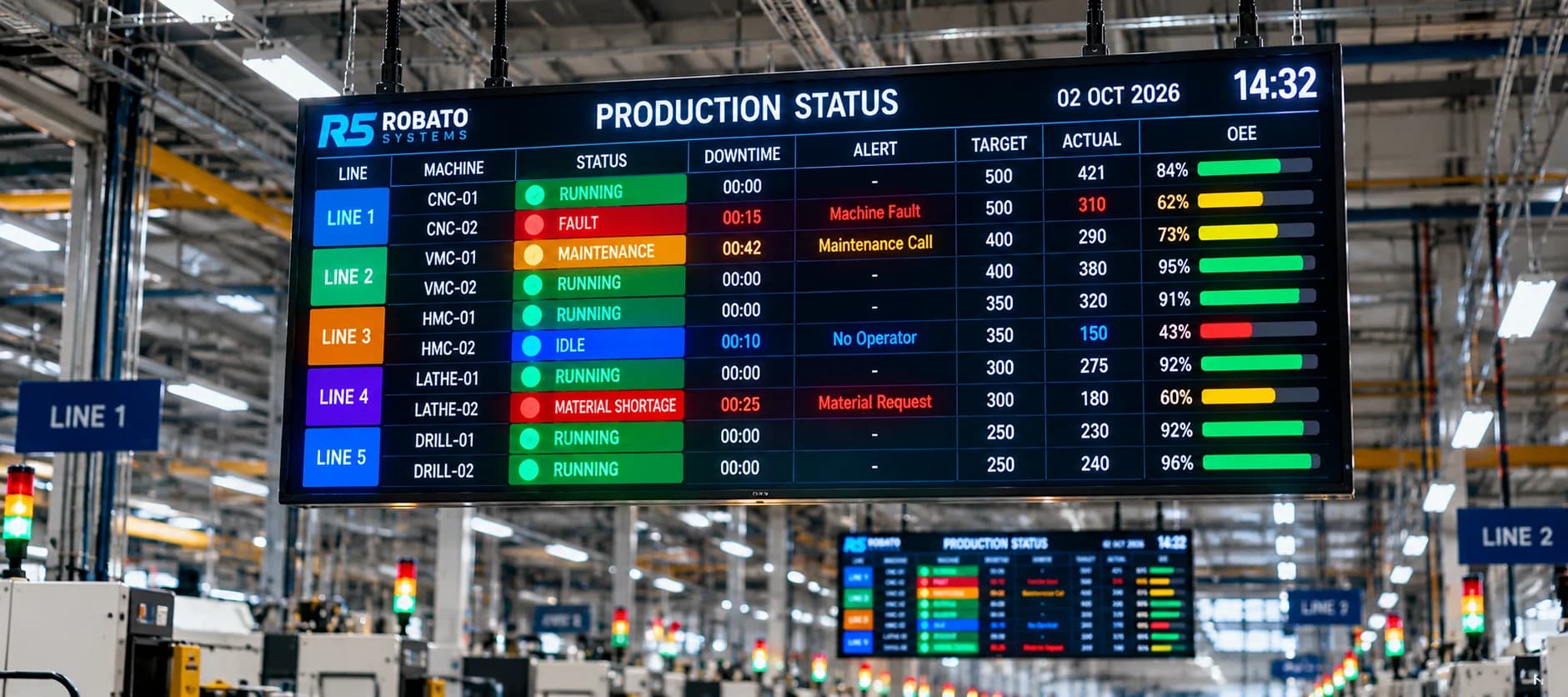
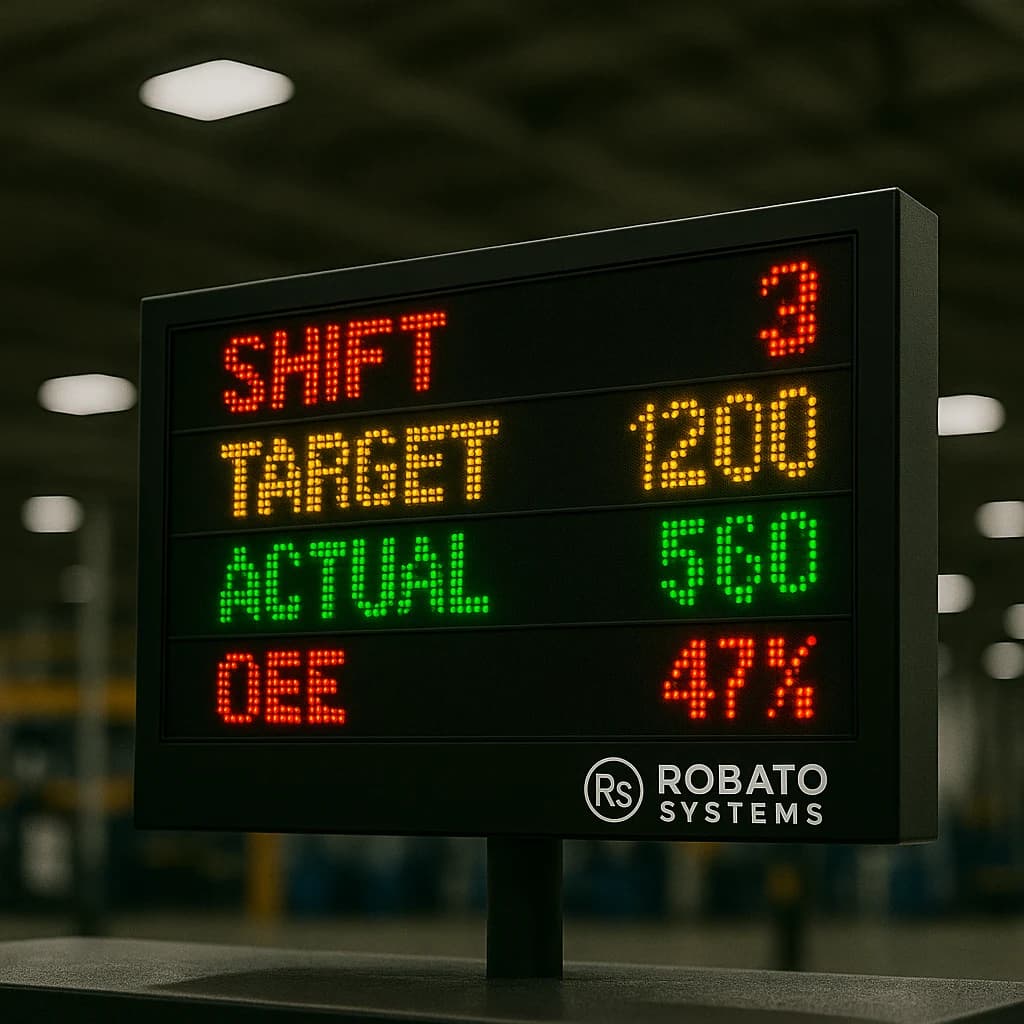
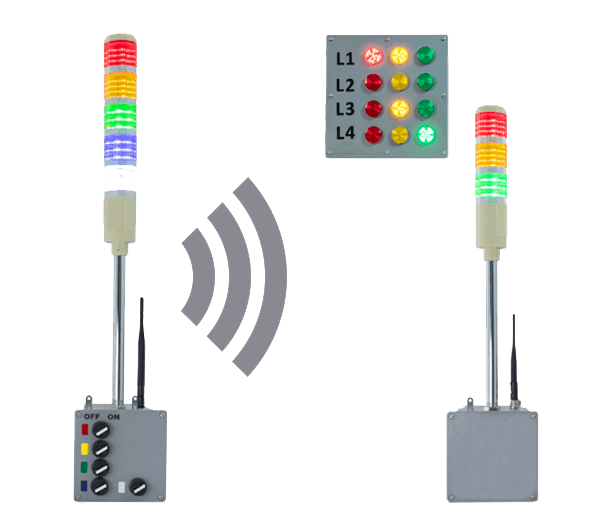
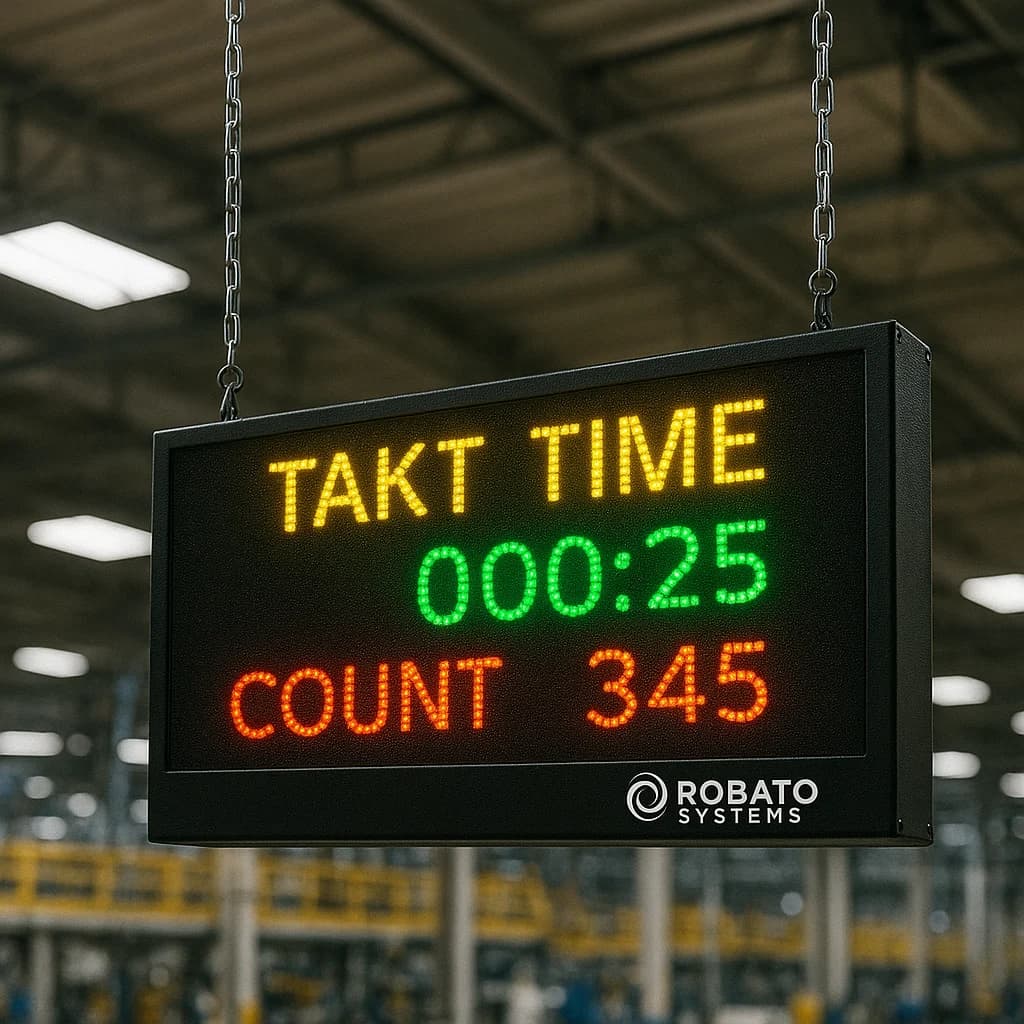
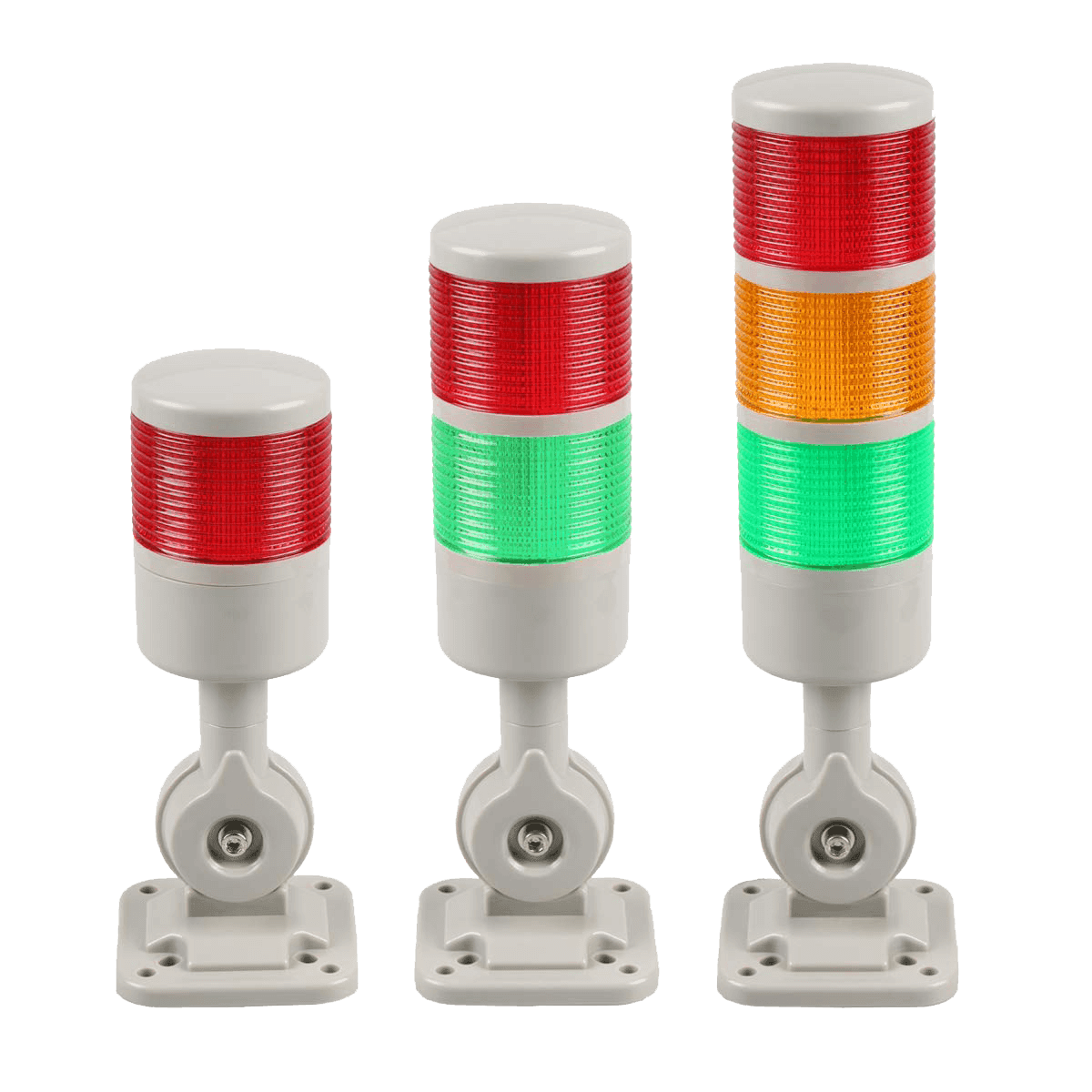
A suitable machine status display board can complement digital dashboards by presenting machine status visibly on the shop floor, helping operators and supervisors recognize equipment conditions quickly.
2. Identify Lost Machining Time
A CNC machine may remain unavailable for several reasons, including tool changes, setup activities, breakdowns, material shortages, or waiting for the next operation.
Monitoring helps record operating states and stoppage events. When combined with reliable downtime reasons, this information can help teams distinguish between planned activities and avoidable production losses.
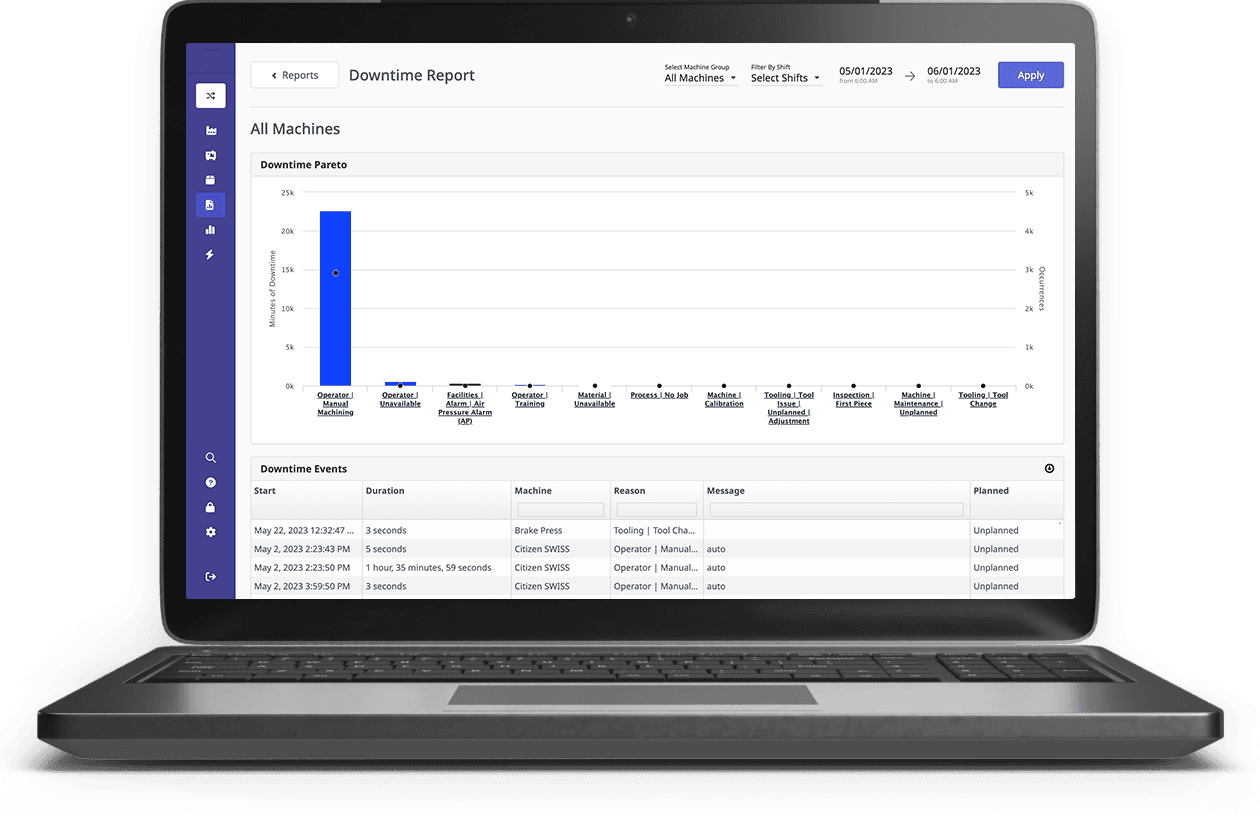
A dedicated production downtime monitoring system can help manufacturers record stoppages, review downtime patterns, and investigate recurring interruptions.
3. Compare Planned and Actual Production
Production targets help manufacturers plan capacity and delivery schedules. However, targets alone do not reveal whether machines are producing at the expected rate.
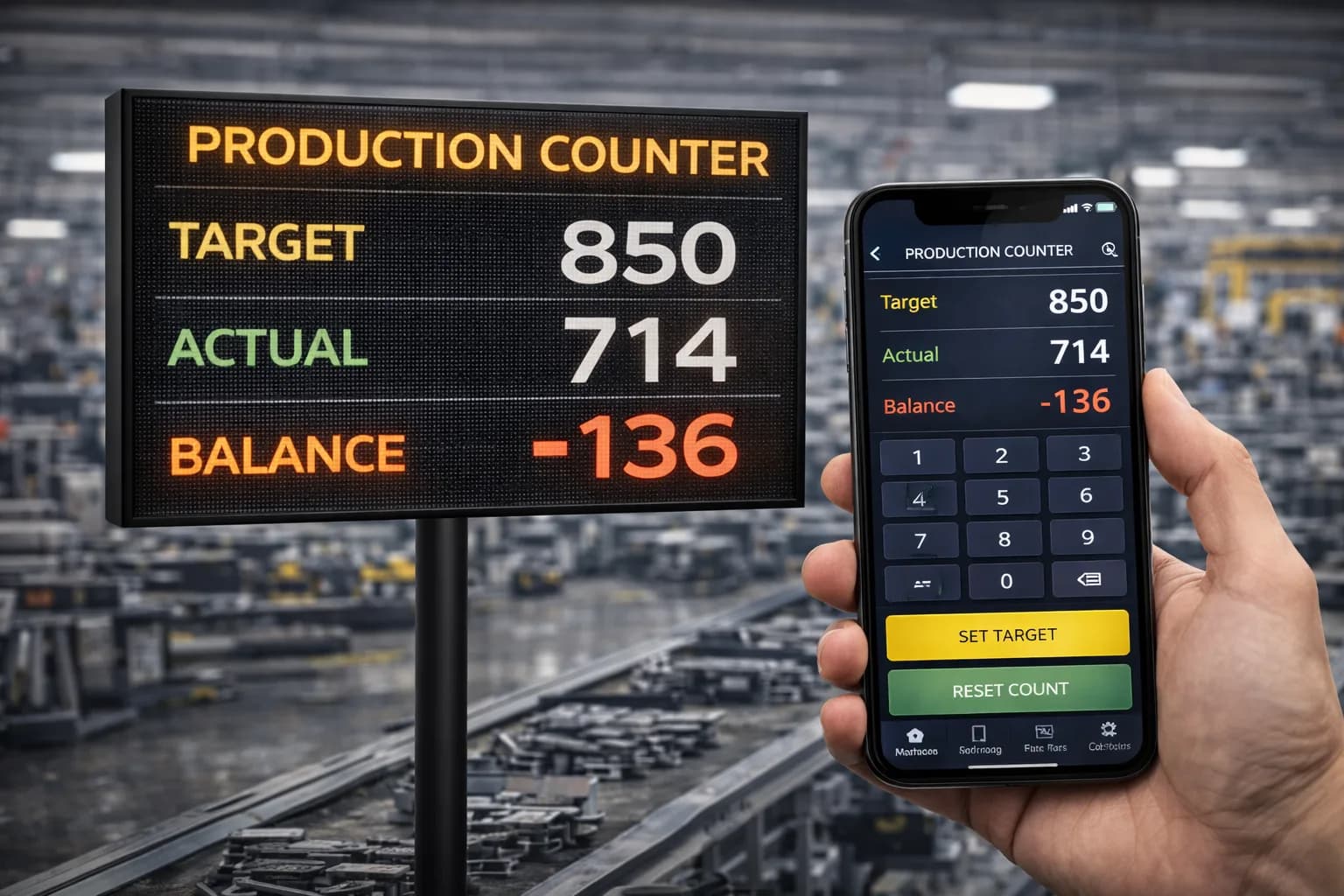
CNC machine monitoring can compare actual production counts with configured targets, helping teams identify output gaps during a shift.
4. Support Better Maintenance Decisions
Machine alarms, operating hours, and available condition data can help maintenance teams investigate equipment issues.
When combined with suitable sensors and analytical methods, CNC monitoring can also support condition-based or predictive maintenance strategies.
5. Improve Production Planning
Reliable historical records can help manufacturers understand how long jobs take, how frequently machines stop, and where production constraints occur.
These insights support more realistic scheduling, capacity planning, and decisions about how work should be distributed across compatible machines.
How Does a CNC Machine Monitoring System Work?
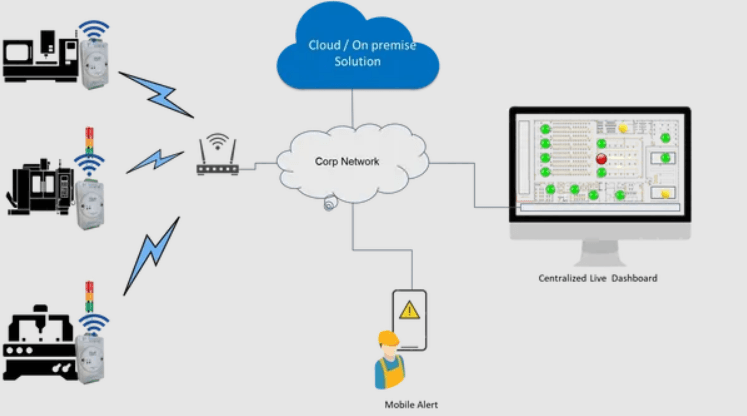
A CNC machine monitoring system connects machine data sources to software that processes and displays operational information.
The exact setup depends on the CNC controller, machine age, communication interface, and monitoring requirements.
Step 1: Collect Data From CNC Machines
The system collects available information from CNC controllers, PLCs, sensors, or other supported interfaces.
Depending on the machine and integration method, the collected data may include running status, cycle state, part counts, alarms, and selected machine parameters.
Some machines provide extensive digital data, while older machines may expose only a limited number of signals or require additional hardware.
Step 2: Connect Machines to the Monitoring Platform
Machine data is transferred through a supported communication method, such as Ethernet, an industrial network, a gateway, or a compatible controller interface.
Industrial data standards and protocols may help simplify integration, but compatibility must be verified for each controller and installation.
Step 3: Process Machine Signals
The monitoring software interprets incoming information and converts it into meaningful machine states and production records.
For example, a controller signal may indicate that a machining cycle is active. The software can use this signal to record operating periods and calculate cycle-related metrics.
Correct signal mapping and consistent rules are essential for reliable results.
Step 4: Display Real-Time Information
The processed information appears on dashboards, machine lists, production reports, and supported shop-floor displays.
Users can review machine status, output, downtime, and other configured metrics without needing to visit every machine individually.
Step 5: Analyze Performance and Take Action
Historical data helps teams identify recurring stoppages, compare production performance, and investigate output gaps.
The monitoring system provides visibility and evidence. Improving performance still requires appropriate corrective actions, maintenance practices, and production management.
Key Features of CNC Machine Monitoring Software
When selecting CNC machine monitoring software, manufacturers should focus on features that support their production goals.
1. Real-Time Machine Status Monitoring
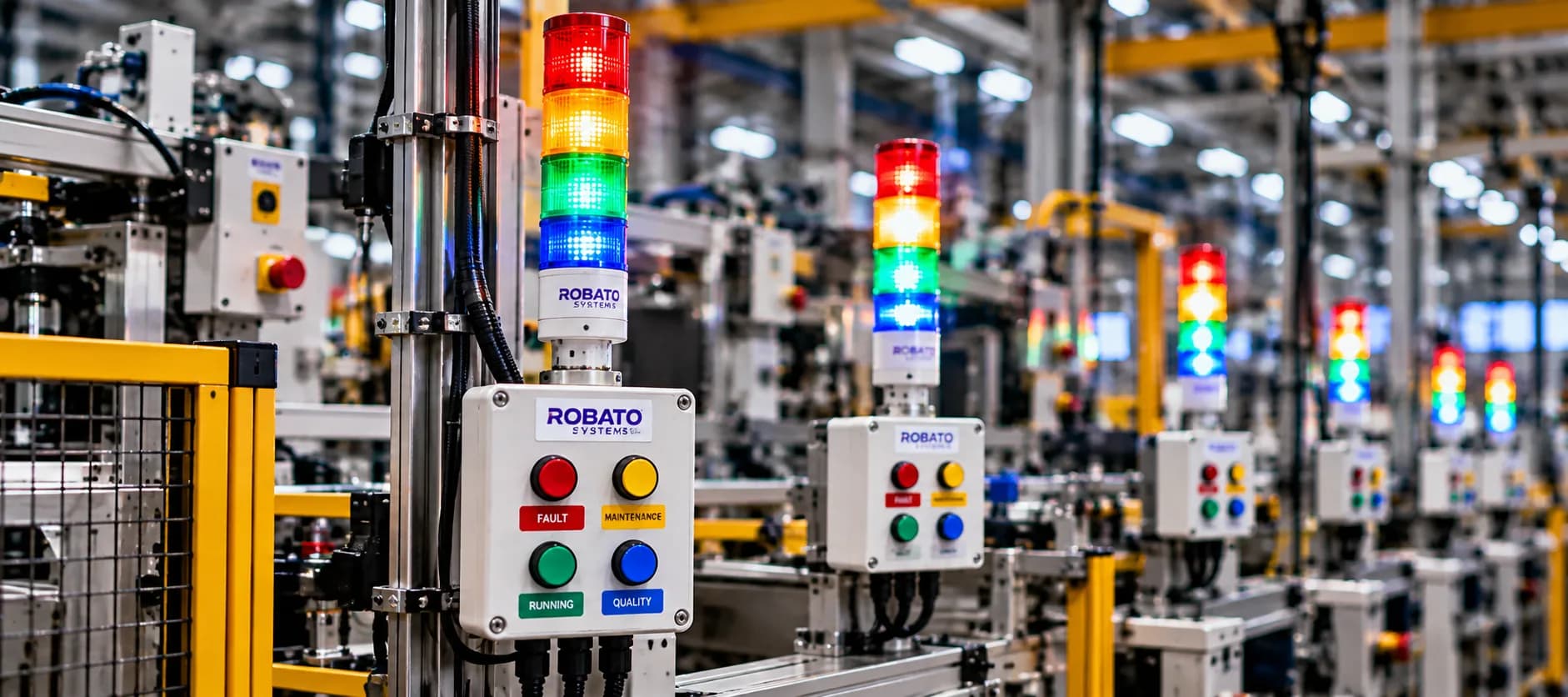
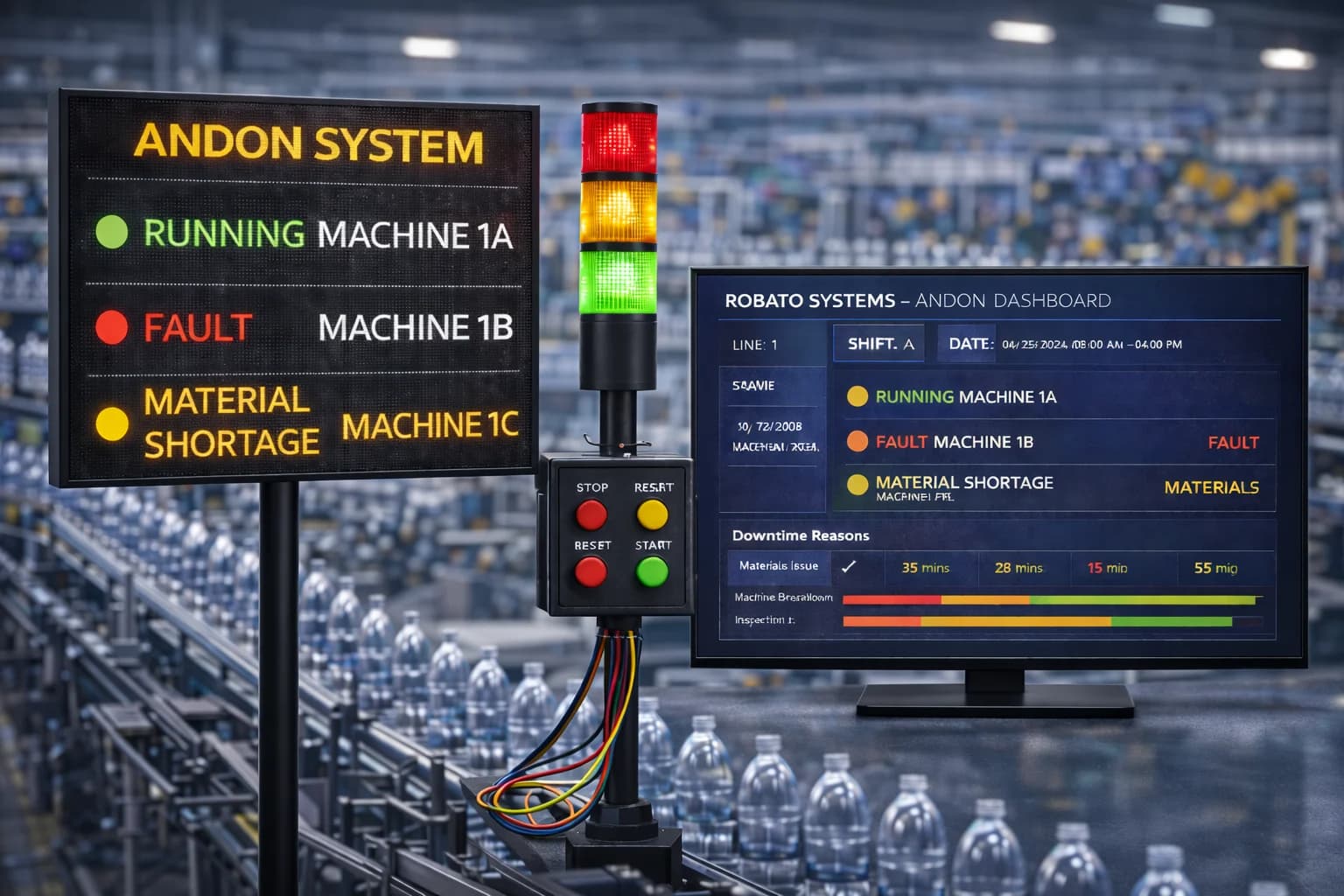
Machine status monitoring shows whether connected CNC machines are running, idle, stopped, or reporting a fault.
Useful capabilities include:
Machine-wise status indicators
Production-line and department views
Automatic status updates
Configurable machine-state definitions
Historical status records
This helps supervisors identify machines requiring attention and understand the overall condition of the connected shop floor.
The actual update frequency depends on the machine interface, network, and system configuration.
2. CNC Production Monitoring
CNC production monitoring helps manufacturers understand how much work each machine completes during a defined period.
Depending on the installation, it may include part counts, cycle completion, target-versus-actual output, and shift-wise production reports.
These records help production teams identify output gaps and investigate whether they relate to machine stoppages, slow cycles, setup time, or other factors.
3. Cycle Time Monitoring
Cycle time is the time required to complete a defined production cycle or operation.
Monitoring cycle times can help manufacturers compare actual performance with expected cycle times and identify unusual variations.
For example, if a machining operation normally completes in four minutes but begins taking five minutes, the difference may justify an investigation into tool condition, program changes, material characteristics, or operating conditions.
Cycle time comparisons should account for part type, machining program, and process requirements. Different jobs may have different expected cycle times.
4. CNC Downtime Monitoring
Downtime monitoring records periods when a machine is not operating according to the defined production rules.
Useful capabilities include:
Downtime start and end times
Machine-wise downtime duration
Frequency of stoppage events
Recorded downtime reasons
Shift-wise downtime reports
Historical comparisons
Accurate downtime categorization matters. A planned setup, scheduled maintenance period, and unexpected mechanical failure should not automatically be treated as the same type of event.
5. Production Target Tracking
Target tracking compares actual machine output with a configured production goal.
For example, a CNC machine may have a target of 120 parts during a shift. If the monitoring system records 90 completed parts, the dashboard can show the production gap.
Supervisors can then review cycle time, downtime, setup activities, and other relevant information to understand why the target was missed.
6. Machine Utilization Monitoring
Machine utilization measures how much of a defined available period a machine is being used.
It can help manufacturers understand whether expensive CNC equipment is being used effectively or spending excessive time waiting for work, materials, tools, or operator support.
Utilization should be calculated using a clearly defined time basis. Comparing machines without accounting for their schedules and production requirements can produce misleading conclusions.
7. Alarm and Fault Monitoring
CNC machines can generate alarms related to program execution, tool conditions, drives, axes, lubrication, temperature, and other machine functions.
A compatible monitoring system can collect supported alarm information and make it available for review.
Historical alarm records can help engineers investigate recurring issues and prioritize maintenance activities. The monitoring software should not be assumed to replace the machine's own safety systems, control logic, or alarm-handling procedures.
8. Centralized CNC Dashboard
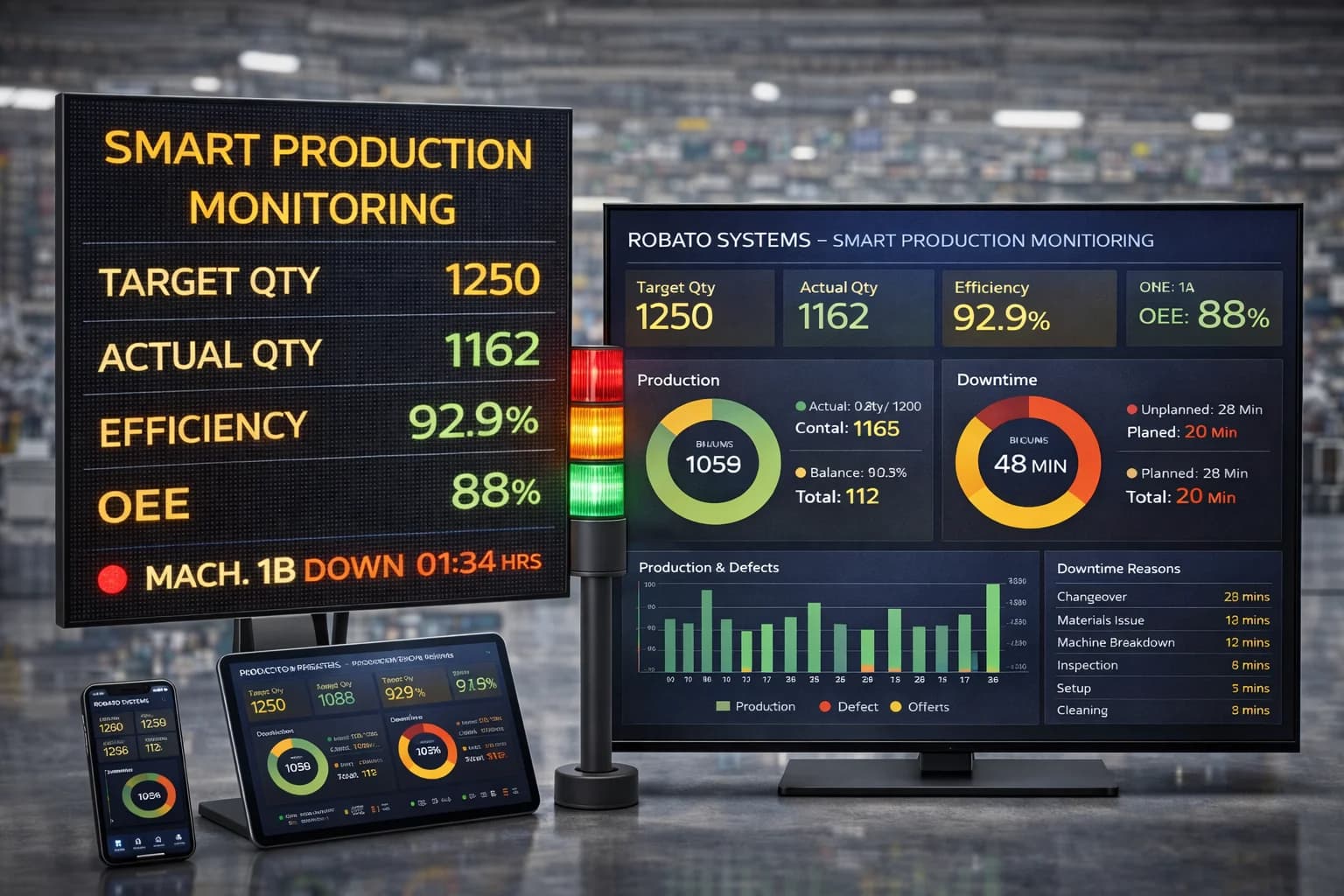
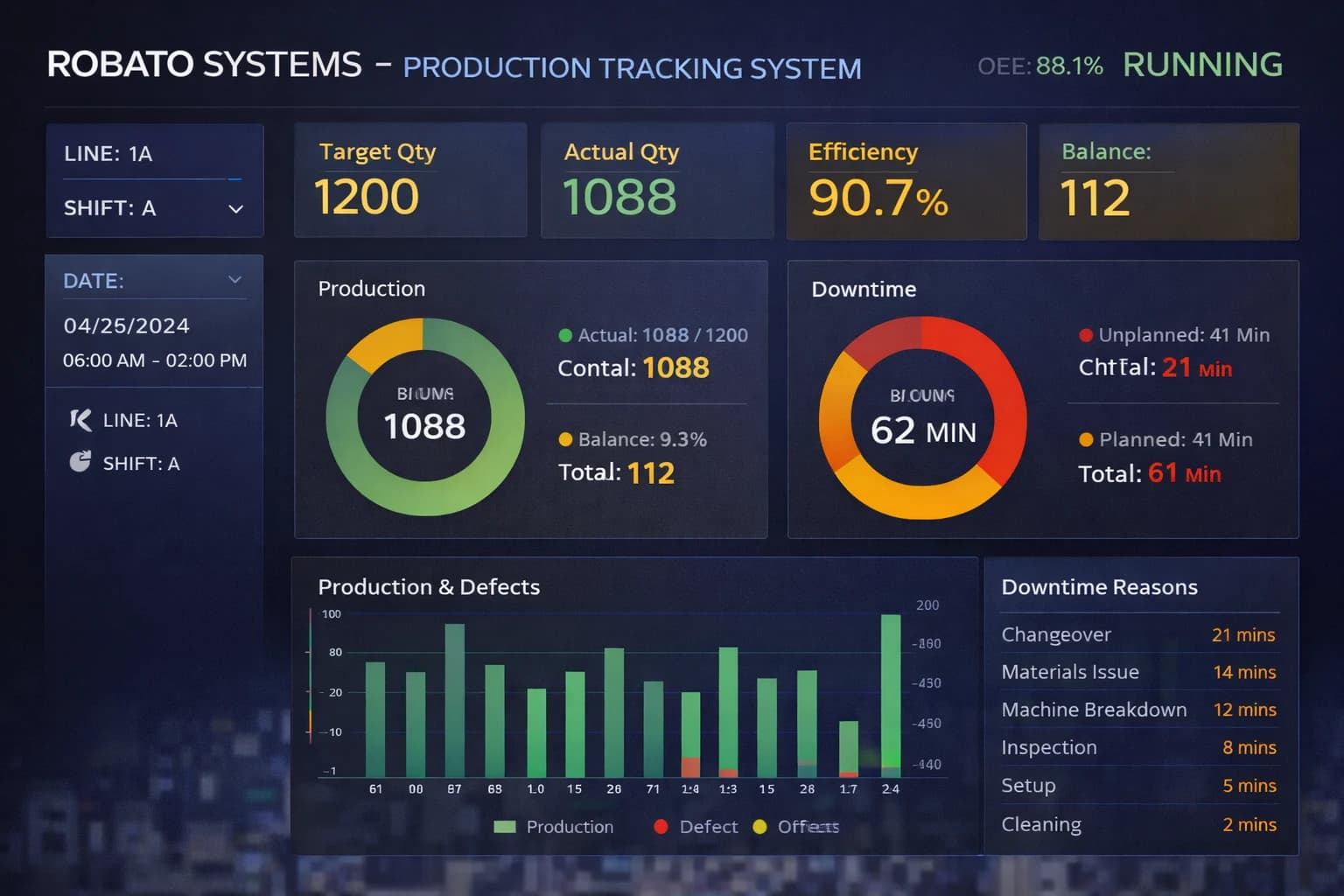
A CNC dashboard brings machine and production information into a common view.
Depending on the software, users may be able to:
View the status of multiple CNC machines
Compare output across machines or shifts
Review downtime and alarm events
Identify production target gaps
Access historical reports
Filter information by machine or production area
The dashboard should present the information users need to make decisions without overwhelming them with unnecessary indicators.
9. Historical Data and Reporting
Historical data helps manufacturers understand how machine performance changes over time.
Reports may include runtime, downtime, production counts, cycle times, machine-state history, and other supported information.
These records can help teams review recurring problems, compare shifts, investigate production variations, and evaluate whether corrective actions have improved performance.
Benefits of CNC Machine Monitoring
Improved Shop-Floor Visibility
A centralized monitoring system provides a consistent view of connected CNC machines and their operating status.
This reduces dependence on manual status checks and helps supervisors identify where attention is needed.
Better Identification of Production Losses
Machine-state records and downtime history help teams understand when production time is being lost.
With reliable downtime reasons, manufacturers can prioritize recurring issues rather than relying only on overall output figures.
Improved Production Planning
Historical cycle times, production counts, and downtime records can support more realistic production estimates.
Planning teams can use these records to assess machine capacity, review job durations, and identify scheduling constraints.
More Informed Maintenance Planning
Runtime records, alarms, and condition measurements can help maintenance teams investigate equipment issues and plan appropriate inspections.
Advanced maintenance strategies may require additional sensors, analysis, or integration with a maintenance management system.
Improved Accountability and Shift Reporting
Digital production records provide a consistent basis for reviewing performance across shifts.
Supervisors can compare actual output with targets and examine recorded machine events when investigating differences.
Support for Continuous Improvement
Manufacturers can use historical monitoring data to evaluate process changes, maintenance actions, and production improvements.
This makes it easier to determine whether an intervention has produced a measurable result.
Key Metrics to Track in CNC Machine Monitoring
The most useful metrics depend on the factory's production objectives and the information available from its CNC machines.
| Metric | What It Measures | Why It Matters |
|---|---|---|
| Production count | Number of parts recorded as produced | Tracks output |
| Cycle time | Duration of a defined production cycle | Helps identify cycle variations |
| Runtime | Recorded machine operating time | Supports utilization and maintenance analysis |
| Downtime | Time spent in defined stopped states | Reveals production interruptions |
| Machine utilization | Usage relative to a defined available-time basis | Helps assess equipment use |
| Target achievement | Actual output compared with planned output | Highlights production gaps |
| Alarm frequency | Number of recorded alarm events | Helps identify recurring issues |
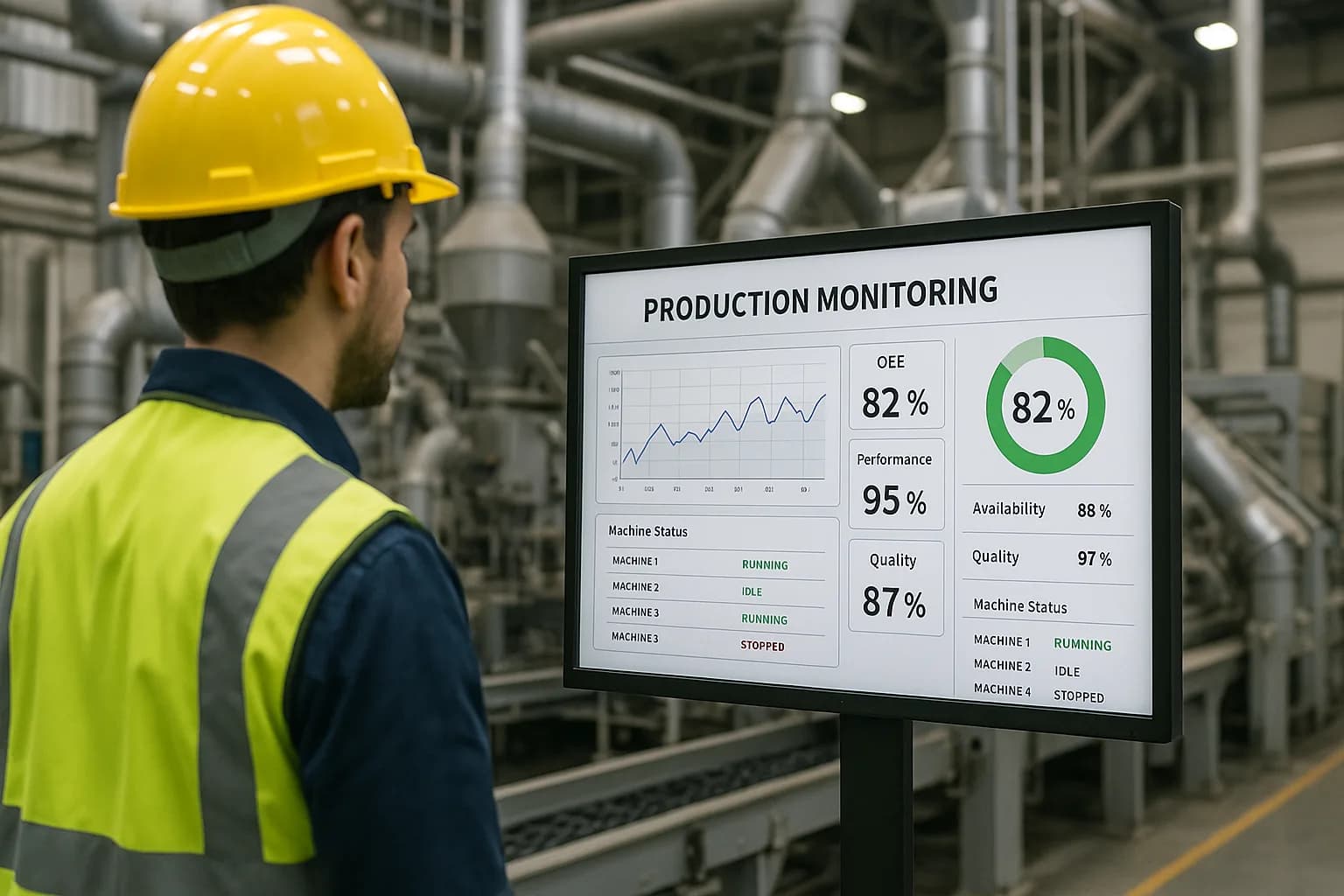
| OEE | Availability, performance, and quality combined | Provides a broader view of manufacturing effectiveness |
Metrics should be interpreted according to the machine, job, shift, and production schedule. A single number rarely explains the full reason for a production problem.
How to Calculate CNC Machine Utilization
A simplified utilization formula is:
Machine Utilization (%) = (Machine Operating Time ÷ Planned Available Time) × 100
For example, if a CNC machine is planned to be available for 480 minutes and operates for 360 minutes:
Utilization = (360 ÷ 480) × 100 = 75%
This calculation assumes the planned available period is clearly defined and operating time is recorded consistently.
How to Calculate Production Target Achievement
Target Achievement (%) = (Actual Production ÷ Planned Production) × 100
If a machine has a shift target of 120 parts and produces 108 parts:
Target achievement = (108 ÷ 120) × 100 = 90%
This indicates that the machine achieved 90% of its target. Further analysis is needed to determine whether the difference was caused by downtime, cycle time, setup, quality issues, or another factor.
CNC Machine Monitoring vs. CNC OEE Monitoring
CNC machine monitoring and CNC OEE monitoring are related but have different primary purposes.
CNC machine monitoring provides visibility into machine status, production activity, cycle time, downtime, alarms, and other available machine data.
CNC OEE monitoring focuses on Overall Equipment Effectiveness, which combines availability, performance, and quality into a structured measure of manufacturing effectiveness.
A dedicated OEE monitoring system can help manufacturers review these three components and understand where equipment effectiveness losses occur.
| Comparison | CNC Machine Monitoring | CNC OEE Monitoring |
|---|---|---|
| Primary focus | Machine status and operating information | Overall equipment effectiveness |
| Typical data | Status, cycles, counts, alarms, downtime | Availability, performance, quality |
| Main purpose | Understand machine activity and events | Quantify and analyze production losses |
| Typical users | Operators, supervisors, maintenance teams | Production managers, engineers, improvement teams |
Machine monitoring can provide some of the data required for OEE calculations. Accurate OEE measurement also requires appropriate production targets, planned-time definitions, and quality information.
How to Implement CNC Machine Monitoring
Step 1: Define Your Objectives
Identify the problems the monitoring system should help solve.
Examples include limited visibility across CNC machines, inaccurate production records, frequent stoppages, missed output targets, or difficulty understanding cycle-time variations.
Clear objectives help determine which machines and data points should be included.
Step 2: Assess CNC Machine Compatibility
Create an inventory of the machines and their controllers.
Record machine models, controller types, available communication interfaces, and the information that can be accessed.
This helps determine whether the machines can connect directly or require additional hardware.
Step 3: Select the Required Data Points
Identify the information needed for the chosen objectives.
A basic installation may start with machine status, cycle activity, production counts, and downtime. More advanced requirements may include controller alarms, tool information, condition measurements, or detailed production data.
Only collect information that the system can access reliably and that has a clear operational purpose.
Step 4: Configure Connectivity and Data Mapping
Set up the required connections and map available signals to the correct machine states and metrics.
Verify how the system interprets cycle start, cycle completion, running state, fault state, and communication loss.
Testing against actual machine operation helps prevent inaccurate reports.
Step 5: Configure Dashboards and Reports
Design dashboards around the needs of operators, supervisors, engineers, and management.
Choose relevant machine groupings, production metrics, time periods, and reporting rules.
Keep the interface focused on information users can act on.
Step 6: Run a Pilot
Start with a representative group of CNC machines.
Check data accuracy, status updates, production counts, downtime classification, and dashboard usability.
Collect feedback from users and resolve configuration or connectivity problems before expanding.
Step 7: Review Results and Expand
Compare the pilot results with the original objectives.
Review data completeness, reporting accuracy, user adoption, and whether the information supports better production decisions.
Once the setup is reliable, extend monitoring to additional machines or production areas.
Common Challenges in CNC Machine Monitoring
Older CNC Controllers
Older machines may not provide modern network interfaces or extensive machine data.
Recommended approach: Assess available signals and consider compatible gateways, sensors, or other data collection interfaces.
Different Machine Manufacturers
A factory may operate CNC machines from several manufacturers with different controllers and communication capabilities.
Recommended approach: Check protocol support and integration requirements for each machine type. Do not assume that every controller exposes the same information.
Incorrect Machine-State Definitions
A machine may appear stopped because of setup, material waiting, planned breaks, maintenance, or a breakdown.
Recommended approach: Define operating states consistently and validate the interpretation with production and maintenance teams.
Incomplete Production Data
Part counters, cycle signals, or timestamps may be missing or incorrectly mapped.
Recommended approach: Compare collected data with machine operation and verified production records. Establish regular data-quality checks.
Too Many Metrics
A dashboard containing too many indicators can make it difficult for users to identify important problems.
Recommended approach: Begin with a small set of operationally relevant metrics and add more only when they support a clear decision.
Network and Security Considerations
Connecting CNC equipment to monitoring infrastructure introduces technical and cybersecurity requirements.
Recommended approach: Follow appropriate industrial network segmentation, access control, remote-access, and change-management practices. Ensure that monitoring connections do not interfere with machine control or safety functions.
How to Choose the Right CNC Machine Monitoring System
Before selecting a solution, manufacturers should evaluate the following factors.
1. Controller Compatibility
Check whether the system supports the CNC controllers and machine interfaces used in the factory.
Confirm which data points can be accessed and whether additional hardware is required.
2. Required Monitoring Features
Identify whether the platform provides the necessary functions, such as machine status, production counts, cycle time, downtime, alarm monitoring, and reporting.
Distinguish between essential capabilities and advanced features that may be added later.
3. Data Accuracy
Evaluate how the software collects, timestamps, processes, and validates machine data.
Reliable information is essential for meaningful reporting and comparisons.
4. Dashboard and Reporting Options
Confirm that users can review machine status, compare production results, investigate downtime, and access historical information.
The interface should suit the actual needs of shop-floor and management teams.
5. Scalability
Consider whether the system can support more machines, production lines, users, and facilities as the factory expands.
6. Integration Capabilities
Determine whether the monitoring platform can exchange data with production systems, maintenance applications, or other business software where required.
7. Security and Deployment
Evaluate access controls, data storage, network requirements, and available deployment options.
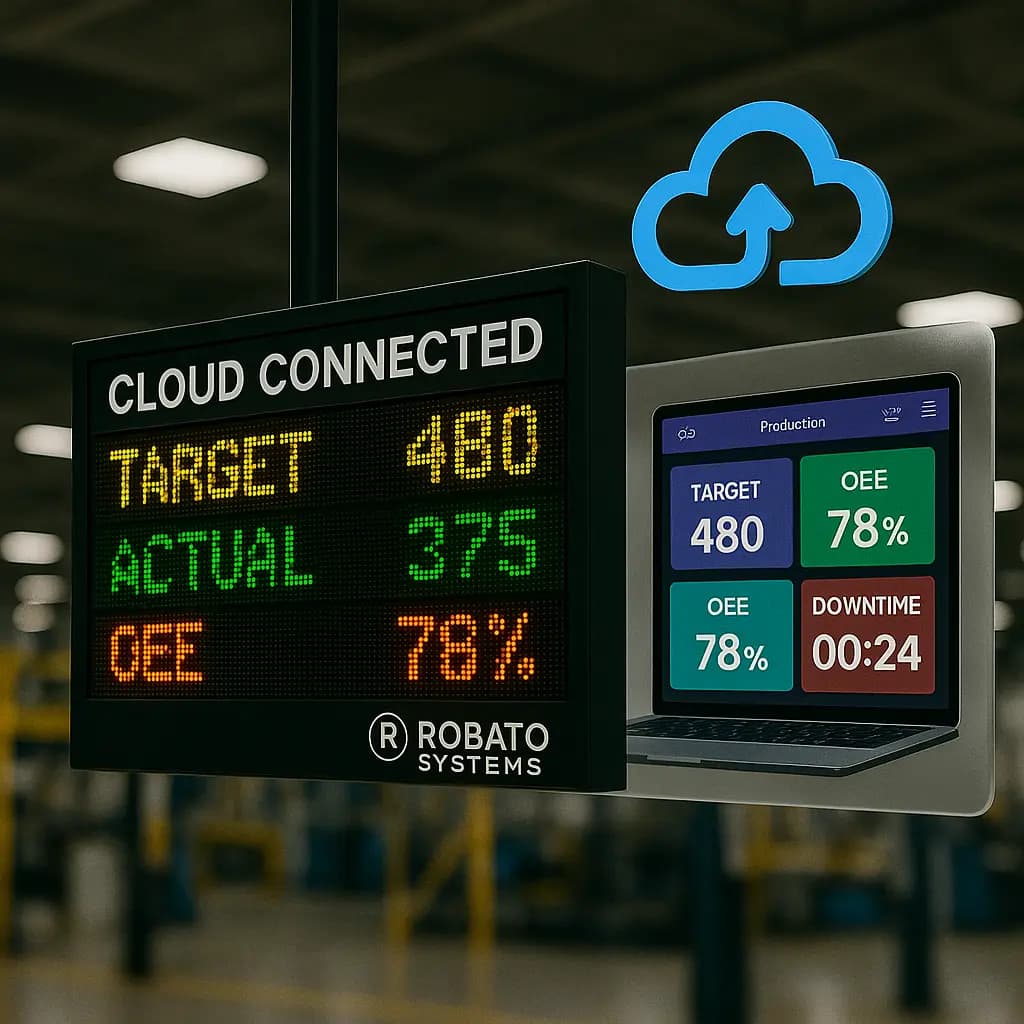
For manufacturers who need remote visibility across machines or facilities, a cloud production monitoring system may be worth evaluating, provided its architecture meets the factory's connectivity and security requirements.
8. Implementation and Support
Review technical documentation, integration assistance, onboarding, training, and ongoing support.
A pilot installation can help confirm compatibility before the system is deployed across the shop floor.
Frequently Asked Questions
1. What is CNC machine monitoring?
CNC machine monitoring is the process of collecting and analyzing information from CNC machines to understand their operating status, production activity, cycle time, downtime, and other available performance indicators.
2. How does CNC machine monitoring software work?
It collects data from compatible CNC controllers, PLCs, sensors, or other interfaces, processes the information, and displays it through dashboards, reports, and supported alerts.
3. Can older CNC machines be monitored?
Often, yes. The available options depend on the controller and accessible signals. Compatible gateways, sensors, or other interfaces may be needed for older machines.
4. What data can a CNC monitoring system collect?
Depending on the machine and integration, it may collect running status, cycle activity, part counts, alarms, runtime, downtime, and selected machine parameters.
5. Can CNC machine monitoring improve productivity?
It can help manufacturers identify production losses, investigate recurring stoppages, compare actual output with targets, and make better-informed decisions. Improvements depend on the quality of the data and the actions taken.
6. Is CNC machine monitoring the same as OEE monitoring?
No. CNC machine monitoring provides visibility into machine activity and operating information. OEE monitoring uses availability, performance, and quality measures to evaluate overall equipment effectiveness. The two capabilities can work together.
7. Does CNC machine monitoring require an internet connection?
Not necessarily. Connectivity requirements depend on the monitoring architecture. Some installations use local industrial networks, while cloud-based systems generally require an appropriate connection for remote data transmission and access.
8. Can multiple CNC machines be monitored from one dashboard?
Yes, when the software supports the required machine connections and integrations. A centralized dashboard can help users review compatible machines across production lines or departments.
9. What is the difference between CNC machine monitoring and CNC production monitoring?
CNC machine monitoring focuses on machine status and operating information. CNC production monitoring places greater emphasis on production output, targets, cycles, and manufacturing progress. In practice, the two often overlap.
10. How should a factory start CNC machine monitoring?
Start by defining the production problem, assessing controller compatibility, selecting the necessary data points, and testing the system on a small group of machines. Expand after confirming data accuracy and operational value.
Conclusion
CNC machine monitoring helps manufacturers gain clearer visibility into the operation and production activity of their CNC equipment. By collecting machine status, cycle information, production counts, downtime, and other available data, factories can better understand how machines are performing and where production losses may be occurring.
Successful monitoring depends on compatible connectivity, accurate data mapping, consistent reporting rules, and dashboards designed around real production needs.
Rather than connecting every machine without a clear objective, manufacturers should begin with their most important operational challenges, validate the monitoring setup, and expand gradually.
Looking to improve visibility across your CNC shop floor? Explore Robato Systems' production monitoring solutions to evaluate how connected machine data, centralized dashboards, and performance reporting can support your manufacturing goals. Start by identifying your priority machines, the information you need to monitor, and the operational outcomes you want to achieve.