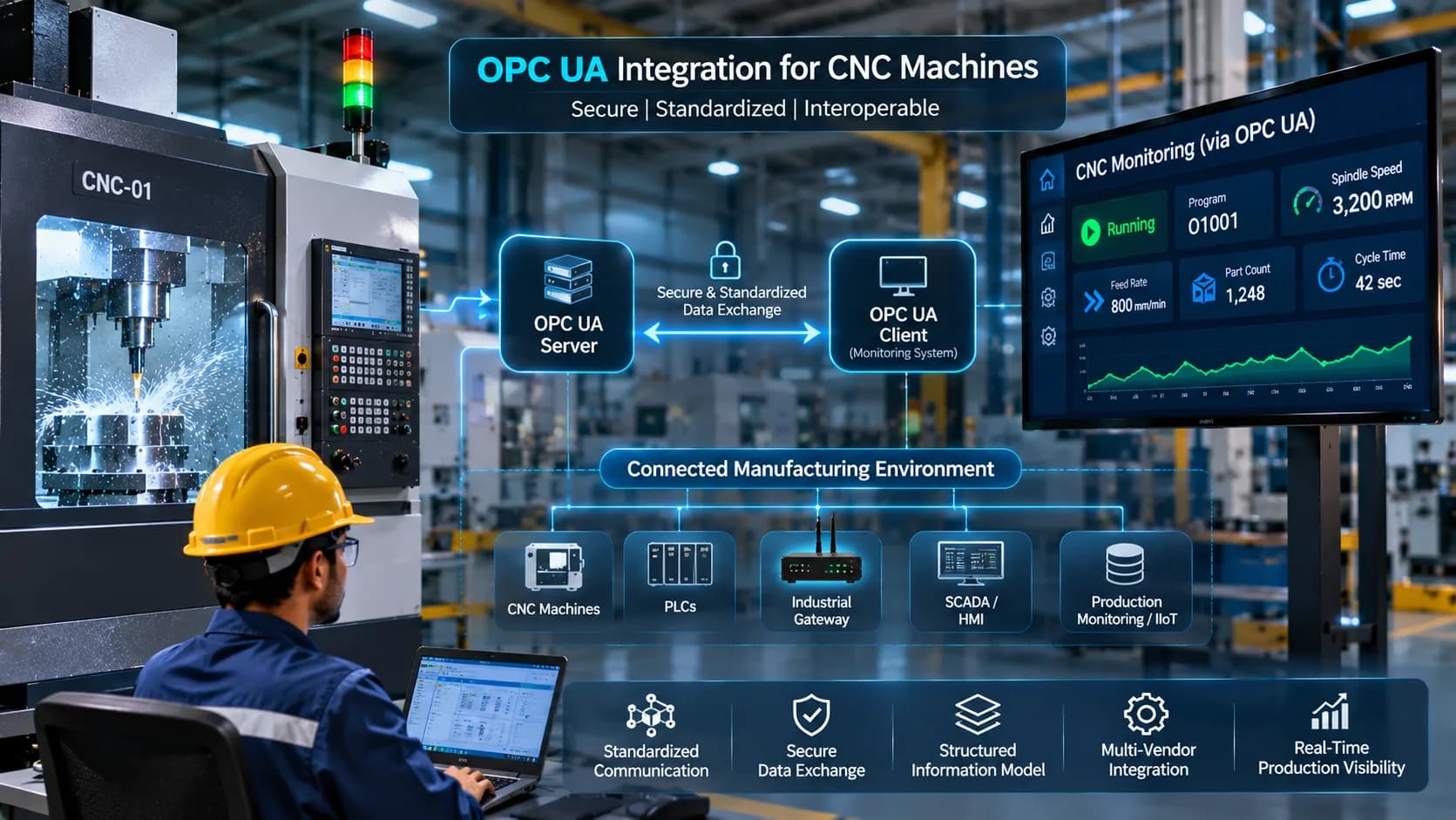
OPC UA Integration for CNC Machines: A Complete Guide to Industrial Connectivity
Modern manufacturing facilities depend on reliable communication between CNC machines, PLCs, industrial gateways, and production monitoring applications. However, connecting equipment from different manufacturers can be challenging because machines often use different communication interfaces, data structures, and automation technologies.
OPC UA CNC integration provides a standardized approach to exchanging industrial information between compatible equipment and software applications.
OPC UA, or Open Platform Communications Unified Architecture, is an industrial communication architecture designed to support secure, structured, and interoperable data exchange. It allows connected systems to share machine information through a common communication framework.
In CNC manufacturing, OPC UA can help connect controllers, PLCs, gateways, and monitoring applications. Depending on the implementation, manufacturers can access information such as machine status, production signals, alarms, operating parameters, and other process-related data.
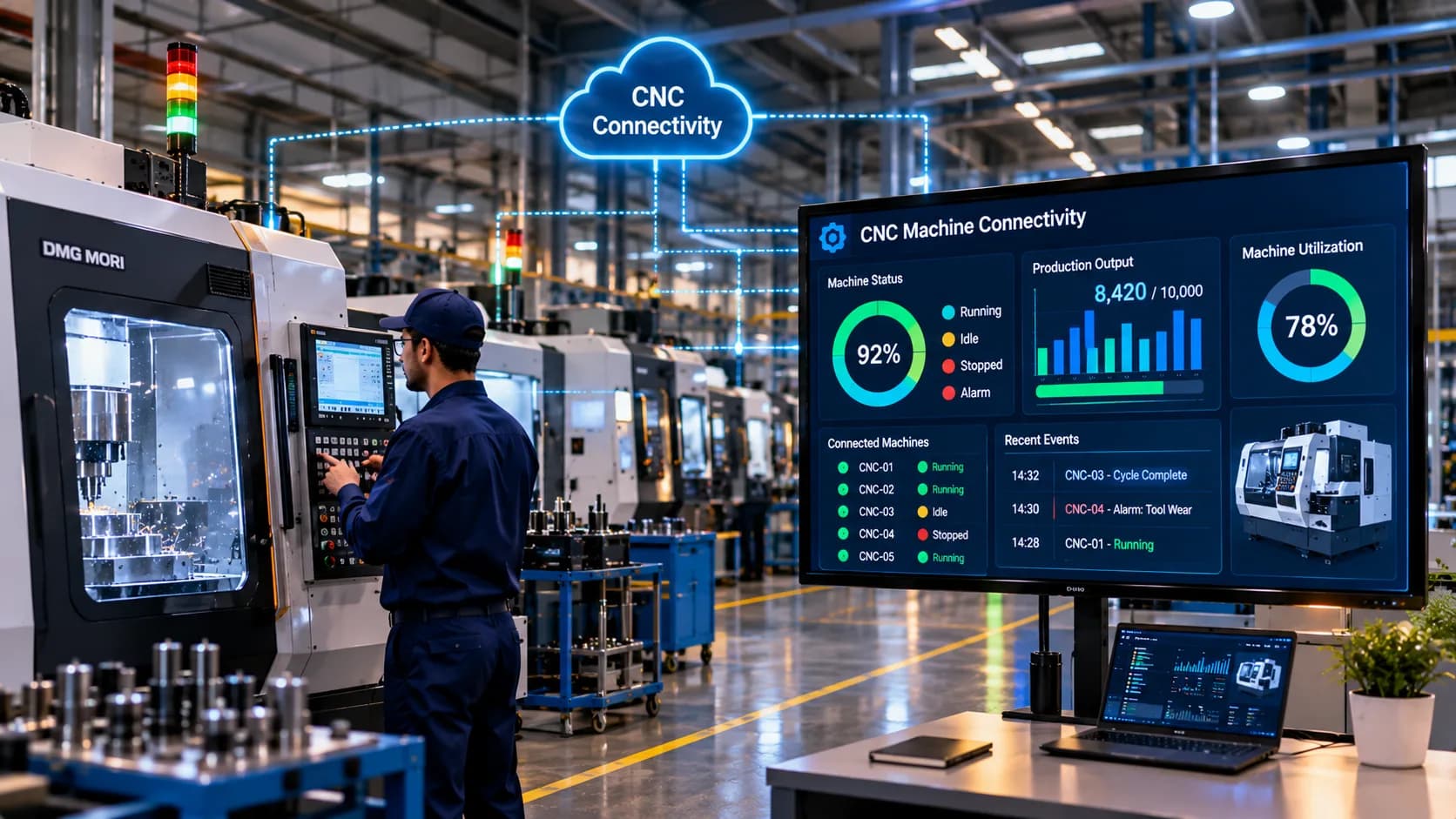
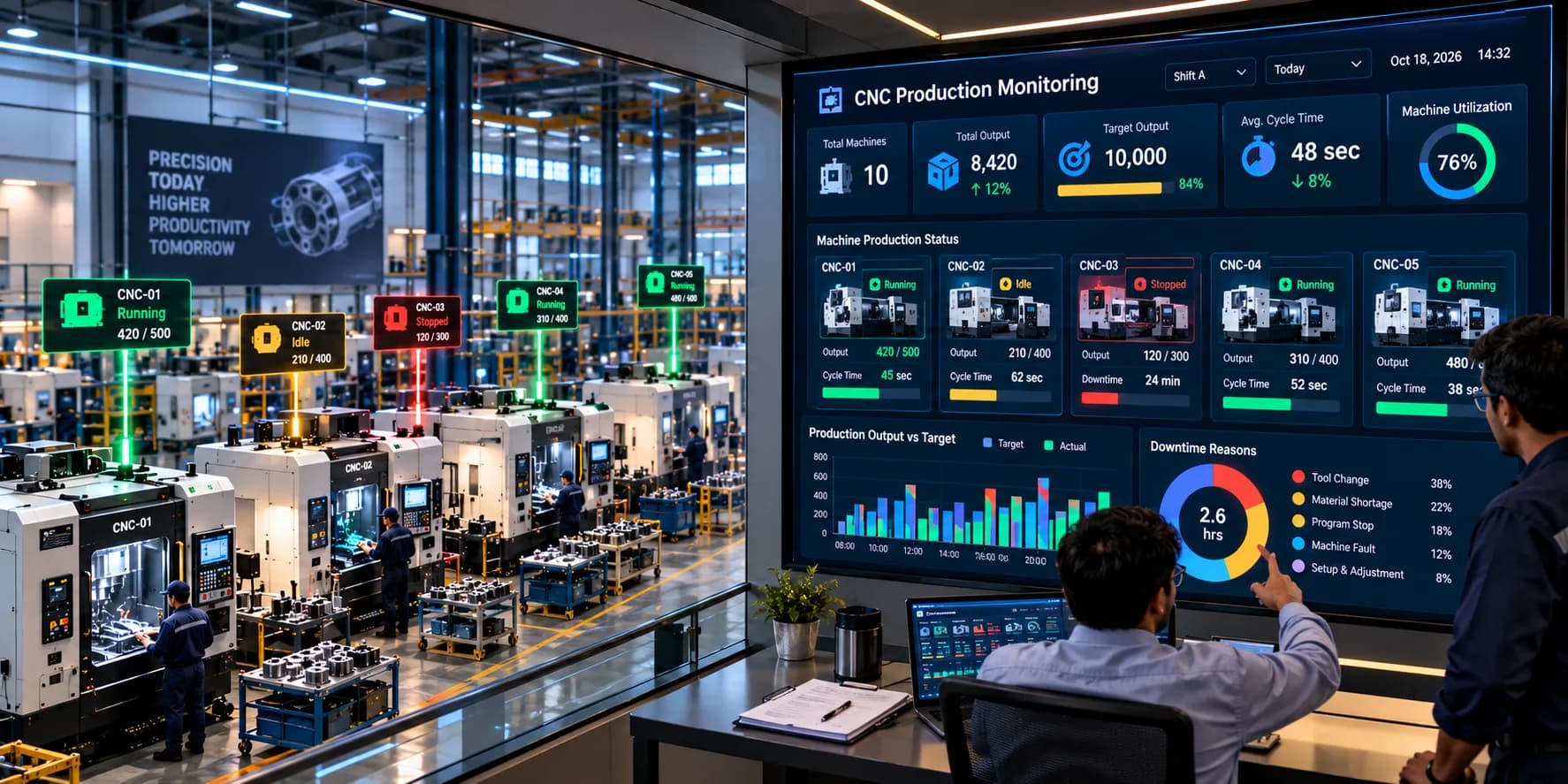
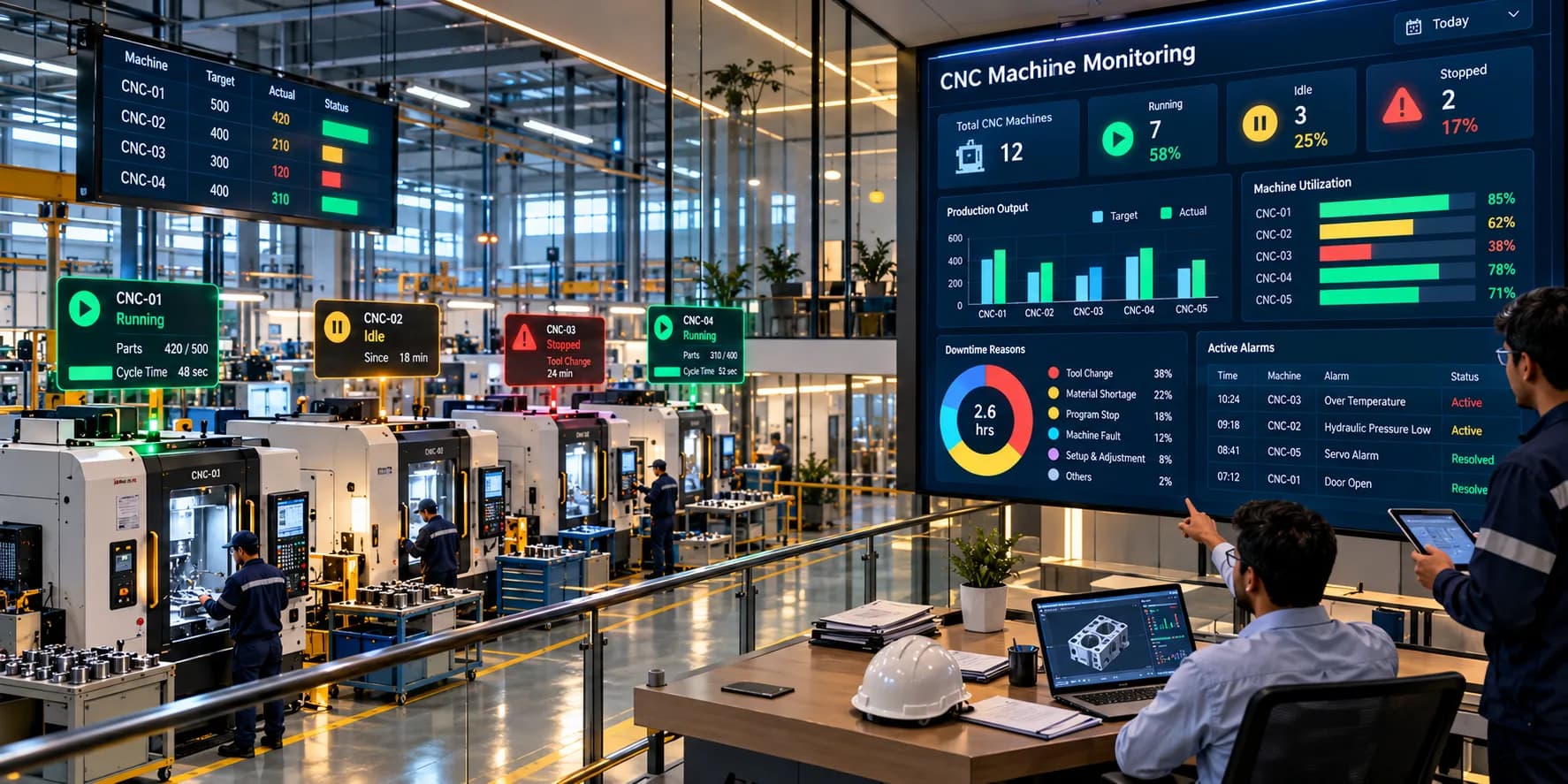
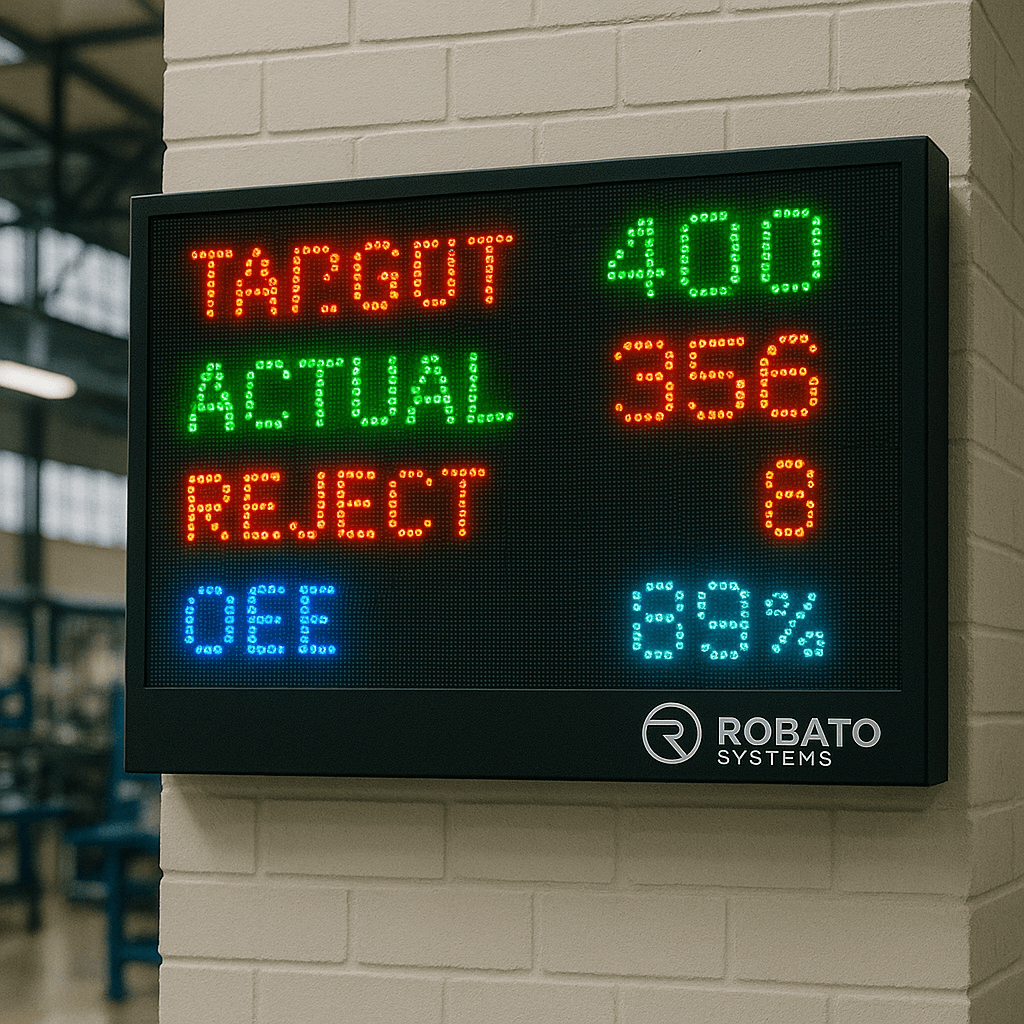
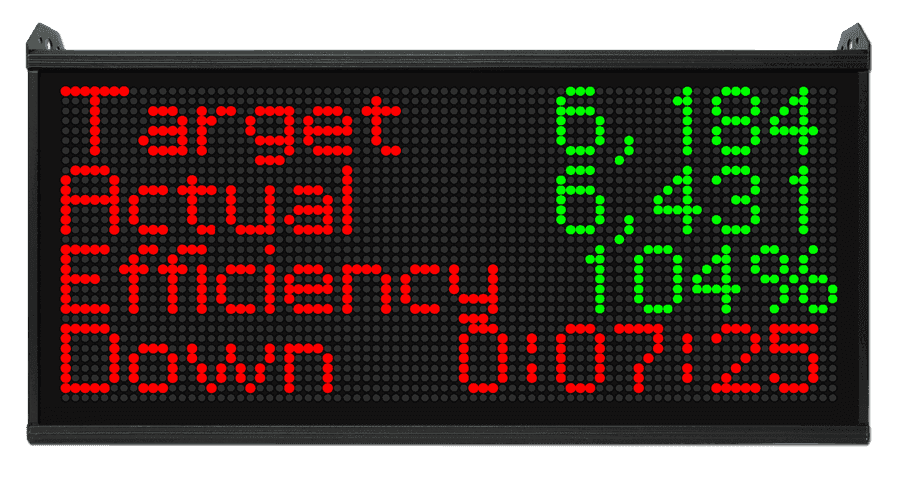
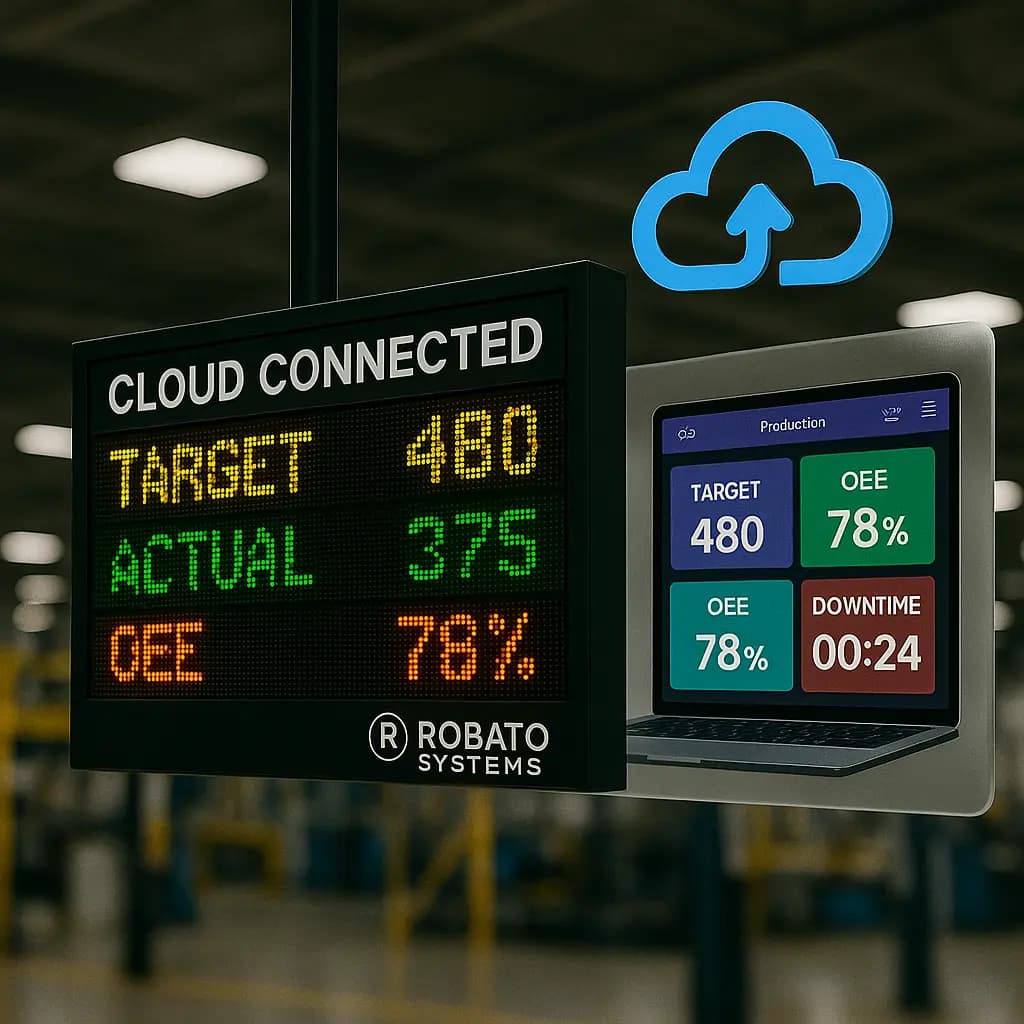
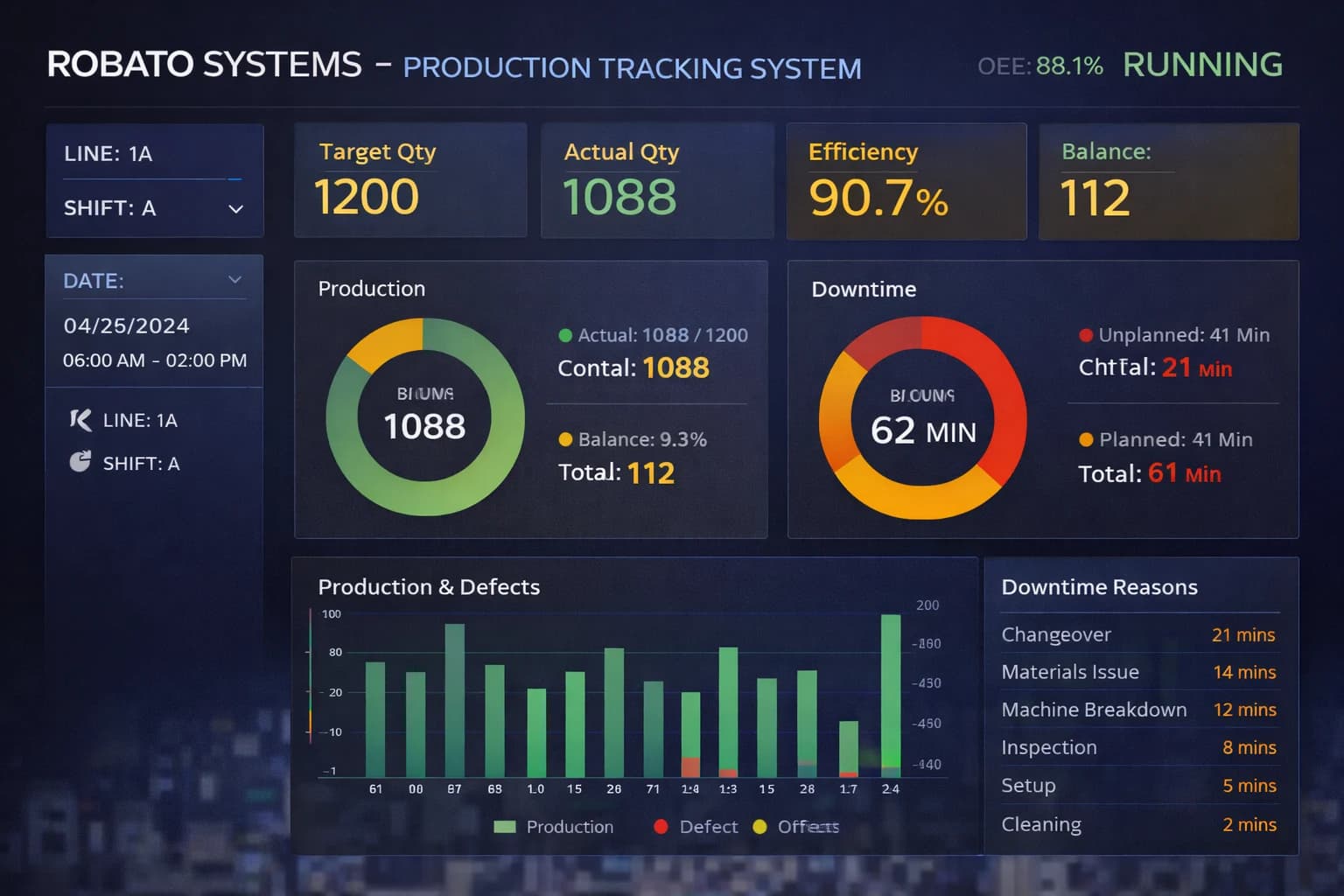
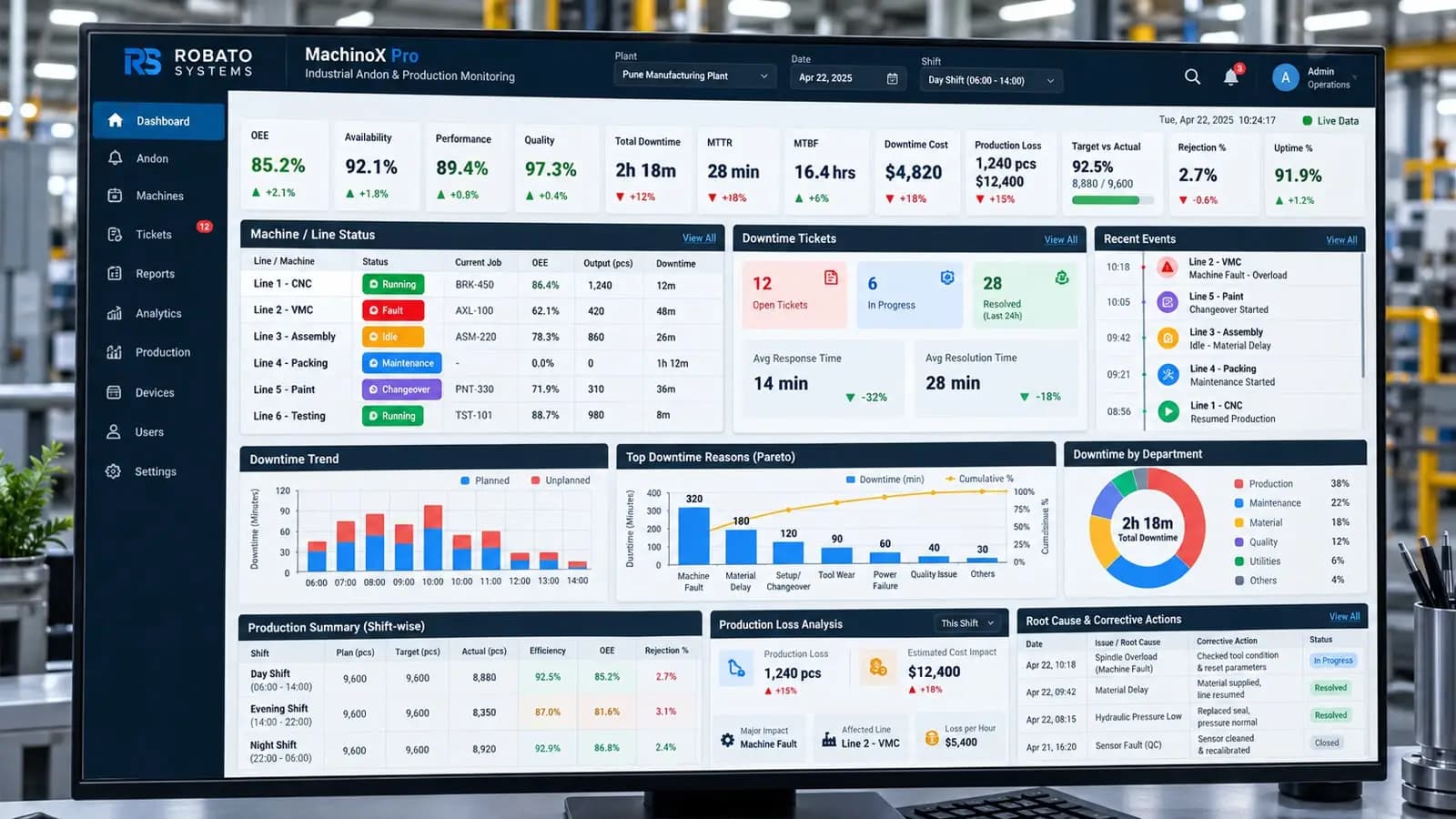
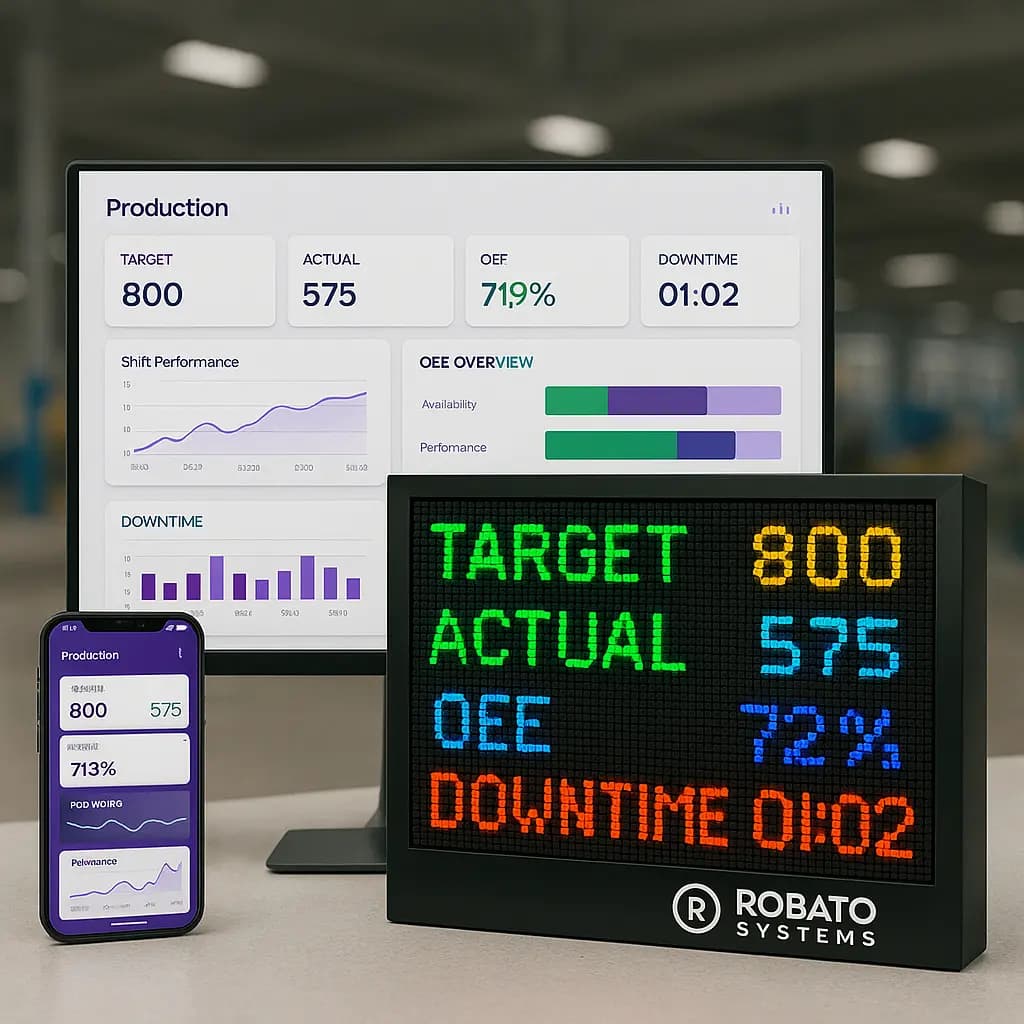
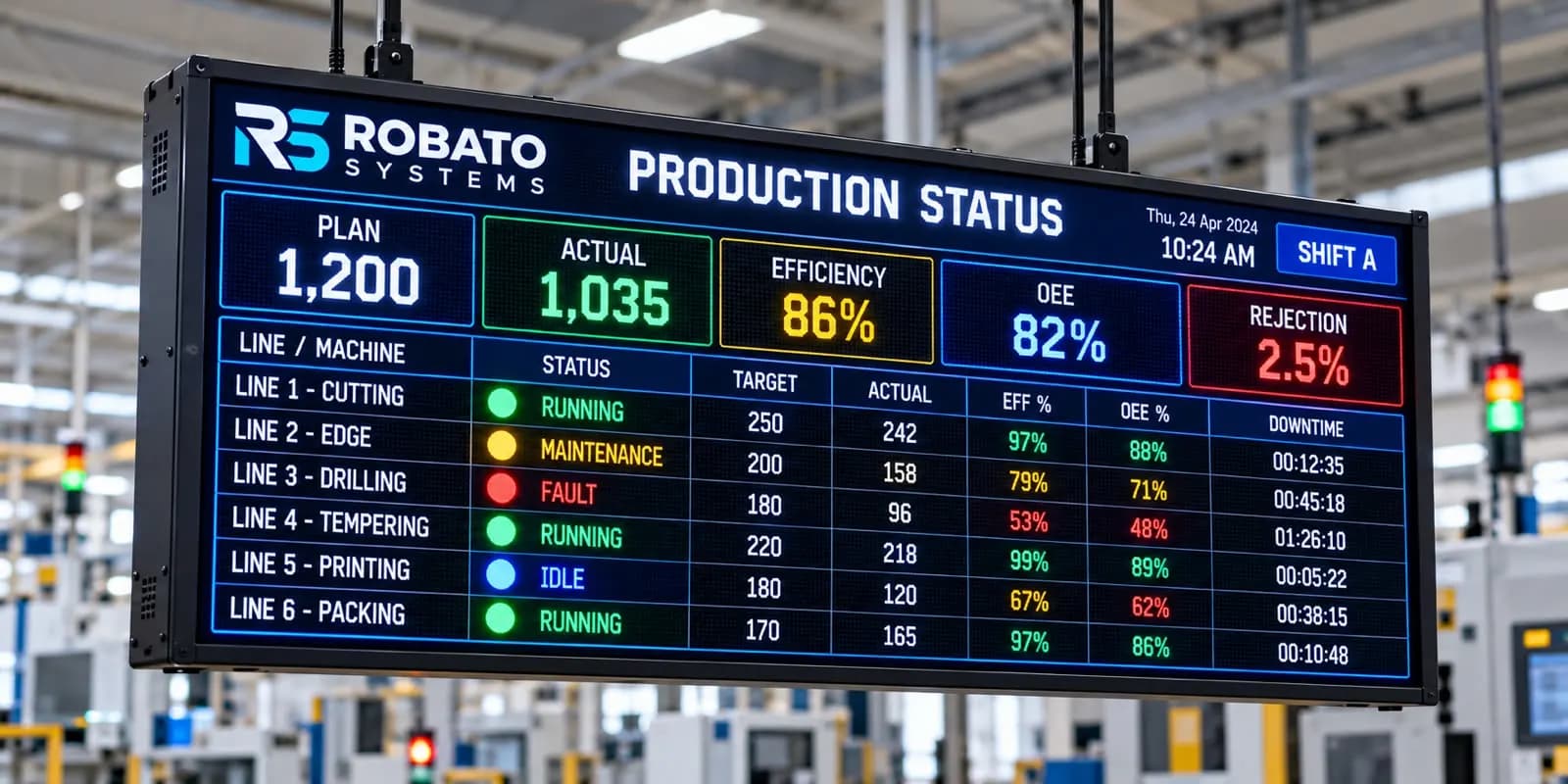
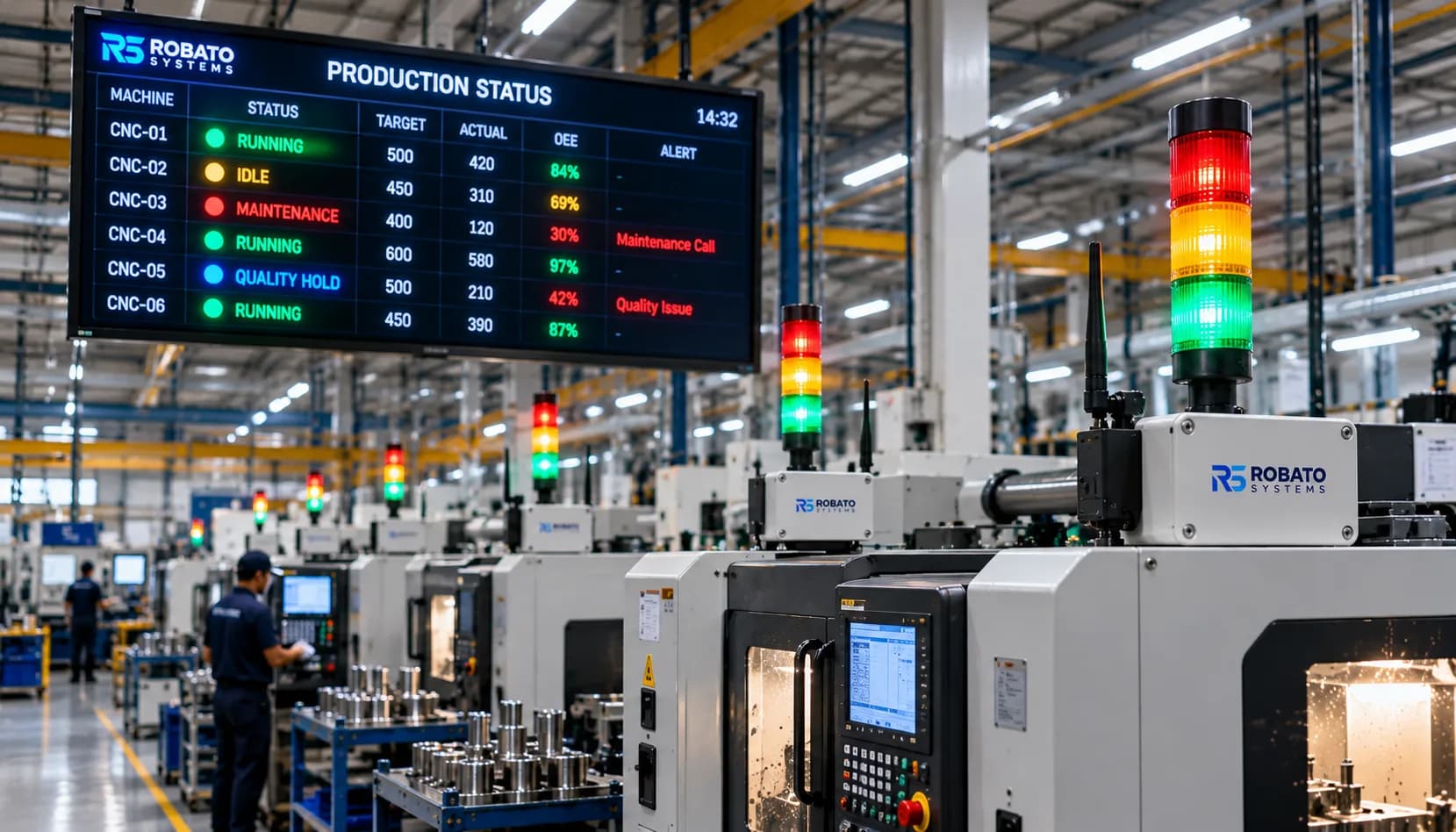
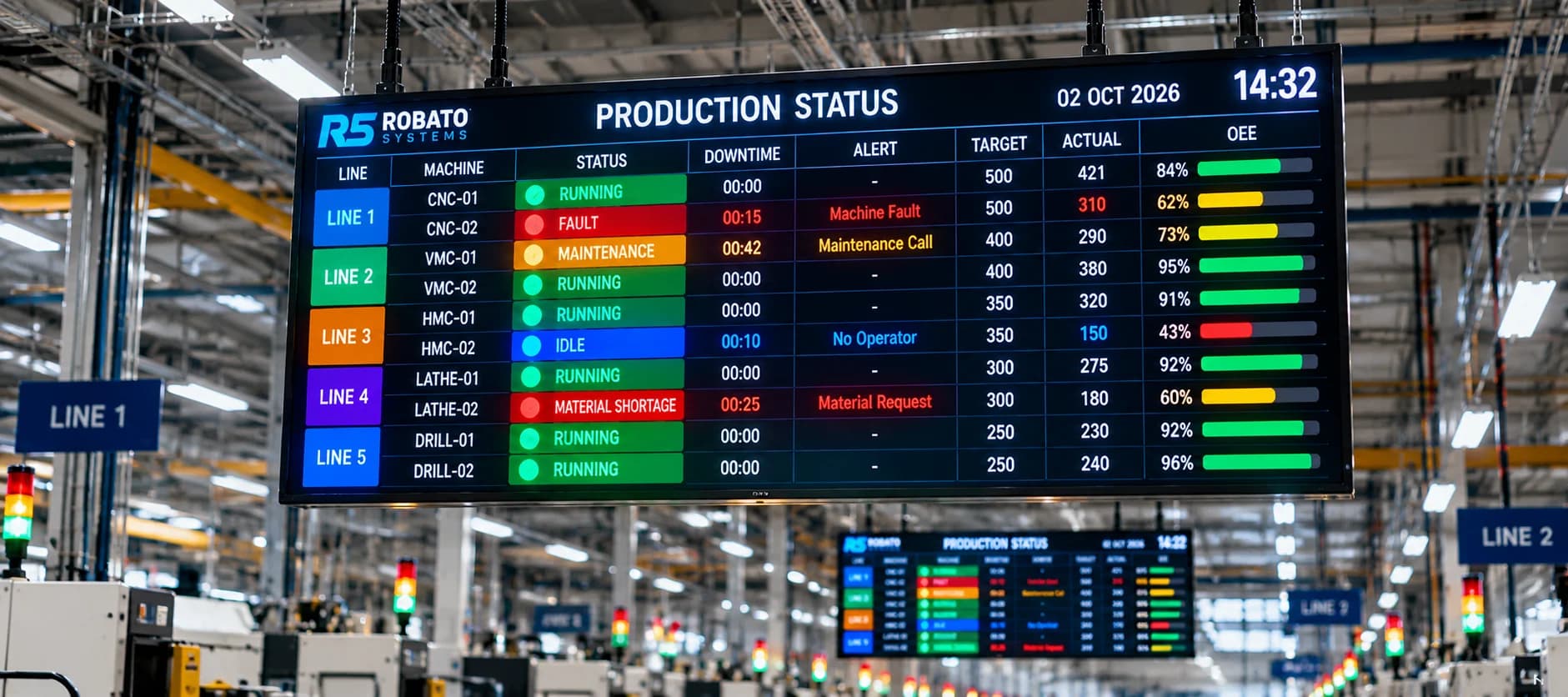
When integrated with an industrial IoT platform, this information can support centralized machine monitoring, production tracking, downtime analysis, and operational reporting.
This guide explains how OPC UA works, how it can be integrated with CNC machines, its architecture and security features, and the practical considerations manufacturers should understand before implementation.
What Is OPC UA?
OPC UA stands for Open Platform Communications Unified Architecture. It is an industrial communication architecture maintained by the OPC Foundation.
It enables different industrial devices and software applications to exchange information through a standardized framework.
Unlike communication methods that only transfer raw values, OPC UA supports structured information models. This means connected systems can exchange not only values but also information about what those values represent.
For example, a monitoring application may receive a value representing spindle speed along with its data type, timestamp, status information, and associated machine context.
OPC UA is designed to support communication across different levels of industrial automation, including:
CNC controllers
Programmable Logic Controllers (PLCs)
Industrial gateways
Manufacturing execution systems
SCADA applications
Production monitoring software
Industrial IoT platforms
Enterprise applications
Its architecture includes communication, information modeling, and security capabilities.
Important: OPC UA is not a sensor or a physical network connection. It is a communication architecture. A CNC machine must have a compatible OPC UA server, controller interface, PLC, or gateway before its information can be accessed through OPC UA.
Why Is OPC UA Important for CNC Machine Integration?
Manufacturers often use equipment from different suppliers. A production facility may contain several CNC machines, each using a different controller and communication technology.
Without a common integration approach, collecting information from these machines can require multiple custom connections.
OPC UA helps address this challenge by providing a common framework for industrial data exchange.
1. Standardized Industrial Communication
OPC UA provides a common communication architecture for compatible industrial devices and applications.
This can reduce the complexity of integrating different automation systems.
2. Structured Machine Information
OPC UA supports information models that describe the meaning and structure of machine data.
Instead of receiving only an unlabelled numerical value, applications can access information associated with a defined variable or equipment object.
3. Secure Data Exchange
OPC UA includes security mechanisms such as authentication, encryption, signing, and certificate-based trust.
These capabilities help manufacturers design controlled communication between production equipment and monitoring applications.
4. Multi-Vendor Integration
Compatible equipment from different manufacturers can communicate through OPC UA without requiring every application to understand each device's proprietary interface.
Actual interoperability still depends on supported information models and correct configuration.
5. Support for Industrial IoT
OPC UA can connect machine-level information with higher-level industrial applications.
This allows manufacturers to use equipment data for monitoring, production reporting, historical analysis, and operational decision-making.
For manufacturers exploring connected production environments, Robato's production monitoring solution provides an overview of how machine data can be brought into a centralized monitoring system.
How Does OPC UA Work?
OPC UA uses a client-server architecture as one of its primary communication models.
In this model, an OPC UA server exposes information, while an OPC UA client connects to the server and requests or subscribes to the data it needs.
A typical CNC monitoring workflow involves the following components:
1. CNC Machine or Controller
The CNC controller manages machining operations and generates information during production.
Depending on the equipment, available information may include:
Machine operating state
Production signals
Active program information
Spindle speed
Feed rate
Alarm conditions
Selected machine parameters
Not every controller exposes these values through OPC UA.
2. OPC UA Server
An OPC UA server makes selected information available to authorized clients.
It organizes data into an address space containing objects, variables, methods, and other nodes.
For example, a server may expose a machine object containing variables for operating status, spindle speed, and production count.
The server may run directly on a controller, PLC, industrial computer, or gateway.
3. OPC UA Client
An OPC UA client connects to the server and accesses the required information.
The client may:
Browse the available address space
Read variable values
Subscribe to data changes
Receive notifications
Access supported methods
A CNC monitoring application or an industrial gateway may act as an OPC UA client.
4. Data Processing and Integration
Collected values are processed and mapped into a monitoring application's data structure.
The application may associate machine information with equipment identifiers, timestamps, production shifts, and other relevant context.
5. Monitoring Dashboard
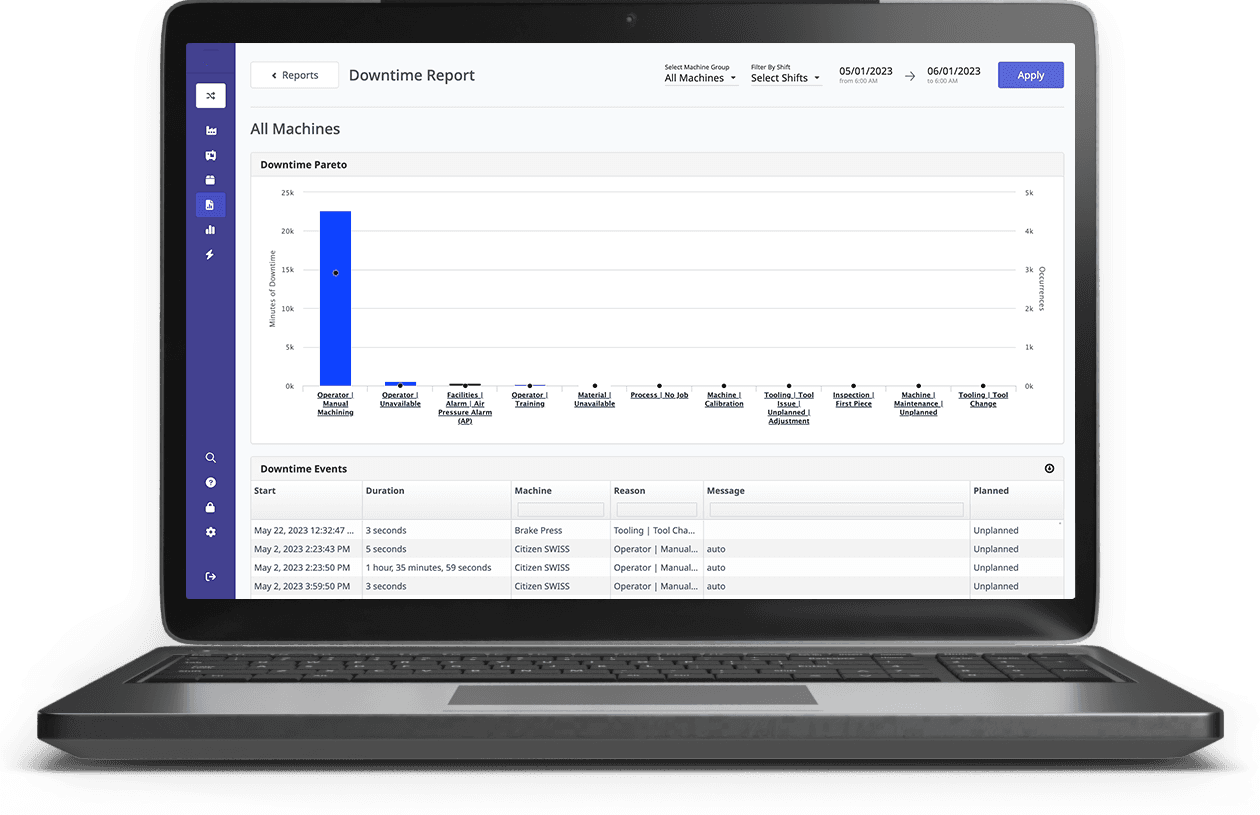
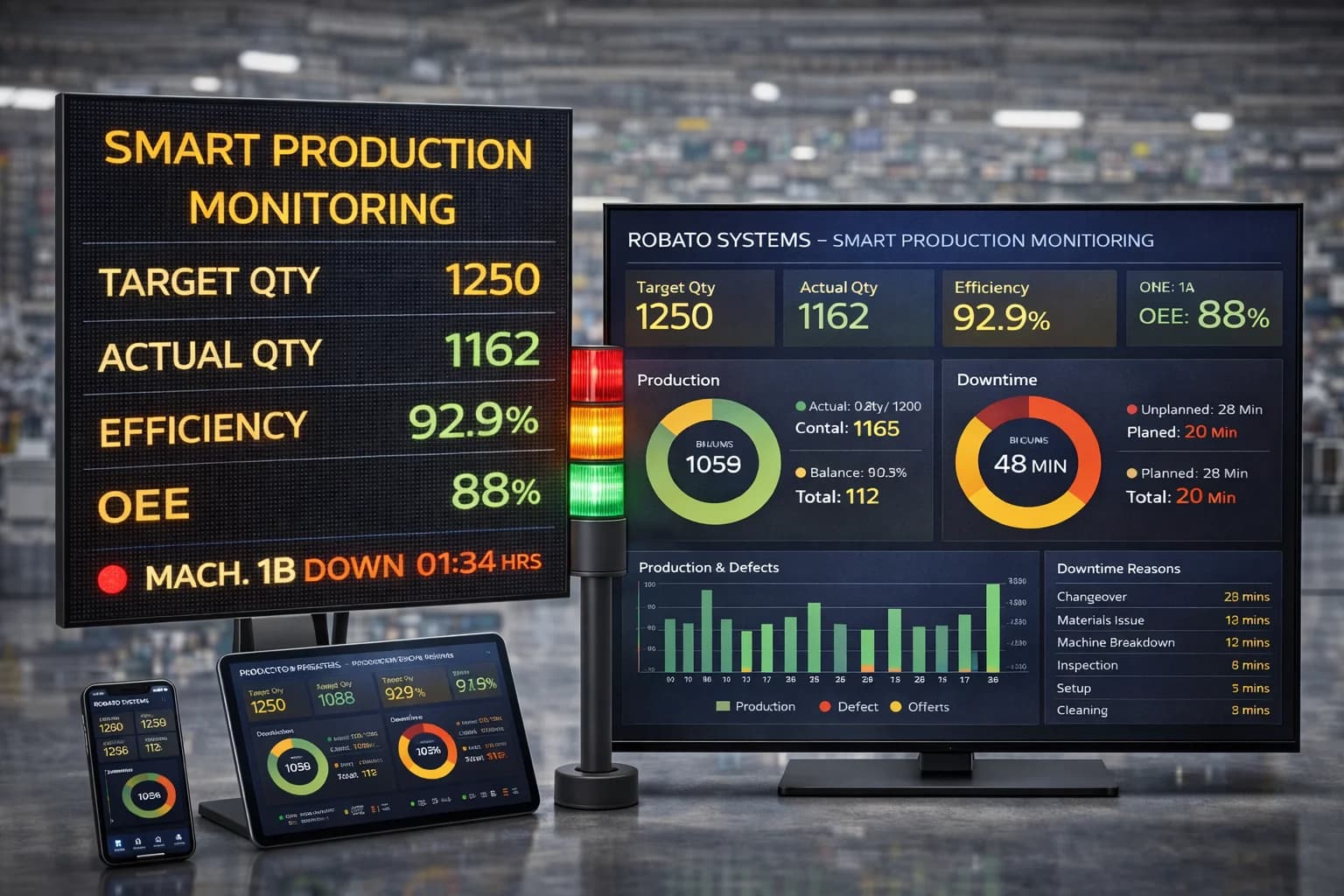
The processed information is presented through dashboards, reports, alerts, and analytics.
Production teams can use it to monitor machine activity and review operating performance.
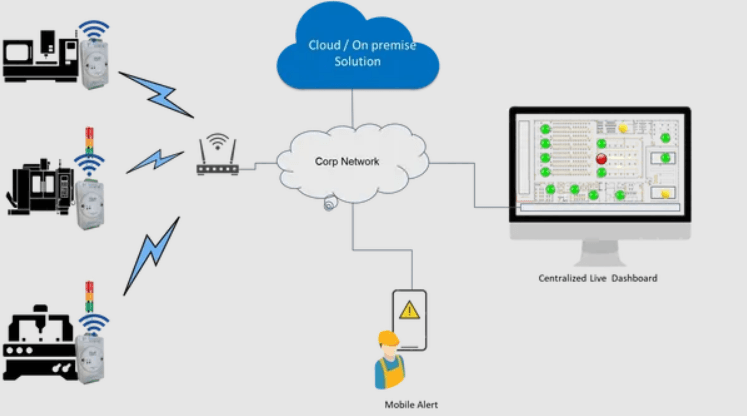
OPC UA CNC Integration Architecture
A typical OPC UA-based CNC monitoring architecture can be represented as:
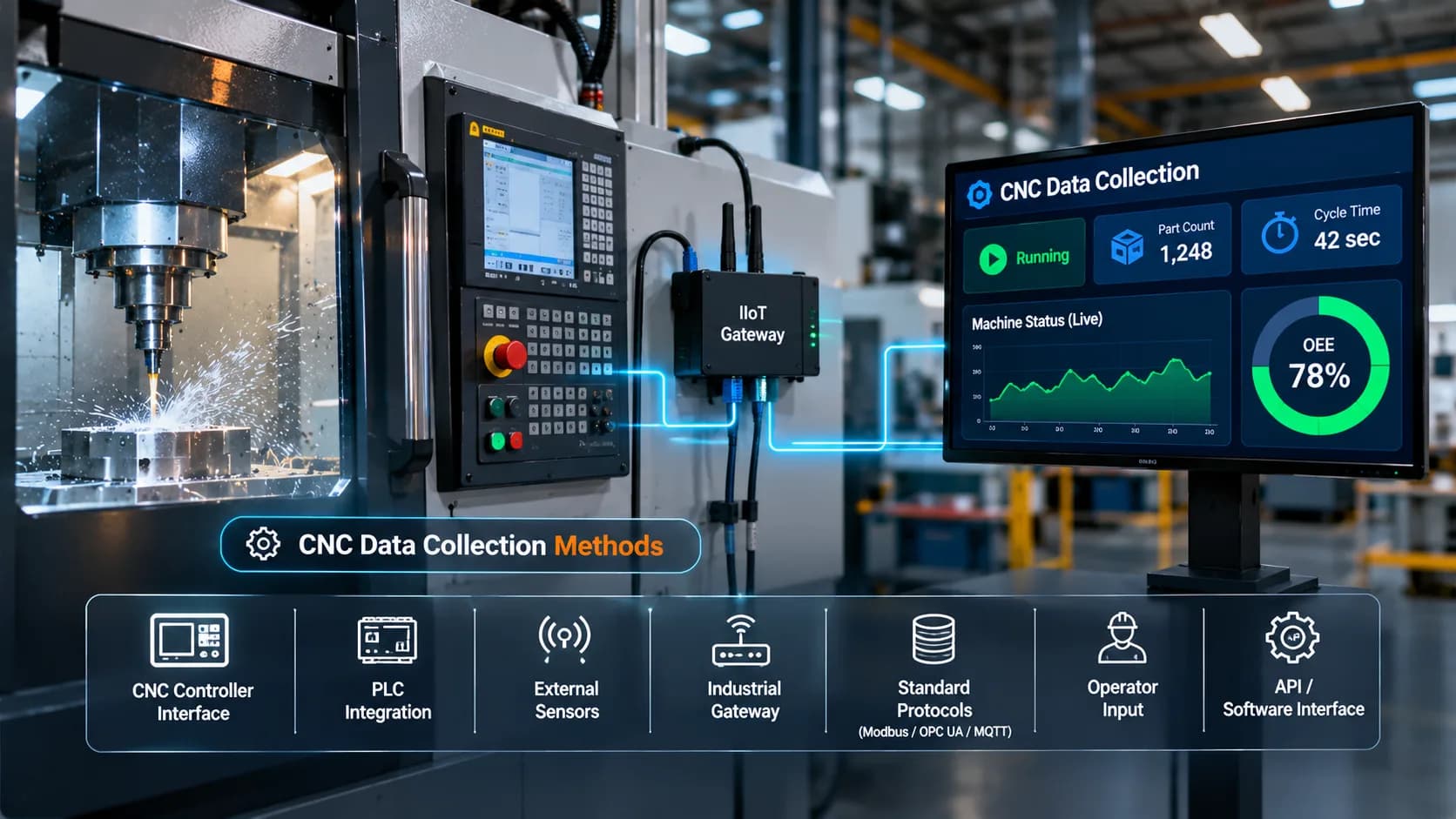
CNC Machine / PLC → OPC UA Server → OPC UA Client or IIoT Gateway → Monitoring Platform → Production Dashboard
Each layer has a specific responsibility.
Machine Layer
Contains CNC machines, controllers, PLCs, and connected production equipment.
OPC UA Server Layer
Exposes selected equipment information through OPC UA endpoints and information models.
Integration Layer
An OPC UA client or industrial gateway connects to the server, collects information, and prepares it for the monitoring platform.
Data Platform Layer
Receives, stores, and processes machine information for monitoring and reporting.
Visualization Layer
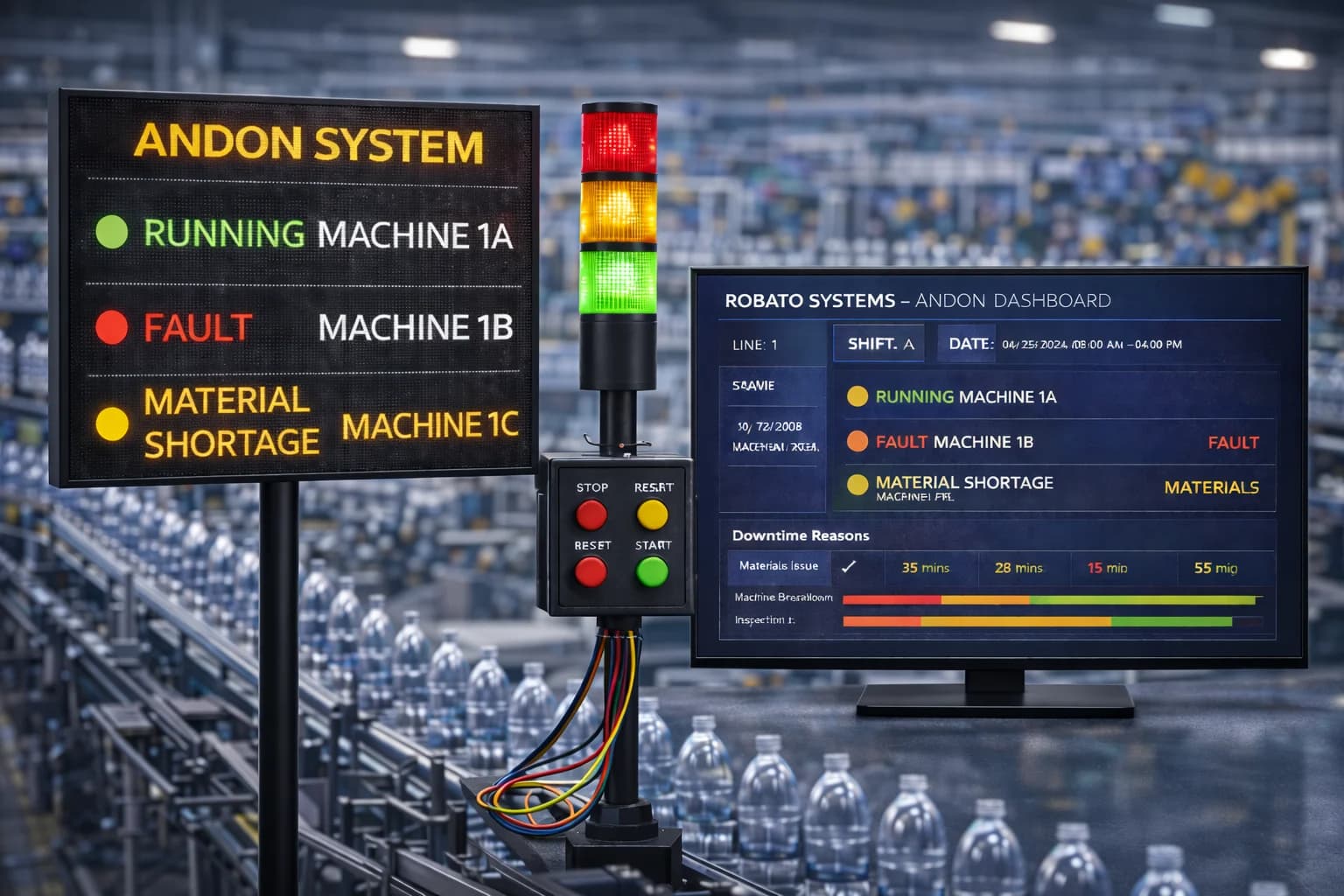
Displays machine status, production information, alarms, and performance indicators.
In a factory with multiple CNC machines, the architecture may include several OPC UA servers connected to one or more gateways or monitoring applications.
The final design depends on the equipment, number of machines, network architecture, and required data points.
What Data Can Be Collected from CNC Machines Using OPC UA?
The information available through OPC UA depends on the controller, PLC, gateway, and information model.
Common machine data categories include the following.
1. Machine Operating Status
Machine status indicates the current operating condition of the equipment.
Depending on the implementation, the system may expose states such as:
Running
Idle
Stopped
Alarm
Setup
Maintenance
These values may be obtained directly from the controller or derived from connected PLC signals.
A standardized status model is important when monitoring multiple machines.
2. Production Data
OPC UA can expose production-related information when the controller or connected automation system provides it.
Examples include:
Completed part count
Production counter
Cycle-complete events
Current production order
Target quantity
Selected production parameters
Production counters should be validated against the actual manufacturing process. A completed machine cycle does not always represent one accepted component.
3. Spindle and Feed Information
Some CNC systems expose spindle and feed-related values through OPC UA.
These may include:
Spindle speed
Spindle load
Feed rate
Feed override
Spindle operating condition
Such information can help production and engineering teams understand selected machining conditions.
4. Alarm and Fault Information
OPC UA can represent alarm and condition information when supported by the connected equipment and server implementation.
Possible information includes:
Alarm identifiers
Alarm descriptions
Severity
Active condition status
Timestamps
Acknowledgement information
This can help maintenance teams investigate machine interruptions.
5. Process and Equipment Parameters
Depending on the machine and information model, selected process parameters may also be available.
Examples include temperature, pressure, vibration, and other measurements from connected sensors or automation devices.
These values should be interpreted according to their units, measurement source, and operating context.
Understanding OPC UA Information Modeling
One of the important differences between OPC UA and basic value-based communication is its support for information modeling.
OPC UA represents information through an address space containing nodes.
These nodes can describe equipment, variables, events, methods, and relationships.
Objects
Objects represent identifiable entities such as machines, spindles, or production lines.
For example, a CNC machine may be represented as an object containing several related variables.
Variables
Variables contain values that can be read or monitored.
Examples include:
Machine status
Spindle speed
Production count
Temperature
Variables can include additional metadata such as data type, timestamp, and status code.
Methods
Methods represent actions that a client may be able to invoke when permitted by the server.
For monitoring-only applications, read access is often sufficient. Machine-control operations should not be exposed unnecessarily.
Events
Events represent notifications about something that has occurred.
For example, a connected system may expose an alarm or equipment condition change as an event.
Why Information Modeling Matters
Information modeling helps applications understand the context of collected data.
For example, a value of 1200 is difficult to interpret without knowing whether it represents spindle speed, production quantity, or another measurement.
A structured OPC UA model can associate the value with its meaning, data type, units, and machine context.
OPC UA Communication Models: Client-Server and PubSub
OPC UA supports different communication models for industrial applications.
The appropriate model depends on the system architecture and data exchange requirements.
1. OPC UA Client-Server
In the client-server model, a client connects to an OPC UA server to browse, read, write, or subscribe to information according to the permissions granted.
For CNC monitoring, a monitoring application may connect to a controller or gateway and subscribe to selected machine variables.
Common operations include:
Browsing the address space
Reading values
Writing values, when authorized
Subscribing to data changes
Receiving event notifications
This model is widely used for connecting industrial applications with compatible servers.
2. OPC UA Publish-Subscribe
OPC UA PubSub provides another communication approach.
Instead of requiring every consumer to maintain a direct client-server session, publishers distribute data through configured messaging infrastructure.
Depending on the implementation, PubSub can use technologies such as UDP-based transport or message brokers.
It can be useful in architectures where machine information needs to be distributed to multiple applications or systems.
Client-Server vs. PubSub
| Feature | Client-Server | Publish-Subscribe |
|---|---|---|
| Communication style | Client requests or subscribes to server data | Publishers distribute configured data |
| Typical use | Direct access to machine information | Distributing information to multiple consumers |
| Data access | Browse, read, subscribe, and supported methods | Receive published datasets |
| Architecture | Direct client-server connection | Publisher, subscriber, and configured transport |
| Application | Monitoring a CNC controller | Distributing machine data across an industrial network |
Both approaches can be useful. The choice depends on network design, system requirements, and supported equipment.
How to Connect CNC Machines Using OPC UA
Implementing OPC UA CNC integration requires a compatible server or gateway and an authorized client connection.
The following steps provide a practical implementation approach.
Step 1: Identify CNC Controller Compatibility
Start by checking whether the CNC controller supports OPC UA directly.
Review:
Controller manufacturer and model
Software and firmware version
Available communication options
OPC UA server availability
Licensing requirements
Supported information models
Some CNC controllers provide native OPC UA functionality. Others require a PLC, industrial gateway, or additional software component.
Step 2: Identify Required Machine Data
Define which machine information needs to be collected.
A basic monitoring implementation may start with:
Machine status
Production count
Cycle time
Alarm information
Spindle status
Additional variables can be added after the initial integration has been validated.
Step 3: Configure the OPC UA Server
Enable and configure the OPC UA server on the supported controller, PLC, or gateway.
Configuration may include:
Server endpoint
Security policies
Authentication settings
Certificate configuration
Available nodes
Access permissions
Use the equipment manufacturer's documentation when configuring the server.
Step 4: Establish the Client Connection
Configure the monitoring application or industrial gateway as an OPC UA client.
The client needs the correct server endpoint, security configuration, and access credentials.
Connection testing should confirm that the client can discover the server and access the permitted information.
Step 5: Browse and Map Data Nodes
Browse the OPC UA address space to identify the required machine variables.
Map the relevant nodes to the monitoring application's data model.
For example:
A machine-state variable maps to machine status.
A production counter maps to completed quantity.
A spindle-speed variable maps to spindle speed.
An alarm event maps to a machine alert.
Document node identifiers, data types, units, and update behaviour.
Step 6: Configure Data Collection
Choose whether to use periodic reads, subscriptions, or supported event notifications.
The collection approach should match the importance and expected update frequency of each data point.
Avoid excessive polling that could create unnecessary load on controllers or networks.
Step 7: Validate the Collected Information
Compare collected values with actual machine activity.
Check:
Machine-state changes
Production counter updates
Spindle readings
Alarm events
Timestamps
Communication stability
Handling of unavailable values
Step 8: Integrate with Monitoring Software
Once the data is validated, connect it to the production monitoring platform.
Configure dashboards, reports, alerts, and relevant production metrics.
Start with a pilot machine before expanding the same approach across the factory.
OPC UA Security Features for CNC Machine Connectivity
Security is an important consideration when connecting CNC controllers and other production equipment to industrial networks.
OPC UA includes several mechanisms designed to protect communication and control access.
1. Authentication
OPC UA supports different user and application authentication methods.
Depending on the server configuration, access may be controlled through certificates, username and password, or other supported mechanisms.
2. Encryption
OPC UA secure communication can encrypt messages to protect information while it is transmitted across the network.
The available security policies and algorithms depend on the implementation.
3. Message Signing
Message signing helps clients and servers verify message integrity and detect unauthorized modifications.
4. Certificate-Based Trust
OPC UA applications can use application certificates to establish trust between communicating systems.
Certificates must be managed correctly, including renewal and revocation where applicable.
5. User and Role Permissions
Servers can restrict access based on configured user identities and permissions.
For monitoring applications, read-only access is generally preferable when machine control is not required.
CNC Connectivity Security Best Practices
Manufacturers should also apply broader operational technology security practices:
Separate machine networks from general office networks.
Restrict communication to authorized devices.
Avoid exposing CNC controllers directly to the public internet.
Use secure endpoints and approved security policies.
Manage certificates and credentials carefully.
Disable unnecessary services and write permissions.
Monitor network activity and connection failures.
Coordinate changes with IT and OT teams.
OPC UA security features are valuable, but secure deployment still depends on correct configuration and network design.
OPC UA vs. MTConnect for CNC Monitoring
OPC UA and MTConnect are both useful technologies for manufacturing interoperability, but they serve different purposes.
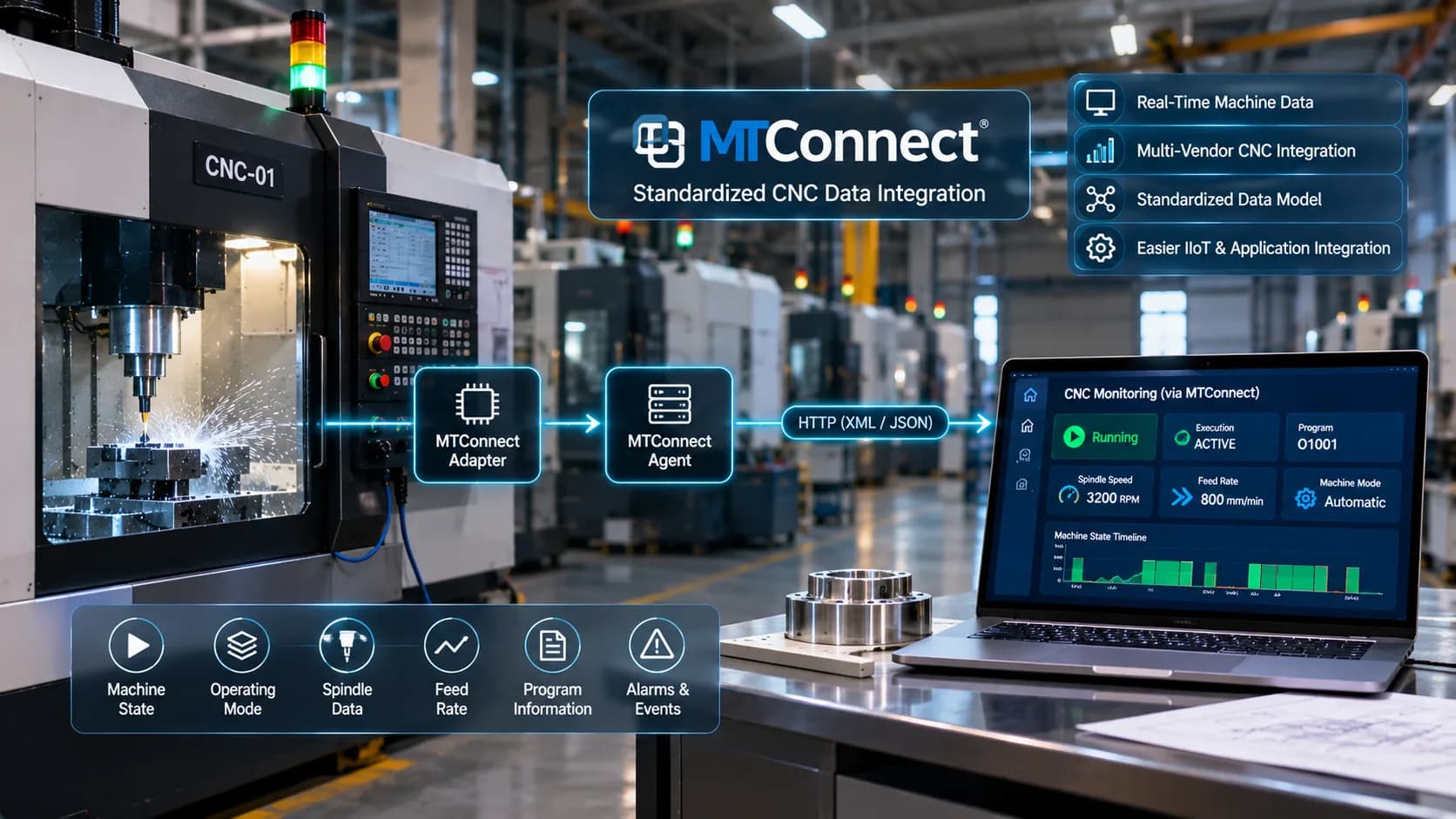
MTConnect focuses on manufacturing equipment information and provides a structured way to represent and expose machine observations.
OPC UA is a broader industrial communication architecture designed for exchanging structured information across different industrial systems.
| Feature | OPC UA | MTConnect |
|---|---|---|
| Primary focus | Industrial interoperability and communication | Manufacturing equipment interoperability |
| Information model | Flexible, extensible information modeling | Manufacturing-specific information model |
| Communication | Client-server and PubSub | Commonly HTTP-based agent access |
| Security | Built-in security mechanisms | Depends on deployment and network controls |
| Typical CNC application | Connecting compatible controllers, PLCs, and gateways | Exposing standardized manufacturing equipment information |
| Implementation requirement | OPC UA server or compatible gateway | MTConnect adapter and agent, or supported implementation |
When Should Manufacturers Use OPC UA?
OPC UA is suitable when the factory needs secure communication and structured data exchange between different industrial systems.
It is particularly useful when CNC machines, PLCs, gateways, and monitoring applications already support OPC UA.
When Should Manufacturers Use MTConnect?
MTConnect may be suitable when the primary objective is accessing standardized manufacturing equipment information from compatible machines.
Can Both Technologies Work Together?
Yes. A factory can use MTConnect to expose machine observations and OPC UA to exchange information with other industrial applications.
A gateway or integration layer may connect the two environments when required.
The choice should be based on controller compatibility, available data, security requirements, and the intended architecture.
Integrating OPC UA with an Industrial IoT Monitoring Platform
OPC UA provides the communication foundation, but manufacturers generally need a monitoring application to convert machine data into operational insights.
An industrial IoT platform can receive OPC UA information and combine it with data from other factory sources.
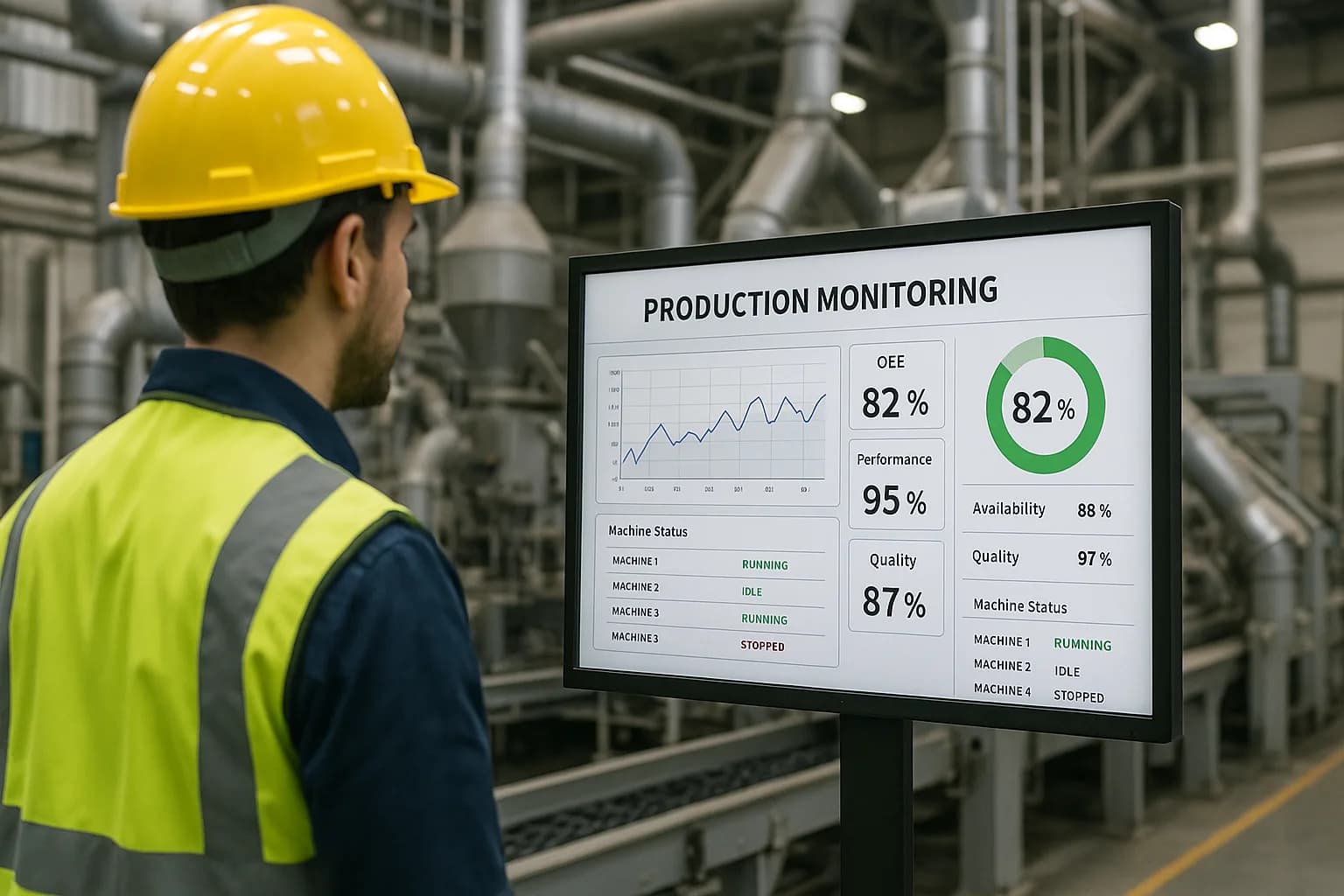
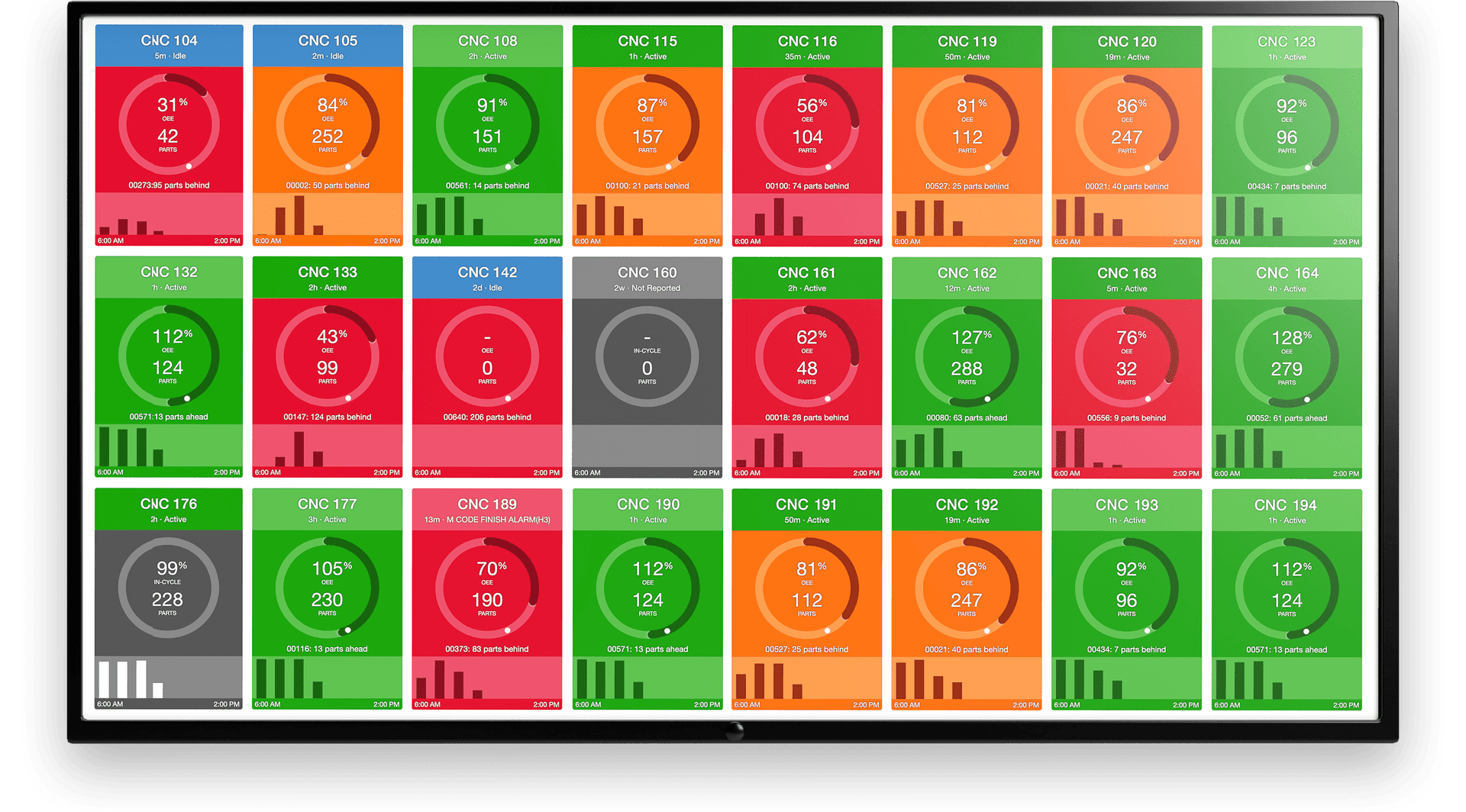
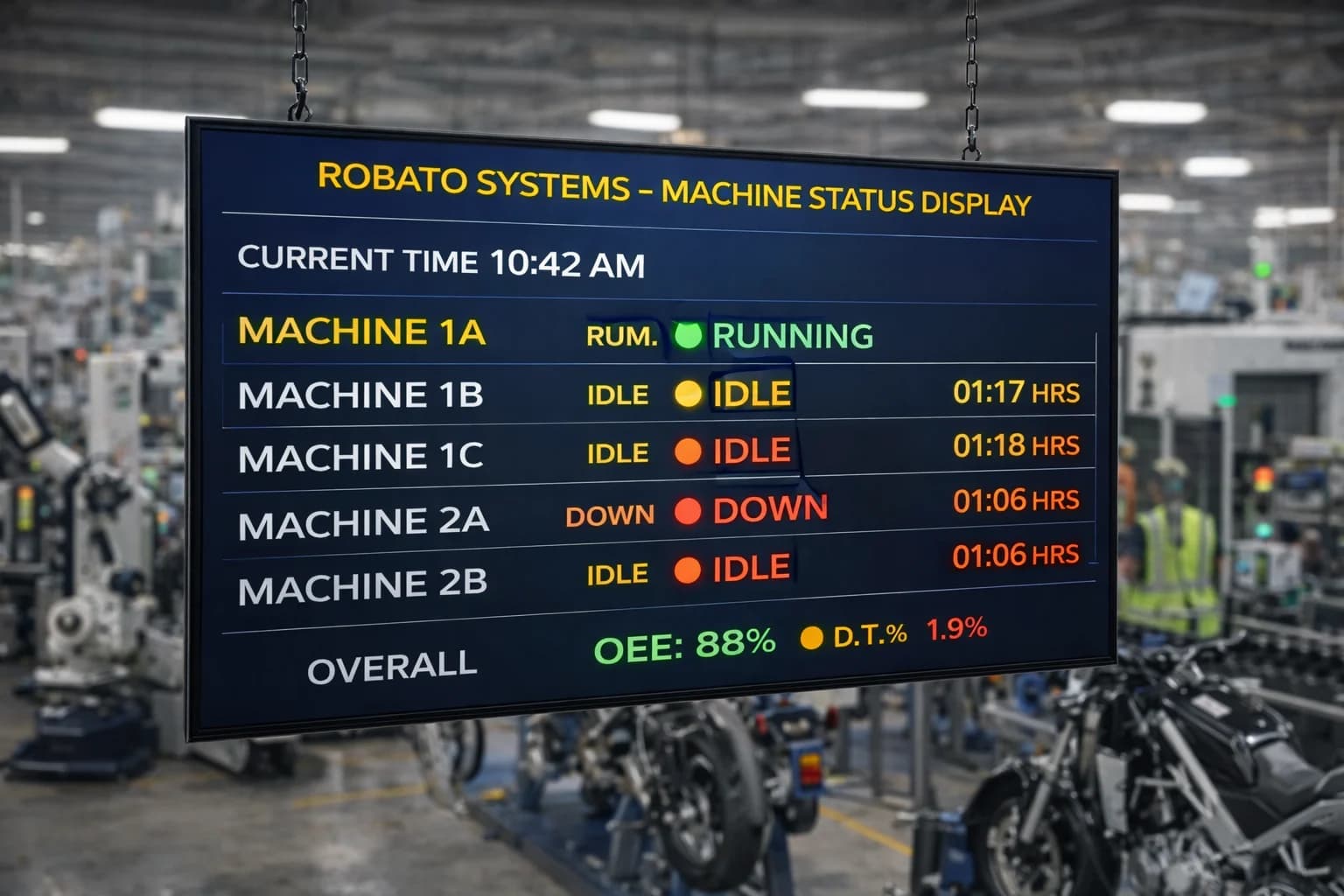
1. Centralized Machine Monitoring
Machine information from compatible CNC controllers and PLCs can be presented through a centralized dashboard.
Supervisors can view machine operating conditions across production areas.
2. Production Tracking
Production counters and cycle-complete events can be used to track machine output.
The platform can organize production information by machine, shift, or order when the required context is available.
3. Downtime Monitoring
Machine-state changes and alarm information can help identify interruptions.
Operator inputs may be required to record the actual reasons behind downtime.
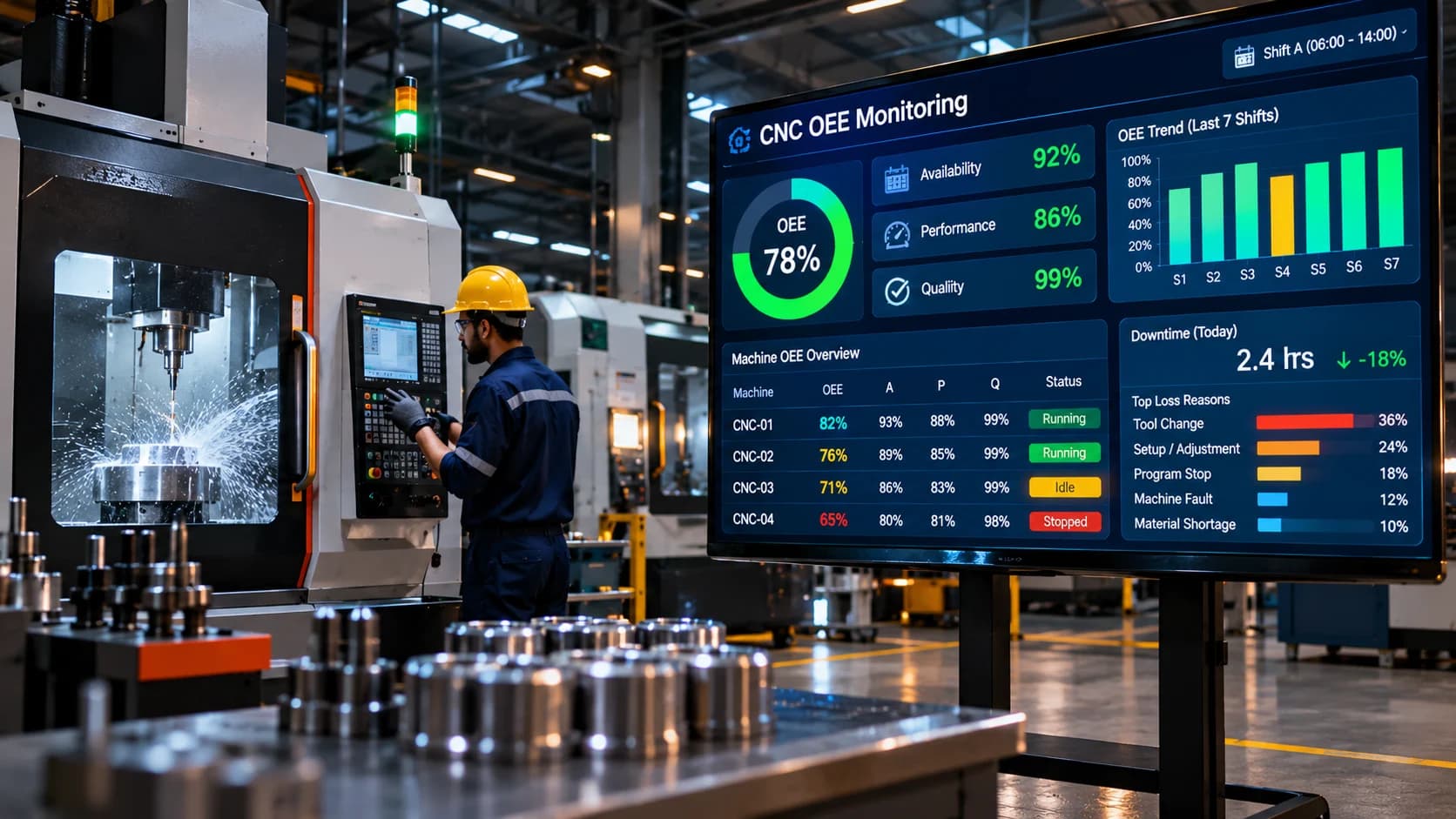
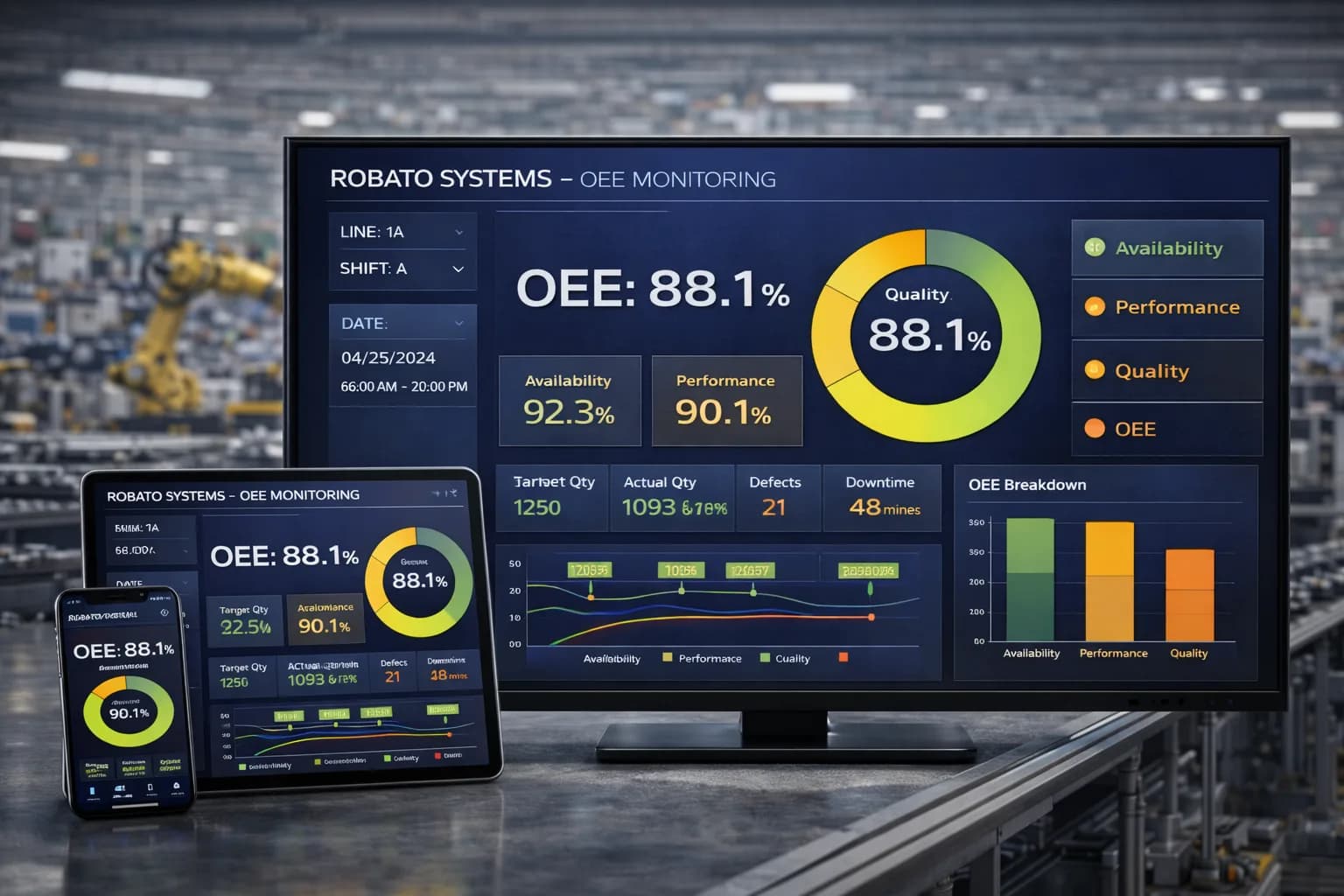
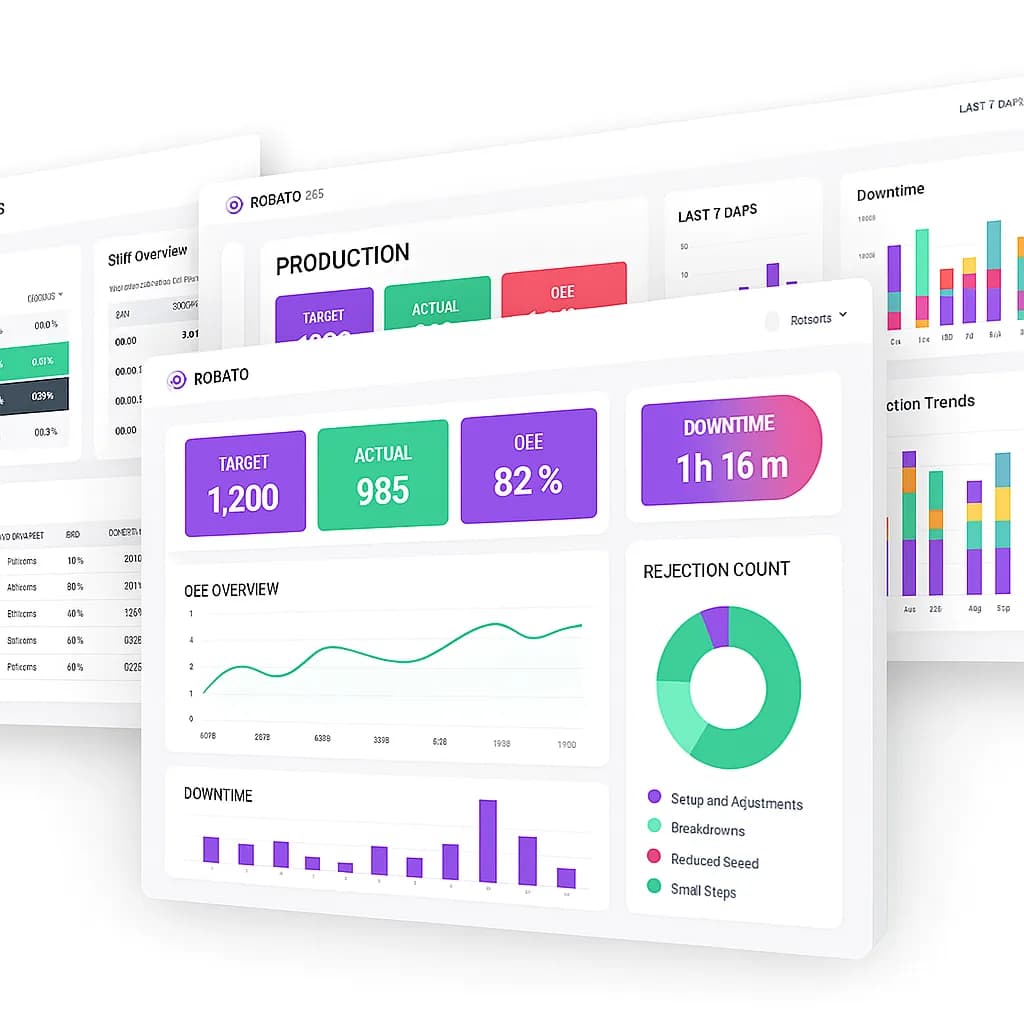
4. OEE Monitoring
OPC UA can provide inputs for machine availability and performance calculations.
Quality information generally requires additional data from inspection systems, quality records, or operator entries.
A connected OEE monitoring system can combine these data sources to calculate and analyse Overall Equipment Effectiveness.
5. Historical Data Analysis
Collected information can be stored for trend analysis and reporting.
Production teams can review machine activity, operating patterns, and recurring interruptions.
A centralized production monitoring software platform can help bring connected machine information into a common monitoring environment.
Common OPC UA CNC Integration Challenges
OPC UA provides a common communication architecture, but successful integration still depends on equipment compatibility and correct configuration.
1. OPC UA Not Available on the CNC Controller
Some controllers do not provide native OPC UA support.
Solution: Check whether the machine's PLC or an industrial gateway can expose the required information through an OPC UA server.
2. Different Information Models
Different equipment manufacturers may organize their OPC UA address spaces differently.
Solution: Define a common data model at the integration layer and document how each machine's variables map to standard production information.
3. Certificate and Security Configuration
Incorrect certificates or security settings can prevent communication.
Solution: Establish a certificate management process and configure compatible security policies on both clients and servers.
4. Inconsistent Machine Data
Different machines may use different units, status definitions, or counter logic.
Solution: Standardize data definitions, units, machine states, and production-count rules.
5. Network and Communication Interruptions
Unstable connections can result in missing or delayed readings.
Solution: Monitor communication health, configure suitable retry mechanisms, and use gateway buffering where supported.
6. Excessive Data Collection
Collecting every available variable at a very high frequency may create unnecessary controller and network load.
Solution: Prioritize important data points and configure suitable sampling or subscription settings.
7. Missing Production Context
Machine values do not always explain production conditions.
For example, a stopped machine signal may not identify whether the reason was maintenance, material shortage, or setup activity.
Solution: Combine OPC UA data with production orders, shift information, operator entries, and maintenance records where appropriate.
Cloud and On-Premise OPC UA CNC Monitoring
OPC UA can be integrated into both cloud-based and on-premise monitoring architectures.
The best deployment model depends on the factory's infrastructure, security requirements, and data policies.
Cloud-Based OPC UA Monitoring
In a cloud-based architecture, an industrial gateway or approved integration service collects OPC UA information locally and securely transmits selected data to a cloud-hosted monitoring platform.
Potential advantages include:
Centralized monitoring across multiple factory locations
Remote access for authorized users
Consolidated production reporting
Flexible infrastructure expansion
Cloud-based historical analysis
A suitable cloud production monitoring solution can help provide centralized access to connected machine information.
Cloud connectivity should use approved network paths, authentication, encryption, and appropriate access controls.
On-Premise OPC UA Monitoring
An on-premise architecture processes and stores machine information within the factory's local infrastructure.
It may be preferred when manufacturers have strict data policies, restricted external connectivity, or specific IT requirements.
Both approaches can support OPC UA integration. The final architecture should be selected according to operational needs and security policies.
Best Practices for OPC UA CNC Integration
Manufacturers should follow a structured approach when implementing OPC UA across production equipment.
Check controller compatibility: Verify that the CNC controller, PLC, or gateway supports OPC UA.
Define required data points: Start with machine status, production counters, alarms, and essential process values.
Use suitable information models: Prefer documented and consistent data structures wherever available.
Configure secure communication: Use appropriate security policies, certificates, and authentication.
Apply least-privilege access: Give monitoring applications only the permissions they need.
Standardize machine data: Use consistent machine identifiers, units, and state definitions.
Choose appropriate collection methods: Use subscriptions, events, or periodic reads according to data requirements.
Monitor connection health: Detect unavailable servers, disconnected devices, and communication errors.
Validate data accuracy: Compare application values with actual machine behaviour.
Start with a pilot: Test one or a small group of machines before expanding the integration.
Frequently Asked Questions About OPC UA CNC Integration
1. What is OPC UA in CNC machines?
OPC UA is an industrial communication architecture that allows compatible CNC controllers, PLCs, gateways, and software applications to exchange structured machine information securely.
2. Do all CNC machines support OPC UA?
No. OPC UA support depends on the controller, software options, and machine configuration. Some CNC machines provide native OPC UA functionality, while others require a PLC or industrial gateway.
3. What is an OPC UA server in CNC monitoring?
An OPC UA server exposes selected machine information through an address space. Monitoring applications connect to the server as clients to read values, subscribe to changes, and receive supported events.
4. What is an OPC UA client?
An OPC UA client is an application or device that connects to an OPC UA server to access its information. A CNC monitoring application or industrial gateway can act as a client.
5. What CNC data can be collected using OPC UA?
Depending on the implementation, OPC UA can provide machine status, production counters, alarms, spindle speed, feed rate, and selected process parameters.
6. Is OPC UA secure for industrial machine connectivity?
OPC UA includes security mechanisms such as authentication, encryption, message signing, and certificate-based trust. These must be configured correctly and supported by an appropriate network security architecture.
7. What is the difference between OPC UA and Modbus?
OPC UA provides structured information modeling and industrial communication capabilities. Modbus is a simpler industrial protocol commonly used to exchange register and signal values between compatible devices.
8. Can OPC UA connect multiple CNC machines to one monitoring platform?
Yes. A monitoring application can connect to multiple compatible OPC UA servers or use gateways to collect information from several machines. Machine identification and data mapping are important for consistent reporting.
9. Can OPC UA be used with cloud-based monitoring software?
Yes. A local gateway or approved integration service can collect OPC UA data and securely transmit selected information to a cloud platform. The architecture should follow factory security and network policies.
10. Does OPC UA support real-time CNC monitoring?
OPC UA supports subscriptions and event notifications that can provide timely updates. Actual monitoring latency depends on controller behaviour, server configuration, network performance, and application processing.
Conclusion
OPC UA is an important technology for connecting CNC machines with modern industrial automation and monitoring systems. Its structured information model, communication capabilities, and security mechanisms make it suitable for exchanging machine data across compatible industrial equipment and applications.
For CNC manufacturers, OPC UA can provide access to machine status, production signals, alarms, and selected operating parameters. When integrated with an industrial IoT platform, this information can support centralized monitoring, production tracking, downtime analysis, and OEE reporting.
However, successful implementation requires more than enabling an OPC UA endpoint. Manufacturers must verify controller compatibility, configure secure communication, map data correctly, and validate the collected information.
A well-designed OPC UA integration architecture helps connect machine-level information with broader production operations and supports the development of a more connected manufacturing environment.
Explore Robato Systems' production monitoring solutions to understand how connected machine information can support centralized monitoring and smarter factory operations.