
MTConnect for CNC Monitoring: A Complete Guide to Machine Data Integration
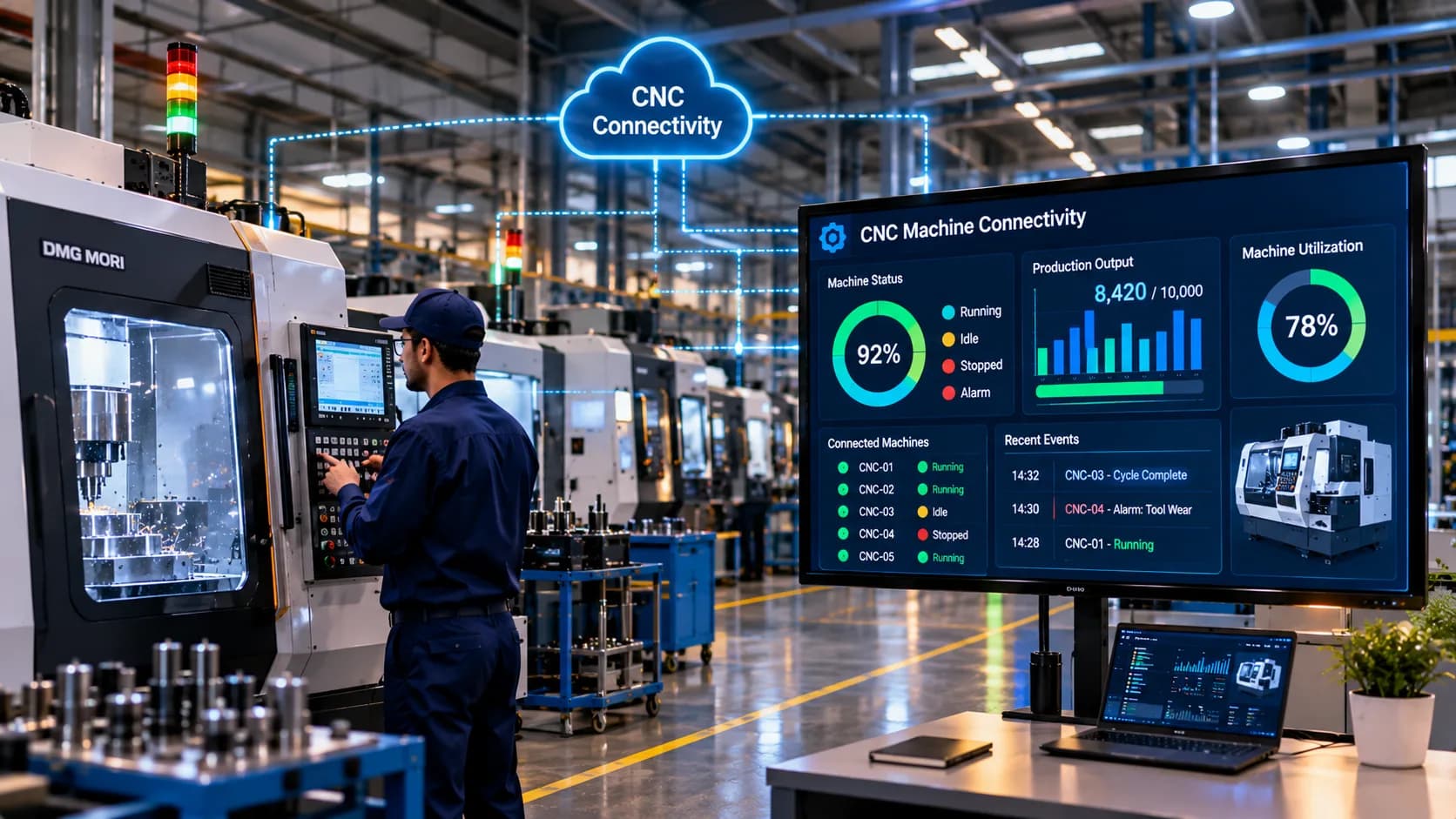
Modern manufacturing facilities use CNC machines from different manufacturers, with each machine potentially having its own controller, communication interface, and data structure. Collecting information from these machines through a single monitoring platform can become complicated when every controller communicates differently.
MTConnect CNC monitoring provides an approach to addressing this challenge through standardized manufacturing equipment information.
MTConnect is an open manufacturing equipment interoperability standard designed to make machine data easier to access, interpret, and exchange between industrial systems. It helps compatible CNC equipment and connected applications communicate using a common information model.
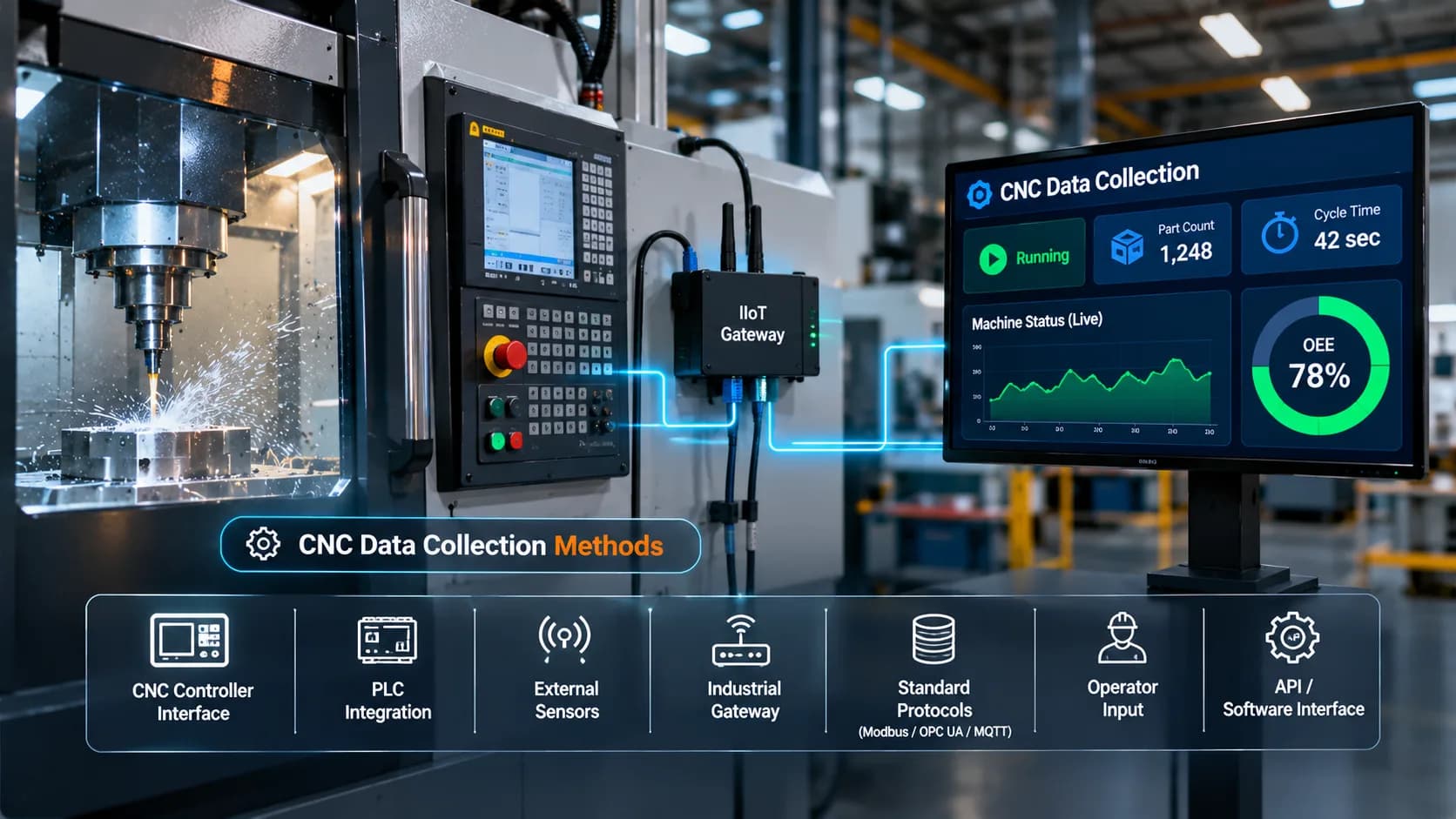
By using MTConnect, manufacturers can collect machine information such as operating status, execution mode, spindle data, feed rate, alarms, and other supported observations. This information can then be used by CNC monitoring software, production dashboards, and industrial IoT platforms.
This guide explains what MTConnect is, how its architecture works, how it connects CNC machines, and what manufacturers should consider before implementing it.
What Is MTConnect?
MTConnect is an open, royalty-free manufacturing equipment interoperability standard developed to improve communication between industrial machines and software applications.
It defines a structured way to represent information generated by manufacturing equipment. Instead of requiring every application to understand a different manufacturer-specific data format, MTConnect provides a common model for describing equipment information.
In a typical implementation, an MTConnect agent makes machine information available through an HTTP-based interface. Client applications can request the information and receive structured responses, commonly represented using XML. JSON representations are also available in supported implementations and tooling.
MTConnect can be used to expose information such as:
Machine execution state
Operating mode
Controller status
Spindle speed and load
Feed rate
Program-related information
Alarm and event information
Selected process measurements
The actual information available depends on the machine, controller, adapter, and MTConnect implementation.
Important: MTConnect is not a sensor, physical network connection, or fieldbus. It is a manufacturing interoperability standard and information model. A CNC machine may need an adapter or another integration component before its data can be accessed through MTConnect.
Why Is MTConnect Important for CNC Monitoring?
Manufacturers often operate machines from multiple equipment suppliers. Each controller may use different communication methods and represent machine information differently.
This creates integration challenges when manufacturers want to monitor all equipment through one platform.
MTConnect helps reduce this complexity by providing a standardized way to describe manufacturing equipment data.
1. Standardized Machine Information
MTConnect defines common data concepts that allow compatible equipment information to be represented consistently.
This helps monitoring applications interpret data without needing to handle every machine's proprietary format independently.
2. Multi-Machine Integration
Manufacturers can integrate compatible CNC machines from different suppliers into a common monitoring environment.
This is particularly useful in facilities where production lines contain equipment from multiple controller manufacturers.
3. Better Machine Visibility
MTConnect can expose operational observations such as execution state, operating mode, and selected process values.
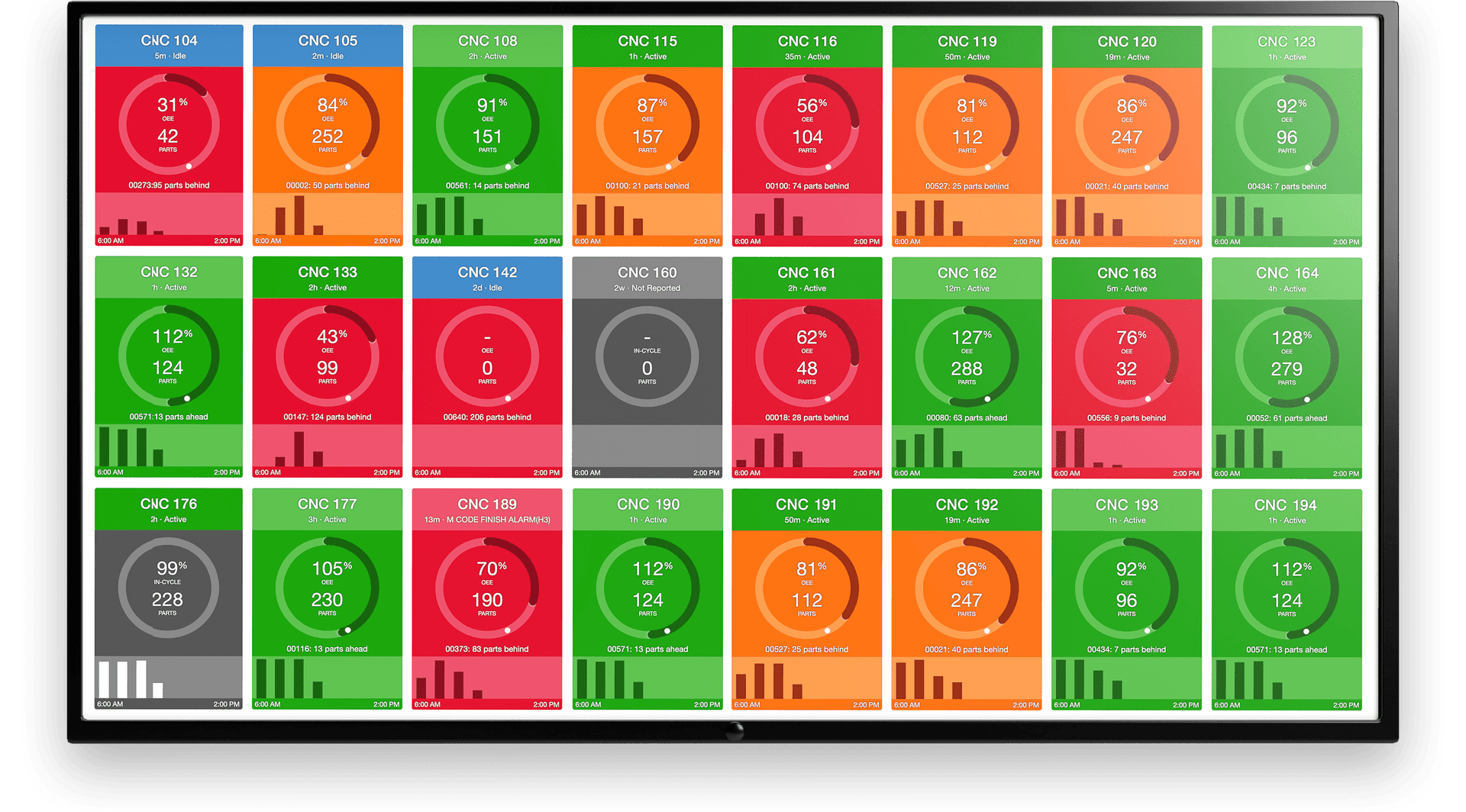
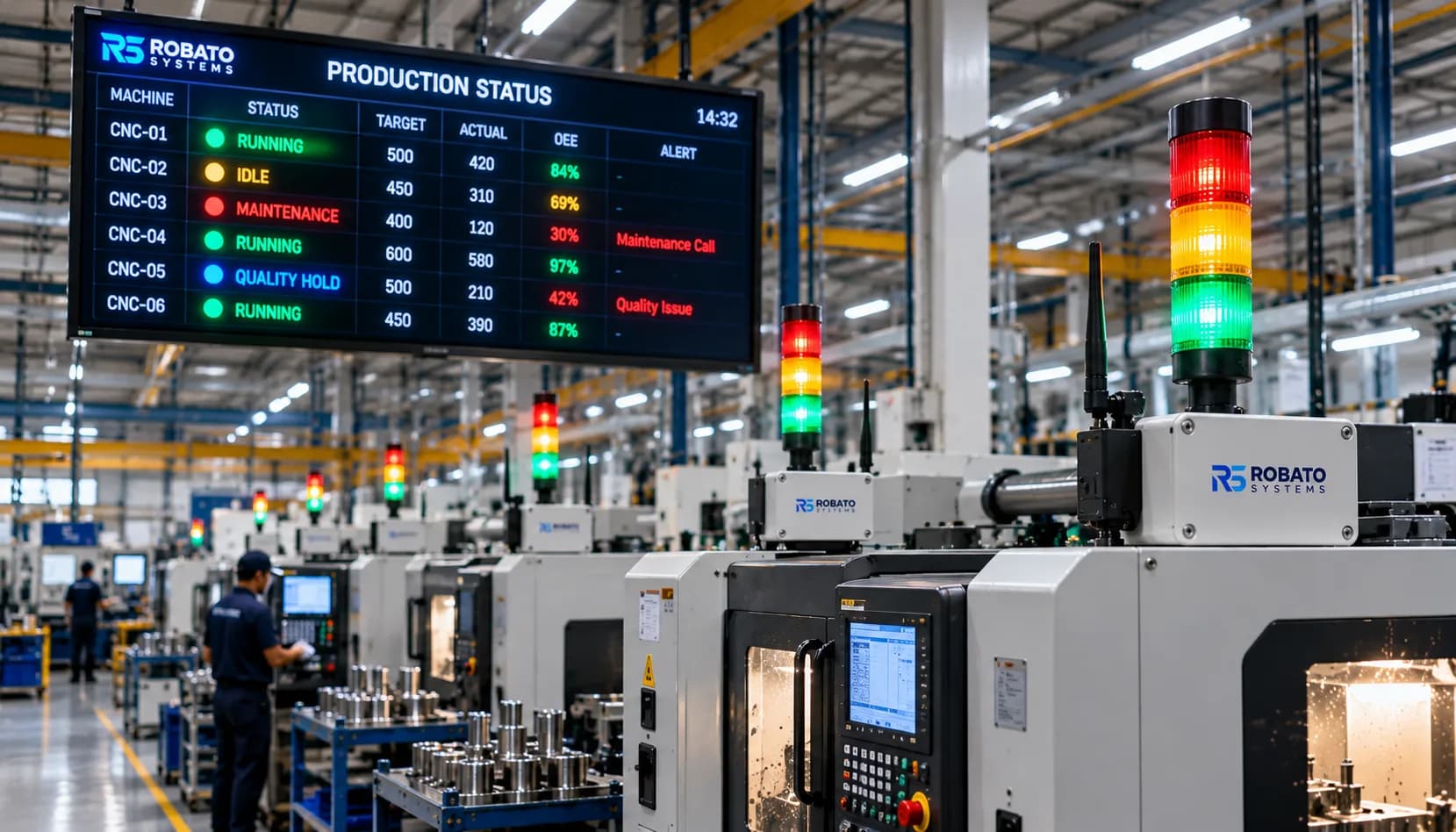
Monitoring applications can use this information to present machine activity through centralized dashboards.
4. Reduced Integration Complexity
A standardized data model can reduce the amount of machine-specific interpretation required by monitoring applications.
However, compatibility assessment and adapter configuration are still necessary for each machine.
5. Support for Industrial IoT Applications
MTConnect data can be consumed by suitable applications and integrated into broader industrial IoT architectures.
This allows machine information to contribute to production reporting, historical analysis, and performance monitoring.
Manufacturers exploring connected equipment can also review Robato's production monitoring solution for an overview of centralized machine monitoring.
How Does MTConnect Work?
MTConnect uses a structured architecture to make manufacturing equipment information accessible to external applications.
A typical implementation includes three main elements:
Manufacturing equipment
MTConnect adapter
MTConnect agent
A client application, such as CNC monitoring software, communicates with the agent to retrieve the required information.
1. CNC Machine and Controller
The CNC controller generates information during machine operation.
Depending on the equipment, this may include:
Machine operating state
Program execution status
Spindle information
Feed rate
Alarm conditions
Selected machine parameters
Not all controllers expose information in an MTConnect-compatible format directly.
2. MTConnect Adapter
An MTConnect adapter acts as an integration component between the machine or controller and the MTConnect agent.
Its responsibility is to obtain information from the equipment and provide it in a format the agent can process.
Depending on the implementation, an adapter may communicate with the controller through a manufacturer-specific interface, PLC connection, or another supported data source.
The adapter translates machine-specific information into MTConnect data items.
An adapter is not necessarily required as a separate physical device in every installation. Its implementation can vary depending on the equipment and software architecture.
3. MTConnect Agent
The MTConnect agent receives data from the adapter, manages the equipment information model, and makes the information available to client applications.
It commonly exposes an HTTP-based interface.
Applications can request information using supported MTConnect endpoints.
Common request types include:
Probe: Describes the equipment structure and available data items.
Current: Retrieves the latest available values for the requested equipment observations.
Sample: Retrieves time-series information and recorded observations.
These requests allow monitoring applications to understand what information is available and retrieve the required machine data.
4. CNC Monitoring Application
The monitoring application communicates with the MTConnect agent and processes the returned information.
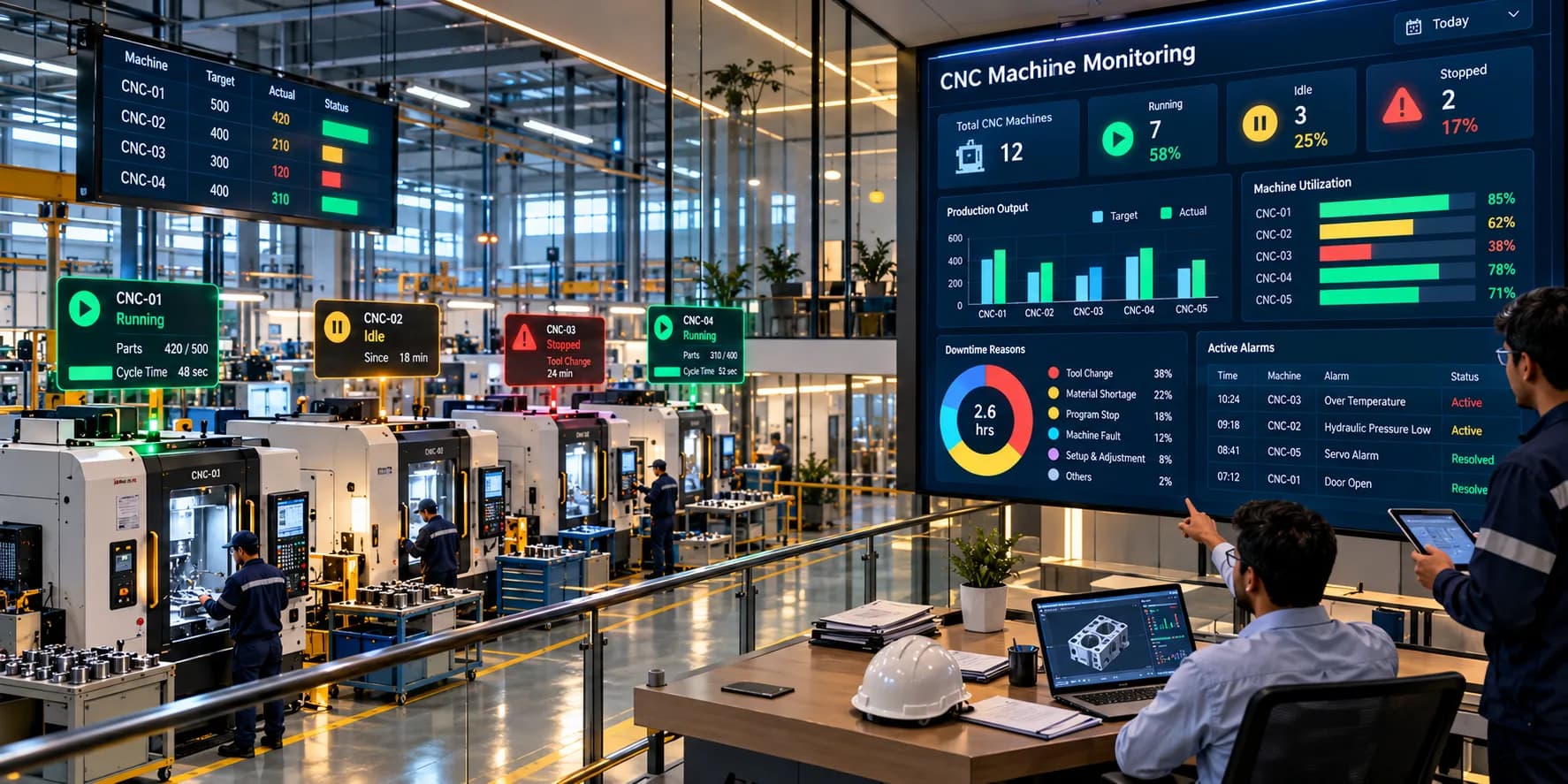
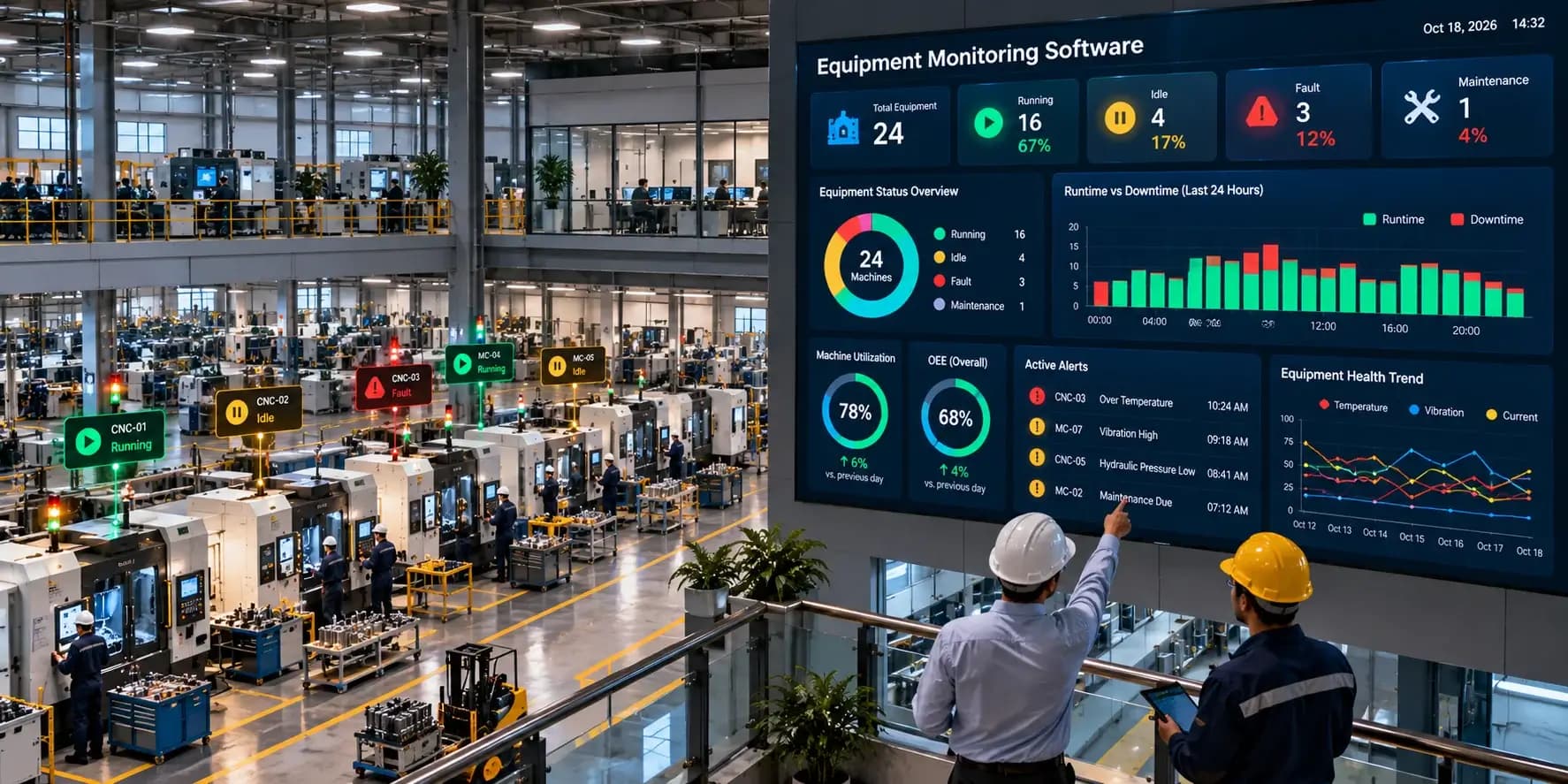
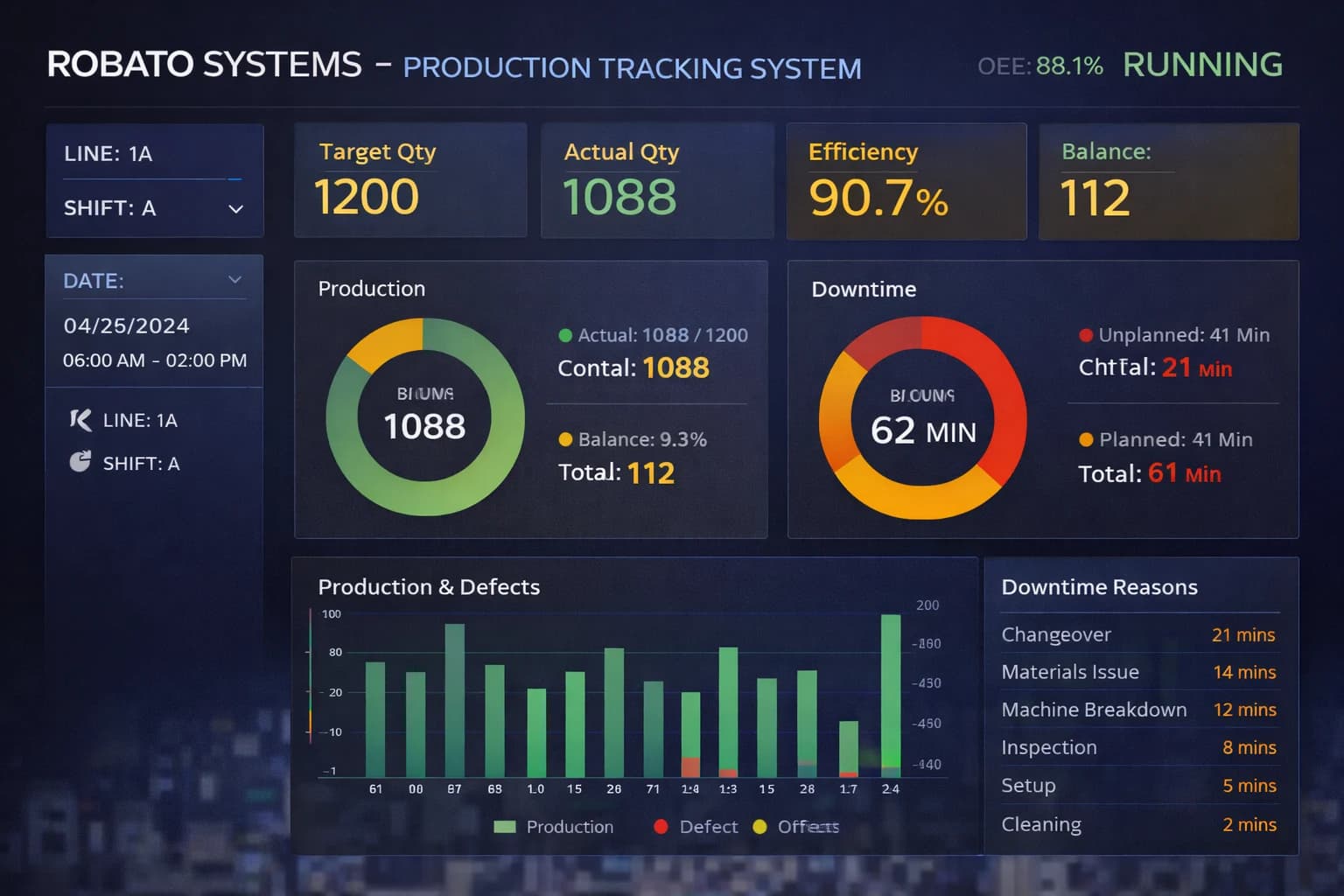
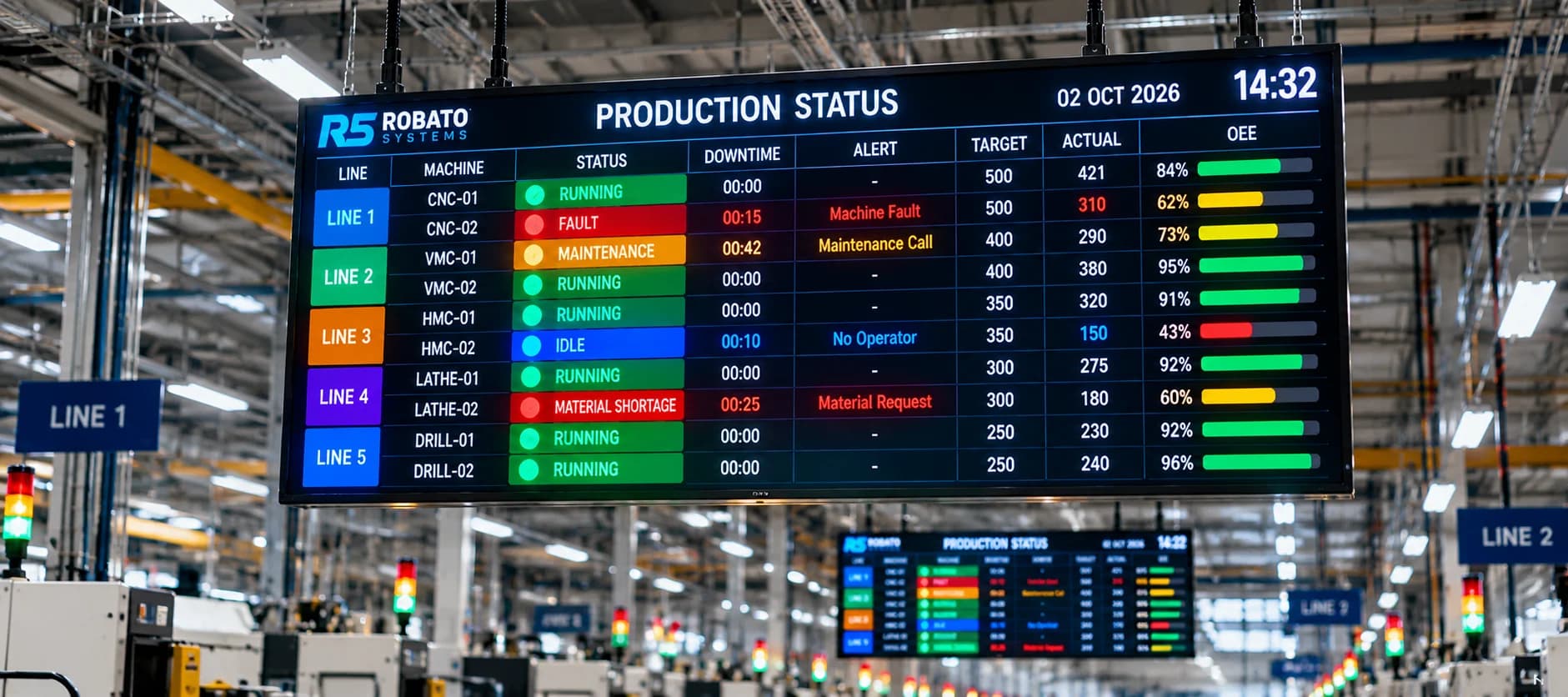
It can then display selected machine parameters through dashboards, reports, and other monitoring interfaces.
For example, a production dashboard may use execution-state information to show whether a machine is operating or stopped.
MTConnect Architecture for CNC Machine Monitoring
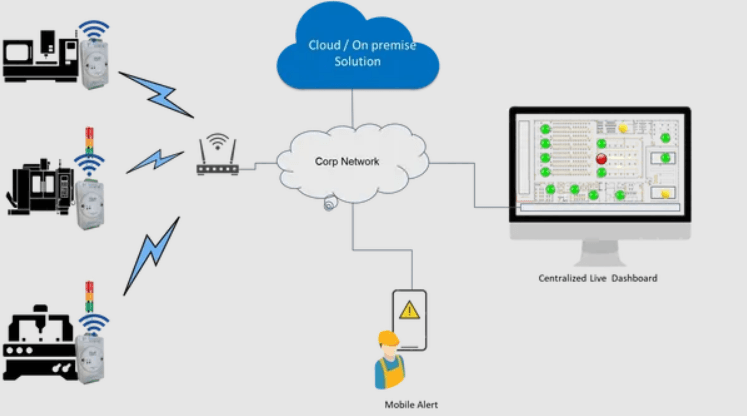
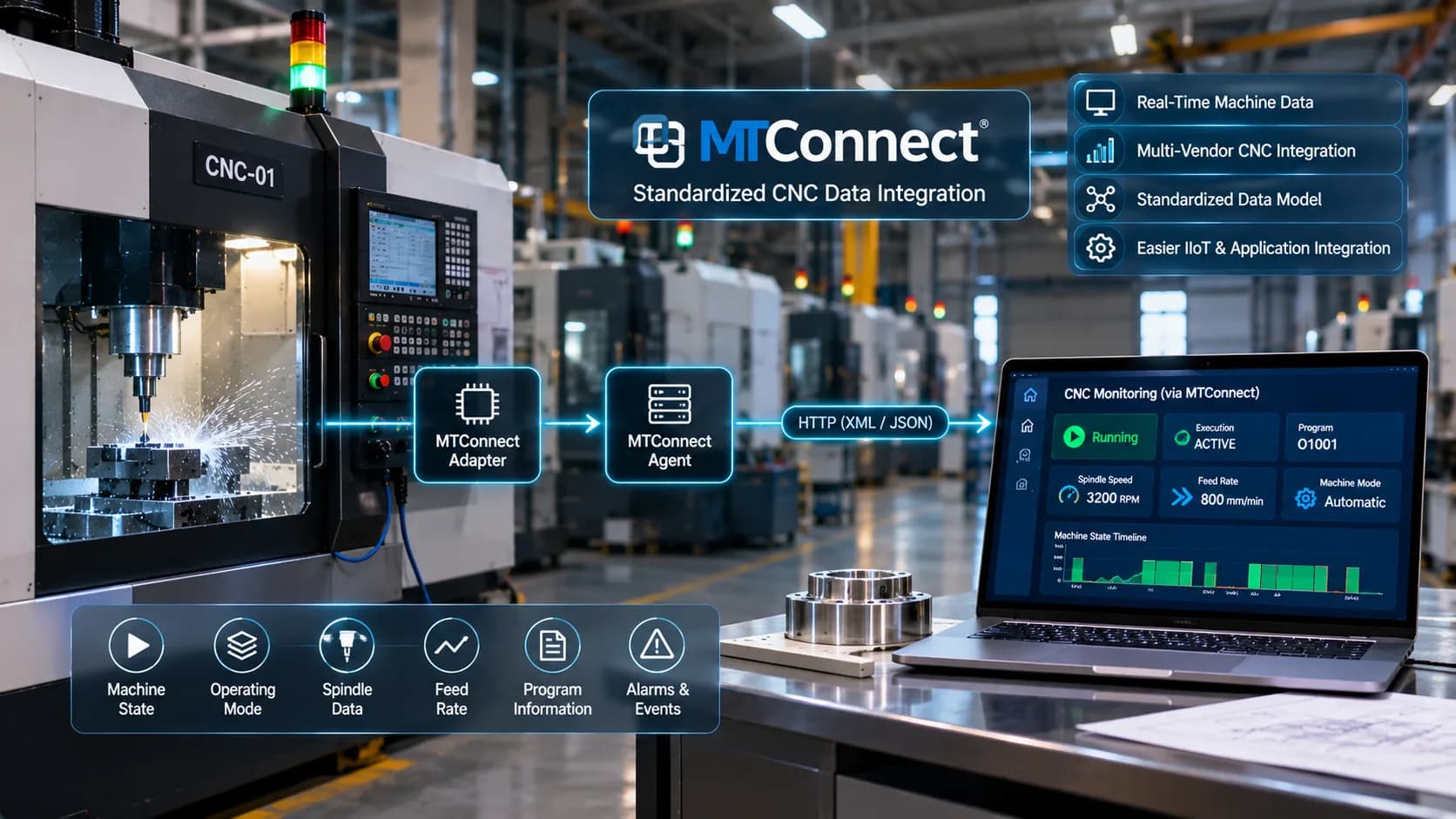
A typical MTConnect-based CNC monitoring architecture can be represented as follows:
CNC Machine → MTConnect Adapter → MTConnect Agent → Monitoring Software → Production Dashboard
Each component performs a specific role.
Machine Layer
Contains CNC machines and controllers that generate operational information.
Adapter Layer
Collects information from the equipment and translates it into MTConnect-compatible data items.
Agent Layer
Organizes and exposes the information through supported MTConnect interfaces.
Application Layer
Retrieves machine information, processes observations, and connects them with other production data.
Visualization Layer
Displays the information through machine dashboards, production reports, and operational monitoring screens.
In a larger factory, multiple machines and adapters may connect to one or more MTConnect agents. The exact architecture depends on the number of machines, network design, data volume, and implementation requirements.
What Data Can MTConnect Collect from CNC Machines?
MTConnect supports a structured way of representing different types of manufacturing equipment information.
The available data depends on what the machine or adapter exposes.
1. Machine Execution State
Execution state indicates the machine's current operating condition as represented by the connected equipment.
Common values may include:
ACTIVE
READY
STOPPED
INTERRUPTED
The exact values and their interpretation depend on the applicable MTConnect data model and implementation.
Monitoring software can use this information to show machine activity across production areas.
2. Operating Mode
Operating mode describes the machine's selected operating mode.
Examples may include:
AUTOMATIC
MANUAL
SEMI-AUTOMATIC
EDIT
Other supported controller modes
This information helps production teams understand how the machine is being operated.
3. Spindle Information
Where supported, MTConnect can expose spindle-related observations such as:
Spindle speed
Spindle load
Spindle direction
Spindle operating state
This information can help monitor selected machining conditions.
4. Feed Rate Information
Feed-rate observations provide information about the machine's feed operation.
Depending on the implementation, monitoring software may use these values to understand machining activity and compare operating conditions with expected process parameters.
5. Alarm and Event Information
MTConnect can represent machine events and alarm-related information.
This may include:
Alarm messages
Alarm identifiers
Event descriptions
Event timestamps
Such information can help maintenance and production teams investigate machine interruptions.
6. Program Information
Some implementations expose program-related information, including the active program name or other supported program observations.
This can help connect machine activity with production orders and manufacturing processes.
However, program information should be handled according to the manufacturer's access permissions and the factory's data policies.
MTConnect Data Types: Observations, Samples, Events, and Conditions
Understanding the MTConnect information model helps manufacturers design better machine monitoring applications.
MTConnect organizes equipment information using different types of data items.
Samples
Samples represent measured values that can change over time.
Examples include:
Spindle speed
Feed rate
Temperature
Load measurements
These values are useful for monitoring changing process parameters.
Events
Events represent discrete changes or occurrences.
Examples include:
Execution-state changes
Operating-mode changes
Program-related events
Part-count updates, where exposed
Events help applications understand when specific machine activities occur.
Conditions
Conditions represent equipment conditions that may require attention.
Examples include:
Fault conditions
Warning conditions
Unavailable conditions
They can help monitoring applications present machine alerts and diagnostic information.
The actual data items and their availability depend on the equipment and adapter implementation.
How to Connect CNC Machines Using MTConnect
Connecting CNC machines through MTConnect requires both equipment compatibility and a suitable software integration.
The implementation process should begin with a technical assessment.
Step 1: Identify MTConnect Compatibility
Check whether the CNC controller or connected equipment supports MTConnect directly.
If it does not, determine whether a compatible adapter is available.
Review:
Controller manufacturer
Controller model and version
Available communication interfaces
Supported data points
Adapter compatibility
Required software options
Do not assume that every CNC controller supports MTConnect natively.
Step 2: Select an Appropriate Adapter
The adapter must be compatible with the machine's controller and available communication interfaces.
It should be capable of obtaining the required machine information and mapping it to suitable MTConnect data items.
Some manufacturers provide supported adapters, while other implementations may use third-party or custom integration components.
Step 3: Configure the MTConnect Agent
Configure the agent to receive information from the adapter and expose the required equipment data.
Important configuration details may include:
Equipment identity
Data-item definitions
Adapter connection settings
Network address and port
Buffer settings
Supported MTConnect version
Step 4: Configure Network Connectivity
Ensure the monitoring application can reach the MTConnect agent through the factory network.
Use appropriate firewall rules, network segmentation, and access controls.
The agent should not be exposed directly to the public internet without an approved and secure architecture.
Step 5: Validate Available Data
Use the appropriate MTConnect requests to inspect the equipment structure and available information.
Verify that:
The correct machine is identified.
Required data items are present.
Values change as expected.
Timestamps are consistent.
Events are represented correctly.
Missing or unavailable data is handled appropriately.
Step 6: Integrate with CNC Monitoring Software
Configure the monitoring application to retrieve the required information from the MTConnect agent.
Map the data into machine dashboards, production reports, and relevant analytics.
Step 7: Test the Complete Workflow
Compare the displayed information with actual machine operation.
Test running, idle, stopped, and alarm conditions, as well as relevant production events.
Once the pilot machine works reliably, the same approach can be evaluated for additional equipment.
MTConnect vs. OPC UA for CNC Monitoring
MTConnect and OPC UA are both relevant to industrial interoperability, but they have different design objectives and capabilities.
MTConnect focuses specifically on manufacturing equipment information and provides a structured model for representing that information.
OPC UA is a broader industrial communication architecture that supports secure information exchange across different industrial systems.
| Feature | MTConnect | OPC UA |
|---|---|---|
| Main focus | Manufacturing equipment interoperability | Industrial information exchange |
| Data model | Manufacturing-specific information model | Flexible information modeling |
| Communication approach | Commonly HTTP-based agent access | Client-server and publish-subscribe |
| Typical use | Accessing structured machine information | Connecting industrial systems and applications |
| Security | Depends on deployment and network controls | Includes built-in security mechanisms |
| Equipment support | Requires a compatible implementation or adapter | Requires compatible OPC UA endpoints or gateways |
When Should Manufacturers Consider MTConnect?
MTConnect can be a suitable choice when the primary requirement is accessing standardized manufacturing equipment information from compatible machines.
It is particularly relevant for multi-machine monitoring applications where consistent equipment data representation is important.
When Should Manufacturers Consider OPC UA?
OPC UA may be appropriate when the factory needs broader industrial interoperability, structured information models, and secure communication between different automation systems.
Can MTConnect and OPC UA Be Used Together?
Yes. A manufacturing architecture may use both technologies.
For example, an MTConnect agent can expose manufacturing equipment information, while another integration component communicates with an OPC UA-based industrial system.
The exact design depends on the equipment, software, and data requirements.
MTConnect vs. Modbus and MQTT
MTConnect, Modbus, and MQTT are not direct replacements for one another.
They serve different roles in industrial connectivity.
| Technology | Primary Role | Example Application |
|---|---|---|
| MTConnect | Manufacturing equipment interoperability standard | Exposing structured CNC machine observations |
| Modbus | Industrial communication protocol | Reading PLC registers and meter values |
| MQTT | Publish-subscribe messaging protocol | Sending selected machine information to an IoT platform |
A factory may use Modbus to collect values from a PLC, an MTConnect adapter to expose CNC information, and MQTT to transfer selected readings from an edge gateway to a centralized application.
The correct architecture depends on the equipment's available interfaces and the required data flow.
How MTConnect Supports Real-Time CNC Monitoring
MTConnect can provide machine observations that monitoring applications use to display equipment activity.
A monitoring application may periodically request updated information from an MTConnect agent or use another supported integration approach.
For example:
The CNC controller changes its execution state.
The adapter obtains the updated information.
The MTConnect agent processes and exposes the observation.
The monitoring application retrieves the updated value.
The machine dashboard reflects the new operating condition.
The actual update delay depends on the controller, adapter, agent configuration, collection frequency, network performance, and application refresh behaviour.
MTConnect can therefore support near-real-time monitoring, but manufacturers should not assume that every data point is delivered instantly or with identical timing.
Integrating MTConnect with an IIoT Production Monitoring Platform
MTConnect becomes more useful when machine information is integrated with a wider production monitoring environment.
A CNC monitoring application can combine MTConnect observations with information from PLCs, sensors, production orders, quality records, and other factory systems.
This helps build a broader view of production activity.
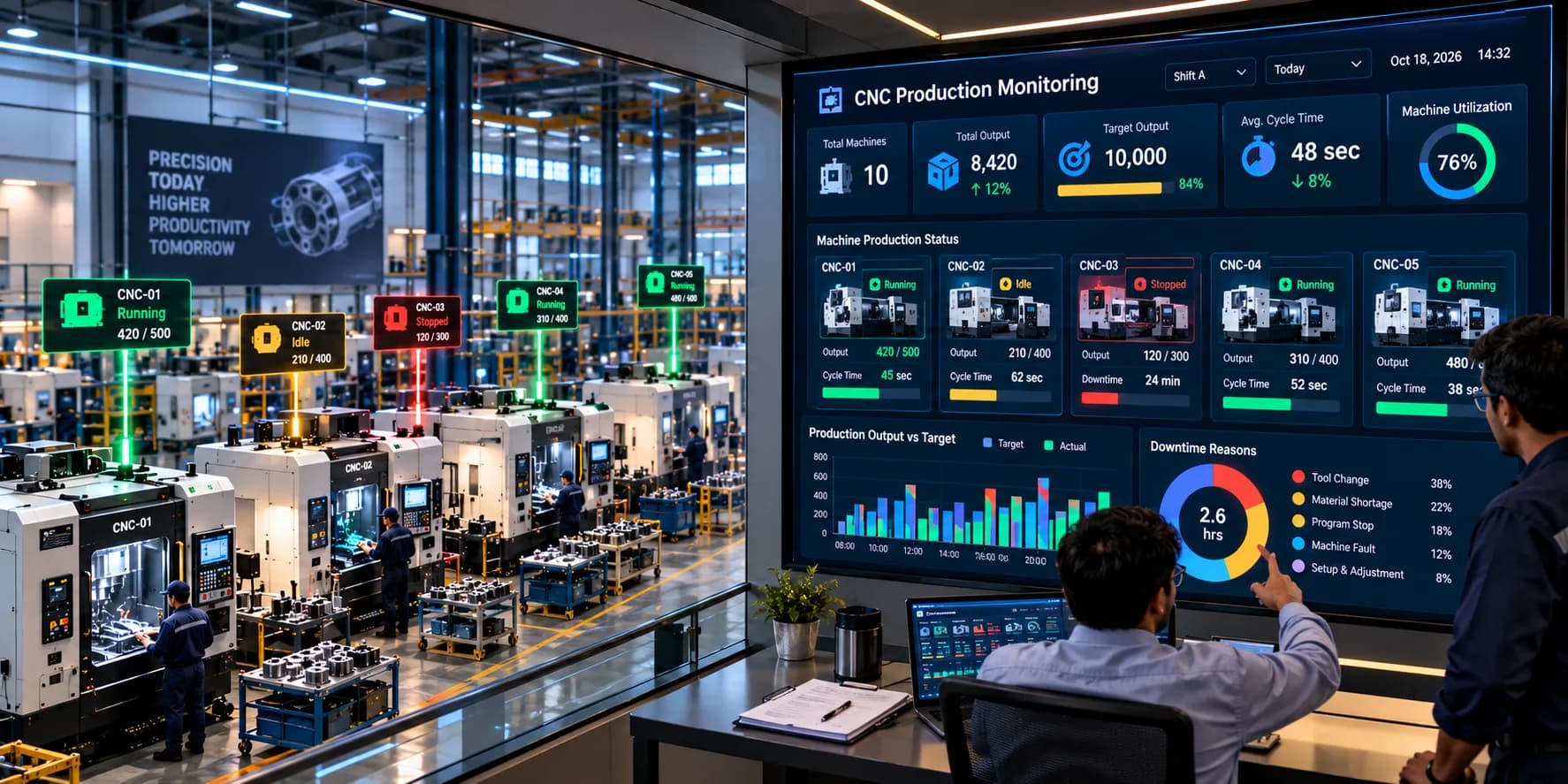
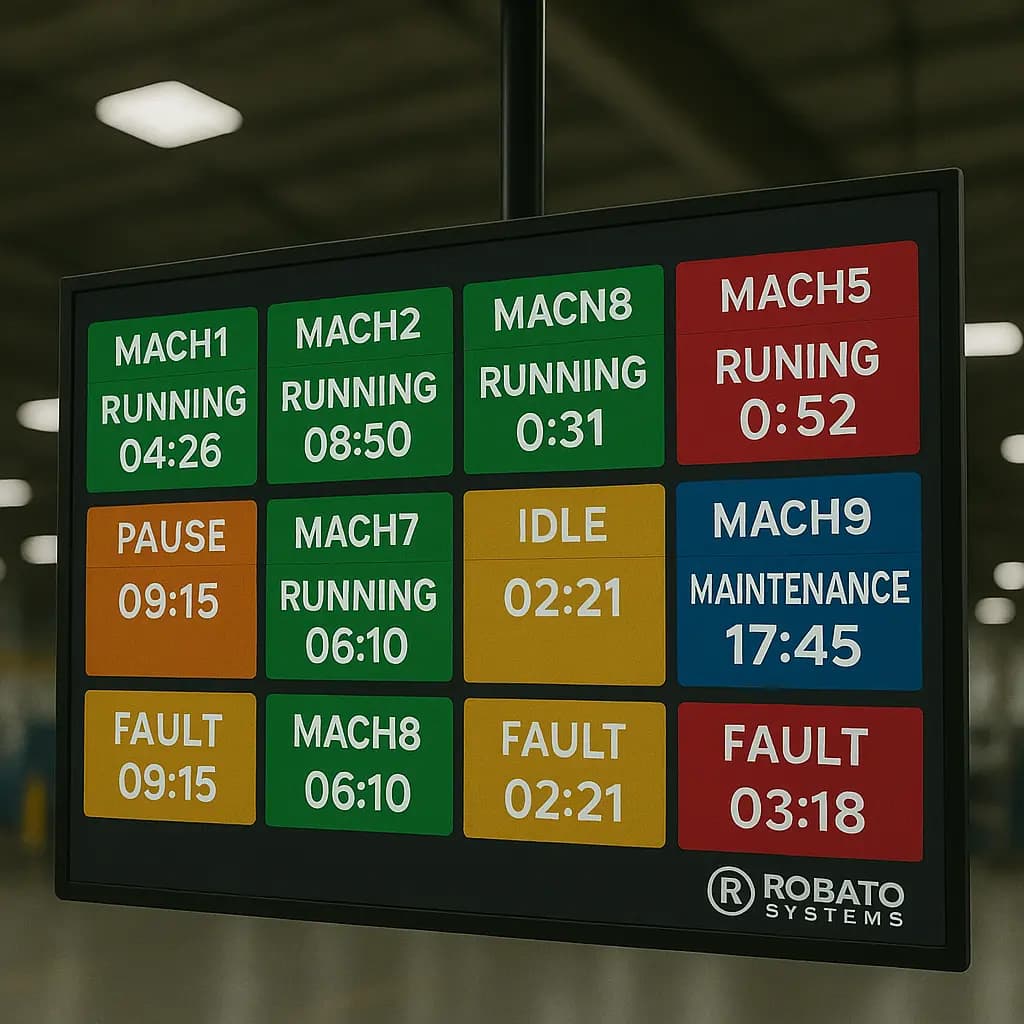
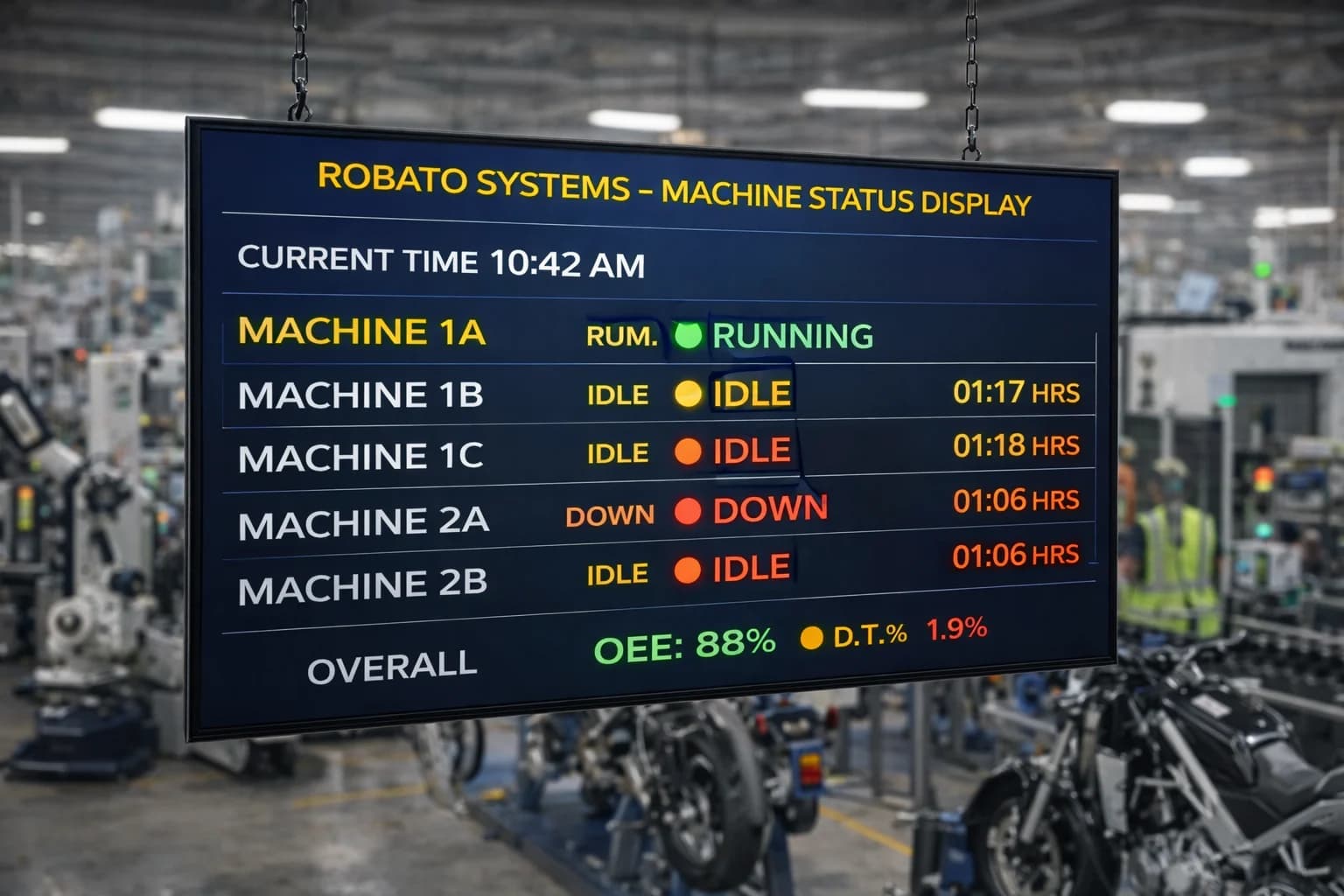
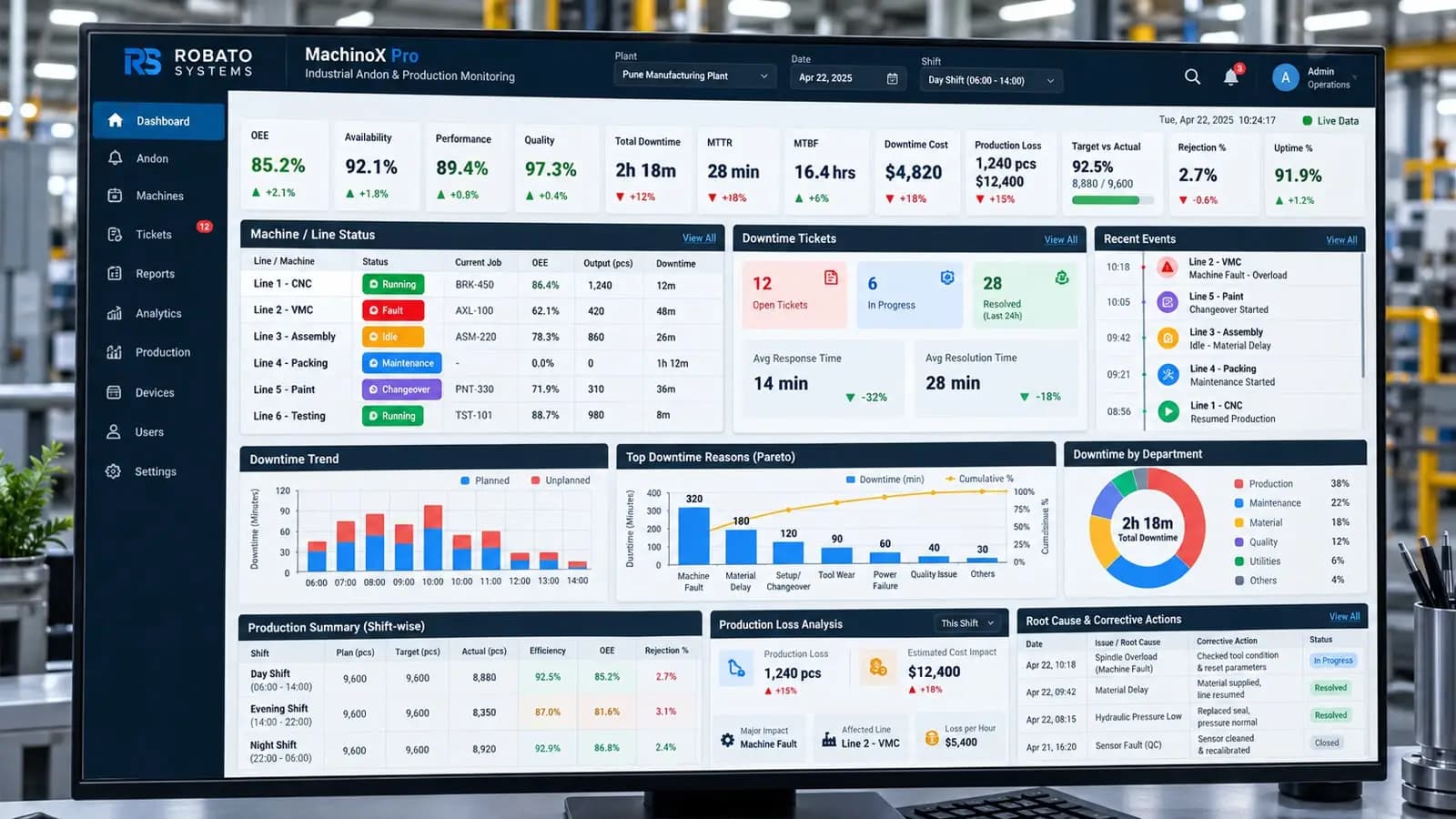
Centralized Machine Dashboards
Machine execution state and selected process values can be displayed in a common dashboard.
Supervisors can view equipment status without accessing individual machine controllers.
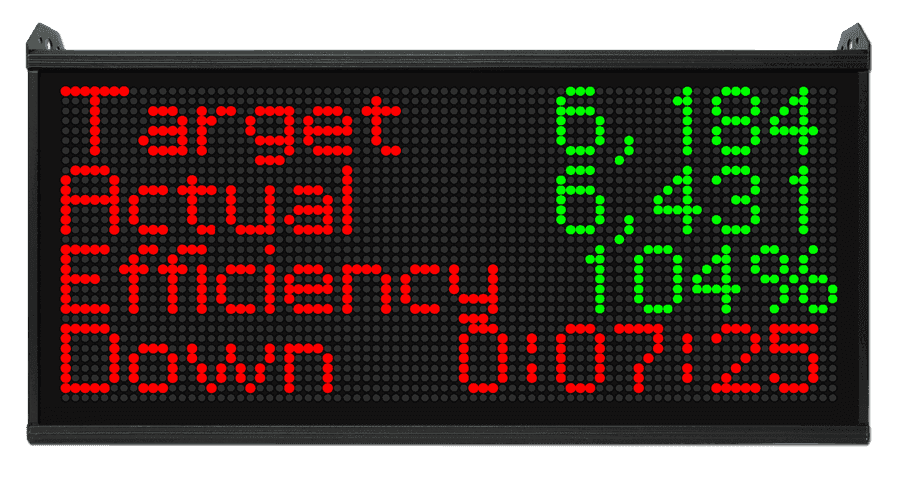
Production Tracking
Machine counters or suitable production events can be used to track completed production quantities.
Where part counts are not directly available, an additional PLC signal or sensor may be required.
Downtime Monitoring
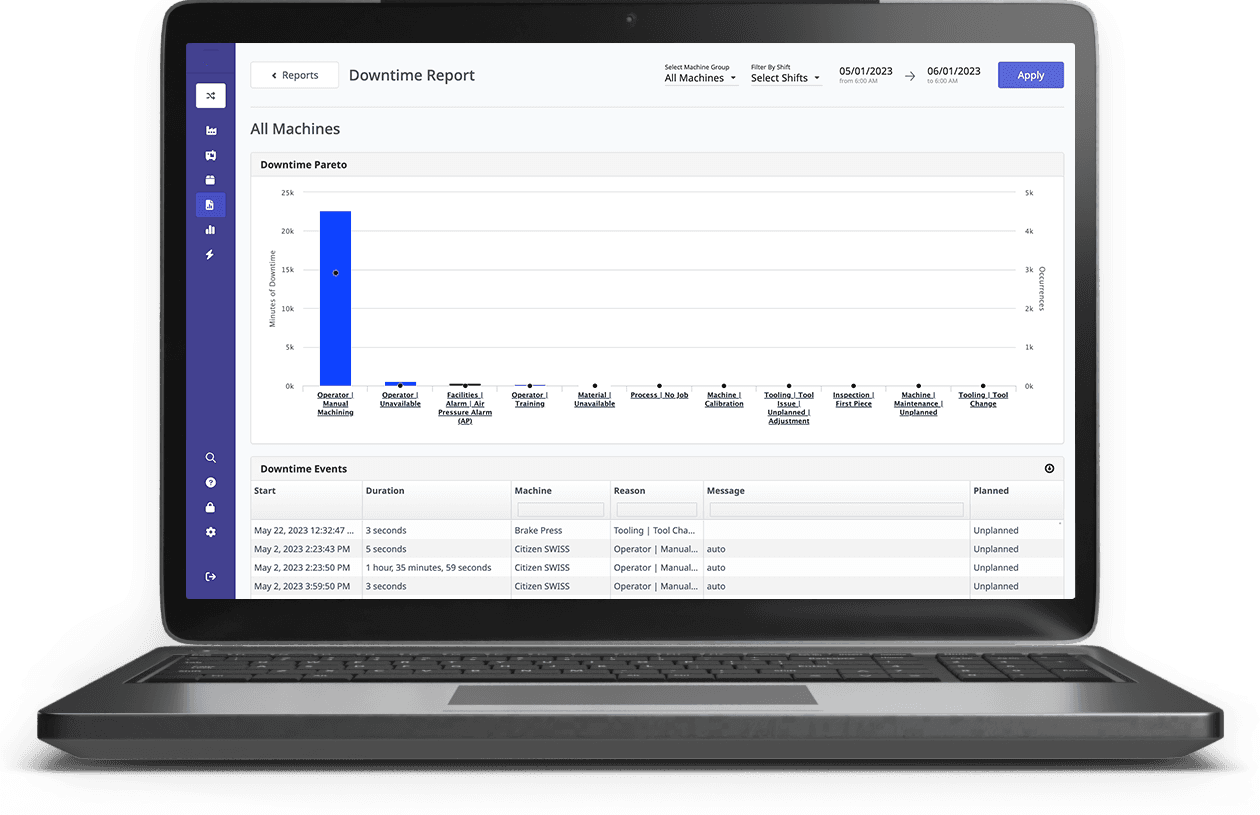
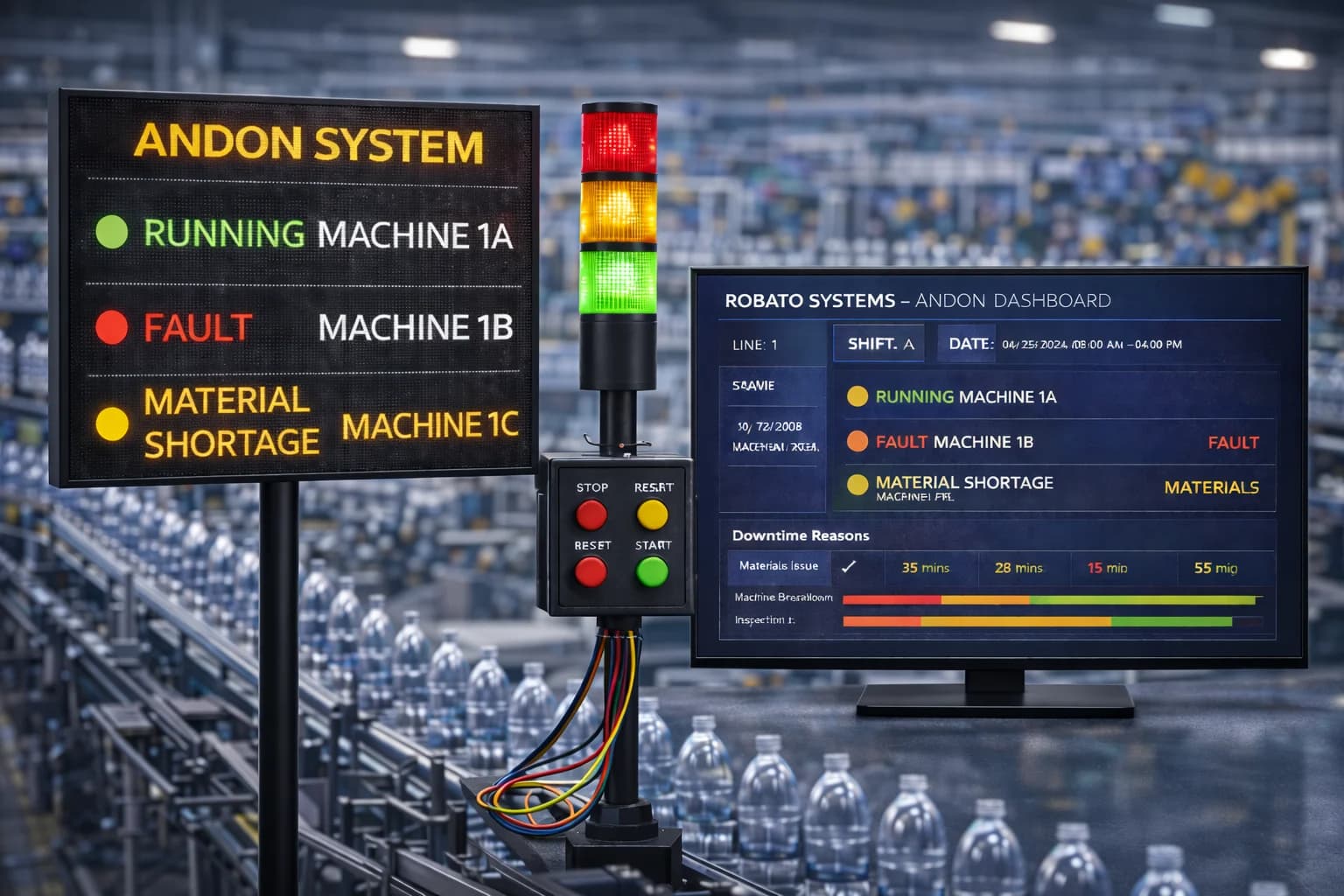
Execution-state changes and alarm information can help identify machine interruptions.
Operator input or integration with maintenance systems may be needed to capture accurate downtime reasons.
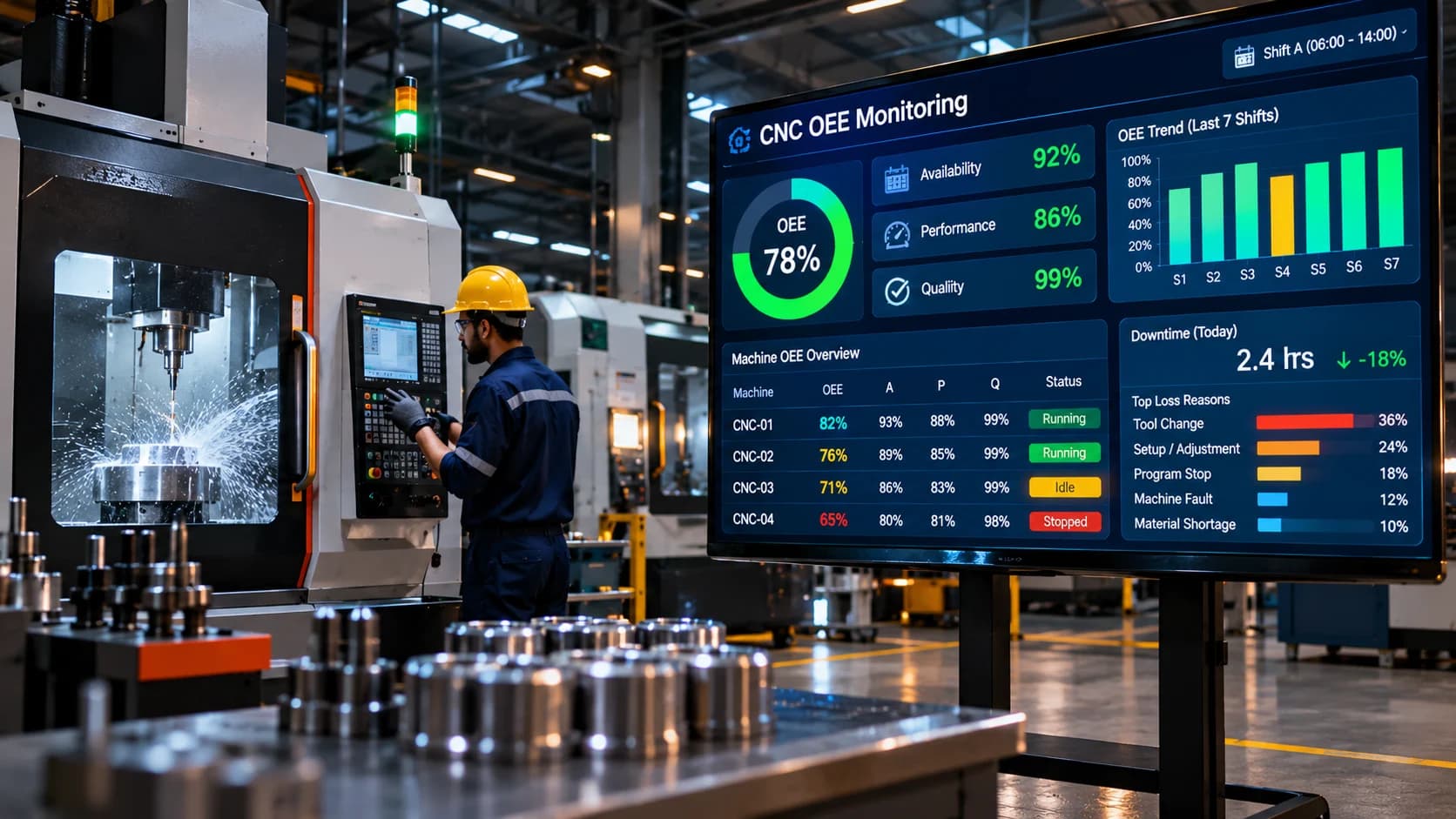
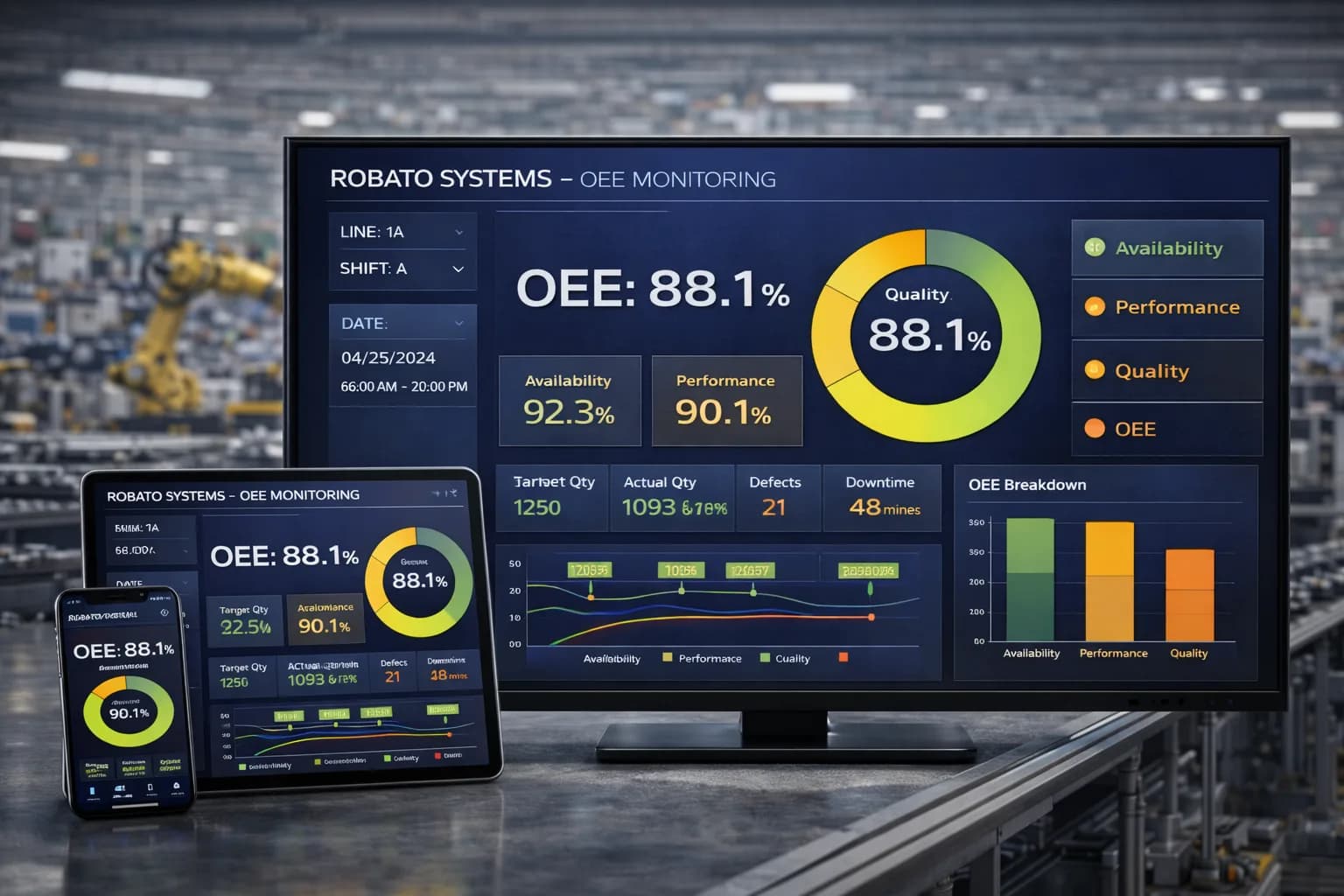
OEE Monitoring
MTConnect observations can provide inputs for availability and performance analysis.
Quality data usually requires an additional source, such as inspection records or operator entries.
A connected OEE monitoring system can combine relevant machine and production information to calculate Overall Equipment Effectiveness.
Historical Production Analysis
Machine observations can be stored and analysed over time.
This allows manufacturers to review operating patterns, production trends, and recurring interruptions.
A centralized production monitoring software platform can help bring connected machine information into a common reporting environment.
Benefits of MTConnect for Smart Manufacturing
Implementing MTConnect can support several manufacturing objectives when the connected equipment and integration architecture are suitable.
1. Improved Interoperability
A common manufacturing information model can make it easier for applications to interpret data from compatible equipment.
2. Better Machine Visibility
Production teams can access selected machine information through centralized monitoring applications.
3. Simplified Application Integration
Standardized equipment observations can reduce the need for every application to understand each controller's proprietary data format independently.
4. Multi-Machine Monitoring
Compatible CNC machines can be integrated into a common monitoring architecture.
5. Support for Production Analytics
Collected observations can be stored and analysed to understand machine activity and operating trends.
6. Flexible Integration Architecture
MTConnect can work alongside other industrial communication technologies and data acquisition methods.
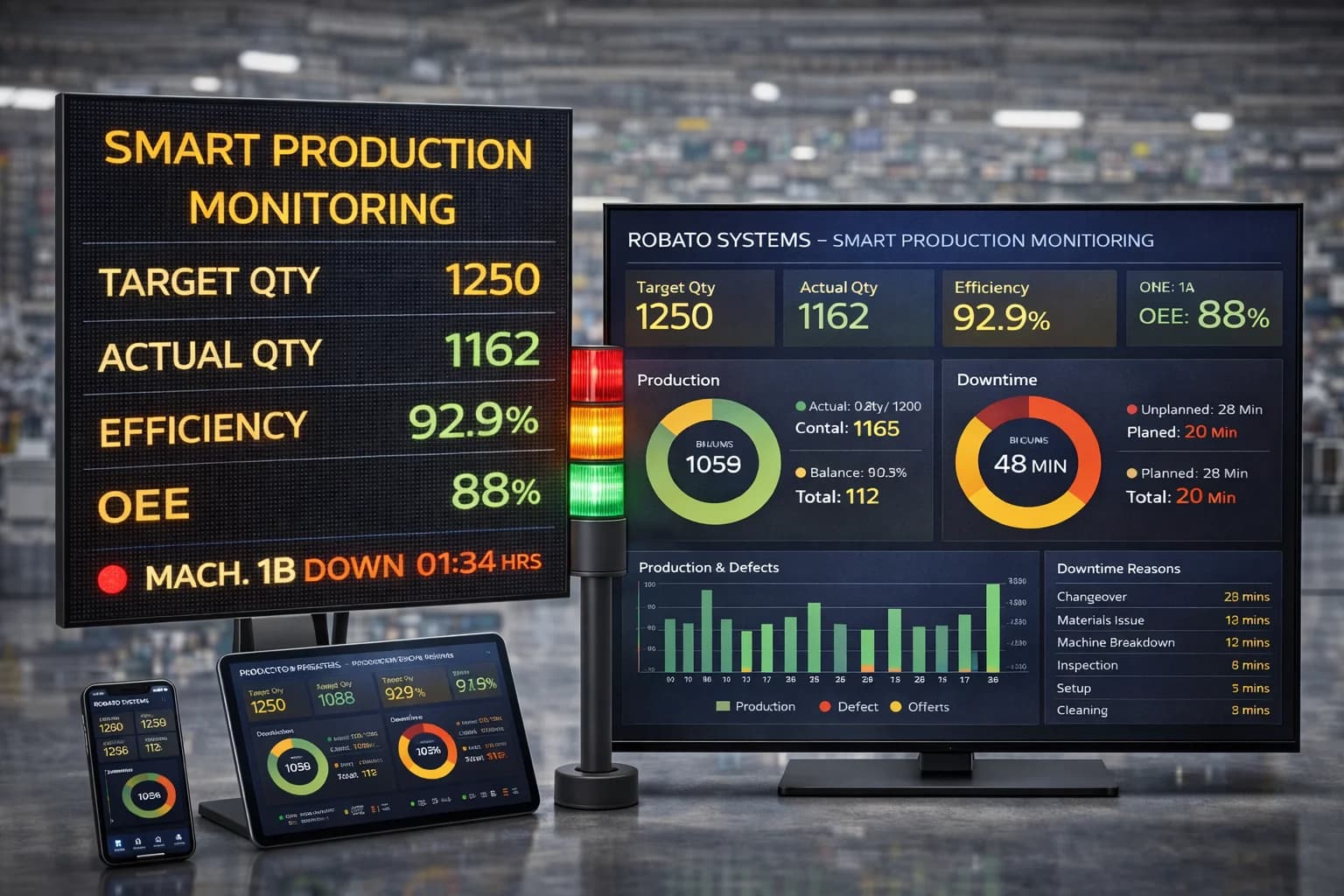
Manufacturers can also explore smart production monitoring to understand how connected machines, industrial data acquisition, and centralized dashboards support modern manufacturing.
Common MTConnect Implementation Challenges
Although MTConnect provides a standardized information model, implementation still requires careful planning.
1. Controller Compatibility
Not every CNC controller supports MTConnect directly.
Solution: Verify controller compatibility and identify suitable adapters or integration components before deployment.
2. Missing Data Items
A machine may expose only a limited set of observations.
Solution: Define the required data points first and verify that the controller and adapter can provide them. Use additional PLC signals or sensors when necessary.
3. Adapter Configuration
Adapters must correctly map controller-specific information into MTConnect data items.
Solution: Use compatible adapters and validate the mapping against actual machine behaviour.
4. Network Configuration
The monitoring application must be able to communicate with the agent reliably.
Solution: Configure network access, firewall rules, IP addresses, and communication ports with the factory IT and OT teams.
5. Data Interpretation
A standardized data item does not automatically provide complete production context.
For example, a machine's execution state does not necessarily explain why it stopped.
Solution: Combine MTConnect information with operator inputs, production-order data, and other relevant sources.
6. Version and Implementation Differences
Equipment and software may support different MTConnect versions or implementation details.
Solution: Check compatibility between adapters, agents, and client applications before deployment.
7. Security and Access Control
An MTConnect agent exposes equipment information to client applications through a network interface.
Solution: Restrict access to authorized systems, apply network segmentation, and use secure infrastructure controls appropriate to the deployment.
Best Practices for MTConnect CNC Monitoring
Manufacturers should follow a structured approach to get reliable results from an MTConnect implementation.
Assess controller compatibility: Verify whether the machine supports MTConnect directly or requires an adapter.
Define required data points: Identify essential information such as execution state, operating mode, spindle values, and alarms.
Select compatible adapters: Confirm that the adapter supports the controller and required data items.
Use consistent equipment identifiers: Assign unique machine identities across the monitoring platform.
Validate data mappings: Compare exposed values with actual machine operation.
Configure suitable collection intervals: Avoid unnecessary polling that can increase network and system load.
Synchronize timestamps: Maintain consistent time across controllers, gateways, agents, and applications.
Plan for missing data: Identify communication failures and unavailable observations clearly.
Secure network access: Restrict access to authorized applications and users.
Start with a pilot: Test the complete workflow on a small number of machines before expanding.
Cloud and On-Premise Deployment for MTConnect Monitoring
MTConnect data can be integrated into both cloud-based and on-premise monitoring architectures.
The deployment model should be selected according to factory infrastructure, connectivity requirements, data policies, and security considerations.
Cloud-Based MTConnect Monitoring
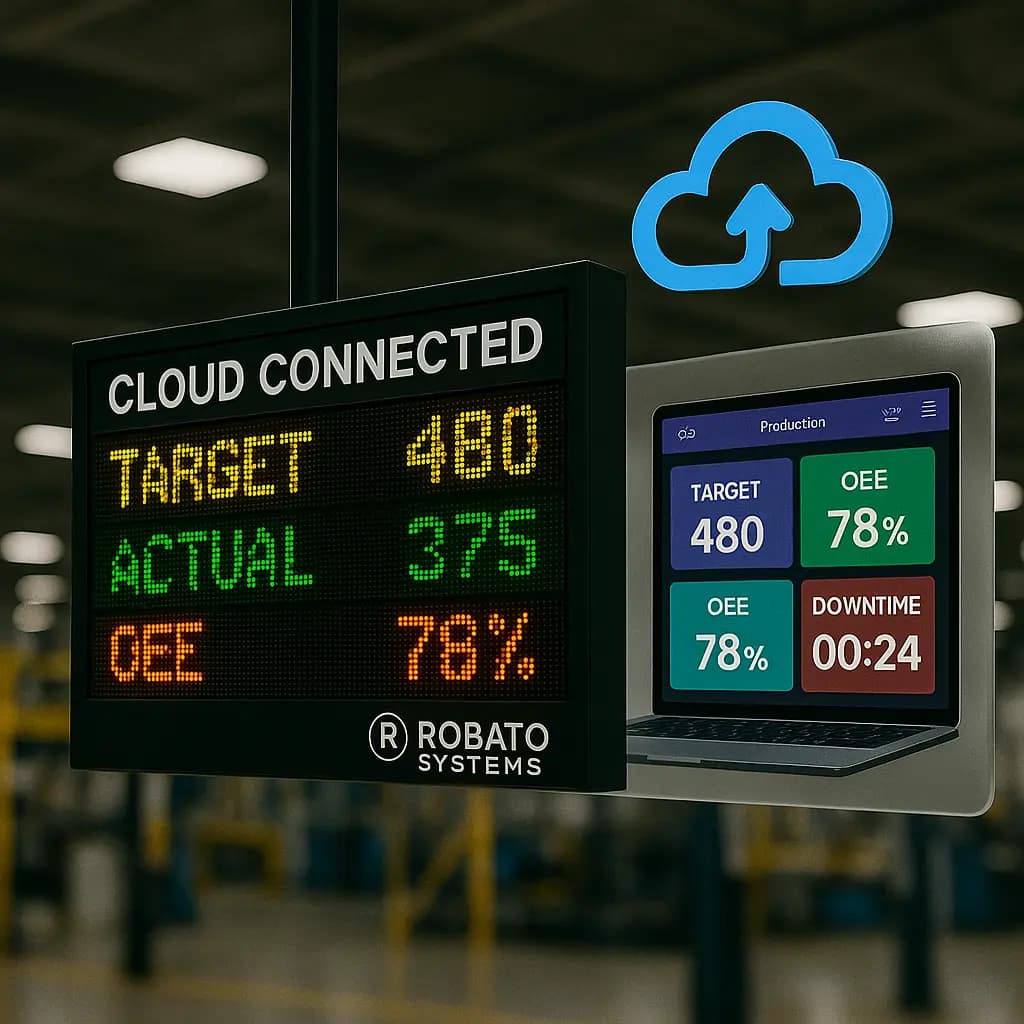
In a cloud-based architecture, machine information is collected locally and transferred to a cloud-hosted monitoring platform through an approved gateway or integration layer.
Potential advantages include:
Centralized monitoring across multiple factories
Remote access for authorized teams
Consolidated production reports
Flexible application expansion
Cloud-based historical analytics
A suitable cloud production monitoring solution can help present connected equipment information through centralized dashboards.
On-Premise MTConnect Monitoring
An on-premise architecture processes and stores machine information within the factory's local infrastructure.
It may be suitable for manufacturers with strict data policies, limited external connectivity, or specific IT requirements.
Both deployment approaches can support MTConnect-based machine monitoring. The final architecture should be evaluated according to operational and security needs.
Frequently Asked Questions About MTConnect CNC Monitoring
1. What is MTConnect in CNC monitoring?
MTConnect is an open manufacturing equipment interoperability standard that provides a structured way to represent and access machine information. It helps compatible CNC machines share operational data with monitoring applications.
2. Is MTConnect a communication protocol?
MTConnect is more accurately described as a manufacturing interoperability standard and information model. It commonly uses an HTTP-based agent interface to expose equipment information to client applications.
3. What is an MTConnect adapter?
An MTConnect adapter is a software or hardware integration component that obtains information from a CNC controller or another data source and translates it into MTConnect-compatible data items.
4. What is an MTConnect agent?
An MTConnect agent receives information from an adapter, organizes it according to the MTConnect information model, and exposes it to client applications through supported interfaces.
5. Can all CNC machines support MTConnect?
No. MTConnect support depends on the controller, machine integration options, and available adapters. Some machines support it directly, while others require additional integration components.
6. What data can MTConnect collect?
Depending on the implementation, MTConnect can expose machine execution state, operating mode, spindle information, feed rate, alarms, program-related information, and other supported observations.
7. What is the difference between MTConnect and OPC UA?
MTConnect focuses on standardized manufacturing equipment information. OPC UA is a broader industrial communication architecture that supports secure information exchange and flexible information modeling across industrial systems.
8. Can MTConnect be used for real-time monitoring?
MTConnect can support near-real-time monitoring by exposing updated equipment information to connected applications. Actual update timing depends on the controller, adapter, agent, network, and application configuration.
9. Can MTConnect help calculate OEE?
MTConnect can provide some of the machine information required for OEE analysis, particularly operating-state and performance-related observations. Quality information generally needs to be collected from additional production or inspection sources.
10. Can MTConnect data be integrated with cloud monitoring software?
Yes. MTConnect information can be collected by a compatible application or gateway and transferred to a cloud monitoring platform through an appropriate integration architecture.
Conclusion
MTConnect provides a standardized approach to accessing and interpreting manufacturing equipment information. For CNC monitoring, it can help connect compatible machines with software applications that need consistent operational data.
By using MTConnect adapters and agents, manufacturers can expose machine observations such as execution state, operating mode, spindle information, and alarms to centralized monitoring applications.
However, successful implementation requires more than installing an agent. Controller compatibility, adapter configuration, data mapping, network design, and information validation are all important.
When integrated with an industrial IoT production monitoring platform, MTConnect can contribute to better machine visibility, production analysis, and connected manufacturing operations.
Explore Robato Systems' production monitoring solutions to understand how connected machine data can support centralized production monitoring and smarter factory operations.