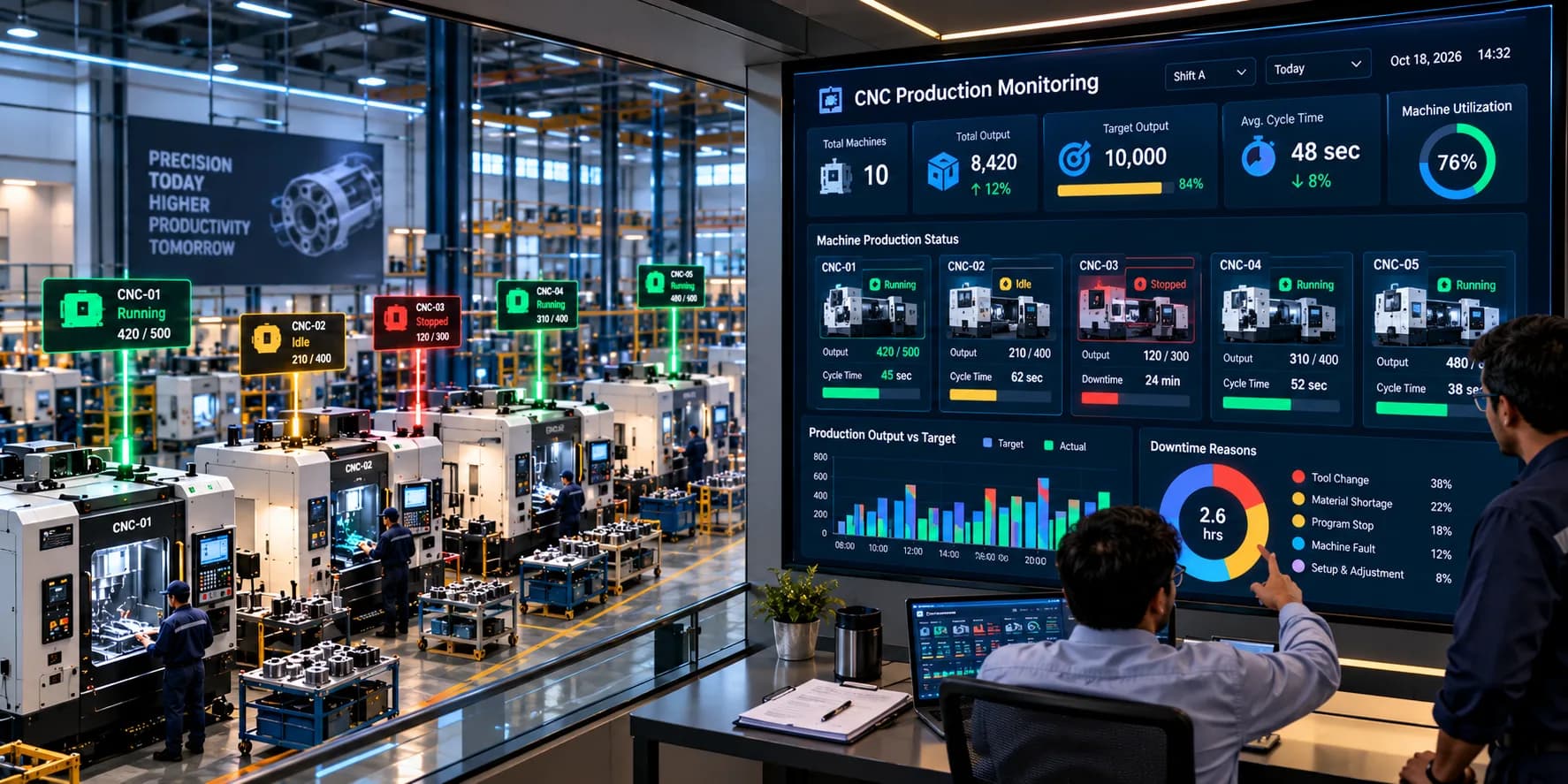
Real-Time CNC Production Monitoring: How to Improve Shop-Floor Visibility and Productivity
CNC machining plays an essential role in modern manufacturing. From automotive components and industrial machinery to aerospace parts and precision engineering, manufacturers depend on CNC machines to produce accurate components within defined production schedules.
However, maintaining production targets across multiple CNC machines can be challenging. A machine may run slower than expected, experience repeated interruptions, wait for raw materials, or remain idle between jobs. Even when individual machines appear to be operating normally, small production losses can accumulate and affect the overall output of a manufacturing facility.
Traditional production tracking methods often depend on manual registers, spreadsheets, operator updates, and periodic reports. These methods can delay information and make it difficult for production managers to understand what is happening across the shop floor at a particular moment.
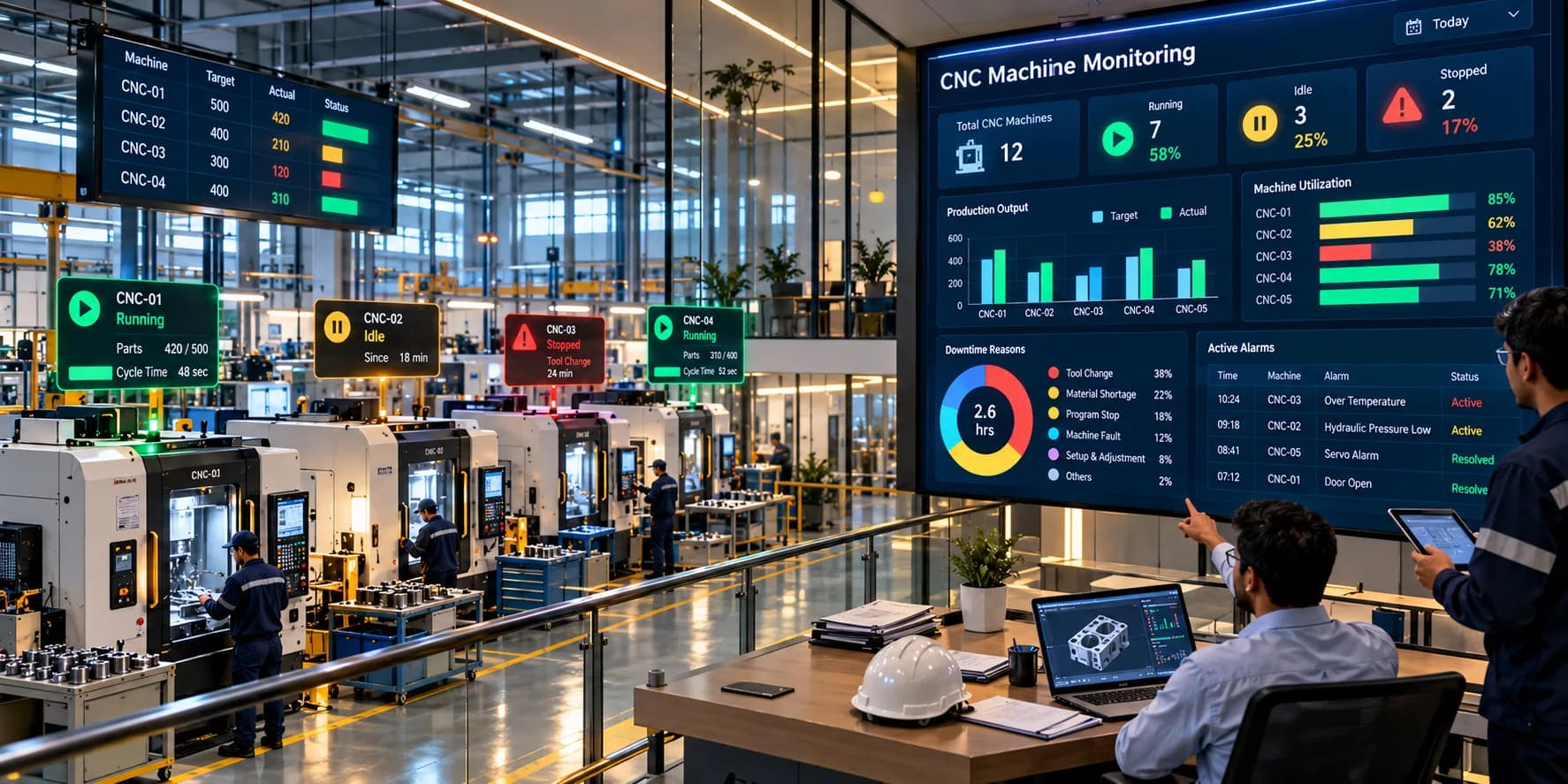
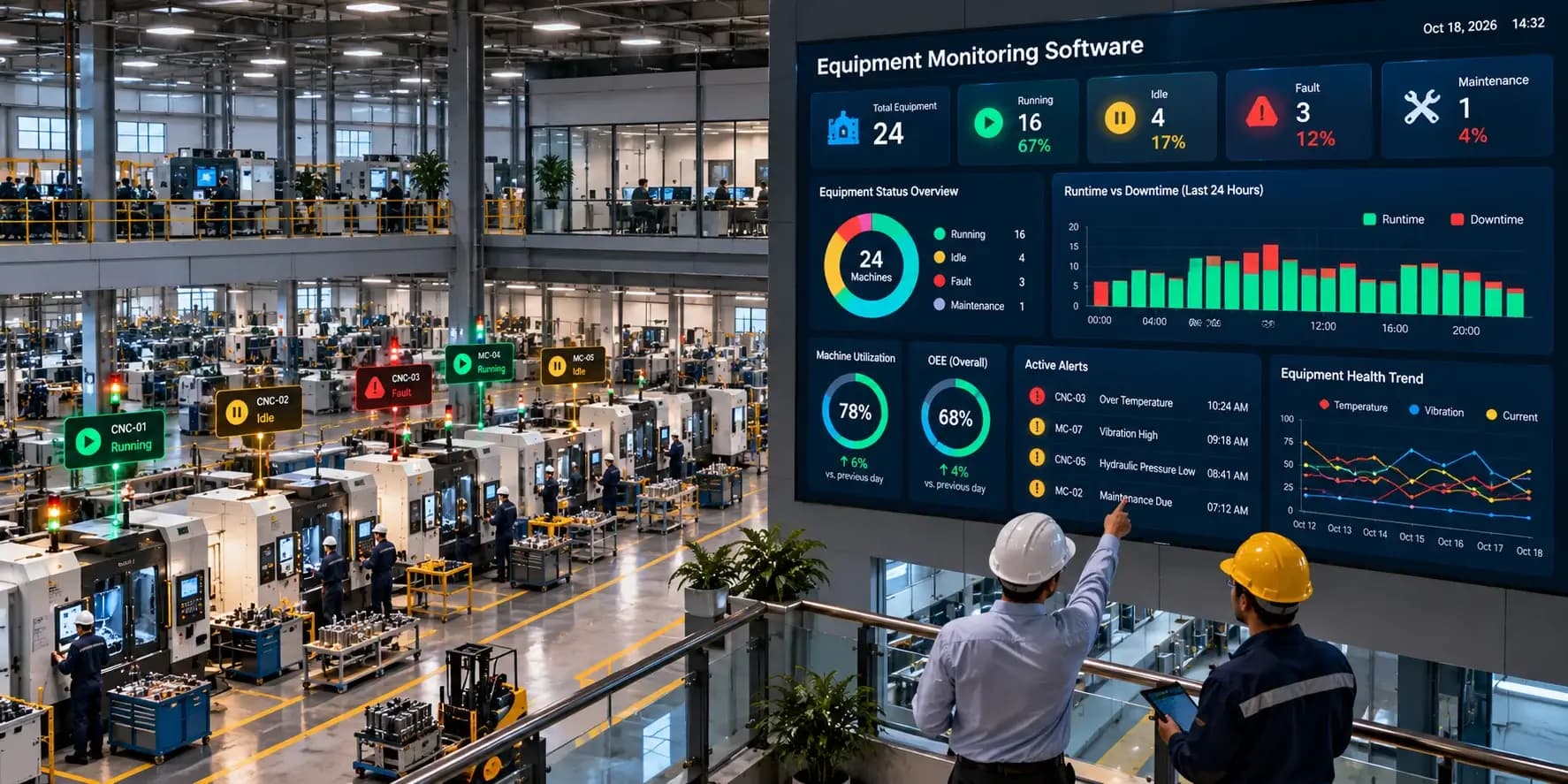
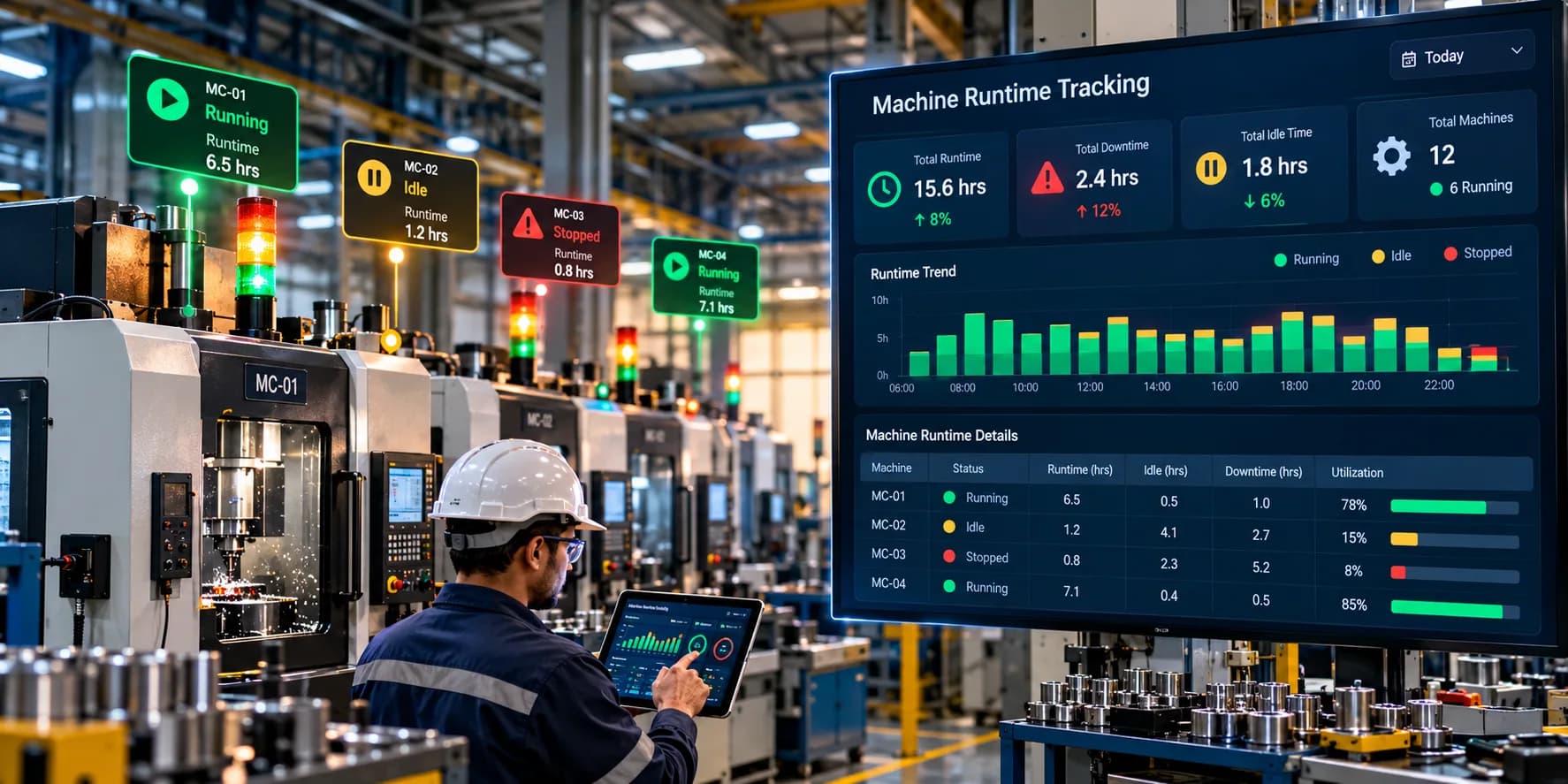
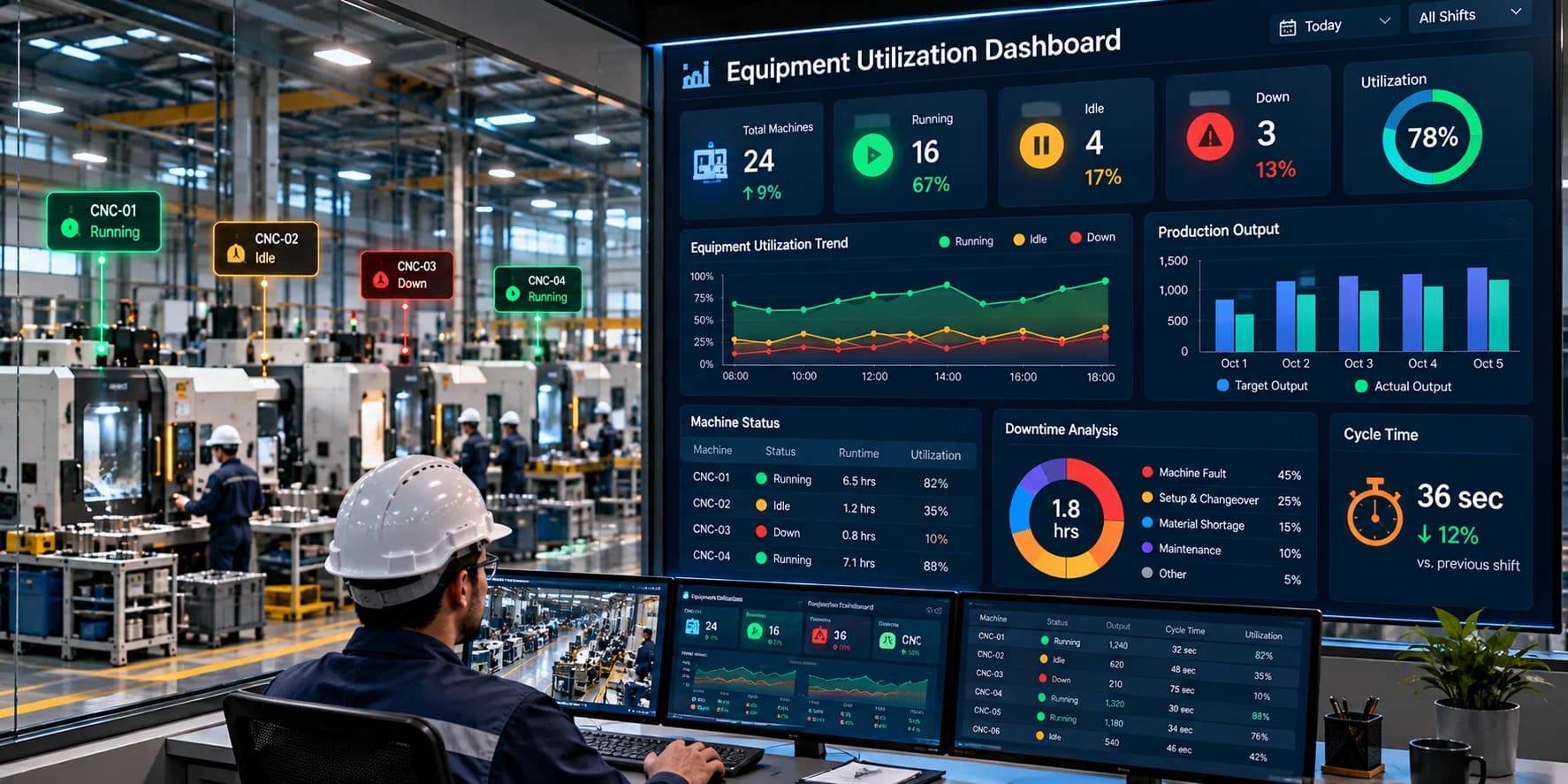
Real-time CNC production monitoring helps manufacturers collect and review production information directly from connected CNC machines. It provides visibility into production counts, machine status, cycle activity, downtime, and target achievement through centralized dashboards and reports.
Instead of waiting until the end of a shift to discover production gaps, teams can review current production progress and investigate problems while operations are still running.
This guide explains how real-time CNC production monitoring works, which metrics manufacturers should track, its key benefits, and how to implement a monitoring solution in a CNC manufacturing environment.
What Is Real-Time CNC Production Monitoring?
Real-time CNC production monitoring is the process of collecting, processing, and displaying production information from CNC machines as manufacturing activities take place.
It helps manufacturers understand how individual machines and production lines are performing against their planned production requirements.
Depending on the machine controller, connected hardware, and monitoring software, the system can track:
Actual production counts
Planned production targets
Machine running and idle status
Active machining cycles
Cycle completion and cycle time
Machine stoppages and downtime
Shift-wise production output
Machine utilization
Production performance trends
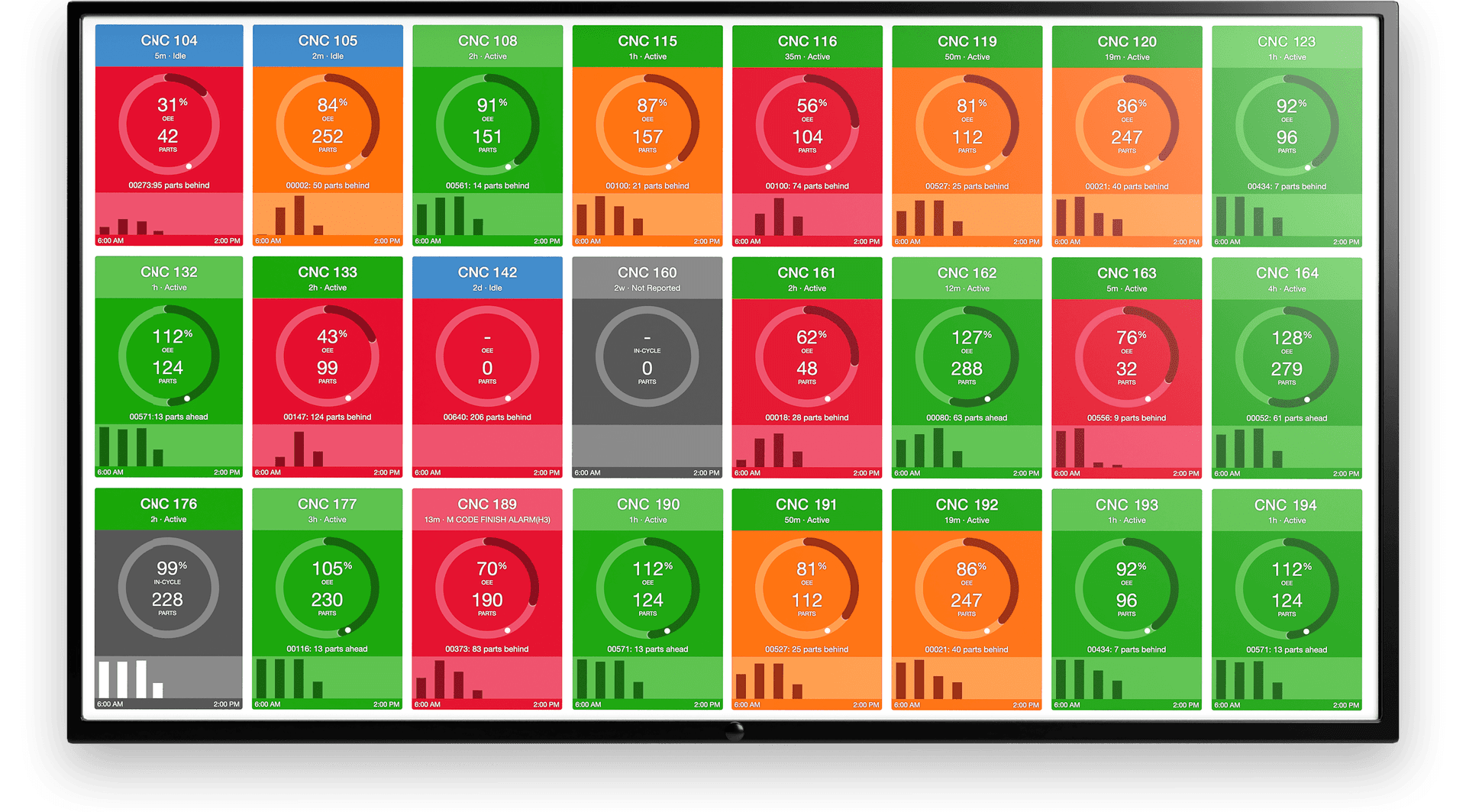
For example, consider a factory operating ten CNC machines across two production areas. A supervisor using a centralized monitoring dashboard can review the output of each connected machine, identify machines that have stopped, and compare actual production with shift targets.
This makes production information easier to access and helps teams focus on machines or processes that require attention.
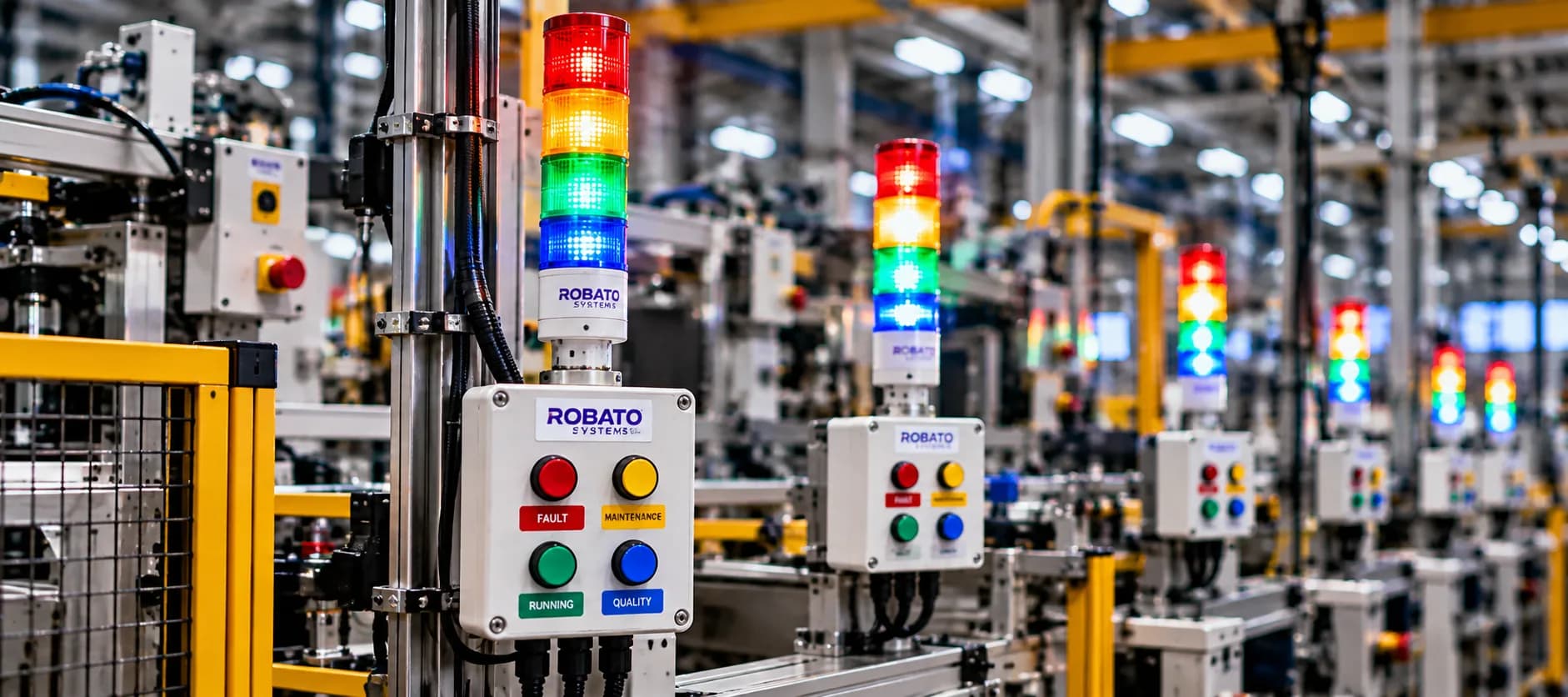
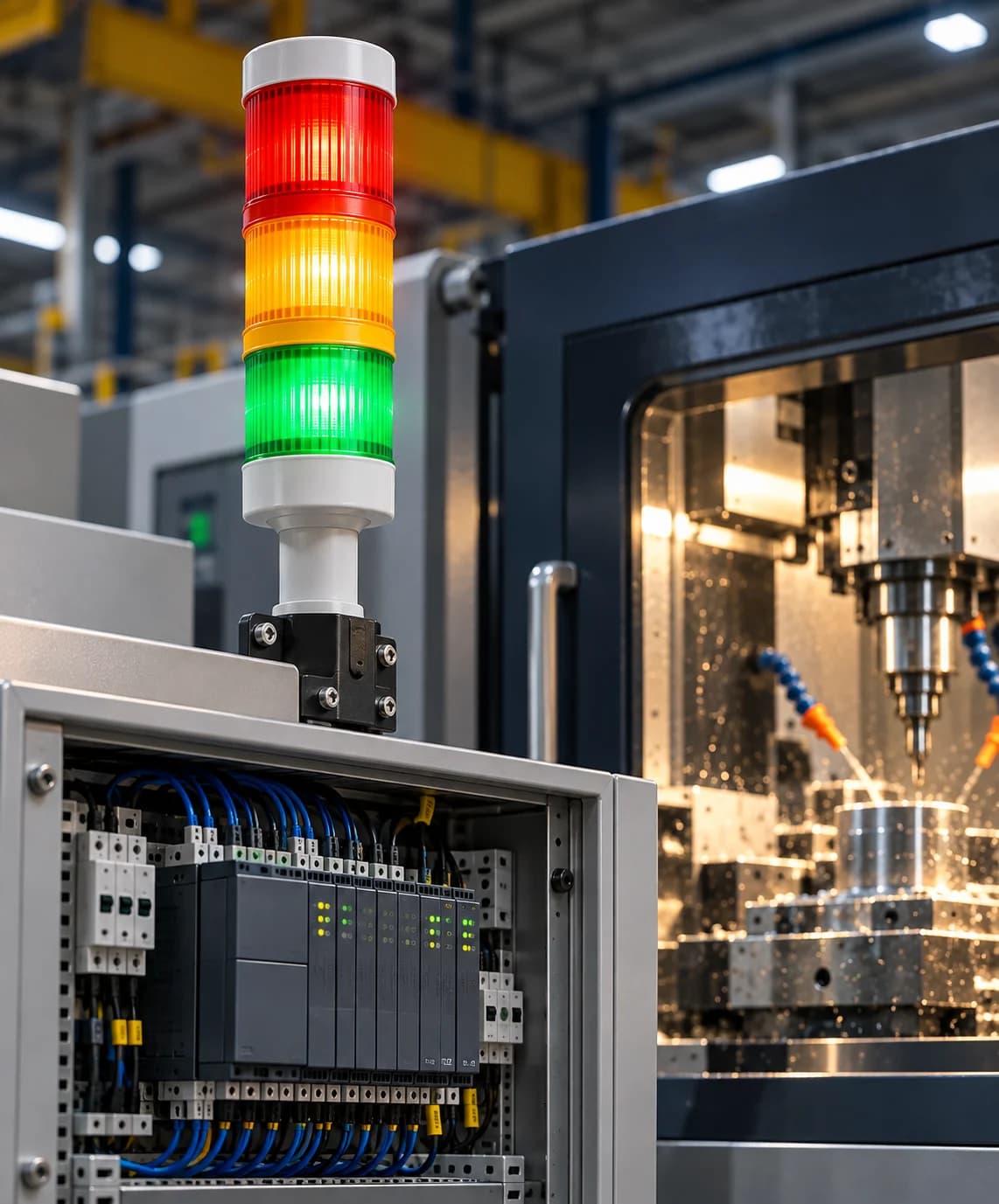
A complete production monitoring solution can combine machine connectivity, sensors, PLC integration, production counters, software dashboards, and display systems to provide a connected view of manufacturing operations.
Why Do CNC Manufacturers Need Real-Time Production Monitoring?
Production managers need accurate and timely information to keep machining operations aligned with production plans. Without real-time visibility, even relatively small interruptions can remain unnoticed until they affect delivery schedules.
1. Limited Visibility Into Machine Production
In factories with multiple CNC machines, checking production progress manually can take considerable time.
A machine operator may know how many components have been produced on one machine, but the production manager may not have an updated view across the entire shop floor.
Real-time monitoring brings machine-wise production information together, making it easier to review output across different machines, shifts, and production areas.
2. Delayed Identification of Production Gaps
If production reports are prepared only at the end of a shift, managers may discover missed targets after the opportunity to correct the situation has passed.
A real-time dashboard can compare actual output against configured targets and highlight machines that are falling behind schedule.
3. Unplanned Machine Downtime
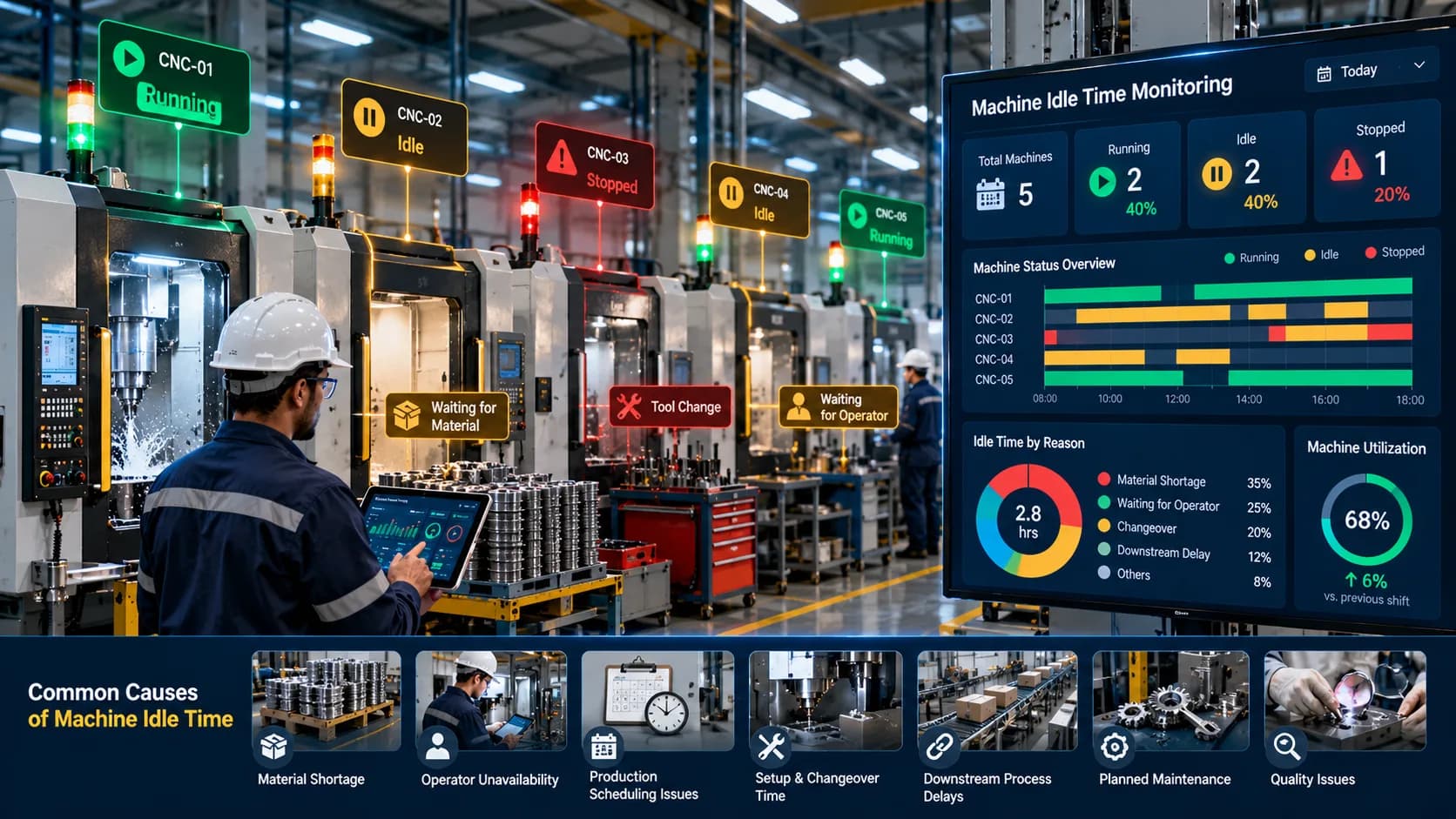
CNC machines may stop because of mechanical faults, tool problems, program errors, material shortages, setup activities, or operator-related delays.
Without automatic or timely event recording, the actual duration and frequency of these interruptions can be difficult to establish.
A dedicated production downtime monitoring system can help capture machine stoppages, record downtime events, and analyze recurring production interruptions.
4. Inconsistent Production Records
Manual production counting and reporting can introduce errors, particularly when multiple operators, shifts, and machines are involved.
Connected production data can reduce dependence on repeated manual entries when suitable machine signals and counting mechanisms are available.
5. Difficulty Comparing Machine Performance
Two CNC machines may be assigned similar jobs but produce different quantities during a shift.
Without consistent records, it can be difficult to understand whether the difference is related to cycle time, machine availability, setup requirements, or other production conditions.
Monitoring provides a common data source for comparing machines under appropriately defined production conditions.
How Does Real-Time CNC Production Monitoring Work?
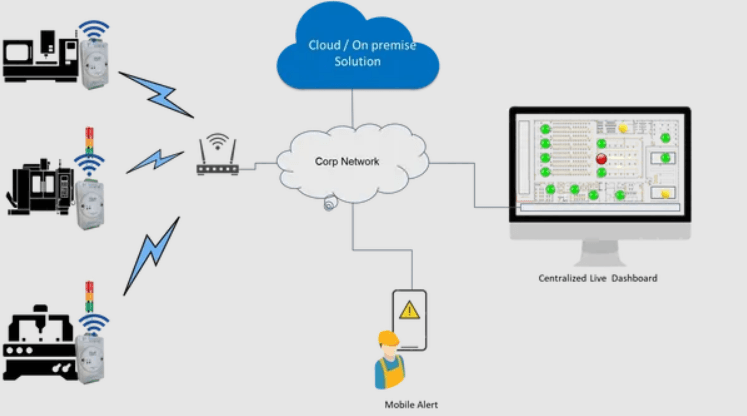
A real-time CNC production monitoring system connects machines to a software platform that collects and processes production information.
The exact architecture depends on the CNC controller, available communication interfaces, and the monitoring requirements.
Step 1: Collect Data From CNC Machines
The system collects production-related information from available machine data sources.
These may include:
CNC controllers
PLCs
Proximity and optical sensors
Infrared sensors
Encoders and counters
Machine cycle signals
Operator input devices
For example, a sensor may detect the completion of a machining cycle, while a PLC signal may indicate whether the machine is running or stopped.
The available data varies by machine and integration method. Some modern CNC controllers provide detailed production information, while older machines may require additional sensors or interfaces.
Step 2: Establish Machine Connectivity
The collected information is transmitted to the monitoring platform through a supported communication method.
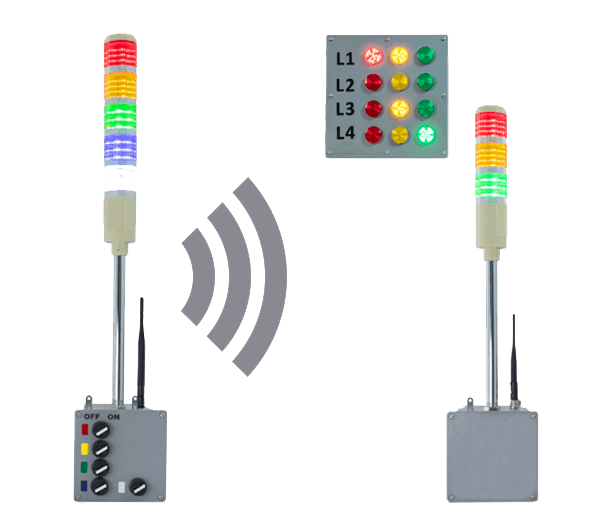
Common options include Ethernet, industrial networks, serial communication, wireless connections, and IoT gateways.
The system may use industrial protocols such as Modbus TCP, Modbus RTU, OPC UA, or MQTT, depending on controller compatibility and the selected architecture.
Step 3: Process and Interpret Production Signals
The monitoring software processes incoming signals and converts them into meaningful production information.
For example, a cycle-completion signal can be used to increment the production count. Running and stopped signals can help record machine operating states and downtime events.
The system may also use configured production targets, shift schedules, and machine information to calculate performance indicators.
Correct signal mapping and validation are essential to avoid inaccurate production counts and misleading reports.
Step 4: Display Production Information
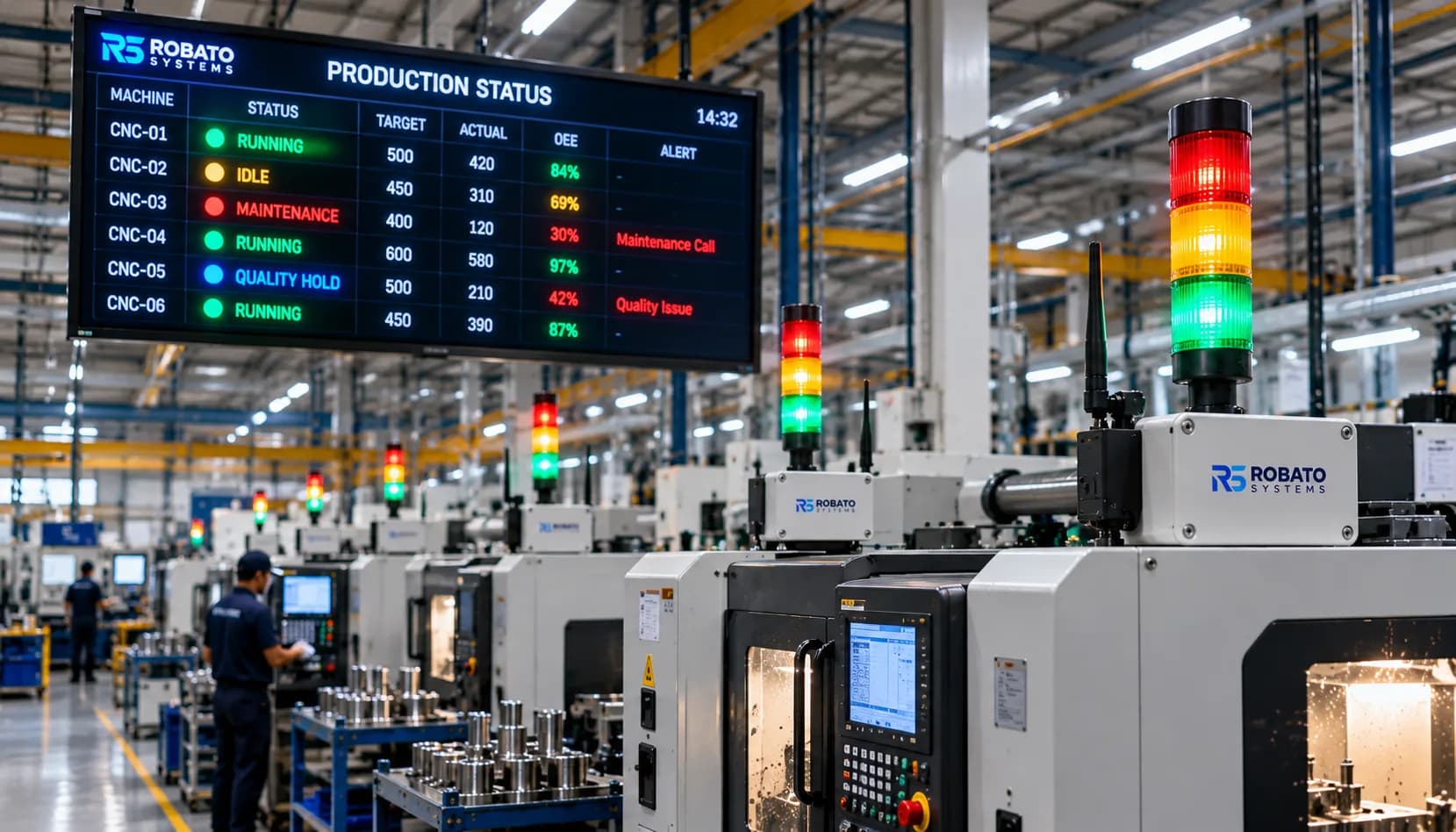
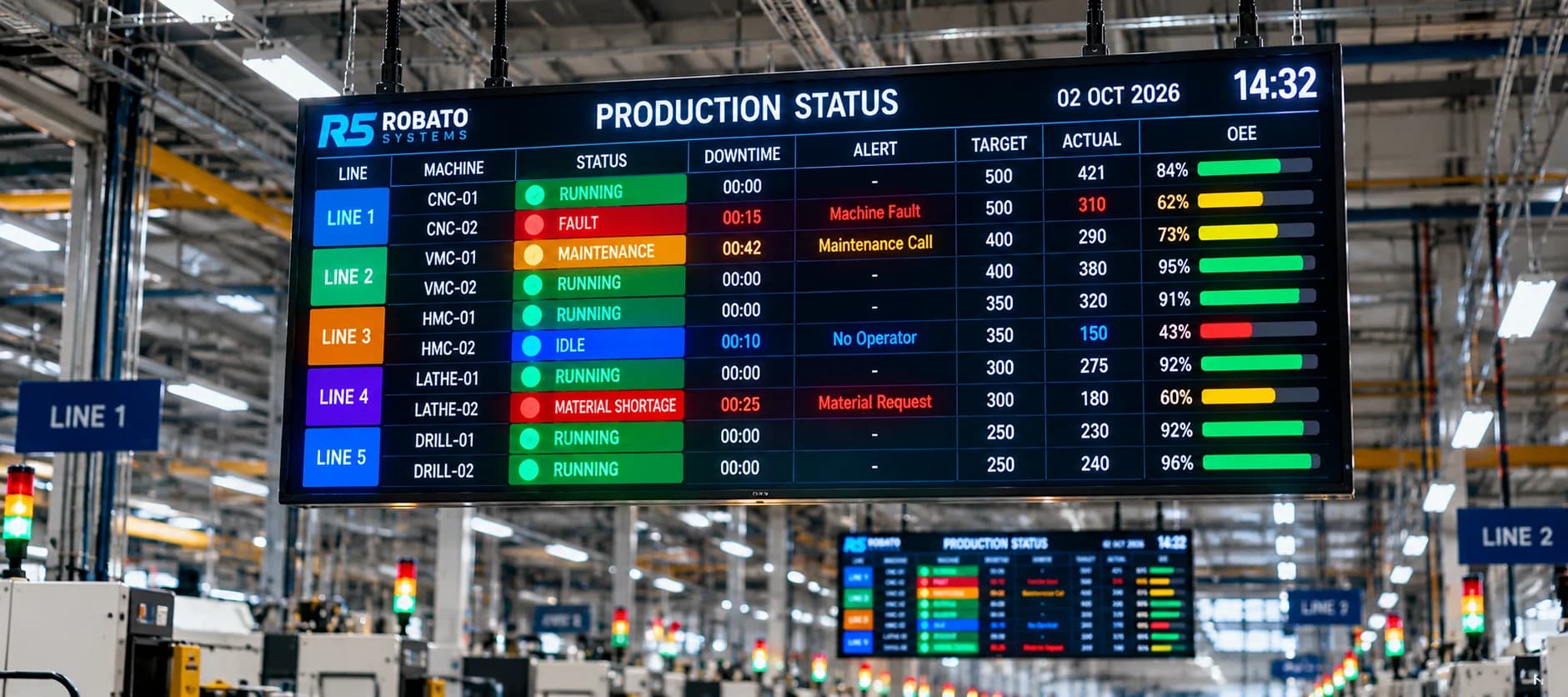
Processed information is displayed through dashboards, machine-wise production reports, and supported shop-floor displays.
Users can review actual production, targets, machine status, and downtime information from a centralized interface.
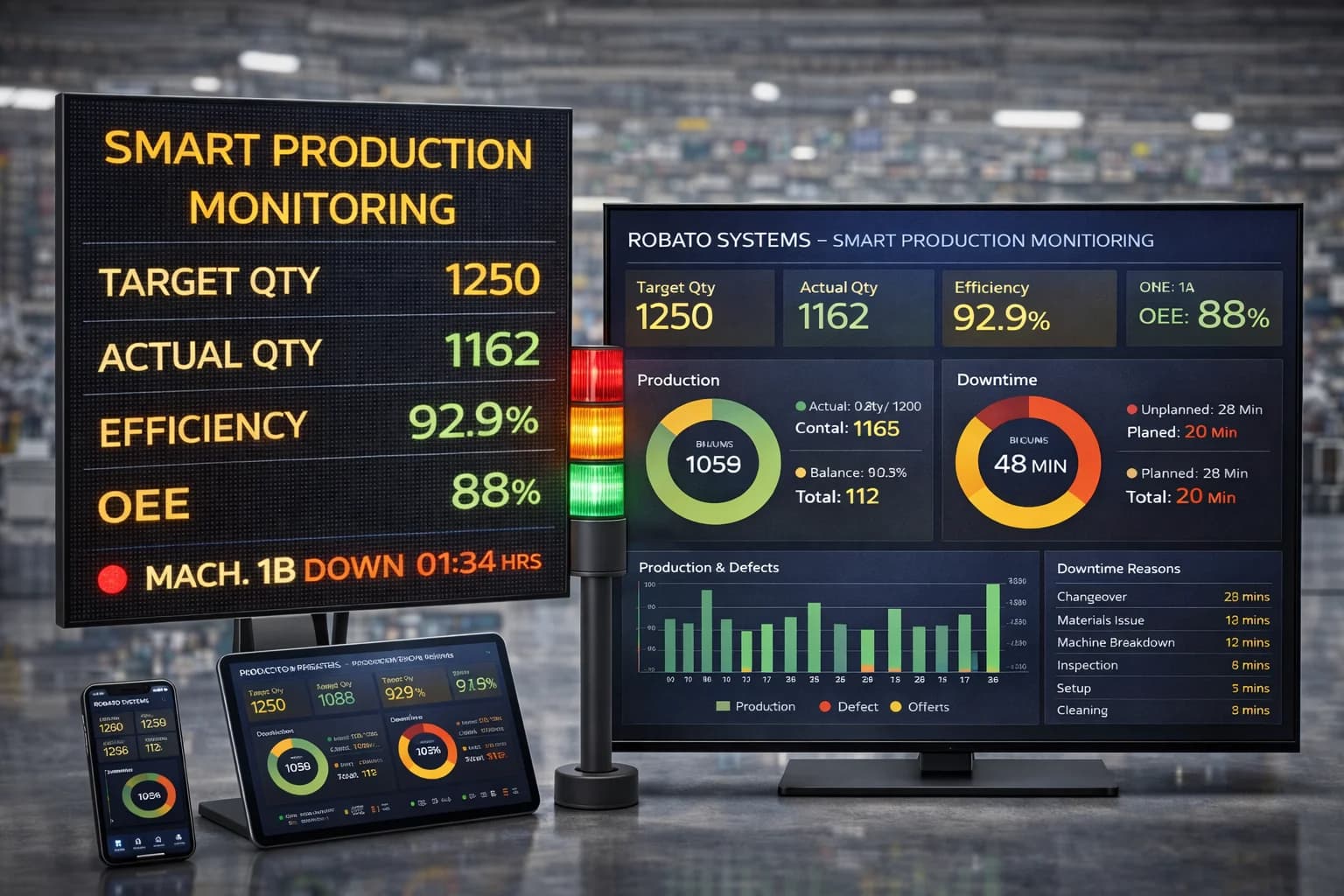
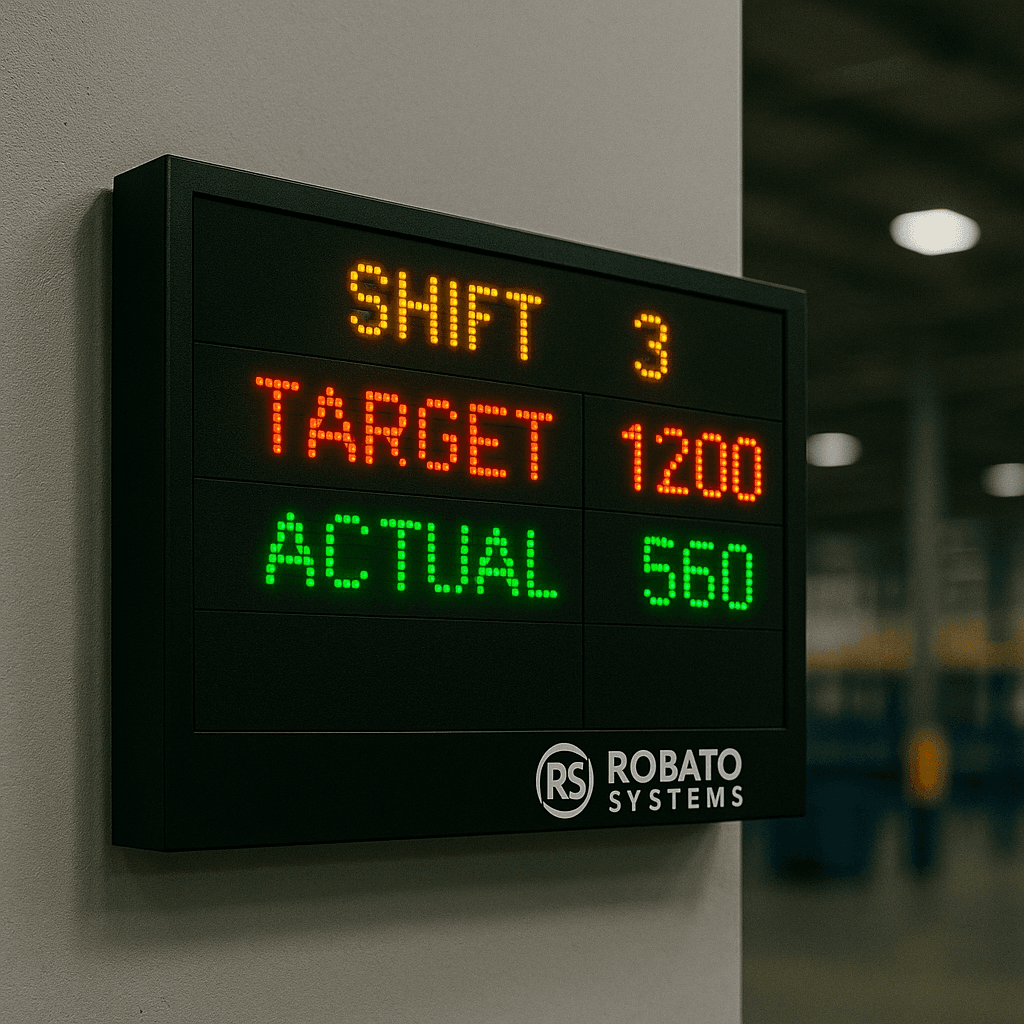
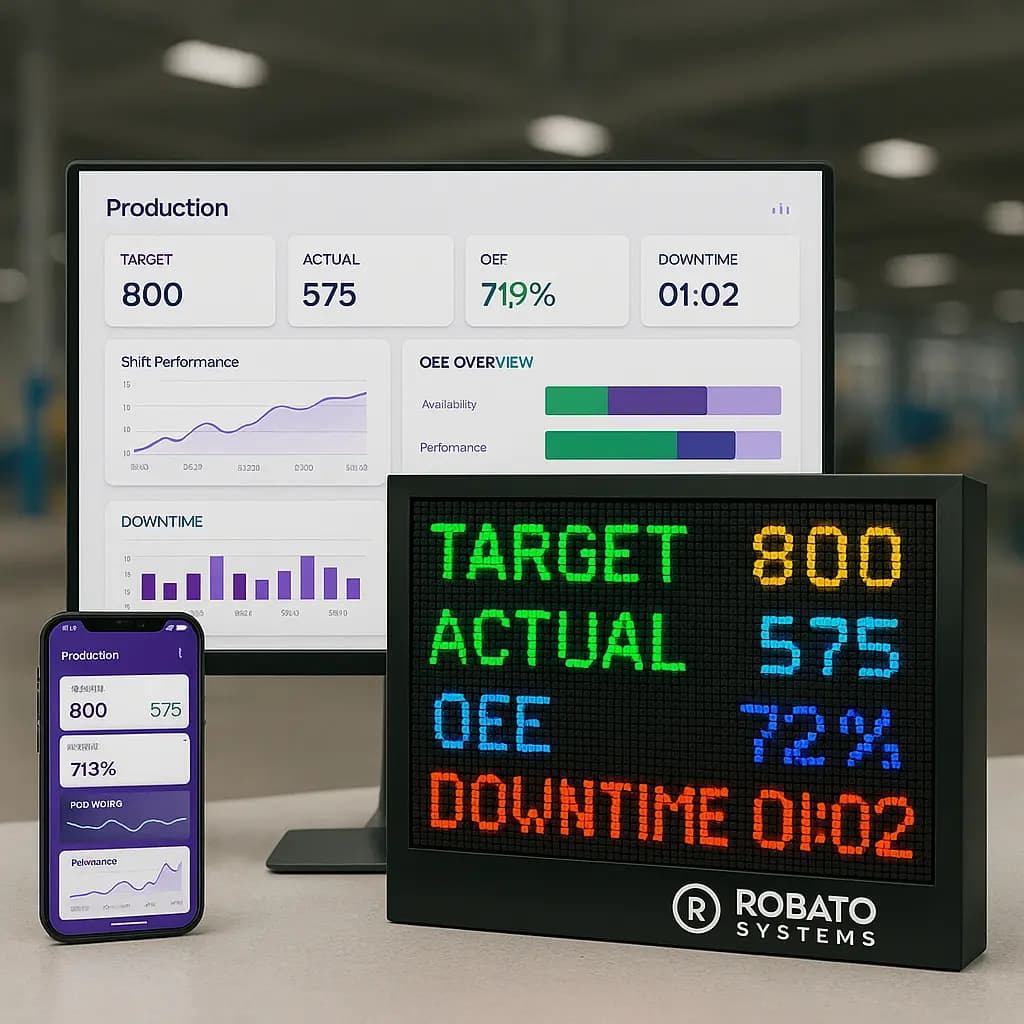
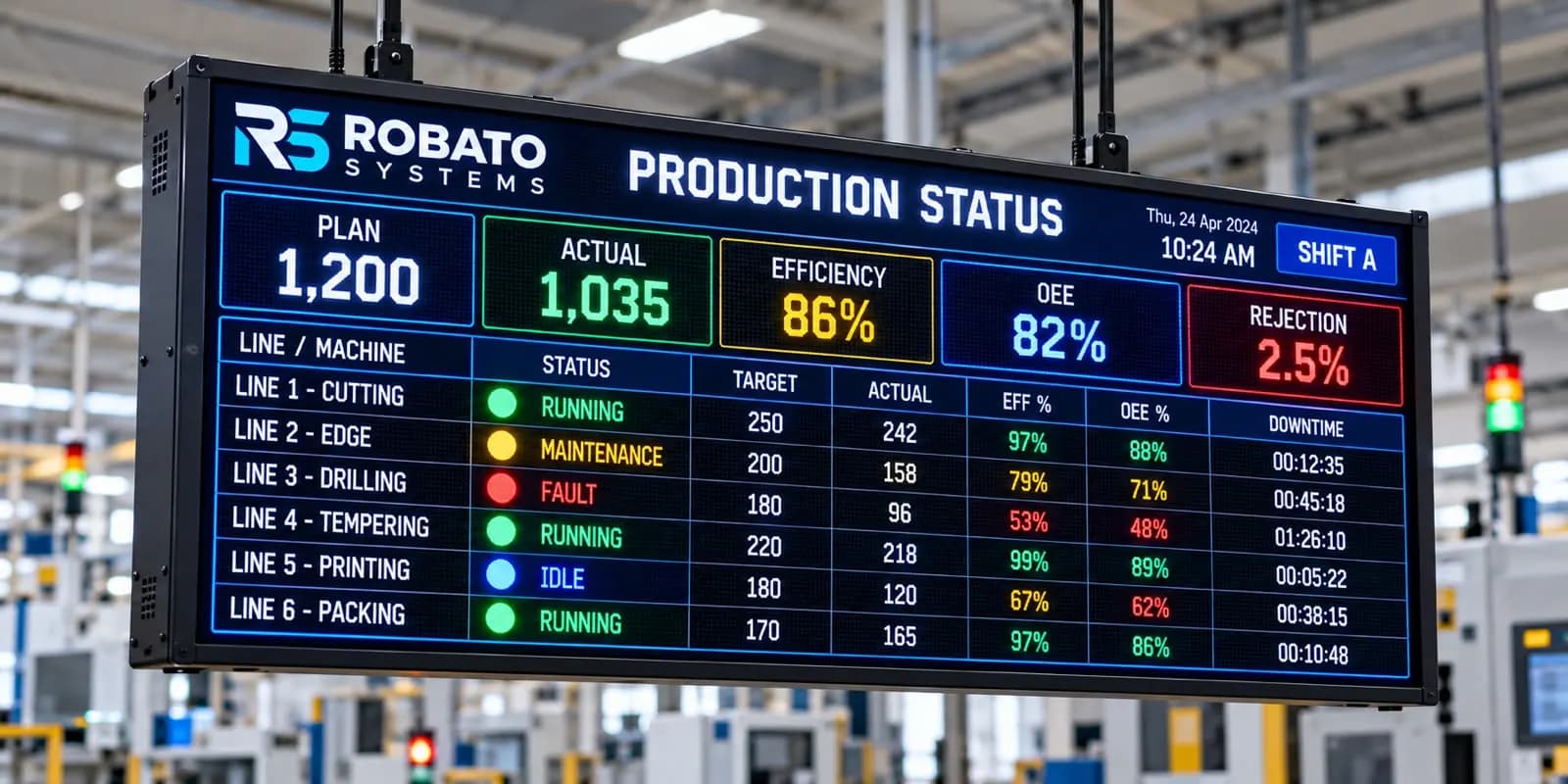
Depending on the system, production data may also be displayed on LED production counters, Smart TVs, web dashboards, or mobile applications.
Step 5: Analyze Production Performance
Historical and current production information helps teams understand where production losses are occurring.
Supervisors can review machines that are behind target, investigate repeated stoppages, and compare performance across shifts.
The monitoring platform provides the information required for better decisions; production improvement depends on the actions taken by the manufacturing team.
Essential Features of Real-Time CNC Production Monitoring Software
A useful CNC production monitoring system should provide more than a simple machine-running indicator. It should help manufacturers understand production progress and identify the reasons behind performance gaps.
1. Live Production Count Monitoring
Production count monitoring records the number of parts completed by each connected CNC machine.
Depending on the installation, production counts may be collected through PLC signals, sensors, counters, or compatible controller data.
Useful capabilities include:
Machine-wise production counts
Shift-wise production totals
Automatic count updates
Configurable production targets
Historical production records
Automated counting can reduce manual reporting and provide a more consistent record of production activity.
2. Target vs. Actual Production Tracking
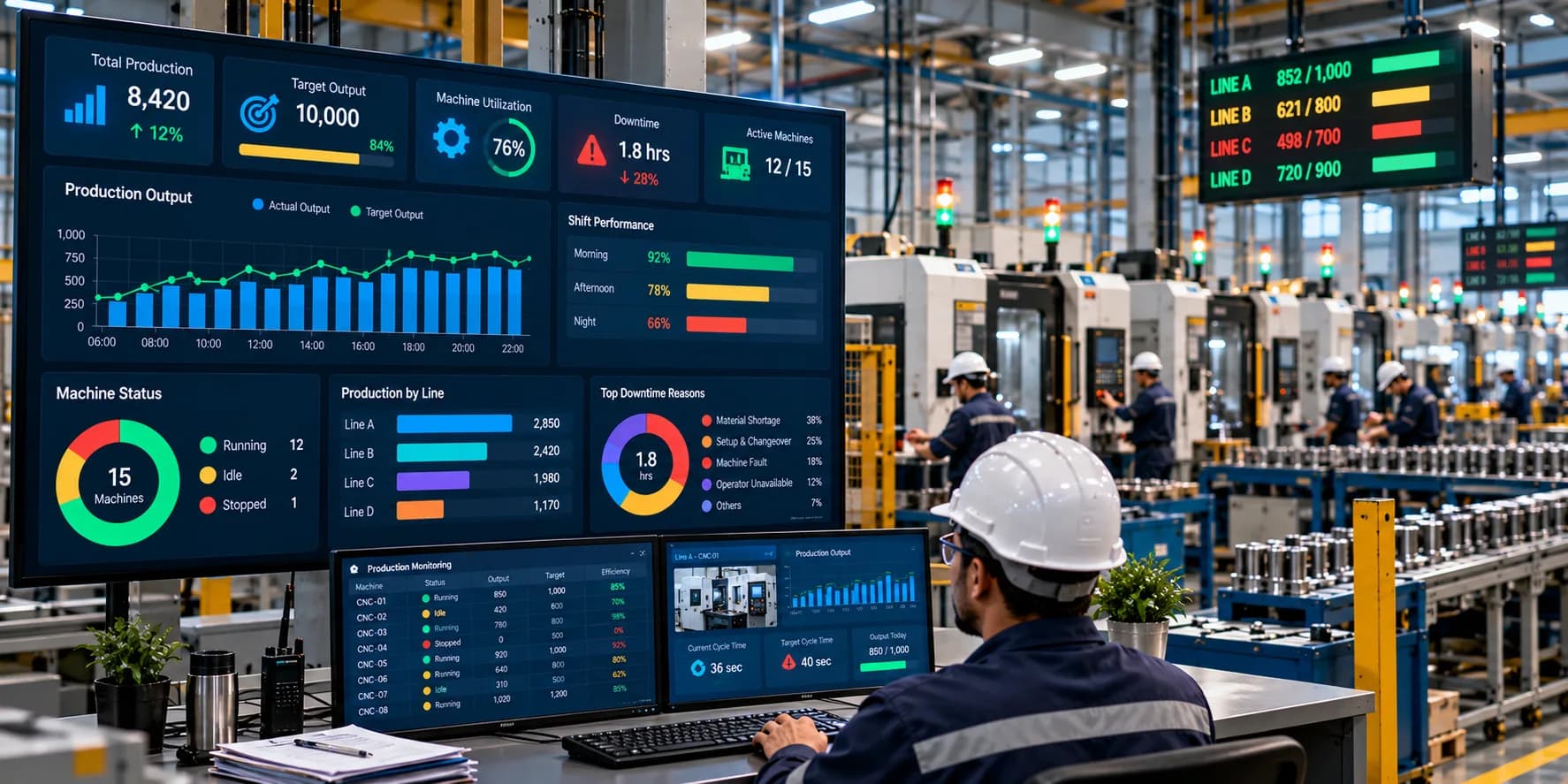
Target-versus-actual tracking compares planned production with the quantity actually produced.
For example, suppose a CNC machine has a target of 150 components during a shift. If the machine has produced 105 components, the monitoring dashboard can display the production gap.
This helps supervisors identify machines that may need attention before the shift ends.
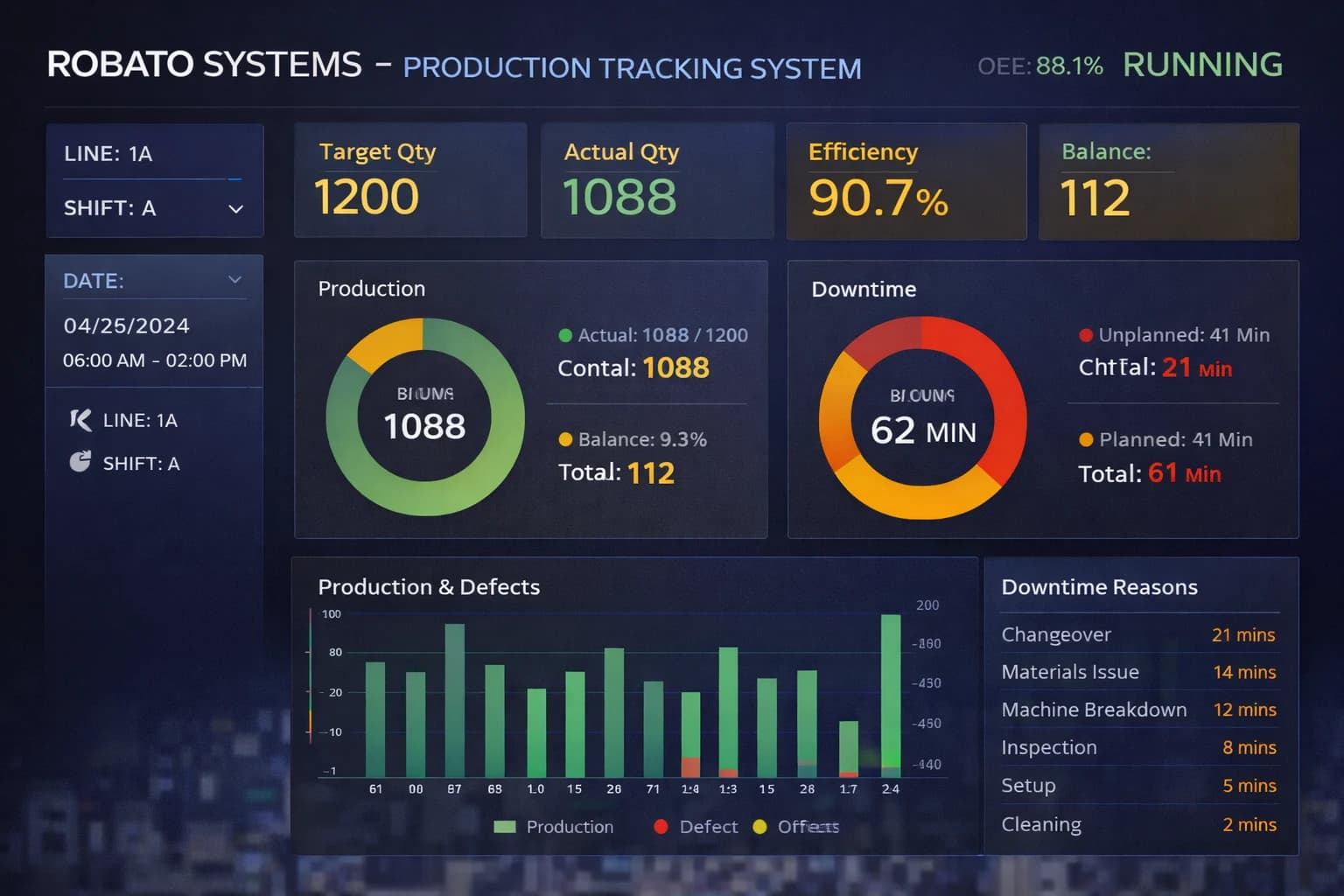
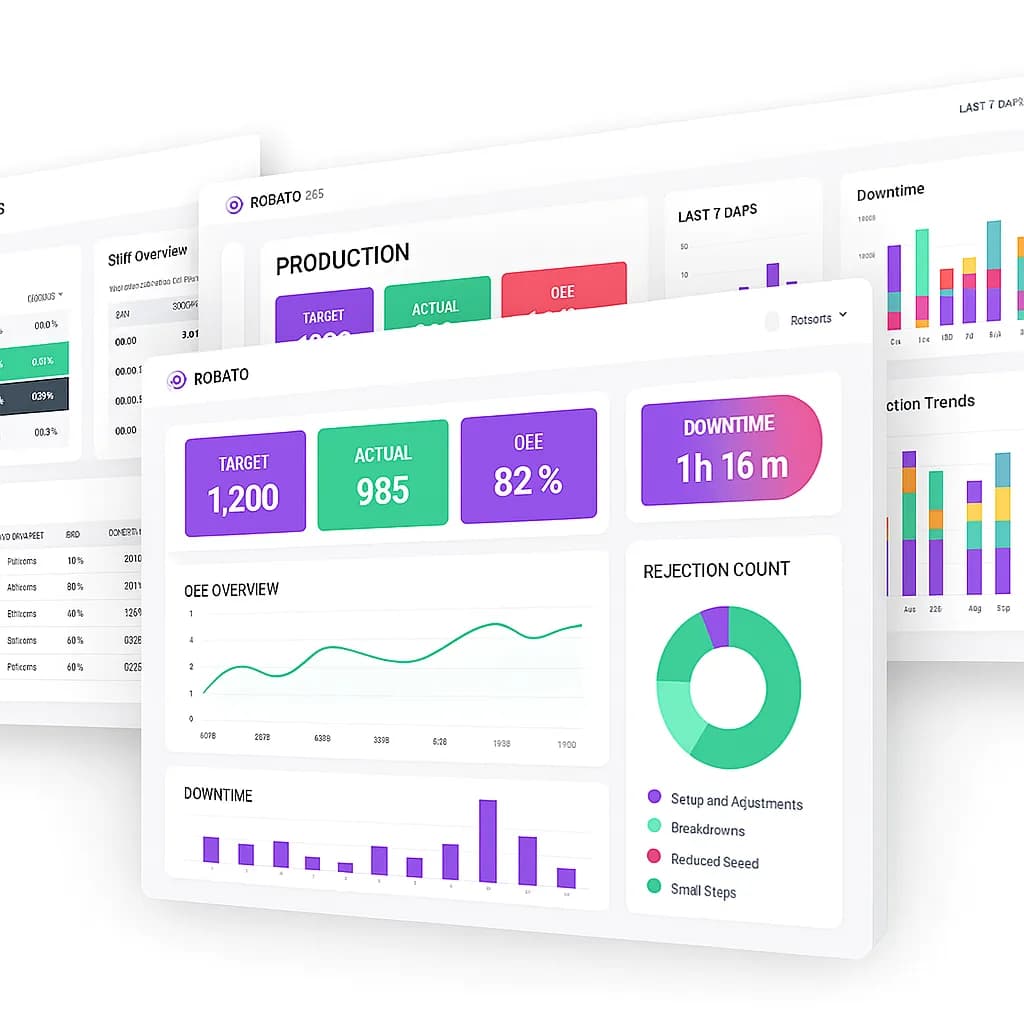
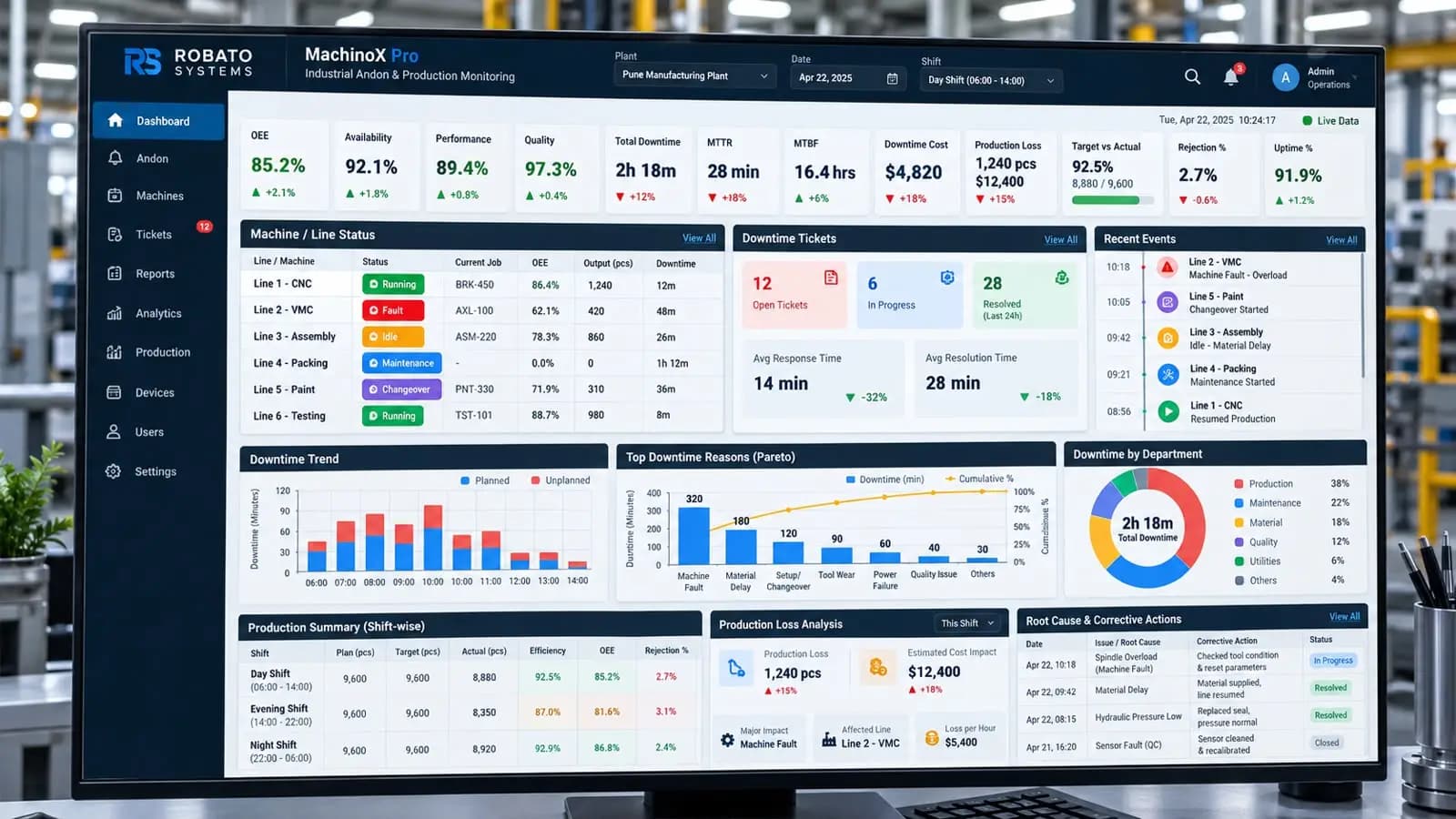
A suitable production monitoring software platform can bring machine output, shift performance, production targets, downtime, and other manufacturing indicators into a centralized dashboard.
3. Real-Time Machine Status Monitoring
Production output alone does not explain what is happening on the shop floor.
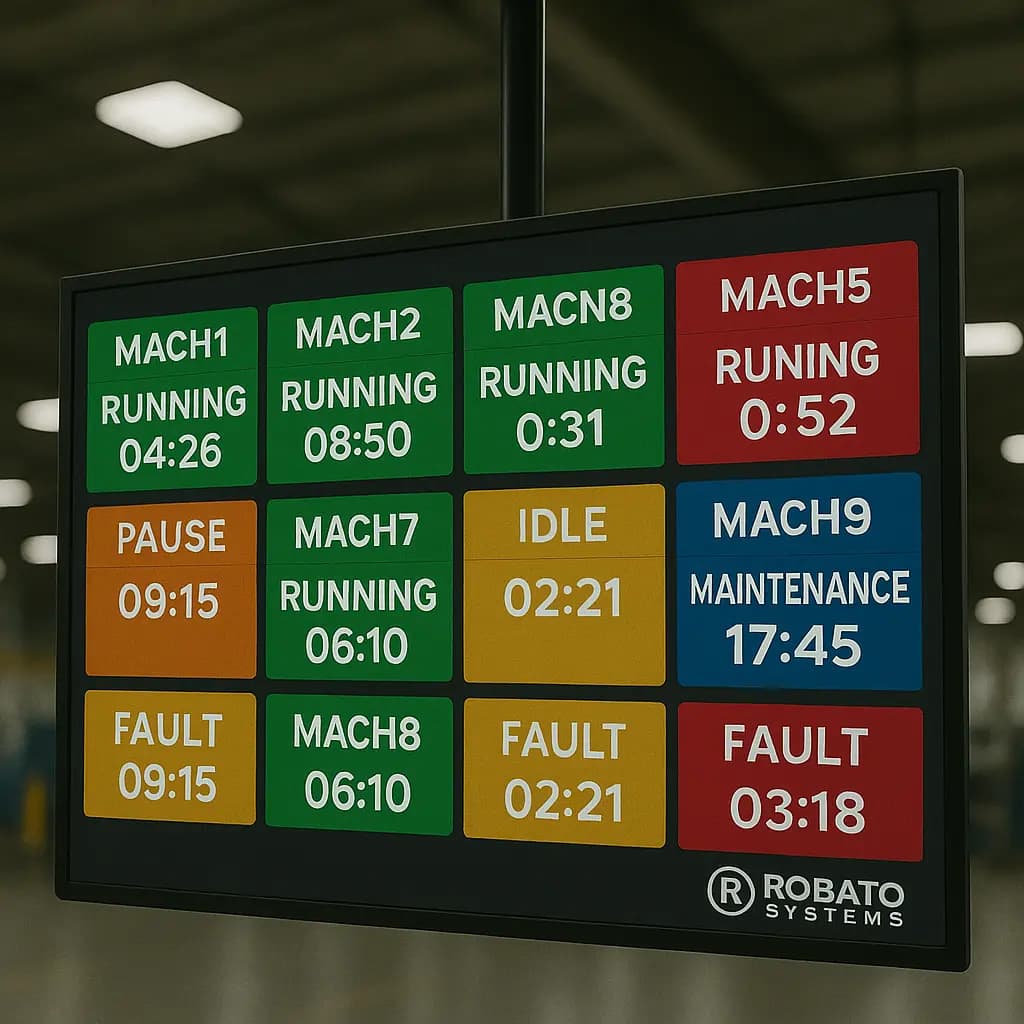
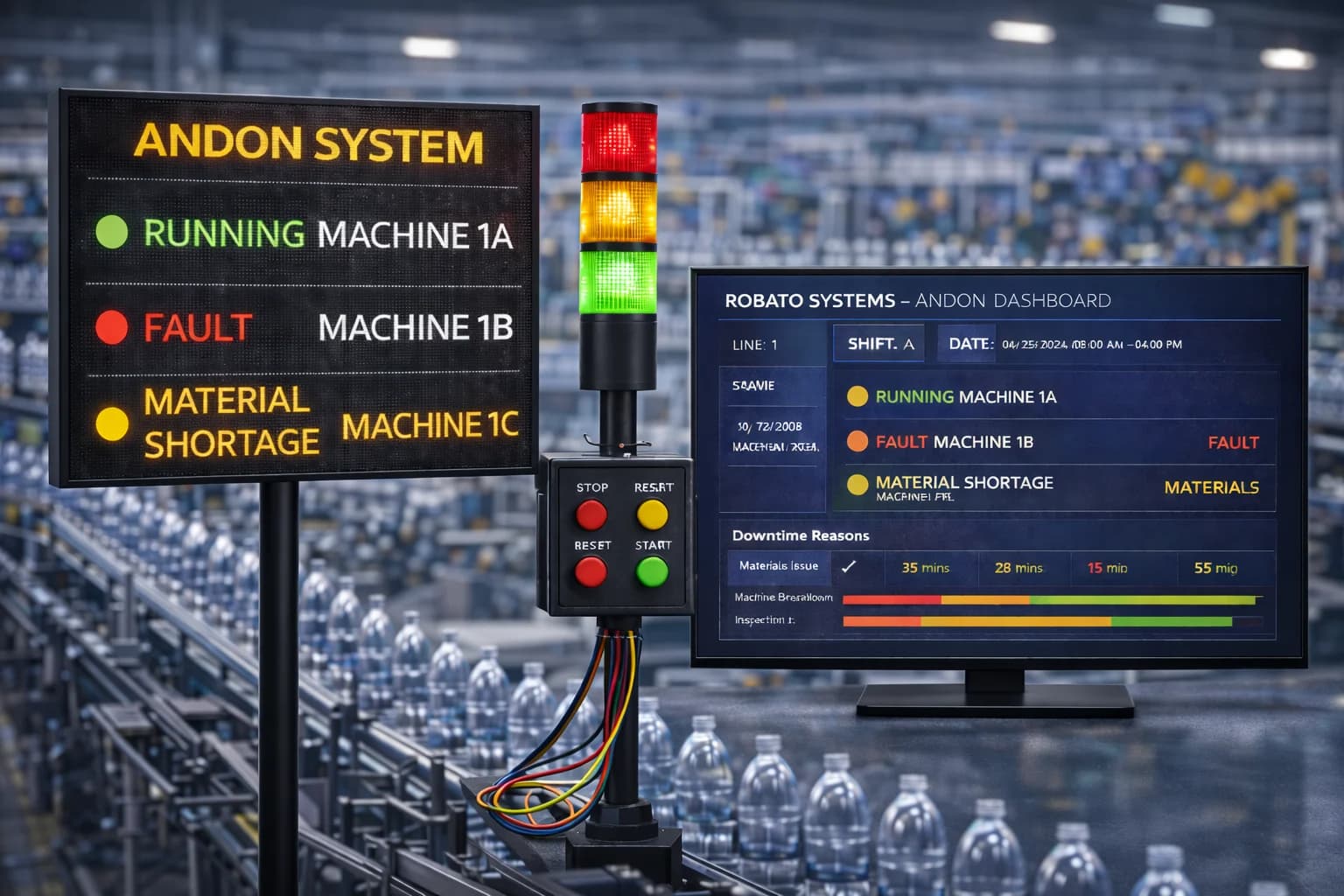
Machine status monitoring provides additional context by identifying whether a CNC machine is running, idle, stopped, or reporting a fault.
This helps supervisors understand whether low production is associated with machine stoppages, waiting periods, or other operational conditions.
4. Cycle Time Monitoring
Cycle time monitoring helps manufacturers understand how long a CNC machine takes to complete a defined machining operation.
By comparing actual cycle time with the expected value for a particular job, teams can identify unusual variations.
For example, if a machining cycle is expected to take five minutes but repeatedly takes six minutes, engineers can investigate tool condition, program changes, machining parameters, material variations, or other process factors.
Cycle time should always be evaluated against the relevant job, part type, and machining program.
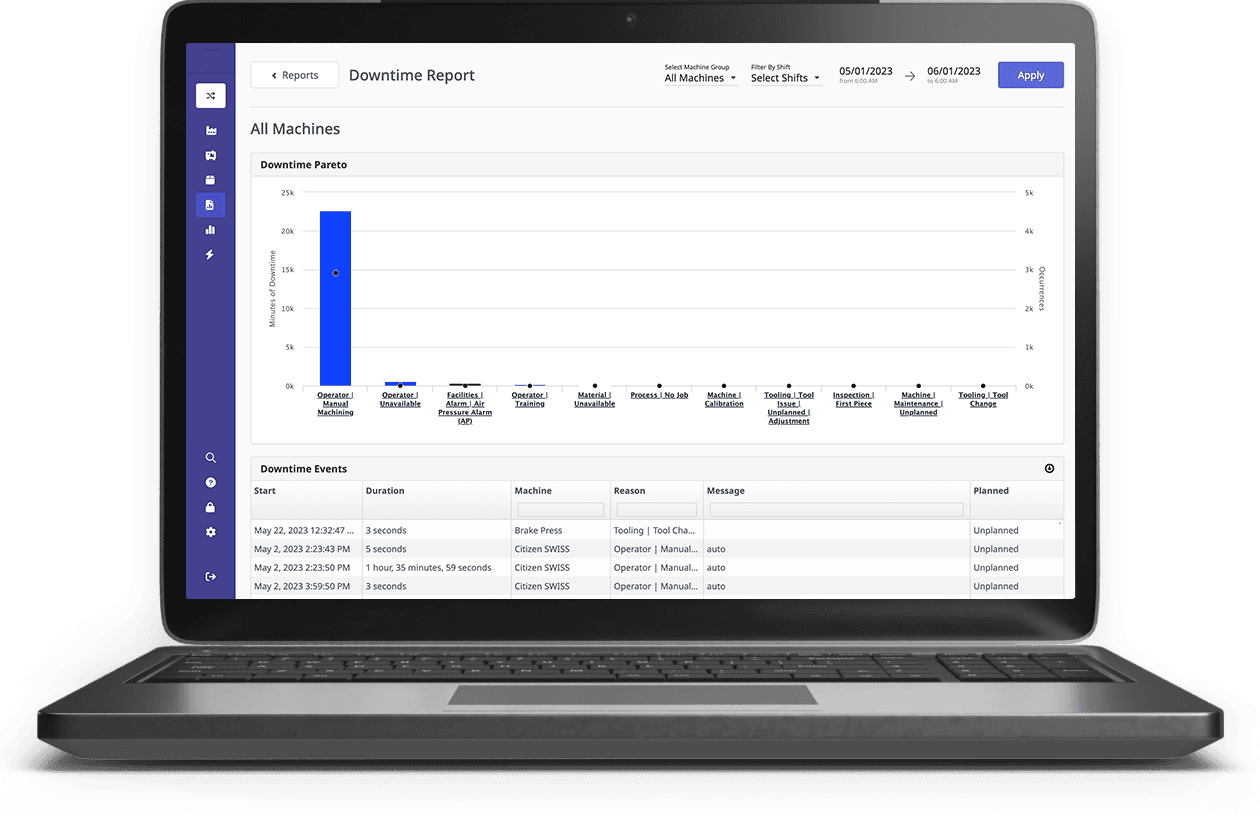
5. Downtime Detection and Tracking
Downtime monitoring records periods when a machine is not producing according to the configured operating rules.
A useful system may provide:
Automatic machine-stop detection
Downtime start and end timestamps
Machine-wise downtime summaries
Stoppage frequency
Recorded downtime reasons
Shift-wise downtime reports
Different stoppage categories should be defined clearly. Setup, planned maintenance, material waiting, and unexpected breakdowns should not automatically be treated as identical events.
6. Shift-Wise Production Monitoring
Manufacturing facilities commonly operate multiple shifts, making shift-wise production visibility important.
A monitoring system can organize production information according to configured shift timings.
This helps production managers compare:
Output across shifts
Machine performance by shift
Target achievement
Downtime duration
Production trends
Accurate shift definitions and timestamps are important for reliable reporting, particularly when shifts cross midnight.
7. Multi-Machine Production Monitoring
A factory may operate several CNC machines across turning, milling, drilling, and other machining processes.
A centralized monitoring dashboard can bring information from compatible machines into a single interface.
This allows users to review production progress across machines, identify underperforming areas, and compare output across production lines.
8. Production Display Boards and Smart TV Dashboards
Shop-floor visibility is important because operators and supervisors need access to production information while work is taking place.
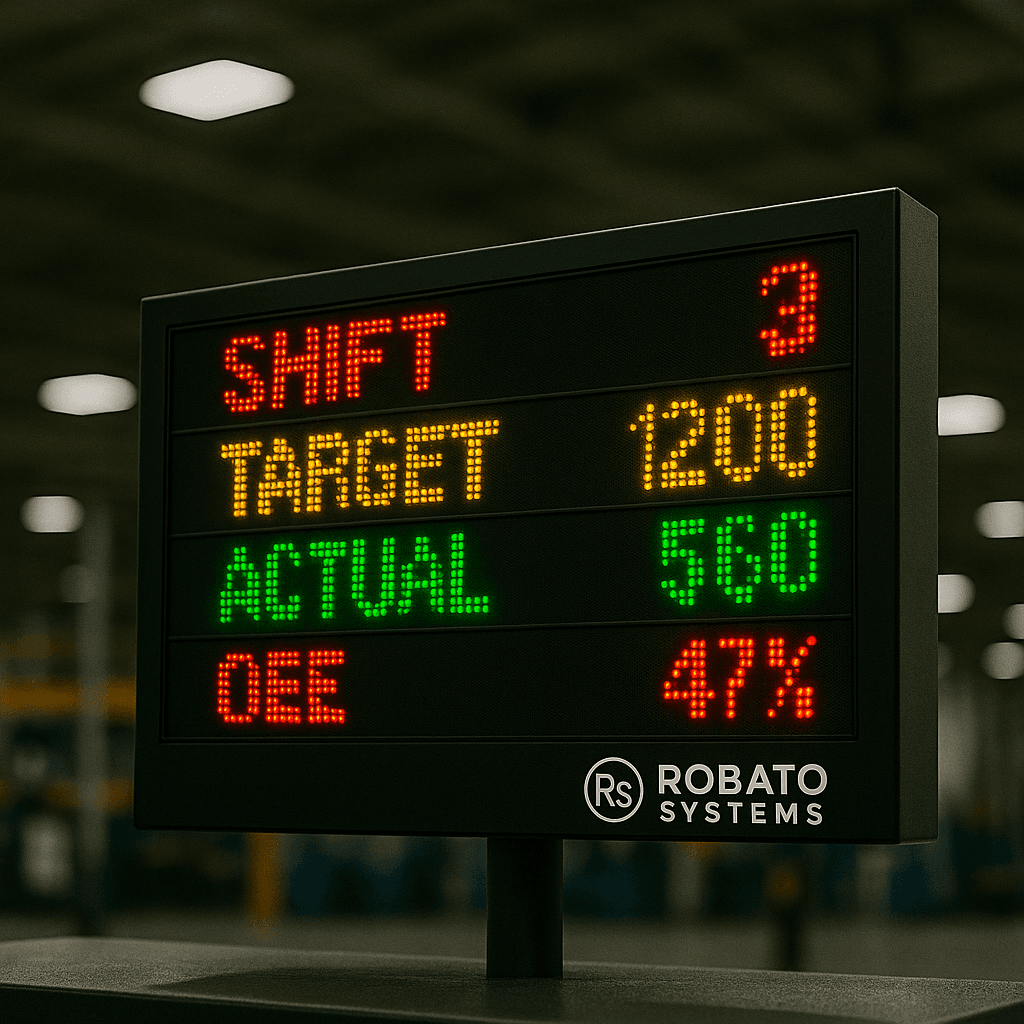
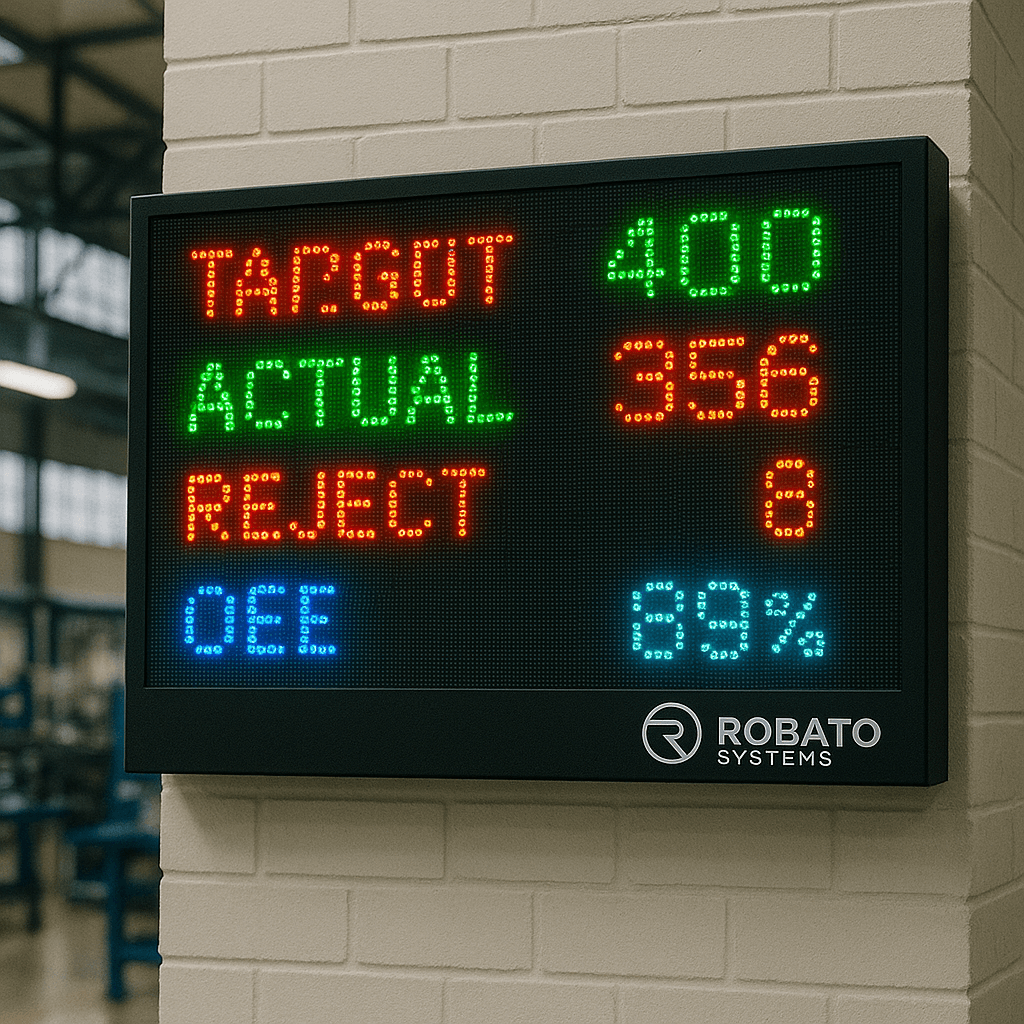
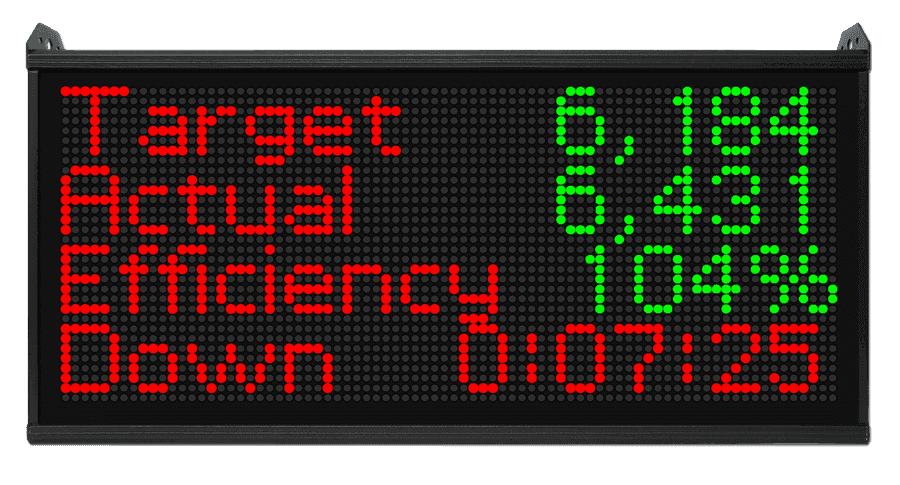
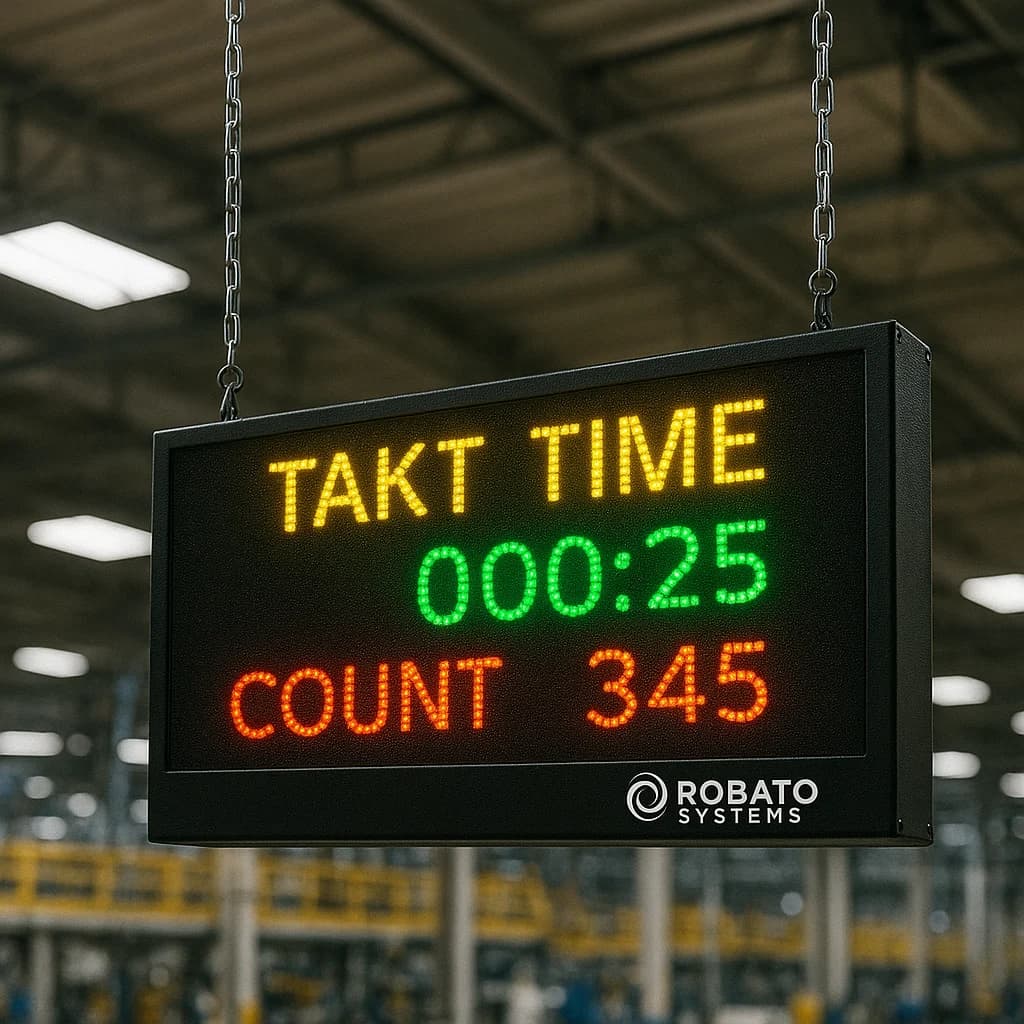
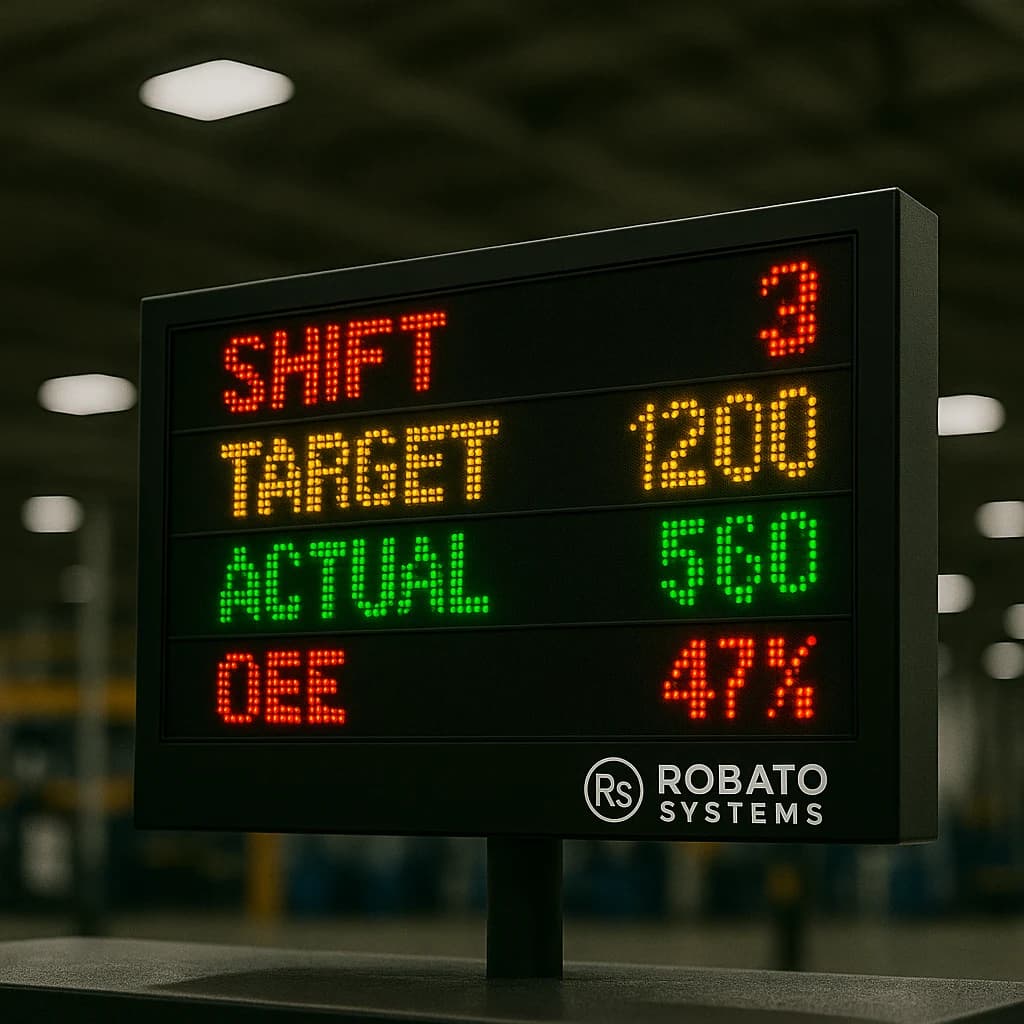
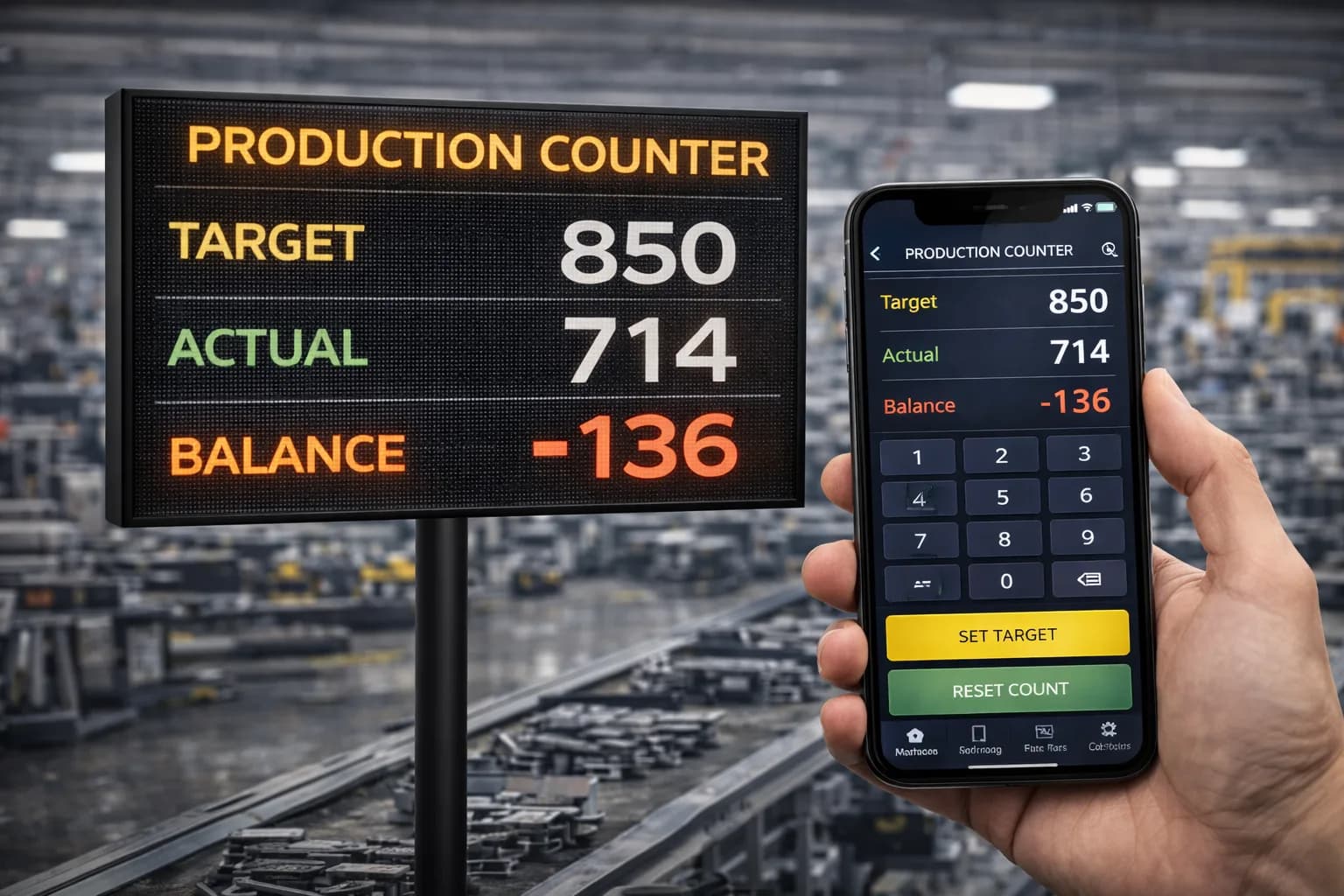
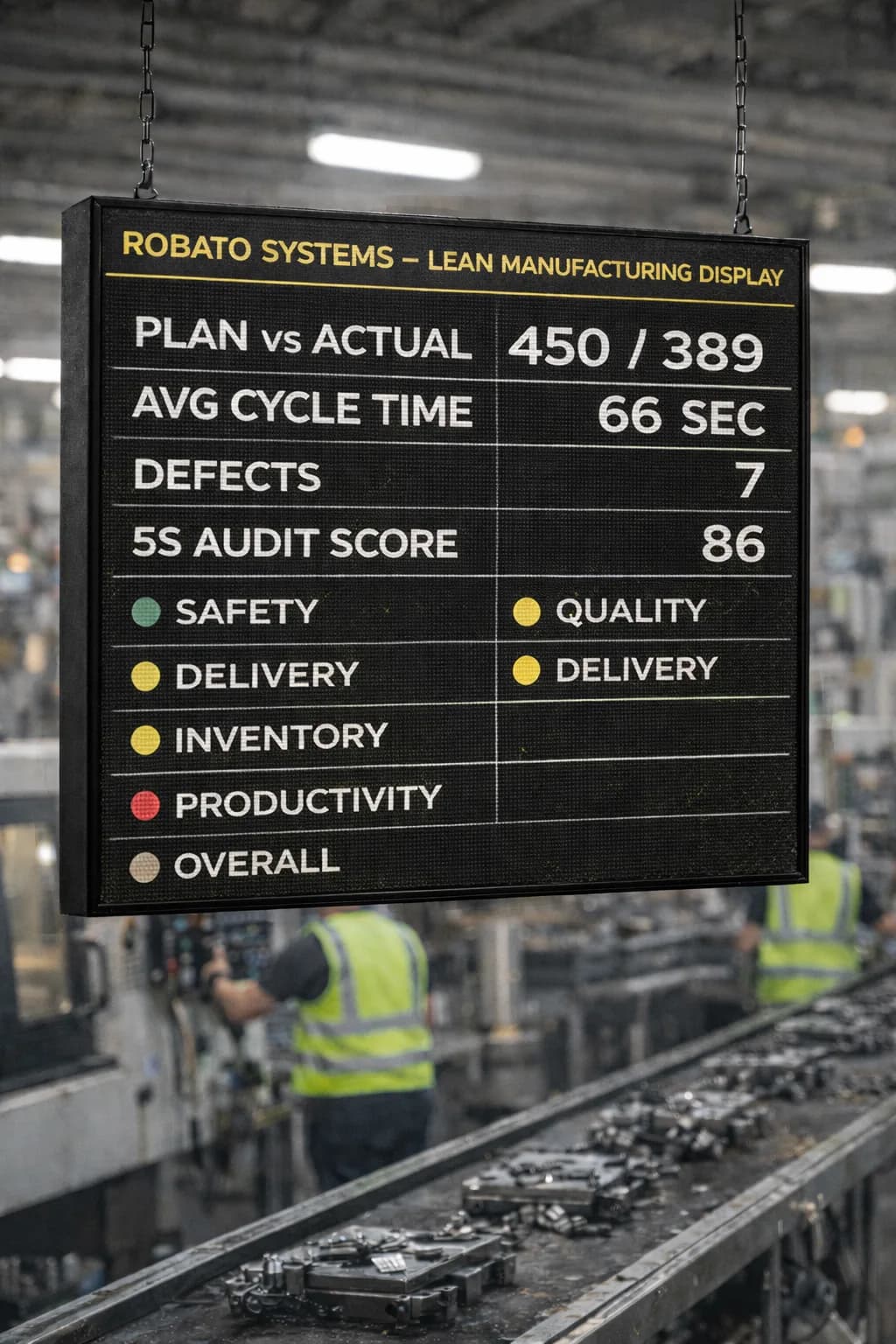
A production counter display can show information such as target, actual output, balance quantity, and shift details through industrial LED displays.
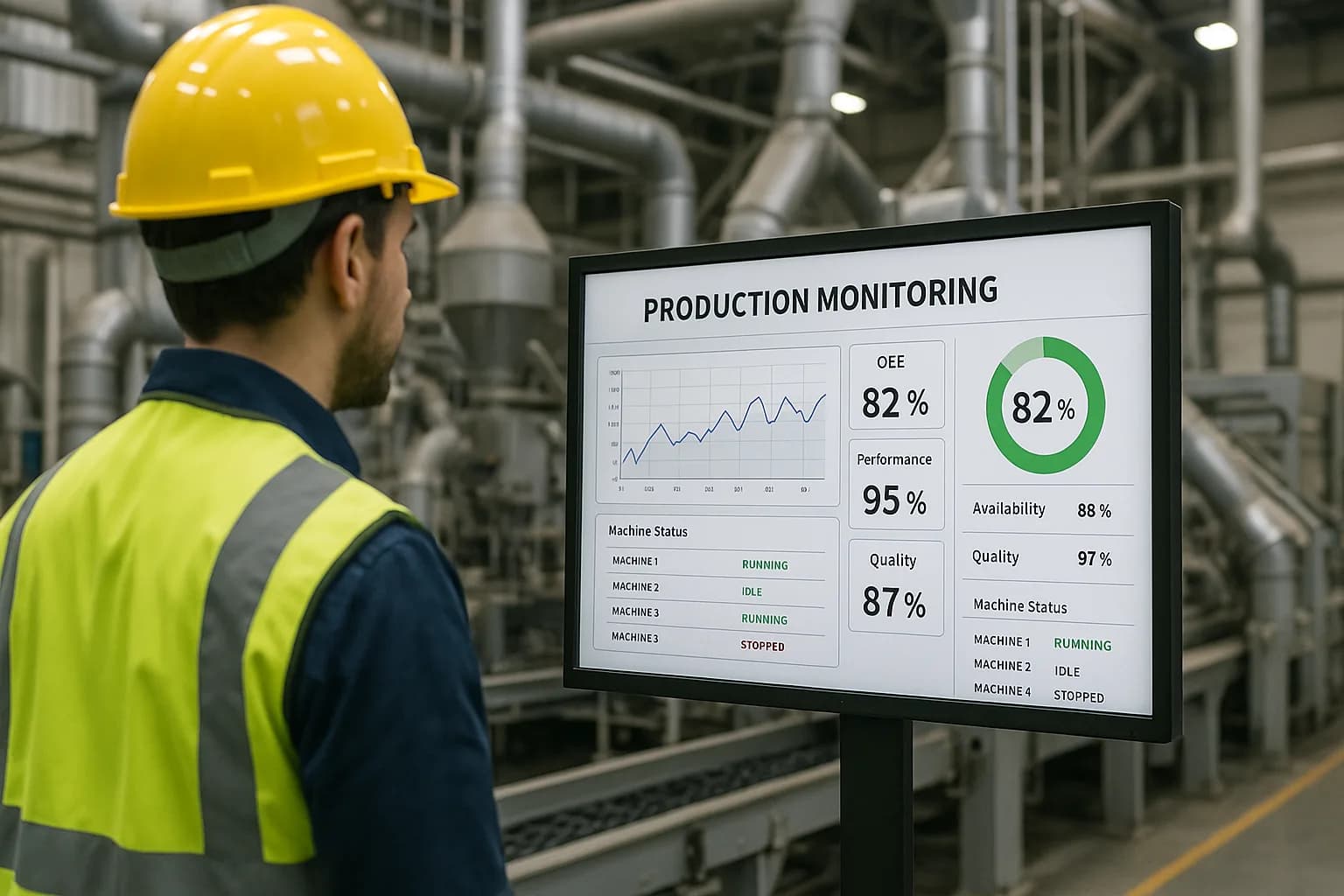
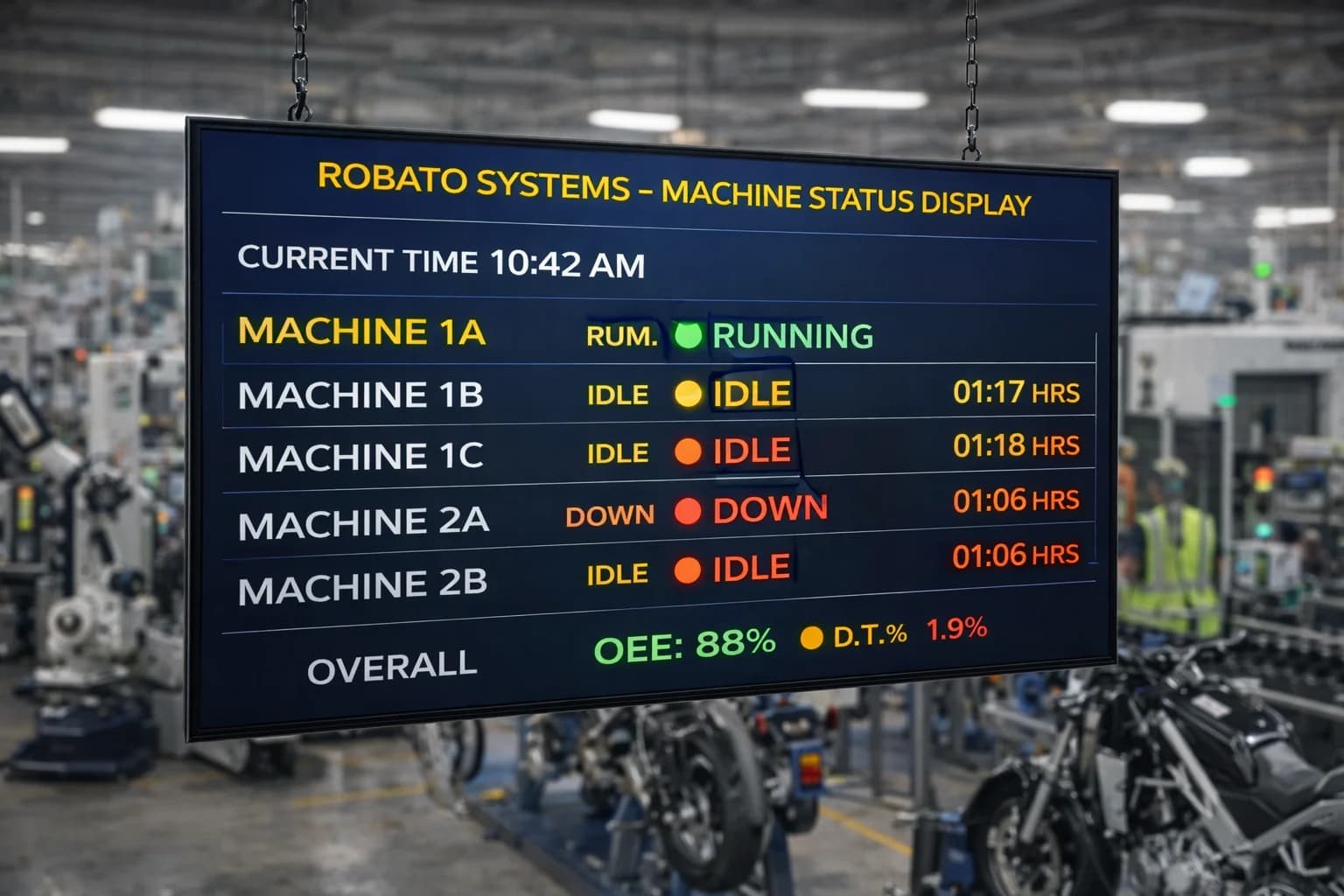
For larger production areas, Smart TV dashboards and web-based displays can provide a broader view of machine status and production performance.
The display configuration should be designed around the information employees need to understand quickly.
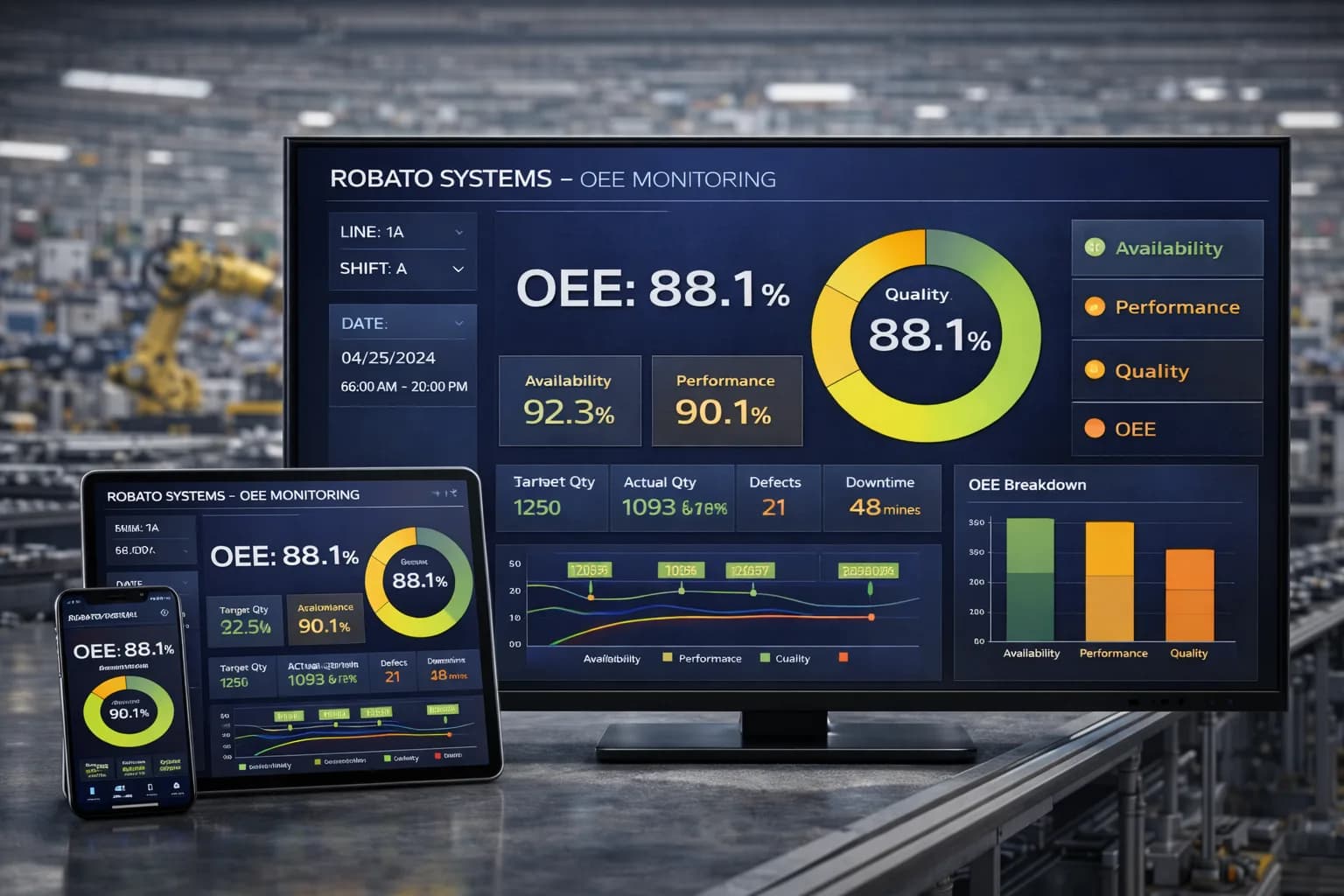
9. OEE Monitoring and Performance Analysis
Production monitoring data can also support Overall Equipment Effectiveness calculations.
OEE combines availability, performance, and quality to provide a broader view of equipment effectiveness.
An OEE monitoring system can help manufacturers analyze these components and understand where production losses are occurring.
Accurate OEE calculations require consistent definitions for planned production time, ideal cycle time, downtime, total output, and good-quality output.
10. Historical Reports and Production Analytics
Historical reports help manufacturers understand how production performance changes over time.
Depending on the platform, reports may include:
Machine-wise production
Shift-wise output
Target achievement
Cycle time trends
Downtime summaries
Machine utilization
OEE performance
These reports support production reviews and help teams evaluate the results of process improvements.
Benefits of Real-Time CNC Production Monitoring
Improved Production Visibility
A centralized monitoring platform makes production information accessible without requiring managers to collect updates from individual machines.
Teams can review production progress, machine status, and target achievement from a common interface.
Faster Response to Production Problems
Real-time visibility can help supervisors identify machines that have stopped or are falling behind their targets.
Earlier identification gives teams an opportunity to investigate problems while production is still underway.
Reduced Dependence on Manual Reporting
When production data is collected automatically from compatible machines and sensors, the need for repeated manual counting and spreadsheet updates can be reduced.
This can also improve consistency in production records.
Better Production Target Management
Comparing actual output with planned production helps supervisors understand whether machines are progressing according to schedule.
Production teams can use this information to investigate output gaps and coordinate corrective actions.
Improved Shift Handover
Digital shift-wise records provide a more consistent basis for reviewing production progress.
Incoming supervisors can examine completed quantities, outstanding targets, machine stoppages, and unresolved production issues.
Better Capacity Planning
Historical production records can help manufacturers understand how machines perform under different jobs and operating conditions.
These insights support more realistic production planning and capacity assessment.
Support for Continuous Improvement
Manufacturers can use production data to evaluate changes in machining processes, scheduling, maintenance, and operating practices.
Comparing performance before and after an improvement helps determine whether the change has delivered measurable results.
Key Metrics to Track in CNC Production Monitoring
The metrics selected should support specific manufacturing decisions. Collecting large amounts of data without a clear purpose can make monitoring dashboards unnecessarily complicated.
| Metric | What It Measures | Why It Matters |
|---|---|---|
| Actual production | Number of completed parts | Tracks machine output |
| Planned production | Expected production quantity | Establishes the production target |
| Target achievement | Actual output compared with target | Identifies production gaps |
| Cycle time | Time required to complete a defined cycle | Helps identify process variations |
| Runtime | Recorded machine operating time | Supports machine usage analysis |
| Downtime | Time spent in defined stopped states | Reveals production interruptions |
| Machine utilization | Operating time compared with defined available time | Helps assess equipment usage |
| OEE | Availability, performance, and quality combined | Measures overall equipment effectiveness |
How to Calculate CNC Production Target Achievement
A basic target achievement formula is:
Target Achievement (%) = (Actual Production ÷ Planned Production) × 100
For example, if a CNC machine has a target of 200 components and produces 180 components during the shift:
Target Achievement = (180 ÷ 200) × 100 = 90%
The result indicates that the machine achieved 90% of its planned output.
Further investigation is needed to understand the remaining production gap. Possible factors include downtime, longer cycle times, setup activities, material shortages, or quality-related losses.
How to Calculate Production Balance
Production balance indicates how many units remain to reach the planned target.
Production Balance = Planned Production − Actual Production
For example:
Planned production: 200 units
Actual production: 180 units
Production balance: 20 units
A dashboard displaying target, actual, and balance values can help supervisors quickly understand production progress.
Real-Time CNC Production Monitoring vs. Traditional Production Tracking
Traditional production tracking often depends on manually collected information, while real-time monitoring uses connected data sources to update production records.
| Comparison | Traditional Production Tracking | Real-Time CNC Production Monitoring |
|---|---|---|
| Data collection | Manual entries and periodic reports | Connected machines, sensors, PLCs, or supported inputs |
| Information updates | At selected reporting intervals | Based on system data-update frequency |
| Production visibility | Often delayed | More timely shop-floor visibility |
| Machine status | Usually checked separately | Can be shown centrally |
| Production counting | May require manual counting | Can be automated with suitable signals |
| Downtime records | Often manually recorded | Can be detected and recorded using configured rules |
| Reporting | Spreadsheets and manual summaries | Centralized dashboards and reports |
| Analysis | Depends on manually consolidated records | Uses structured historical production data |
Real-time monitoring does not eliminate every manual activity. Some information, such as downtime reasons, job changes, or quality-related entries, may still require operator input depending on the system.
How to Implement Real-Time CNC Production Monitoring
A successful implementation starts with clear production objectives and a proper understanding of the machines and data sources available.
Step 1: Identify Production Monitoring Requirements
Begin by identifying the problems you want to address.
These may include delayed production reports, inaccurate part counts, frequent machine stoppages, missed shift targets, or limited visibility across multiple CNC machines.
Choose measurable objectives to evaluate the system after implementation.
Step 2: Assess CNC Machine Compatibility
Prepare an inventory of the CNC machines that need to be monitored.
Record machine manufacturers, controller models, available communication interfaces, and accessible data points.
This helps determine whether machines can provide production data directly or require external sensors, gateways, or additional interfaces.
Step 3: Define Production Metrics and Targets
Identify the information that needs to be displayed and reported.
A practical starting point may include:
Actual production count
Planned production target
Machine status
Cycle time
Downtime
Shift-wise output
Define how each metric will be calculated and ensure the same rules are applied consistently.
Step 4: Set Up Machine Connectivity
Configure the required hardware, communication interfaces, and software connections.
Test whether the monitoring platform receives reliable data from each selected machine.
Ensure that monitoring connections do not interfere with machine control, safety functions, or production processes.
Step 5: Configure Dashboards and Reports
Create dashboards that suit the needs of operators, supervisors, and management.
Operators may need target-versus-actual information, while managers may need machine-wise production comparisons and historical reports.
Avoid displaying unnecessary metrics that do not support a clear operational decision.
Step 6: Run a Pilot Installation
Start with one production line or a small group of CNC machines.
Validate production counts, machine status, cycle information, downtime events, and dashboard updates against actual shop-floor activity.
Collect feedback from operators and supervisors and correct any data-mapping or configuration issues.
Step 7: Expand Across the Shop Floor
After confirming the pilot results, gradually connect additional machines and production areas.
Review data quality, reporting accuracy, user adoption, and the operational value of the information as the deployment expands.
Common Challenges in CNC Production Monitoring
Different CNC Controllers and Machine Manufacturers
Factories may operate machines from several manufacturers, each with different controllers and communication capabilities.
Recommended approach: Assess controller compatibility individually and select suitable integration methods for each machine.
Inaccurate Production Counts
Incorrect sensor placement, missed signals, or faulty counter configuration can create discrepancies in production reports.
Recommended approach: Validate production counts against actual completed parts and establish regular data-quality checks.
Incorrect Cycle Time Definitions
Different jobs and machining programs may have different expected cycle times.
Recommended approach: Configure cycle-time standards according to the relevant job and part type rather than applying one value to every machine.
Unclear Downtime Categories
A machine may stop for a breakdown, setup, material shortage, operator change, or planned maintenance.
Recommended approach: Establish clear downtime categories and use consistent recording rules.
Limited Network Connectivity
Some manufacturing environments have older infrastructure or restrictions on connecting production equipment to external networks.
Recommended approach: Assess local network requirements, suitable gateways, and secure deployment options before implementation.
Low User Adoption
Operators may not use the monitoring system consistently if the interface is complicated or the displayed information does not match actual shop-floor conditions.
Recommended approach: Involve operators during the pilot, provide practical training, and design dashboards around real production workflows.
How to Choose the Right CNC Production Monitoring Software
Selecting the right monitoring platform requires evaluating both technical compatibility and operational requirements.
1. CNC Controller Compatibility
Confirm that the platform can collect data from the controllers and machine interfaces used in your factory.
Understand which data points are available and whether additional hardware is necessary.
2. Automatic Production Data Collection
Check whether the system supports automatic production counting through suitable sensors, PLC signals, or controller data.
Understand which production details still require manual input.
3. Real-Time Dashboard Capabilities
Evaluate whether users can view machine-wise production, target achievement, cycle information, and machine status in a clear interface.
4. Downtime and OEE Monitoring
Check whether the software supports downtime tracking and the calculations needed for OEE reporting.
Verify the definitions and data sources used for availability, performance, and quality.
5. Multi-Machine Scalability
Consider whether the system can support additional CNC machines, production lines, users, and facilities as the business grows.
6. Display and Reporting Options
Review whether the platform supports web dashboards, LED displays, Smart TV interfaces, mobile applications, and the reporting formats required by your team.
7. Cloud and On-Premises Deployment
Consider whether the factory needs cloud access, on-premises infrastructure, or a hybrid deployment.
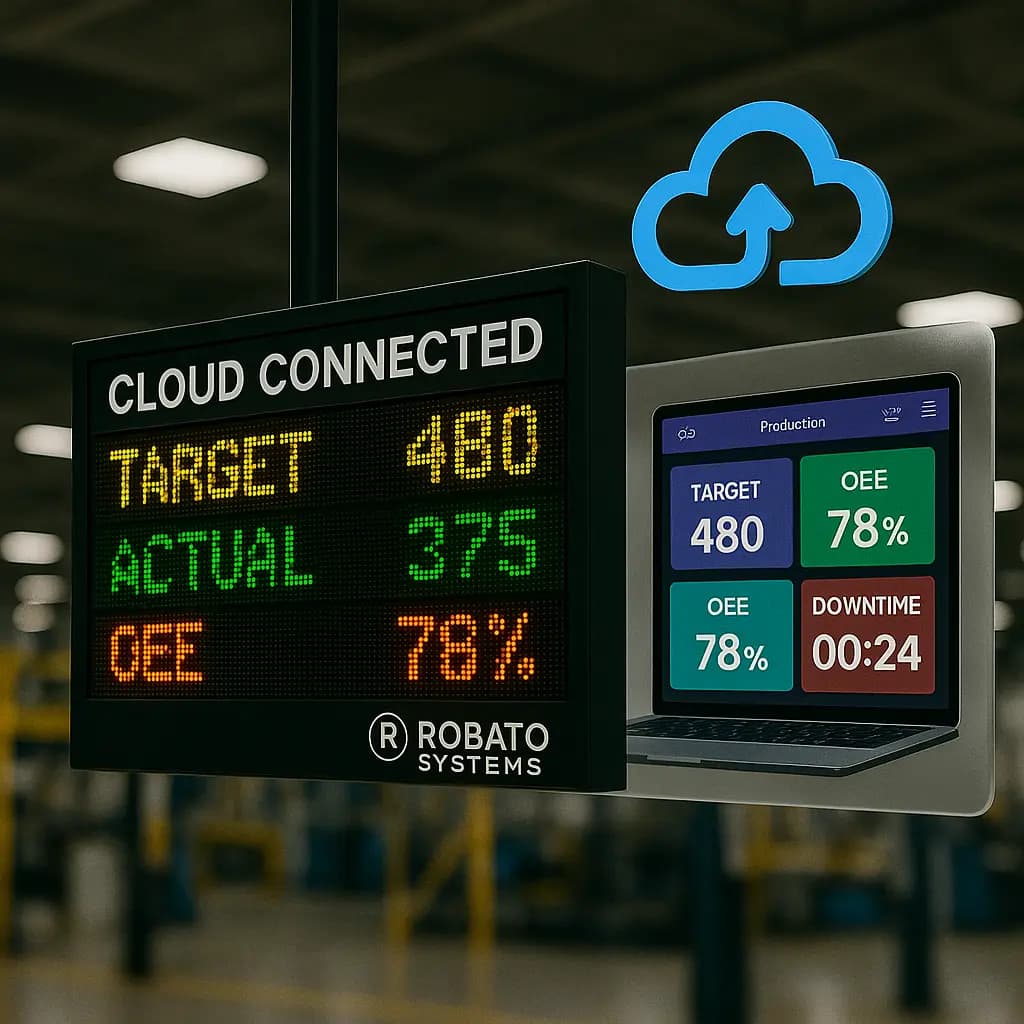
A cloud production monitoring system may suit organizations that need remote visibility and centralized access, while an on-premises deployment may better fit facilities with specific infrastructure or data-management requirements.
8. Implementation and Technical Support
Evaluate the vendor's experience with industrial machine connectivity, installation, configuration, training, and ongoing support.
A pilot deployment is a practical way to validate the solution before expanding it across the factory.
Frequently Asked Questions
1. What is real-time CNC production monitoring?
Real-time CNC production monitoring is the process of collecting and displaying production information from CNC machines as manufacturing activities take place. It helps teams review output, machine status, cycle activity, downtime, and production targets.
2. How does a CNC production monitoring system work?
It collects data from compatible CNC controllers, PLCs, sensors, counters, or other interfaces. The software processes this information and presents it through dashboards, reports, and supported displays.
3. Can CNC production monitoring automatically count manufactured parts?
Yes, when compatible production signals are available. Part counts can be collected through sensors, PLC signals, controller data, or suitable counter interfaces. The counting configuration must be validated against actual production.
4. Can multiple CNC machines be monitored together?
Yes. A suitable monitoring platform can collect data from multiple compatible CNC machines and display their production information through a centralized dashboard.
5. What is the difference between CNC machine monitoring and CNC production monitoring?
CNC machine monitoring focuses on machine operating status, cycles, alarms, and equipment activity. CNC production monitoring places greater emphasis on output, production targets, cycle progress, and shift-wise manufacturing results. The two functions often work together.
6. Can real-time CNC monitoring help reduce downtime?
It can help teams identify stoppages, record downtime events, and investigate recurring interruptions. Actual downtime reduction depends on how effectively the factory responds to the information.
7. Does CNC production monitoring require additional sensors?
Not always. Some CNC controllers provide sufficient data through existing communication interfaces. Other machines may require external sensors, counters, or gateways depending on the required monitoring information.
8. Can production information be displayed on LED boards or Smart TVs?
Yes, if the monitoring platform supports the required display interfaces. Production information such as target, actual output, balance quantity, and machine status can be presented on compatible LED displays or Smart TV dashboards.
9. Is cloud-based CNC production monitoring possible?
Yes. Cloud-based platforms can provide centralized access to production information across locations, subject to network connectivity, access controls, and security requirements.
10. How should a factory start implementing CNC production monitoring?
Start by identifying production visibility problems, assessing machine compatibility, defining the required metrics, and testing the system on a small group of machines. Expand after confirming data accuracy and operational value.
Conclusion
Real-time CNC production monitoring helps manufacturers understand how their machining operations are progressing throughout the production shift. By collecting machine output, cycle information, downtime, and target achievement data, factories can improve production visibility and identify issues that affect manufacturing performance.
A successful implementation requires compatible machine connectivity, accurate production counting, consistent reporting rules, and dashboards designed around practical shop-floor requirements.
Rather than relying entirely on end-of-shift reports, manufacturers can use connected production data to make more informed decisions while operations are running.
Looking to improve production visibility across your CNC machines? Explore Robato Systems' production monitoring capabilities to understand how connected machine data, automated production tracking, centralized dashboards, and performance reporting can support your manufacturing operations. Identify your monitoring requirements and evaluate a solution that fits your CNC machines, production processes, and factory infrastructure.