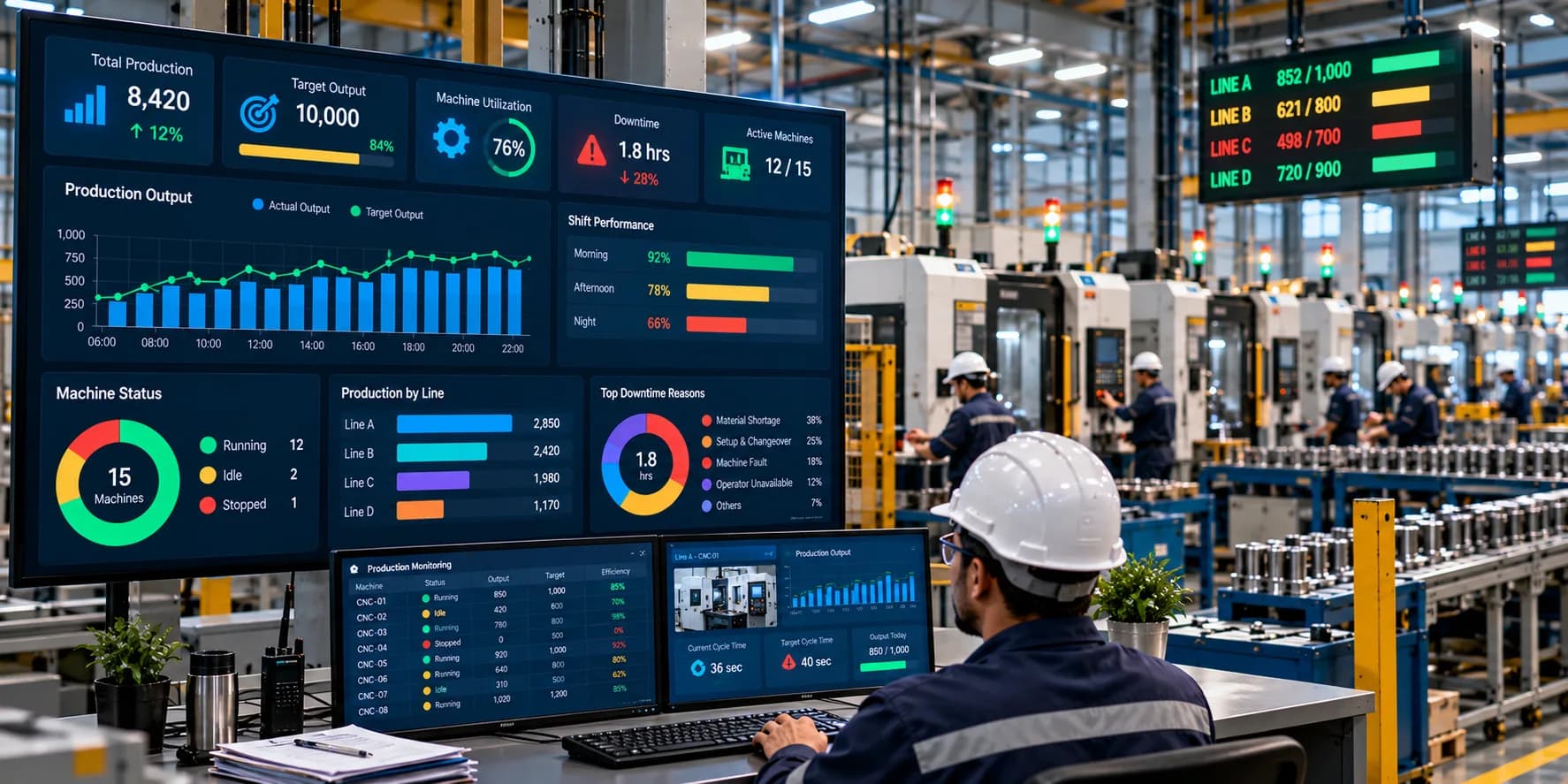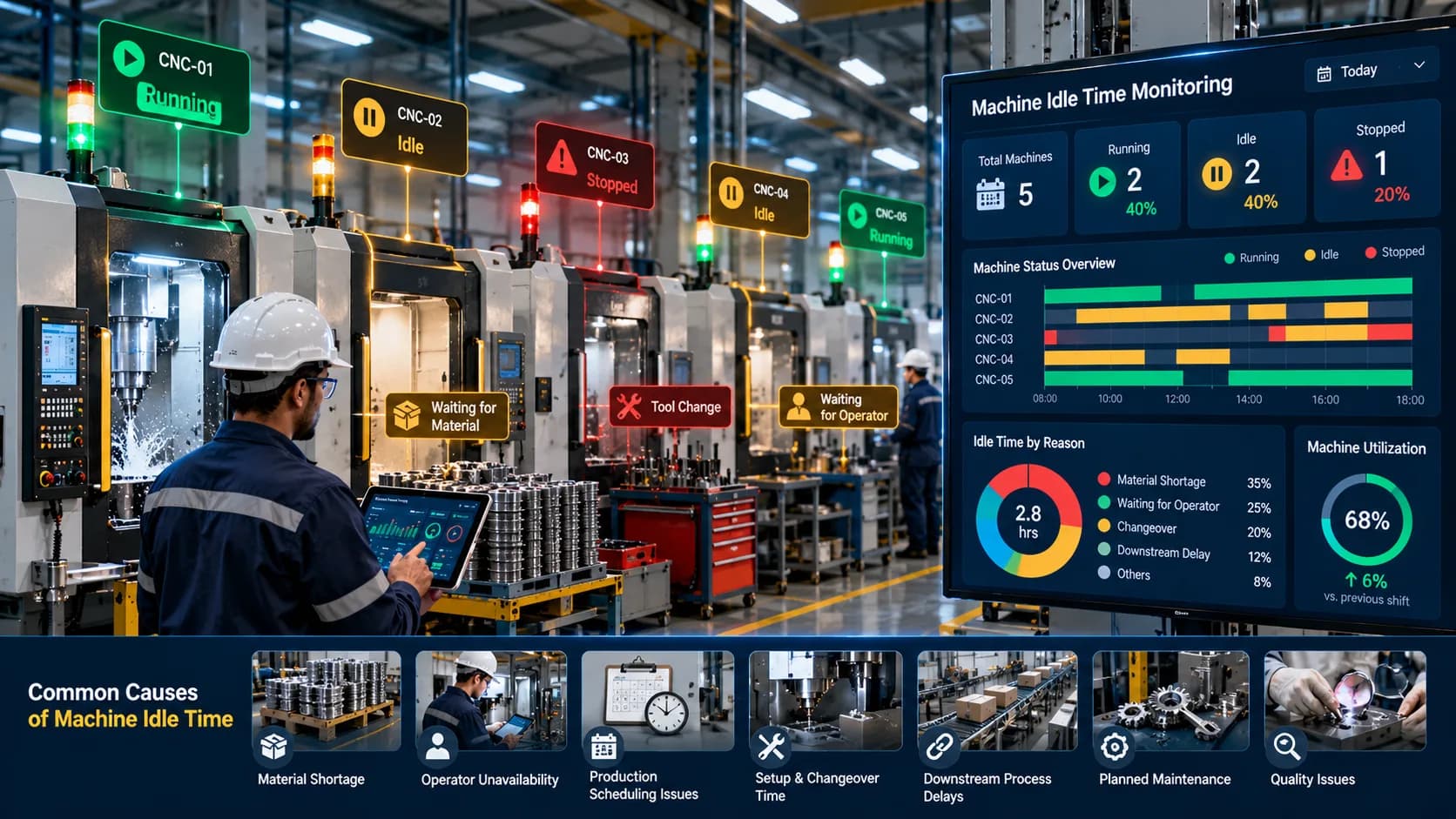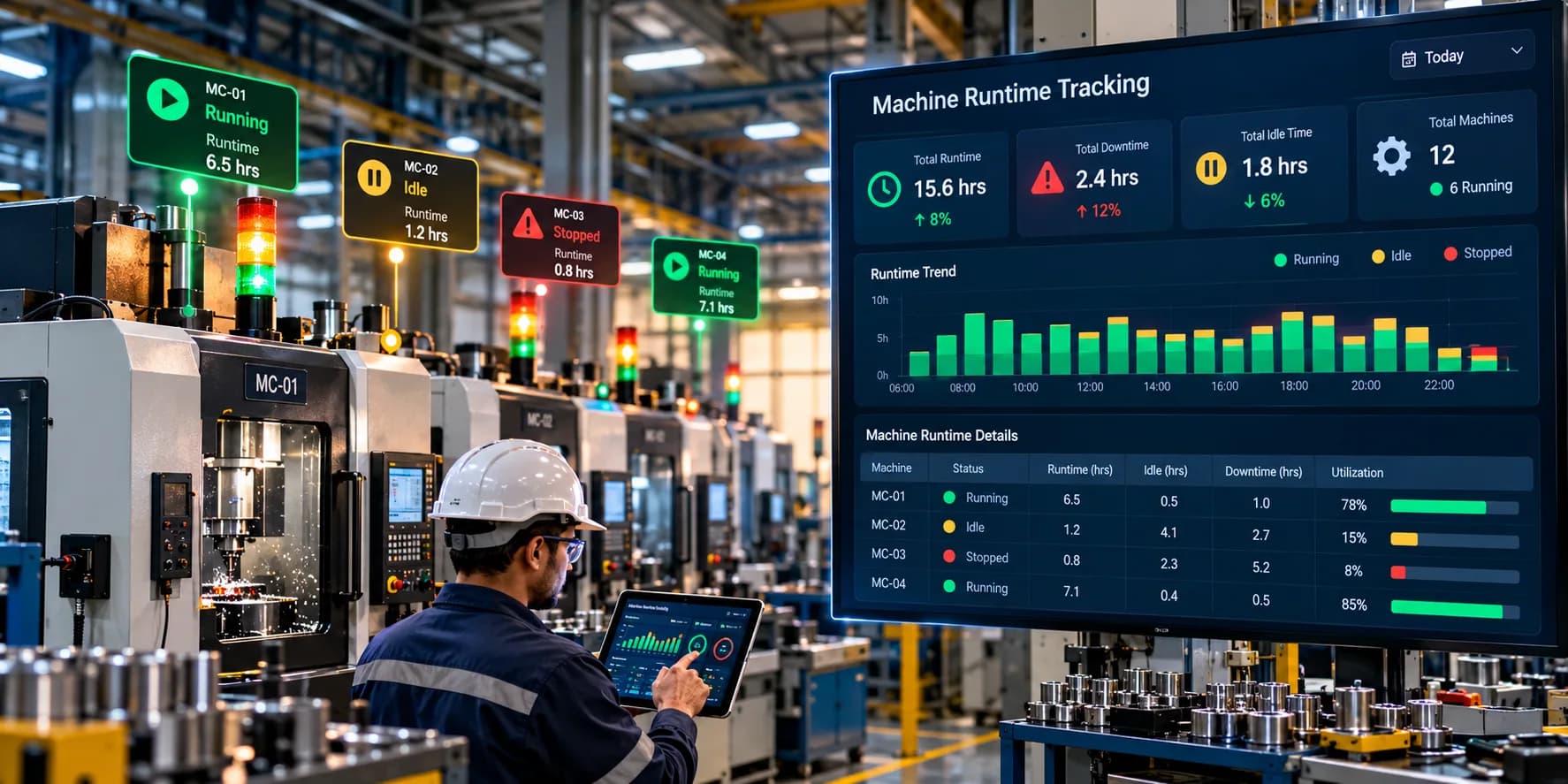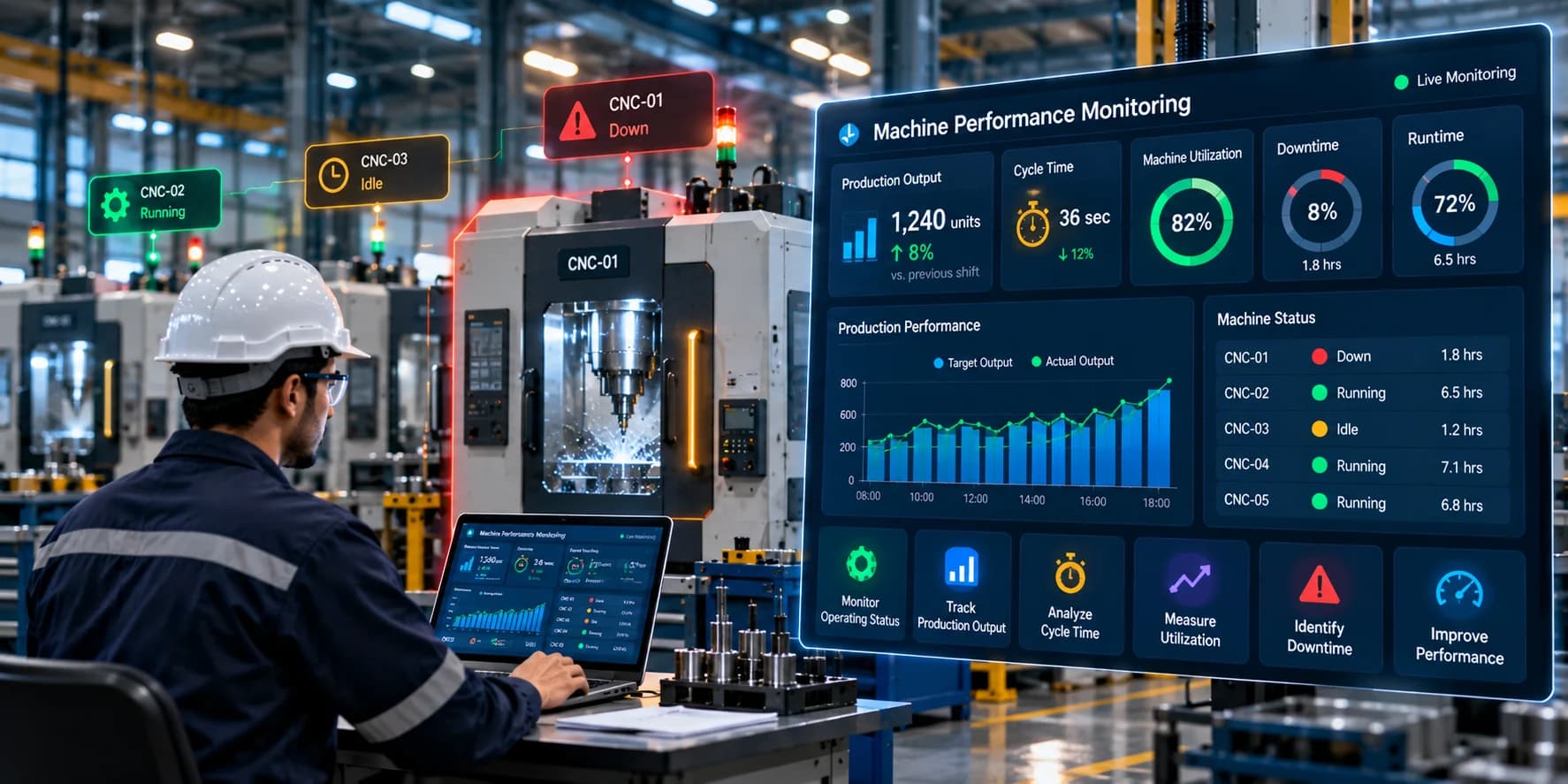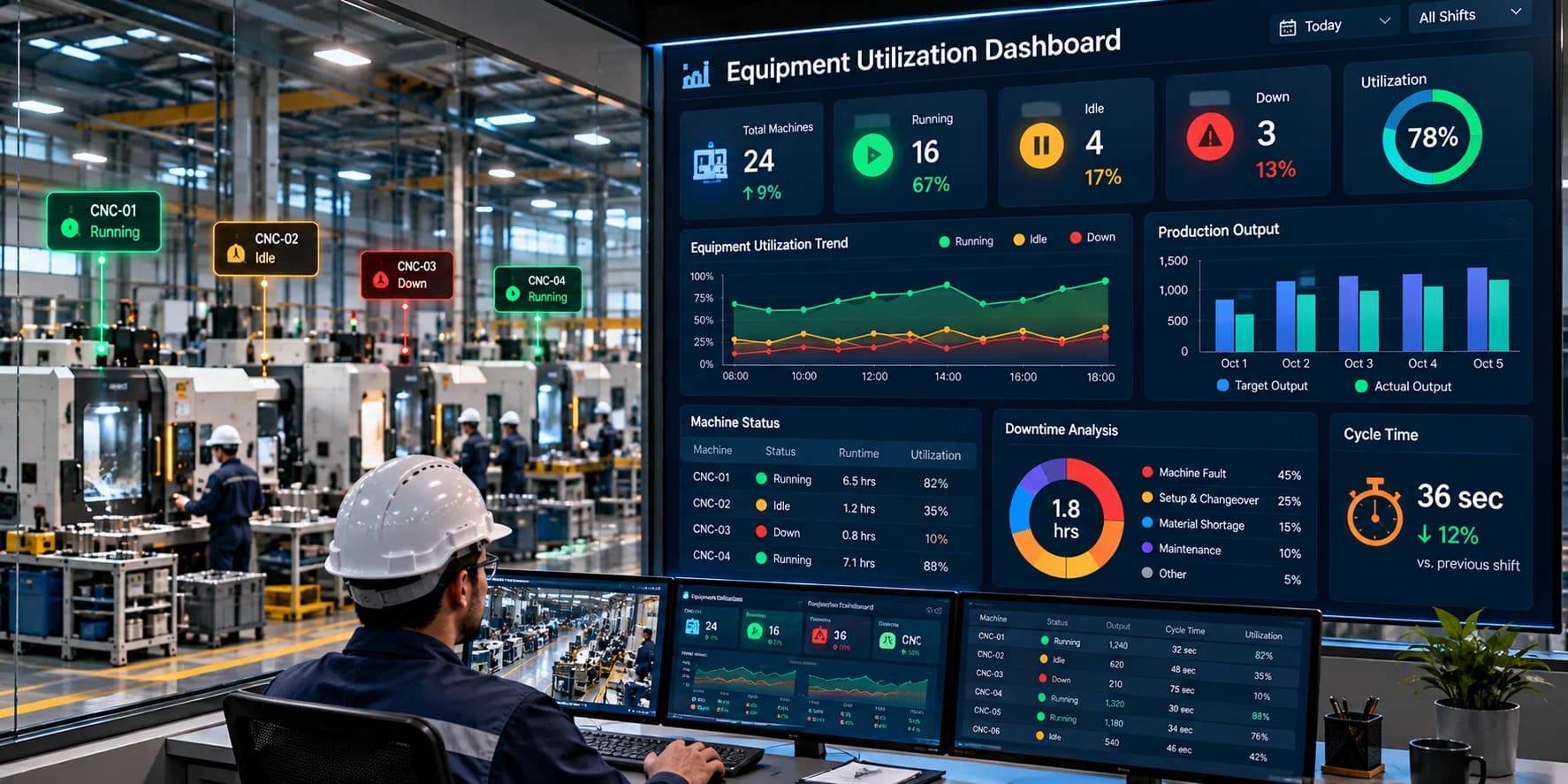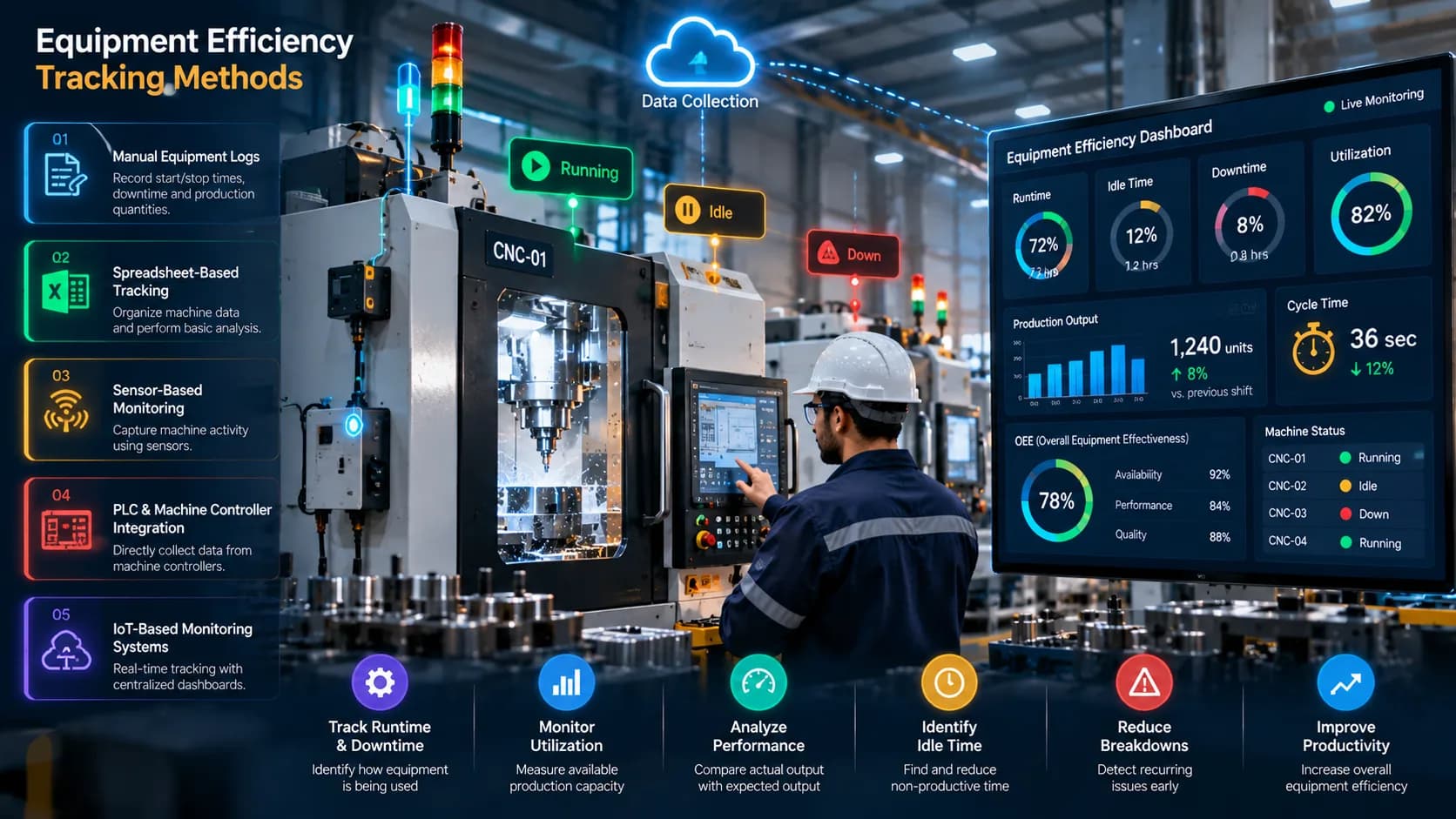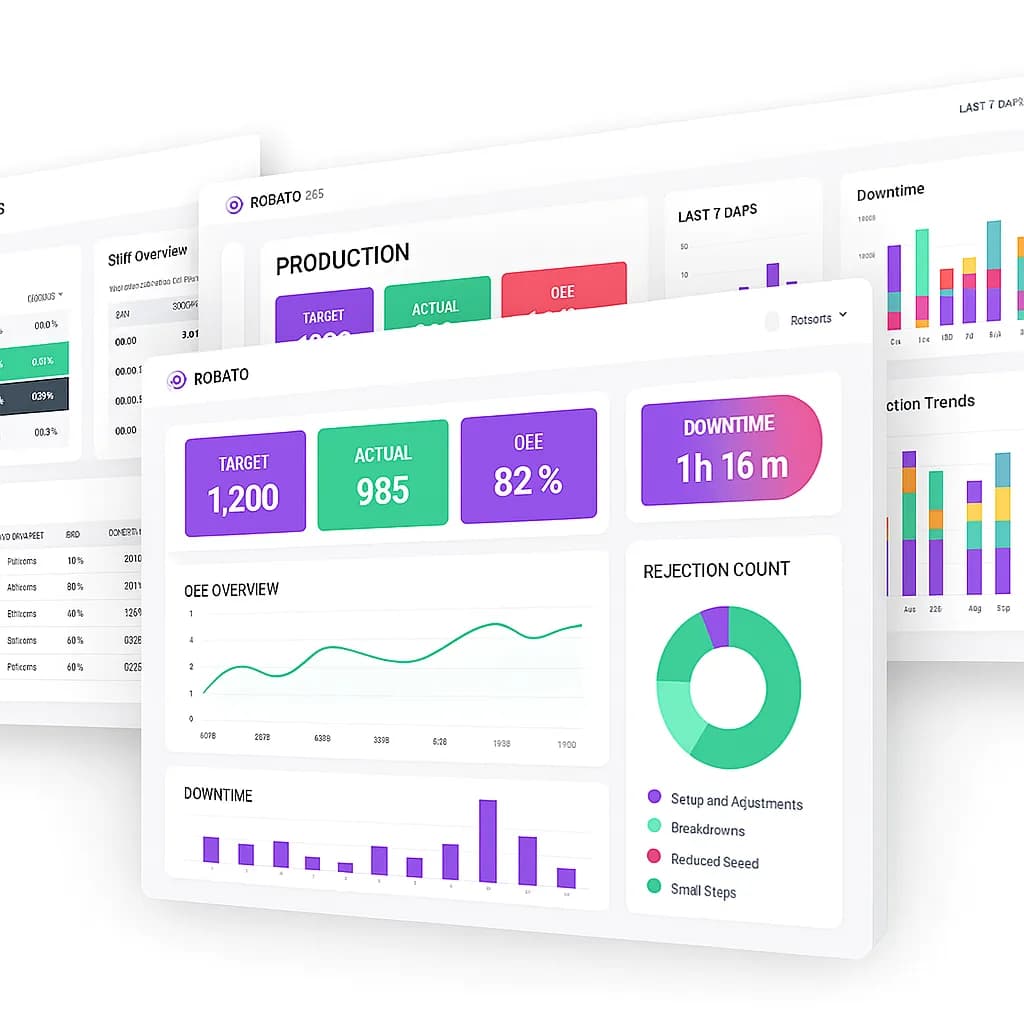
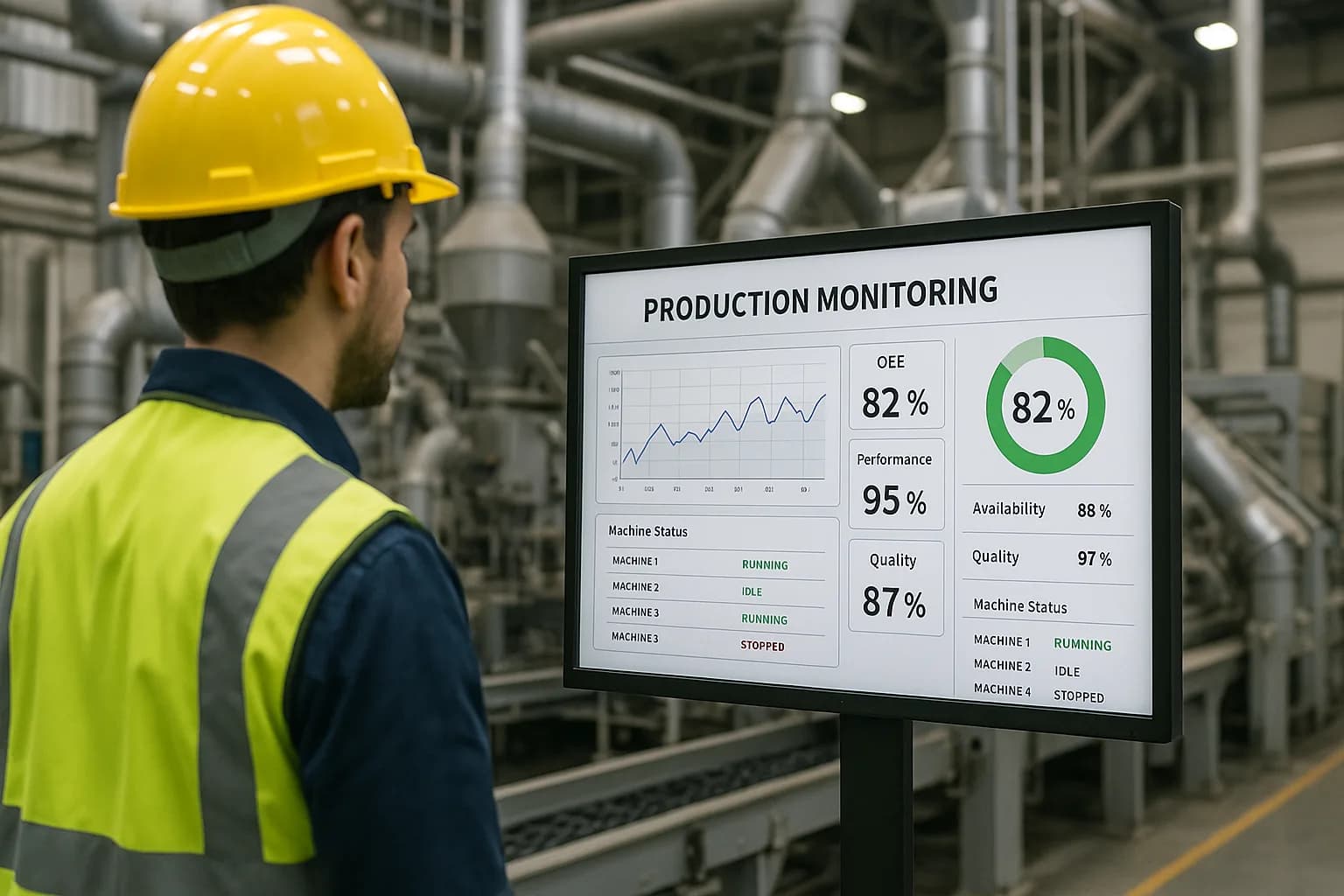
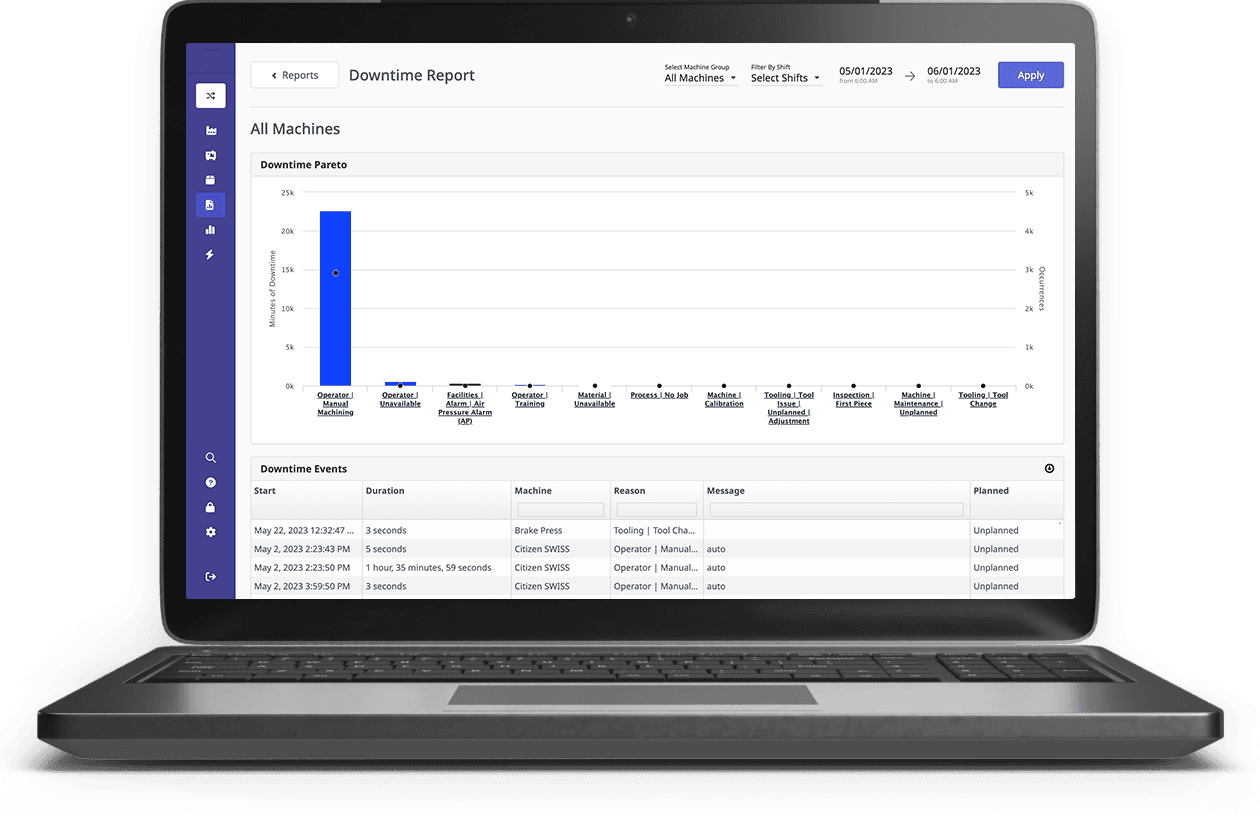
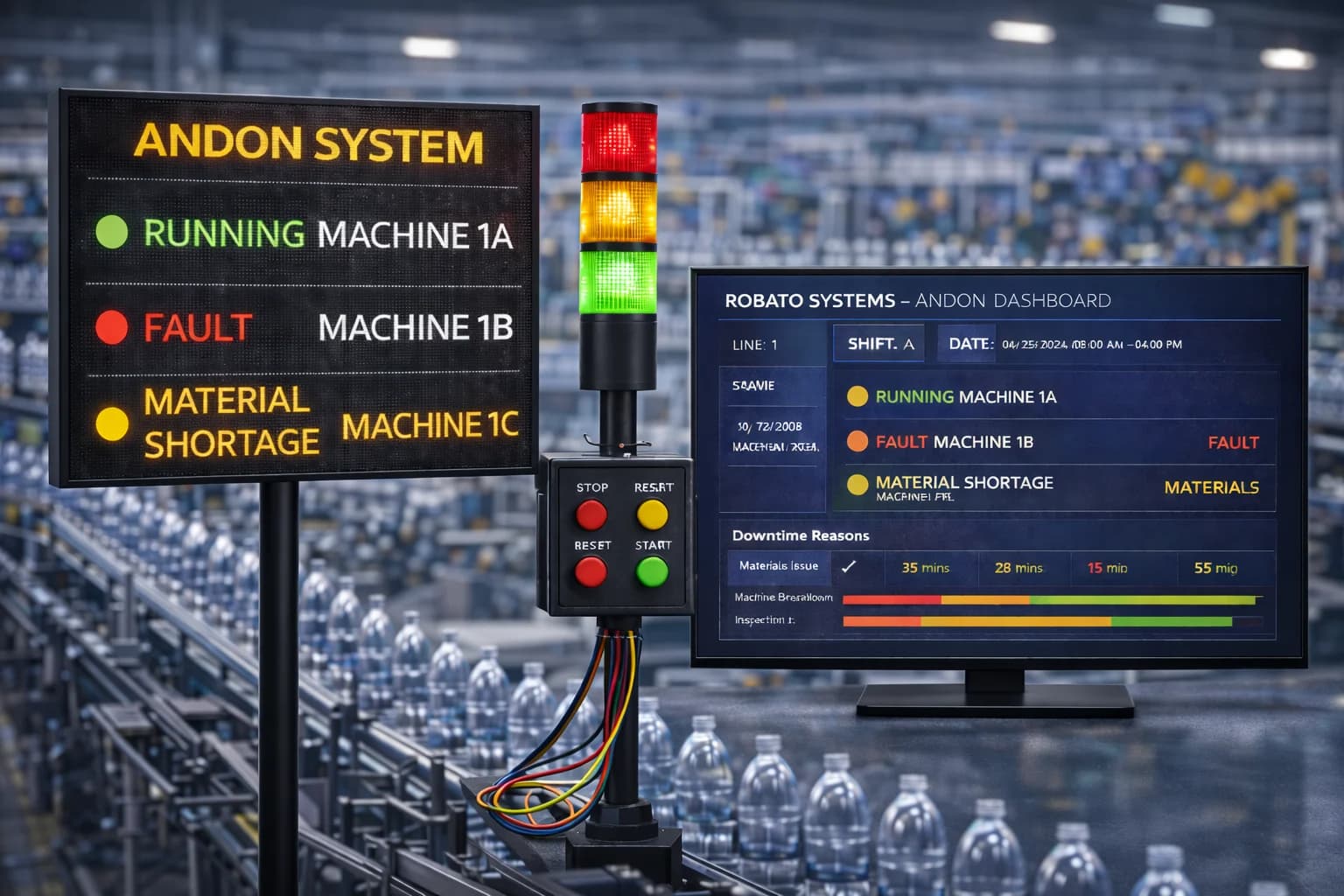
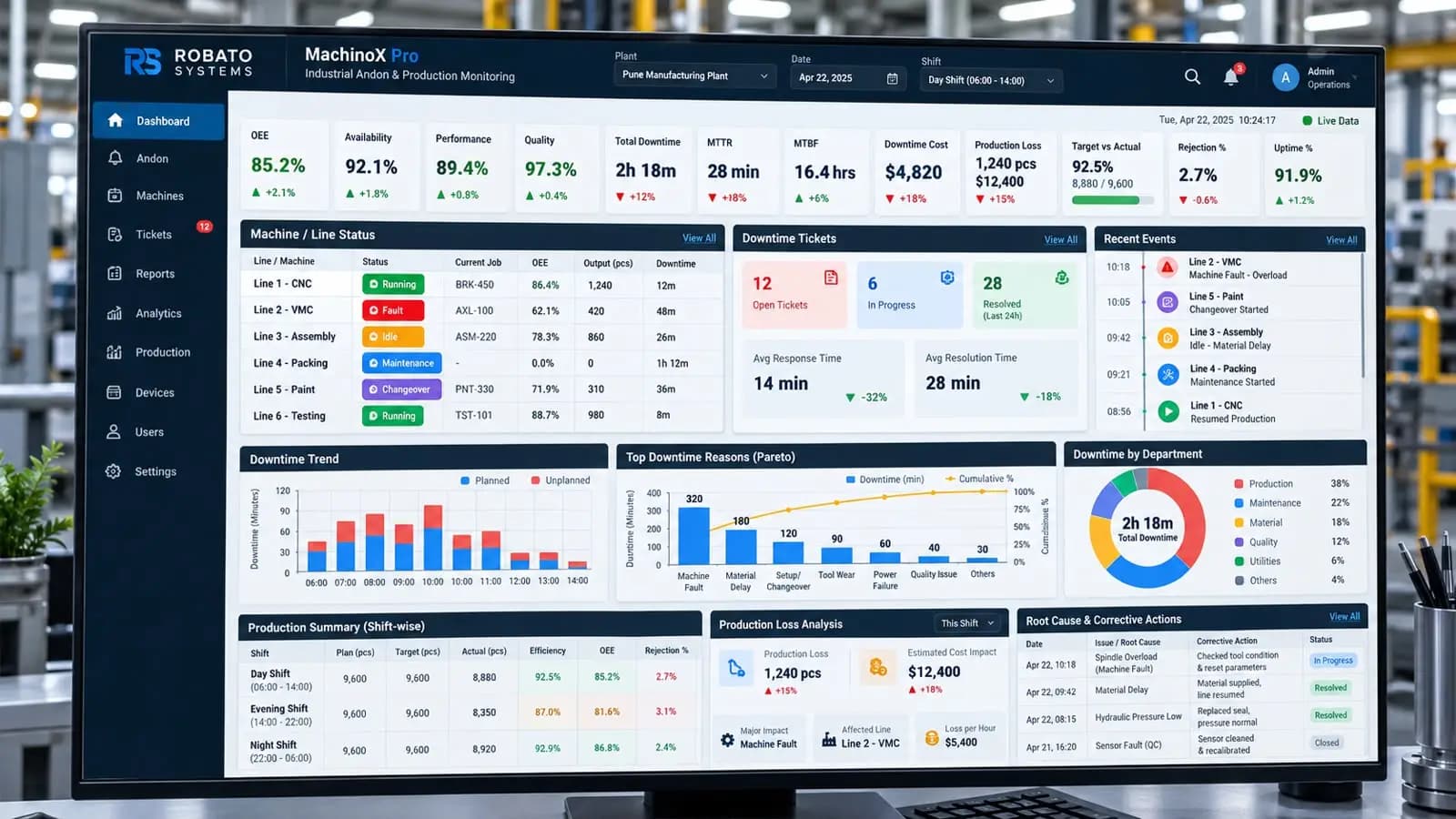
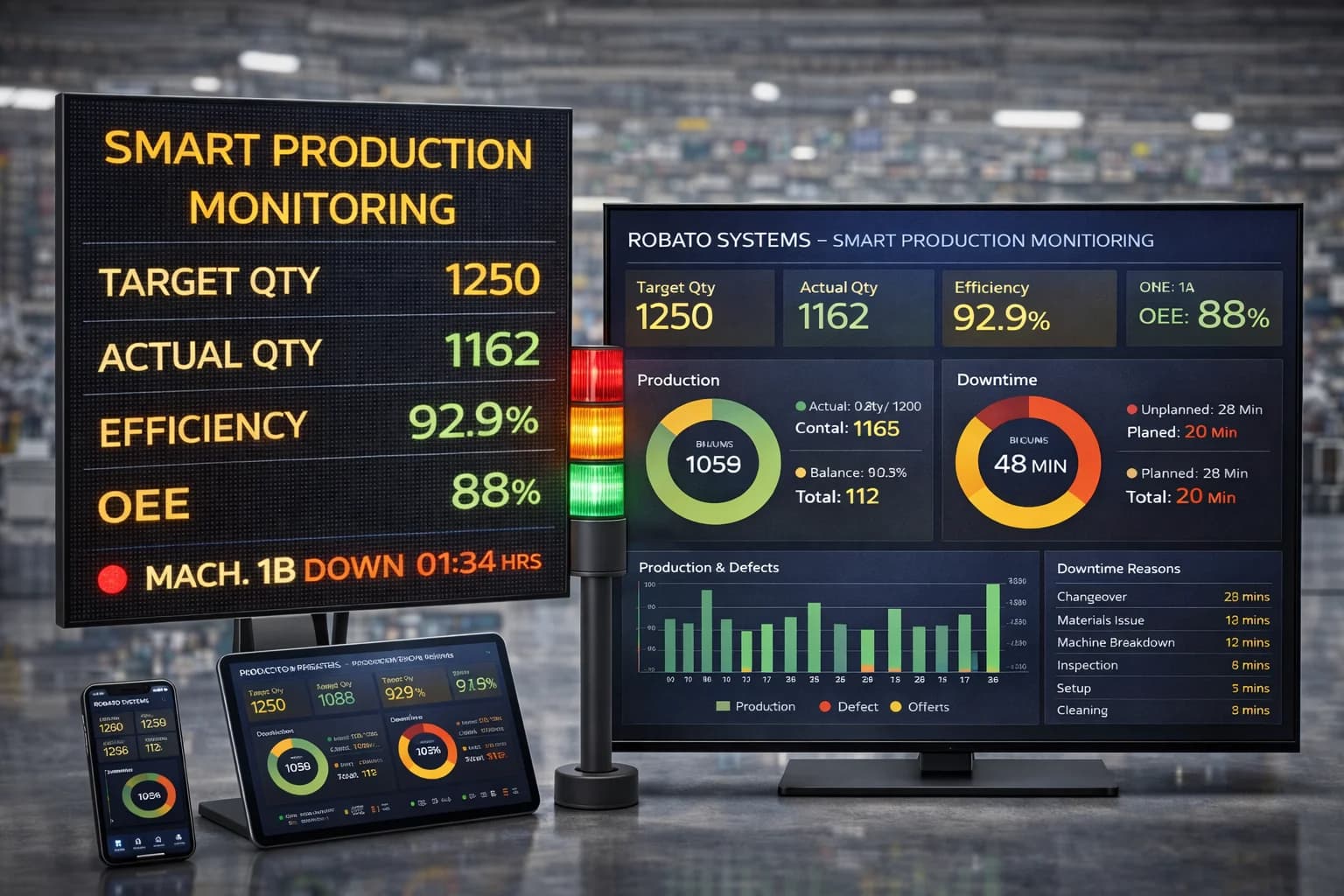
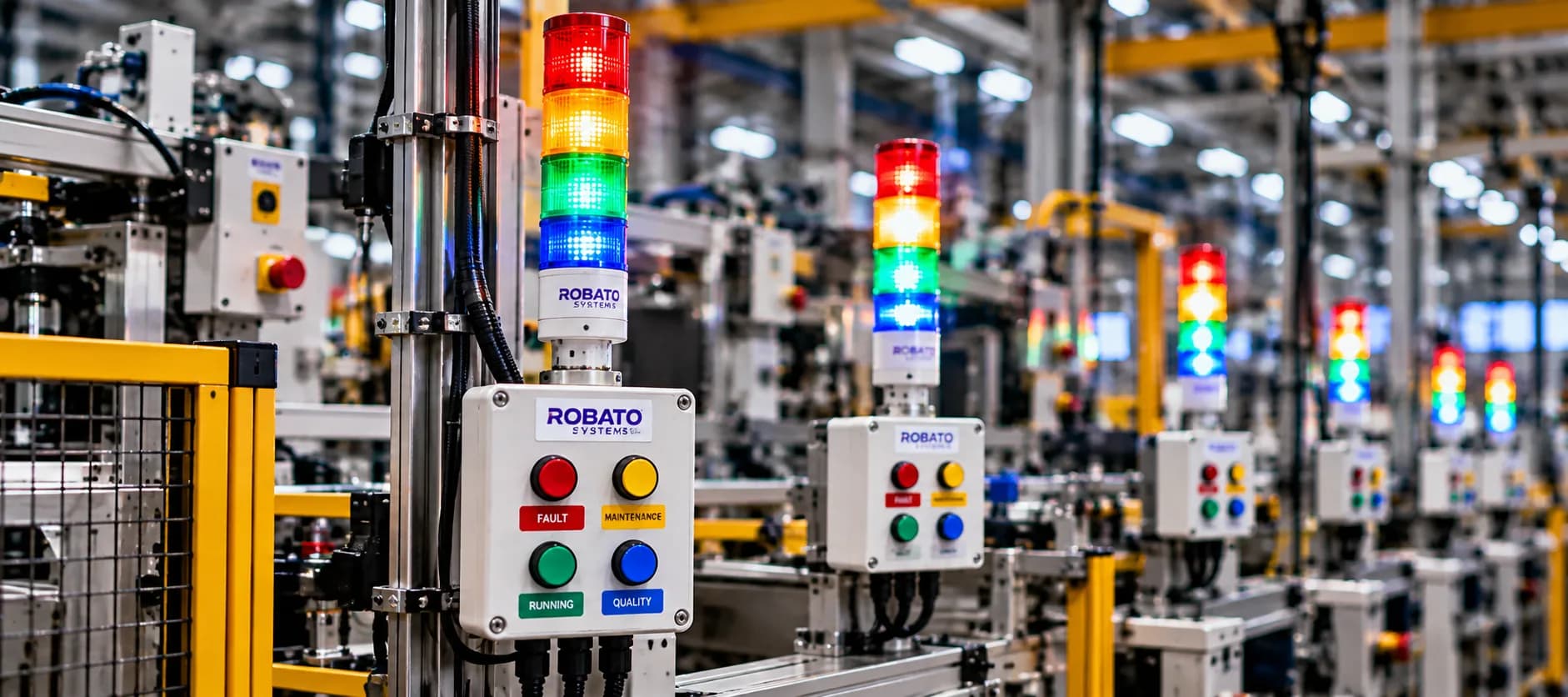
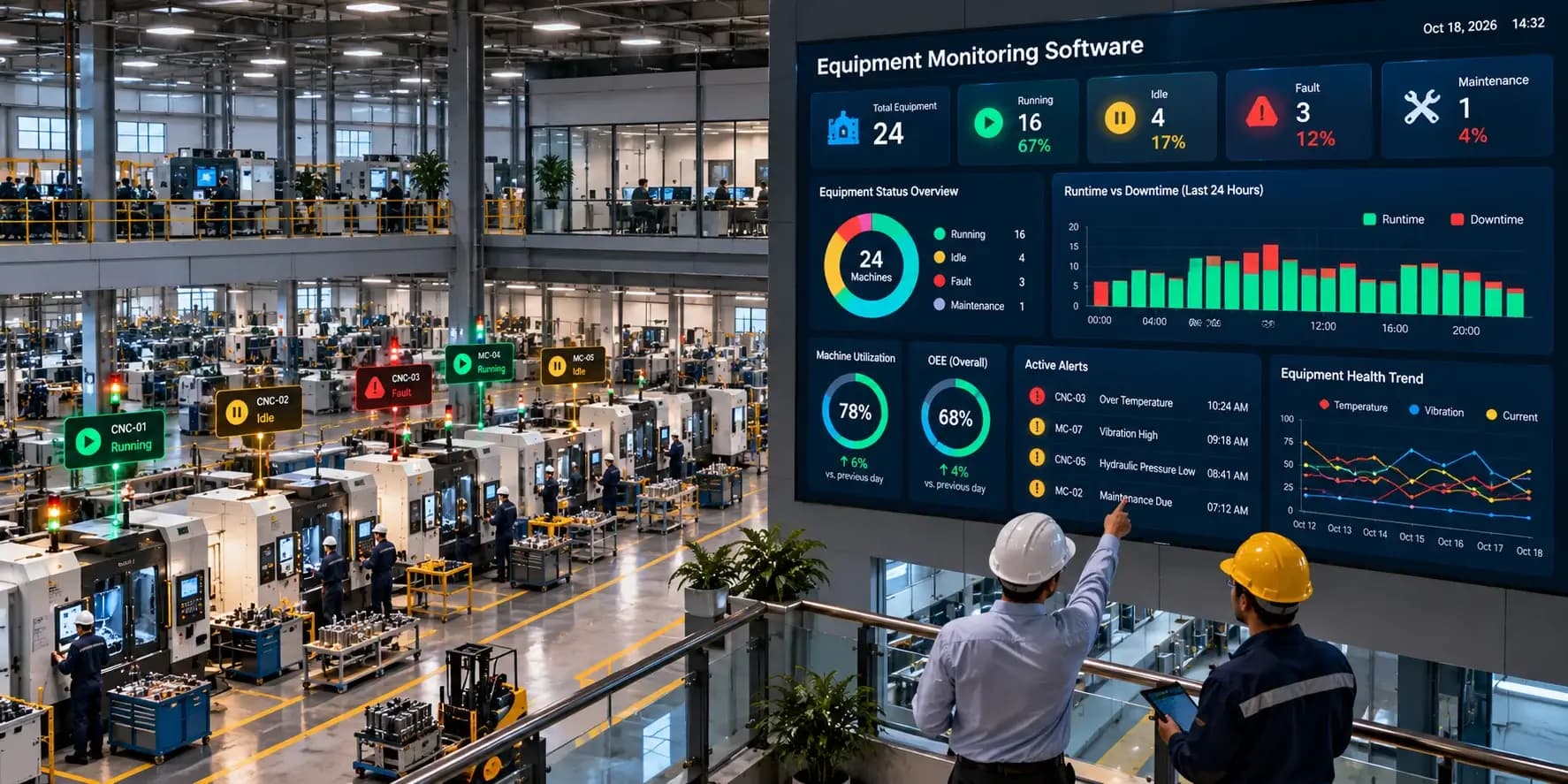
Manufacturing operations depend on reliable equipment, consistent production processes, and timely maintenance. When a machine stops unexpectedly, develops a fault, or begins operating outside its normal conditions, the effects can extend across an entire production line. Teams may experience delays, missed production targets, increased maintenance costs, and difficulty identifying the underlying cause.
Traditional equipment monitoring often relies on manual inspections, operator observations, separate machine displays, and maintenance records. These methods can provide useful information, but they may not give teams a complete and timely view of equipment performance across the factory.
Equipment monitoring software helps manufacturers collect, organize, and analyze equipment-related information through a centralized digital platform. Depending on the connected machines and available data sources, the software can display machine status, operating hours, fault events, sensor readings, downtime, and maintenance alerts.
With better access to equipment information, manufacturers can identify issues sooner, investigate recurring problems, and make more informed maintenance and operational decisions.
This guide explains how equipment monitoring software works, the features manufacturers should look for, the benefits it can provide, and how to select a solution that fits their factory.
What Is Equipment Monitoring Software?
Equipment monitoring software is a digital platform that collects and presents information about industrial machines, production equipment, and other connected assets. It helps teams understand whether equipment is running, idle, stopped, reporting a fault, or showing signs of abnormal operation.
The information available depends on the equipment, communication interfaces, sensors, and monitoring capabilities included in the system.
Typical monitoring functions include:
Viewing the operating status of connected machines.
Tracking equipment runtime and recorded downtime.
Monitoring fault signals and alarm events.
Reviewing selected condition measurements, such as temperature or vibration.
Receiving alerts when configured operating conditions occur.
Analyzing historical equipment data and trends.
Supporting maintenance planning with operating records.
Comparing equipment status across production lines or facilities.
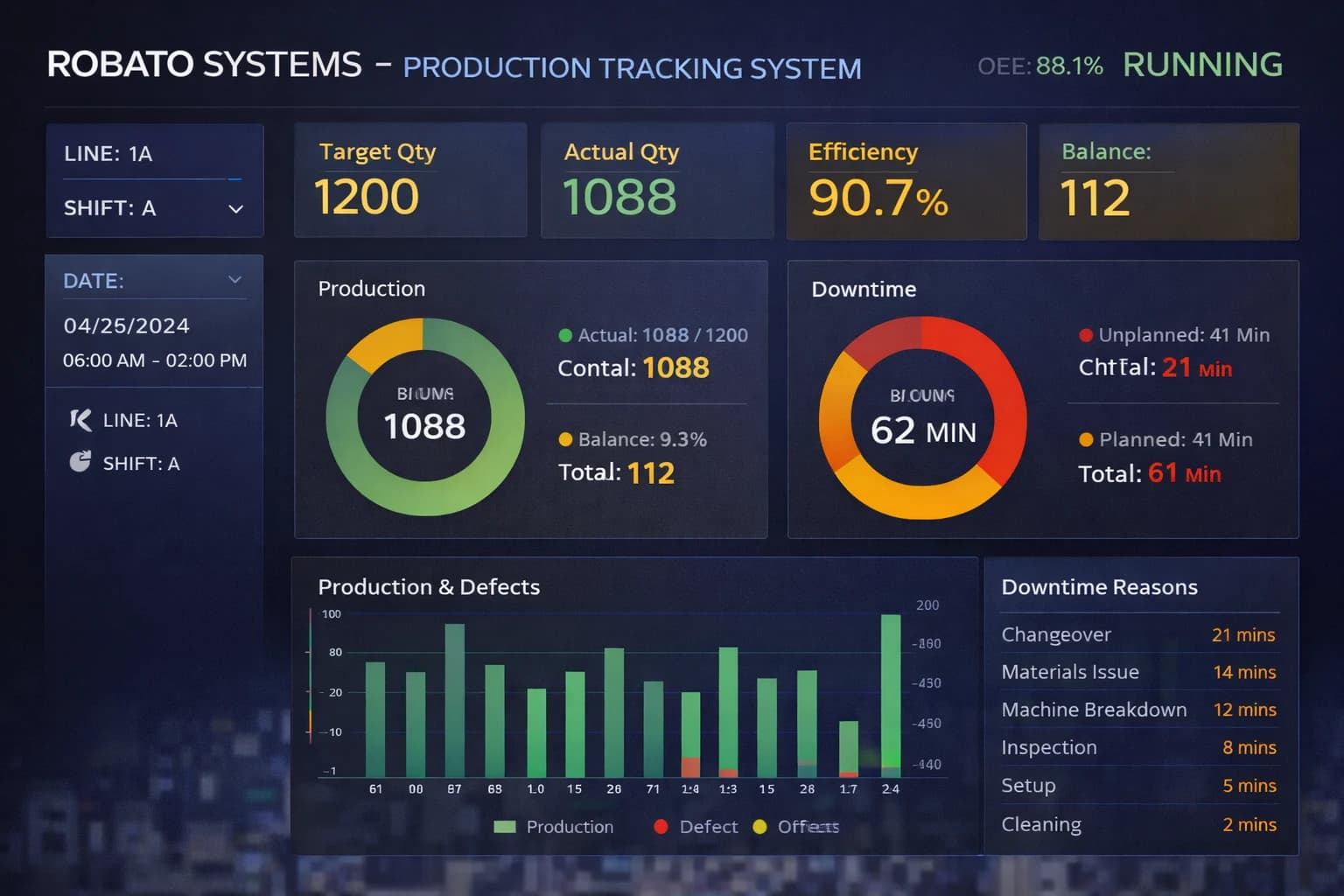
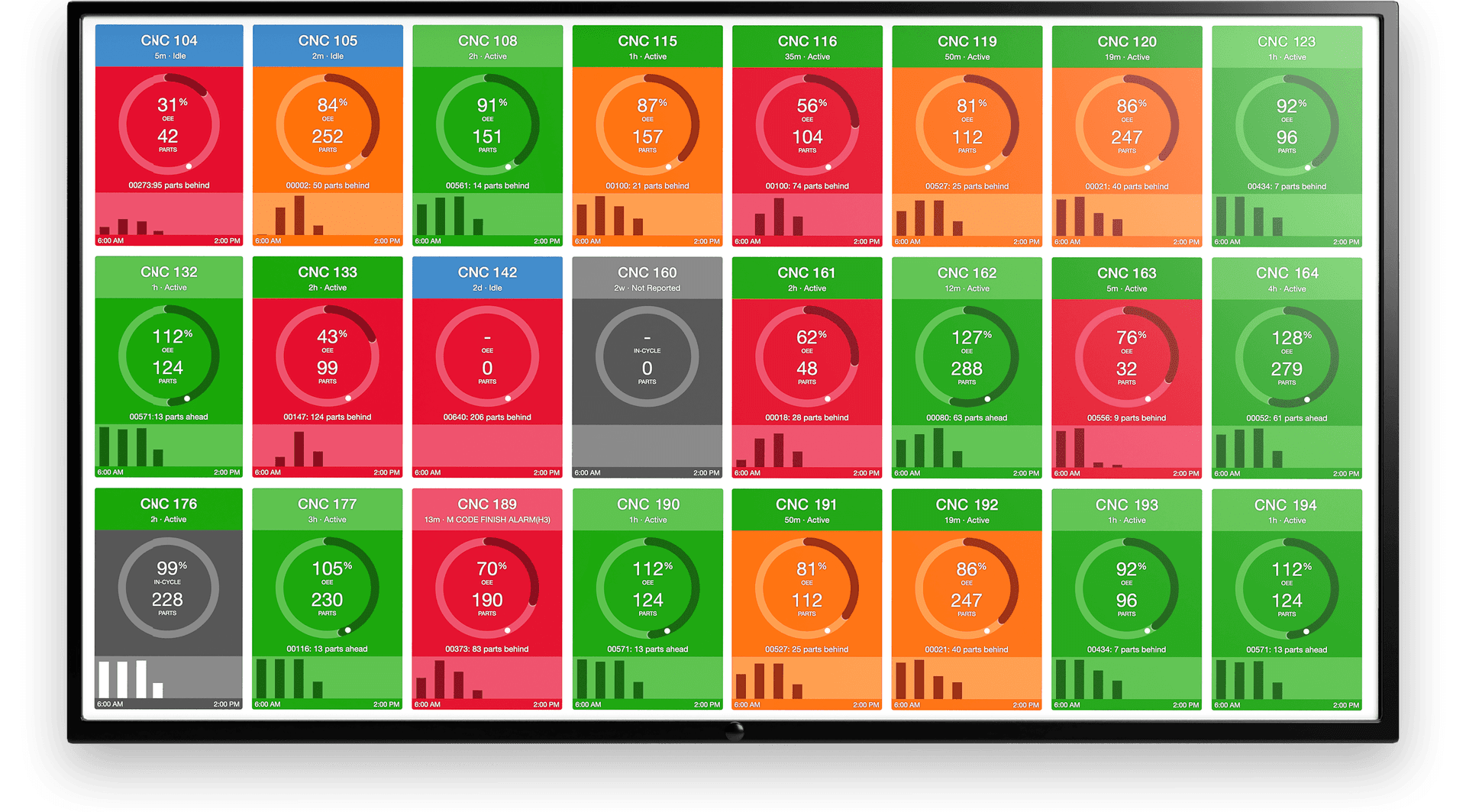
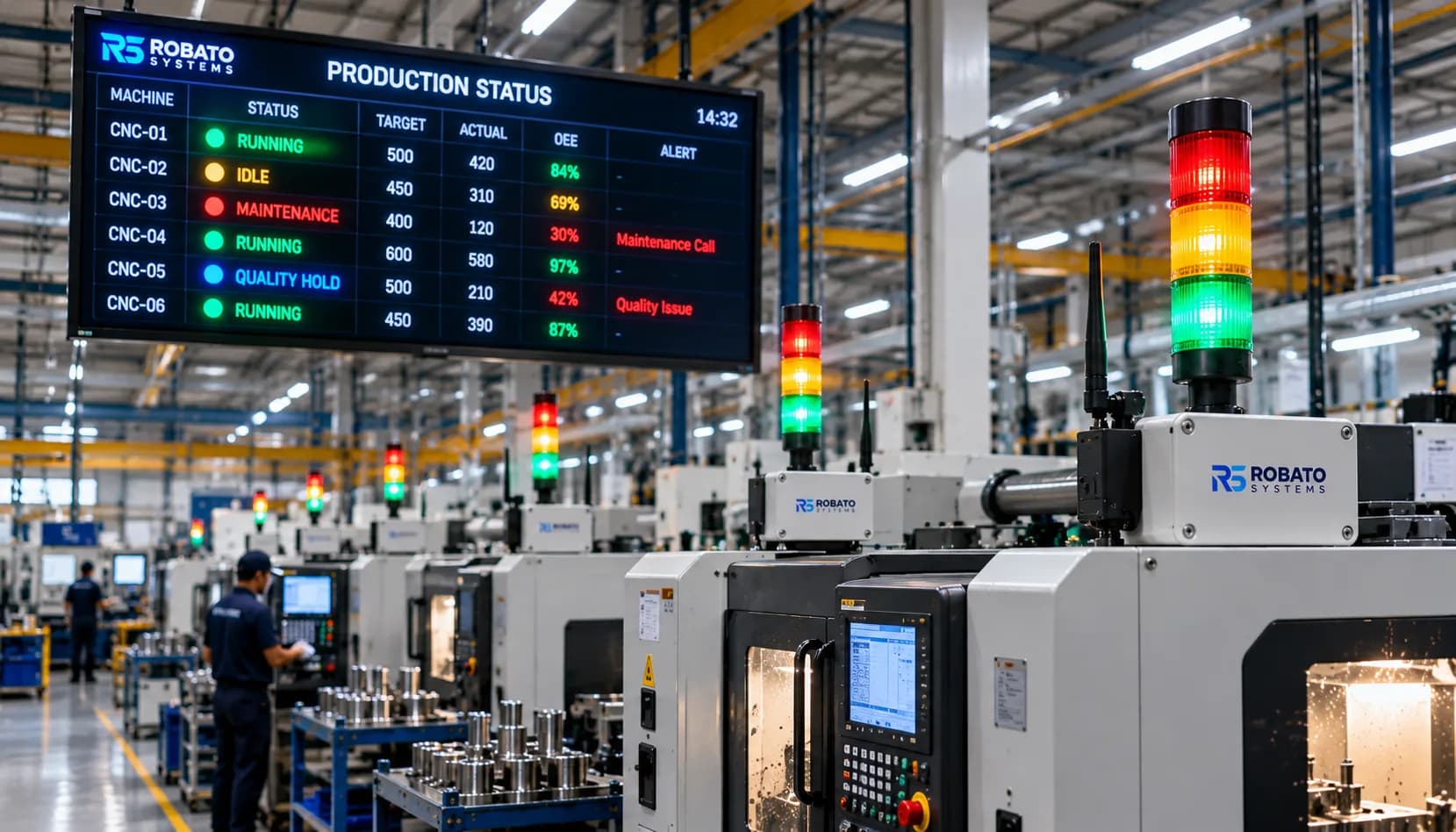
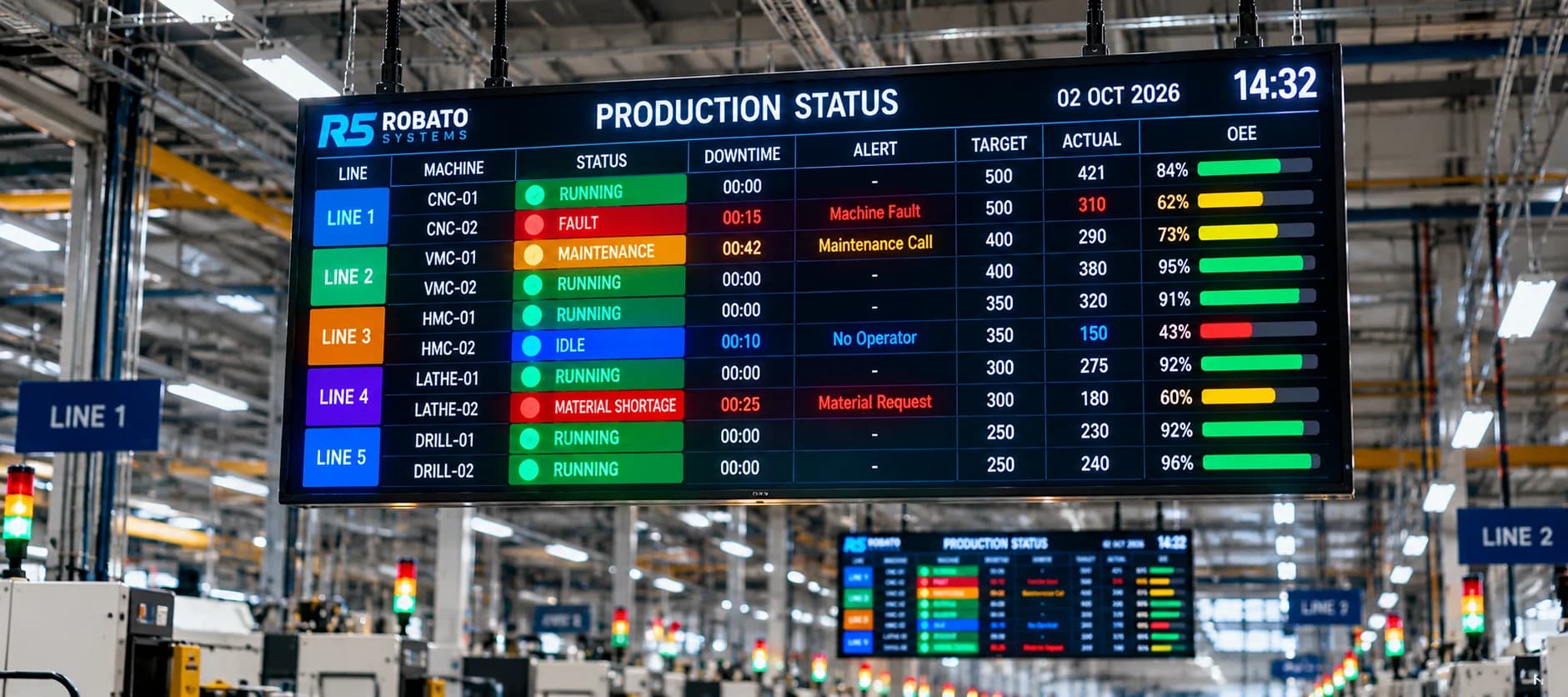
For example, a maintenance supervisor responsible for several production lines can use a centralized dashboard to identify machines that have stopped, review recent fault events, and prioritize which assets require investigation.
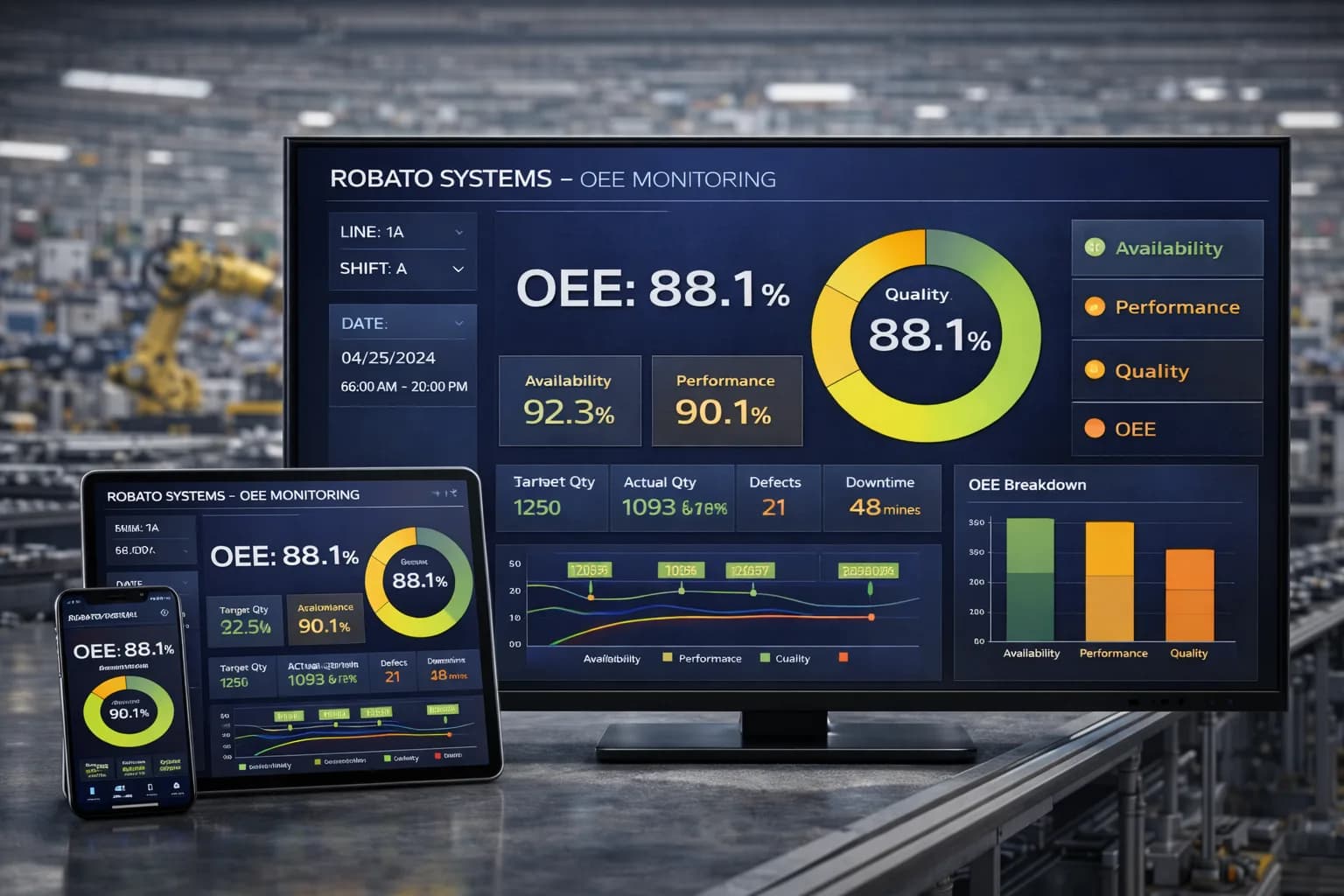
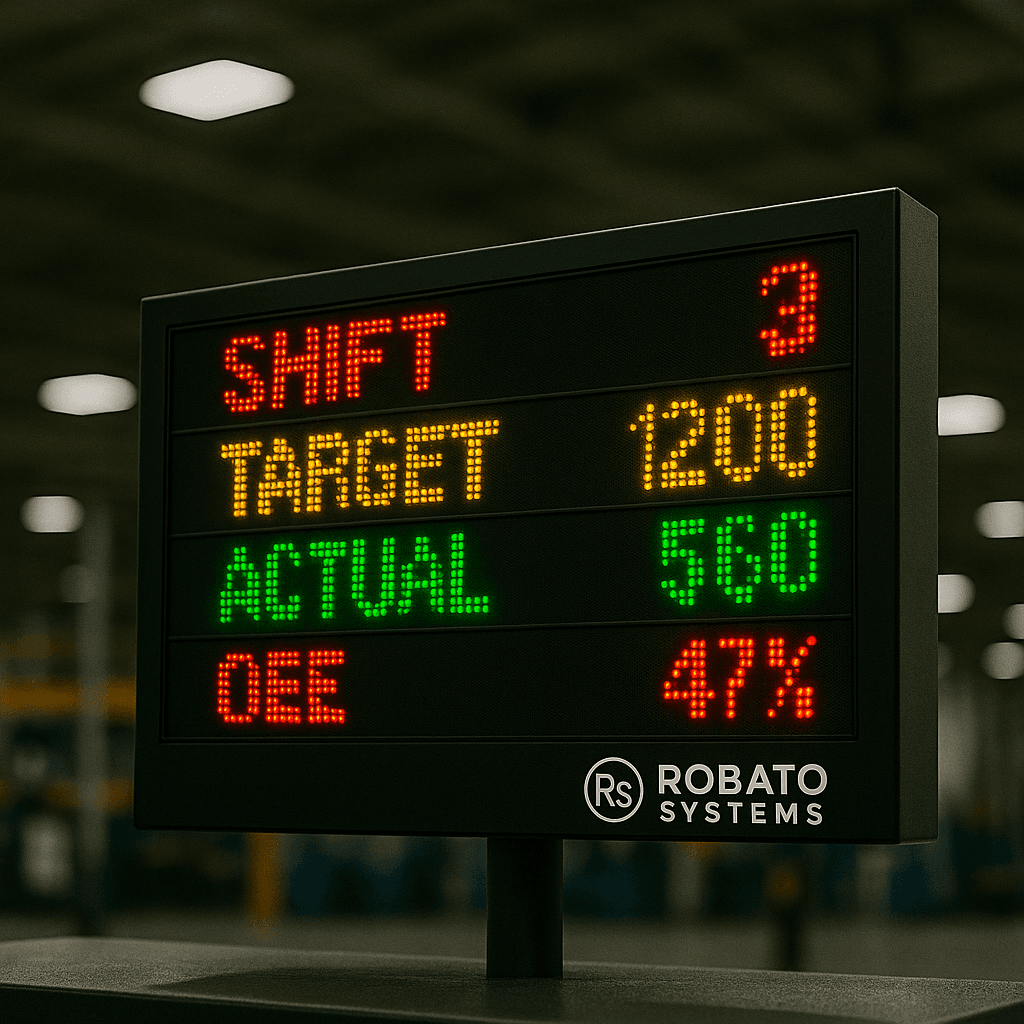
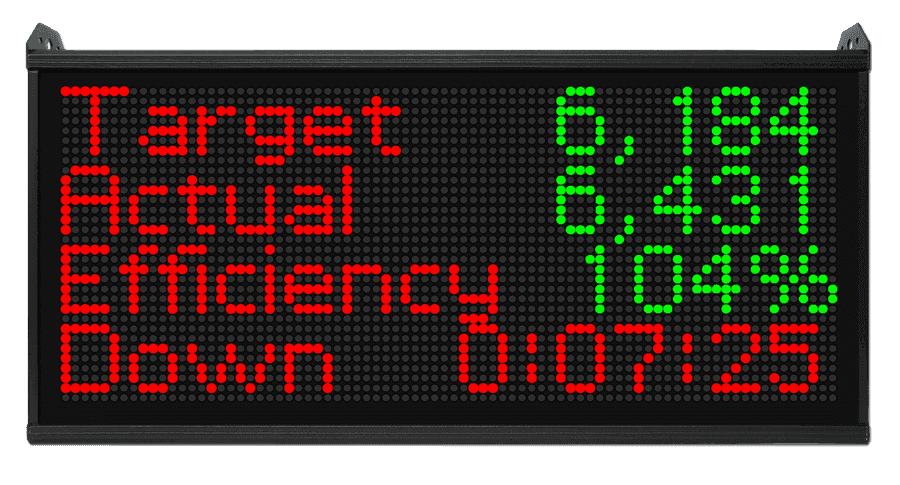
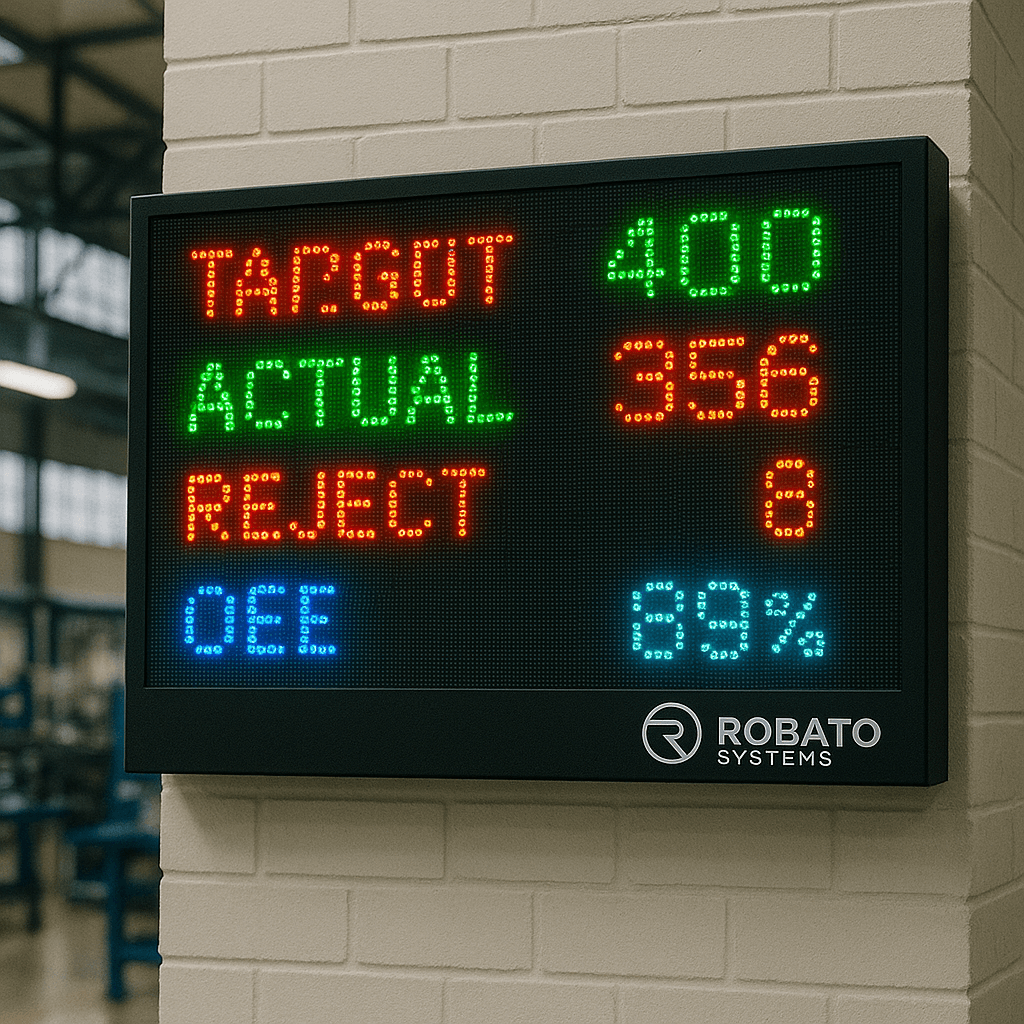
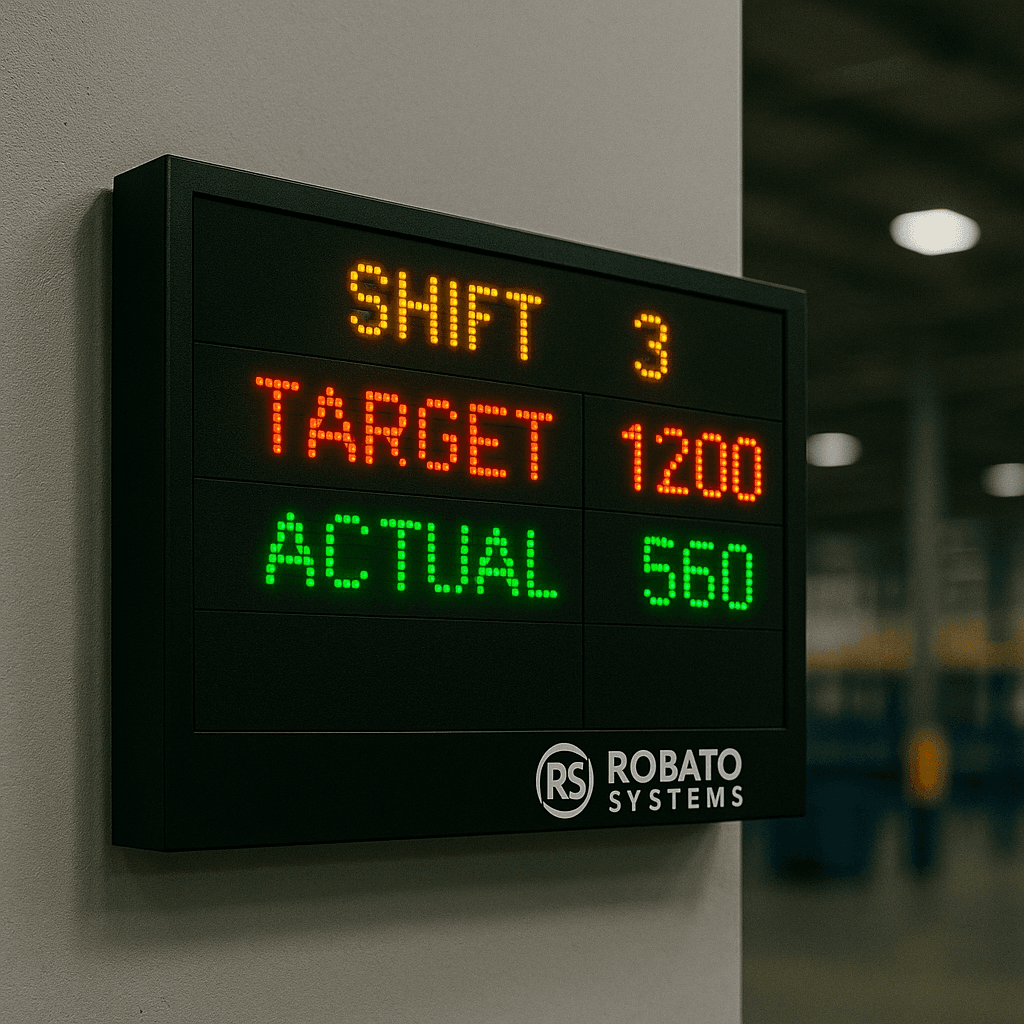
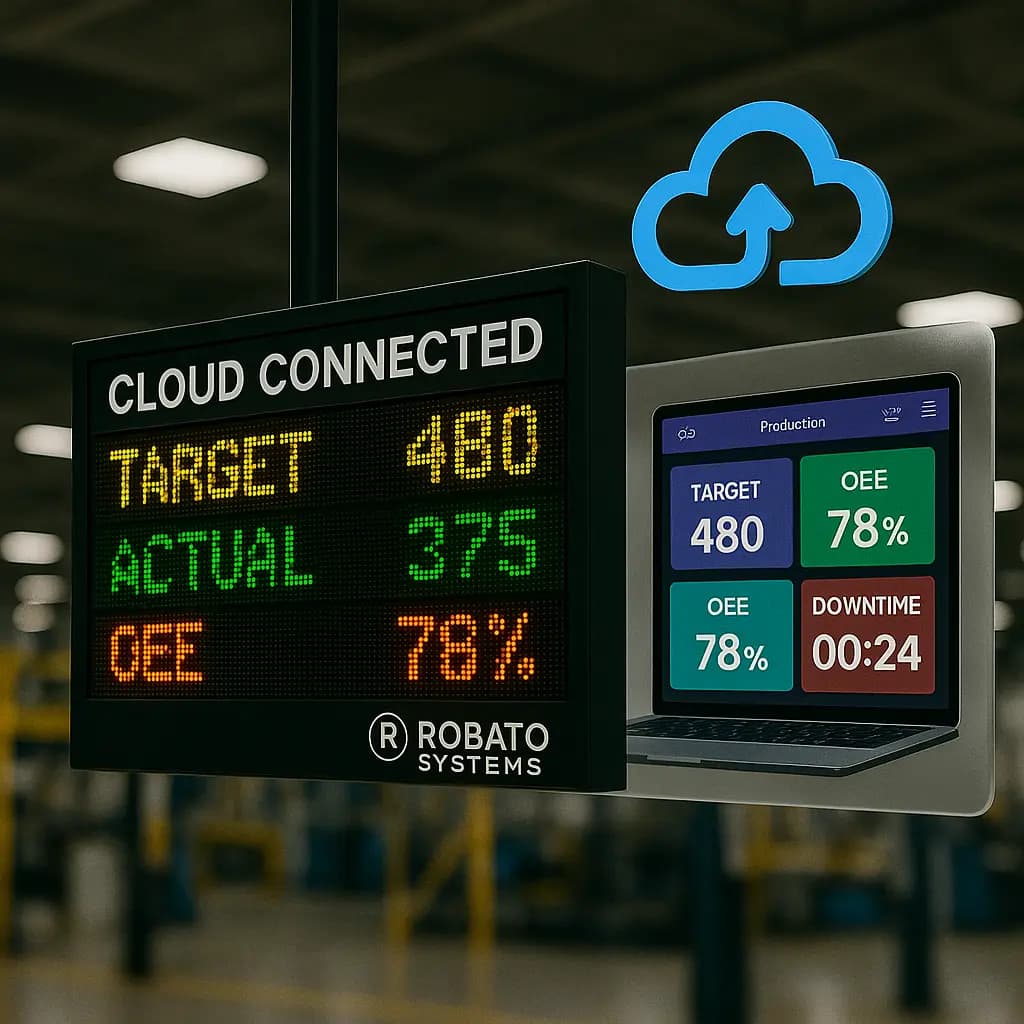
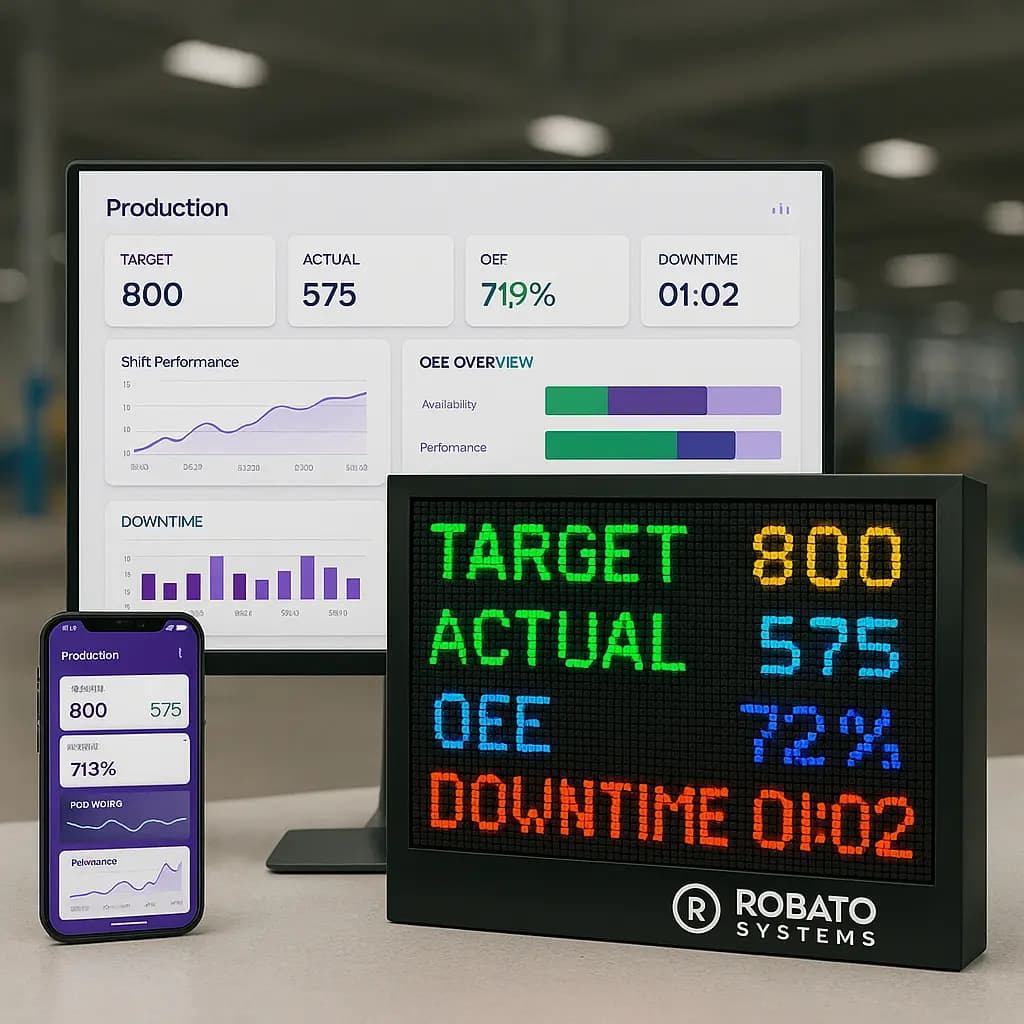
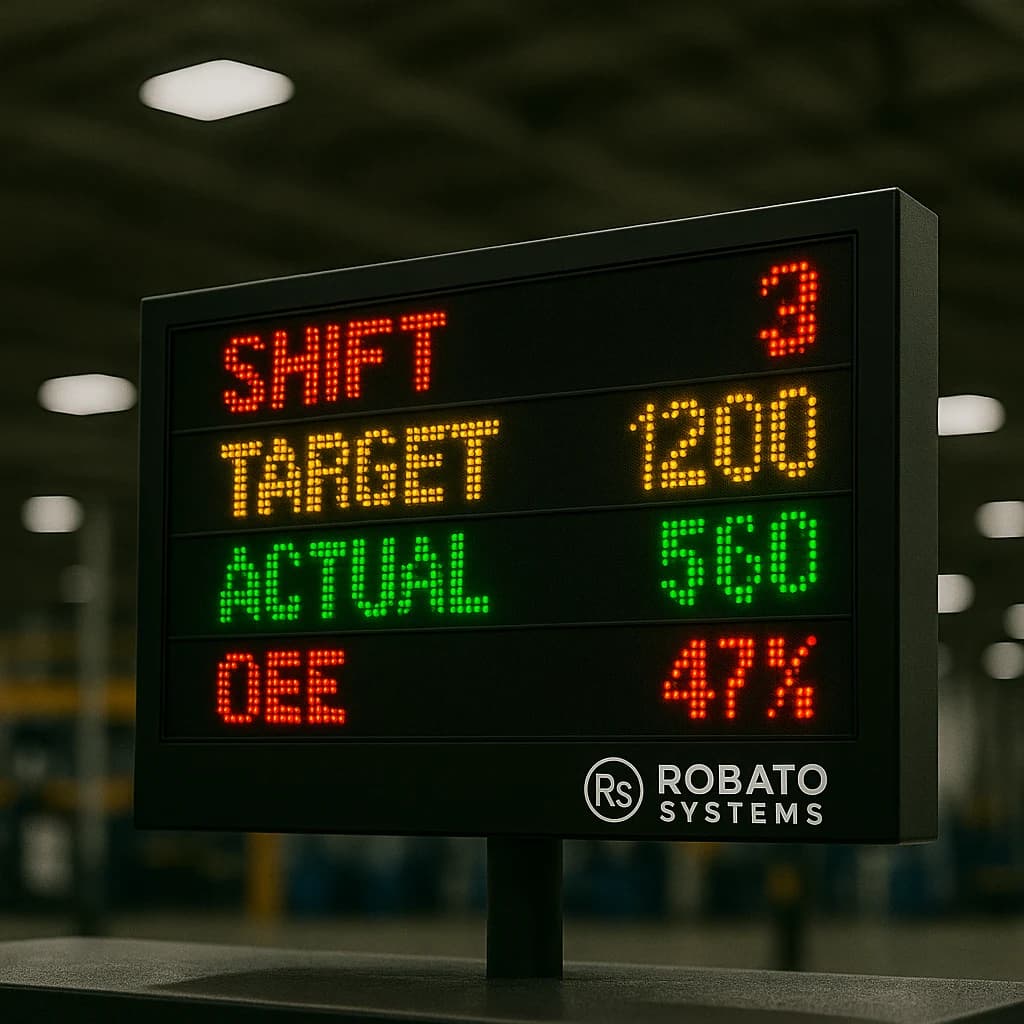
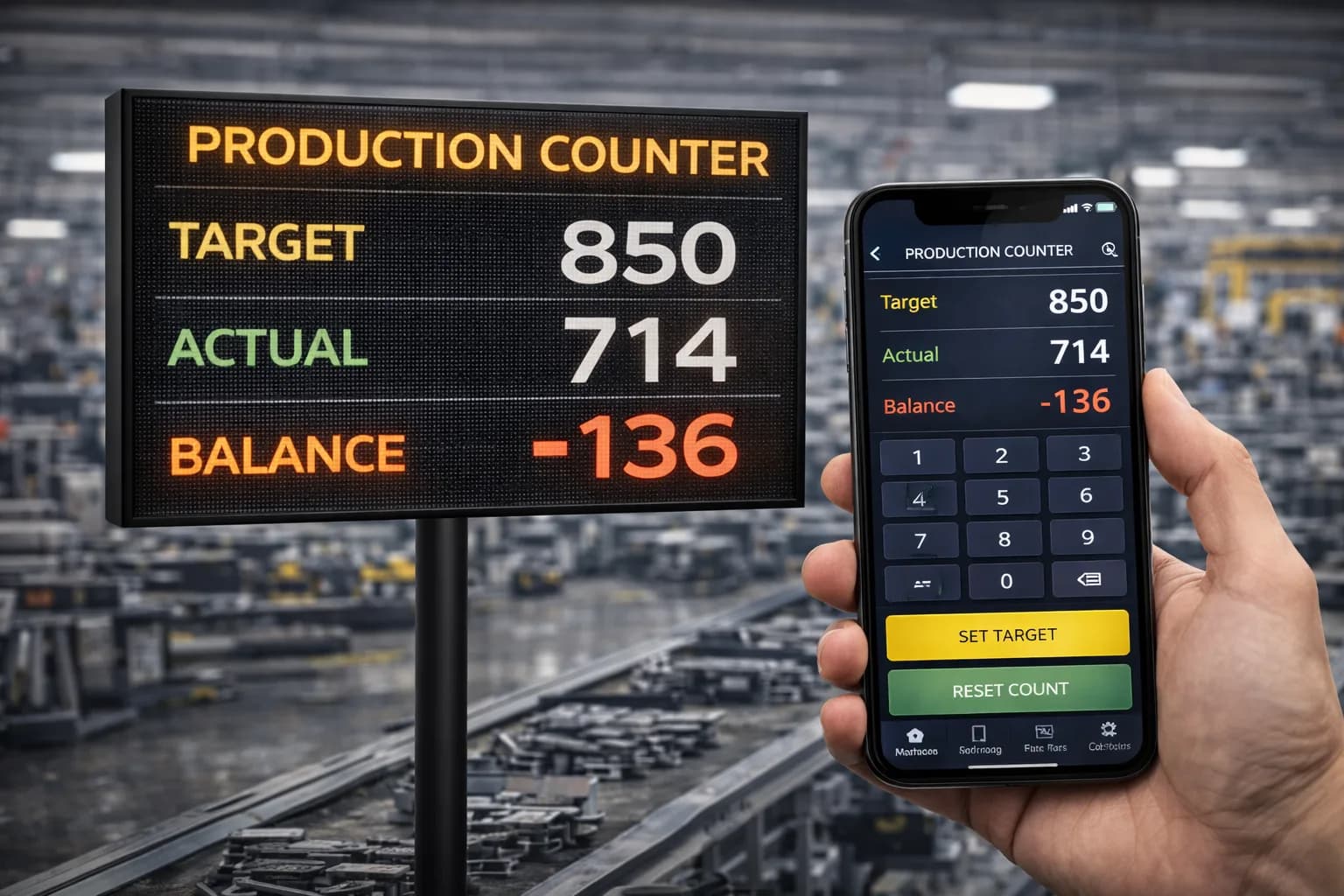
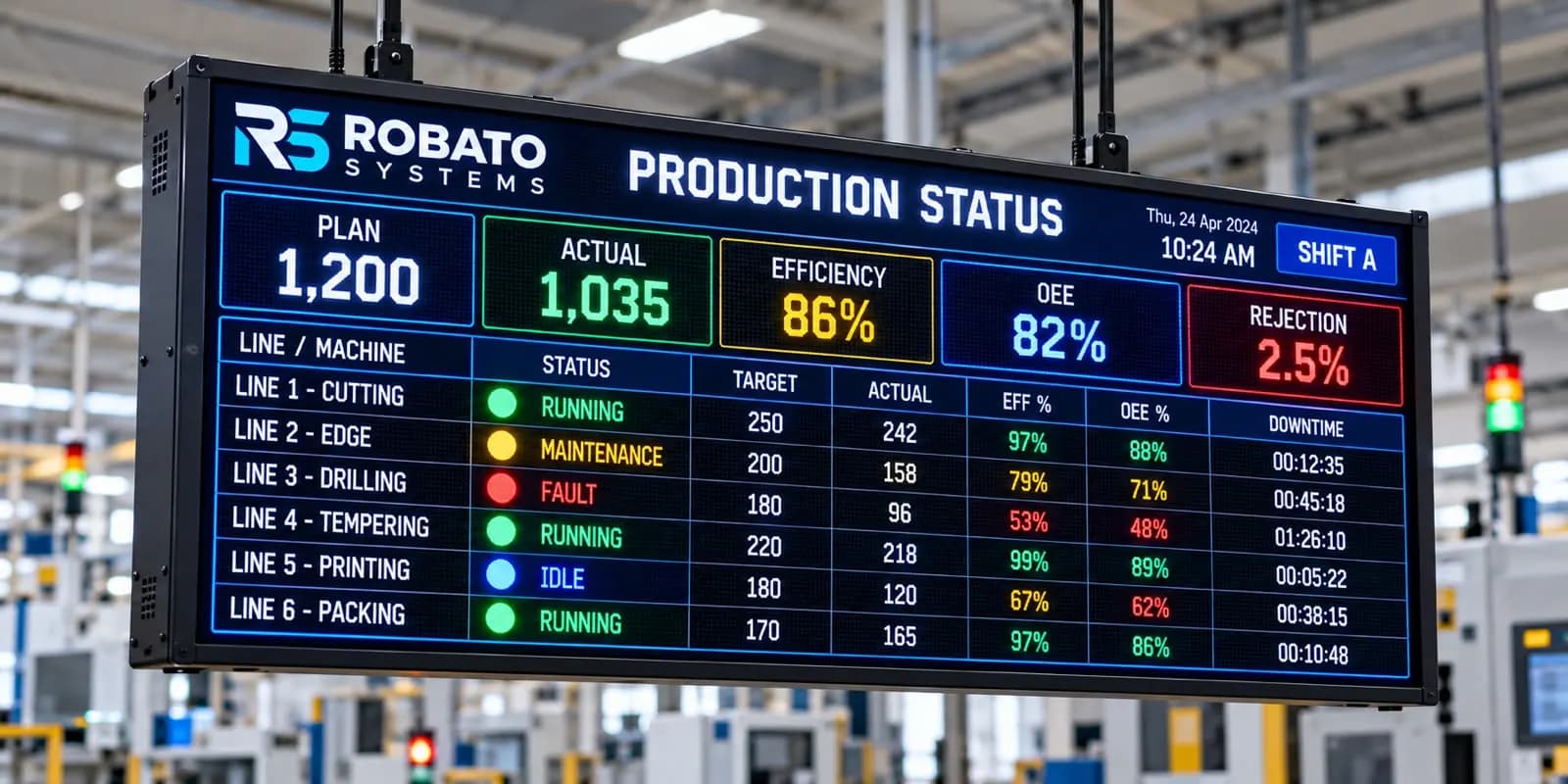
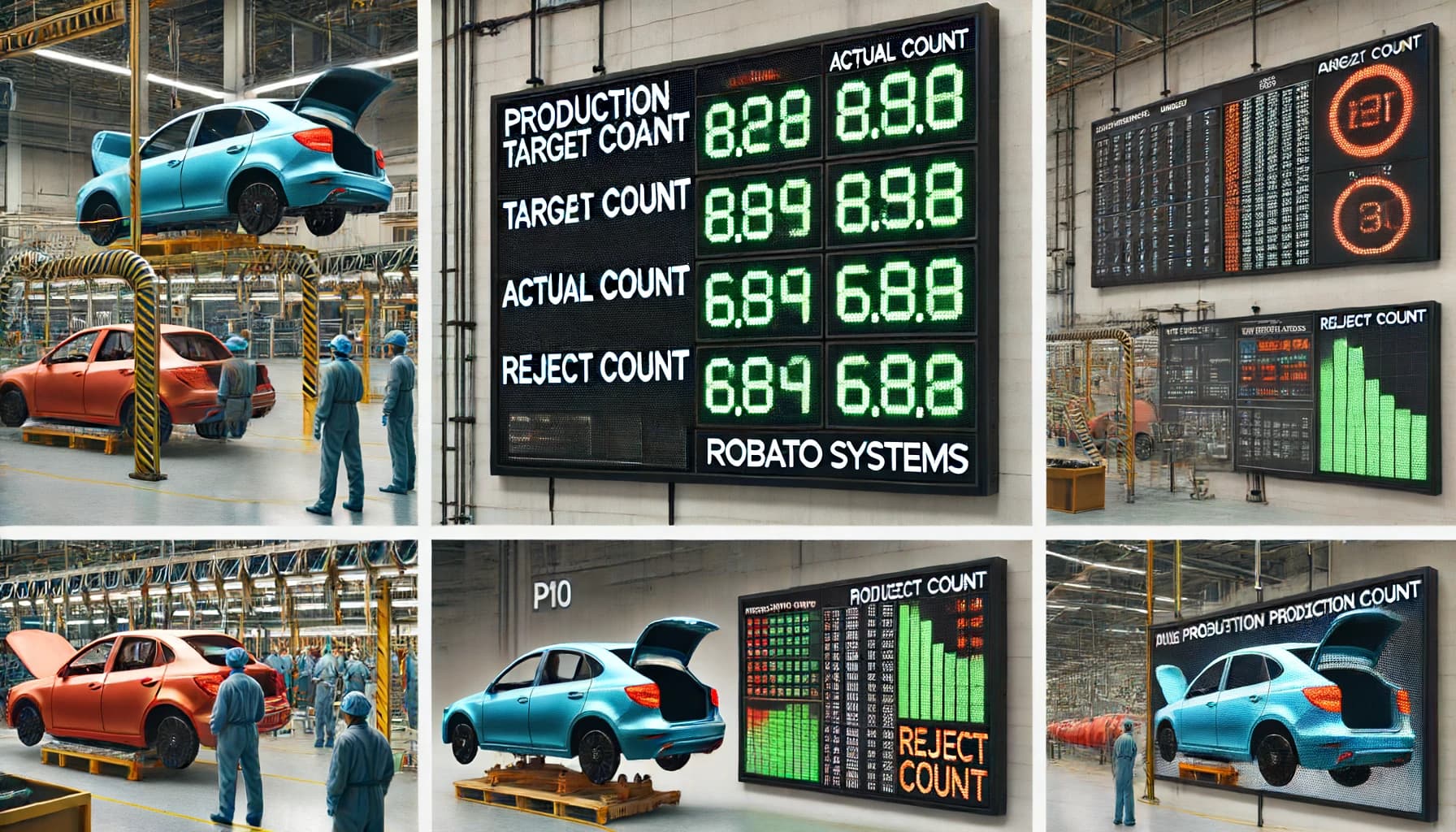
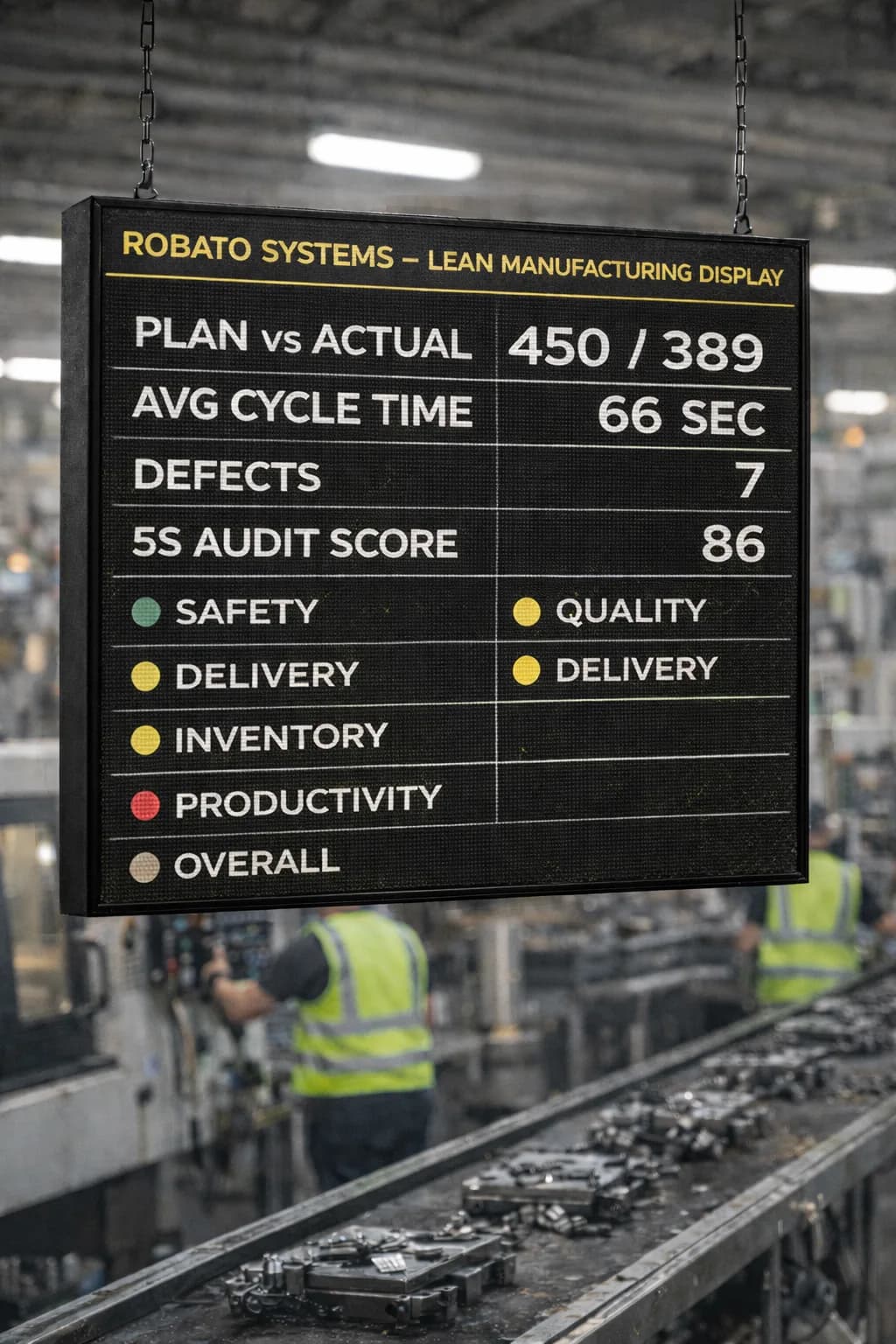
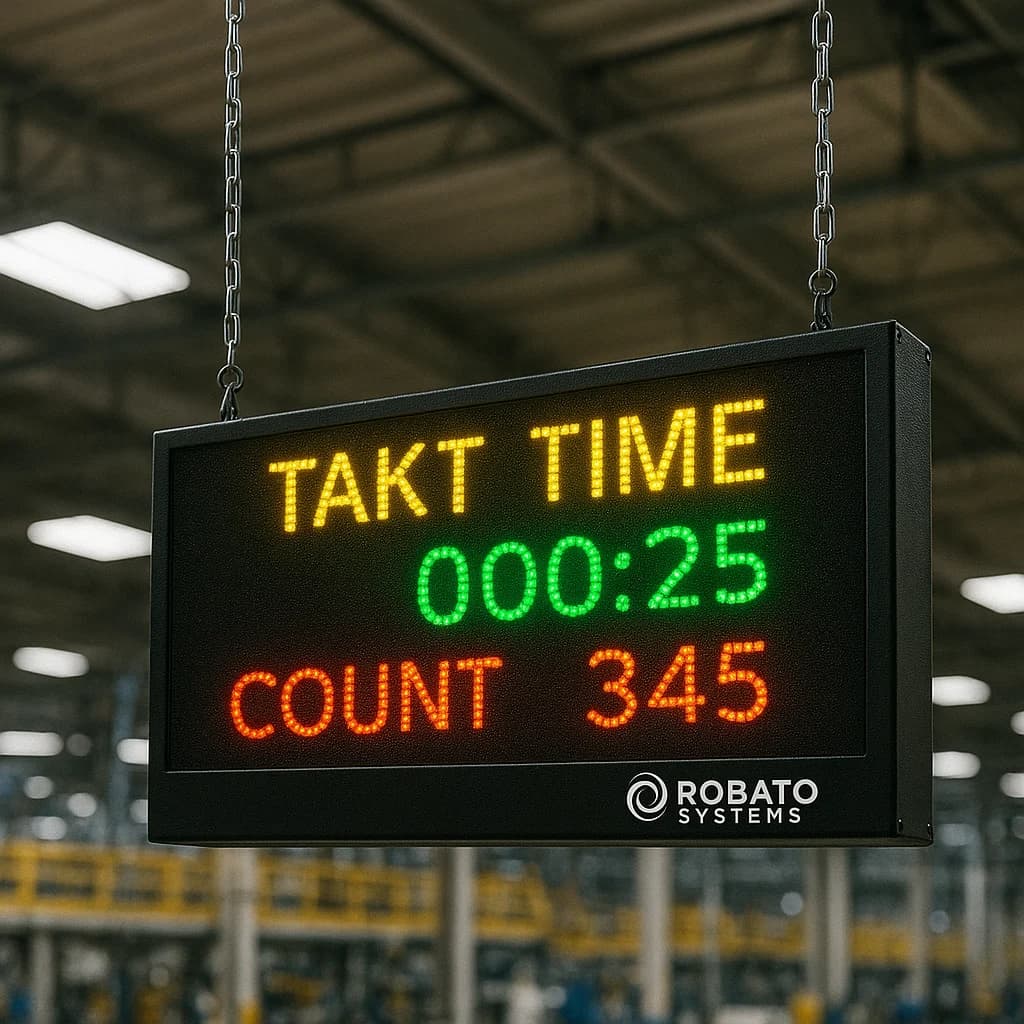
A broader production monitoring solution can also connect equipment information with production counts, downtime, OEE indicators, and shop-floor displays, helping teams understand equipment events in their production context.
The objective is not simply to collect more data. It is to make equipment information accessible, accurate, and useful for operational decisions.
How Does Equipment Monitoring Software Work?
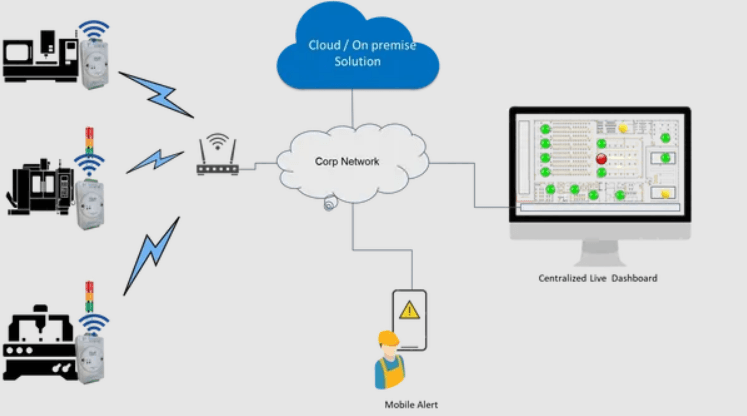
Equipment monitoring software typically combines data collection, communication, processing, visualization, and alerting. The exact setup depends on the equipment and the monitoring requirements.
1. Collect Data From Equipment
The first step is to obtain information from the machines or assets being monitored.
Common data sources include:
Programmable Logic Controllers (PLCs)
Machine controllers and control systems
Industrial sensors
IoT devices and gateways
Temperature and vibration sensors
Electrical meters
Machine alarms and event logs
For example, a PLC may provide a machine's running status and fault signal, while an external sensor may measure vibration to help assess the condition of a rotating component.
The data required should be determined by the monitoring objective. A basic status-monitoring installation may need only a few digital signals, whereas equipment condition monitoring may require additional sensors and more detailed measurements.
2. Transmit Data to the Monitoring Platform
The collected information is transferred to the software using a suitable communication method.
Depending on the equipment, this may involve Ethernet, industrial networks, serial communication, wireless connectivity, or an IoT gateway. Supported protocols may include Modbus TCP, Modbus RTU, OPC UA, or MQTT.
Compatibility must be verified for the actual machines and system architecture. Some older machines may require additional hardware or an interface to make their data available.
3. Process and Interpret the Data
The software converts incoming signals into meaningful equipment information.
For example, it may interpret a controller signal as a running or stopped state, record the start and end of a fault event, or compare a sensor reading with a configured threshold.
Correct configuration is important. The system must distinguish between normal stops, planned shutdowns, maintenance periods, and unexpected equipment failures when those categories are relevant to reporting.
4. Display Equipment Information
The processed data is presented through dashboards, equipment lists, trend charts, event histories, and reports.
Operators may need a quick overview of machine status, while maintenance engineers may need more detailed fault records and condition trends.
A well-designed dashboard allows users to find important information without having to interpret raw machine signals.
5. Generate Alerts and Notifications
The software can generate alerts when configured conditions occur, such as a machine fault, unexpected stoppage, abnormal sensor reading, or loss of communication.
Depending on the platform, notifications may appear on a dashboard or be delivered through supported channels such as email or mobile notifications.
Useful alerts identify the affected equipment and the detected condition, allowing the responsible team to investigate and respond. The monitoring platform should support the factory's response process rather than simply generate a large number of notifications.
Essential Features of Equipment Monitoring Software
Not every factory needs every available feature. The right combination depends on the equipment, operational risks, maintenance strategy, and data that can be collected.
1. Real-Time Equipment Status Monitoring
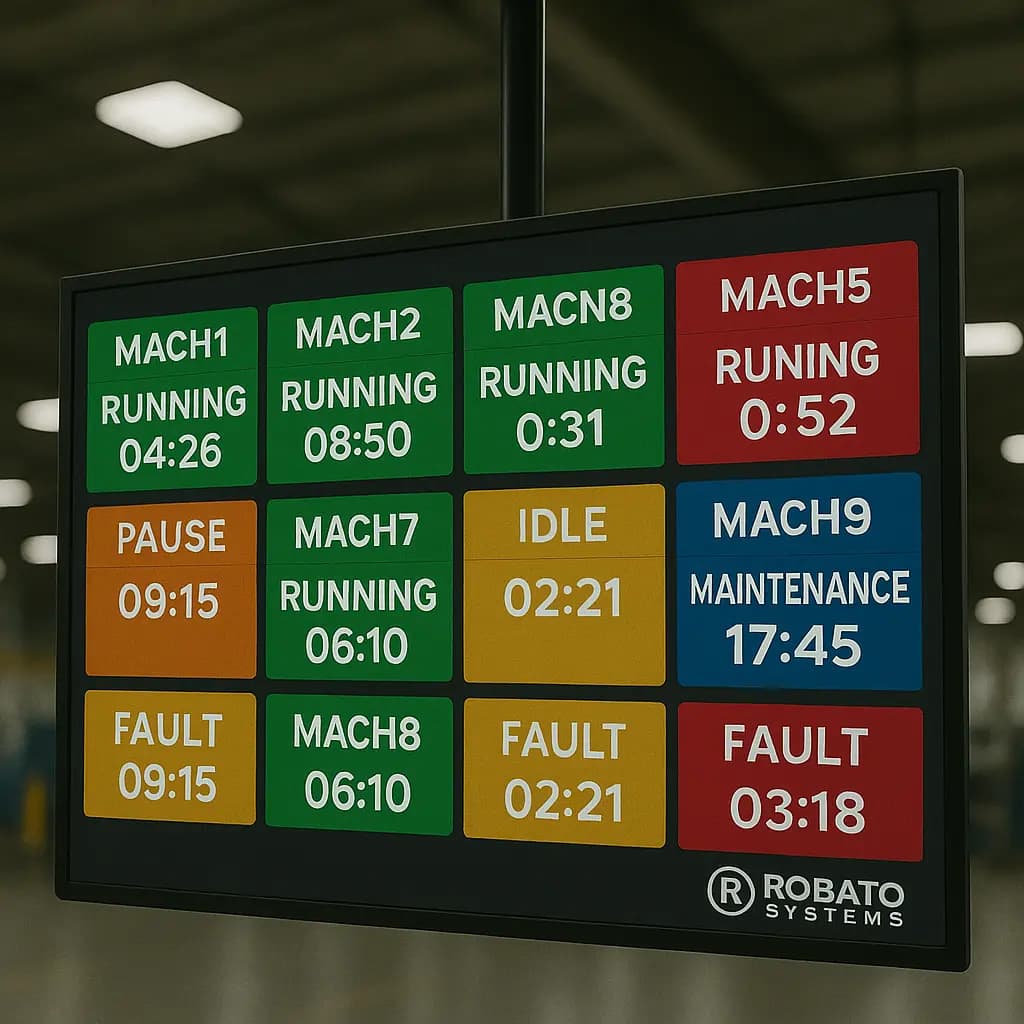
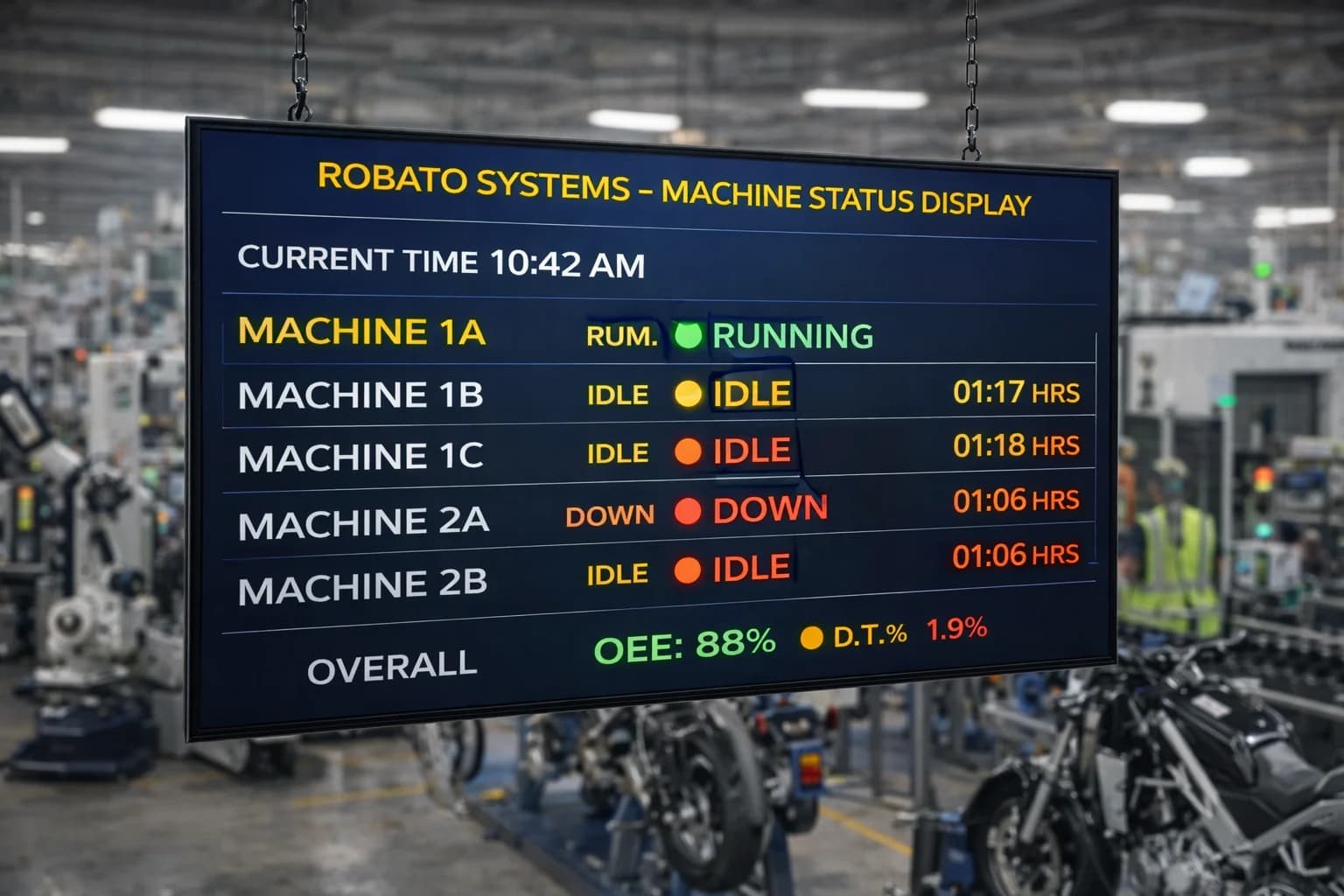
Equipment status monitoring gives teams a centralized view of which machines are running, idle, stopped, or reporting faults.
Useful capabilities include:
Machine-wise status indicators
Production-line and department views
Equipment grouping by location
Automatic status updates from connected data sources
Historical status records
This visibility can help supervisors identify affected equipment and direct attention to the correct production area.
The actual update frequency depends on the communication setup, data source, and software configuration.
2. Runtime and Downtime Tracking
Equipment runtime records how long a machine operates, while downtime tracking records periods when it is stopped according to defined rules.
These records can help manufacturers:
Review equipment operating hours.
Identify recurring stoppages.
Compare downtime across machines.
Investigate prolonged interruptions.
Support maintenance scheduling.
Understand how equipment usage changes across shifts.
For meaningful reporting, manufacturers should define how planned stops, changeovers, breaks, and unplanned breakdowns are classified.
3. Fault and Alarm Monitoring
Fault monitoring helps teams identify when equipment reports an alarm or enters a fault condition.
Depending on the system, relevant records may include the affected asset, event timestamp, fault category, duration, and acknowledgement status.
Repeated fault events can highlight equipment that requires further investigation. For example, recurring motor alarms may justify checking the motor, electrical supply, load, operating conditions, or related components.
Monitoring data helps provide evidence for troubleshooting, but it does not automatically establish the root cause of every fault.
4. Equipment Condition Monitoring
Some equipment monitoring platforms support condition-related information from connected sensors and machine controllers.
Depending on the application, this can include:
Vibration
Temperature
Pressure
Electrical current and voltage
Energy consumption
Other equipment-specific measurements
Condition monitoring helps maintenance teams identify deviations from expected operating conditions. The significance of a reading depends on the equipment type, sensor placement, operating environment, and appropriate engineering thresholds.
For factories that need detailed machine-health insights, condition monitoring can complement equipment status monitoring by helping teams review machine data, diagnostics, and condition-related alerts.
5. Historical Data and Trend Analysis
Current status information shows what is happening now. Historical data helps explain what happened earlier and whether a problem is recurring.
Depending on the platform, teams may be able to review operating hours, status changes, fault events, sensor readings, and downtime records over selected periods.
Historical analysis can support:
Investigation of repeated equipment problems
Comparison of operating conditions over time
Review of equipment behaviour before and after maintenance
Identification of recurring fault patterns
Evaluation of corrective actions
The usefulness of this information depends on data quality, accurate timestamps, consistent event definitions, and appropriate data retention.
6. Equipment Alerts and Notifications
Alerts help teams respond to important events without continuously watching every machine.
Common alert conditions include unexpected stoppages, active fault signals, sensor readings outside configured limits, and equipment that stops communicating.
Manufacturers should configure alerts according to operational priorities. Grouping repeated notifications, assigning responsibilities, and introducing acknowledgement or escalation workflows can make alerts more actionable.
7. Centralized Multi-Machine Monitoring
Many factories operate different machines across multiple lines, departments, buildings, or locations.
A centralized platform can bring information from compatible assets into a common view, subject to connectivity and integration requirements.
Useful capabilities may include equipment grouping, multi-line dashboards, consolidated reports, role-based access, and comparisons across facilities.
This is especially useful when supervisors and maintenance teams need to review equipment information without visiting each machine individually.
8. Integration With Production and Andon Systems
Equipment monitoring becomes more valuable when equipment events can be reviewed alongside production activity and shop-floor alerts.
For example, a machine stoppage may affect output, delay downstream processes, or require immediate assistance from maintenance.
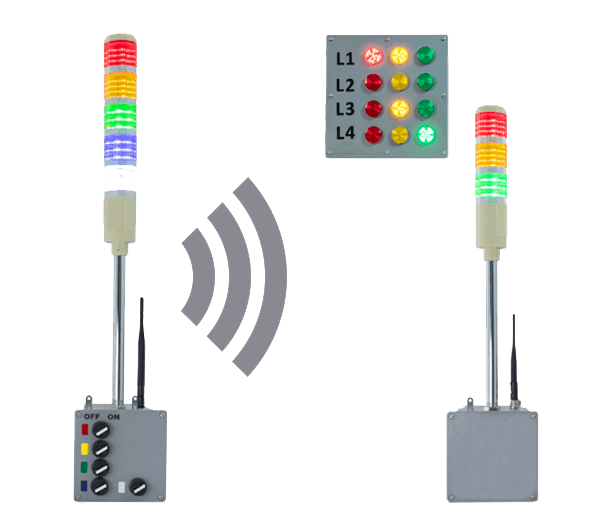
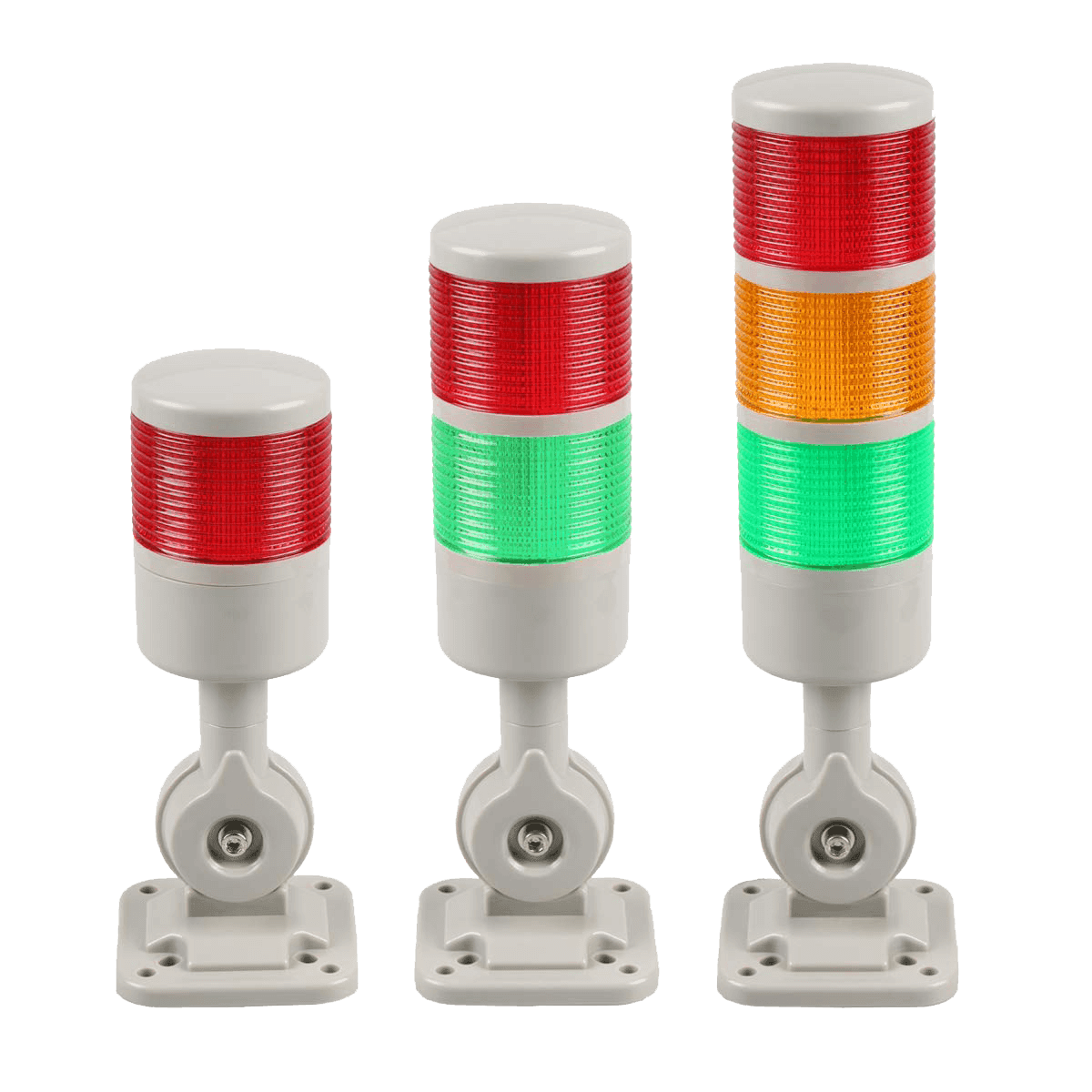
An Andon monitoring software solution can complement equipment monitoring by helping teams communicate machine breakdowns, material shortages, quality issues, and operator help requests.
When the systems are appropriately integrated, teams can connect equipment events with production interruptions and response workflows.
9. Reporting and Data Export
Reports help manufacturers review equipment behaviour and communicate findings across production and maintenance teams.
Useful reports may include:
Runtime and downtime summaries
Equipment fault histories
Alarm frequency and duration
Condition measurement trends
Machine-wise comparisons
Maintenance-related event records
Depending on the software, users may be able to filter reports by asset, location, date range, or event category and export data for further analysis.
Benefits of Equipment Monitoring Software
Equipment monitoring software can improve visibility and support better maintenance decisions. The results depend on the quality of the data, the implementation, and how teams use the information.
Improved Equipment Visibility
A centralized dashboard makes equipment information easier to access and reduces dependence on scattered machine displays, manual logs, and repeated status checks.
Teams can identify which assets need attention and review relevant information from a common interface.
Faster Identification of Problems
Fault signals, status changes, and configured alerts can help teams recognize issues sooner.
Access to event timestamps and equipment history gives operators and maintenance engineers a more structured starting point for investigation.
Better Maintenance Planning
Runtime records, fault histories, and condition measurements can help maintenance teams prioritize inspections and service activities.
For example, a machine that repeatedly reports the same fault may need an investigation before the problem leads to a more serious interruption.
Monitoring should complement, not replace, scheduled maintenance, equipment inspections, safety procedures, and manufacturer recommendations.
Support for Reduced Unplanned Downtime
Equipment monitoring can help teams identify recurring stoppages, investigate potential causes, and evaluate corrective actions.
The software itself does not guarantee reduced downtime. Improvements depend on accurate monitoring, effective troubleshooting, and timely action by the responsible teams.
Better Use of Equipment Data
Historical records provide a basis for comparing equipment behaviour over time and reviewing the results of maintenance or process changes.
Instead of relying only on individual observations, teams can use consistent records to support operational discussions.
Improved Coordination Between Teams
Production, maintenance, and management teams can work from a more consistent view of equipment events.
Shared information helps clarify which asset was affected, when the issue occurred, and what follow-up may be required.
Foundation for Predictive Maintenance
Equipment monitoring can provide useful historical and condition data for more advanced maintenance strategies.
Where suitable data and analytical capabilities are available, predictive maintenance can build on machine data to help identify developing problems and support proactive maintenance planning.
However, predictive capabilities require appropriate data, analysis, and validation; they are not automatically included in every equipment monitoring platform.
Equipment Monitoring Software vs. Predictive Maintenance Software
These two categories are closely related, but they have different primary purposes.
Equipment monitoring software focuses on collecting and displaying equipment status, operating conditions, faults, runtime, downtime, and related events.
Predictive maintenance software uses suitable data and analytical methods to estimate potential failures or identify patterns that may indicate a developing problem.
| Comparison | Equipment Monitoring Software | Predictive Maintenance Software |
|---|---|---|
| Primary purpose | Provide visibility into equipment operation | Help anticipate potential equipment problems |
| Typical data | Status, runtime, faults, alarms, sensor readings | Historical and condition data suitable for analysis |
| Main output | Dashboards, events, alerts, reports | Risk indicators, predictions, or maintenance recommendations |
| Typical users | Operators, supervisors, maintenance teams | Maintenance, reliability, and engineering teams |
| Relationship | Provides operational information | May build on monitoring data and additional analytics |
Some platforms combine both functions. Manufacturers should verify which capabilities are included and whether additional sensors, integrations, or analytics modules are required.
Key Metrics to Track With Equipment Monitoring Software
The metrics selected should support specific operational decisions. Collecting large amounts of data without a clear purpose can make dashboards difficult to use.
| Metric | What It Measures | Why It Matters |
|---|---|---|
| Equipment runtime | Recorded operating time | Supports usage analysis and maintenance planning |
| Downtime duration | Time equipment remains stopped under defined rules | Helps investigate interruptions |
| Fault frequency | Number of recorded fault events | Highlights equipment requiring investigation |
| Fault duration | Duration of recorded fault conditions | Helps assess the impact of equipment problems |
| Condition measurements | Values such as temperature or vibration | Supports equipment-health assessment |
| Alert response time | Time taken to acknowledge or respond to an alert | Helps evaluate response workflows |
| Data availability | Availability of valid monitoring information | Helps identify communication and data-quality issues |
| Maintenance event history | Recorded inspections, repairs, and service activities | Supports equipment reliability reviews |
How to Calculate Equipment Downtime Percentage
A basic downtime percentage formula is:
Downtime Percentage = (Downtime Duration ÷ Planned Operating Time) × 100
For example, if a machine is scheduled to operate for 480 minutes during a shift and records 48 minutes of downtime:
Downtime percentage = (48 ÷ 480) × 100 = 10%
This calculation assumes the planned operating period and downtime definition are clearly established. Planned breaks and scheduled maintenance should be handled consistently according to the reporting rules.
How to Calculate Equipment Availability
A commonly used operational availability calculation is:
Availability (%) = [(Planned Operating Time − Downtime) ÷ Planned Operating Time] × 100
Using the same example:
Availability = [(480 − 48) ÷ 480] × 100 = 90%
This is a simplified operational calculation. Other availability definitions may be used depending on the maintenance and reliability methodology.
How to Implement Equipment Monitoring Software in a Factory
A successful implementation starts with clear objectives and a realistic understanding of the equipment and data sources available.
Step 1: Define Monitoring Objectives
Identify the operational problems the system should address.
Examples include limited visibility into equipment status, repeated machine stoppages, difficulty investigating faults, inconsistent runtime records, or a lack of machine-condition information.
Clear objectives help determine which assets and monitoring features are necessary.
Step 2: Create an Equipment Inventory
Document the machines and assets to be monitored.
Record relevant information such as equipment type, manufacturer, controller, available signals, communication interfaces, production location, and existing maintenance procedures.
This assessment helps identify which equipment can provide data directly and where additional hardware may be needed.
Step 3: Verify Connectivity and Compatibility
Confirm that the proposed platform can communicate with the selected equipment.
Evaluate supported protocols, network requirements, sensor interfaces, gateway capabilities, and any required hardware.
Older machines may need external sensors or suitable communication interfaces. Test connectivity before expanding the installation across the factory.
Step 4: Configure Equipment Signals and Rules
Map machine signals to meaningful states and measurements.
Define how the software should interpret running signals, fault conditions, communication loss, and stopped periods. Configure sensor thresholds and alert rules with input from relevant technical teams.
Validate the configuration against actual machine behaviour to avoid misleading reports.
Step 5: Design Dashboards and Alerts
Create views that match each user's responsibilities.
Operators may need a simple machine-status overview, while maintenance engineers may need detailed fault histories and condition trends.
Set clear alert priorities, response responsibilities, and escalation procedures.
Step 6: Run a Pilot Installation
Start with one production line or a representative group of machines.
Check whether the system receives reliable data, classifies equipment states correctly, generates useful alerts, and produces accurate reports.
Gather feedback from operators, supervisors, and maintenance staff before expanding the deployment.
Step 7: Review Results and Expand Gradually
Measure the pilot against the original objectives.
Review data completeness, event accuracy, alert response, dashboard usability, and the value of the information for daily operations.
Resolve configuration and connectivity issues before adding more equipment.
Common Challenges and How to Address Them
Legacy Equipment and Limited Connectivity
Older machines may not provide accessible digital signals or modern communication interfaces.
Recommended approach: Assess each machine individually and evaluate compatible gateways, external sensors, or other suitable data collection methods. Confirm technical and safety requirements before installation.
Inconsistent or Incomplete Data
Missing signals, incorrect timestamps, and inconsistent equipment-state definitions can reduce the reliability of reports.
Recommended approach: Validate signal mappings, establish data-quality checks, synchronize system clocks where appropriate, and monitor communication health.
Excessive Alerts
Poorly configured thresholds can generate repeated or low-value notifications.
Recommended approach: Prioritize alerts by operational impact, review thresholds with engineering teams, and configure escalation rules only where they add value.
Integration With Existing Systems
Equipment data may need to be shared with production monitoring, maintenance management, ERP, or other applications.
Recommended approach: Review available APIs, supported protocols, integration requirements, and data ownership before selecting a platform.
Network and Cybersecurity Risks
Connecting industrial equipment to monitoring infrastructure introduces security considerations.
Recommended approach: Apply appropriate network segmentation, controlled remote access, least-privilege permissions, secure communication where supported, and coordinated change management. Follow the organization's industrial cybersecurity and safety policies.
Low User Adoption
A technically functional dashboard may provide limited value if users do not trust the data or know how to respond to alerts.
Recommended approach: Involve end users during the pilot, provide practical training, and ensure that dashboards and alerts support actual production and maintenance workflows.
How to Choose the Right Equipment Monitoring Software
Before selecting a solution, manufacturers should evaluate the following factors.
Equipment Compatibility
Confirm that the software supports the controllers, sensors, protocols, and machine interfaces used in the factory.
Monitoring Capabilities
Identify whether the platform provides the required functions, including equipment status, runtime, downtime, alarms, condition measurements, historical trends, and reporting.
Dashboard Usability
Evaluate how easily users can find equipment information, filter assets, review events, and investigate historical data.
Alert Configuration
Check how alerts are created, prioritized, acknowledged, and escalated. The system should support practical response workflows.
Integration Options
If equipment information needs to be shared with other systems, confirm the availability of documented APIs, supported protocols, and integration services.
Scalability
Consider whether the platform can support additional machines, production lines, facilities, and users as monitoring requirements grow.
Data Security and Deployment
Understand where data is stored, how access is controlled, what backup options are available, and how information can be exported.
A cloud production monitoring system may suit organizations that need remote access and centralized visibility across locations. Other facilities may prefer an on-premises architecture because of their IT policies, connectivity requirements, or data-management needs.
The right deployment model depends on the organization's technical and operational requirements.
Implementation and Support
Review the vendor's technical documentation, onboarding process, integration support, training, and ongoing maintenance arrangements.
A pilot installation can help validate compatibility before a wider rollout.
Total Cost of Ownership
Consider the full cost of the deployment, including software, sensors, gateways, installation, integration, subscriptions, training, and support.
Compare solutions according to the capabilities and operating costs relevant to your factory.
Common Applications of Equipment Monitoring Software
Equipment monitoring software can support a wide range of industrial environments.
Automotive manufacturing: Monitor compatible production machines, assembly equipment, conveyors, and supporting assets.
Packaging and processing: Track equipment status, recurring faults, operating conditions, and production interruptions.
Food and beverage manufacturing: Monitor suitable production and utility equipment while accounting for hygiene, environmental, and regulatory requirements.
Pharmaceutical manufacturing: Support equipment visibility and recordkeeping where the system has been assessed for applicable validation, data integrity, and regulatory requirements.
Metalworking and machining: Monitor machine operation, fault events, runtime, and relevant condition measurements.
Utilities and facility operations: Monitor compatible pumps, compressors, motors, and other supporting equipment.
The monitoring approach should be adapted to the equipment type, available data, operating environment, and relevant compliance obligations.
Frequently Asked Questions
1. What is the main purpose of equipment monitoring software?
Its main purpose is to collect and present equipment-related information so teams can understand asset status, investigate faults, review operating history, and make better-informed operational and maintenance decisions.
2. Can equipment monitoring software work with older machines?
Yes, in many cases. Older equipment may be monitored through compatible controllers, external sensors, communication gateways, or other suitable interfaces. The available options depend on the machine and the data required.
3. Does equipment monitoring software require IoT sensors?
Not always. If a machine already provides the necessary information through a PLC, controller, or supported interface, additional sensors may not be required. External sensors can be used when the required measurements are not available from existing equipment signals.
4. What information can equipment monitoring software track?
Depending on the installation, it can track running status, runtime, downtime, faults, alarms, temperature, vibration, pressure, energy consumption, and other supported measurements.
5. Can equipment monitoring software reduce downtime?
It can help teams identify stoppages, investigate recurring problems, and evaluate corrective actions. Actual results depend on data quality, response procedures, maintenance practices, and the equipment involved.
6. Is equipment monitoring software the same as predictive maintenance software?
No. Equipment monitoring focuses on collecting and displaying equipment data. Predictive maintenance uses suitable data and analytical methods to identify potential failures or estimate future maintenance needs. Some platforms provide both capabilities.
7. Is equipment monitoring software available in the cloud?
Yes. Some platforms offer cloud-based monitoring, while others support on-premises or hybrid deployments. The appropriate option depends on connectivity, security policies, data requirements, and operational constraints.
8. How long does equipment monitoring implementation take?
Implementation time varies according to the number and type of machines, available data sources, sensor requirements, integrations, and validation needs. A pilot installation can help establish a realistic timeline.
9. What is the difference between equipment monitoring and machine efficiency monitoring?
Equipment monitoring provides visibility into asset status, faults, operating conditions, and related events. Machine efficiency monitoring focuses more specifically on how effectively machines are used to support production objectives. The two capabilities can complement each other within an integrated manufacturing monitoring platform.
10. What should manufacturers monitor first?
Start with the information most closely connected to an existing operational problem. Equipment status, fault events, and downtime records often provide a practical starting point. Additional condition measurements and advanced analytics can be introduced when the operational need and available data justify them.
Conclusion
Equipment monitoring software helps manufacturers bring equipment information into a more accessible and organized system. By monitoring asset status, operating conditions, faults, and historical events, organizations can improve visibility and support better-informed maintenance and operational decisions.
Successful implementation requires more than installing a dashboard. Manufacturers should verify equipment compatibility, establish accurate data definitions, configure meaningful alerts, protect industrial networks, and involve the teams who will use the information.
A phased approach allows organizations to start with their most important monitoring requirements and expand as their needs evolve.
Looking to improve equipment visibility in your factory? Explore Robato Systems' industrial monitoring capabilities to understand how connected machine data, centralized dashboards, condition monitoring, and actionable alerts can support your manufacturing operations. Start by identifying your priority equipment, the information you need to monitor, and the operational outcomes you want to achieve.