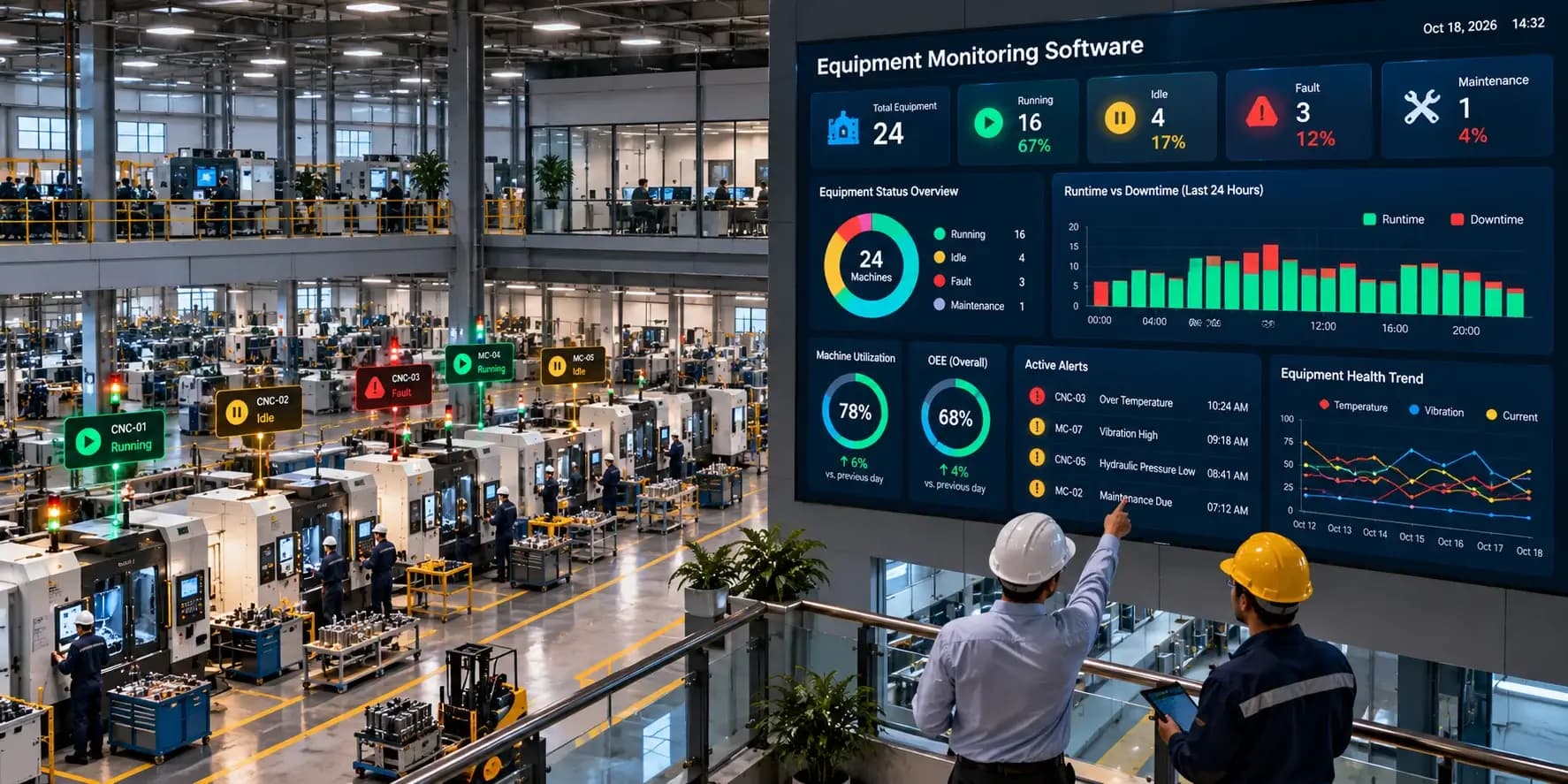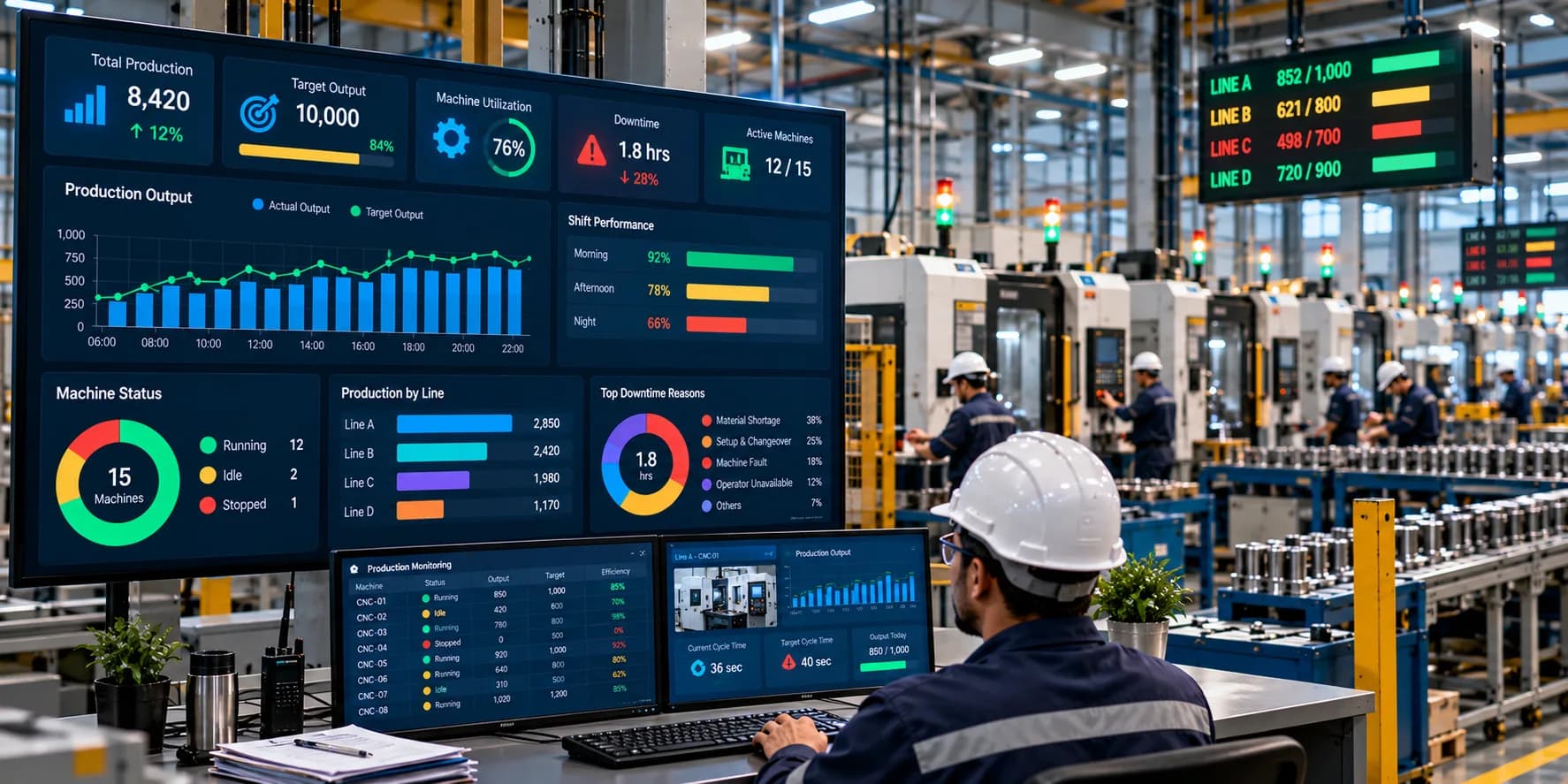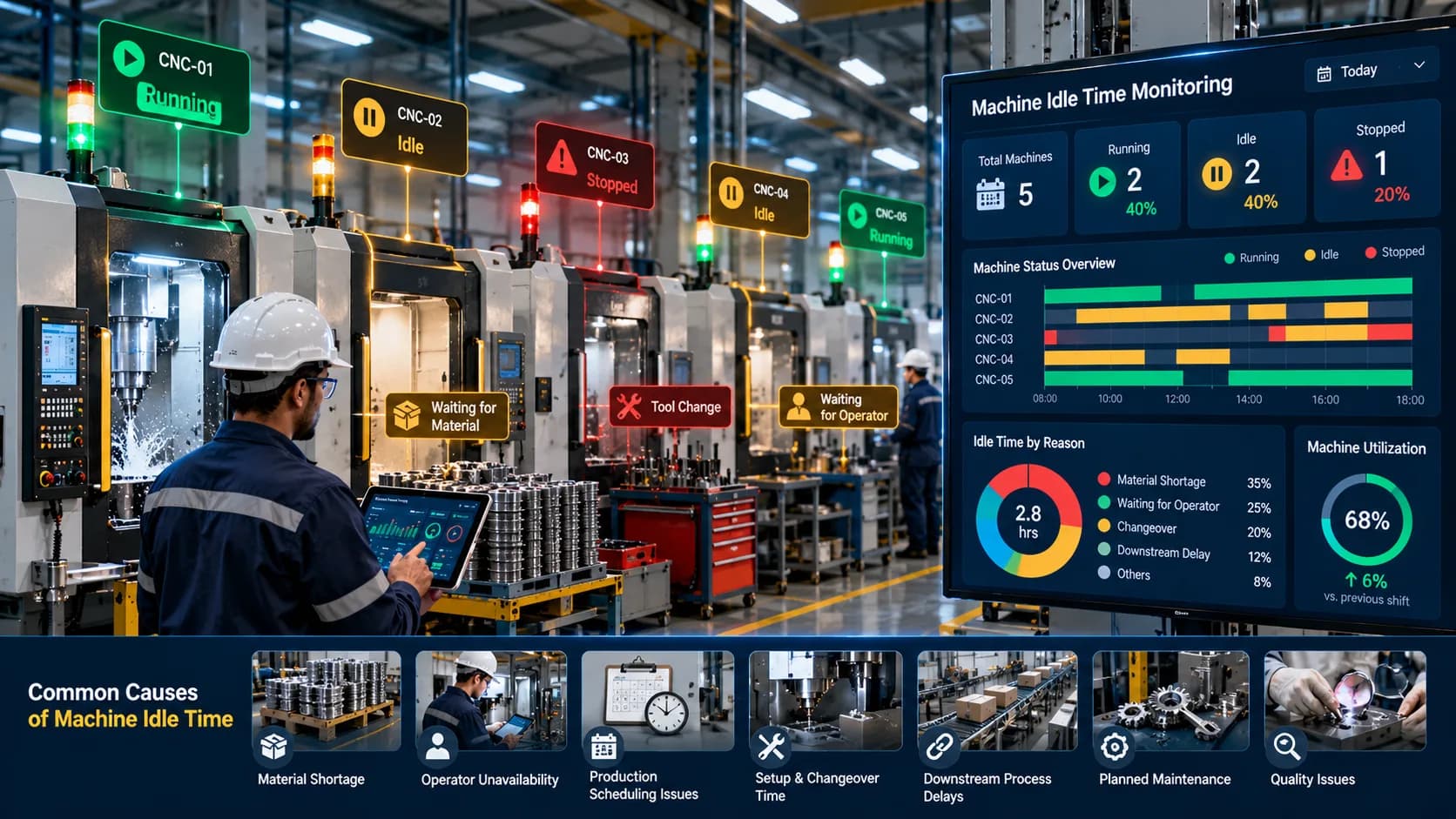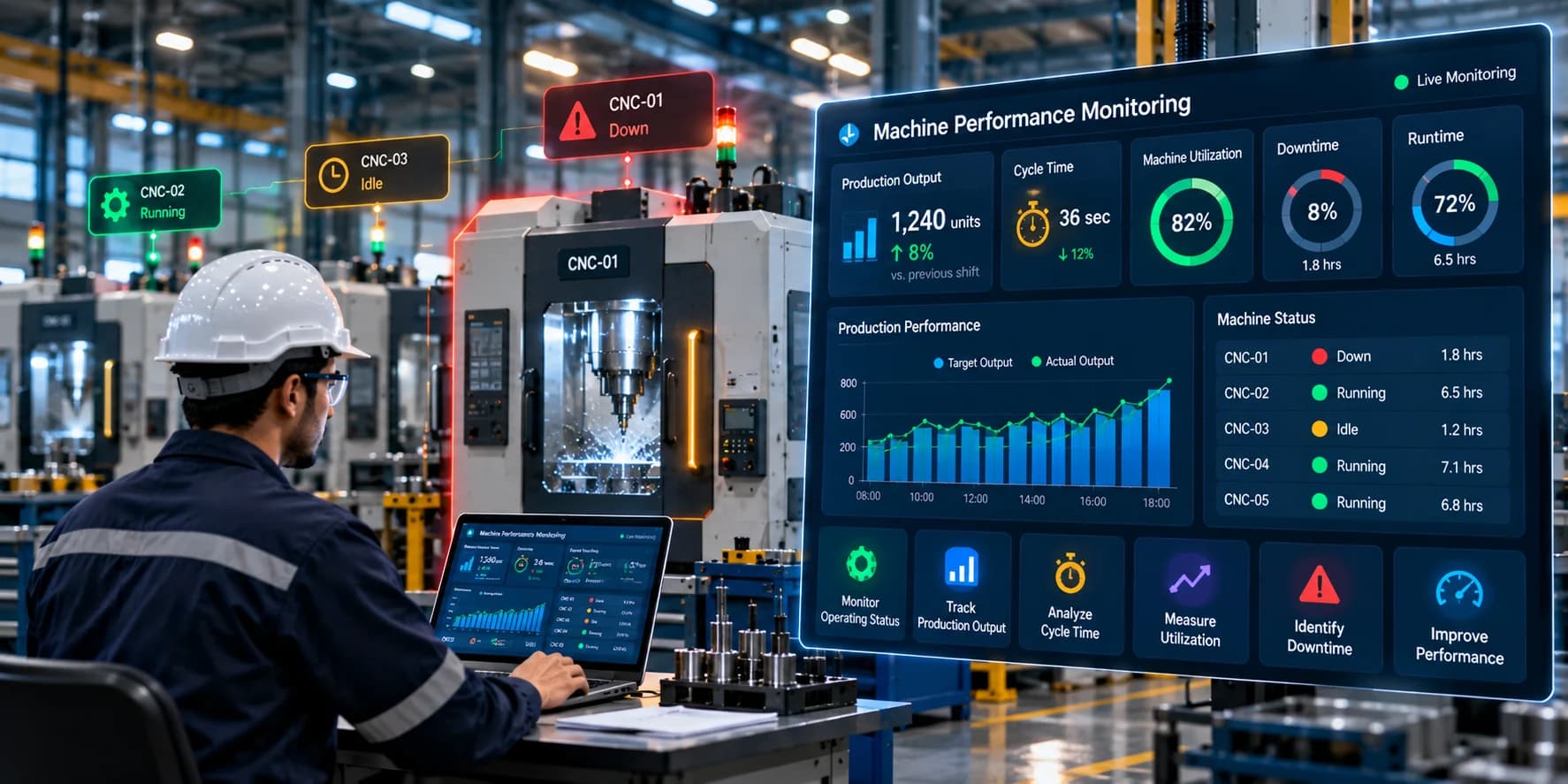
Introduction
Understanding how long a machine actually operates during a production shift is essential for managing manufacturing capacity, planning maintenance, and improving production visibility. However, many factories still rely on operator logs, manual registers, or periodic reports to record machine operating hours.
These methods can provide basic information, but they often make it difficult to capture every machine stop, identify short interruptions, or compare operating time consistently across multiple machines and shifts.
Machine Runtime Tracking helps manufacturers measure how long equipment operates during a defined period by collecting machine activity data and converting it into useful operational information.
With an appropriate monitoring system, production teams can review machine operating hours, compare runtime across shifts, identify recurring interruptions, and understand how much of the scheduled production period was spent operating.
This guide explains machine runtime tracking, how it works, the methods factories can use, important calculations, implementation challenges, and best practices for building a reliable machine monitoring process.
What Is Machine Runtime Tracking?
Machine runtime tracking is the process of measuring and recording the amount of time a machine actively operates during a specified period.
The measurement can be recorded for an individual machine, production line, shift, day, week, or month.
Depending on the monitoring system, runtime data may be collected from:
PLC signals
Machine controllers
CNC equipment
Industrial sensors
Machine counters
IoT gateways
Existing production monitoring systems
The collected information is processed to determine when a machine starts operating, when it stops, and how long it remains in the defined running state.
For example, if a machine operates for 90 minutes, stops for 15 minutes, and then operates for another 75 minutes, its total runtime is 165 minutes, assuming both operating periods meet the system's definition of running.
Runtime tracking provides a measurable record of machine activity rather than relying entirely on estimated operating hours.
Why Is Machine Runtime Tracking Important for Factories?
Machine operating time affects production planning, equipment utilization, maintenance scheduling, and operational reporting.
Without reliable runtime information, a factory may struggle to determine whether equipment is being used as planned.
Machine runtime tracking helps answer questions such as:
How many hours did each machine operate today?
Which machines had the highest operating time?
How much scheduled time was spent running?
Which machines experienced frequent stops?
Did runtime change between shifts?
How much operating time was lost to interruptions?
Are maintenance intervals being calculated accurately?
These questions become increasingly important when a factory operates multiple machines, several shifts, or production lines with different operating requirements.
Reliable runtime information also provides a foundation for analyzing other metrics, including equipment utilization, downtime, production output, and maintenance history.
How Does Machine Runtime Tracking Work?
A typical machine runtime tracking system follows several stages.
1. Collect Machine Activity Data
The system first needs a reliable indication of whether the machine is operating.
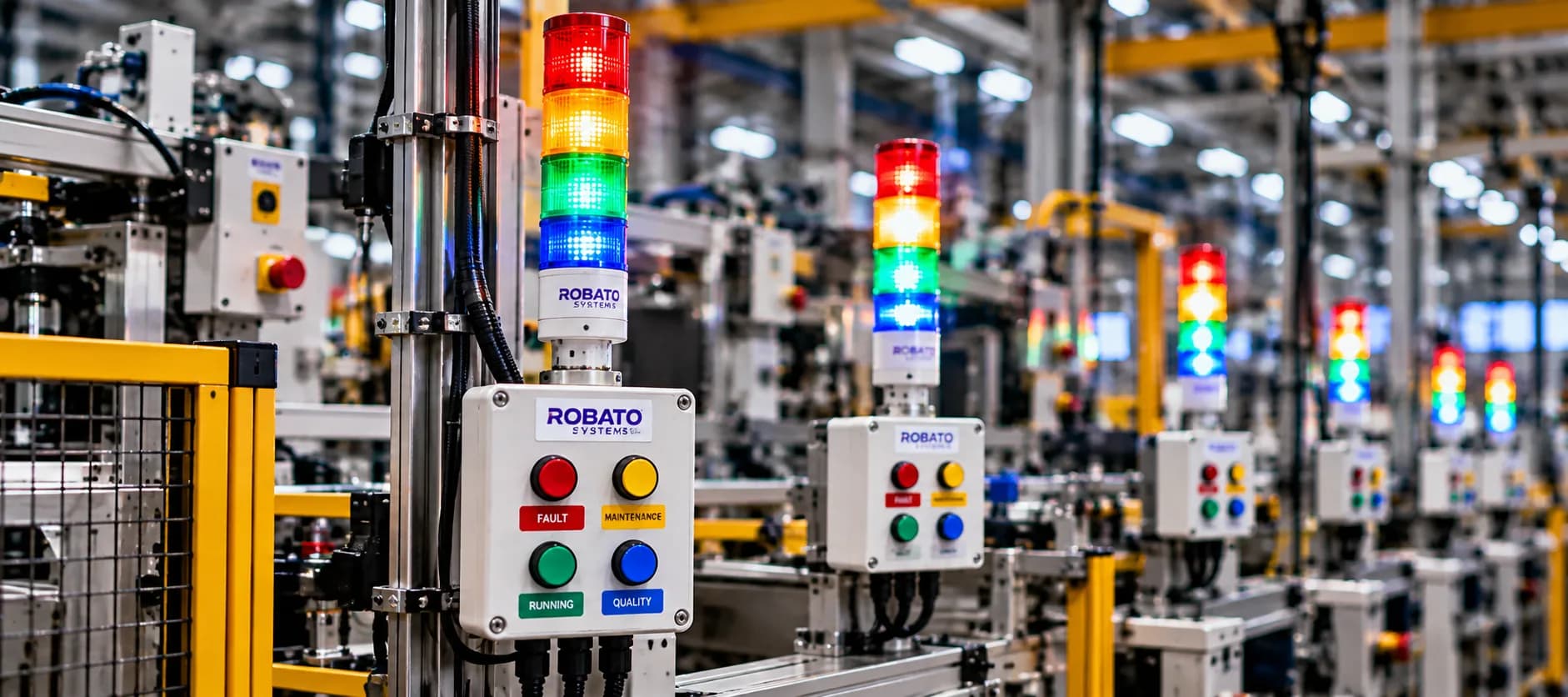
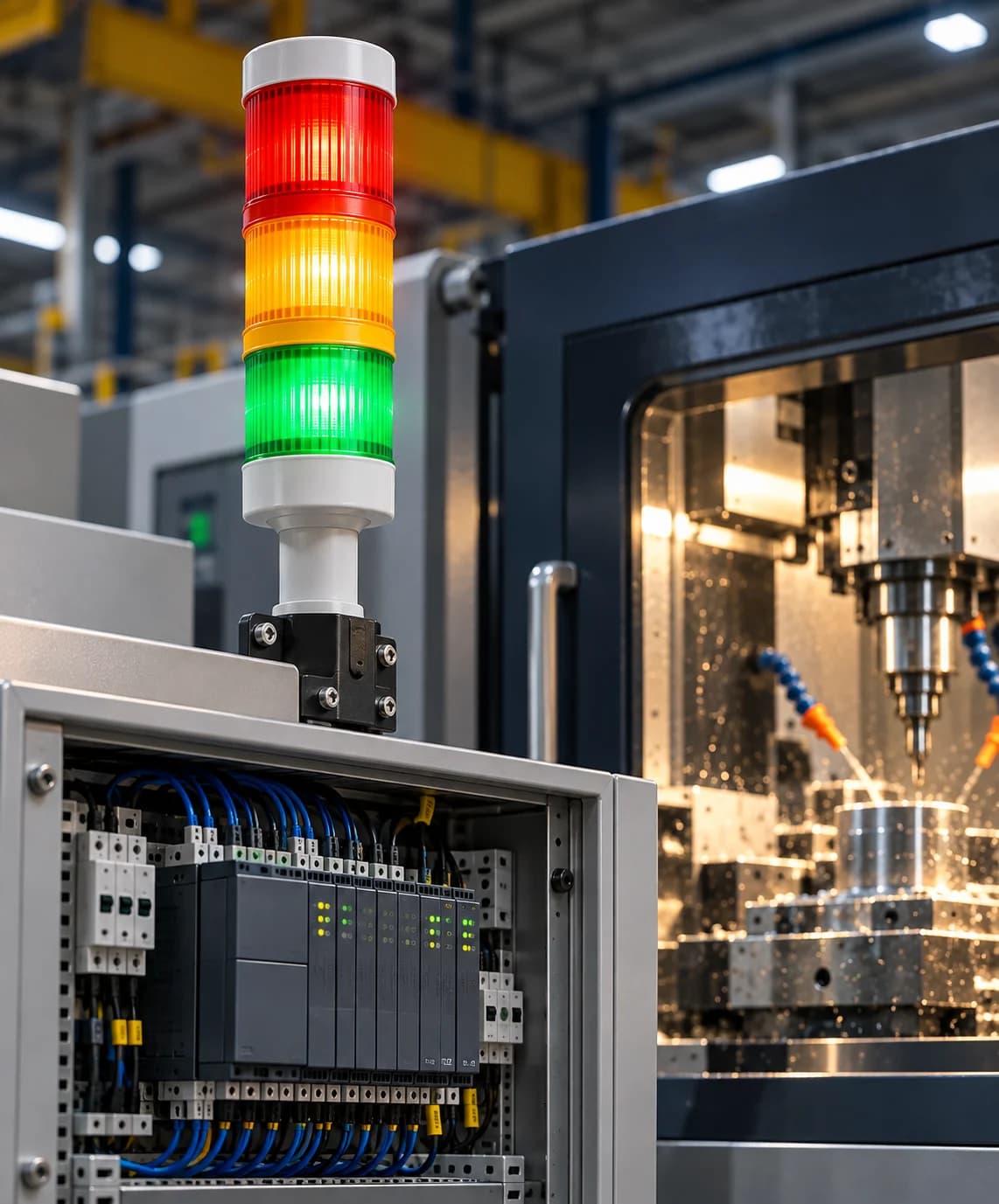
Depending on the equipment, this information may come from a PLC output, controller status, machine interface, current sensor, or another suitable signal.
For machines that already expose operating status digitally, direct integration may be possible. Older equipment may require additional sensors or industrial gateways.
2. Identify Running and Stopped States
The system interprets the collected signal according to predefined machine-state rules.
For example:
Running: the machine meets the configured operating-state condition.
Stopped: the machine is not operating according to that condition.
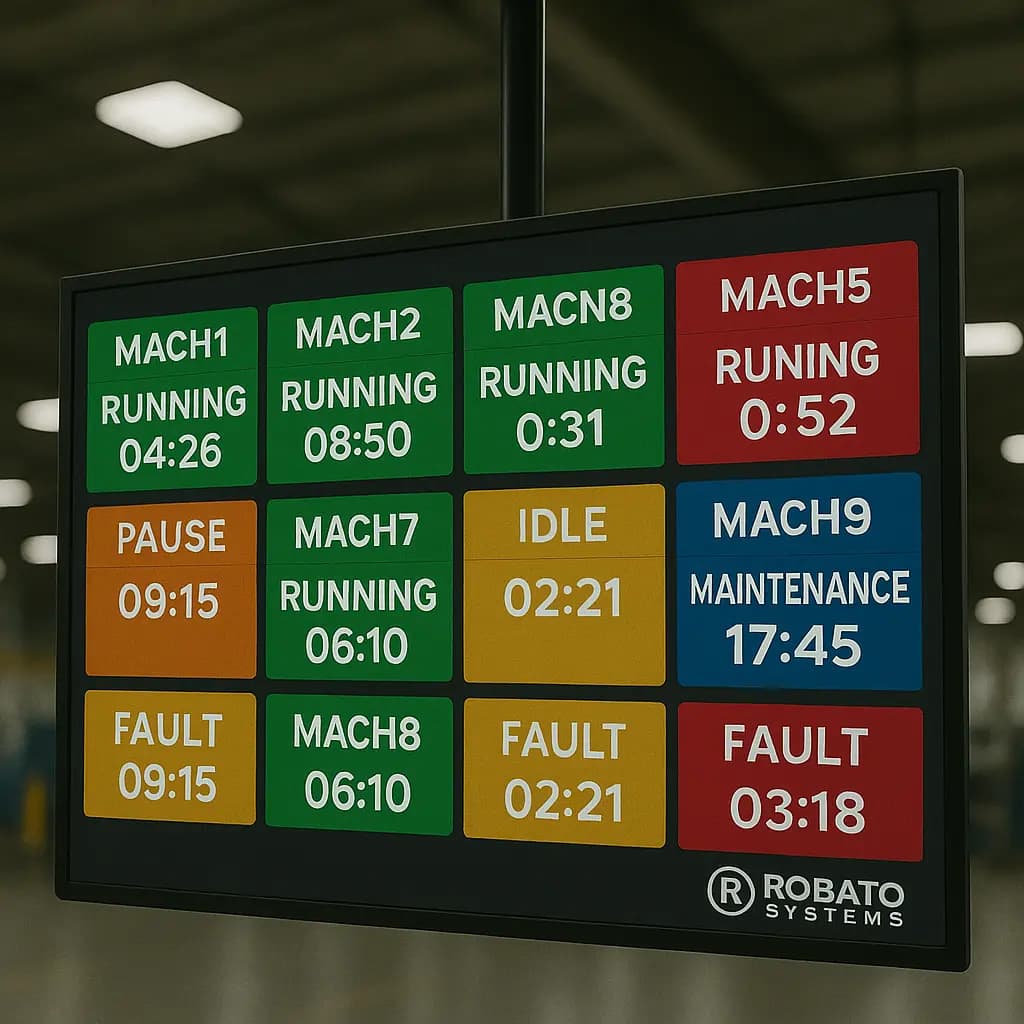
Idle: the machine is available but not actively producing, where this state can be identified.
Fault: the equipment reports a fault condition, where the required signal is available.
The exact state definitions depend on the machine and monitoring requirements.
3. Record State Changes
When the machine changes from running to stopped, the system records the event and its timestamp.
When the machine resumes operation, another timestamp is recorded.
These events provide the information needed to calculate individual runtime periods.
4. Calculate Total Runtime
The monitoring software calculates the duration of each qualifying operating period and adds the durations together.
For example, three running periods of 40, 55, and 65 minutes produce a total runtime of 160 minutes.
5. Display Runtime Reports
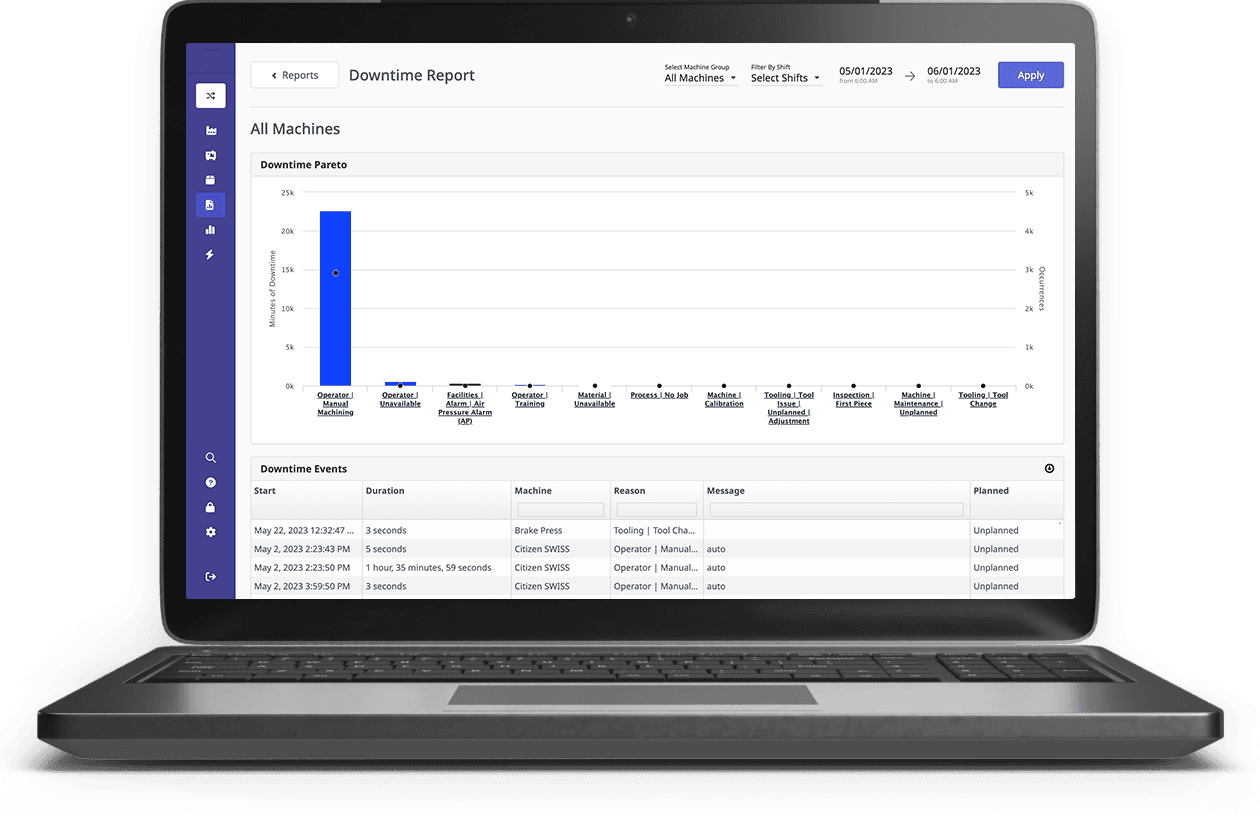
The calculated information can be displayed in dashboards and reports.
Users may review machine runtime by shift, production line, date range, or individual equipment asset.
6. Analyze Operating Patterns
Historical runtime data can help identify changes in machine usage and reveal patterns that require investigation.
For example, if a machine's runtime consistently falls during a particular shift, the production team can examine scheduling, material availability, machine condition, or other relevant factors.
Common Methods of Machine Runtime Tracking
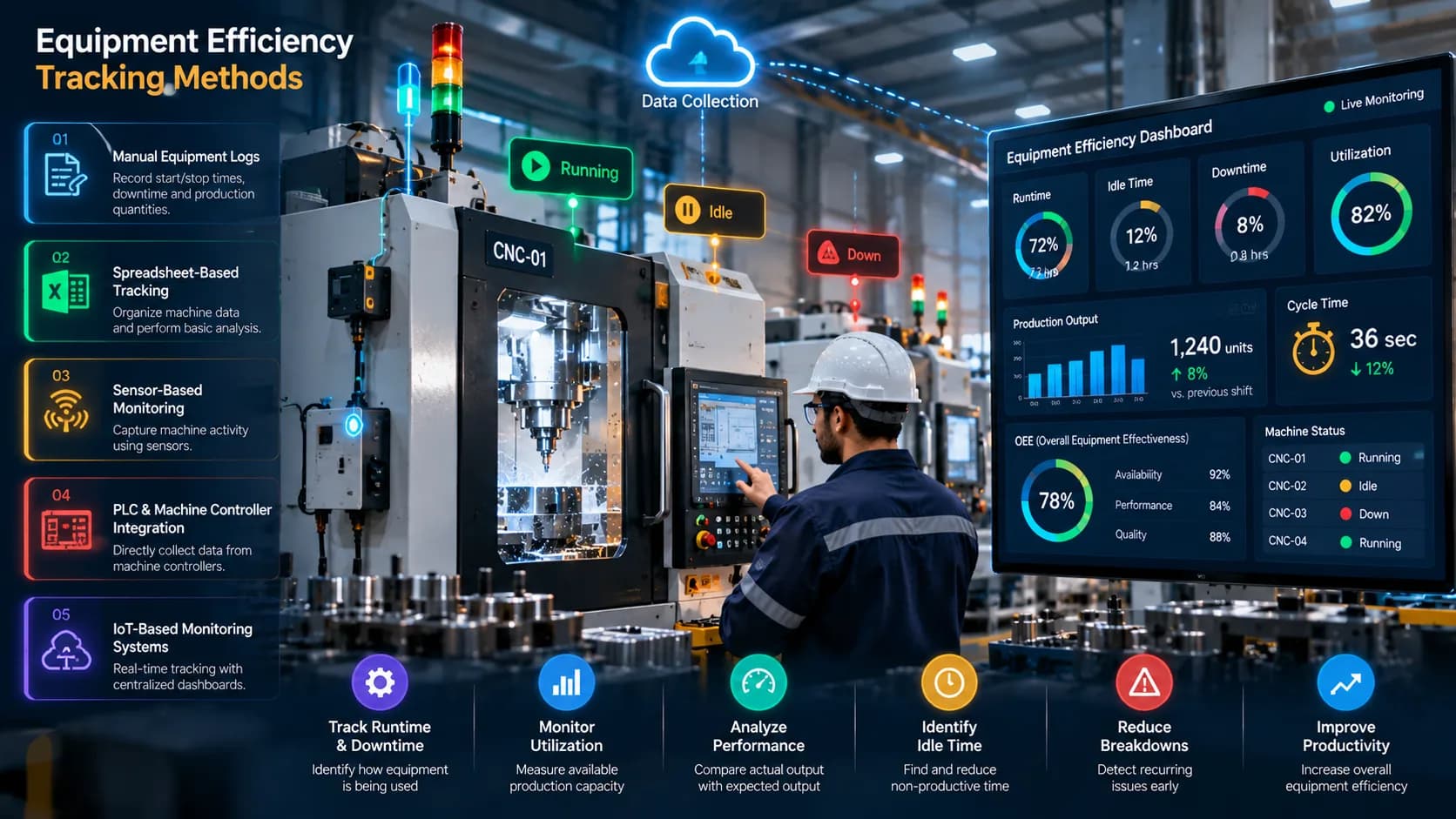
Factories can choose different runtime tracking methods depending on their equipment, budget, accuracy requirements, and existing infrastructure.
1. Manual Runtime Registers
In manual tracking, operators record machine start times, stop times, and operating hours.
This method is straightforward and requires minimal technical infrastructure.
However, its accuracy depends on consistent recording. Short stops may be missed, and operators may not always record timestamps precisely.
Manual registers can be suitable for small operations or as a supplementary record, but they become difficult to maintain across many machines and shifts.
2. Spreadsheet-Based Runtime Tracking
Spreadsheets provide a structured way to record operating hours and calculate totals.
A typical spreadsheet may contain:
| Date | Machine | Shift | Runtime | Downtime |
|---|---|---|---|---|
| 12-Oct | Machine A | Morning | 6.5 hours | 1.5 hours |
| 12-Oct | Machine B | Morning | 7 hours | 1 hour |
| 12-Oct | Machine C | Morning | 5.5 hours | 2.5 hours |
This method makes basic reporting easier, but it still depends on accurate data entry unless the spreadsheet is connected to an automated data source.
3. PLC-Based Runtime Tracking
A Programmable Logic Controller can provide machine status signals that indicate when equipment is operating.
A monitoring platform can use these signals to record state changes and calculate runtime automatically.
PLC-based tracking is useful when the required signals are available and their meanings are clearly understood.
4. Sensor-Based Runtime Tracking
Sensors can be installed to detect machine activity when a suitable digital signal is unavailable.
Depending on the machine, runtime may be inferred from electrical current, vibration, rotation, motion, or other measurable conditions.
The sensor and detection method must be selected carefully because an electrical signal or vibration pattern does not always prove that productive operation is taking place.
5. IoT-Based Runtime Monitoring
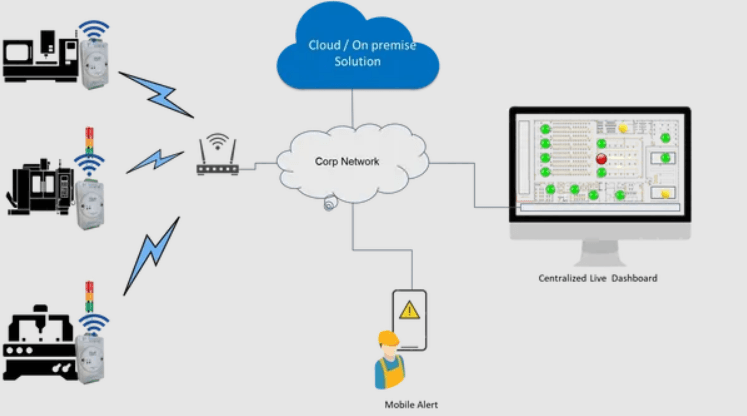
Industrial IoT systems can collect machine activity data through connected sensors, controllers, and gateways.
This data can be transmitted to a central platform where runtime is calculated and displayed across multiple machines.
IoT-based tracking can be particularly useful for factories that need centralized visibility across production lines or facilities.
6. Dedicated Machine Runtime Software
Machine runtime tracking software combines data collection, state processing, runtime calculations, dashboards, and reporting.
Depending on the solution, it may also support downtime tracking, utilization analysis, production monitoring, alerts, and integration with other manufacturing systems.
This approach can reduce dependence on separate manual records and provide a consistent way to analyze machine operating hours.
How to Calculate Machine Runtime
Machine runtime can be calculated by adding together all qualifying operating periods within a selected time window.
Machine Runtime = Sum of All Operating Periods
For example, suppose a machine has the following operating periods during a shift:
First operating period: 2 hours
Second operating period: 1 hour 30 minutes
Third operating period: 2 hours 15 minutes
Total runtime:
2 hours + 1 hour 30 minutes + 2 hours 15 minutes = 5 hours 45 minutes
The total runtime is 5.75 hours when expressed in decimal hours.
This calculation assumes that all three periods meet the factory's definition of machine runtime.
For automated systems, runtime is commonly calculated from recorded machine-state timestamps rather than manually adding operating periods.
Machine Runtime vs. Machine Downtime
Runtime and downtime describe different aspects of machine activity.
Machine runtime measures the time equipment operates according to the defined running-state rules.
Machine downtime measures the time equipment is stopped or unavailable within the relevant reporting period.
For example, consider a machine scheduled for eight hours:
Runtime: 6 hours
Recorded downtime: 2 hours
If the entire eight-hour period is classified as either running or stopped, runtime and downtime add up to the scheduled period.
However, actual factory reporting can be more complex. Planned breaks, scheduled maintenance, changeovers, and periods outside production hours may need separate treatment.
Factories should therefore define the reporting period and machine states clearly before calculating totals.
Machine Runtime vs. Machine Utilization
Runtime and utilization are related but should not be treated as identical metrics.
Runtime is an absolute duration, such as 6.5 operating hours.
Utilization expresses machine usage relative to a defined available period.
A commonly used formula is:
Machine Utilization (%) = Runtime ÷ Available Production Time × 100
Suppose a machine records 6 hours of runtime during an 8-hour available production period.
Utilization = 6 ÷ 8 × 100 = 75%
The runtime tells you how long the machine operated. The utilization percentage tells you what proportion of the defined available period that runtime represents.
Both measurements are useful, but they answer different questions.
Why Accurate Runtime Data Matters for Maintenance
Machine runtime can support maintenance planning when maintenance requirements are based on operating hours.
For example, some equipment requires inspection, servicing, or component replacement after a specified number of operating hours.
A reliable runtime record can help maintenance teams:
Monitor operating-hour intervals
Plan scheduled servicing
Review equipment usage history
Compare operating time between machines
Investigate unusual changes in usage
Maintain more consistent service records
However, runtime tracking alone does not determine the full maintenance requirement.
Some equipment needs maintenance based on calendar time, operating cycles, load, environmental conditions, or condition-monitoring information.
Maintenance teams should follow the manufacturer's recommendations and the factory's approved maintenance procedures.
Using Machine Runtime Tracking to Understand Production Losses
Runtime tracking provides a useful starting point for identifying production losses.
Consider a machine scheduled for an eight-hour shift that records only five hours of runtime.
The three-hour difference indicates that the machine did not operate during part of the scheduled period, but it does not automatically explain why.
Possible reasons include:
Equipment failure
Material shortages
Production scheduling delays
Operator availability
Changeovers
Planned maintenance
Upstream or downstream bottlenecks
To understand the cause, runtime data should be combined with downtime reason codes, machine alarms, operator inputs, maintenance records, or production information where available.
This approach helps teams move from identifying lost operating time to investigating the underlying operational problem.
Real-Time Machine Runtime Monitoring
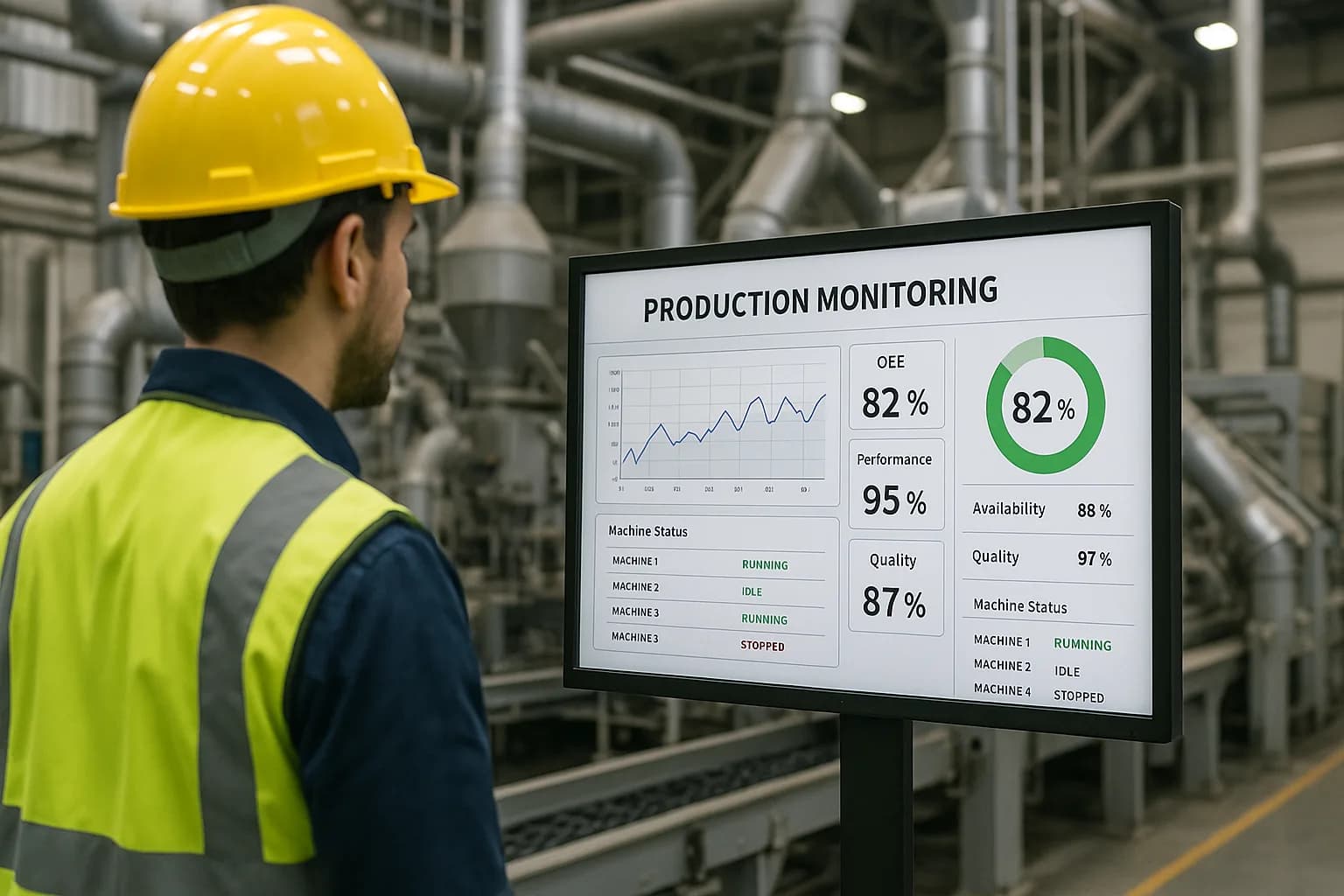
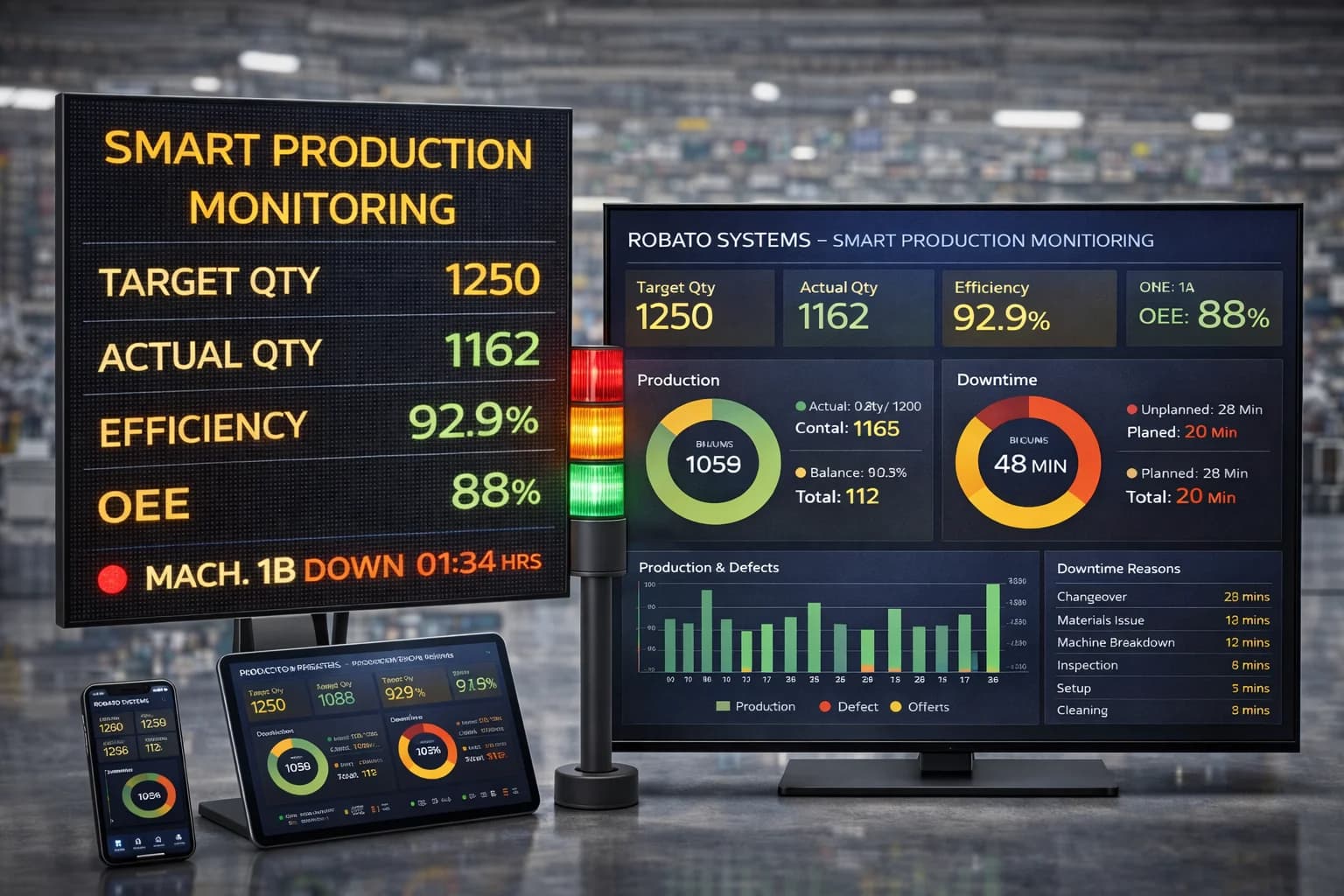
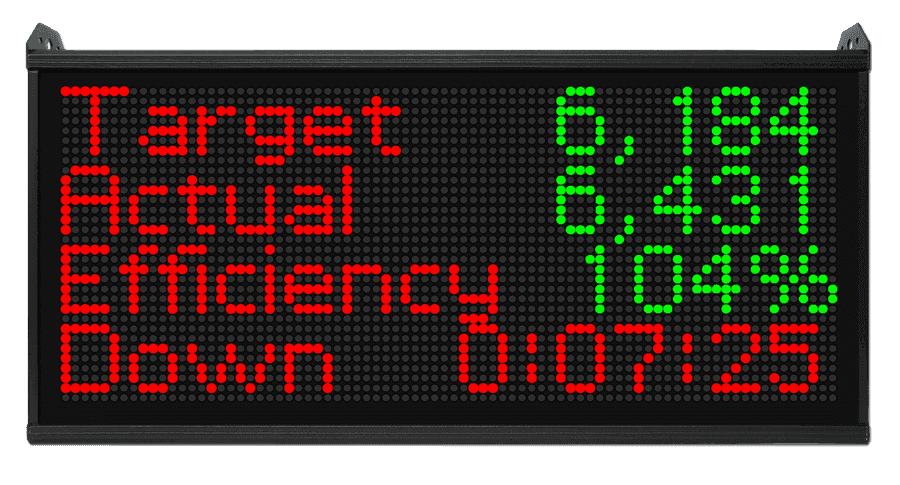
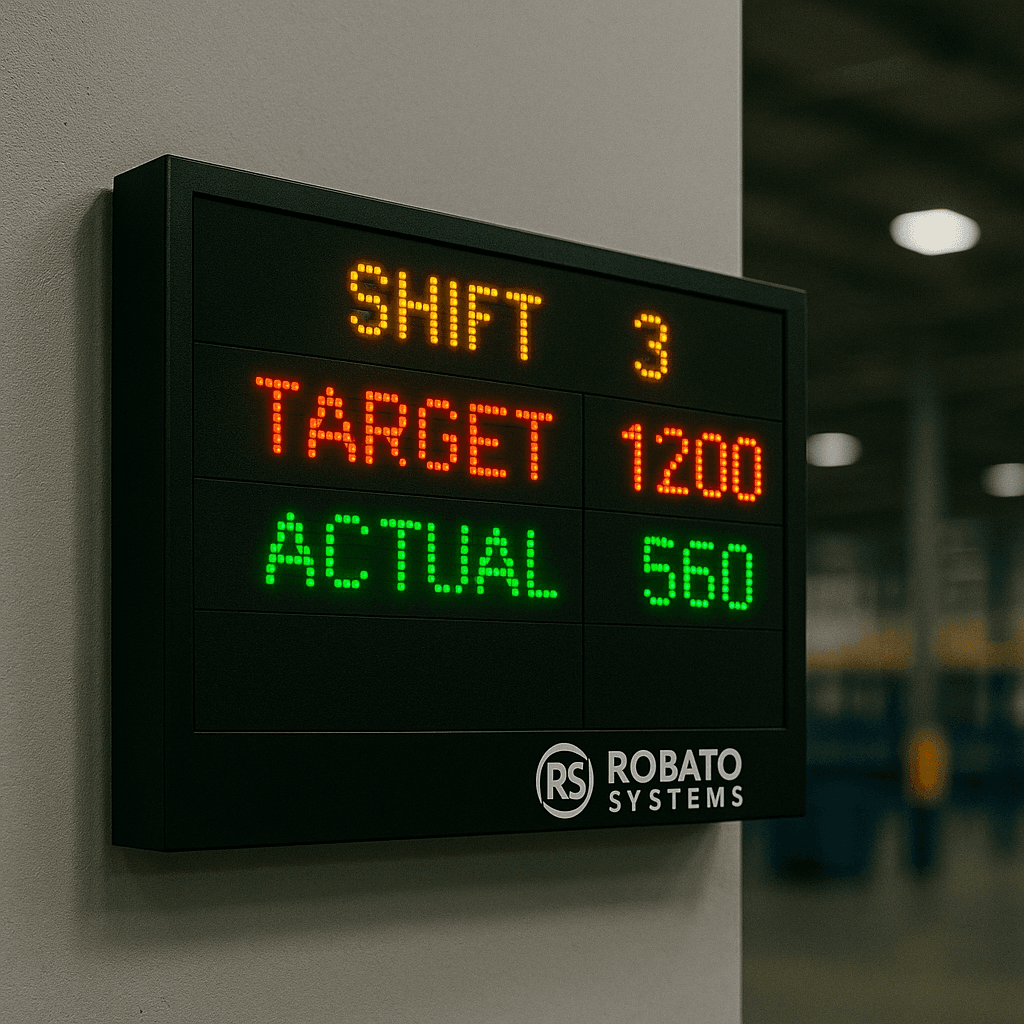
Real-time or near-real-time monitoring provides visibility into current machine activity.
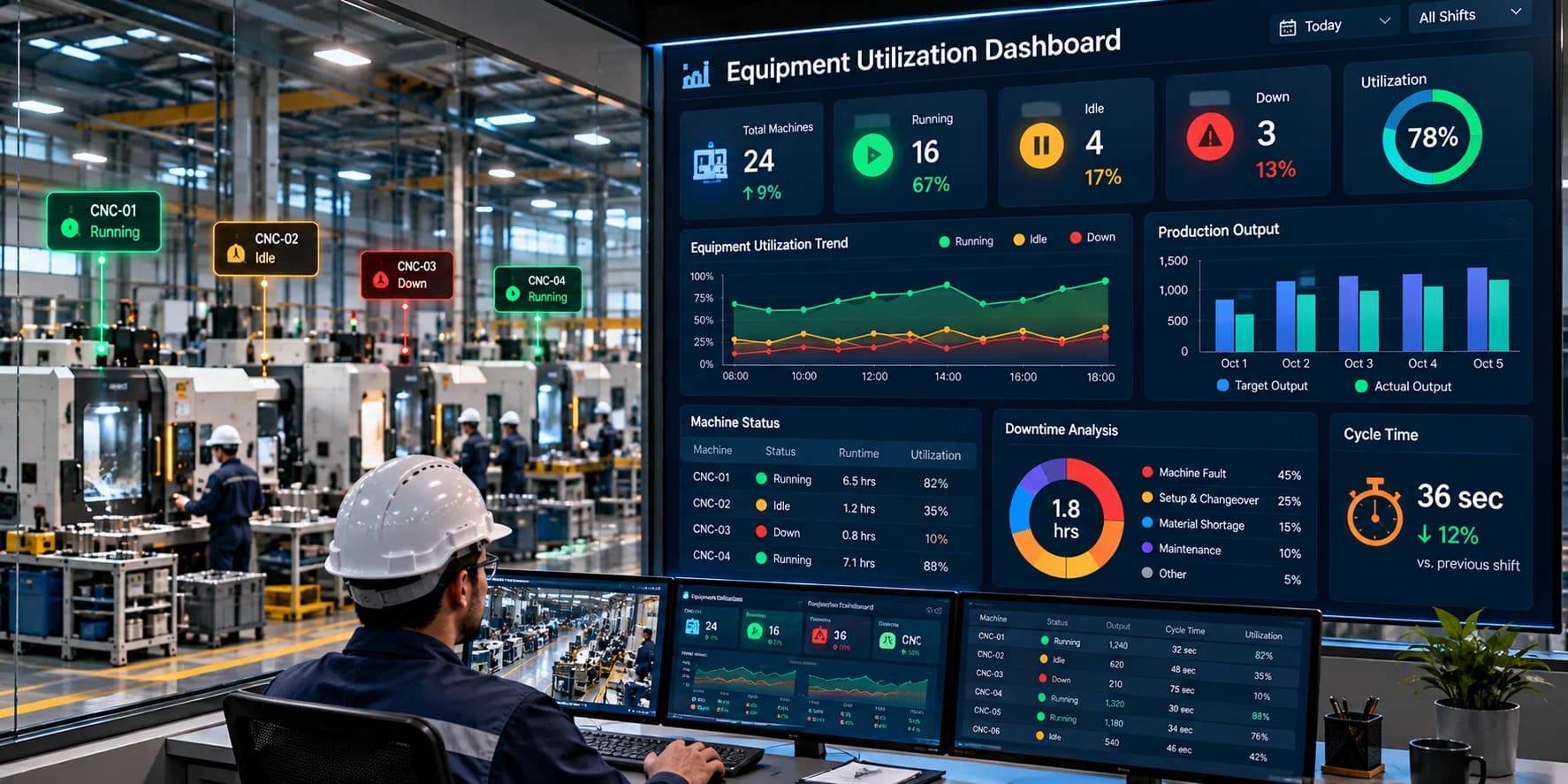
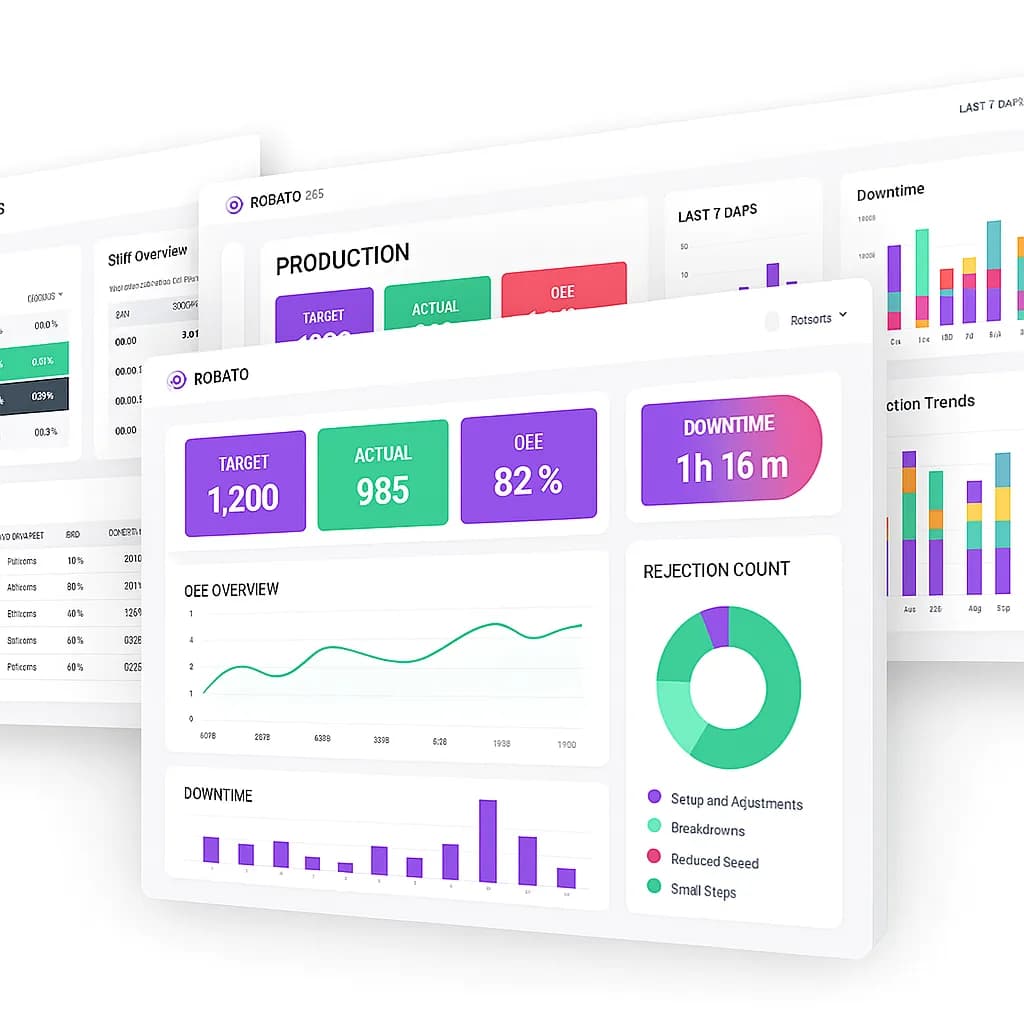
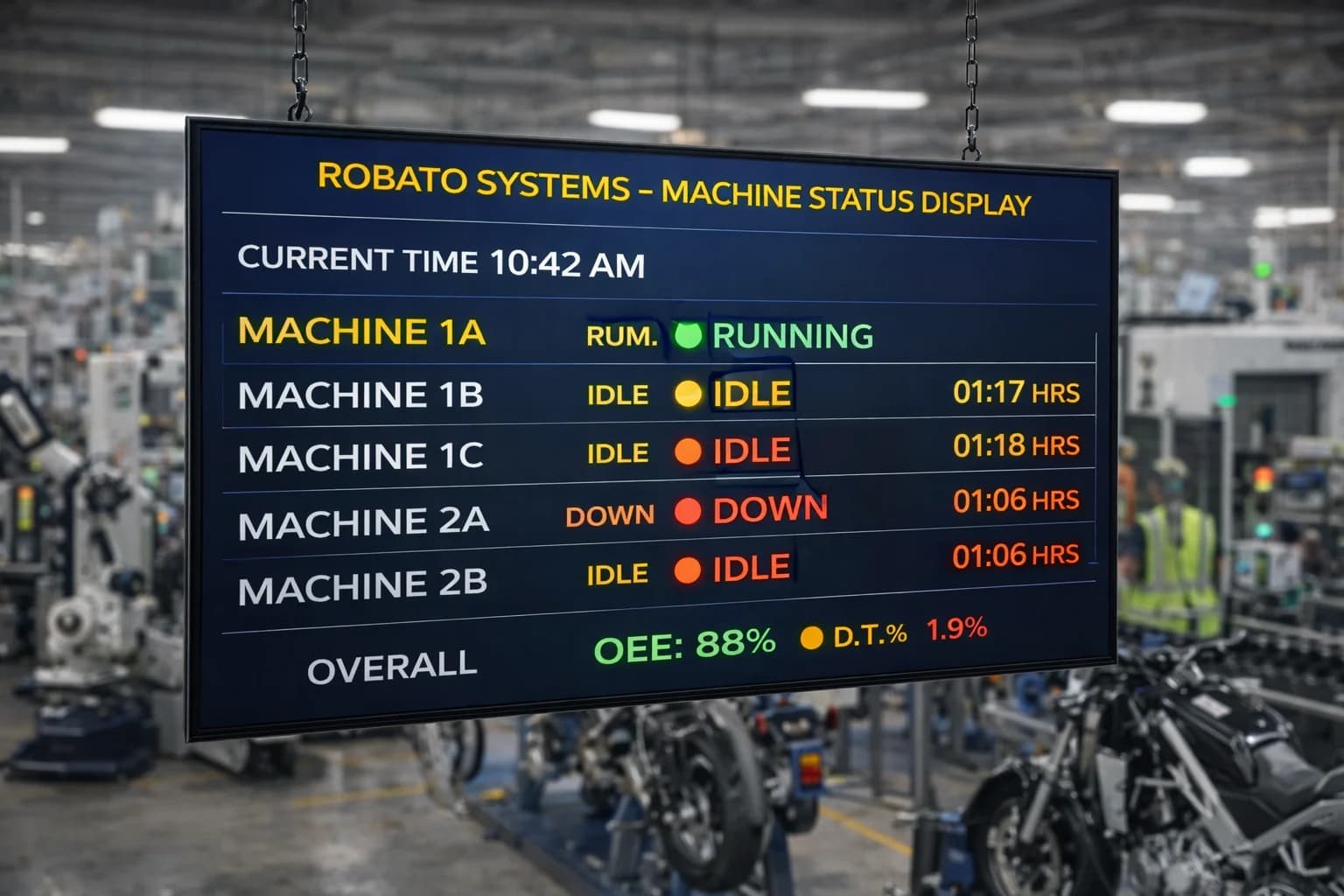
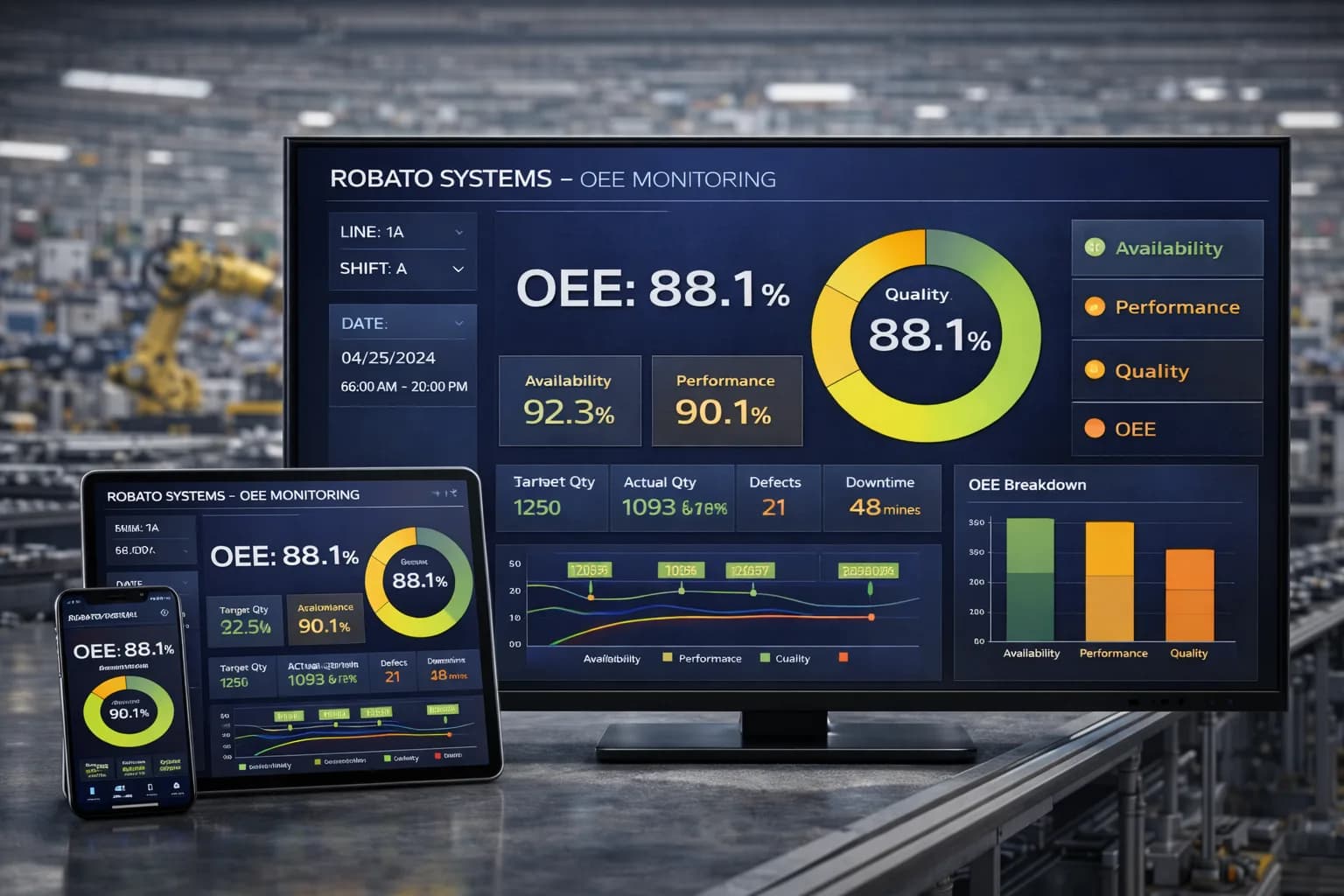
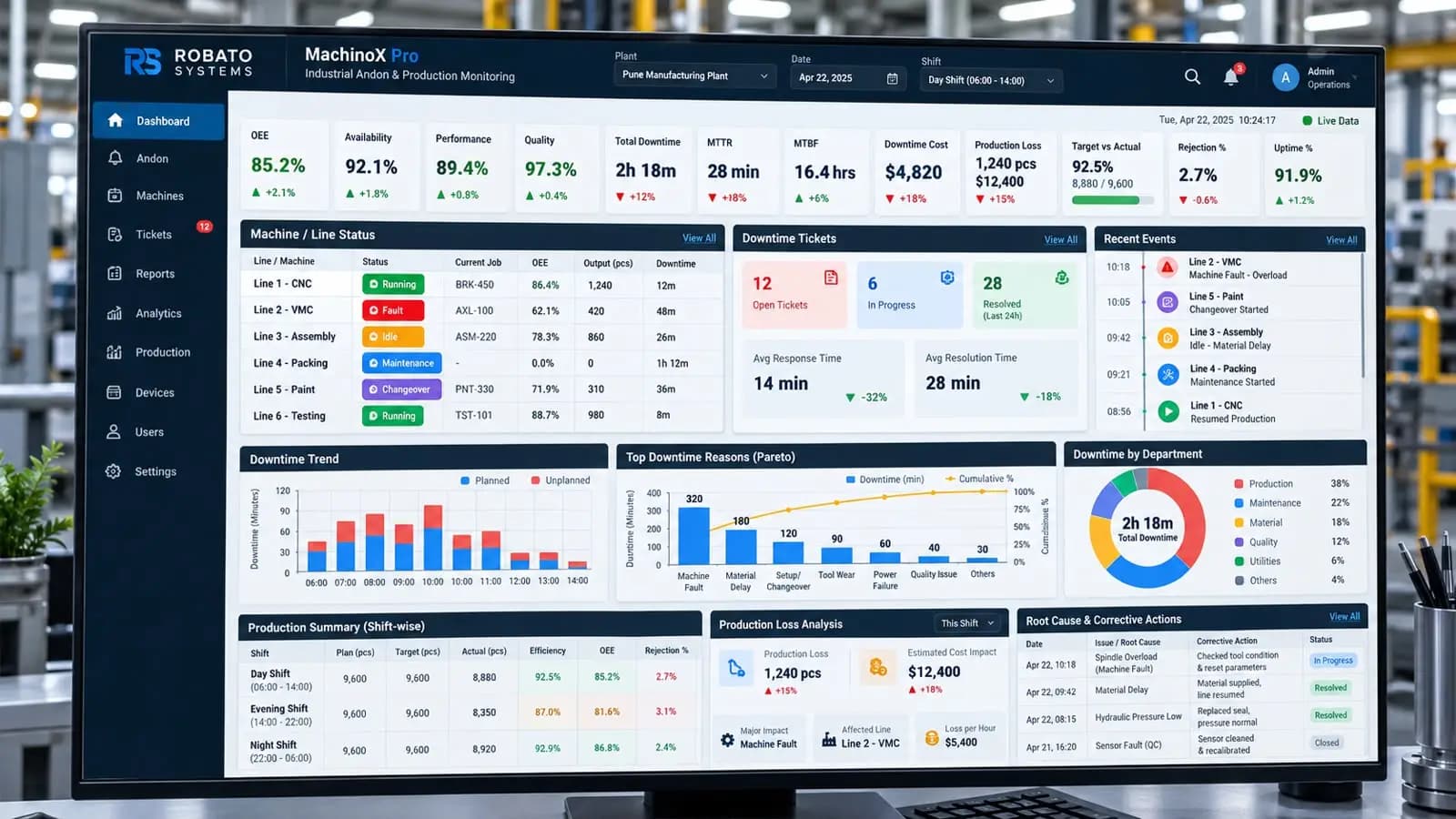
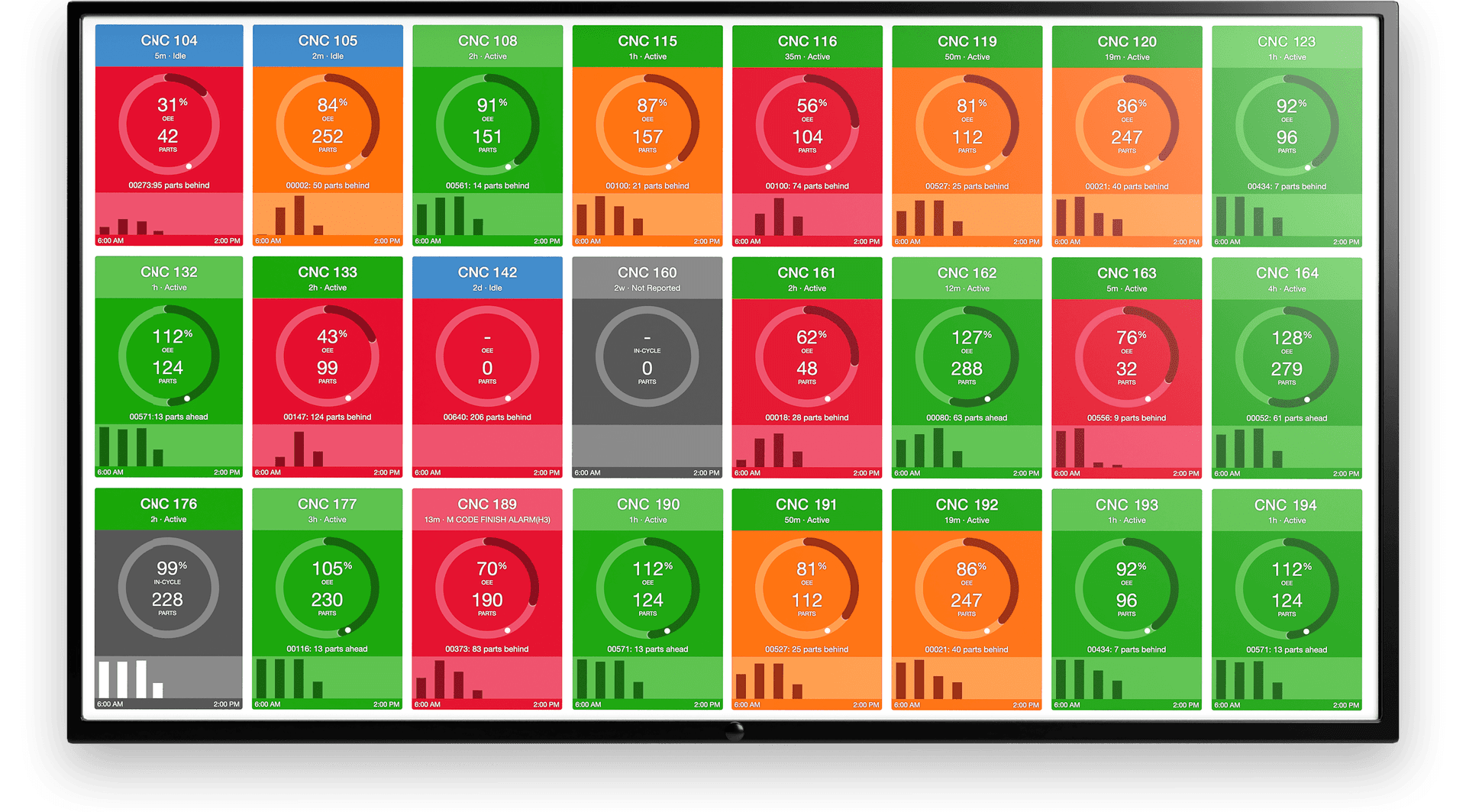
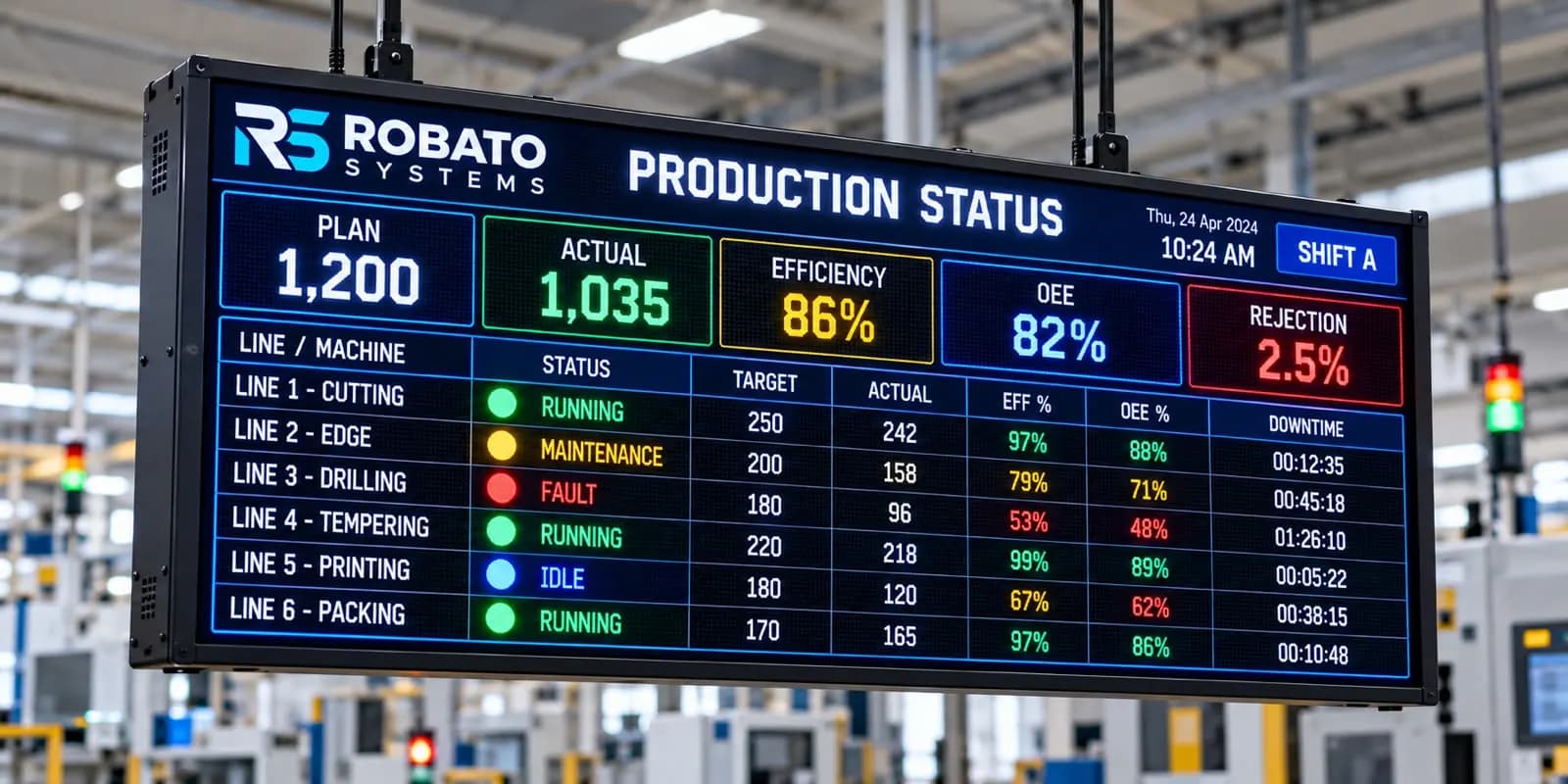
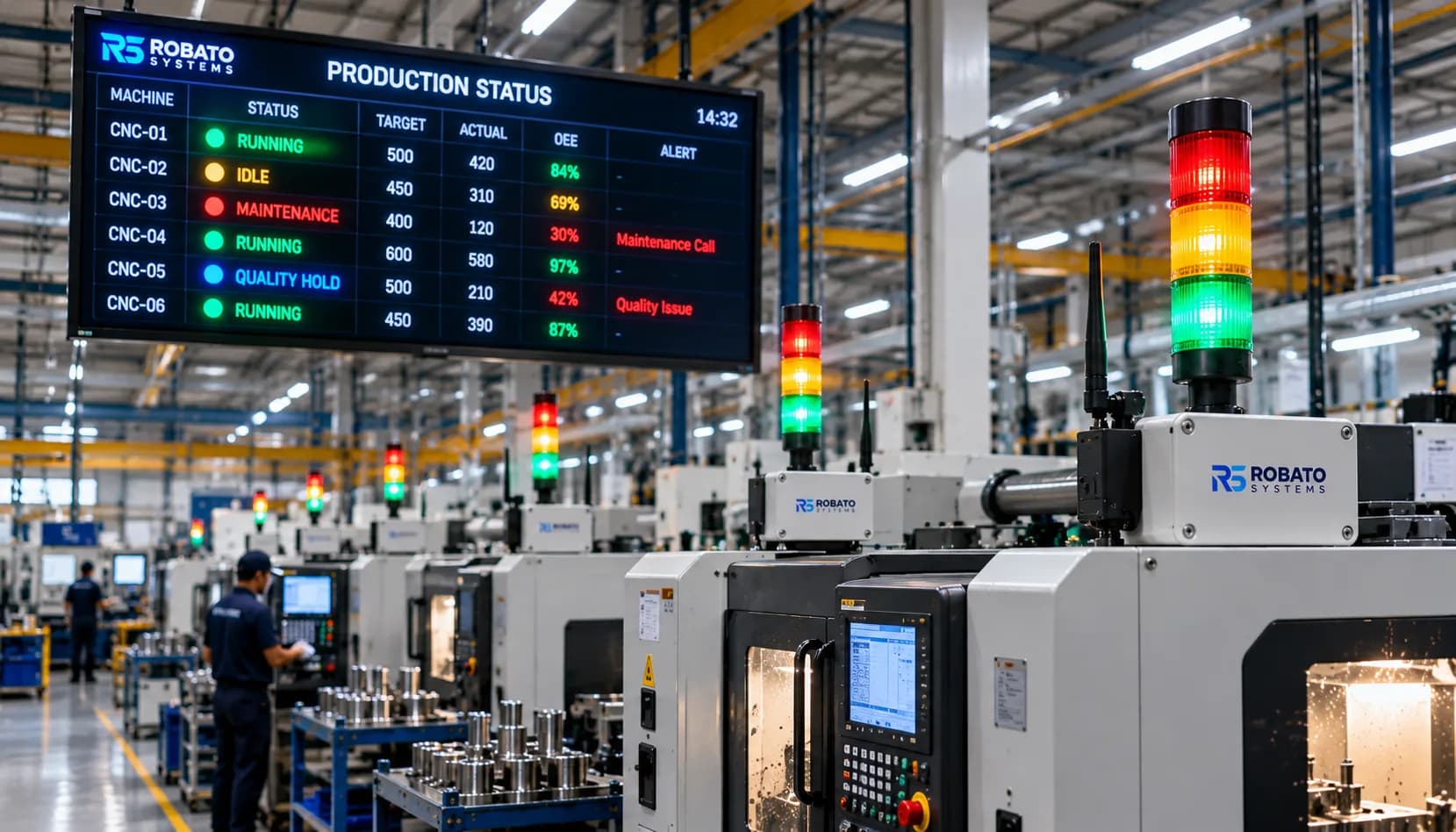
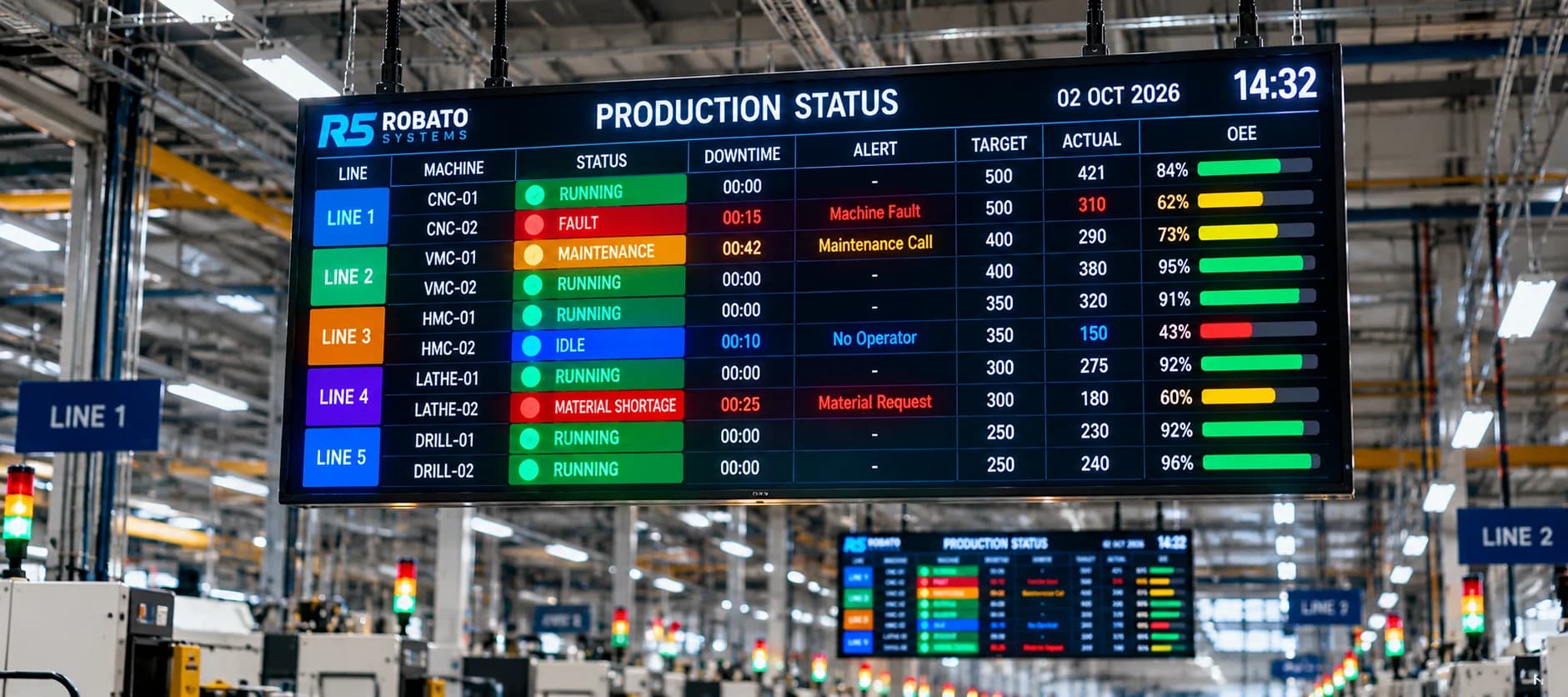
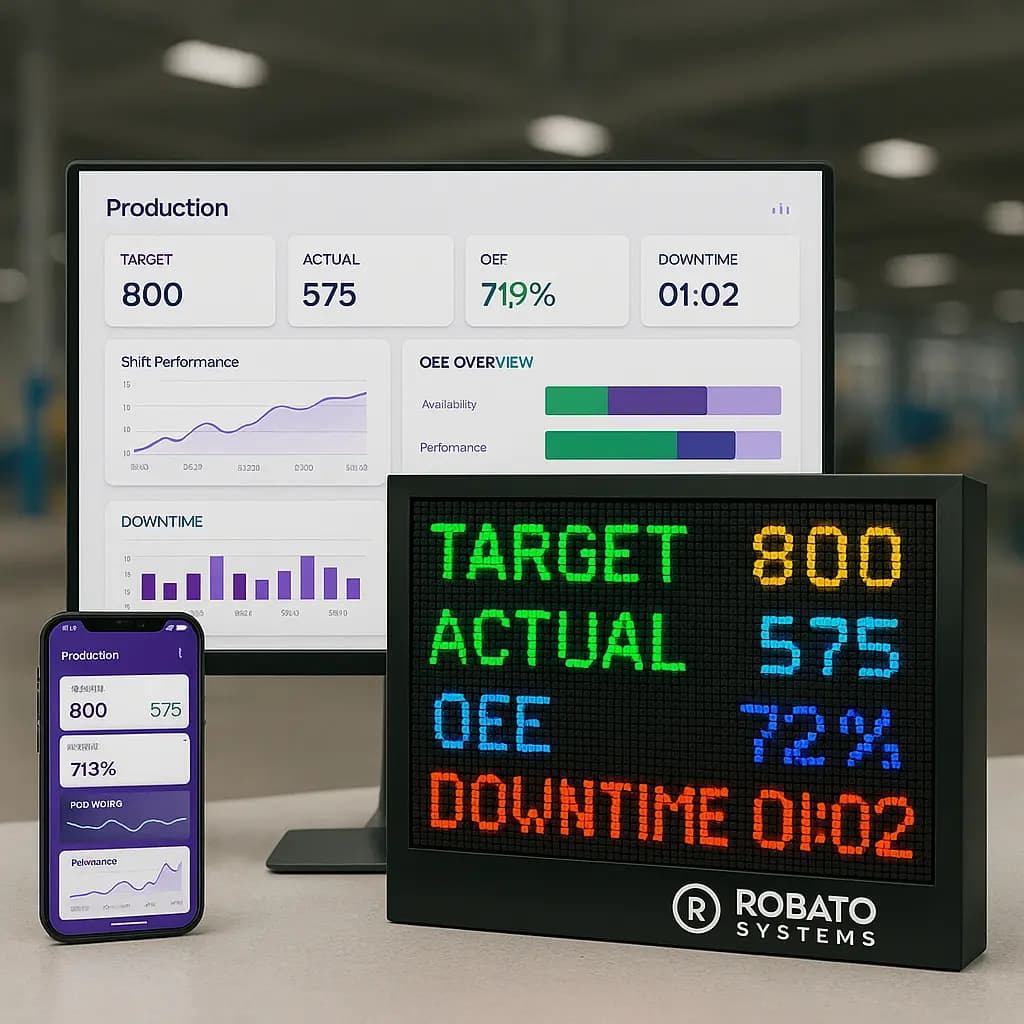
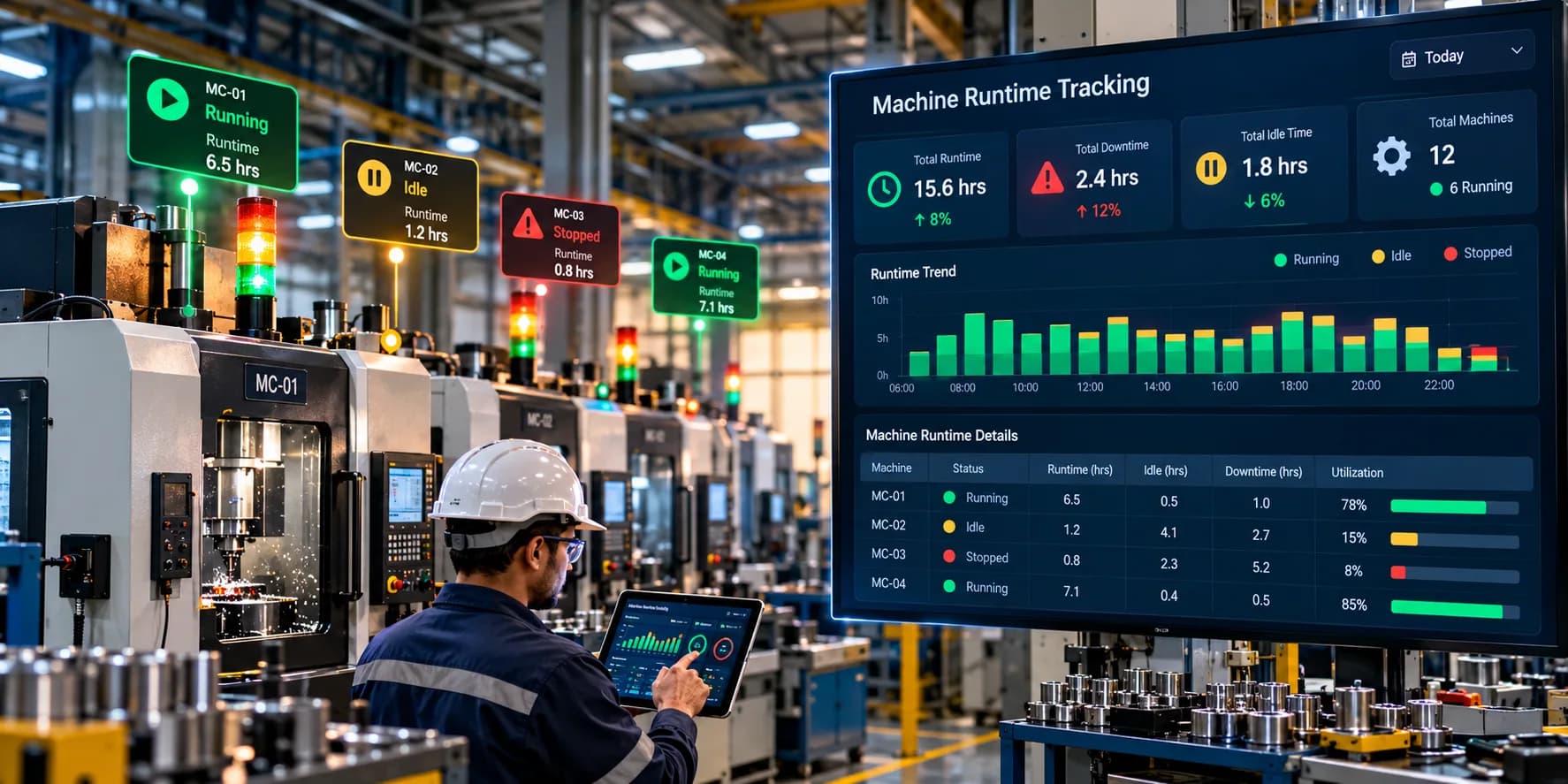
A runtime dashboard may display:
Current machine state
Runtime for the current shift
Last recorded start time
Last recorded stop time
Accumulated operating hours
Current downtime
Runtime comparisons between machines
This information can help supervisors understand whether equipment is operating as expected during a production shift.
For example, if a machine has been stopped longer than expected, a supervisor can investigate the interruption rather than waiting for the end-of-shift report.
The actual update frequency depends on the machine connection, network, data-processing architecture, and monitoring software.
Historical Machine Runtime Reports
Historical reports allow factories to analyze operating hours over longer periods.
Useful reporting views include:
Daily Runtime Reports
Show total operating hours for each machine during a day.
Shift-Wise Runtime Reports
Compare machine operating time across shifts.
Weekly Runtime Reports
Identify changes in equipment usage throughout the working week.
Monthly Runtime Reports
Support equipment usage reviews, maintenance planning, and longer-term operational analysis.
Machine Comparison Reports
Compare operating hours across machines with similar production responsibilities.
Comparisons should account for differences in schedules, production orders, maintenance requirements, and intended machine usage.
Machine Runtime Tracking Dashboard: What Should It Include?
An effective runtime dashboard should provide the information needed to understand operating hours quickly.
Current Machine Status
Displays whether each machine is running, stopped, idle, or in another configured state.
Total Runtime
Shows accumulated operating hours for the selected reporting period.
Runtime by Shift
Allows users to compare operating time between shifts.
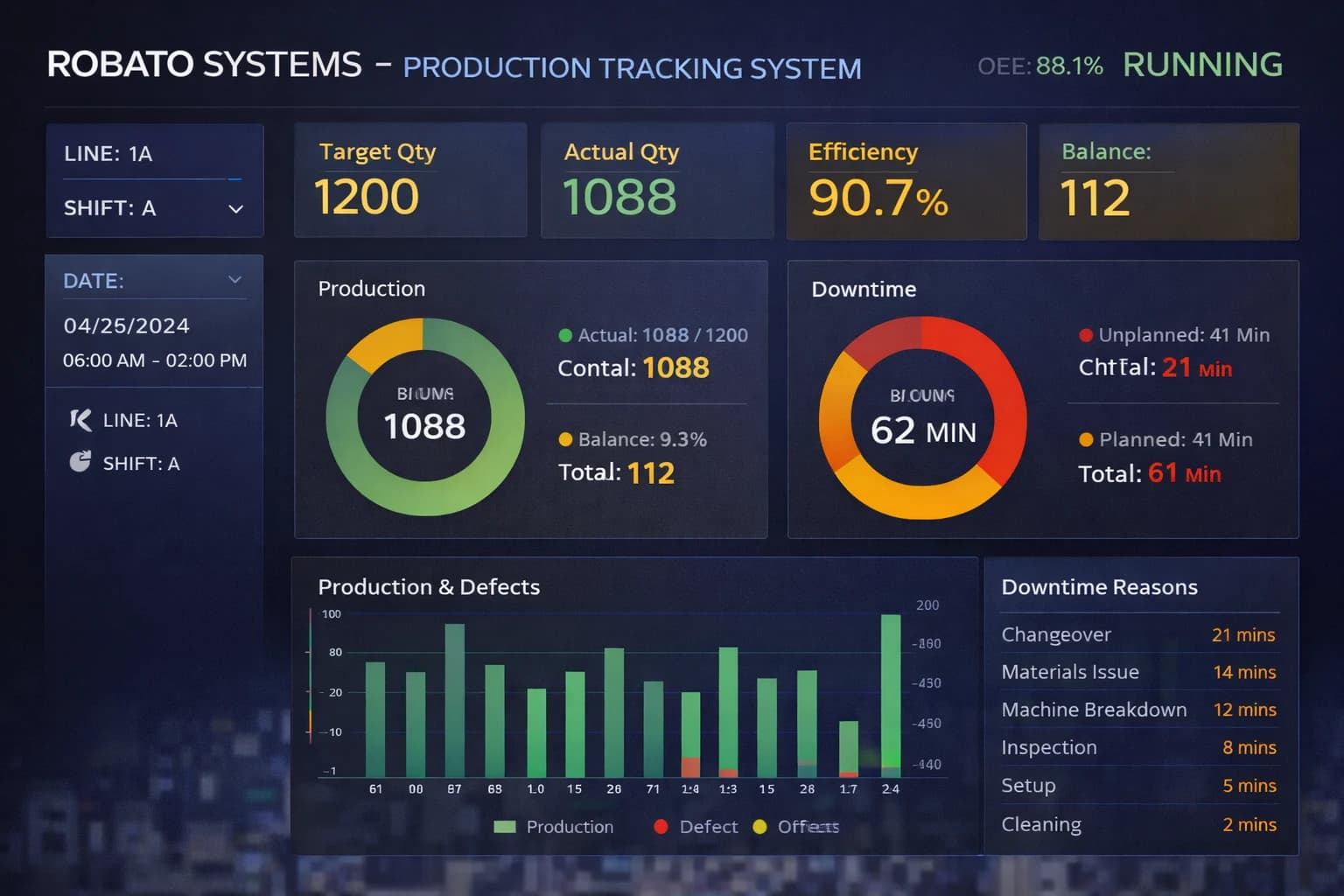
Downtime Summary
Displays stopped periods and, where available, their classified reasons.
Runtime Trend
Shows changes in operating hours over time.
Machine-Level Details
Provides individual equipment records for more detailed analysis.
Alerts
Some platforms can generate notifications when a machine stops unexpectedly or when runtime reaches a configured maintenance threshold.
Alerts should be configured around actual operational requirements to avoid unnecessary notifications.
How to Implement Machine Runtime Tracking in a Factory
Step 1: Identify the Equipment
Create an inventory of the machines that need to be monitored.
Document machine types, controllers, existing sensors, operating schedules, and available communication interfaces.
Step 2: Define the Running State
Determine what qualifies as runtime for each machine.
For example, a running signal may indicate that the machine is powered and active, but it may not confirm that the machine is producing acceptable parts.
Where necessary, distinguish machine operation from productive operation.
Step 3: Choose a Data Collection Method
Select the appropriate approach based on the equipment.
Available options may include PLC signals, machine controllers, industrial sensors, IoT gateways, or manual records.
Step 4: Establish Machine Connectivity
Configure the connection between the equipment and the monitoring platform.
Verify that signals are being transmitted reliably and that timestamps are recorded correctly.
Step 5: Configure Runtime Calculations
Define how operating periods are identified, how state transitions are handled, and how totals are calculated across reporting periods.
Consider issues such as duplicate events, communication interruptions, and machines that remain active across shift boundaries.
Step 6: Configure Dashboards and Reports
Set up machine-level and shift-level runtime views.
Make sure users can access the information relevant to their roles.
Step 7: Validate the Results
Compare the recorded runtime against actual machine activity and other available records.
Investigate discrepancies before relying on the figures for maintenance or production decisions.
Step 8: Train Operators and Supervisors
Explain how machine states are defined, how runtime reports should be interpreted, and how data issues should be reported.
Step 9: Review the Data Regularly
Use runtime trends to identify unusual changes and investigate recurring interruptions.
Step 10: Connect Runtime Data to Improvement Actions
Combine runtime with downtime reasons, production output, and maintenance information to understand how equipment usage can be improved.
Common Challenges in Machine Runtime Tracking
Incorrect Machine-State Signals
A signal may indicate that a machine is powered on without proving that it is operating productively.
The selected signal should reflect the intended definition of runtime.
Legacy Equipment
Older machines may lack suitable digital interfaces, requiring additional sensors or gateways.
Network Interruptions
Communication failures can create gaps in the recorded data.
Monitoring systems should have appropriate mechanisms to detect or handle missing information.
Inconsistent Reporting Periods
Comparing runtime across shifts or machines can be misleading when scheduled hours differ.
Reporting periods should be clearly defined.
Short Stops
Frequent short interruptions may be missed if the system samples machine states too infrequently or uses inappropriate filtering rules.
Confusing Runtime With Production
A machine can be running without producing acceptable output. Runtime should therefore be combined with production counts or other relevant metrics when productivity is being evaluated.
Best Practices for Machine Runtime Tracking
Define Runtime Consistently
Use documented rules for identifying when a machine is running and when it is stopped.
Use Reliable Data Sources
Prefer suitable controller signals or validated sensors over assumptions based solely on machine power status.
Validate State Transitions
Check that start and stop events are recorded accurately.
Separate Runtime From Productive Time
Where necessary, distinguish between machine operation, productive operation, and time spent in non-producing states.
Standardize Shift and Calendar Rules
Ensure reporting periods are consistent and clearly defined.
Monitor Data Quality
Identify missing signals, unexpected state changes, and communication interruptions.
Combine Runtime With Other Metrics
Use runtime alongside downtime, output, utilization, and maintenance data to develop a more complete understanding of equipment performance.
Review Historical Trends
Look for recurring patterns rather than making decisions based on one shift.
Protect Industrial Connectivity
Apply appropriate access controls, network protections, and security practices when connecting machines to monitoring systems.
Keep Reports Actionable
Focus on the information that production and maintenance teams can use to make decisions.
Frequently Asked Questions
What is machine runtime tracking?
Machine runtime tracking is the process of measuring and recording how long a machine operates during a defined period using machine signals, sensors, controllers, or other data sources.
How is machine runtime calculated?
Runtime is calculated by adding the durations of all qualifying operating periods within the reporting window. Automated systems typically calculate these durations using recorded machine-state events and timestamps.
What is the difference between machine runtime and operating hours?
The terms are often used interchangeably. However, organizations should define whether operating hours include all machine-running time or only time spent in a particular operational or productive state.
Can machine runtime be tracked automatically?
Yes. Runtime can be calculated automatically using PLC signals, machine controllers, sensors, industrial gateways, or suitable machine monitoring software.
Can old machines support runtime tracking?
Many older machines can be monitored using additional sensors, electrical measurements, controller interfaces, or industrial gateways. The appropriate method depends on the equipment and the required level of accuracy.
How does machine runtime tracking help maintenance teams?
It provides operating-hour records that can support maintenance scheduling, service interval monitoring, and equipment usage history when maintenance requirements are based on runtime.
Does high machine runtime mean high productivity?
No. High runtime indicates that a machine operated for a longer period, but it does not necessarily mean that the machine produced at its expected speed or generated acceptable output. Production counts, cycle time, quality, and downtime should also be considered.
Can runtime be monitored across multiple machines?
Yes. A centralized monitoring platform can collect and display runtime information from multiple connected machines and production lines.
What is the difference between runtime and downtime?
Runtime measures qualifying operating periods, while downtime measures periods when equipment is stopped or unavailable under the defined reporting rules.
Conclusion
Machine runtime tracking provides manufacturers with a reliable way to understand how long their equipment operates during production.
By recording machine activity and calculating operating hours, factories can improve operational visibility, support maintenance planning, compare usage across shifts, and identify periods when equipment was not operating as expected.
The most effective approach combines accurate machine signals, clearly defined runtime rules, reliable data collection, and useful reporting. Runtime becomes even more valuable when it is analyzed alongside downtime, production output, utilization, and maintenance information.
For manufacturers looking to move beyond manual machine-hour registers, automated machine runtime tracking can provide a practical foundation for better production monitoring and more informed operational decisions.