Manufacturing Productivity Software: Benefits, Features and Complete Guide
Manufacturing companies are under constant pressure to increase production, reduce downtime, improve workforce productivity, maintain quality, and control operating costs.
As production environments become more connected, traditional spreadsheets and manual production reports are often not enough to provide the visibility required for effective decision-making.
This is where manufacturing productivity software can play an important role.
Manufacturing productivity software helps production teams collect, monitor, analyze, and visualize information related to production performance, machines, operators, downtime, targets, and operational efficiency.
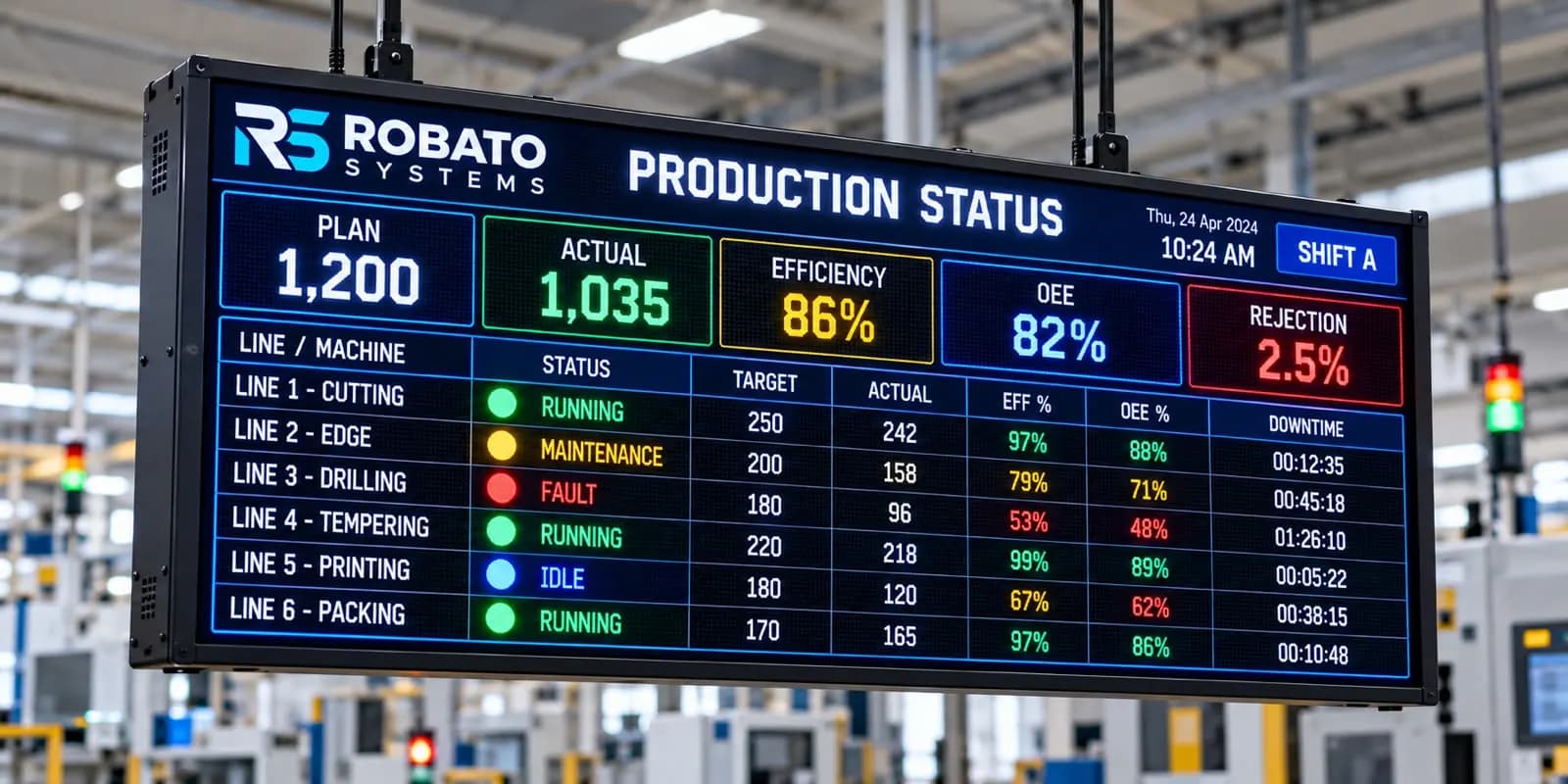
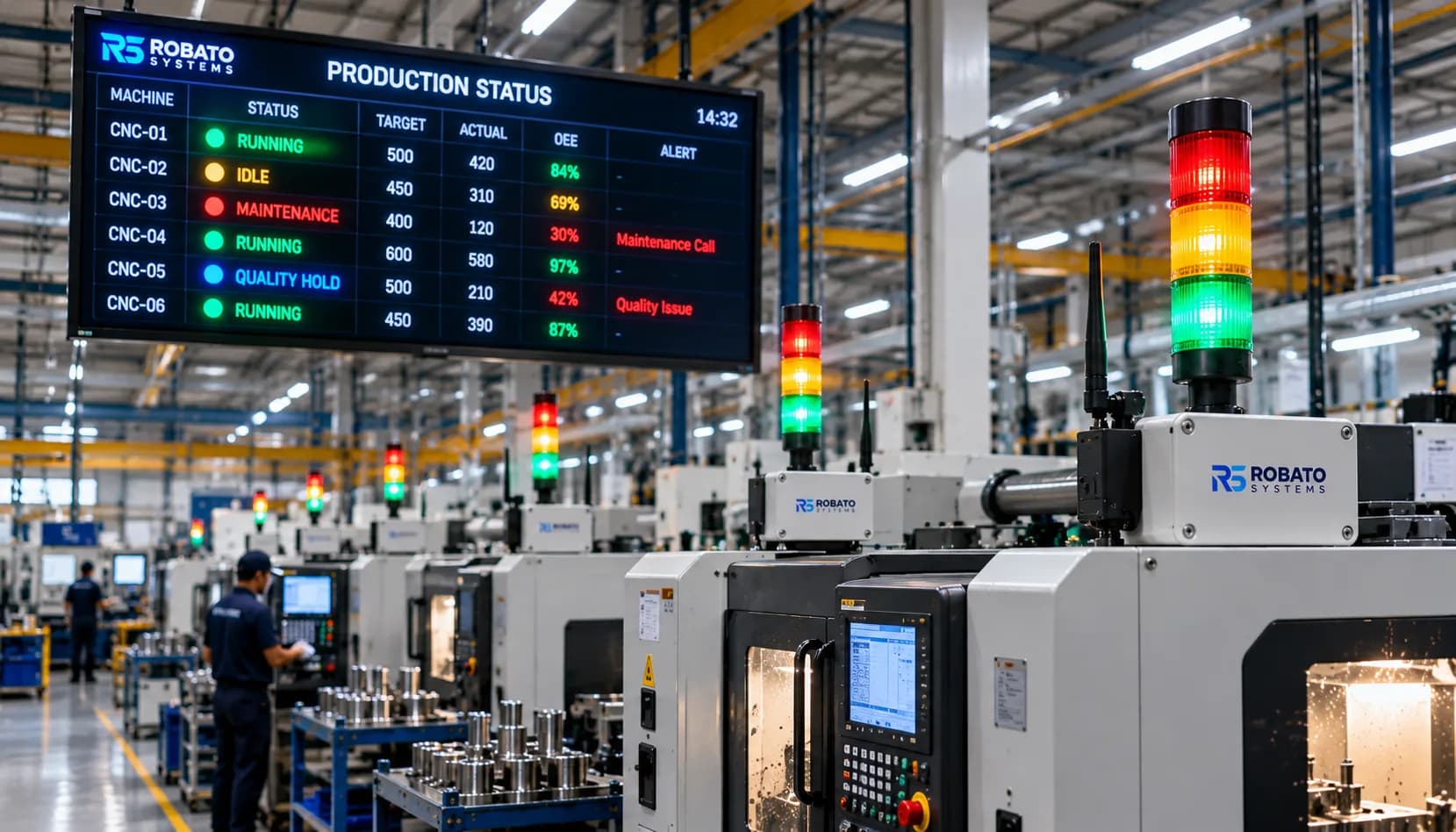
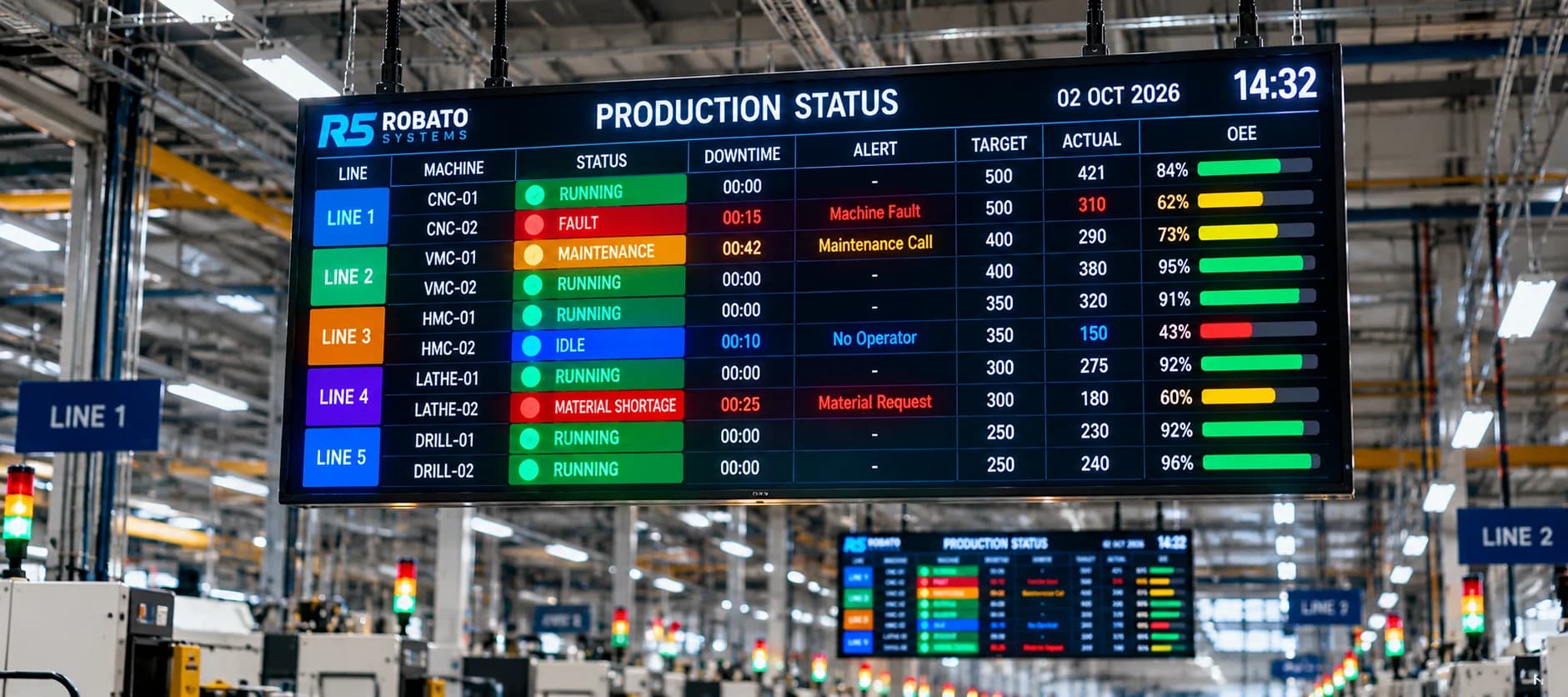
Instead of waiting until the end of a shift to understand what happened, production managers can use digital dashboards and real-time data to understand what is happening on the shop floor.
This article explains what manufacturing productivity software is, how it works, its key features, major benefits, implementation considerations, and how it can support modern Industry 4.0 manufacturing operations.
What Is Manufacturing Productivity Software?
Manufacturing productivity software is a digital solution designed to help manufacturing organizations monitor and improve production efficiency.
It can connect information from different areas of the factory, including:
- Production machines
- Operators
- Production lines
- Production targets
- Downtime
- Shifts
- Quality
- Work orders
- OEE
- Operator utilization
The software can transform this information into dashboards, KPIs, reports, trends, and actionable production insights.
For example, a production manager can view:
- Planned production
- Actual production
- Production achievement
- Machine status
- Downtime
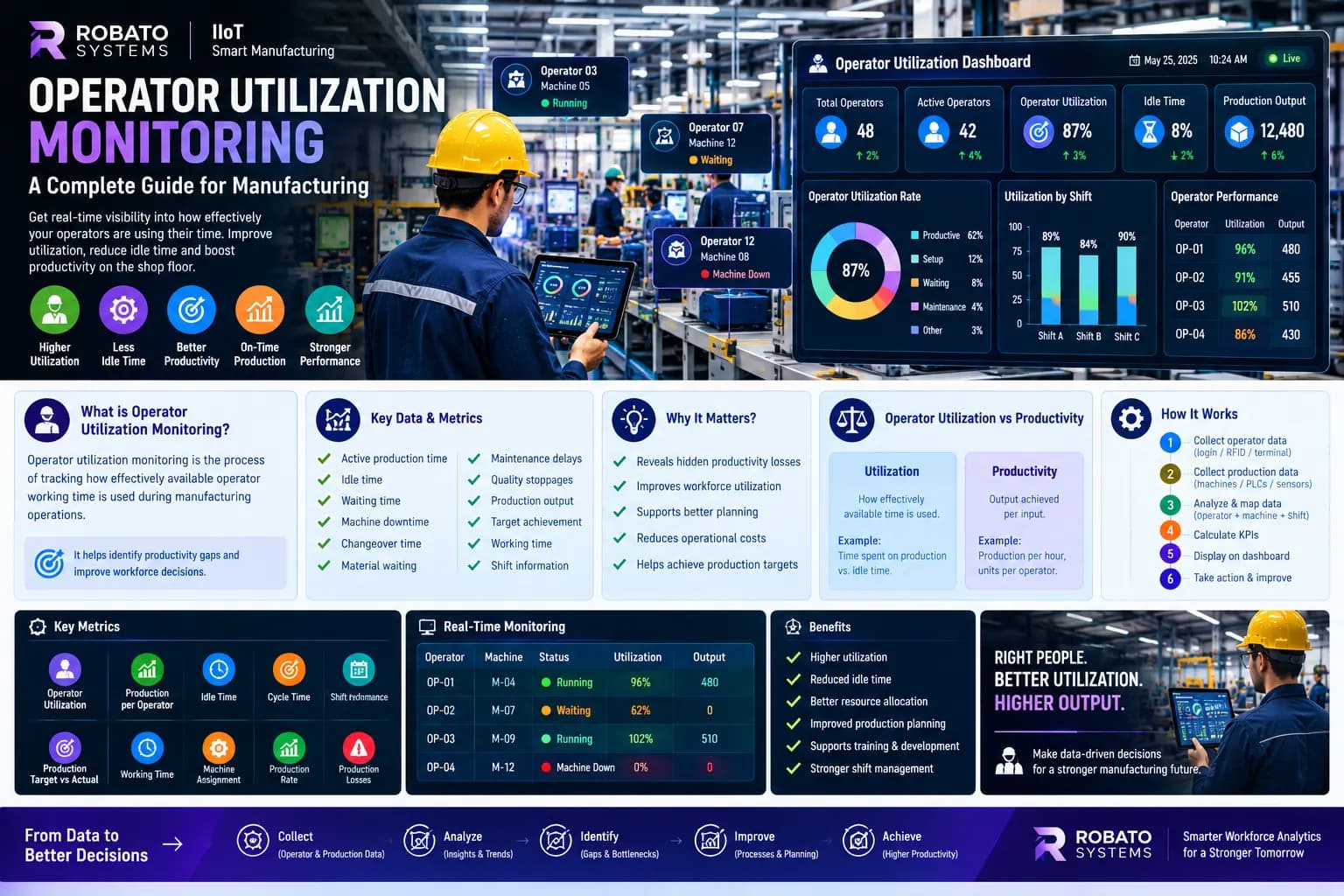
- Operator utilization
- Production per operator
- OEE
- Shift performance
This provides a centralized view of manufacturing productivity.
Why Manufacturing Productivity Software Is Important
Many factories still depend on manual methods for tracking production performance.
Operators or supervisors may record information in:
- Excel spreadsheets
- Paper production sheets
- Manual logbooks
- Shift reports
- Separate departmental systems
These methods can provide basic historical information, but they can make real-time analysis difficult.
Manufacturing productivity software helps address this problem by creating a more connected production environment.
Instead of asking:
"Why did production fall behind yesterday?"
Managers can investigate information such as:
- Which machine experienced downtime?
- How long did the machine remain stopped?
- How much production was lost?
- How many operators were affected?
- Which shift experienced the issue?
- Was the problem caused by maintenance, material availability, changeover, or another reason?
This provides greater context for production decision-making.
How Manufacturing Productivity Software Works
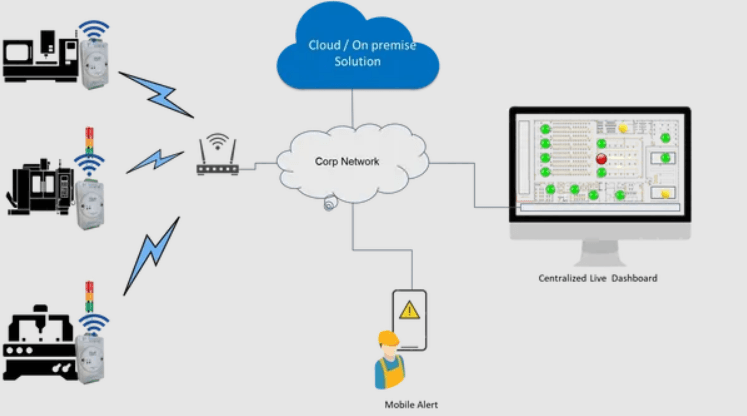
A typical manufacturing productivity platform follows a simple data flow:
Machine and Production Data → Data Collection → Processing → KPI Calculation → Dashboard → Analysis → Improvement
The system may collect information from:
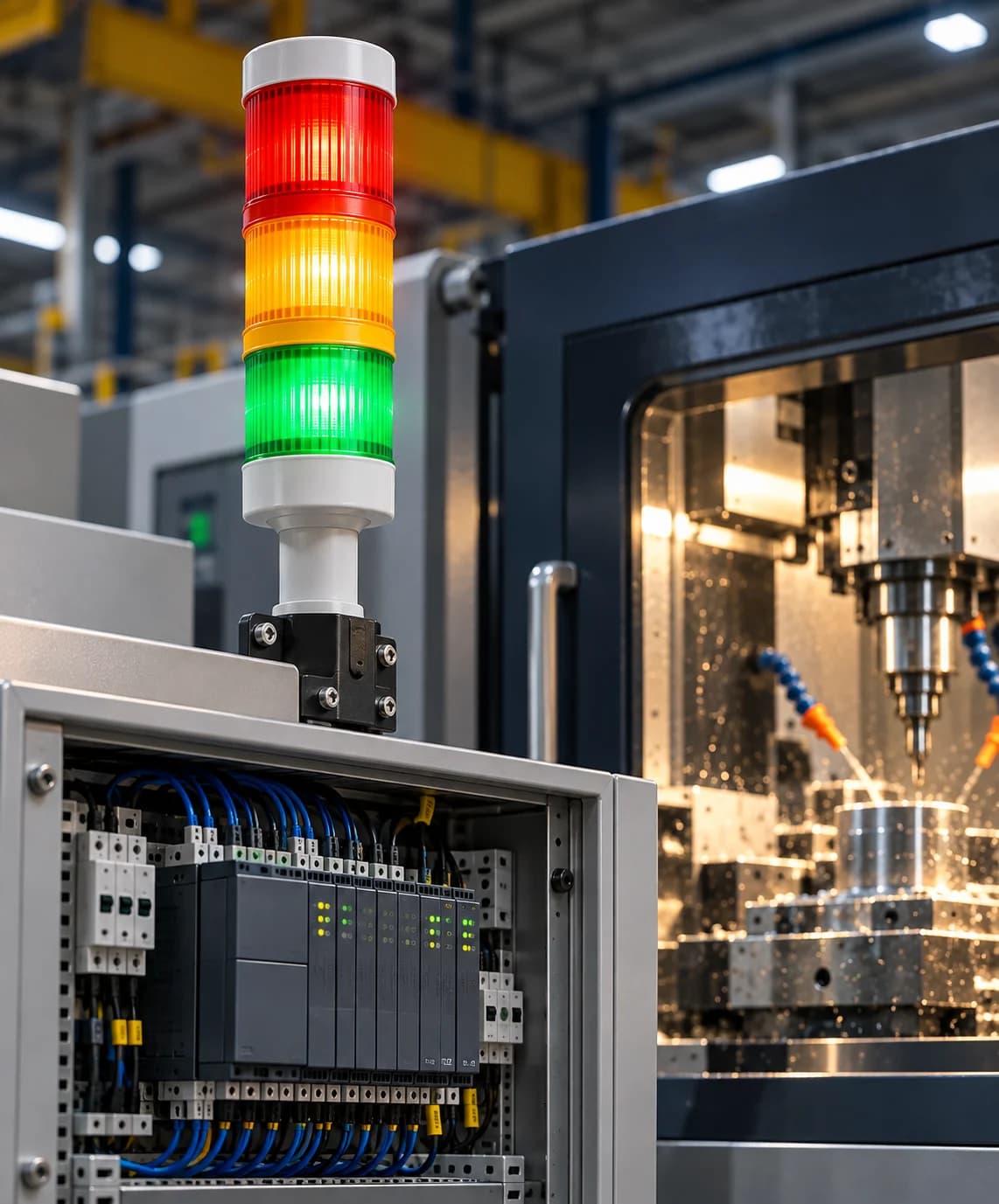
- PLCs
- Sensors
- Production counters
- Machine controllers
- Operator interfaces
- Existing manufacturing systems
- Manual inputs where required
The collected data can then be associated with:
- Machines
- Operators
- Shifts
- Production lines
- Products
- Work orders
- Plants
The resulting information can be displayed through web-based dashboards and reports.
Key Features of Manufacturing Productivity Software
1. Real-Time Production Monitoring
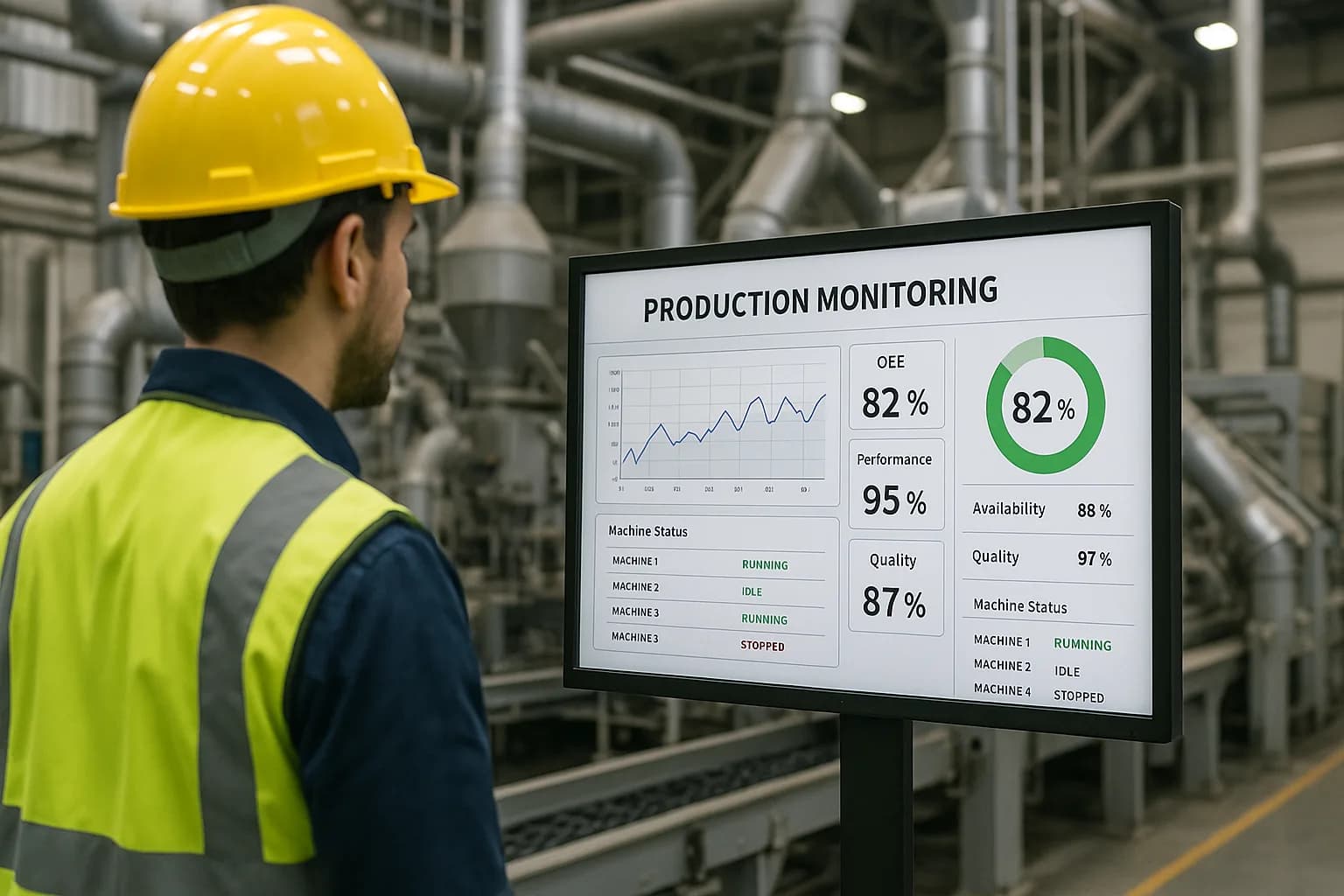
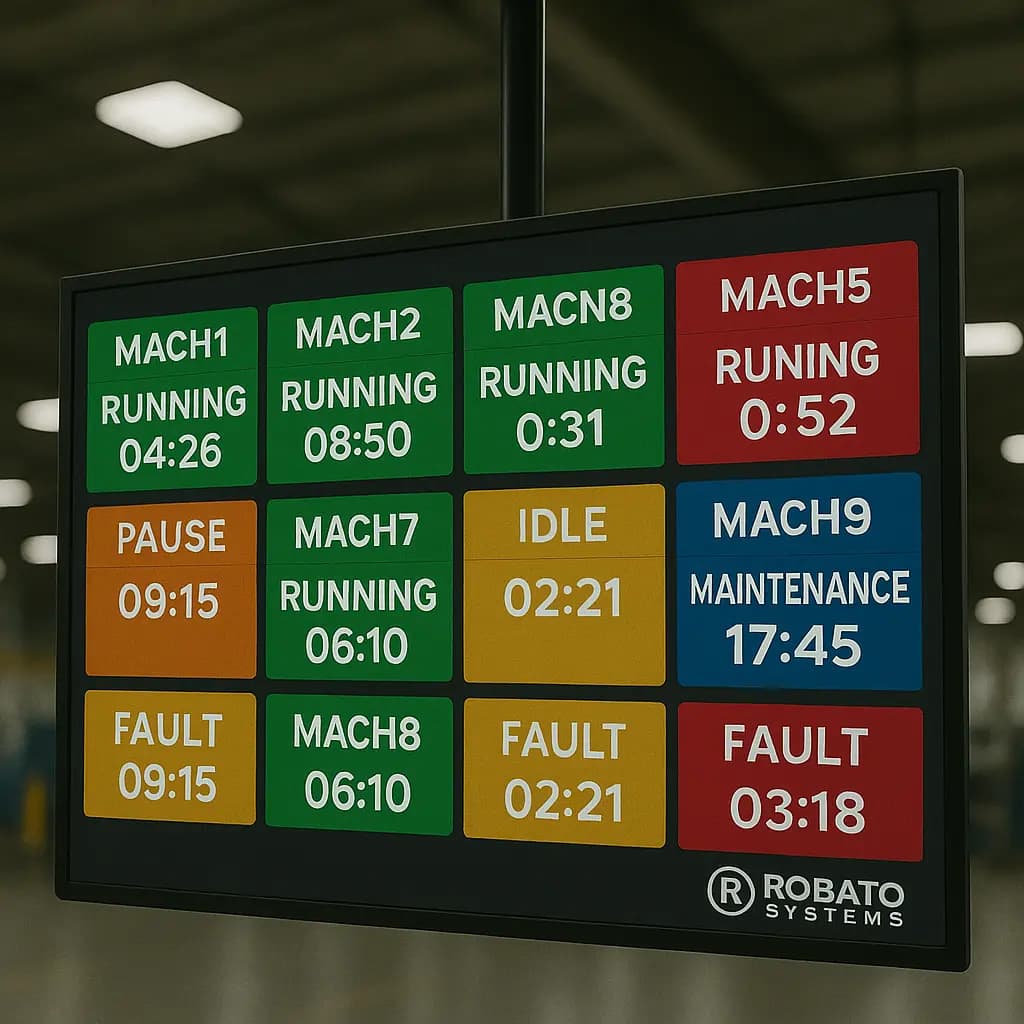
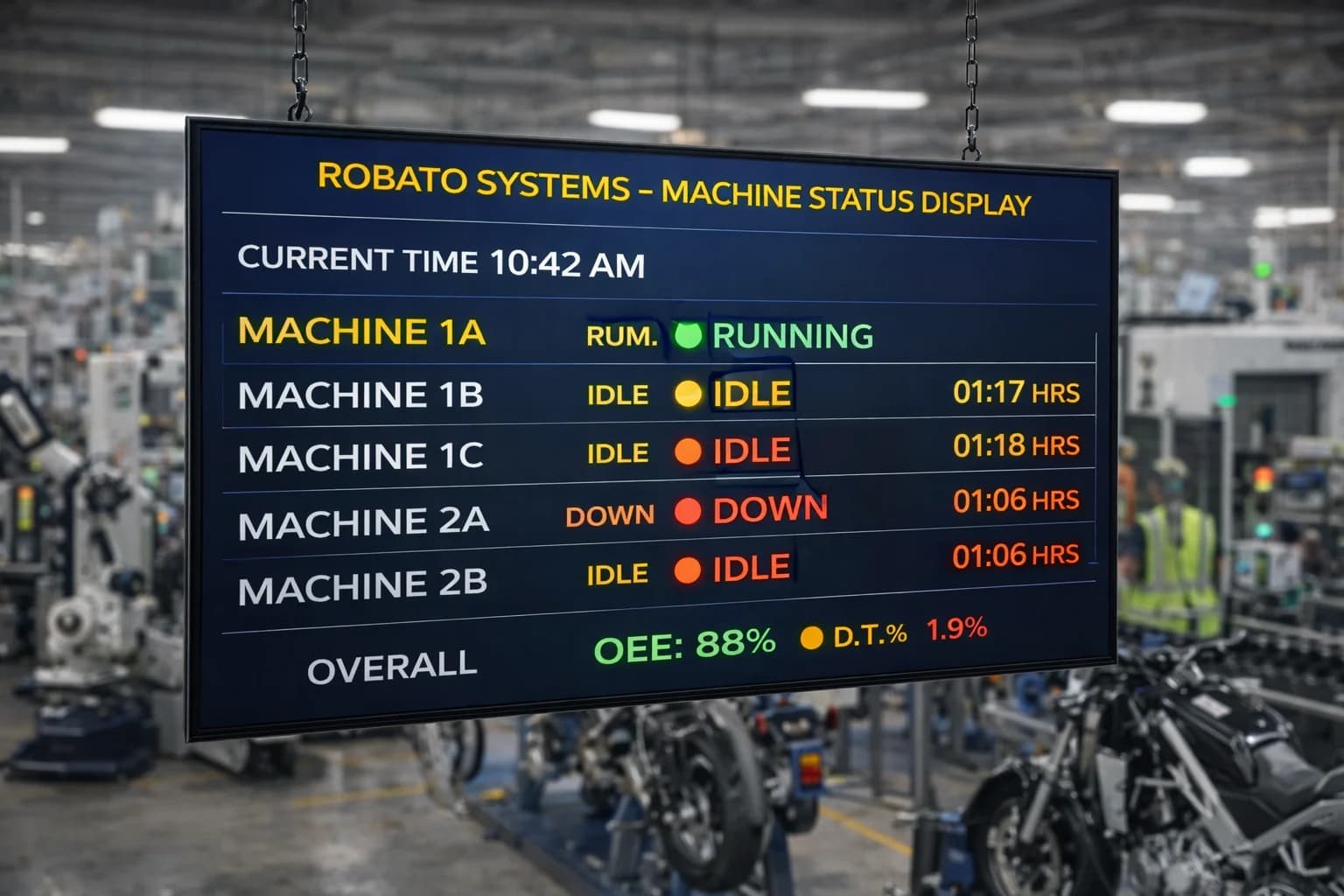
Real-time production monitoring provides visibility into current factory performance.
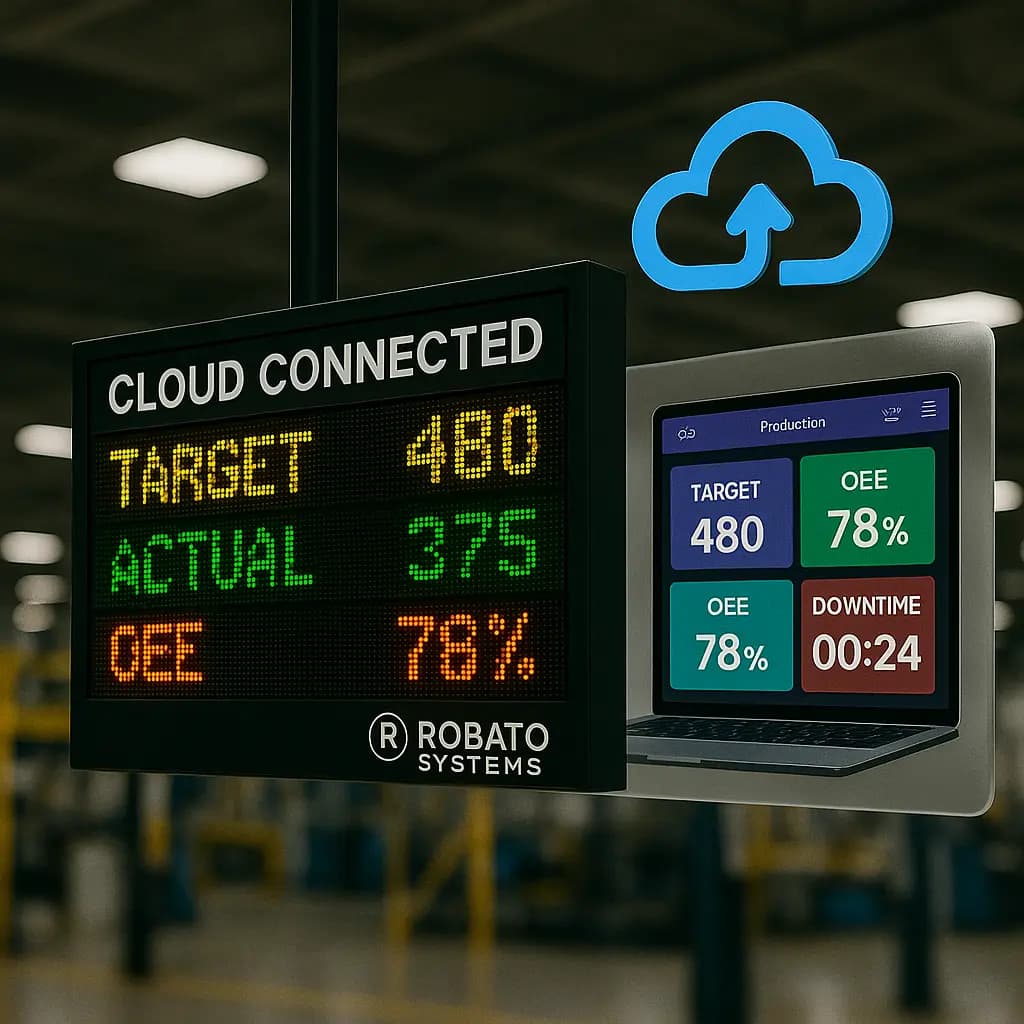
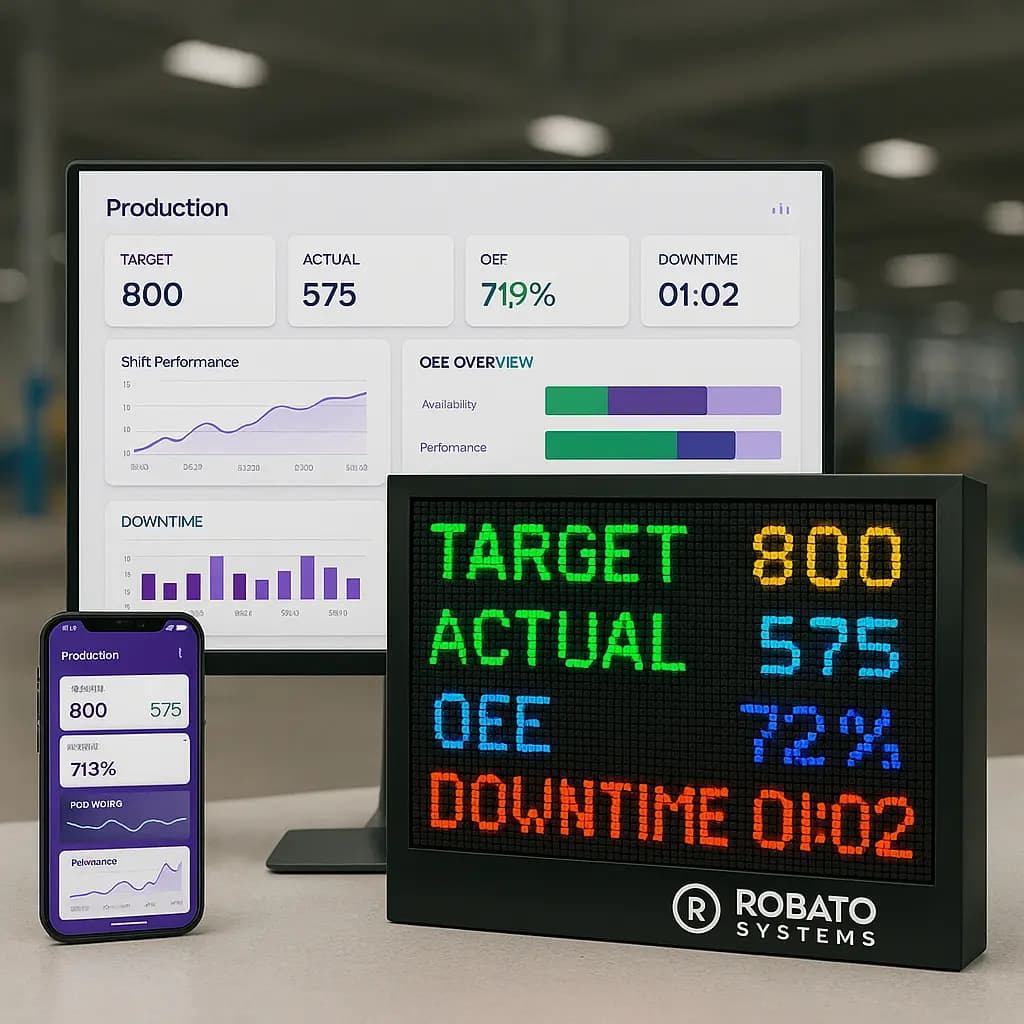
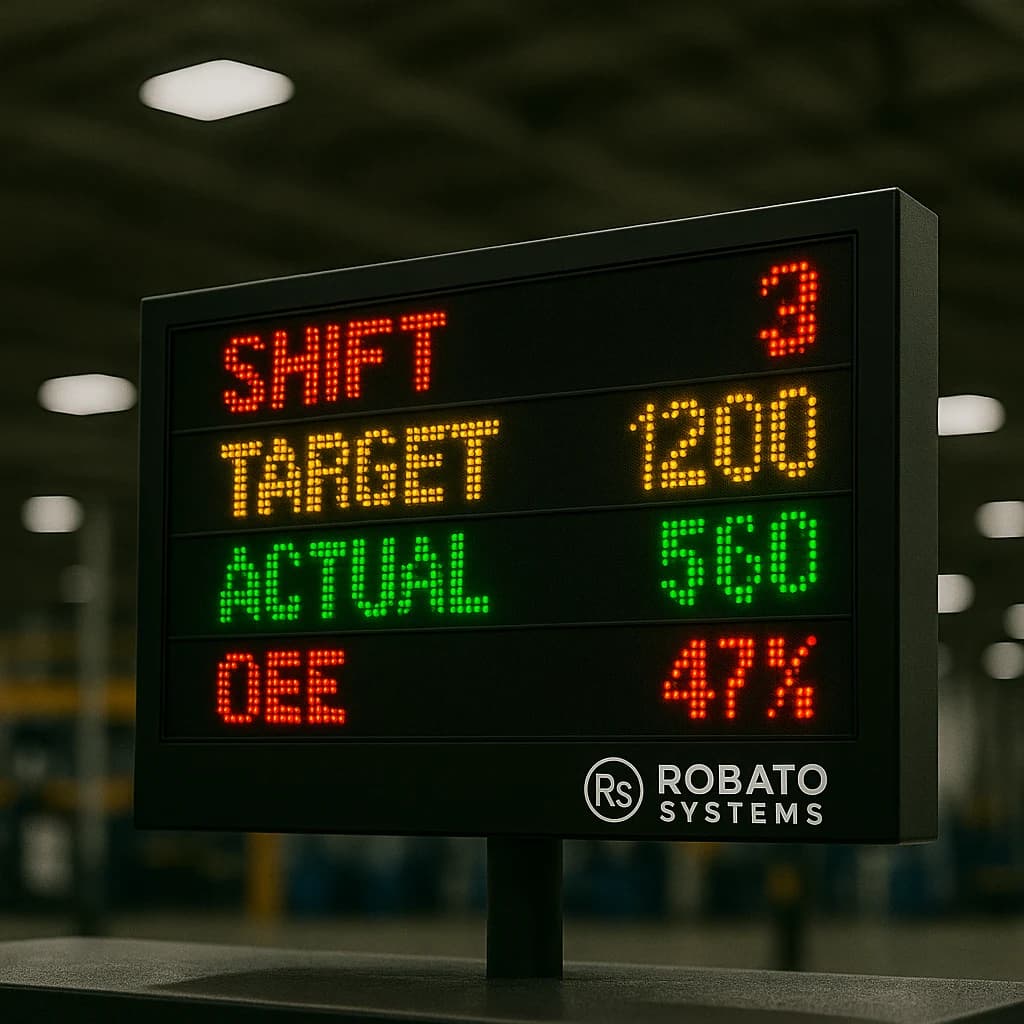
A dashboard can display:
- Current production
- Production target
- Actual production
- Production achievement
- Machine status
- Running machines
- Stopped machines
- Current shift
This helps supervisors identify production gaps while operations are still running.
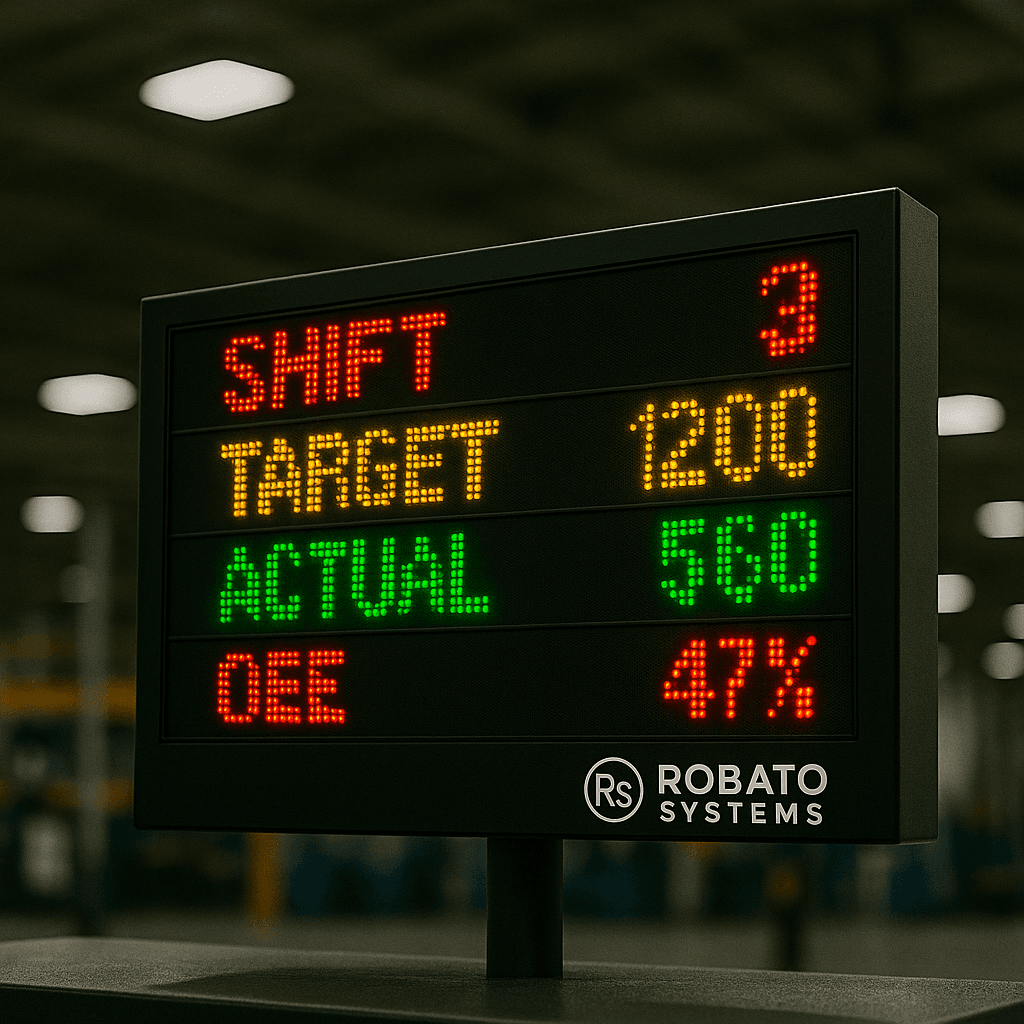
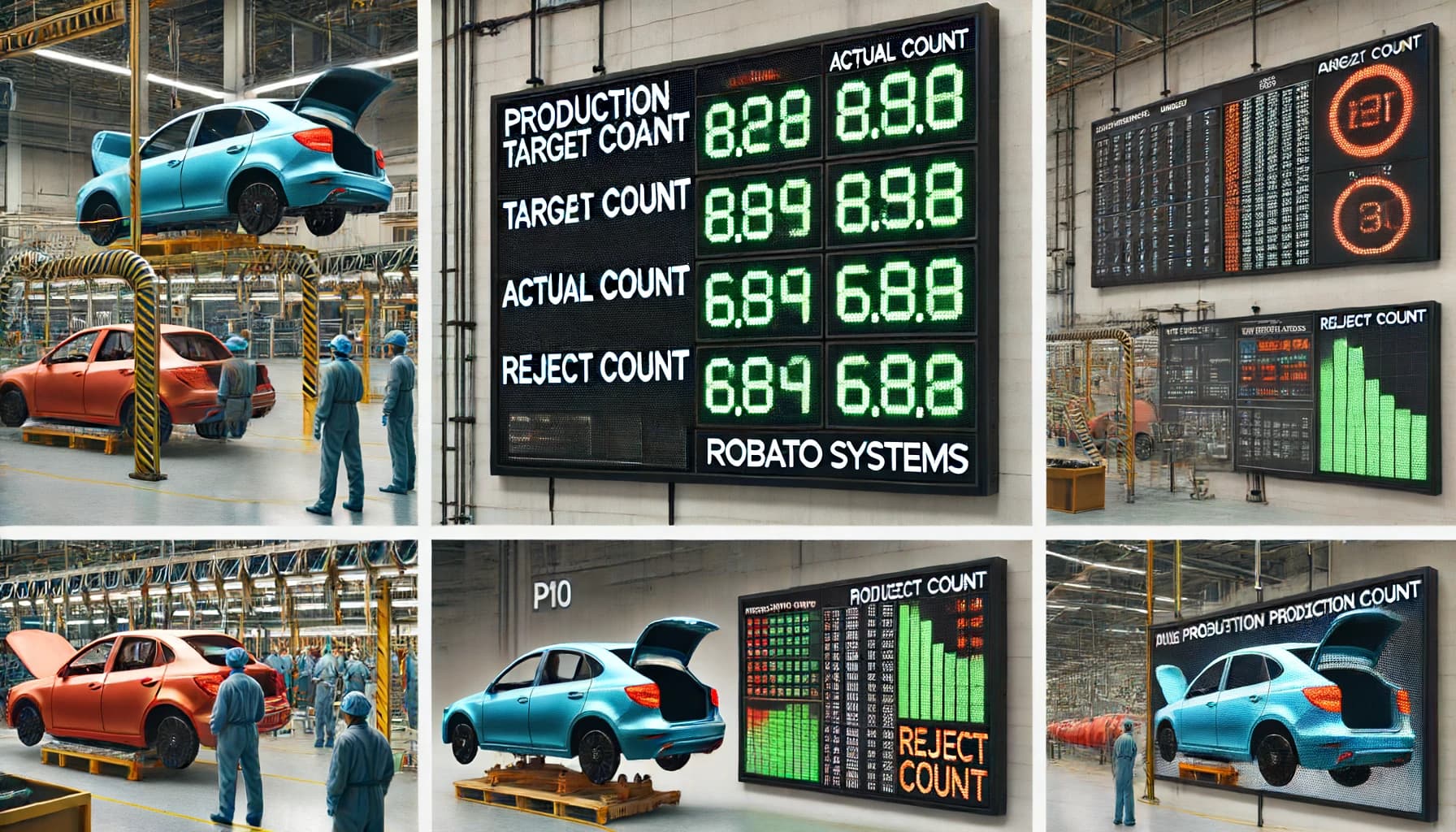
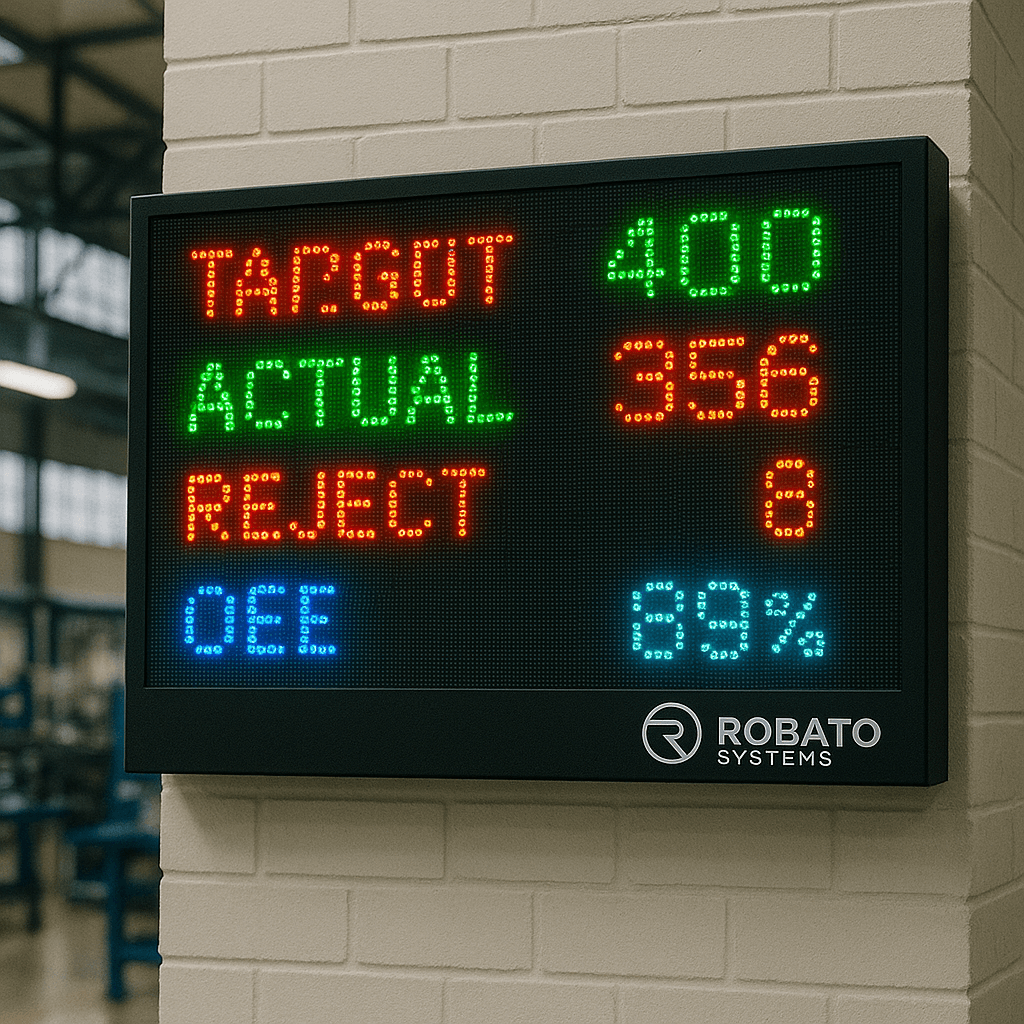
2. Production Target Monitoring
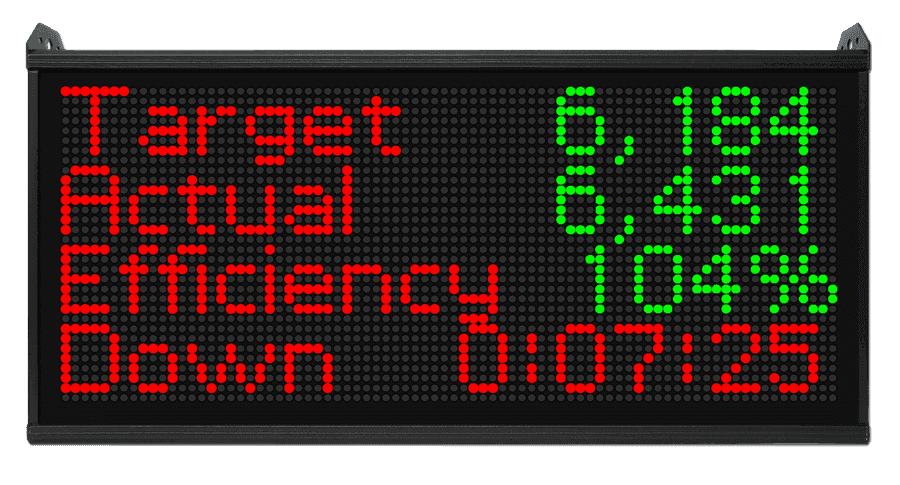
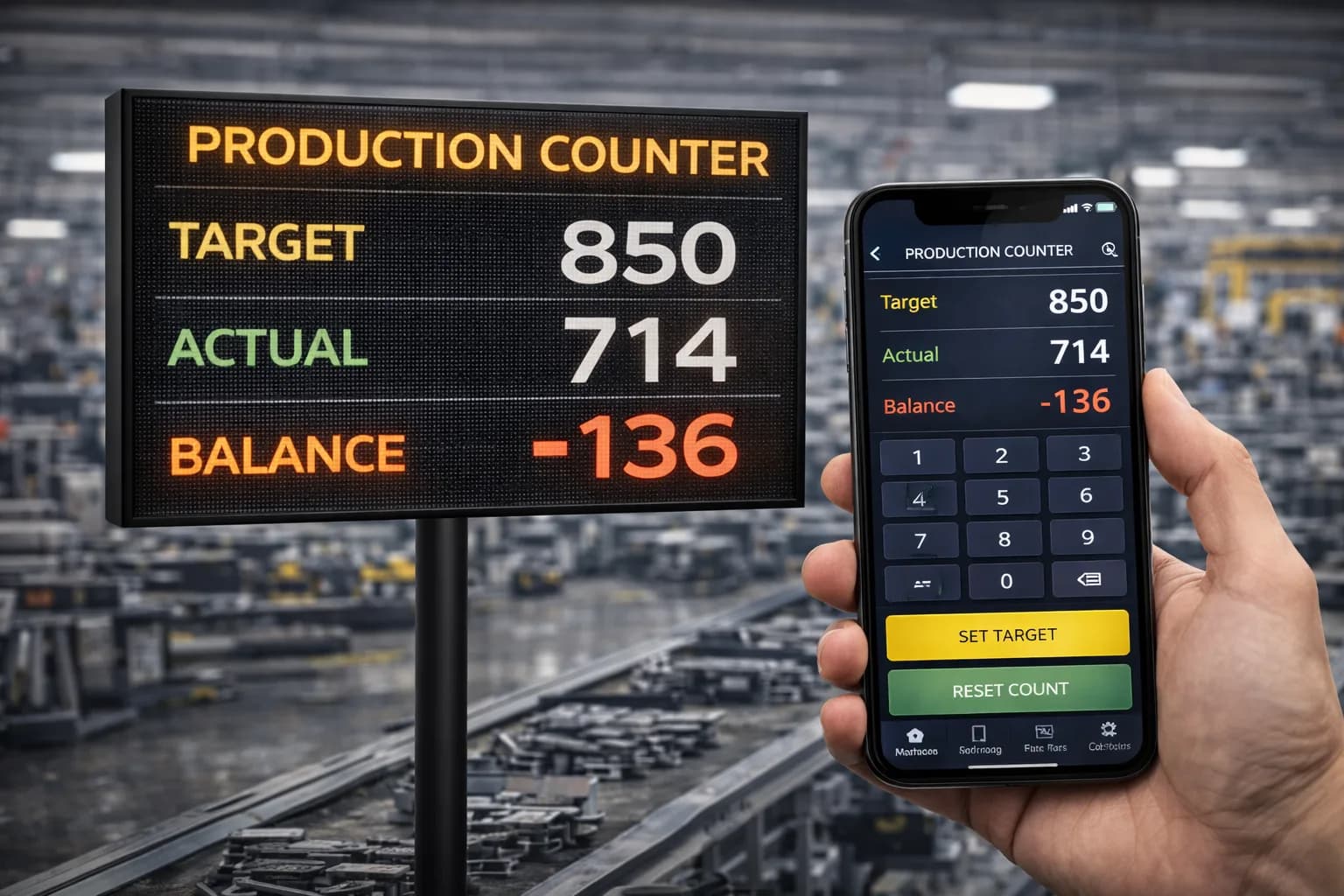
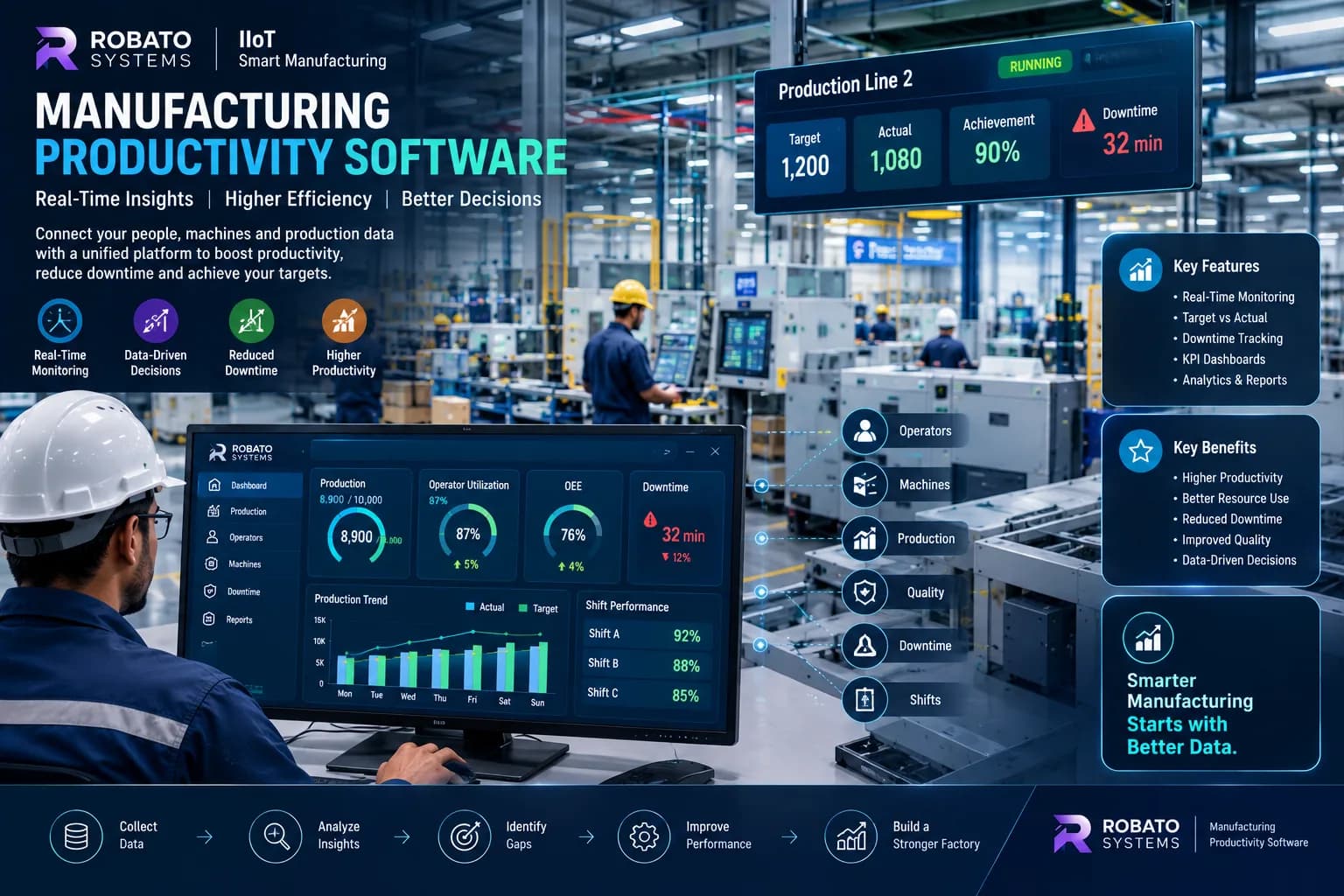
Production productivity software can compare planned production with actual production.
For example:
Target: 10,000 units
Actual: 8,900 units
The system can highlight the production gap and allow managers to investigate the underlying reasons.
Target monitoring can be performed by:
- Shift
- Machine
- Production line
- Product
- Work order
- Plant
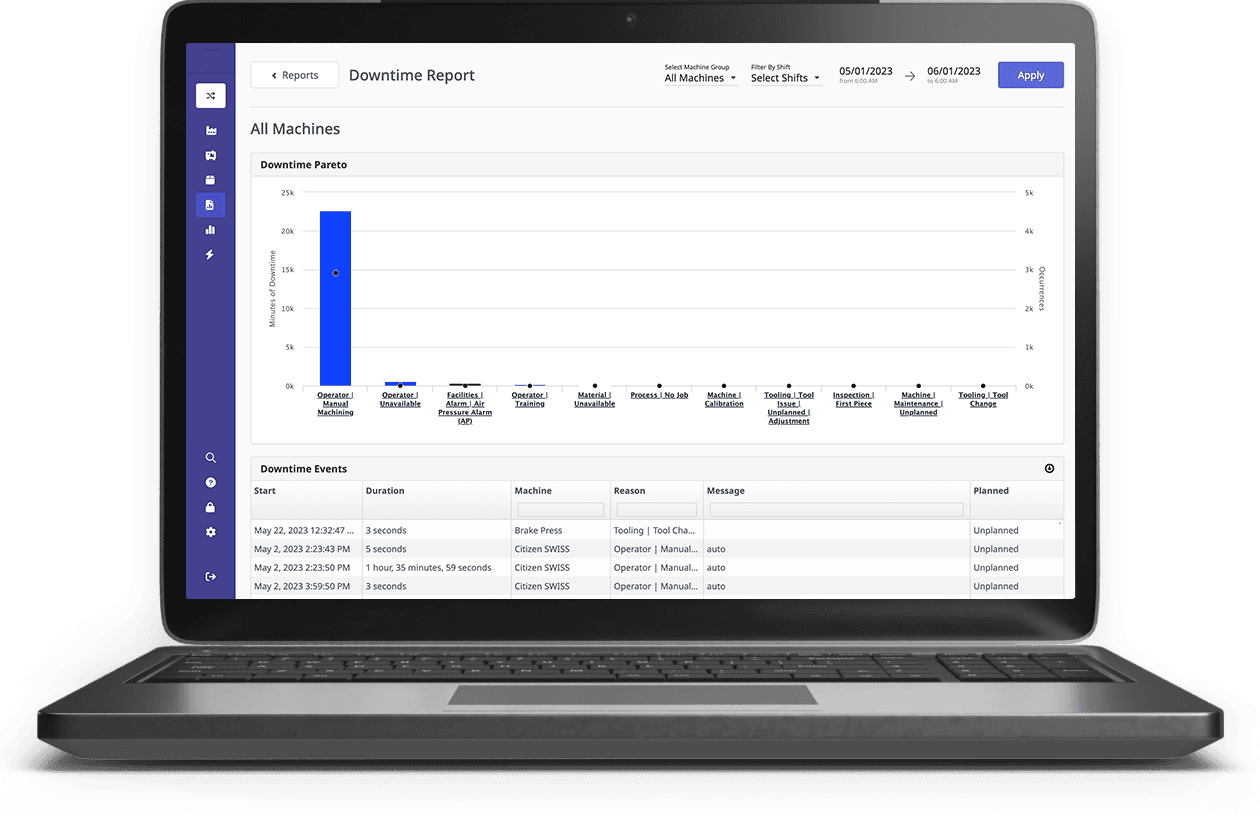
3. Downtime Monitoring
Machine downtime is one of the major factors affecting manufacturing productivity.
Manufacturing productivity software can monitor:
- Downtime duration
- Downtime frequency
- Machine stoppages
- Downtime reasons
- Planned downtime
- Unplanned downtime
When downtime information is connected to production data, managers can better understand how equipment problems affect production output.
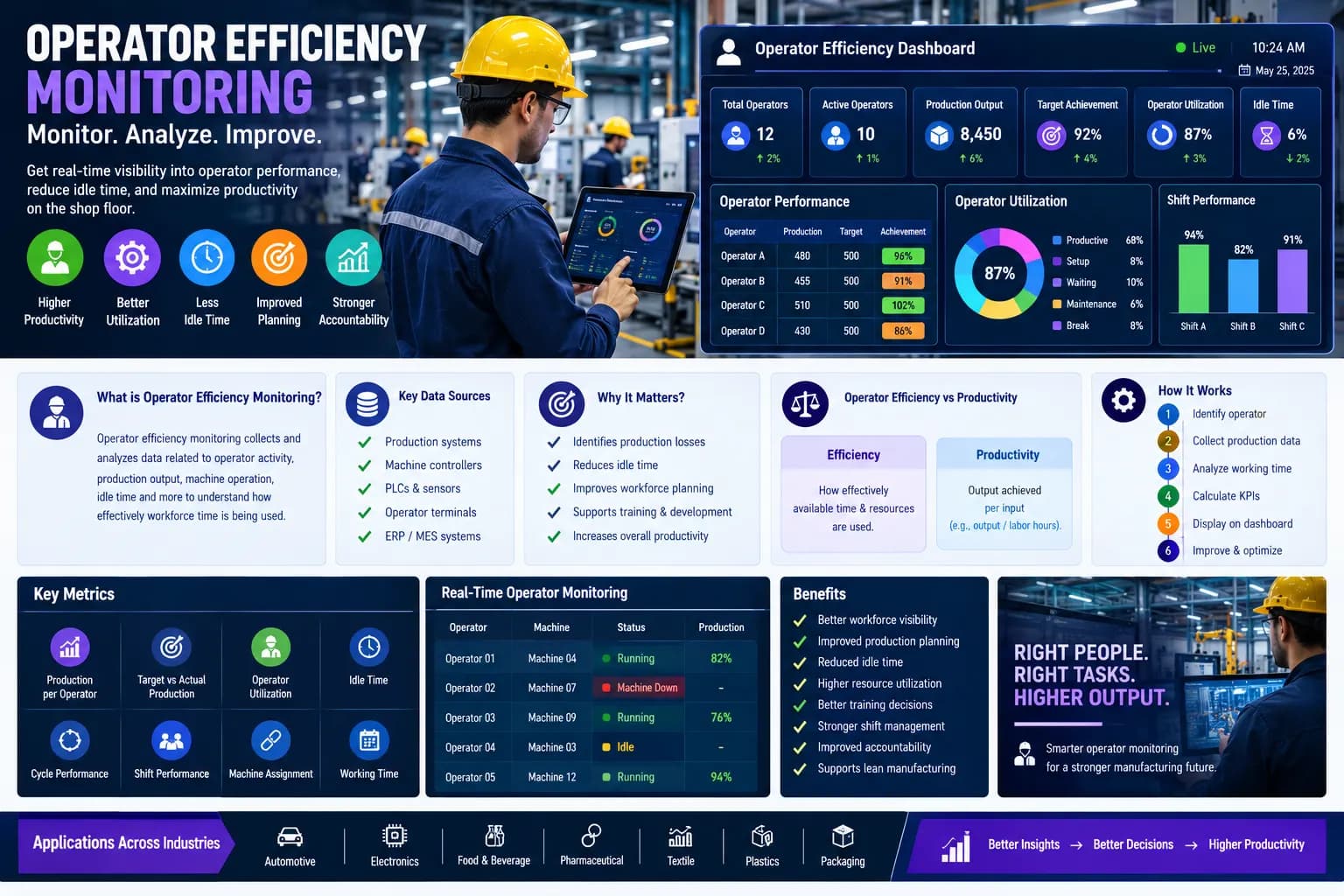
4. Operator Productivity Monitoring
Manufacturing productivity is not only about machines.
Operators are directly involved in production activities.
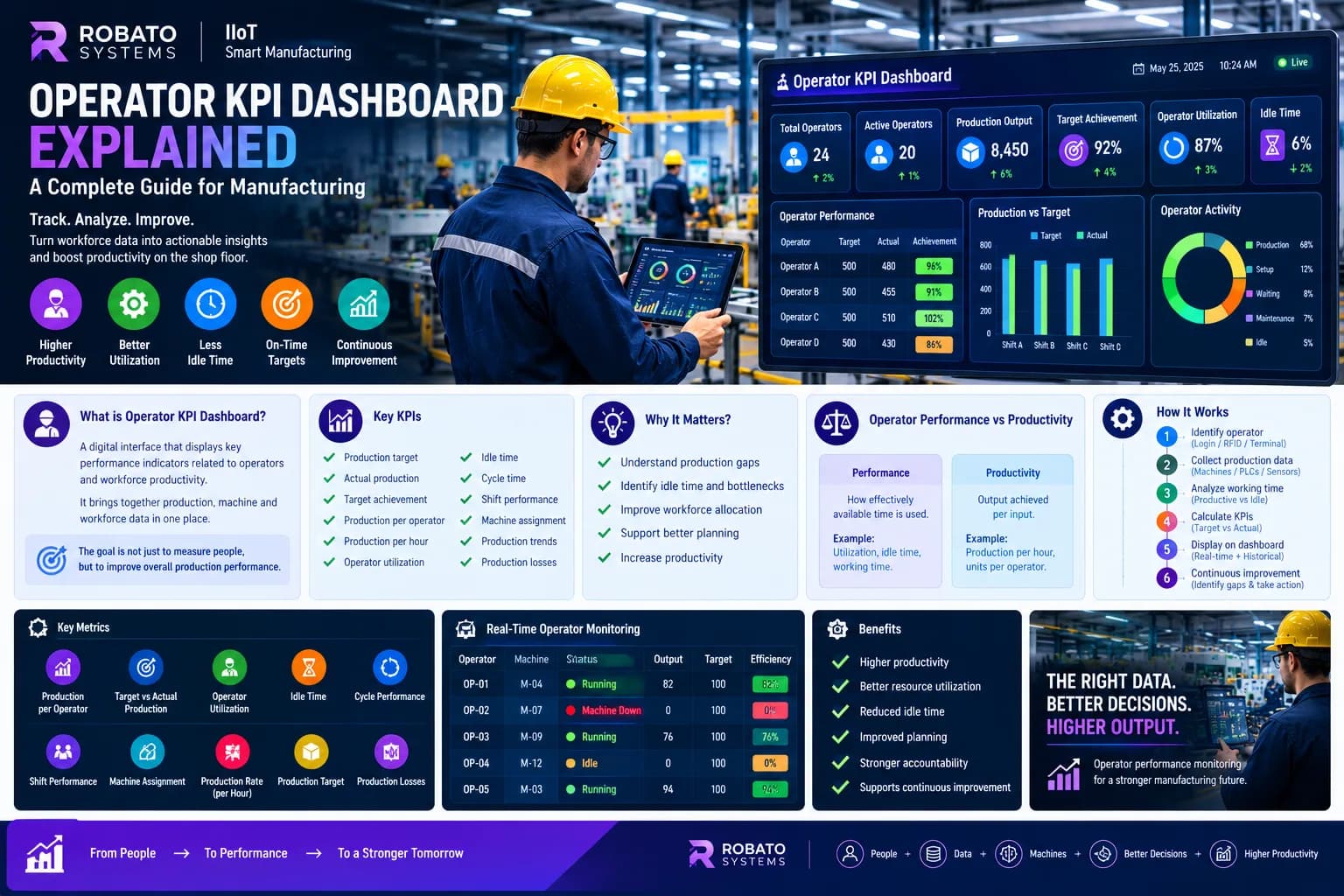
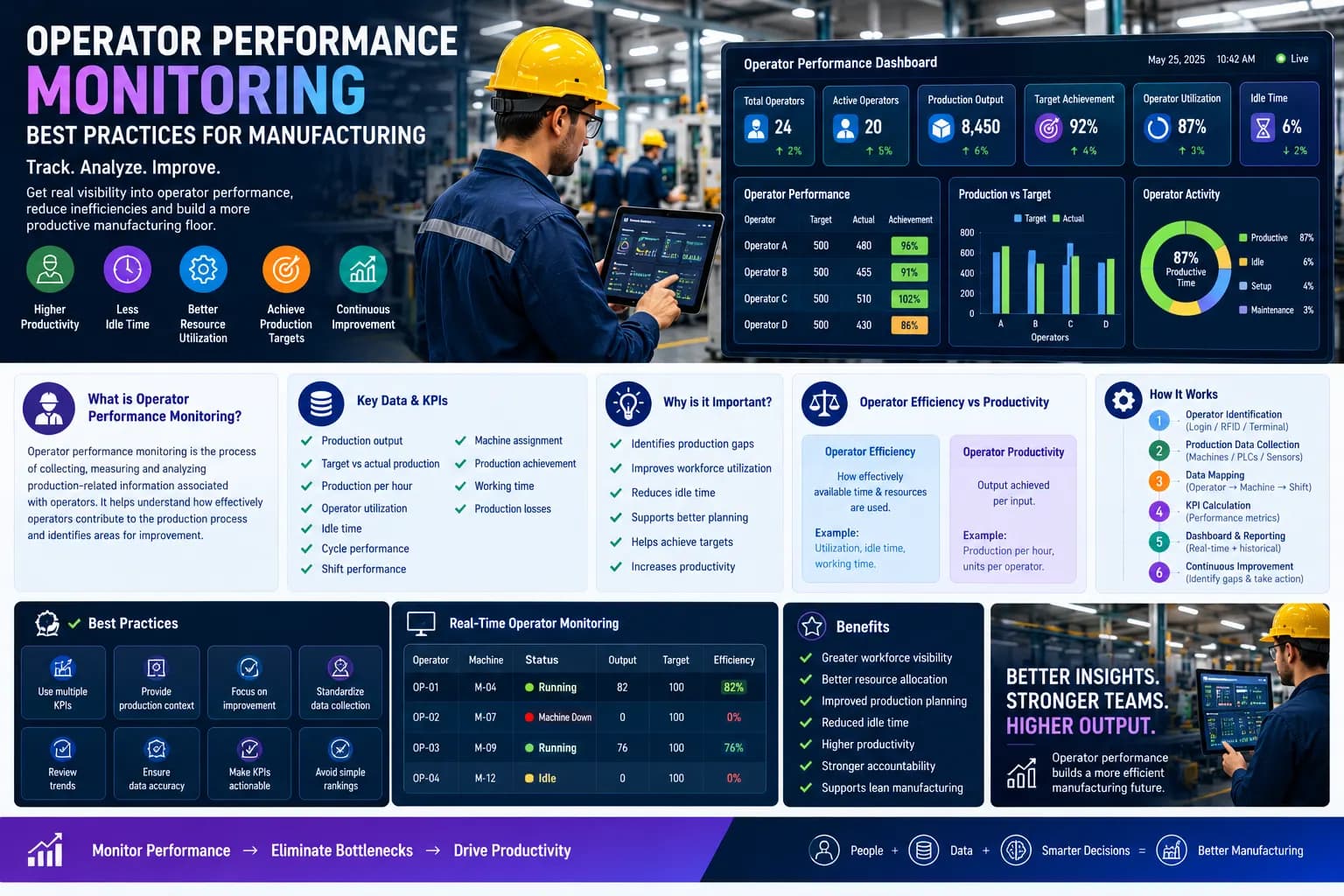
Software can provide metrics such as:
- Production per operator
- Operator utilization
- Operator productivity
- Productive time
- Idle time
- Production target achievement
This provides additional visibility into workforce productivity.
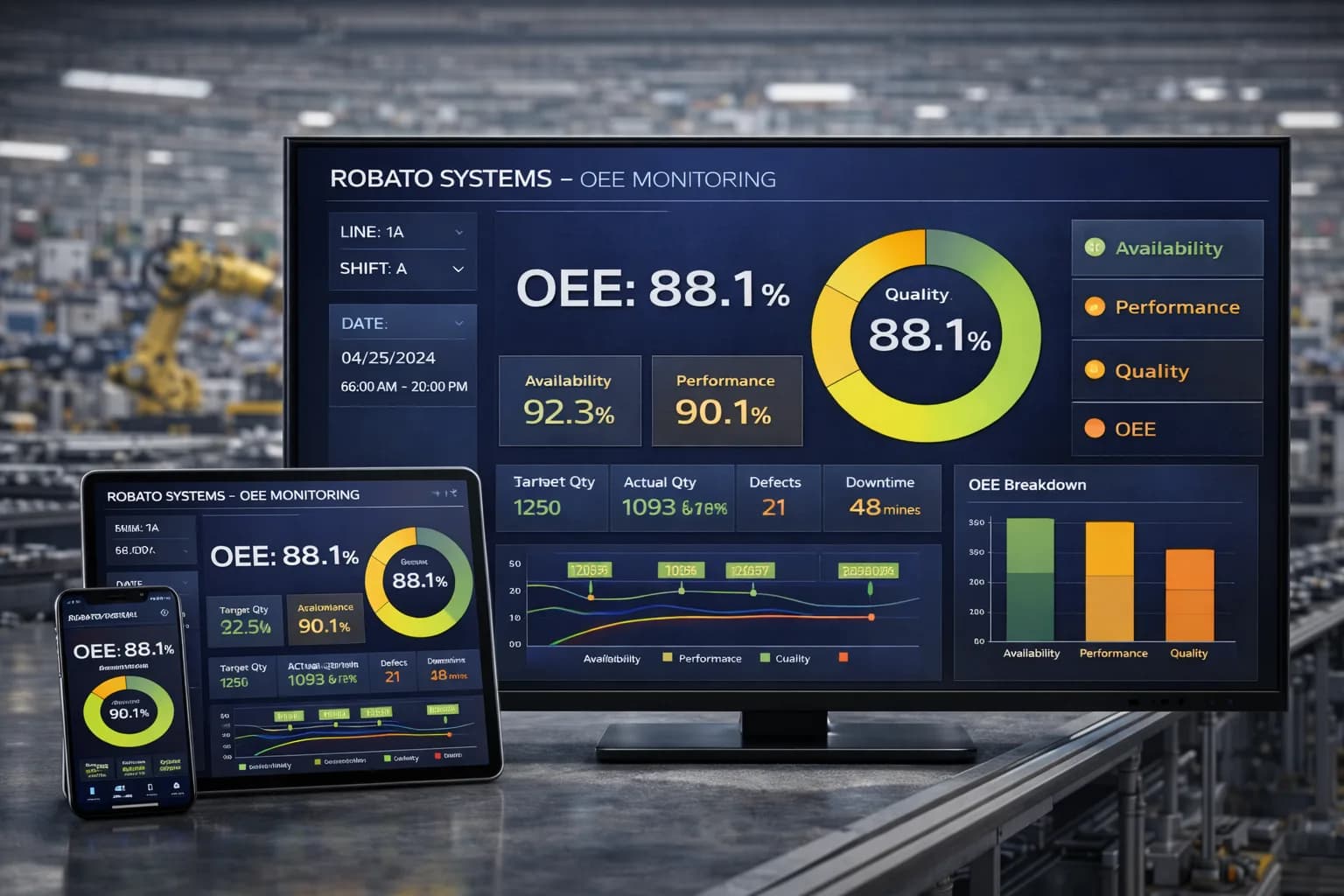
5. OEE Monitoring
Overall Equipment Effectiveness is a widely used manufacturing KPI.
OEE combines:
- Availability
- Performance
- Quality
Manufacturing productivity software can integrate OEE monitoring with production and machine data.
This allows managers to analyze production productivity together with equipment effectiveness.
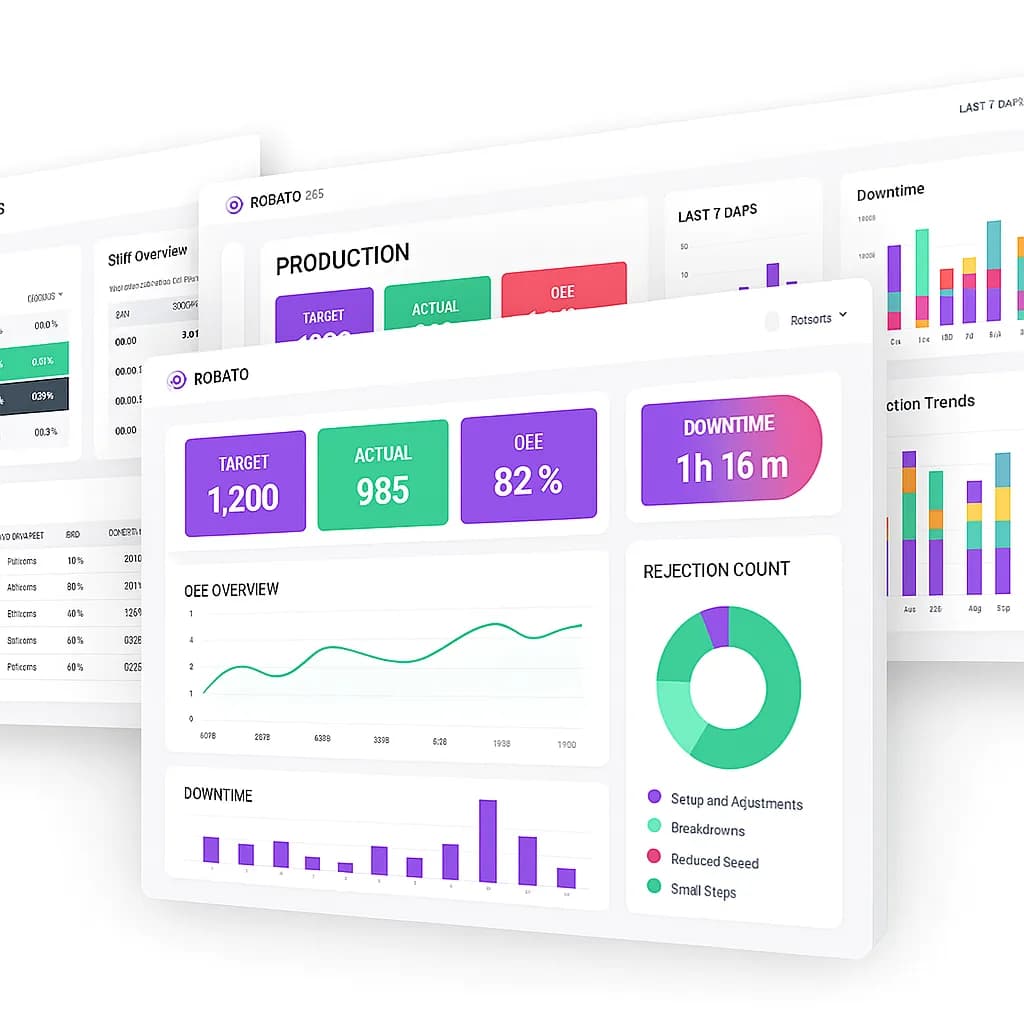
6. Manufacturing KPI Dashboards
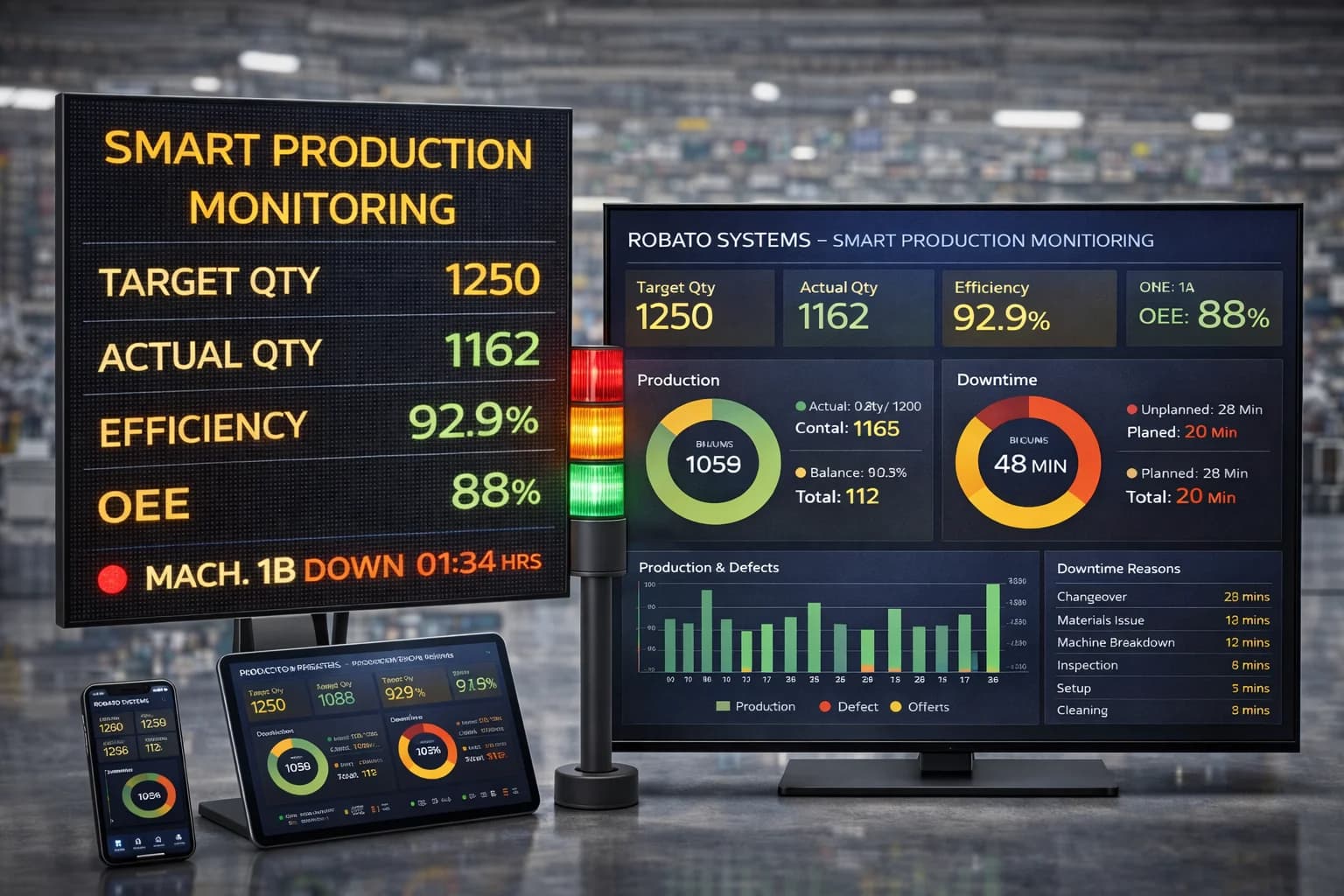
A manufacturing KPI dashboard can bring important metrics into one interface.
Common KPIs include:
- Production output
- Production achievement
- OEE
- Availability
- Performance
- Quality
- Downtime
- Machine utilization
- Operator utilization
- Production per operator
The objective is to provide the information needed for faster operational decisions without requiring managers to review multiple reports.
7. Shift Performance Monitoring
Manufacturing productivity software can track production performance across different shifts.
Managers can compare:
- Production output
- Production target
- OEE
- Downtime
- Operator utilization
- Production per operator
across comparable shifts and production conditions.
This can help identify recurring operational patterns.
8. Production Line Monitoring
Factories often operate multiple production lines.
A centralized productivity platform can provide line-level visibility into:
- Production output
- Machine status
- Downtime
- Operators
- Target achievement
- Productivity
This can help managers identify which production areas require further investigation.
Benefits of Manufacturing Productivity Software
Improved Production Visibility
One of the primary benefits is better visibility into what is happening across the factory.
Instead of relying entirely on delayed reports, managers can access current production information.
Better Decision-Making
Data-driven production decisions can be based on measurable information rather than assumptions.
For example, managers can identify whether a production gap is associated with:
- Downtime
- Slow machine performance
- Material shortages
- Changeovers
- Workforce availability
- Quality problems
Reduced Downtime
By tracking machine stoppages and downtime reasons, production teams can identify recurring equipment problems.
This information can support maintenance and continuous improvement initiatives.
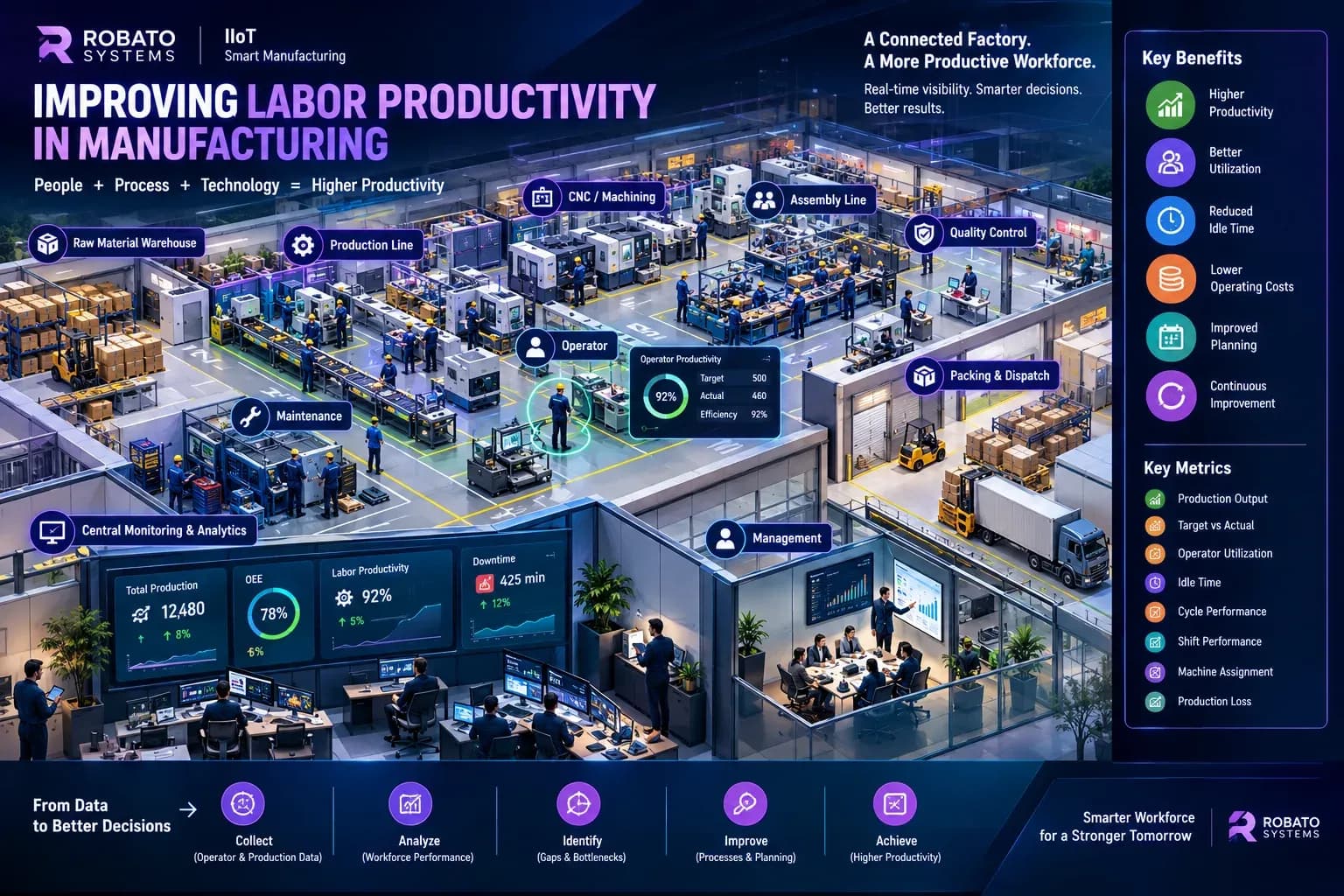
Improved Workforce Productivity
Operator productivity and utilization information can reveal where workforce capacity is being affected by operational constraints.
For example, operators may lose production time because of:
- Machine breakdowns
- Material shortages
- Long changeovers
- Upstream production delays
Identifying these causes can help improve overall workforce efficiency.
Better Production Planning
Historical production data can help managers understand actual production capacity.
This can support:
- Shift planning
- Workforce planning
- Production scheduling
- Capacity planning
- Target setting
Faster Response to Production Problems
Real-time dashboards allow supervisors to identify production problems earlier.
Instead of discovering a problem after the shift, teams can investigate it while production is still taking place.
Centralized Manufacturing Data
Manufacturing productivity software can bring production information into a centralized platform.
This reduces the need to manually combine information from multiple spreadsheets and reports.
Manufacturing Productivity Software vs Excel
Excel remains useful for many manufacturing tasks, especially analysis and reporting.
However, using spreadsheets as the primary production monitoring system can become difficult as operations grow.
Manual Spreadsheet Approach
Common characteristics include:
- Manual data entry
- Delayed reporting
- Separate files
- Manual calculations
- Limited real-time visibility
- Difficult multi-line monitoring
Digital Productivity Software
A connected system can provide:
- Automated data collection
- Real-time dashboards
- Centralized information
- Automated KPI calculations
- Historical trends
- Machine and operator integration
- Faster production analysis
The right approach depends on the size, complexity, and digital maturity of the manufacturing operation.
Manufacturing Productivity Software and Industry 4.0
Industry 4.0 focuses on connected, data-driven manufacturing.
Manufacturing productivity software can act as part of this digital ecosystem by connecting:
- Machines
- Sensors
- Operators
- Production systems
- Dashboards
- Analytics
For example:
Machine → IIoT Data → Manufacturing Platform → KPI Dashboard → Production Decision
This creates a continuous flow of operational information.
Role of IIoT in Manufacturing Productivity
Industrial Internet of Things technology can provide machine-level data from the shop floor.
IIoT systems can collect information such as:
- Machine running status
- Production counts
- Cycle information
- Machine stoppages
- Sensor values
- Production states
This data can then be processed by manufacturing productivity software.
The combination of IIoT and productivity software can provide more detailed visibility than manual reporting alone.
Manufacturing Productivity Software and Operator Efficiency
Workforce productivity is another important part of factory performance.
A manufacturing productivity system can connect operator information with production information.
For example:
Operator → Machine → Production → Downtime → Shift → Productivity
This can help managers understand:
- Production per operator
- Operator utilization
- Operator productivity
- Idle time
- Production target achievement
It also provides context when production performance changes.
Manufacturing Productivity Software and Downtime Analysis
Downtime is often one of the most visible causes of lost production capacity.
Productivity software can help classify downtime into categories such as:
- Mechanical
- Electrical
- Maintenance
- Material shortage
- Changeover
- Quality
- Planned downtime
- Other operational reasons
Historical downtime analysis can reveal recurring problems.
For example, if the same machine repeatedly experiences downtime from the same cause, the maintenance team can investigate the underlying issue.
Manufacturing Productivity Software and OEE
OEE is often used to evaluate equipment effectiveness.
Manufacturing productivity software can provide a centralized environment where OEE is viewed alongside:
- Production
- Downtime
- Machine utilization
- Operator utilization
- Quality
- Shift performance
This creates a broader manufacturing performance view.
For example, a low OEE value can be investigated using detailed production and downtime information rather than being treated as an isolated number.
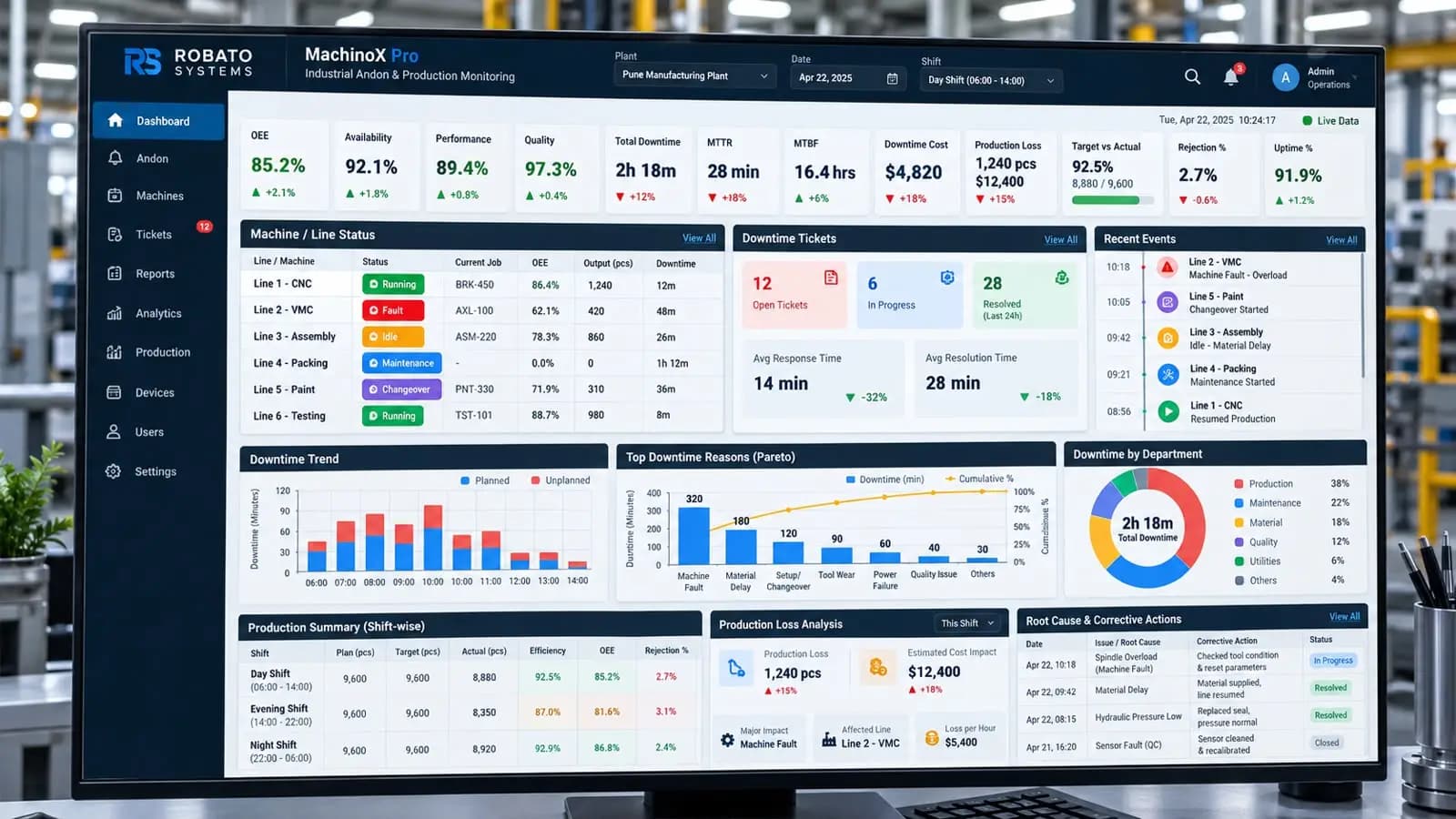
Manufacturing Productivity Dashboard
A well-designed manufacturing productivity dashboard should focus on information that production teams can act upon.
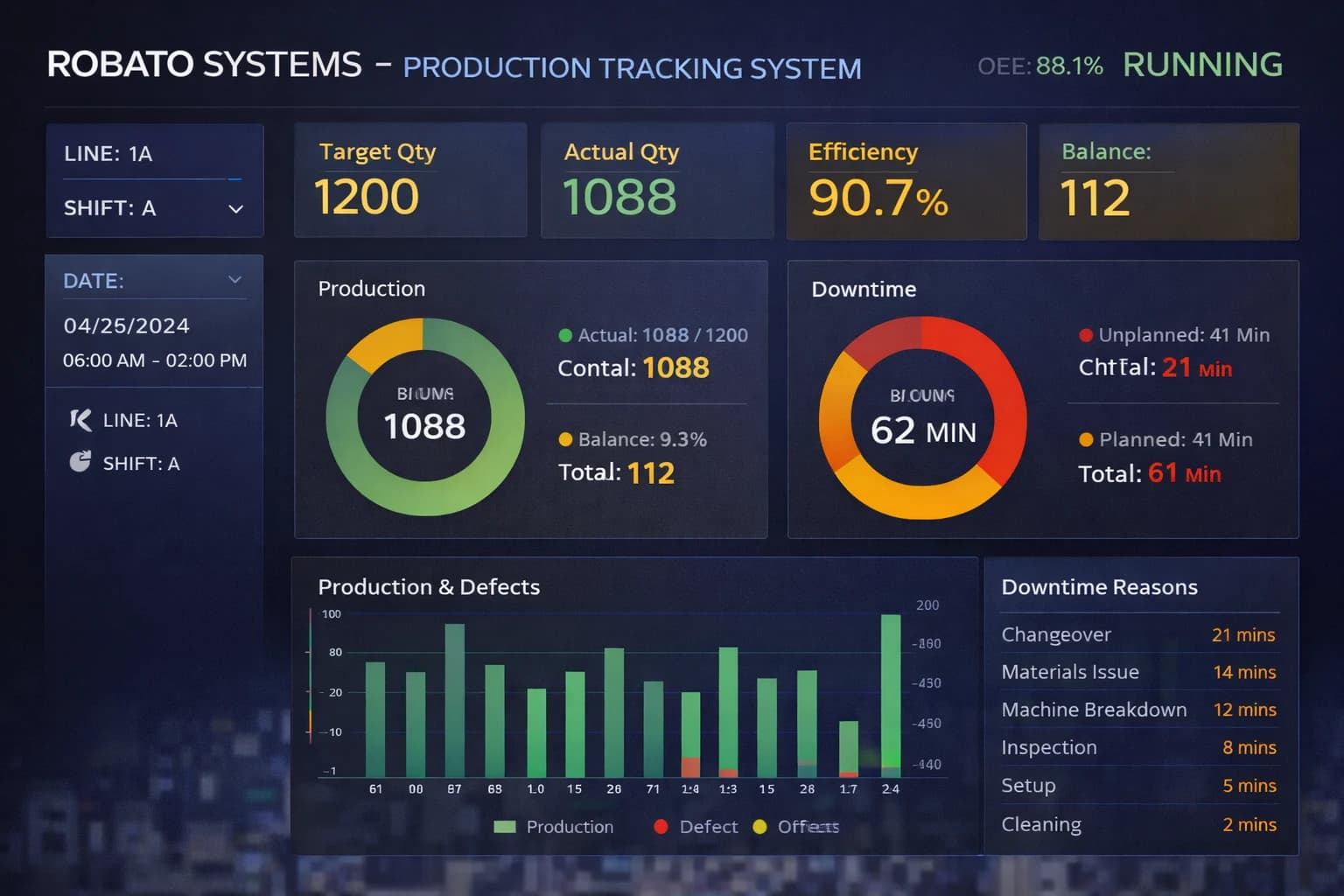
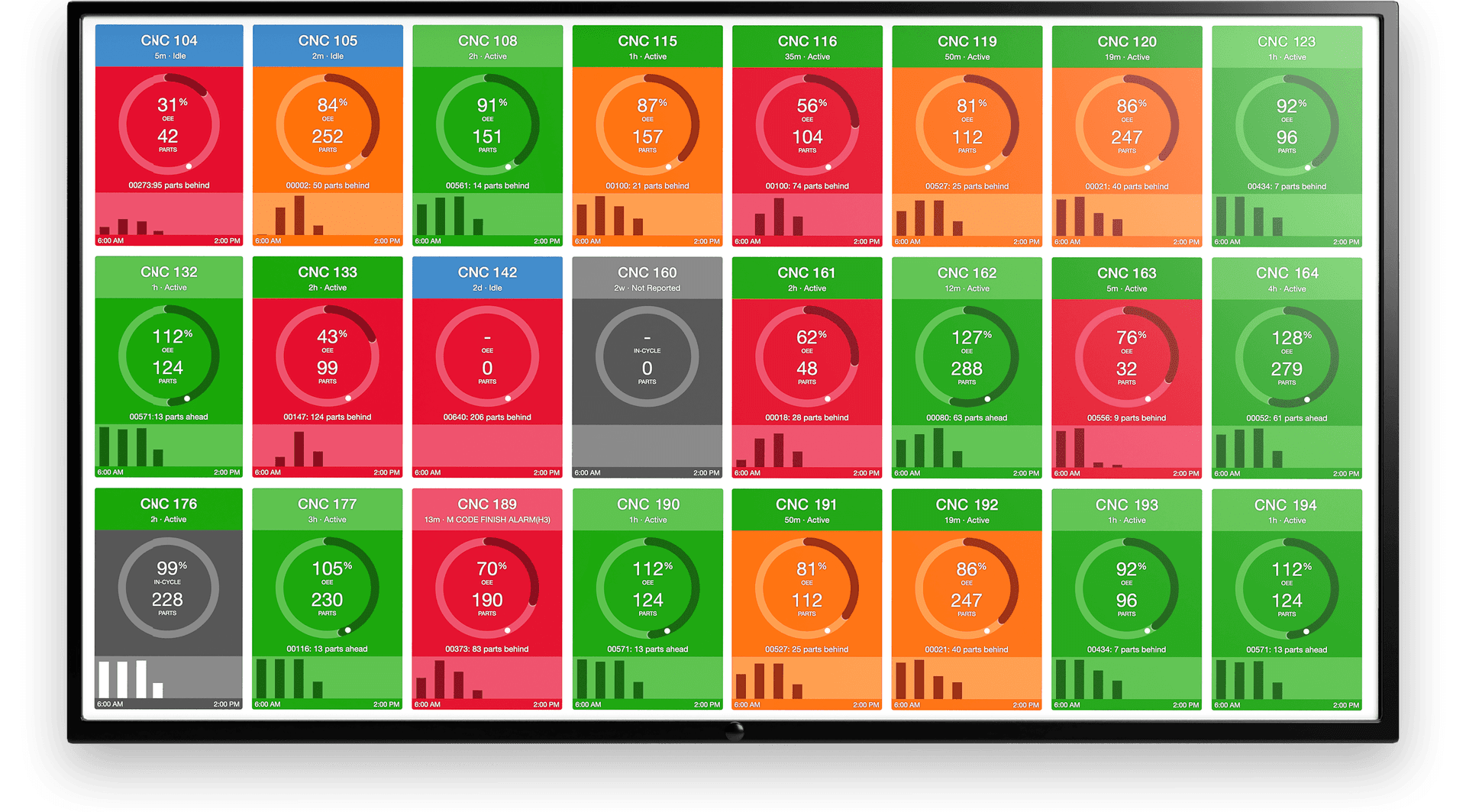
A typical dashboard can include:
Production Overview
- Planned production
- Actual production
- Production achievement
- Production rate
Machine Overview
- Running machines
- Stopped machines
- Machine utilization
- Downtime
Workforce Overview
- Operators available
- Active operators
- Operator utilization
- Production per operator
Performance Overview
- OEE
- Availability
- Performance
- Quality
Shift Overview
- Current shift
- Shift target
- Shift production
- Shift efficiency
This allows managers to quickly understand the current state of production.
How to Choose Manufacturing Productivity Software
Selecting the right manufacturing productivity platform requires evaluating the actual needs of the factory.
1. Data Integration
Check whether the system can connect with existing machines, PLCs, sensors, databases, and manufacturing systems.
2. Real-Time Monitoring
Determine whether the platform provides current production and machine information.
3. KPI Support
Check whether the system supports important manufacturing KPIs such as OEE, downtime, production achievement, and operator productivity.
4. Scalability
The platform should be capable of supporting additional machines, production lines, or plants as the organization grows.
5. Dashboard Flexibility
Production teams should be able to view information relevant to their responsibilities.
6. Historical Analytics
Historical data is important for identifying trends and recurring production losses.
7. User Access
Different users may require different levels of access, such as:
- Operators
- Supervisors
- Production managers
- Plant managers
- Administrators
8. Ease of Use
A system can provide extensive functionality, but it should remain practical for everyday shop floor use.
Best Practices for Implementing Manufacturing Productivity Software
Start With Clear Objectives
Define what the organization wants to improve.
Examples include:
- Reduce downtime
- Improve OEE
- Increase production visibility
- Improve operator utilization
- Reduce manual reporting
Start With Important Machines
Begin with critical production equipment before expanding across the entire plant.
Define KPIs Clearly
Make sure everyone understands how production, downtime, utilization, and other metrics are calculated.
Connect Production With Context
Production output should be analyzed alongside downtime, machine status, shifts, operators, and quality.
Train Production Teams
Operators and supervisors should understand how the system works and why accurate data matters.
Review Historical Trends
Use collected data to identify recurring losses and improvement opportunities.
Continuously Improve
Manufacturing productivity software should support an ongoing improvement process rather than become another reporting system.
Common Mistakes When Implementing Productivity Software
Tracking Too Many Metrics
A dashboard overloaded with KPIs can make important information difficult to identify.
Ignoring Data Quality
Incorrect machine states or production counts can lead to unreliable analysis.
Measuring Without Acting
Collecting data without establishing an improvement process limits the value of the system.
Ignoring Workforce Factors
Machine productivity alone does not provide a complete picture of manufacturing performance.
Failing to Define Downtime Reasons
Without meaningful downtime categories, it becomes difficult to identify the actual causes of production loss.
Comparing Different Production Conditions
Different products, machines, shifts, and processes may require different performance expectations.
How Robato Systems Supports Manufacturing Productivity
Robato Systems develops IIoT and manufacturing software solutions designed to provide connected visibility into production operations.
Its manufacturing solutions can bring together areas such as:
- Production monitoring
- OEE monitoring
- Machine performance
- Downtime tracking
- Operator efficiency
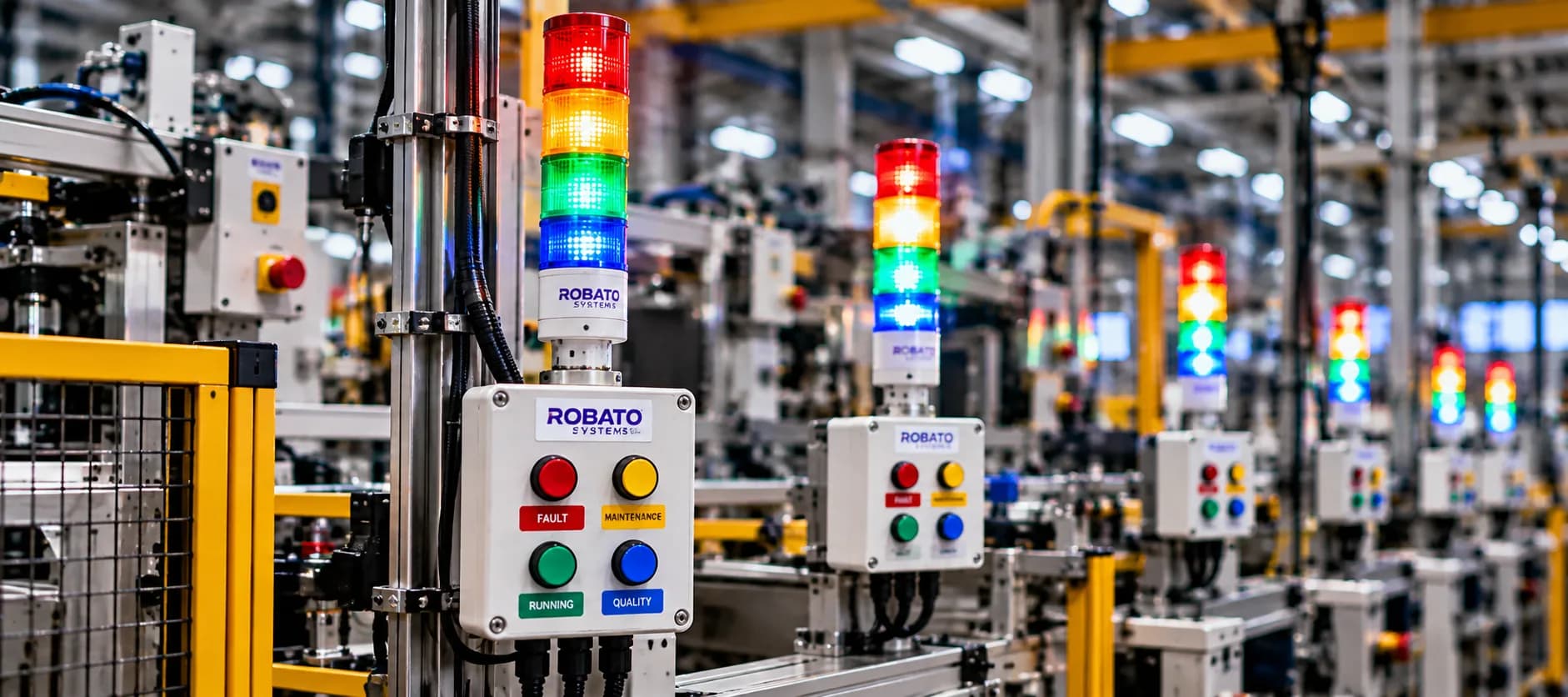
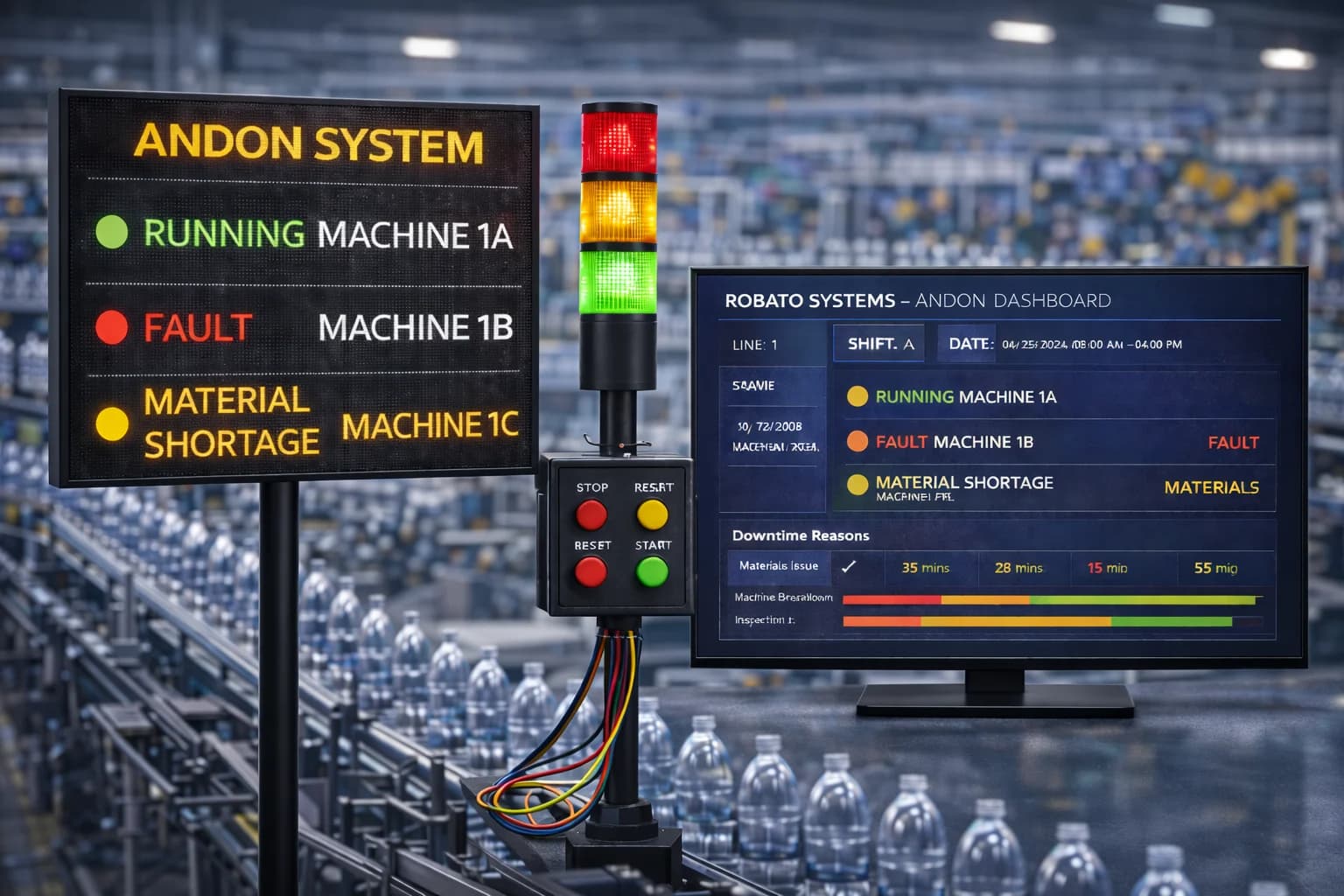
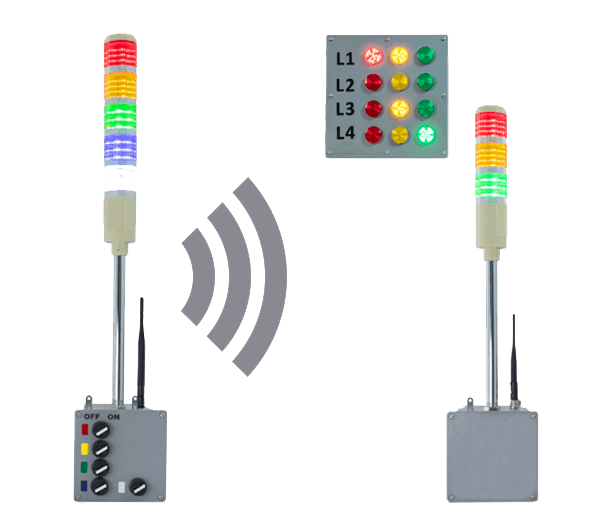
- Digital Andon
- Manufacturing dashboards
By connecting machine, production, operator, and downtime information, manufacturing teams can gain a more complete view of factory productivity.
This can help production managers move from manual reporting toward real-time, data-driven production management.
Future of Manufacturing Productivity Software
Manufacturing productivity software is moving toward increasingly connected and intelligent production environments.
Future manufacturing platforms are likely to place greater emphasis on:
- Real-time analytics
- IIoT connectivity
- Automated production monitoring
- Predictive insights
- Workforce analytics
- AI-assisted analysis
- Cloud-based dashboards
- Multi-plant visibility
- Automated alerts
- Digital production workflows
The objective is not simply to collect more data.
The objective is to turn production data into information that helps manufacturing teams make better operational decisions.
Conclusion
Manufacturing productivity software provides manufacturers with a digital way to monitor, analyze, and improve production performance.
By connecting machines, operators, production data, downtime, shifts, and manufacturing KPIs, organizations can gain greater visibility into what is happening across the shop floor.
The major benefits include:
- Better production visibility
- Improved workforce productivity
- Reduced downtime
- Better production planning
- Faster problem identification
- Centralized manufacturing data
- Improved KPI monitoring
- Stronger support for continuous improvement
For modern factories, productivity software can become an important part of a connected Industry 4.0 manufacturing strategy.
When implemented with clear KPIs, reliable data, practical dashboards, and a continuous improvement process, it can help manufacturing teams move from reactive reporting toward proactive production management.
FAQs
What is manufacturing productivity software?
Manufacturing productivity software is a digital platform that helps factories monitor, analyze, and improve production efficiency, machine performance, workforce productivity, downtime, and manufacturing KPIs.
What are the benefits of manufacturing productivity software?
Key benefits include real-time production visibility, improved workforce productivity, downtime monitoring, better production planning, centralized data, KPI tracking, and faster identification of production problems.
Can manufacturing productivity software monitor machines?
Yes. Depending on the platform and integration capabilities, manufacturing productivity software can collect machine status, production counts, downtime, and other operational information.
Can manufacturing productivity software track operators?
Yes. A workforce-focused manufacturing productivity system can track metrics such as production per operator, operator utilization, productivity, and shift performance.
How does manufacturing productivity software reduce downtime?
It can continuously monitor machine stoppages, record downtime duration and reasons, and provide historical analysis that helps production and maintenance teams identify recurring downtime problems.
Can manufacturing productivity software calculate OEE?
Yes. Many manufacturing productivity platforms support OEE calculations using availability, performance, and quality data.
Is manufacturing productivity software useful for small factories?
It can be useful for small and large factories. The appropriate system depends on the factory's production processes, number of machines, workforce size, digital maturity, and monitoring requirements.
What is the difference between manufacturing productivity software and production monitoring software?
Production monitoring software primarily focuses on production visibility, while manufacturing productivity software can provide a broader view that includes production, workforce, machine performance, downtime, KPIs, and operational efficiency.
How does IIoT improve manufacturing productivity software?
IIoT can provide real-time machine and production data, allowing productivity software to monitor shop floor conditions more accurately than manual data collection.
What should a manufacturing productivity dashboard show?
A dashboard can show production output, targets, machine status, downtime, OEE, operator utilization, production per operator, shift performance, and other relevant manufacturing KPIs.